TrickBoom: Explosion & Sound
 Paulo Antunes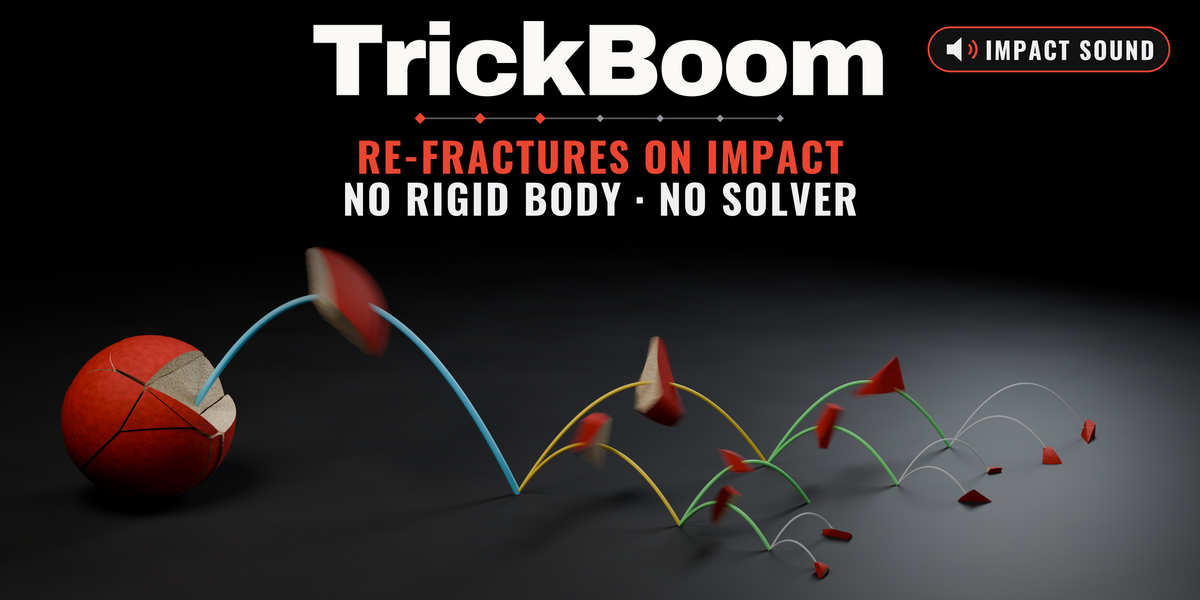
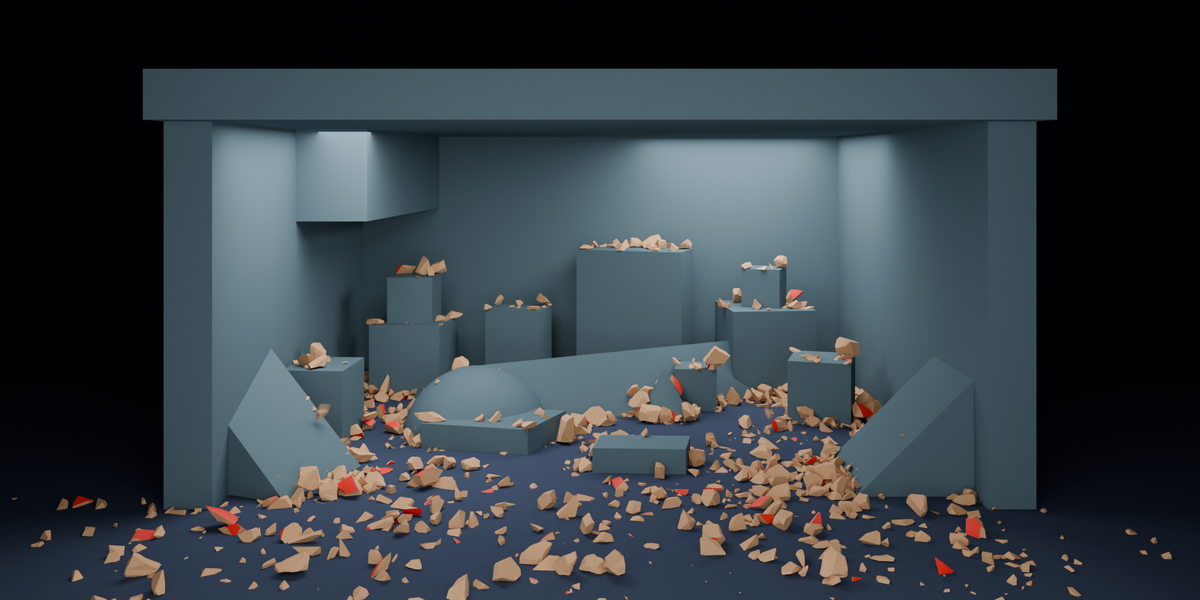
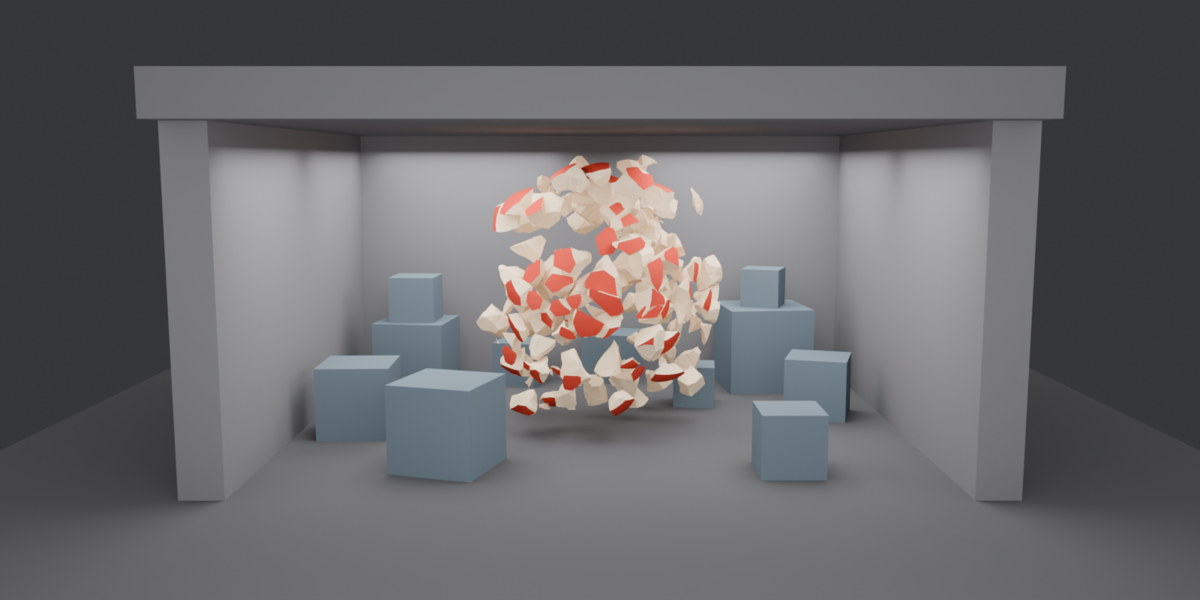
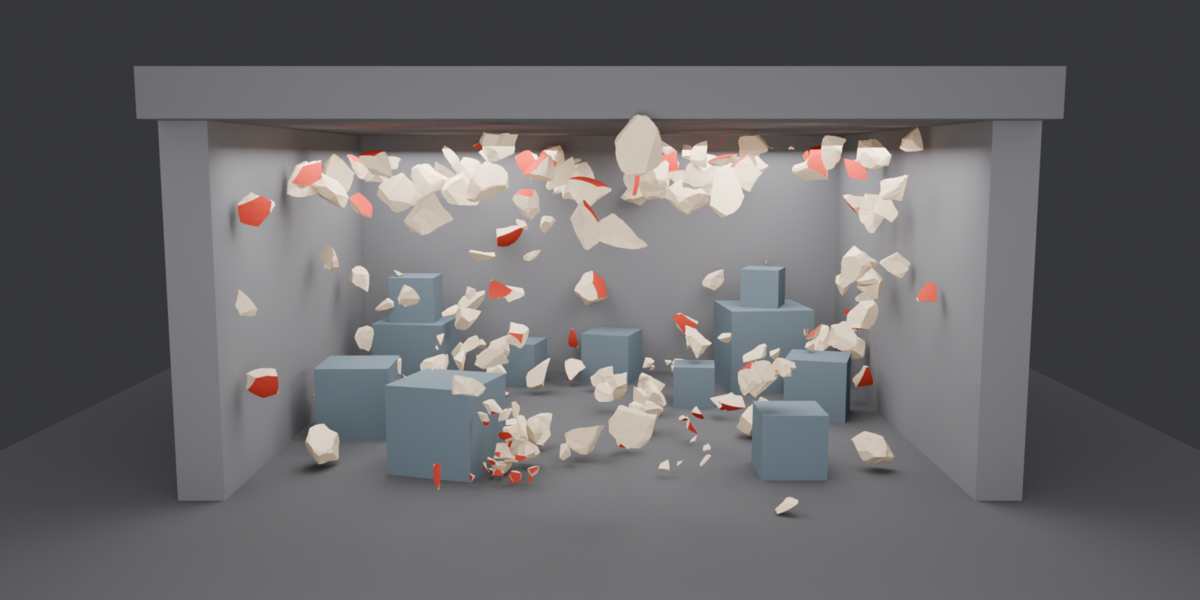
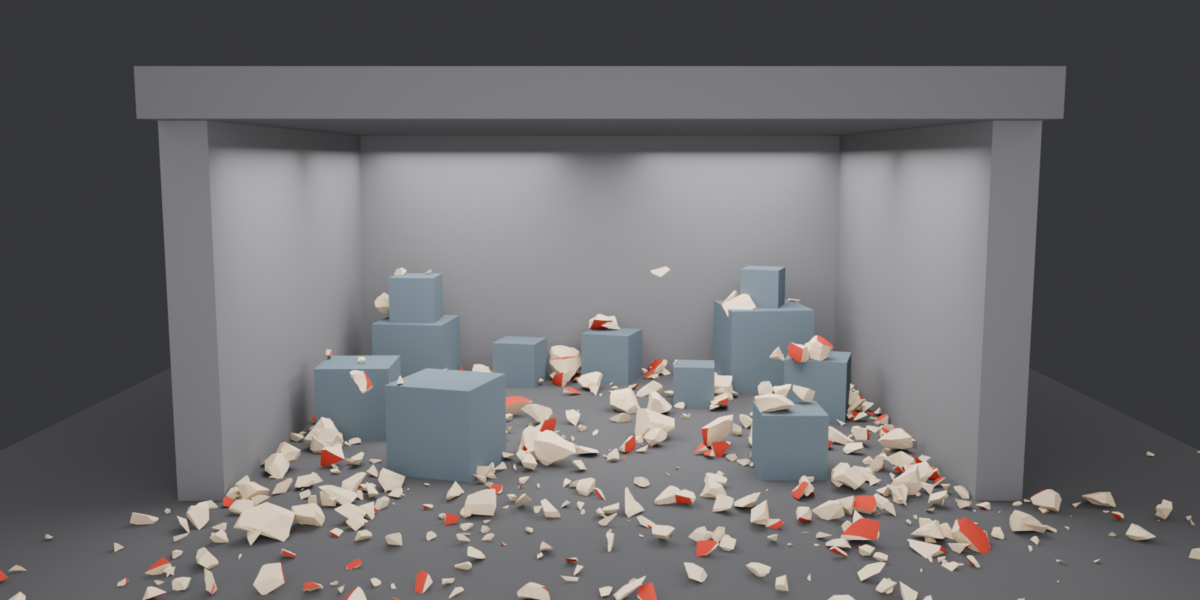
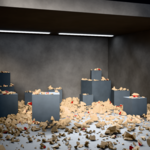
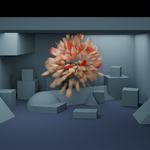
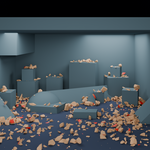
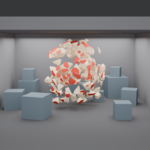
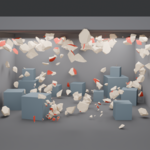
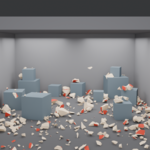
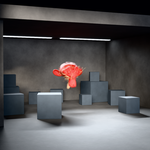


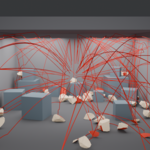
Requirements
- Blender 5.2.0 LTS or newer, on Windows, macOS or Linux.
- Every effect is geometry, materials and lights, so it is renderer-agnostic.
- No external dependencies, no internet connection and no account are needed.
Installation
As an extension (recommended, Blender 5.2+)
- Edit › Preferences › Get Extensions › Install from Disk…
- Pick
trickboom-X.Y.Z.zip(the extension build in your download).
As a legacy add-on
- Edit › Preferences › Add-ons › Install…
- Pick
TrickBoomVX.Y.Z.zipand tick TrickBoom to enable it.
The panel lives in the 3D Viewport sidebar: press N and pick the TrickBoom tab.
Quick start
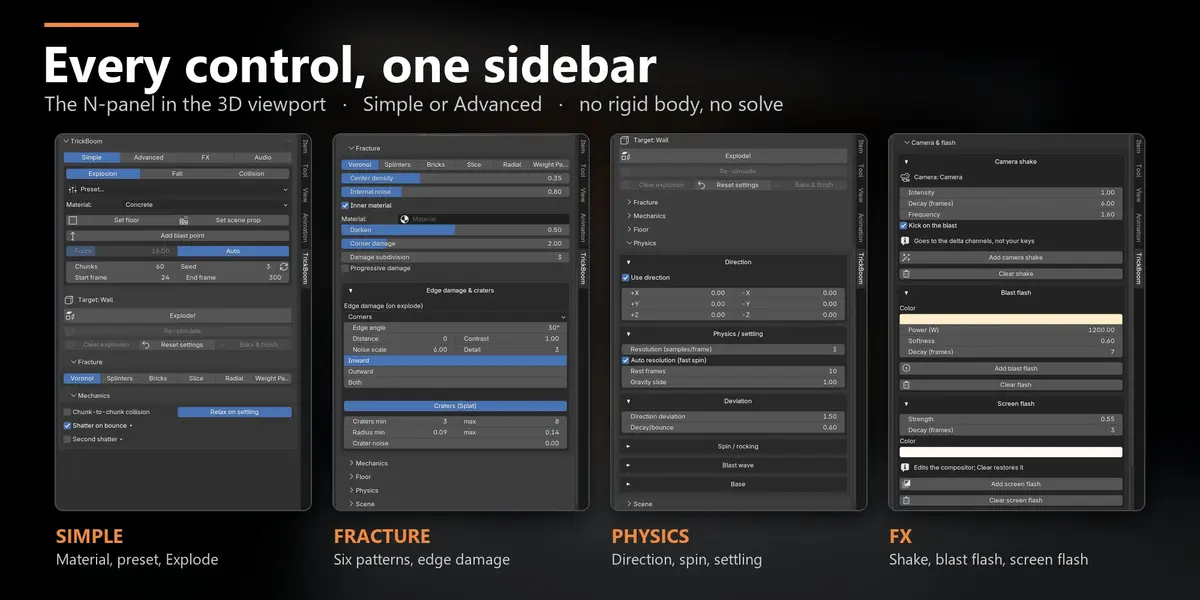
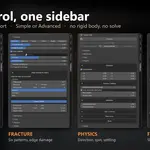
- Open the TrickBoom panel. Simple shows what a first blast needs, Advanced adds collapsible sections for everything else, FX holds the post effects.
- Select the object the debris should land on (a plane is enough) and press Set floor. Other obstacles go in with Set scene prop. Skip this and Explode adds a plain floor (
TB_AutoFloor) at z = 0, or under the object. - Select the mesh to blow up, pick a Mode and a Material, and set Chunks and Seed. Preset… fills in a starting look (Slab collapse, Boulder break, Window shatter, Crate smash, Metal debris, Plaster crumble) and can save your own.
- Press Explode! (it reads Drop (fall) or Arm collision in the other modes).
- Scrub the timeline. Everything is keyframes, so it plays back immediately.
- Not happy with the flight? Change force, floor, seed or the Physics sliders and press Re-simulate: the chunks already in the scene fly again, without a new fracture. For a different break, change the seed and press Explode again.
- Clear explosion puts the original object back and removes everything TrickBoom made.
The three modes
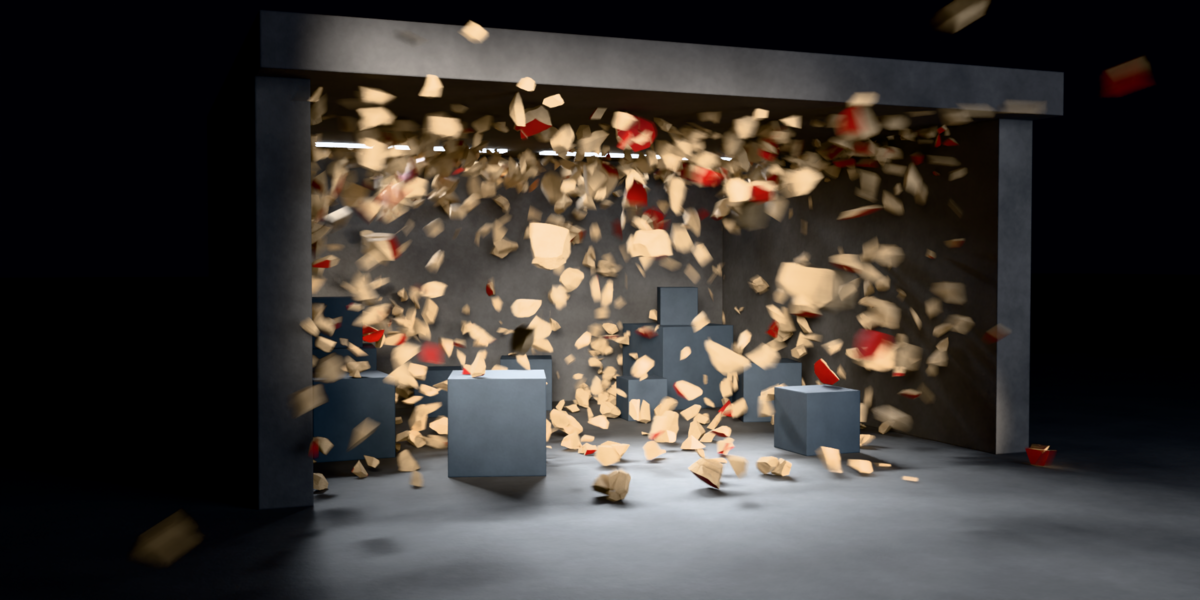
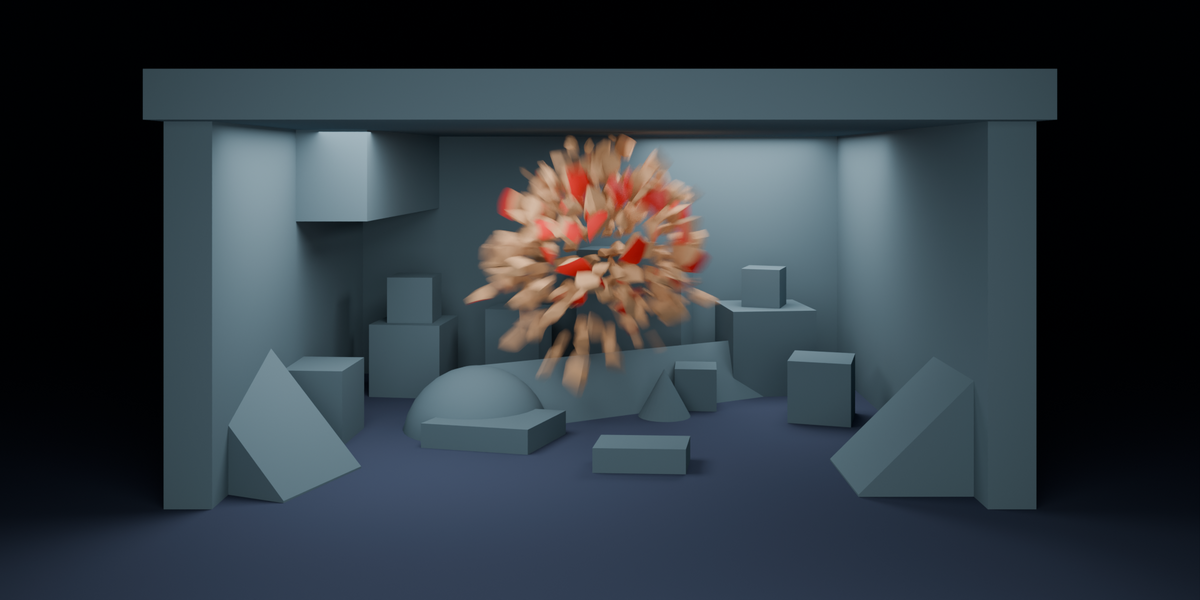
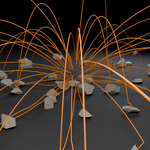
- Explosion: the mesh fractures and the shards launch radially from the start frame.
- Fall: the object falls whole and only shatters when it hits the floor or a collider.
- Collision: the object stays put (or keeps its own animation) and breaks on contact with a static or animated collider. With Sweep (plough) on, a collider that keeps travelling through the target takes each chunk only as it reaches it; Glue sets how much the chunks hold on to each other and Shove how hard they leave.
The panel
Top of the panel: Mode, Preset, Material, Set floor / Set scene prop, Force (with Auto, on by default, the launch speed comes from the size of the object, so the same settings read the same on a pebble and on a silo), Chunks and Seed, Start and End frame, and the blast duration (type the seconds, or 0.5x / 2x / 4x; the keyframes are rescaled, nothing is re-computed). Under the main button: Re-simulate, Clear explosion, Reset settings (parameters back to defaults), Bake & finish (keeps the blast as plain animated objects that Clear no longer touches).
- Fracture: six break patterns (Voronoi, Splinters, Bricks, Slice, Radial, Weight Paint) and procedural relief on the inner break faces. Radial can centre on the 3D cursor, and Web tightness packs its rings toward the impact or spreads them out. Also here: Edge damage & craters, boolean craters carved into each chunk and worn, chipped edges as an animated shape key.
- Mechanics: Chunk-to-chunk collision, Relax on settling, Shatter on bounce and Second shatter (2x to 6x generations deep), with the Shattering thresholds in Advanced. In Collision mode: Progressive break and Sweep (plough).
-
Floor (Advanced): floor type (ice, asphalt, sand or Custom slip), Add floor if missing (on by default: with no floor in the scene, Explode adds
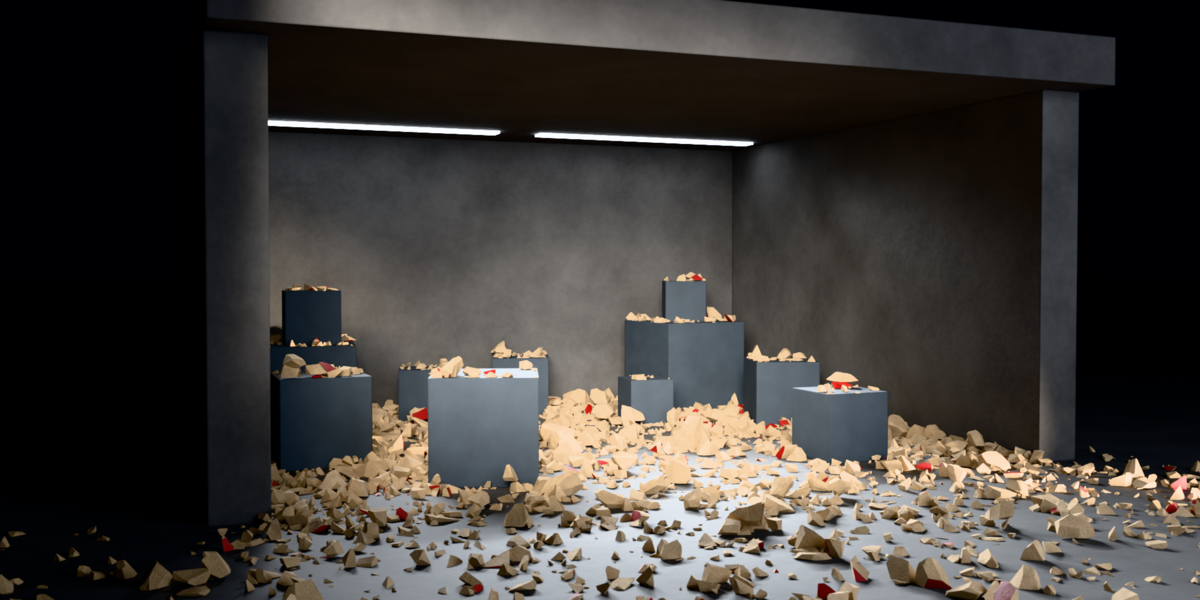
TB_AutoFloor) and optional floor tiles that break with the impacts (Add tiles / Clear tiles). - Physics (Advanced): direction push per half-axis, settling, deviation, spin and rocking, and the blast wave (crack delay, wave speed and variation).
-
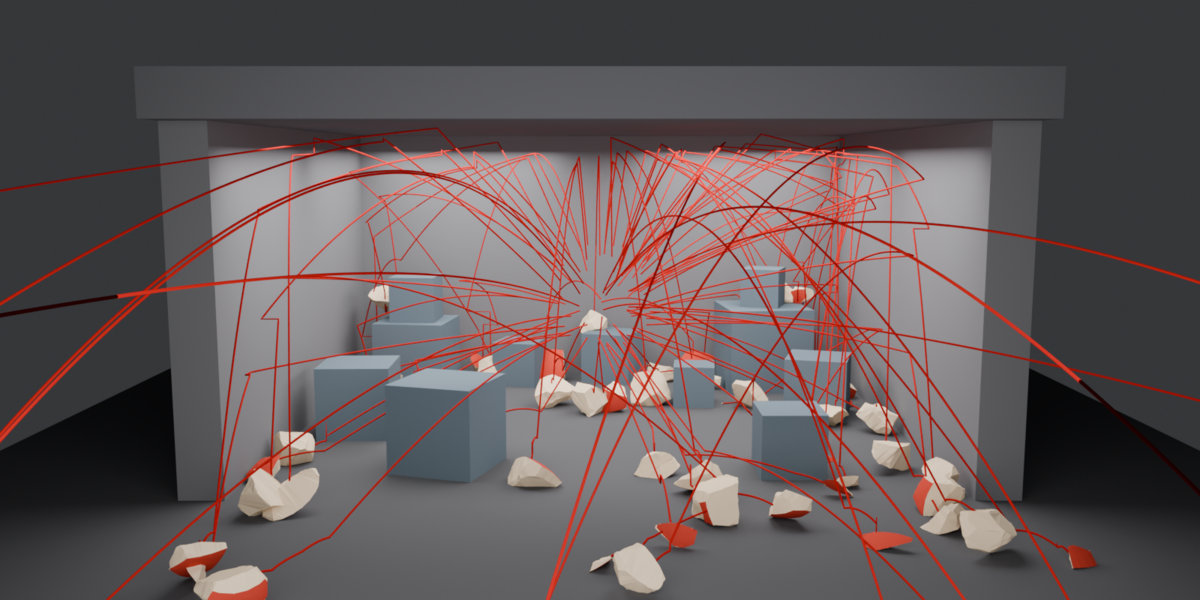
Scene (Advanced): blast layers, trajectory drawing and colours, Impact markers (a
TB_Hitmarker on the timeline at every frame a chunk hits something) and Export impacts (the same list as a CSV: frame, seconds, target, position, strength, chunk size).
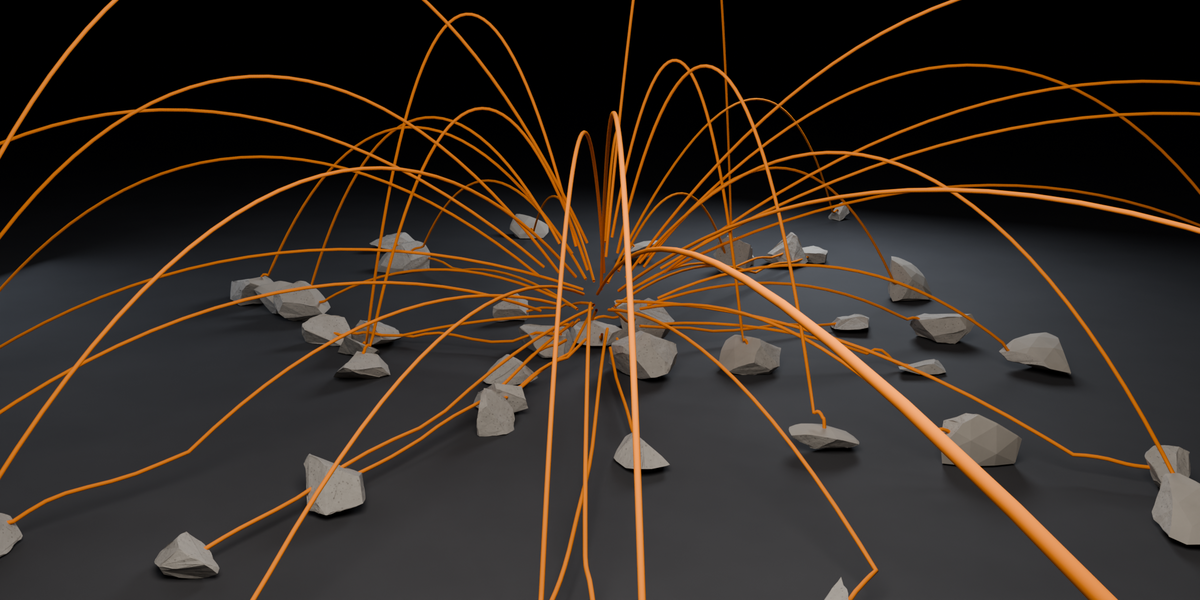
Blast point (Setup, Explosion mode): Add blast point puts an Empty at the 3D cursor and the blast starts there instead of the object centre; move it and the chunks fly away from it, and flash, shockwave, scorch, god rays and tiles follow. Re-simulate reads it again.
Worn edges also works on any mesh without a blast: Object menu › TrickBoom › Worn Edges (or search it with F3). It leaves an editable TB_Edges vertex group.
FX tab
Every effect reads the same impact list, recovered by replaying the chunk keyframes. Run the explosion first, then add effects. Each one can be re-run to re-roll it without re-exploding, each has its own Clear, and Clear all FX removes them all and leaves the blast standing.
- Camera & flash: camera shake, blast flash, screen flash.
- Impact: shockwave, scorch marks, impact decals.
- Debris: sparks, ejecta, gravel.
- Ground: Break the ground (craters and furrows in the floor mesh) and Crack the ground (plates on a hard floor). Run Break first to stack them.
- Compositor FX: god rays.
Audio tab
Explode first, then press Bake audio. TrickBoom reads the explosion already in the scene and synthesises its sound (no recordings) into a WAV placed on the timeline as the TB_Sound strip. It plays in the viewport and in a render with audio, and the blast itself is not changed.
- Targets: one material per exploded object, Concrete, Glass, Wood or Metal, or Auto from the object's material names. Each has its own Timbre, Envelope, Reverb and Fracture.
- Impacts with sound: how many of the hardest hits get a voice of their own; the rest become a gravel bed.
- Space: stereo 360 from the scene camera, frame by frame. Optional 5.1 / 7.1 file next to the stereo one.
-
Folder and name of the WAV (default
//TB_Sound/, next to the saved .blend), play / pause / stop, and a seed that follows the blast seed until you change it. - A Retime re-bakes the audio on the spot. A new Explode, Re-simulate, Clear, Bake & finish, or a frame-rate or start change mutes the strip, and the tab says why: press Bake audio again.
Long computations
Up to 2000 chunks (the slider stops at 400; type a larger number). On Windows, macOS and Linux under X11 (not Wayland), hold Esc to cancel a running Explode or FX pass and the object is restored. A cancelled Re-simulate leaves the chunks half re-keyed: press Ctrl+Z to bring the previous flight back.
Undoing things
- Clear explosion restores the original object and removes every chunk, trajectory and leftover. Your viewport shading is never touched.
- Clear all FX strips the effects and leaves the blast standing.
- Ground damage keeps the floor's original mesh aside, so Restore ground returns the floor untouched.
- Camera shake is written to the camera's delta channels, so it stacks on your own camera animation and lifts off without touching your keys.
- Screen flash and the compositor effects remember the link they displaced, so removing them restores your compositor tree.
Troubleshooting
Nothing lands: the chunks fall through the floor. Select the floor object and press Set floor. TrickBoom needs to be told which object is the ground. (With no floor at all, Explode adds a flat one at z = 0 unless Add floor if missing is off in the Floor section; a floor of your own needs Set floor.)
The break looks like a boolean cut, not a fracture. Raise the relief on the inner break faces in the Fracture section.
An FX pass says it cannot find a blast. Effects read a finished explosion. Run the explosion first, then add effects.
Explode reports pieces it could not cut cleanly. The mesh probably has holes, split vertices or overlapping faces. Press Close open mesh (hollow chunks) (Setup tab: welds split vertices and fills holes), or lower the chunk count.
The Audio tab says the audio is out of date. The blast changed after the bake (new Explode, Re-simulate, Clear, frame rate or start). Press Bake audio again.
Have questions about this product?
Login to message
| Blender Extension Compatible | Yes |
| Published | 4 days ago |
| Blender Version | 5.2 |
| Extension Type | Add-on |
| Render Engine Used | Cycles, Eevee |
| License | GPL |

Discover more products like this
explosion sfx destruction fracture modifier sound physics Damage rigid body Keyframe animation sound effects fracture shatter