HRB store


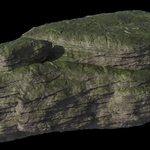
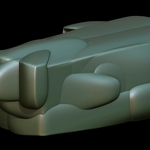
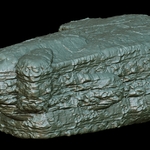
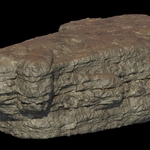
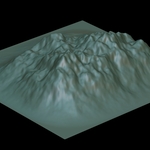
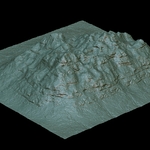
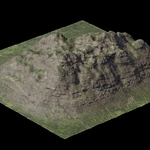
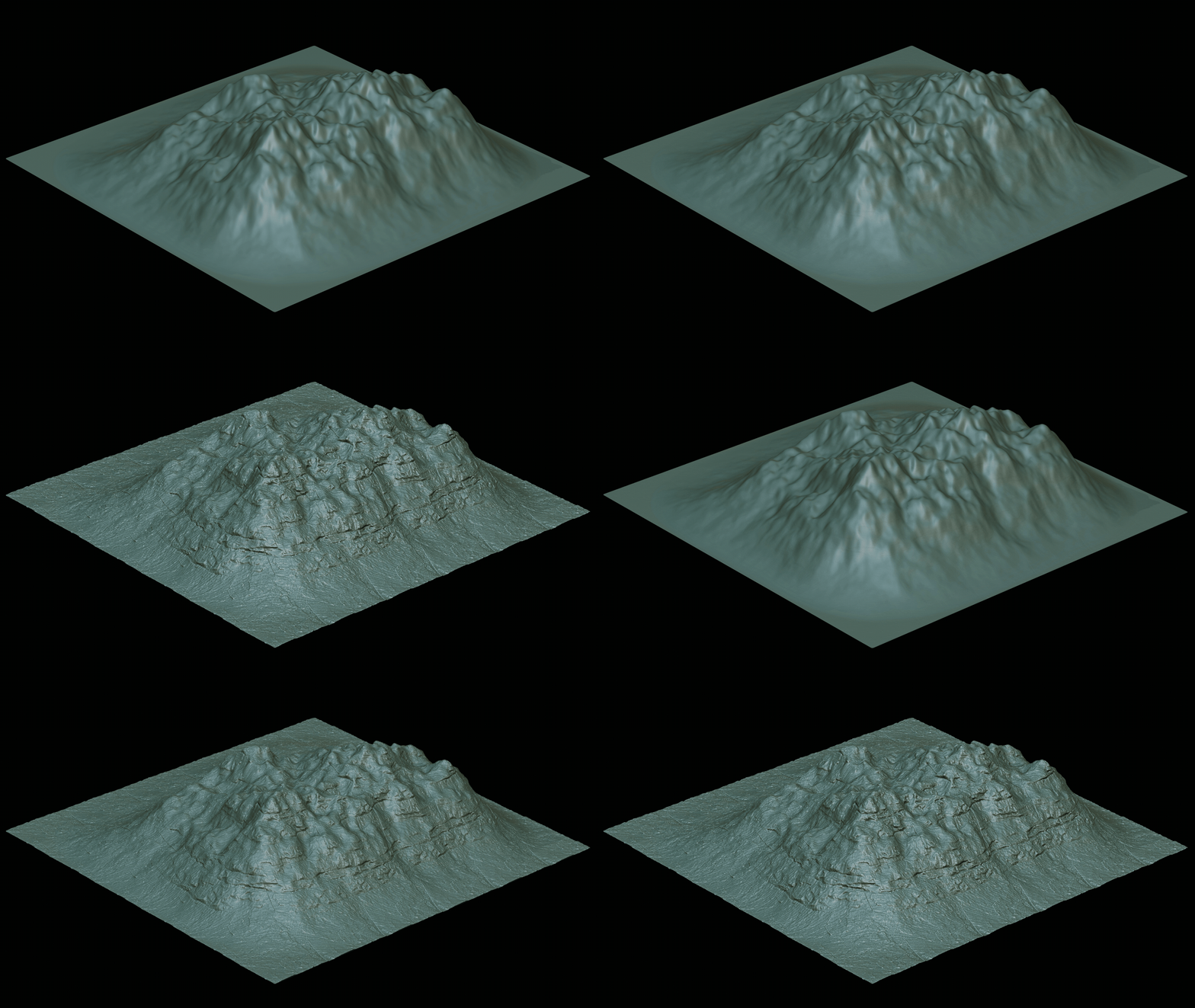
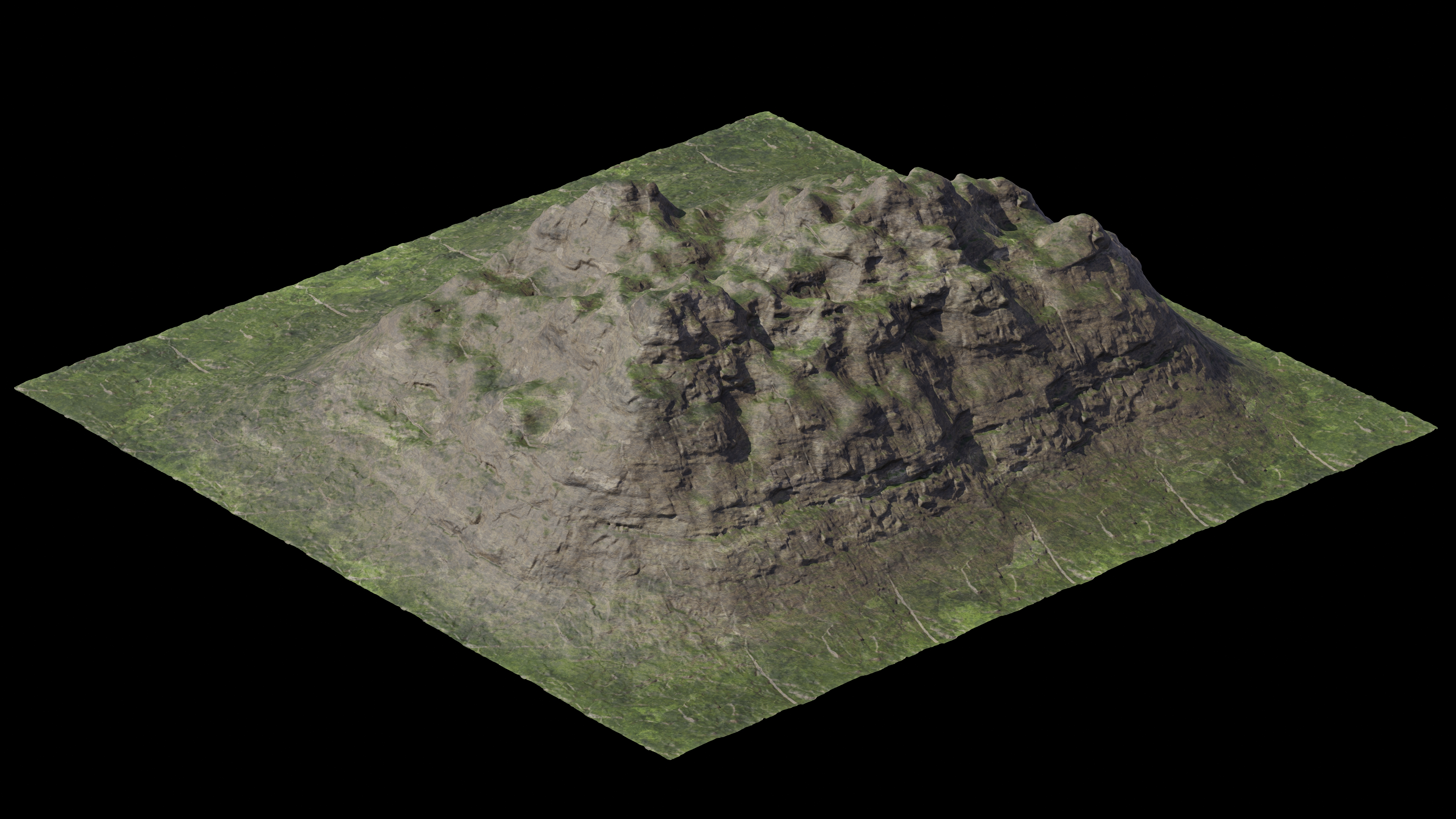
Turn flat meshes into rugged terrain, rock, and organic surfaces in seconds.
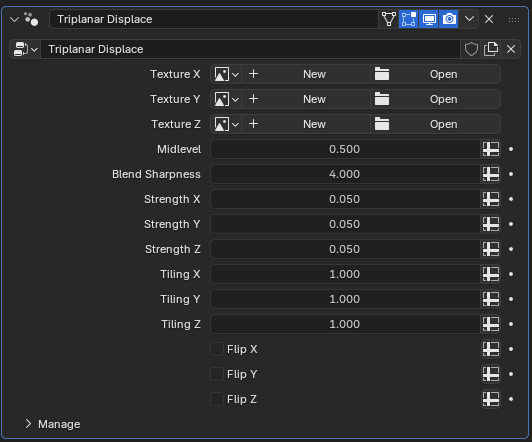
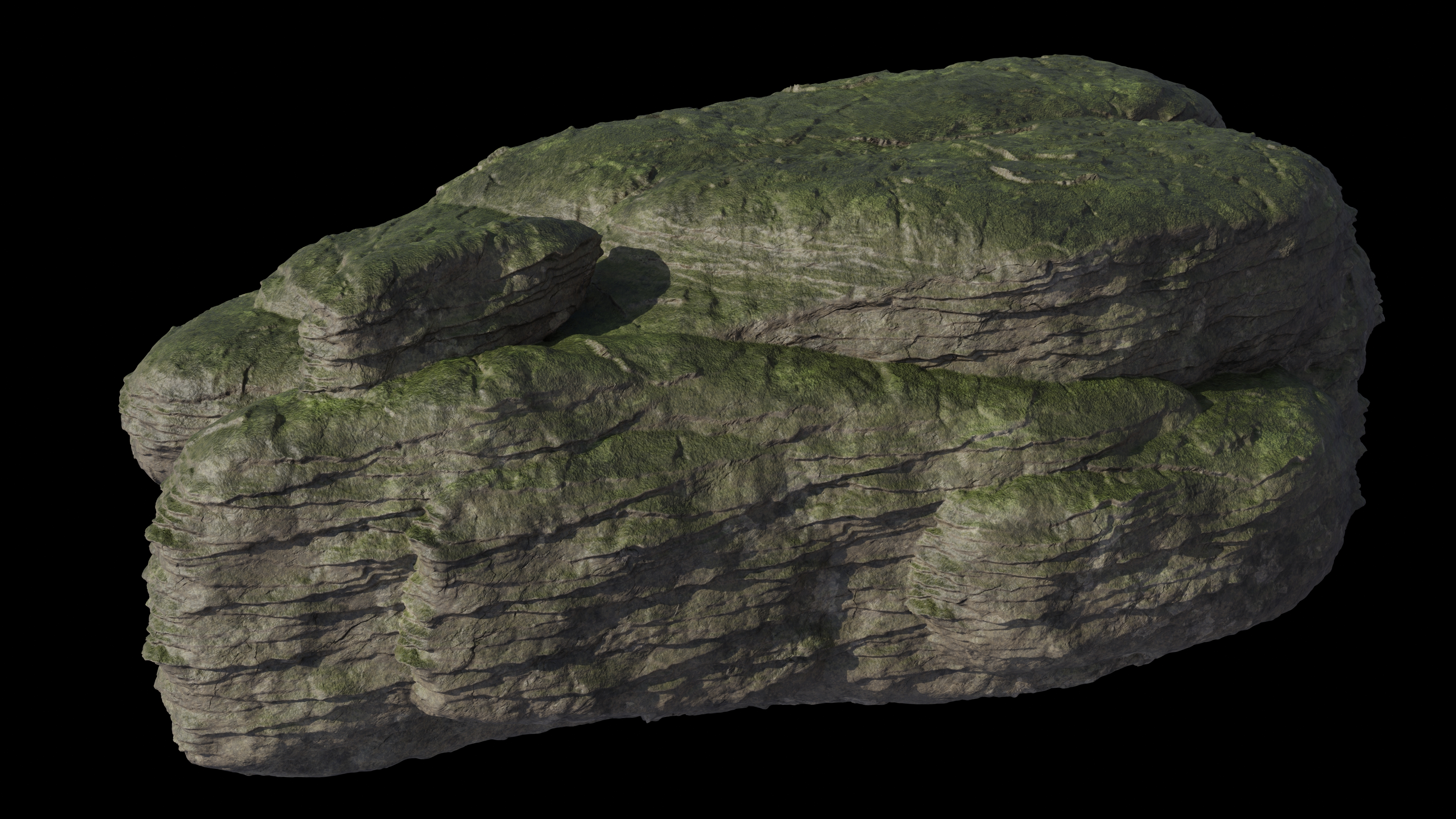
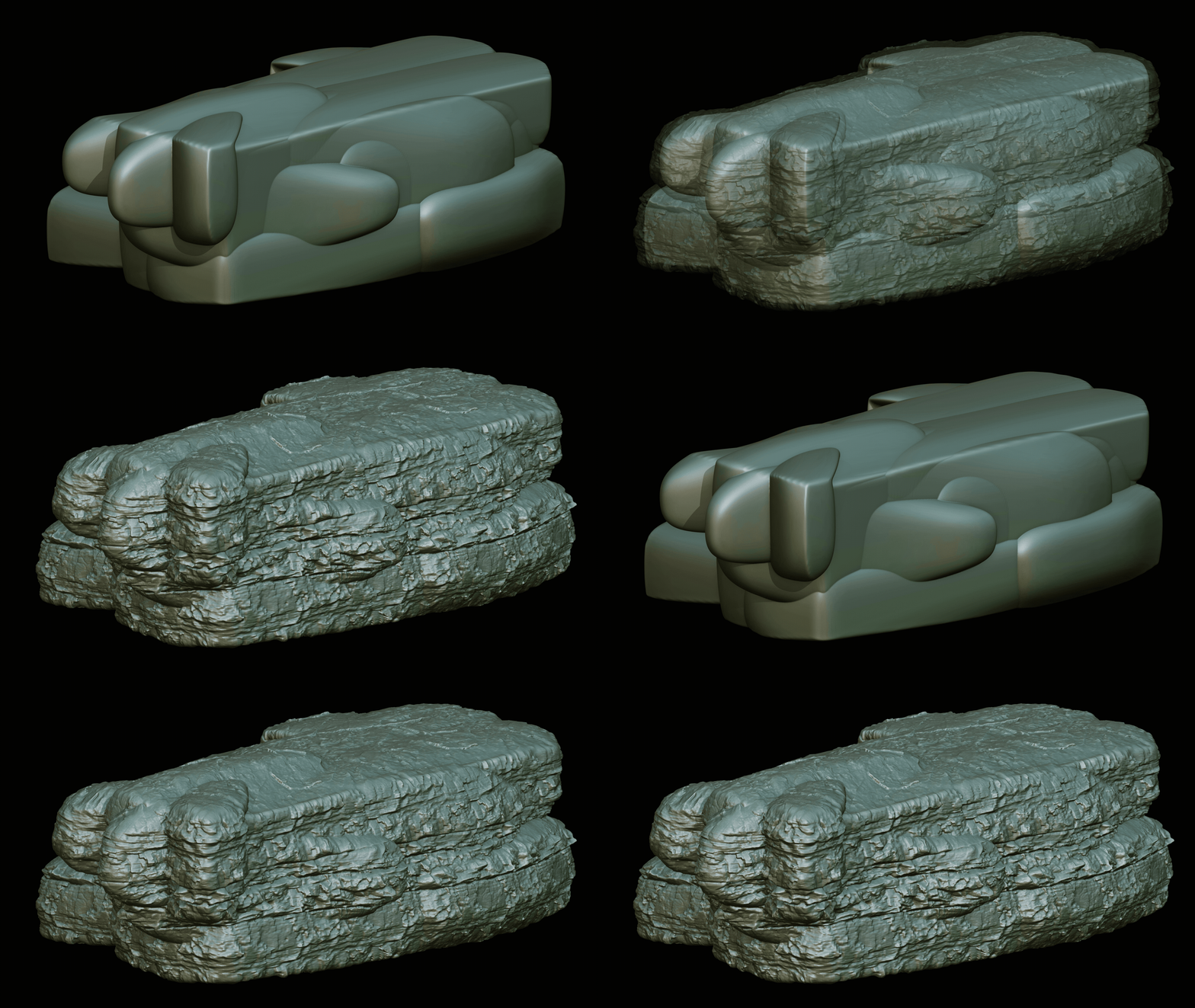
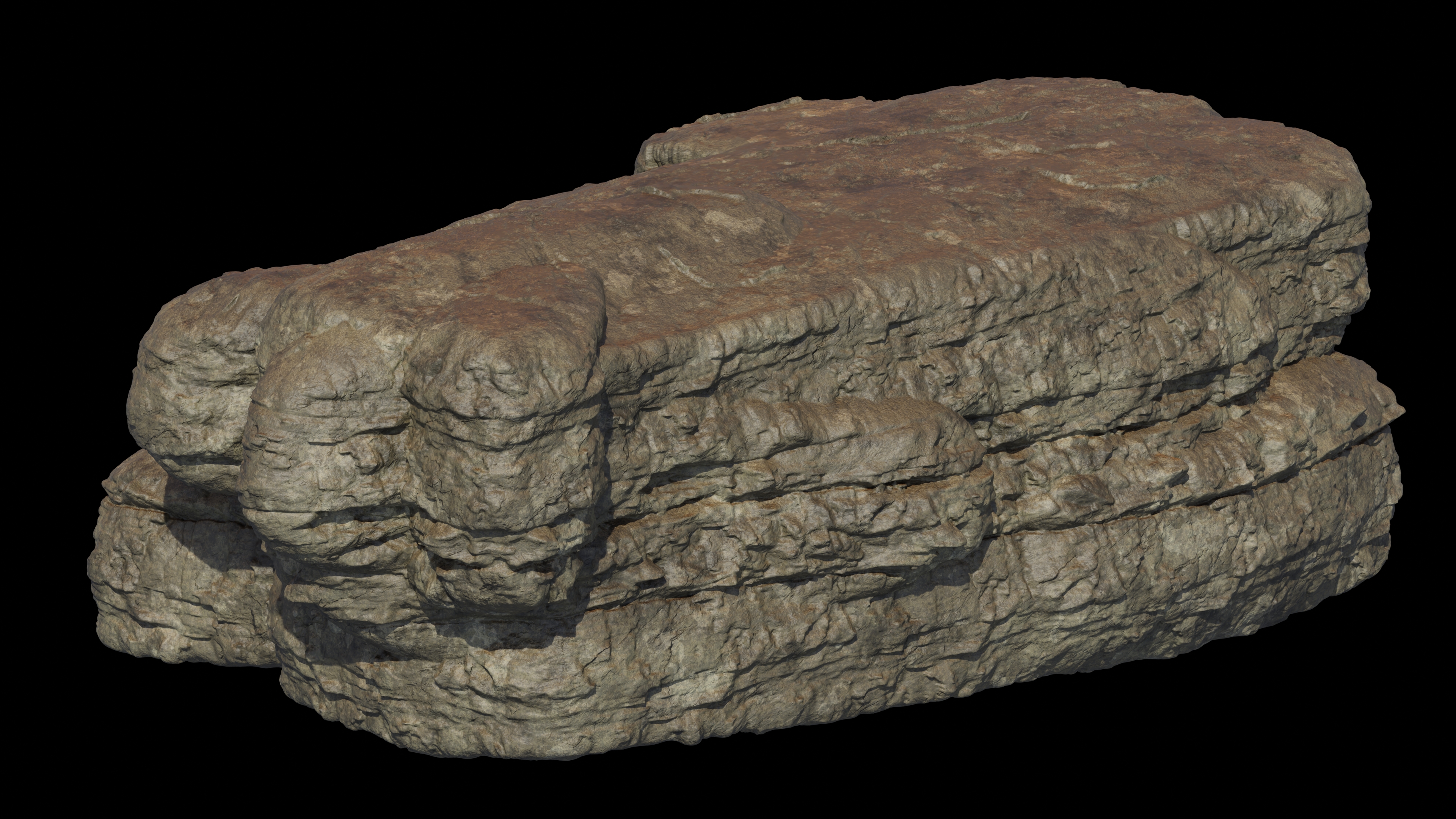
Triplanar Displace projects your textures from all three axes and blends them seamlessly, no UV unwrapping required. Add it with one click from the N-panel, then fine-tune strength, tiling, and orientation per axis directly in the modifier stack, with real-time viewport feedback. Built on pure Geometry Nodes for fast, non-destructive results that fit right into your existing workflow.
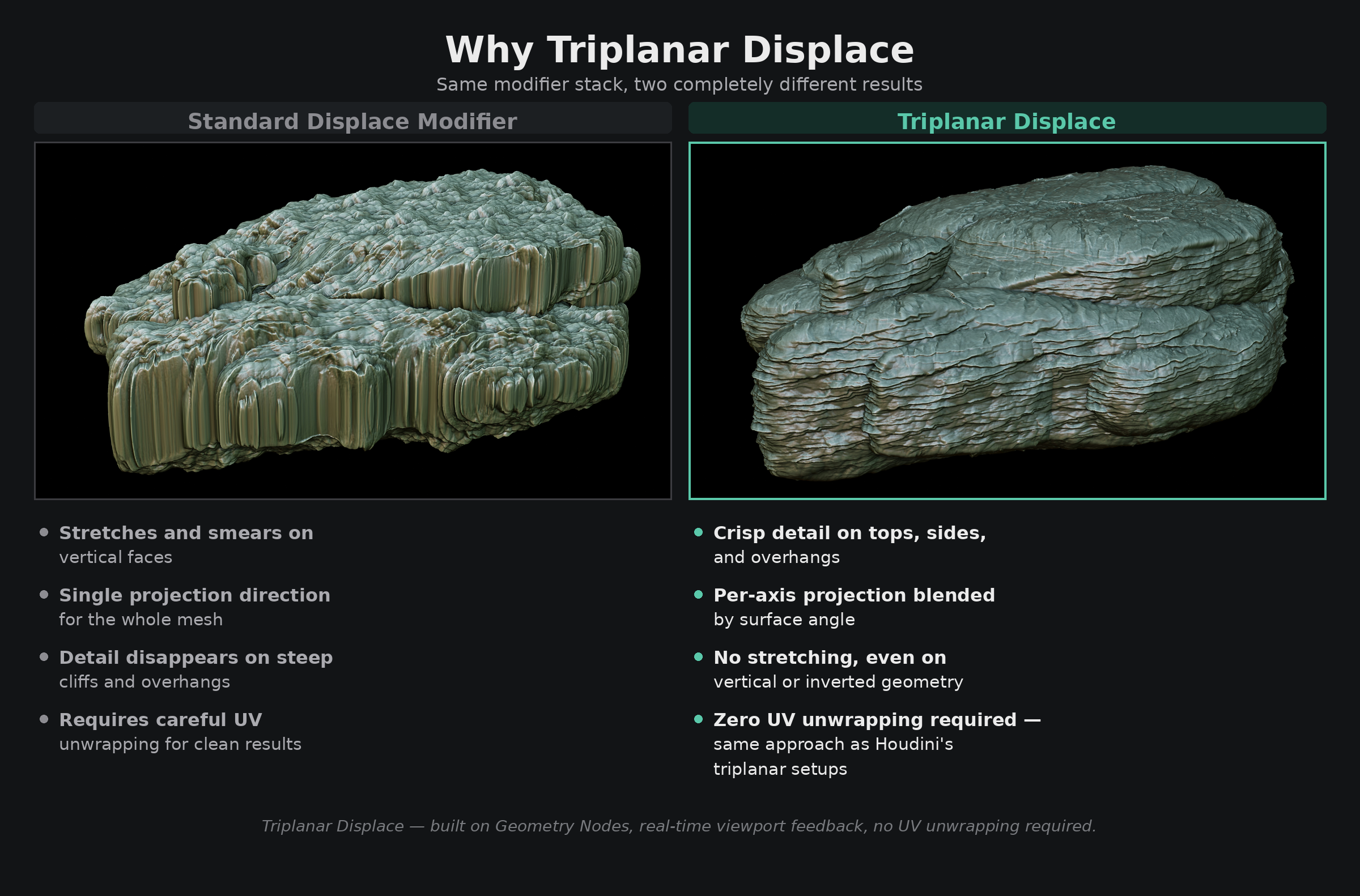
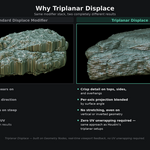
I already use the standard Displace modifier. Why would I need this?
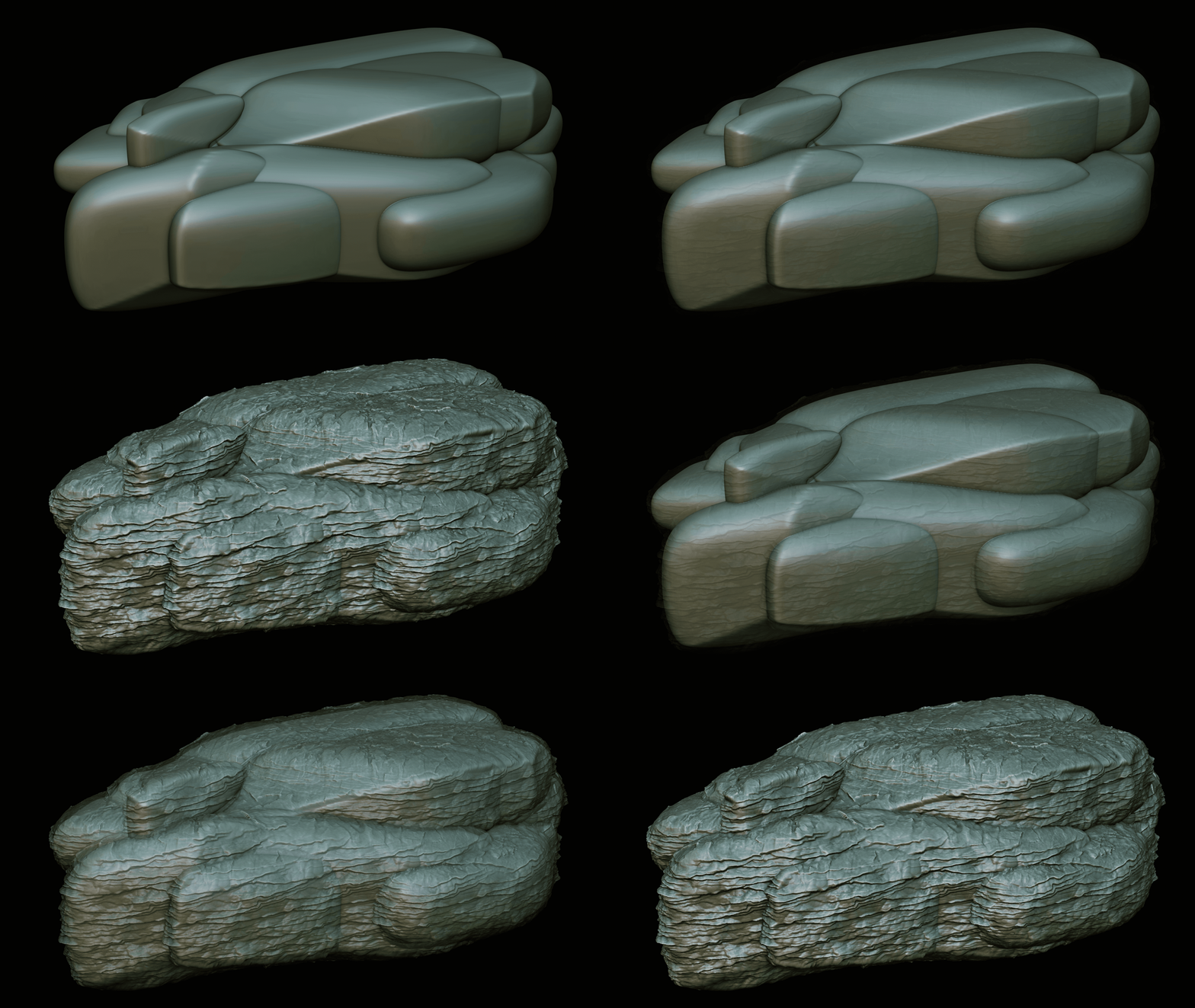
The standard modifier projects from a single direction, which means vertical faces and overhangs always look stretched and flat. Triplanar Displace projects from all three axes and blends them automatically, every face gets clean, detailed displacement regardless of its angle. The difference is immediately visible on any cliff, rock, or organic shape.