 KennyPhases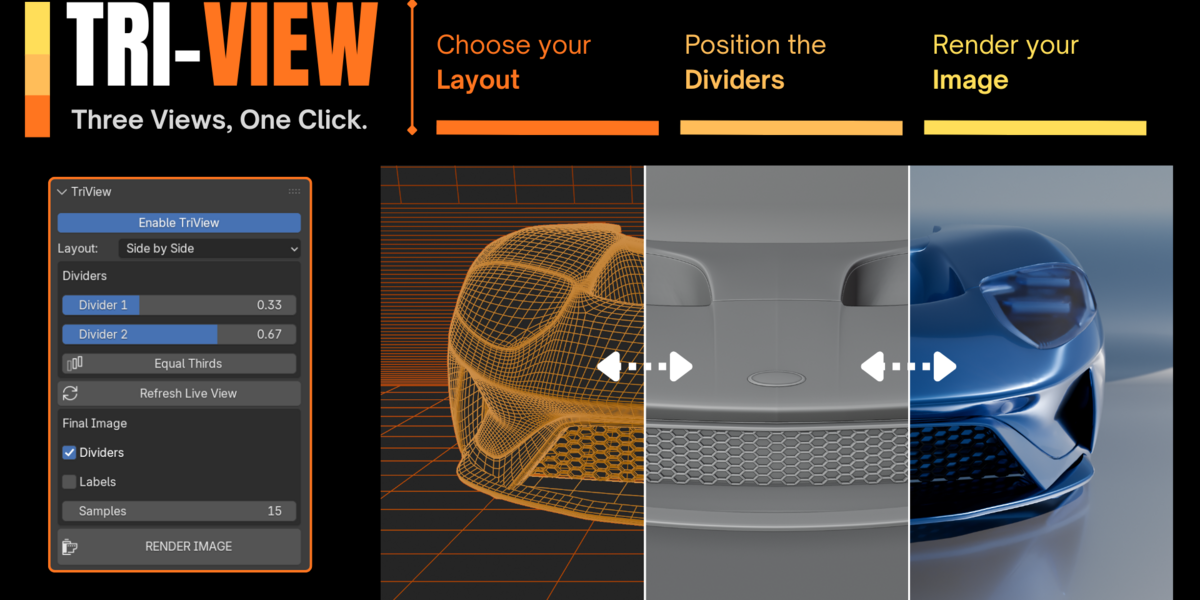


Create Professional Blender Showcase Images in One Click
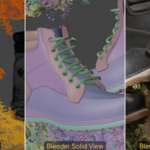
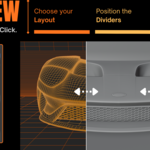
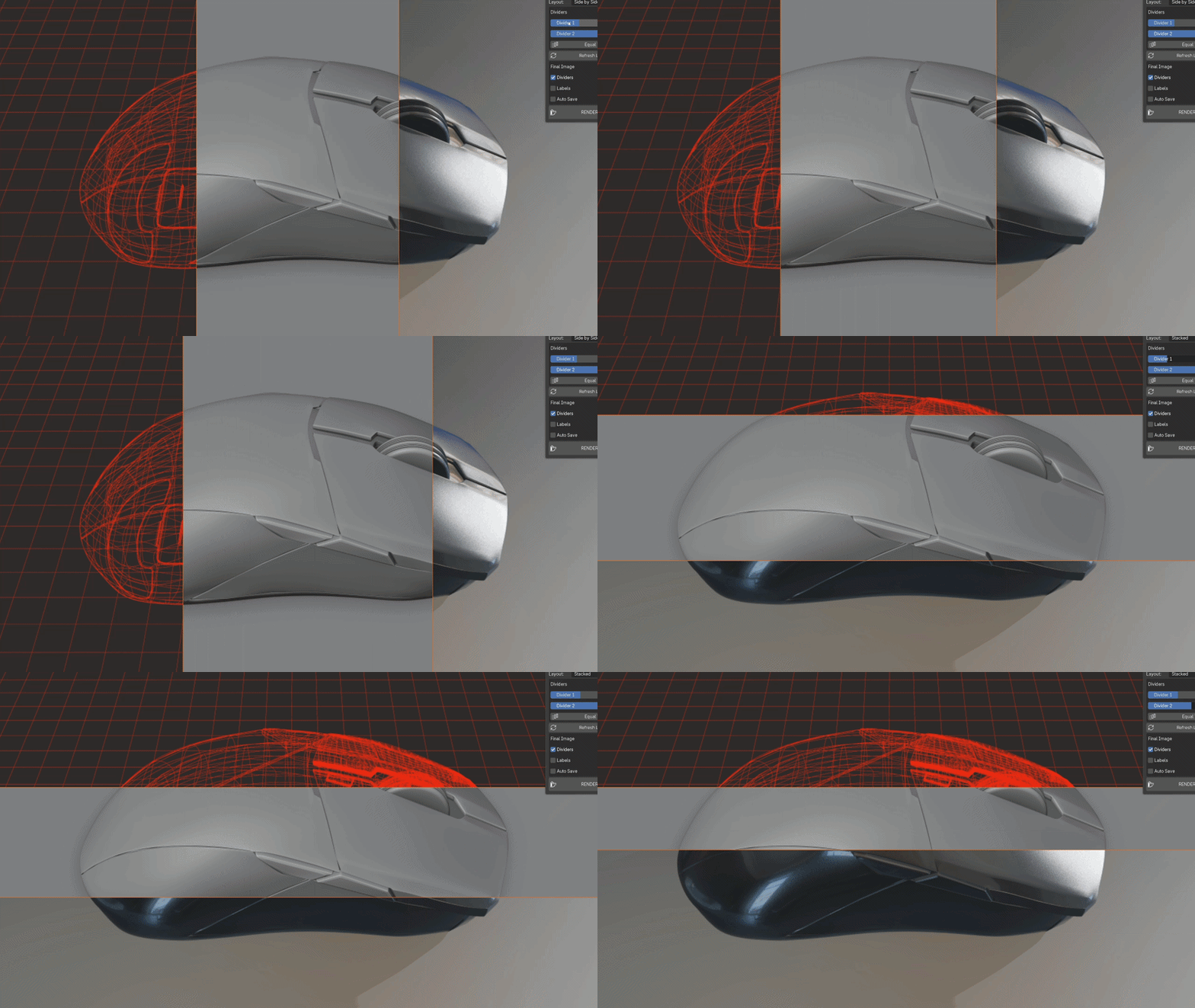
TriView is a Blender add-on that automatically generates clean, professional comparison images showing your model in Wireframe, Solid, and Rendered views—all perfectly aligned and ready to share.
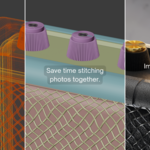
Whether you're building a portfolio, creating Gumroad thumbnails, showcasing work on ArtStation, or sending progress updates to clients, TriView eliminates the tedious process of taking multiple screenshots and stitching them together manually.
Simply position your camera, adjust the dividers, and click Render Image.
Perfect For
- Portfolio images
- Client presentations
- Gumroad product pages
- Blender Market listings
- ArtStation uploads
- Social media posts
- Work-in-progress updates
- Tutorial thumbnails
Features
✔ One-click Wireframe + Solid + Rendered composites
✔ Live camera preview
✔ Adjustable divider positions
✔ Horizontal and Vertical layouts
✔ Optional labels
✔ Optional divider lines
✔ Uses your existing Blender render settings
✔ Outputs a high-resolution PNG
✔ Fast low-resolution preview for quick adjustments
✔ Simple, lightweight interface
Why Use TriView?
Instead of:
- taking three screenshots
- aligning them manually
- cropping each image
- creating divider lines
- adding labels
- exporting everything in another application
TriView does it all inside Blender in just a few clicks.
Workflow
- Position your camera.
- Enable TriView.
- Adjust the divider positions.
- Refresh the preview.
- Click Render Image.
- Save your finished showcase image.
Notes
- Always refresh the preview after changing your camera or scene.
- Higher render resolutions produce higher-quality final images.
- Final render speed depends on your current Blender render settings.
- Don't forget to save your rendered image after it opens in the Image Editor.
Included
- TriView Add-on (.py)
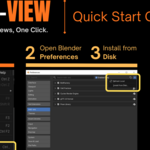
- Installation Guide https://youtu.be/9sH2t7vGJlI
- Documentation