Triview
 KennyPhases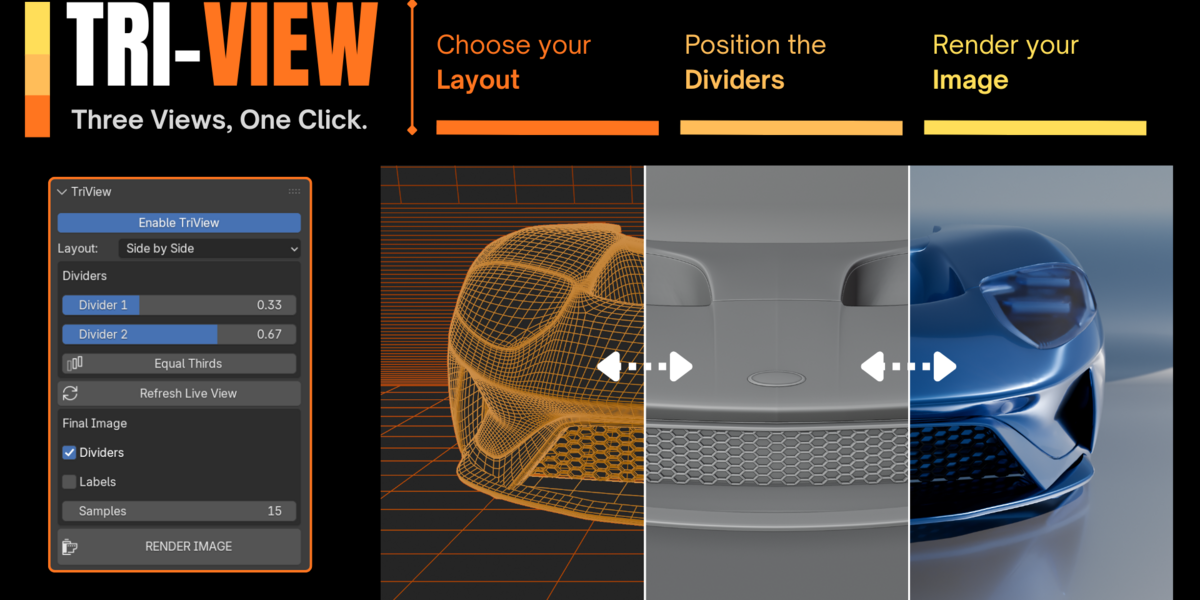


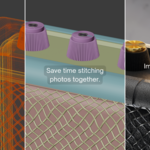
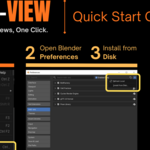
How do I use this?
Here's a guide on how to install and use Tri View: https://youtu.be/9sH2t7vGJlI
Does TriView modify my scene?
No. TriView only generates a composited image from your current camera view. Your scene, materials, and objects remain unchanged.
Can I use TriView for client work and portfolios?
Absolutely. TriView is designed to create professional comparison images for portfolios, marketplace listings, tutorials, documentation, and client presentations.
Why doesn't the preview update automatically?
After moving the camera or making scene changes, click Refresh Live View to regenerate the preview before creating the final image.
Do I need Cycles?
No. TriView works with both Cycles and Eevee. The preview is optimized for speed, while the final image uses your current render settings.
Does TriView change my render settings?
A: No. The final rendered section uses your existing Blender render engine and quality settings.
Which Blender versions are supported?
TriView is designed for Blender 5.2 LTS.
Discover more products like this
client viewport Comparison portfolio artstation Workflow Render wireframe showcase presentation gumroad screenshot