Tropical Trees: 60 Realistic Palms and Tropical Trees for Archviz
 Fikri Alfaraby
Can I use the trees in client work and commercial projects?
Yes. Renders, animations, films, games and client projects are all fine. You may not resell or share the trees, the textures or the .blend file as assets.
Do I need an add-on?
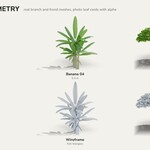
No. Everything is plain Blender data: meshes, materials and one Geometry Nodes group for the wind.
Why are the trees pink?
They should never be: every texture is packed inside the .blend. If you unpacked the textures and moved them, use File > External Data > Find Missing Files.
How do I stop the wind for a still image?
Leave it: a still render only shows the trees slightly bent. For the same shape on every frame, set Strength to 0 on the Wind modifier.
Can I export the trees to another program?
The meshes are standard and export through FBX, glTF or OBJ. Apply the Wind modifier first (or remove it), and expect to set up the leaf transparency again in the other program.
Are the trees game ready?
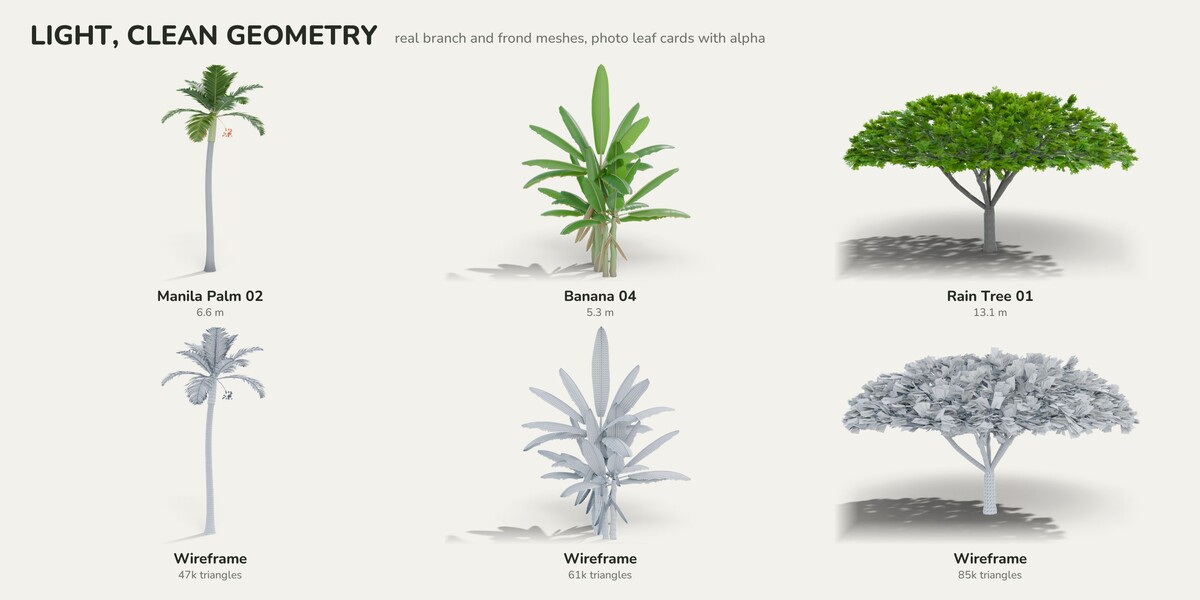
They are made for renders. Triangle counts are in the table above; they are fine for real-time viewports and walkthroughs, but they have no LODs.
Which variant should I use?
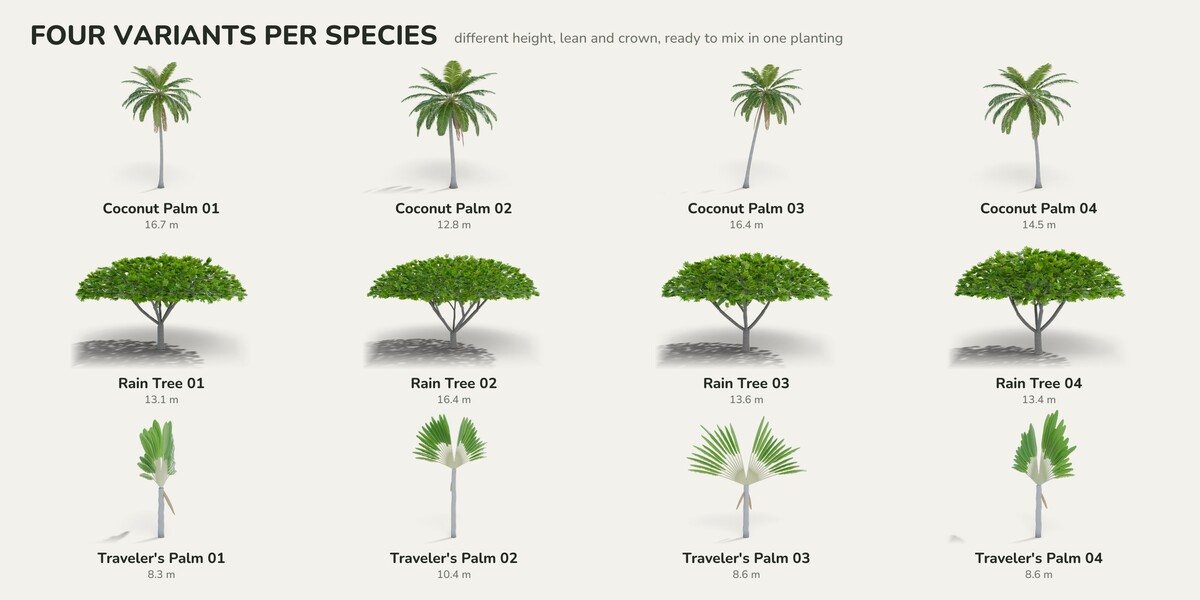
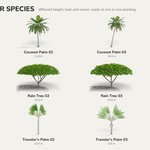
Variants differ in height, lean and crown shape. Mixing two or three variants of a species in one row makes a planting look natural.
Which edition do I need?
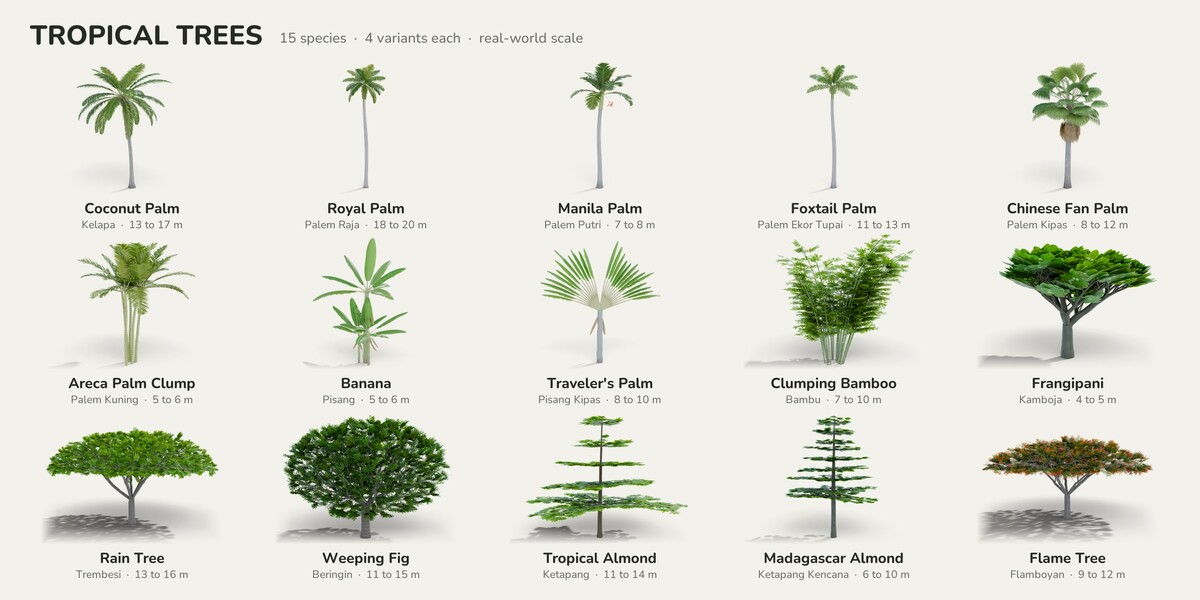
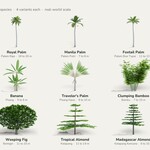
Starter is a low-cost way to try the trees in your own scenes. Standard covers palms and bananas for villas, resorts and pools. Complete adds the shade and flowering trees for streets, plazas and parks.
Have questions about this product?
Login to message
| Published | about 9 hours ago |
| Blender Version | 4.5 |
| Render Engine Used | Cycles, Eevee |
| Misc Data | Animated |
| License | Royalty Free |

Discover more products like this
royal palm coconut-palm architecture tropical trees palm trees ArchViz vegetation frangipani asset library Banana bamboo landscape