True Image Editor V2 Update

topchannel1on1 in Materials and Shading


True Image Editor

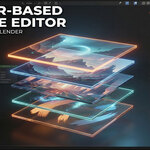
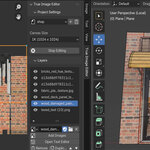
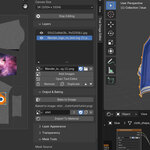
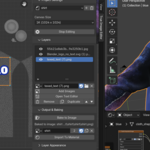
True Image Editor transforms Blender’s Image Editor into a complete image-editing workspace. Stack layers, blend images, paint masks, crop, tile, adjust colors, add text, and bake everything into a final image — all without leaving the editor. It’s lightweight, fast, and built directly into the N-Panel for a clean, intuitive workflow.

3/22/2026 - update (features

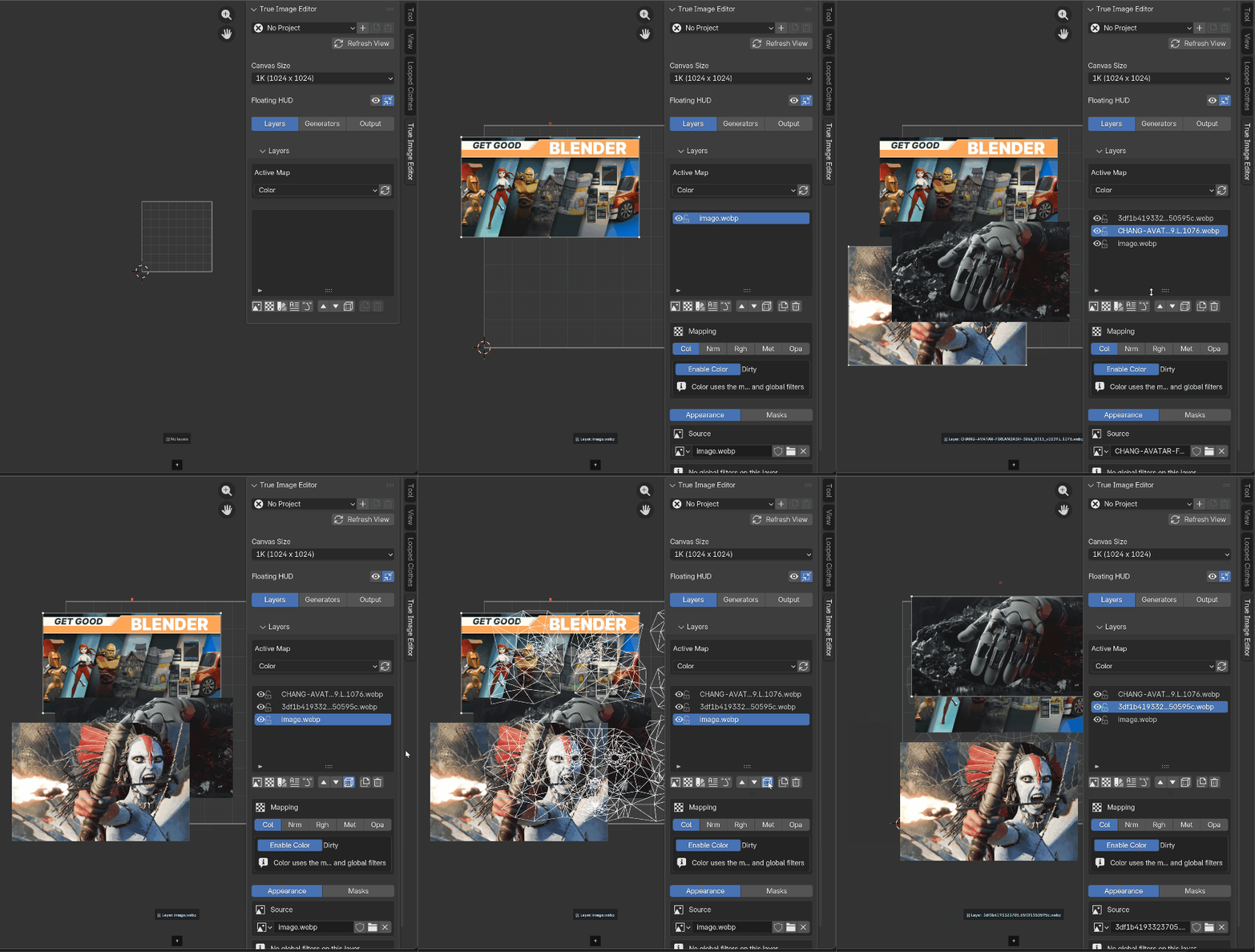
you can now drag and drop images directly into the ui
)

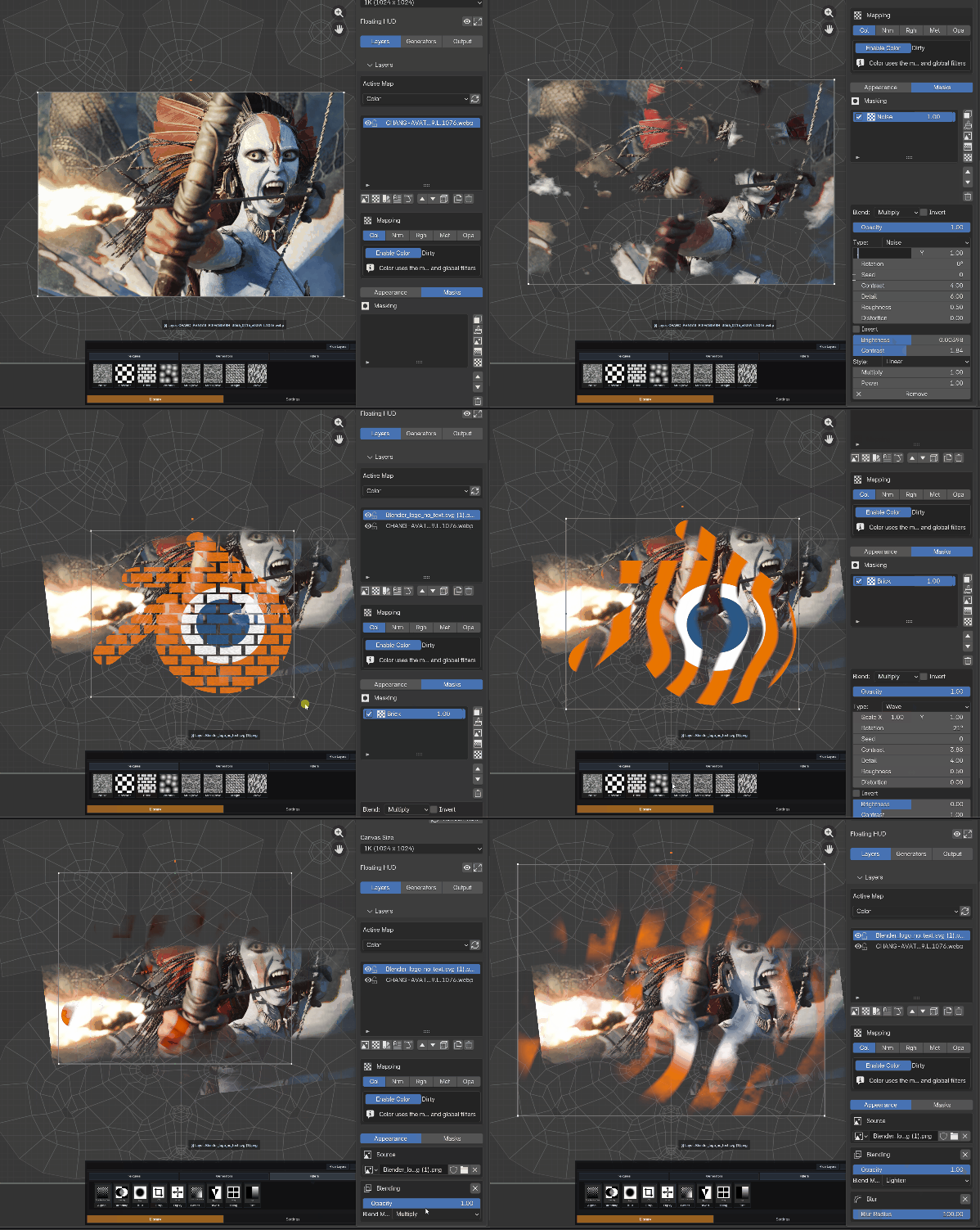
Filters and procedural masks

you can now add procedural masks, like noise, brick, voronoi and more as masks to any layers

📦 True Image Editor – Version 2 update


What's New & Improved

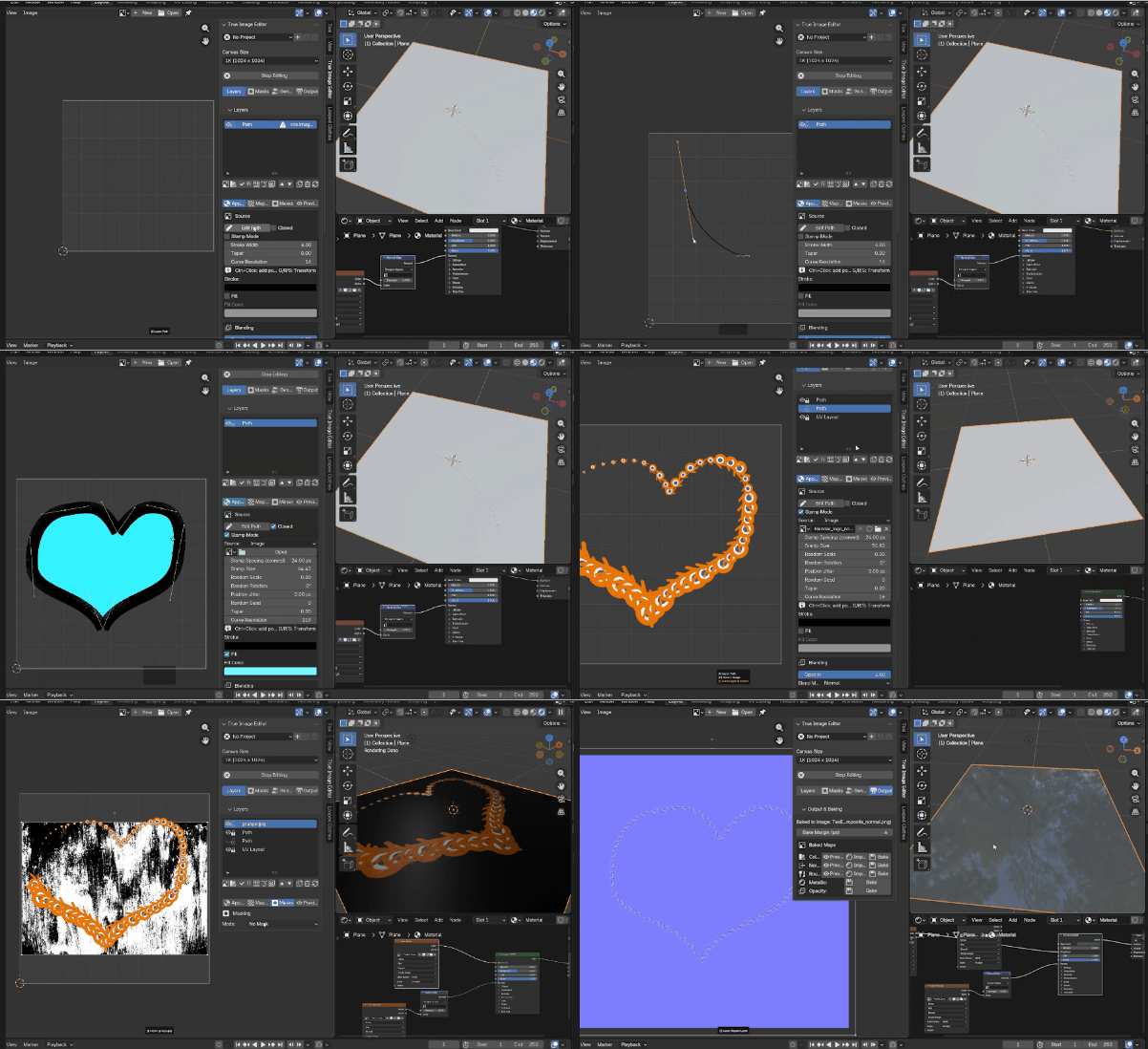
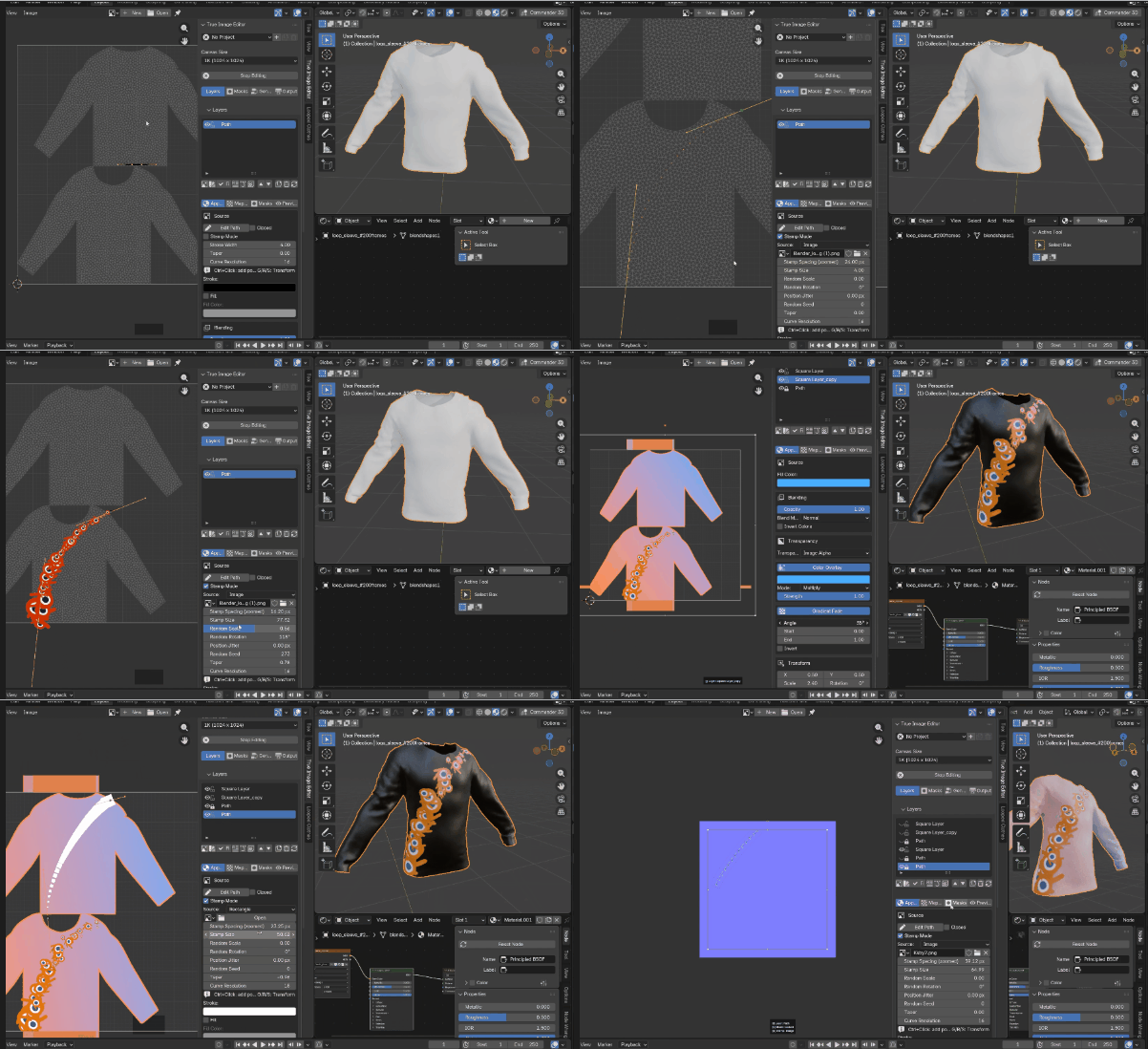
  • Path Tool – draw and edit vector paths directly within the editor.
  • Stamps – quick-access image stamps for fast compositing and design.
  • New Workflow – streamlined task flow with context-aware tools and presets.
  • Improved Baking – faster, more reliable texture baking with better error handling.

UI Enhancements

  • Warning pop‑ups for misconfigurations
  • Loading indicators during heavy operations
  • Fresh layouts for clarity and speed
  • Internal Text Editor – upgraded with syntax highlighting, undo history, and search.

“Version 2 brings major productivity boosts with features tailored for serious image work – all inside Blender!”


Feature: Create Multiple Projects

Work on multiple editing sessions in one .blend file. Great for variations, concepts, and organized image workflows.

Feature: Layer-Based Editing

Add layers, reorder them, rename them, and build a Photoshop-like workflow directly inside Blender's Image Editor.

Feature: Masks & Selections

Create masks from selections or paint them directly. Perfect for isolating elements and refining compositions.

Feature: Image Tiling

Tile images seamlessly across the canvas to create repeating patterns, procedural effects, and texture layouts.

Feature: Image Cropping

Crop layers directly inside the editor—no external tools needed.

Notes: Known Issues

A transparent overview of temporary limitations already scheduled for fixes.

Feature: Duplicating Images

Duplicate layers instantly to create variations or alternate compositions.

Feature: Text Tool

Add titles, labels, and text overlays with font, color, and positioning controls.

Feature: Custom Transparency

Full alpha control—override or blend transparency per layer for better compositing.

Feature: Gradient Masks

Create smooth transitions using linear or radial gradient masks.

Feature: Duplicate Layers

Duplicate full layers—including masks, transforms, and blending—to iterate faster.


Discover more products like this

Texturing image editor materials

$12

Have questions about this product?
Login to message

Details
Sales 100+
Rating
3 ratings
Published 11 months ago
Blender Version 5.1 - 5.2
Extension Type N/A
Render Engine Used Cycles, Eevee
License GPL