Tuftwork (Beta): Hair Cards for Blender
 Ispyr Games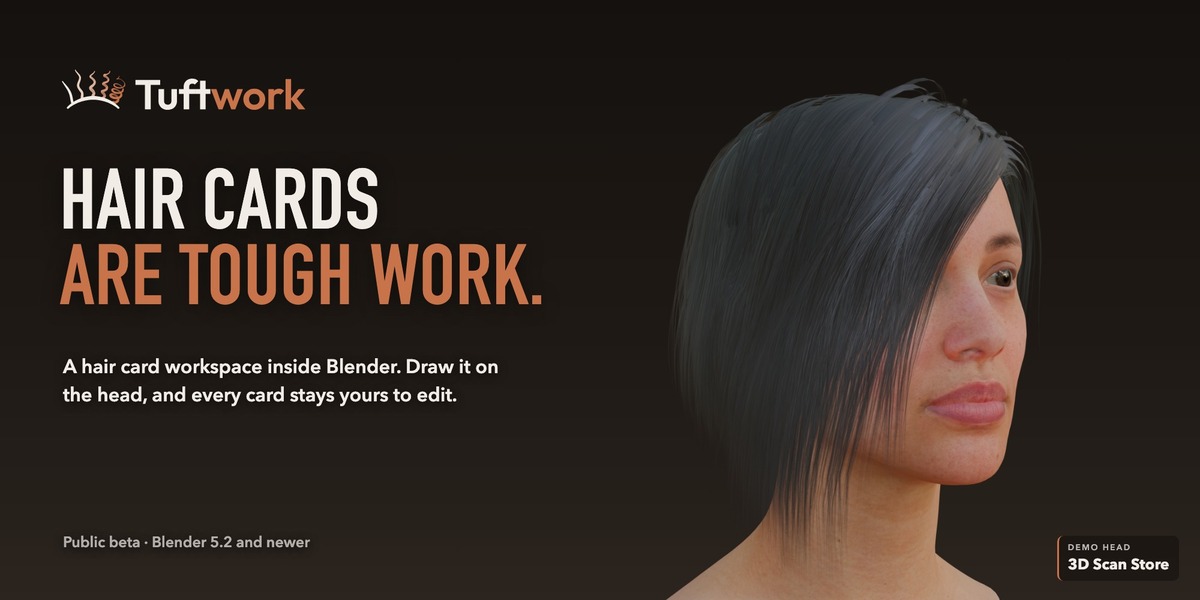

Getting started
- Install: in Blender 5.2 or newer, open Edit > Preferences > Get Extensions, open the menu at the top right, choose Install from Disk and select the Tuftwork ZIP. Leave the ZIP zipped, then make sure the add-on is enabled under Add-ons. The same ZIP works on Windows and Mac.
- Open the workspace: in the 3D view header, open 3D Toolbox and choose Tuftwork, or press F3 and search for Tuftwork. Tuftwork lives in its own workspace, so your normal Blender screens stay untouched.
- Choose a head: on Start Here, click Male or Female for a ready head, or select your own mesh in Object Mode and press Use Selected under Head & Hairline. Draw a hairline (or give your mesh a vertex group named ScalpCoverage) so Tuftwork knows where hair can grow.
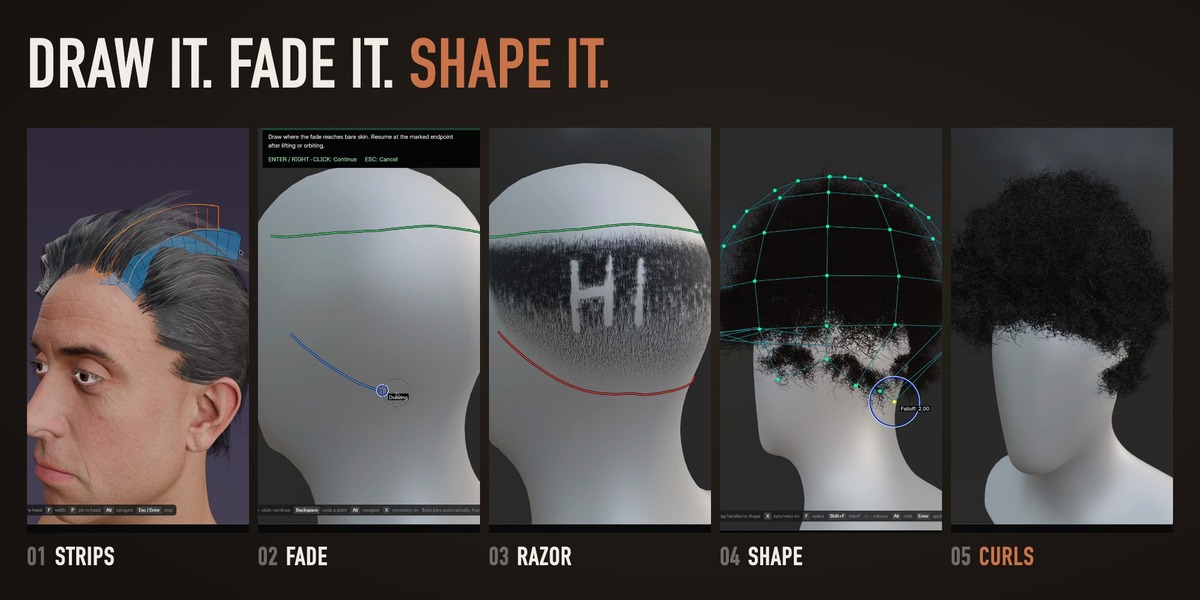
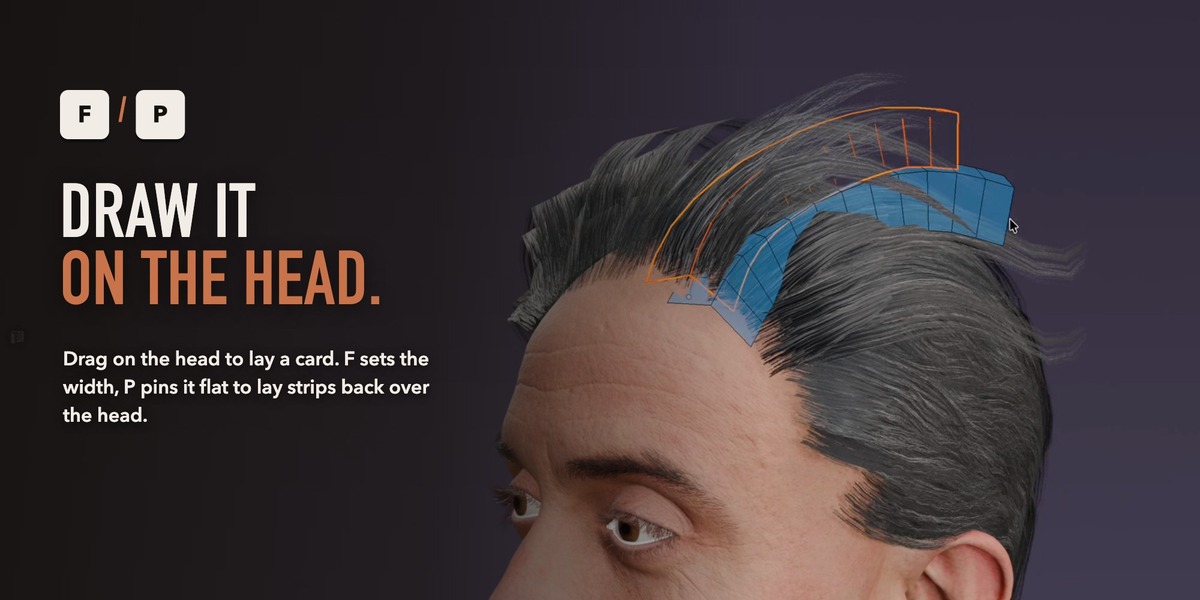
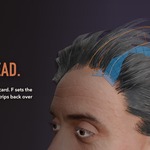
- Draw: open the Strips page, press Draw Strips and drag on the head.
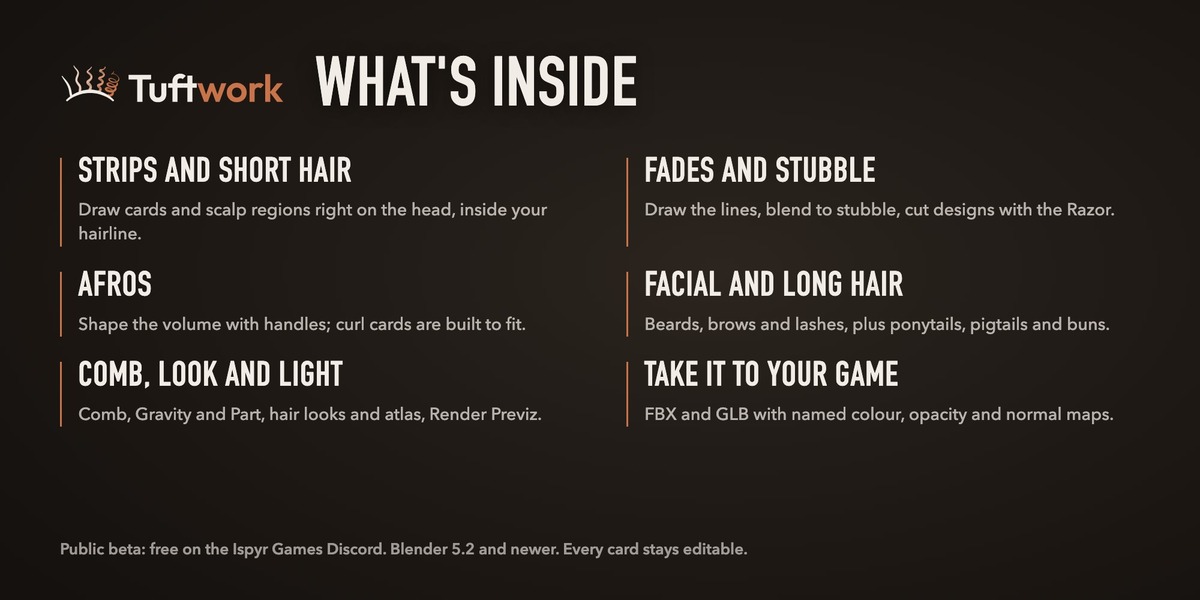
What each page is for
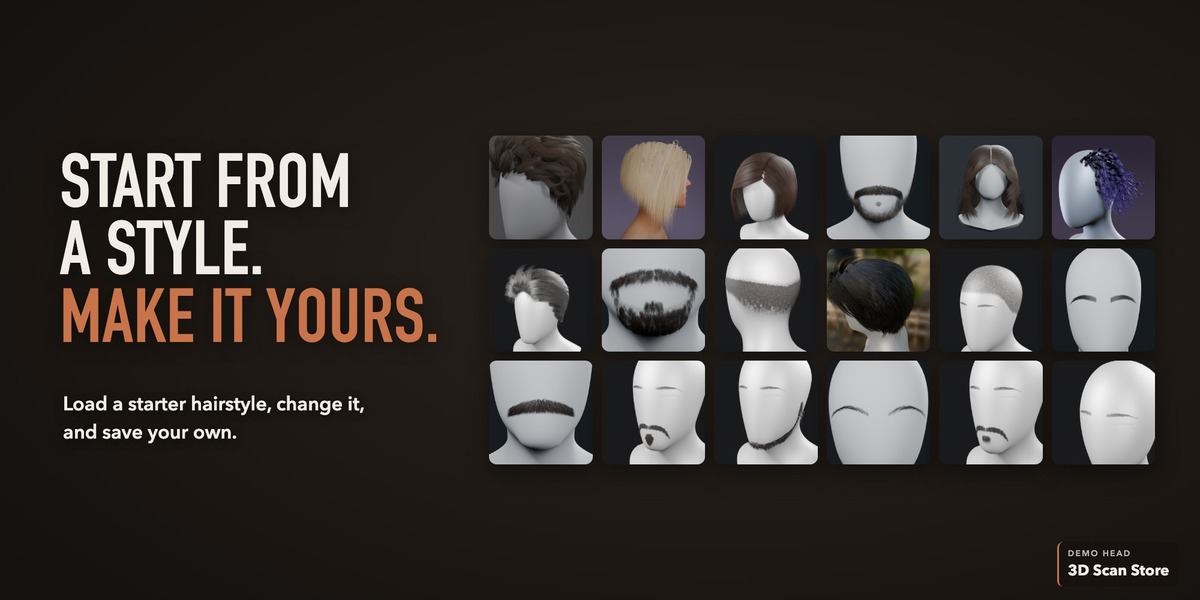
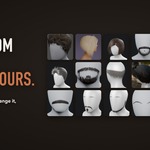
- Start Here: import or choose a model, set its hairline, and browse or save hairstyles.
- Strips: draw single hair cards and edit their shape, style and detail.
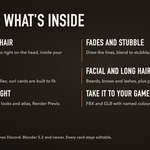
- Short Hair: fill scalp regions with cards, plus the Facial Hair switch for beards, moustaches, brows and lashes.
- Long Hair: ponytails, pigtails and buns gathered at a tie.
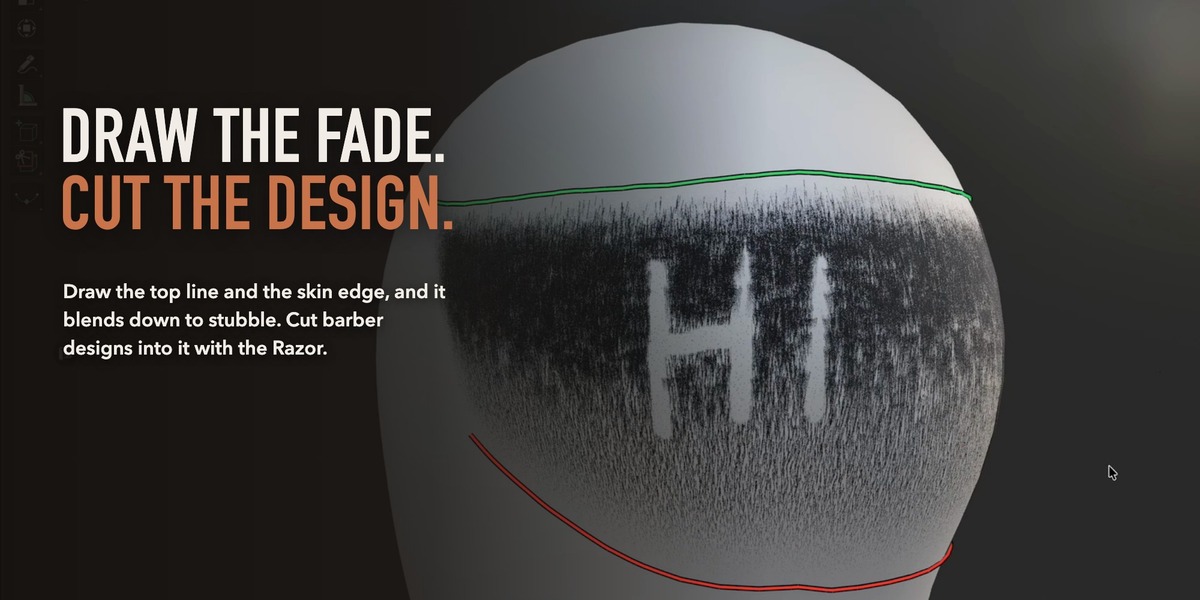
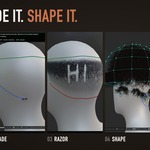
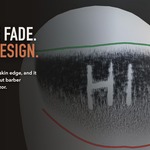
- Fades: draw a fade in three steps, cut a barber design into it with the Razor, or grow a stubble cap.
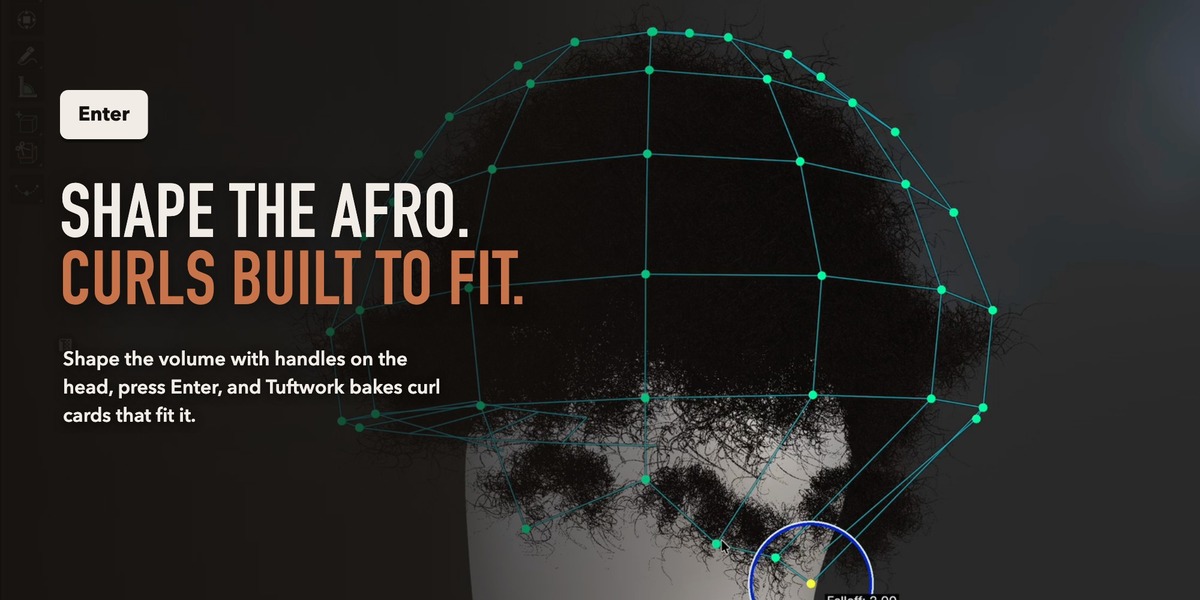
- Afro: shape a volume with the cage, Afro Pick or Paint Away, and let Tuftwork bake fitted curl cards.
- Comb: Comb, Gravity, Trim, Grow and Part.
- Hair Look: choose a look and edit the maps, or pack an atlas.
- Render Previz: EEVEE Beauty lighting and PNG stills.
- Advanced: Export and Tutorial Mode.
When you are done, press Return to Blender at the bottom of the panel. Your head and hair stay.
Export
Export Hairstyle (Advanced page) writes an FBX, a GLB or both, with a textures folder of named colour, opacity and normal maps. The EEVEE preview is approximate; your engine sets the final shader and look.
Full guide
The complete offline manual is built in: open the Help page and press Open Manual. Tutorial Mode (Advanced page) keeps a caption on screen that names each tool as you use it.
Reporting a bug
Post in #bug-reports on the Ispyr Games Discord (https://discord.gg/FKnsD78wXz), one bug per post: what you did, what happened, your Blender version, OS and Tuftwork version, and your panel_errors.log. Its path is shown in Tuftwork's entry under Edit > Preferences > Add-ons. Tuftwork is a beta, so save often.
Have questions about this product?
Login to message
| Blender Extension Compatible | Yes |
| Dev Fund Contributor | |
| Published | about 6 hours ago |
| Blender Version | 5.2 |
| Extension Type | Add-on |
| Render Engine Used | Eevee |
| License | GPL |

Discover more products like this
Hair Tool facial hair game hair hair cards character art hair grooming blender addon afro Blender Hair real-time hair game-art fades