 Ispyr Games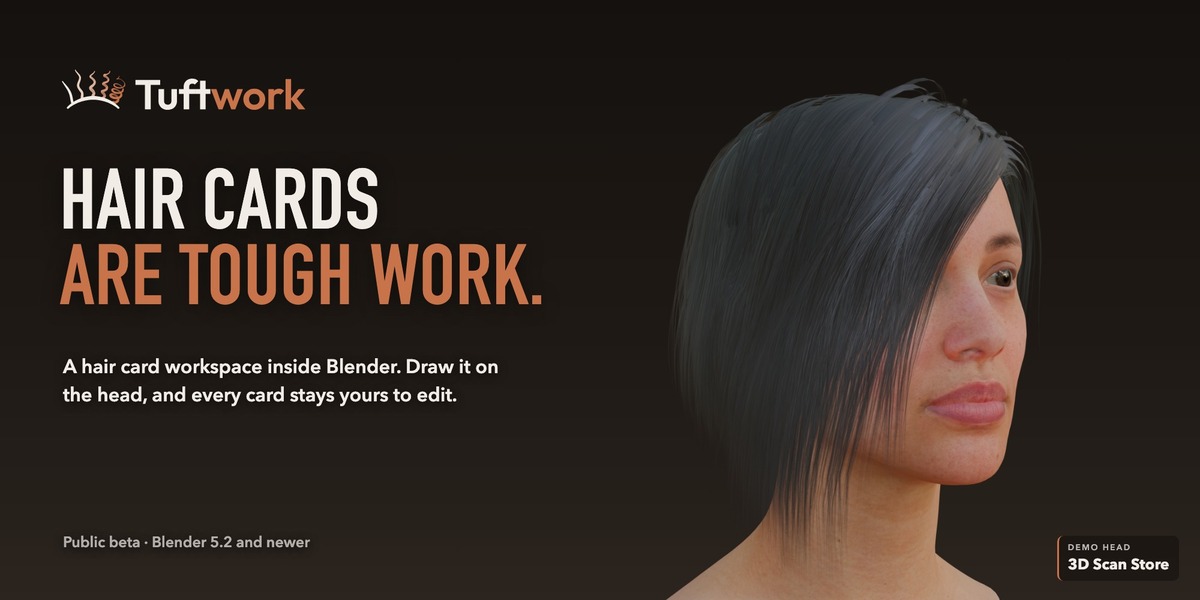
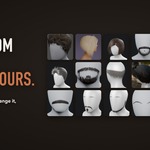
Hair cards are tough work.
Draw them on the head.
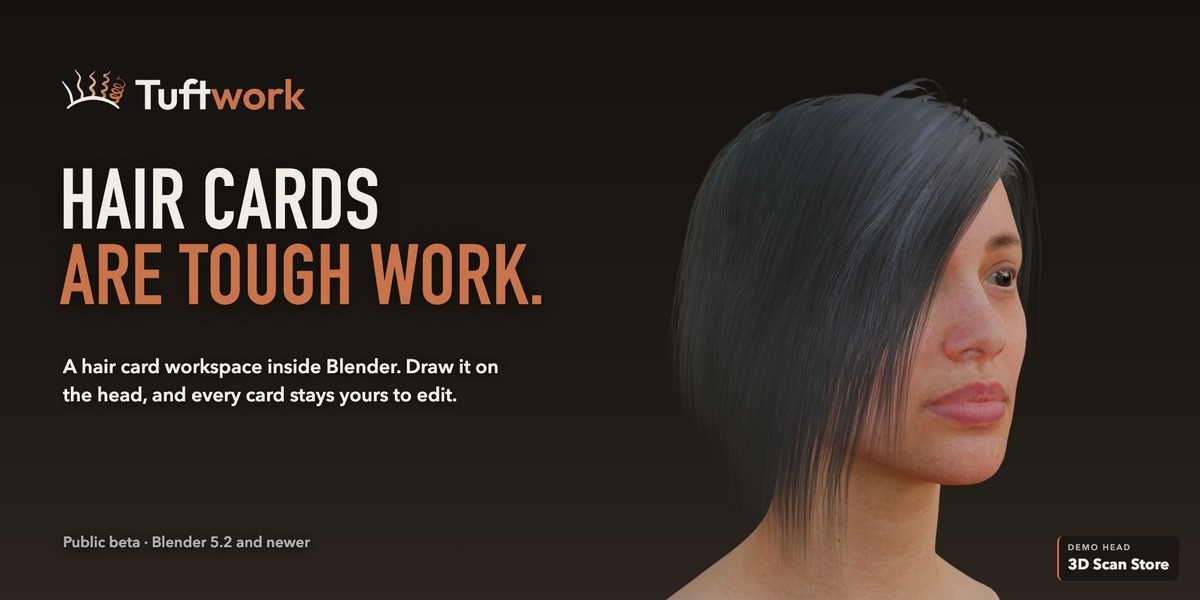
I've made characters for 20 years, and hair is still the part I see artists dread most: hundreds of cards, placed, layered and fixed by hand. Tuftwork gives hair cards their own workspace inside Blender.
You draw the hair on the head, Tuftwork builds the cards, and every card stays yours to edit.
Public beta: free on Discord, $15 here
Tuftwork is a public beta, and it's free for everyone in the Ispyr Games Discord: join here, grab the free code in #beta-start-here, and it lands in your Superhive library like any other purchase.
Buying it here at $15 supports development and guarantees you the final release and every 1.x update. It's the same build either way.
01
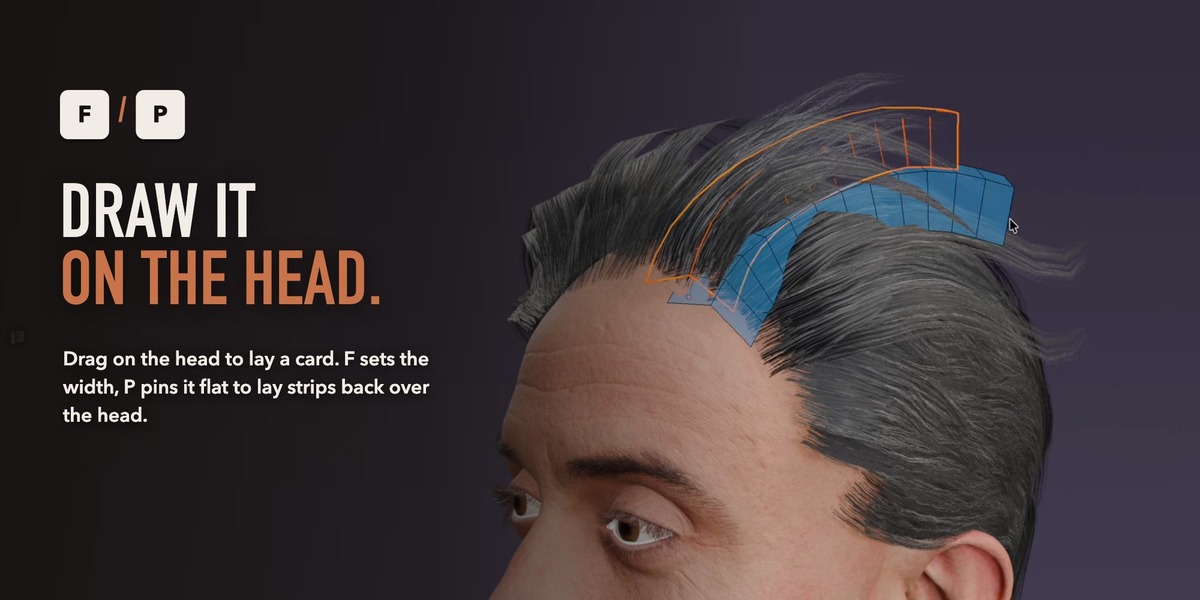
Draw it on the head
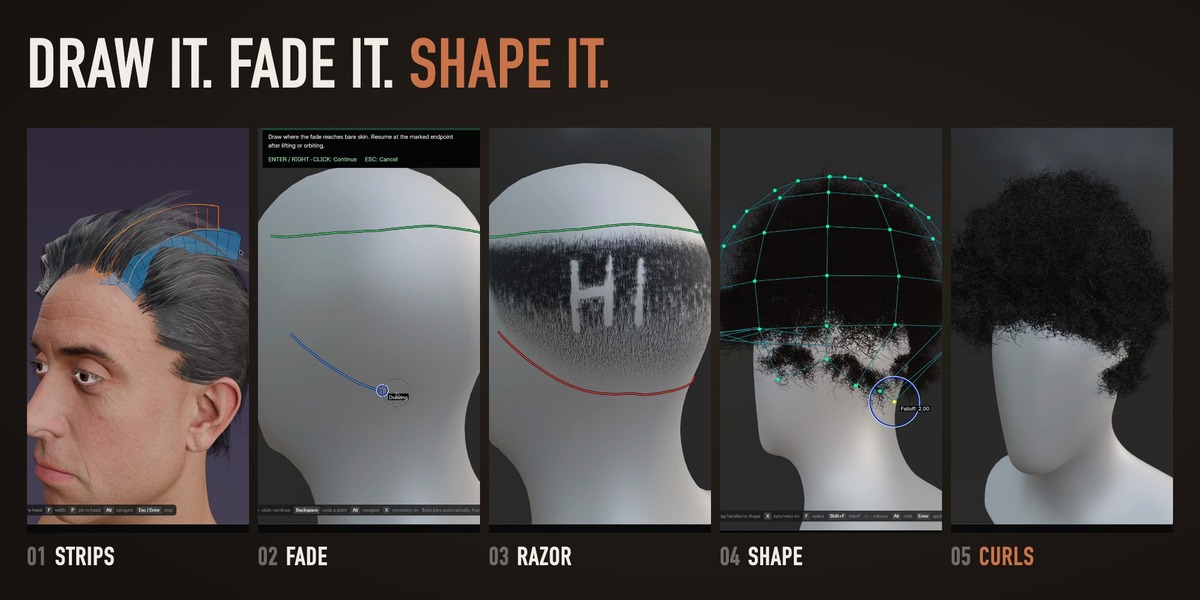
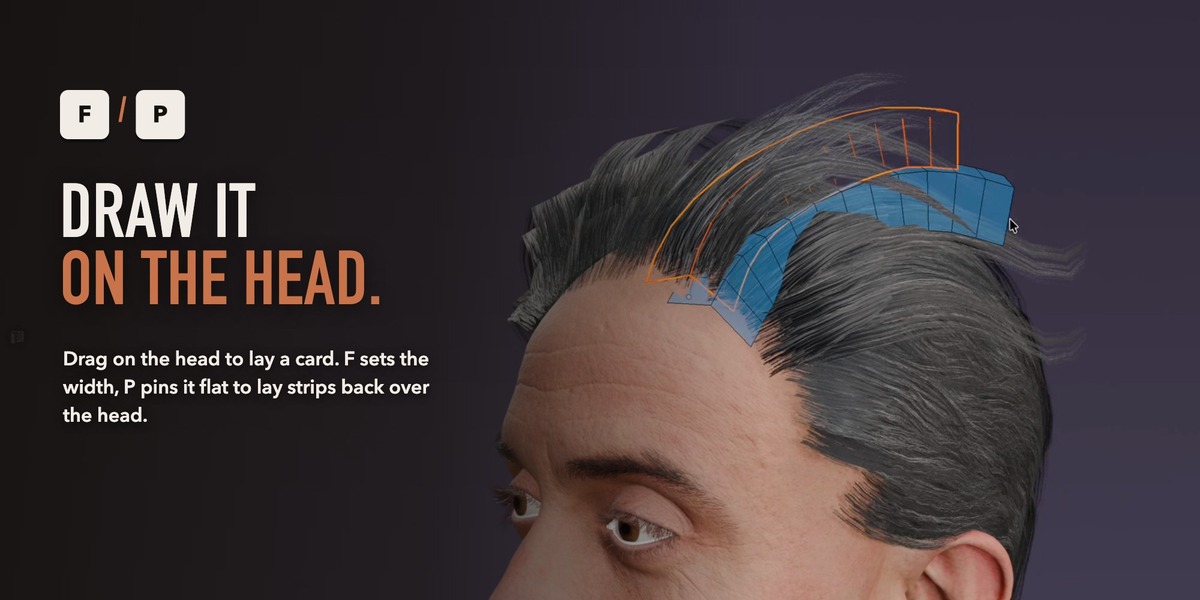
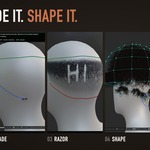
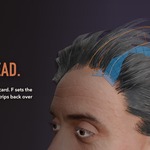
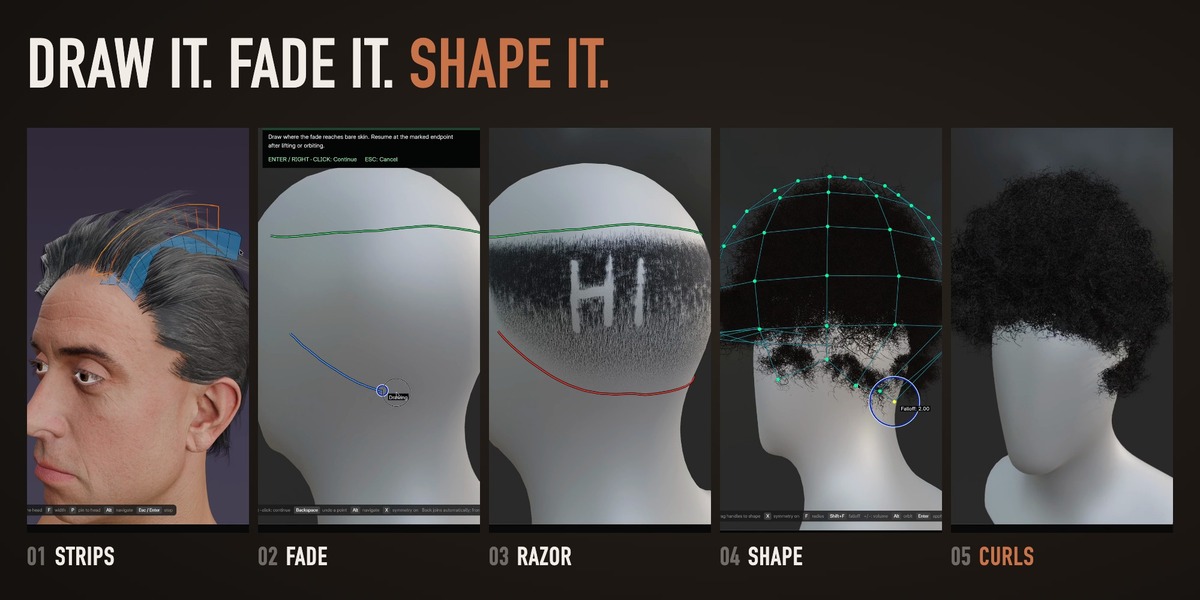
Drag strips and regions right on the head. Tuftwork lays the cards inside your hairline.
02
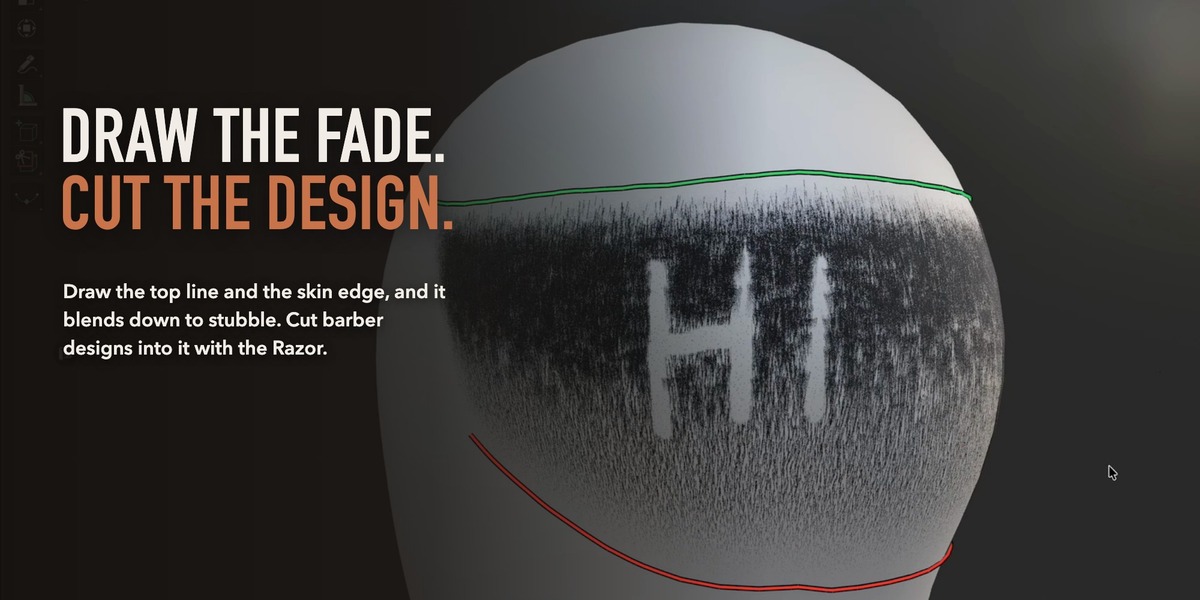
Fades and Afros
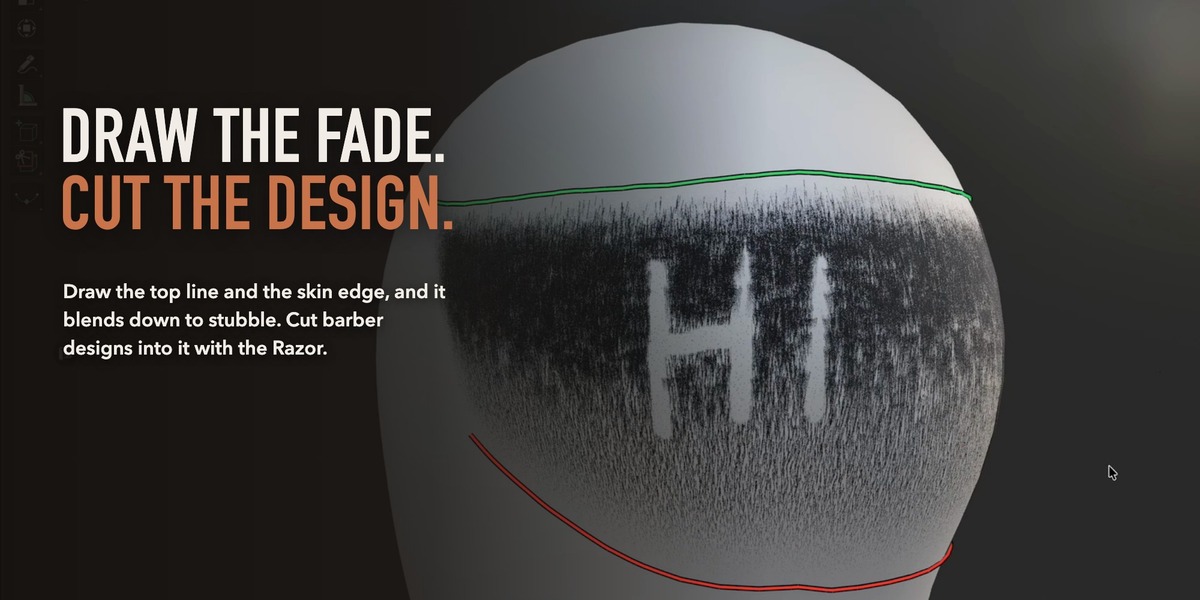
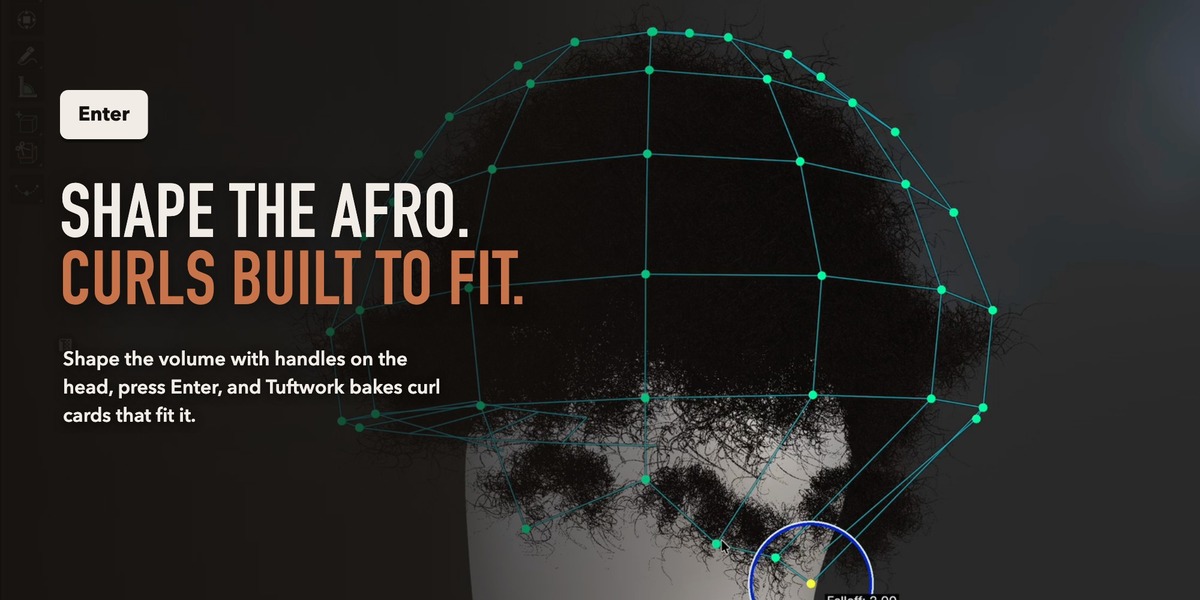
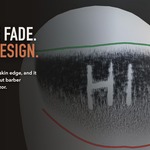
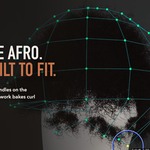
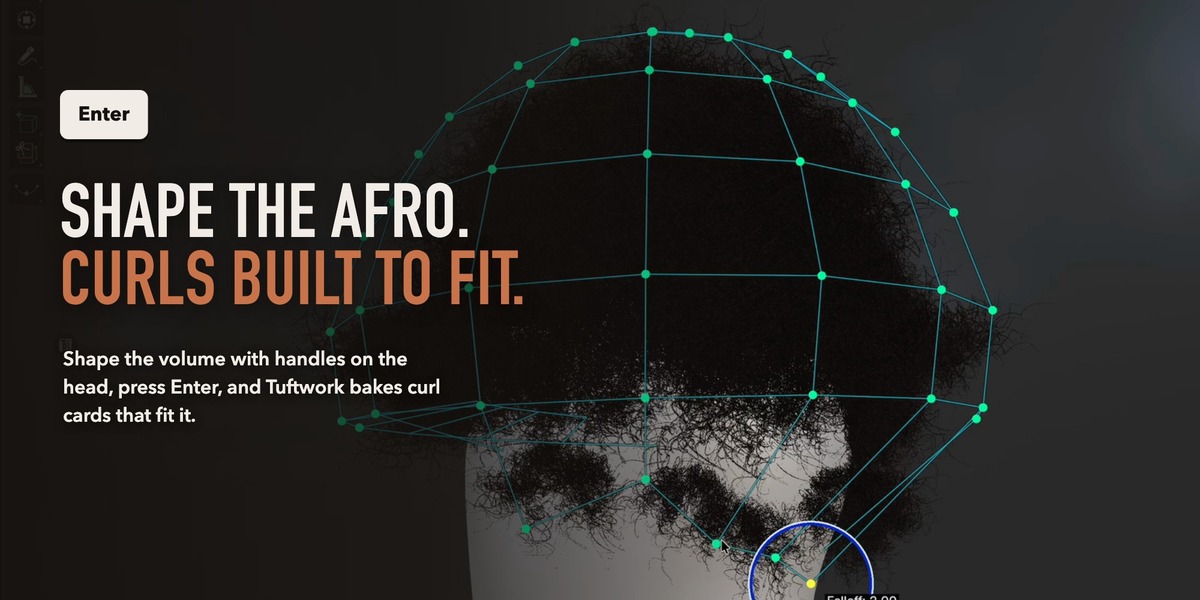
Draw a fade down to stubble and cut designs into it. Shape an Afro and get curls built to fit.
03
Every card stays yours
Comb, light and export real cards. Nothing is locked behind a generator.
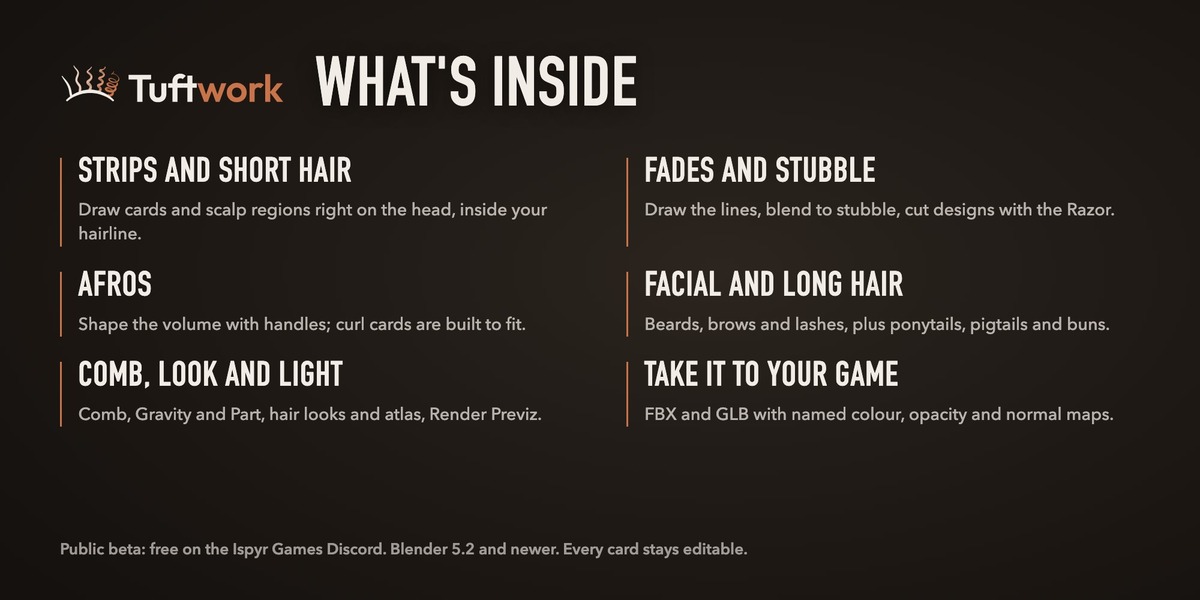
What you'll use every day
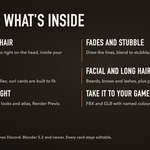
The full toolkit
Everything Tuftwork adds, grouped by how you work.
Draw on the head
- Strips: drag to lay a card, lift it into a fence, or press P to pin it flat.
- Short Hair regions: a start line and an end line fill the region with layered cards.
- Hairline: draw where hair may grow, or keep the head's own.
Fades and stubble
- Draw the top line and the skin edge for a fade that blends to stubble.
- Transition, length and density on graphs instead of number fields.
- Razor designs, or a Stubble cap.
Afros
- Cage handles on the head, then Enter bakes curl maps and builds fitted cards.
- Round or High Top, with curl, density and detail on graphs.
- Paint coverage to thin or restore hair.
Facial hair and long hair
- Beards, moustaches, brows and lashes as combable cards, with the skin under them baked at the end.
- Symmetry: draw one side, the other follows.
- Ponytails, pigtails and buns gathered at a tie.
Comb, look and light
- Comb, Gravity and Part on your cards.
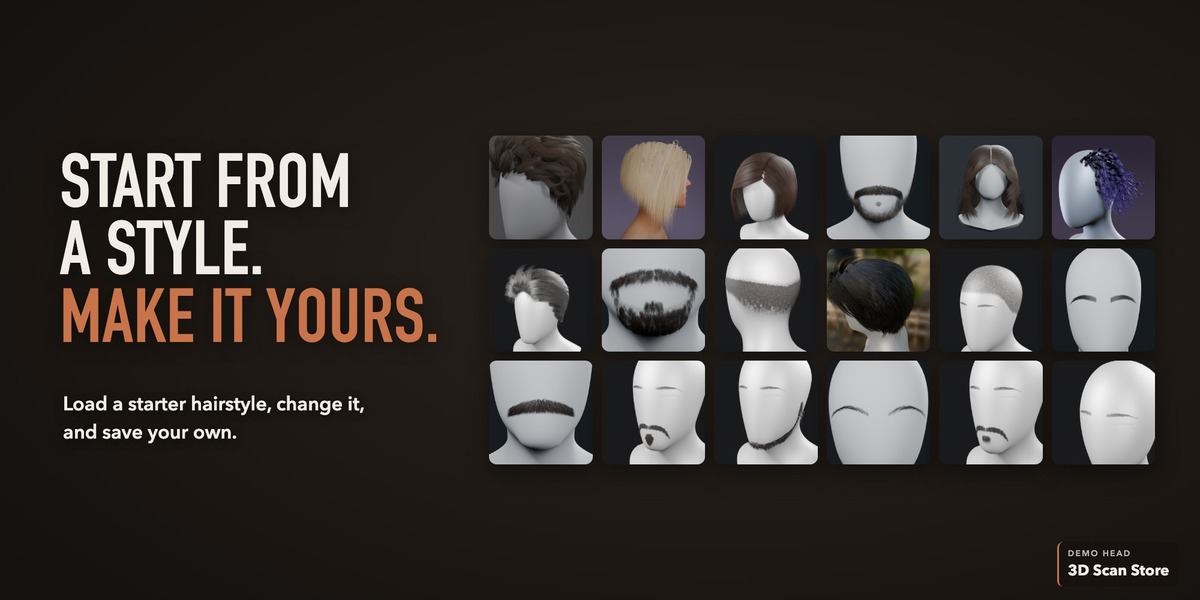
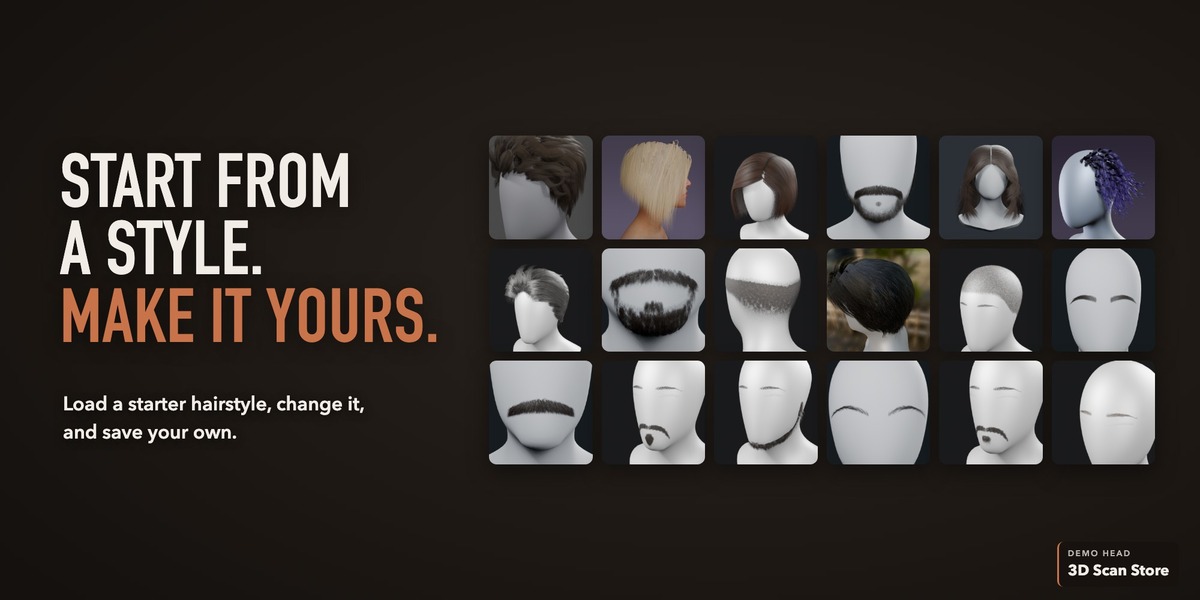
- Hair Look: starter looks, colour and the hair atlas.
- Render Previz: EEVEE Beauty lighting and HDRIs.
Take it to your game
- Export Hairstyle writes FBX, GLB or both.
- A textures folder of named colour, opacity and normal maps comes with it.
- No Unreal or Unity adapter yet; FBX and GLB are standard formats.
Honest boundaries (beta)
- Save often. Undo and Redo across every tool, and save and reopen, are still being checked in live testing.
- No rigging, physics or LODs yet.
- The EEVEE preview is close, not final. Your engine sets the final shader and look.
- An Afro must have its curls baked before export. Tuftwork lives in its own workspace; Alt navigation applies there only.
- Blender 5.2 or newer. Windows and tablet input have had less testing so far.
- No account, networking or usage data: Tuftwork sends nothing anywhere. Licensed under GPL-3.0-or-later.
Help and community
Discord
The free beta, bug reports, ideas and release updates live in the Tuftwork Beta channels.
Built-in guide
Tutorial Mode captions name each tool as you use it. Help > Open Manual opens the offline guide.
Reporting a bug
One bug per post in #bug-reports: what you did, what happened, your Blender, OS and Tuftwork versions, and your panel_errors.log (its path is in Tuftwork's entry under Edit > Preferences > Add-ons).
Install
Edit > Preferences > Get Extensions, menu at the top right, Install from Disk, pick the ZIP (leave it zipped). Then 3D View header: 3D Toolbox > Tuftwork.
Made by Tito Belgrave at Ispyr Games. Demo head: 3D Scan Store (3dscanstore.com), used with permission; it is not included with Tuftwork.
