 Ispyr Games
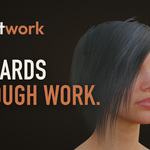
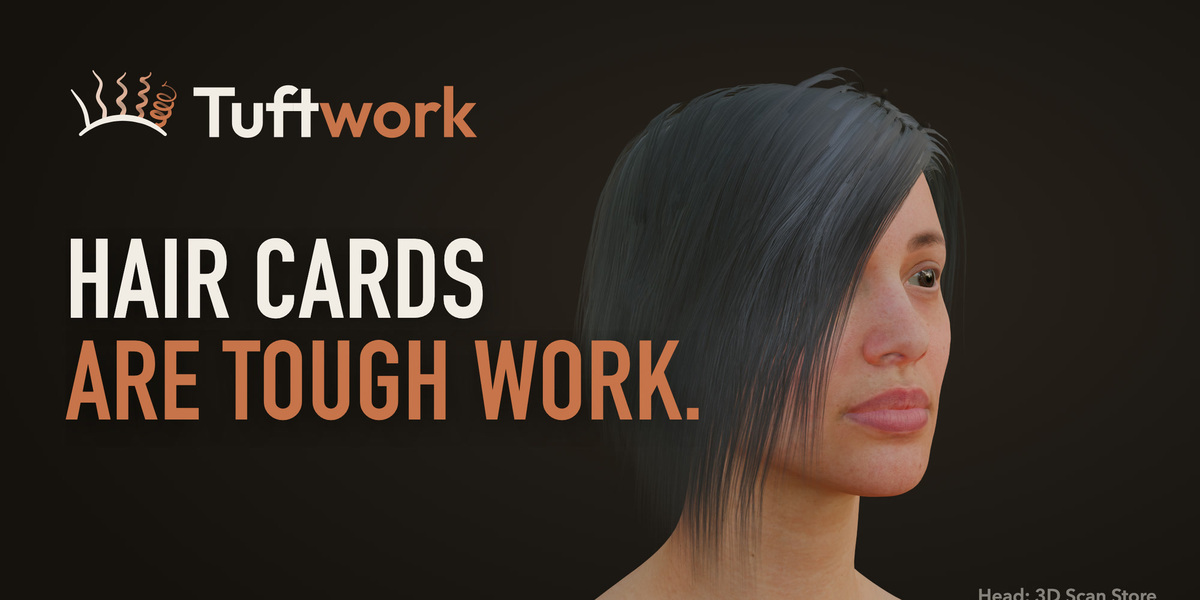
Hair cards are tough work.
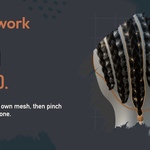
Draw them on the head.
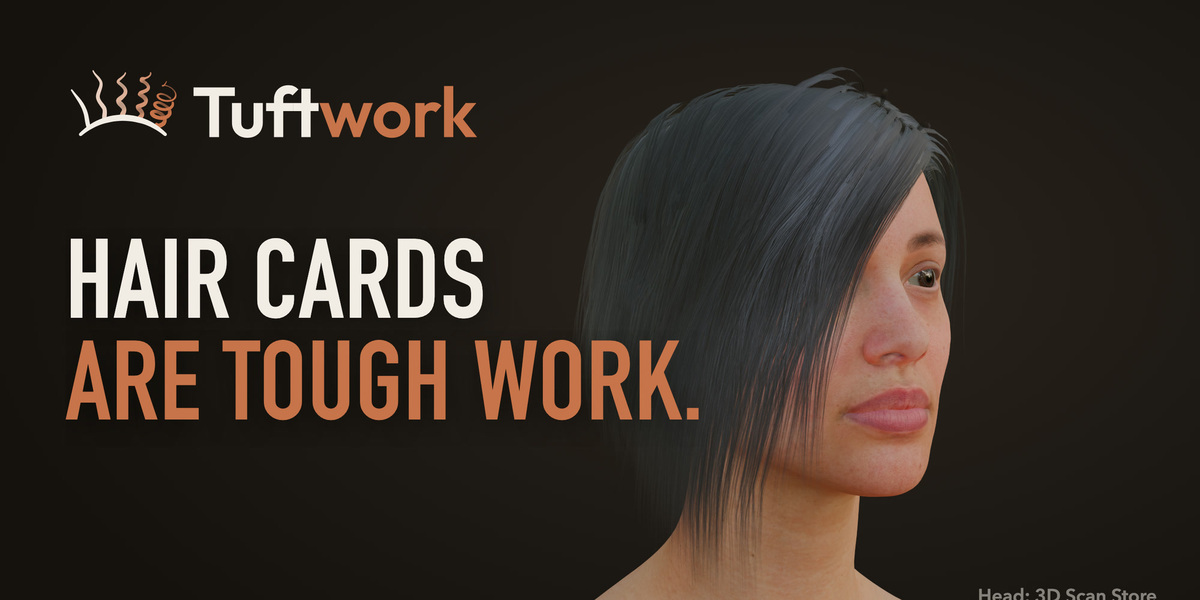
I've made characters for 20 years, and hair is still the part I see artists dread most. Hundreds of cards, placed, layered and fixed by hand. Tuftwork gives hair cards their own workspace inside Blender.
You draw the hair on the head, Tuftwork builds the cards, and every card stays yours to edit.
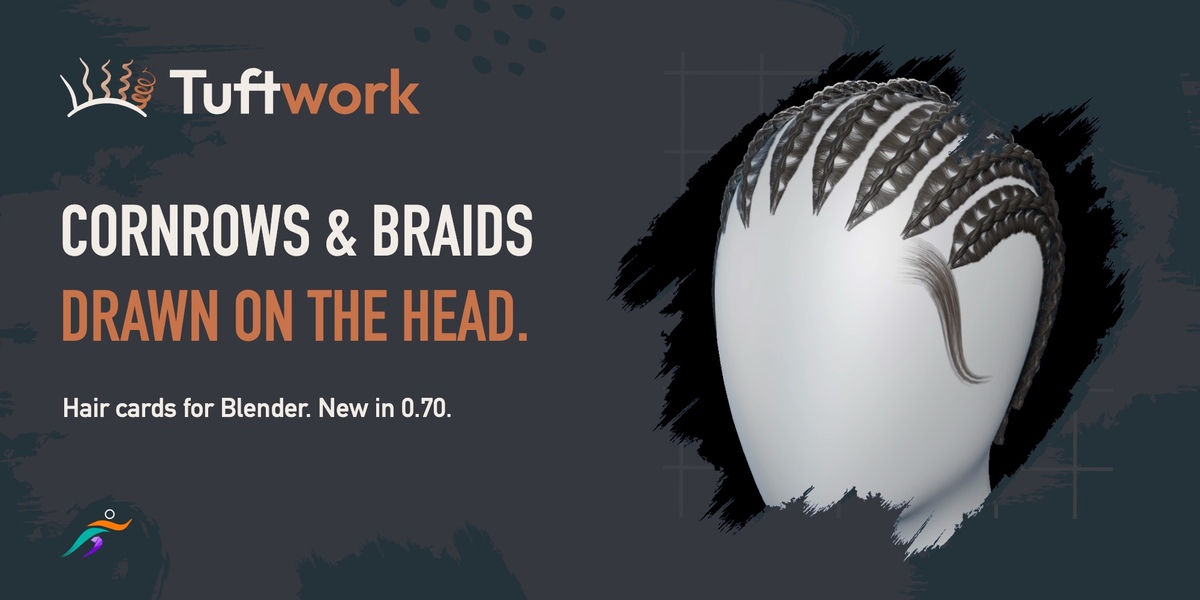
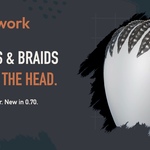
New in 0.70, braids
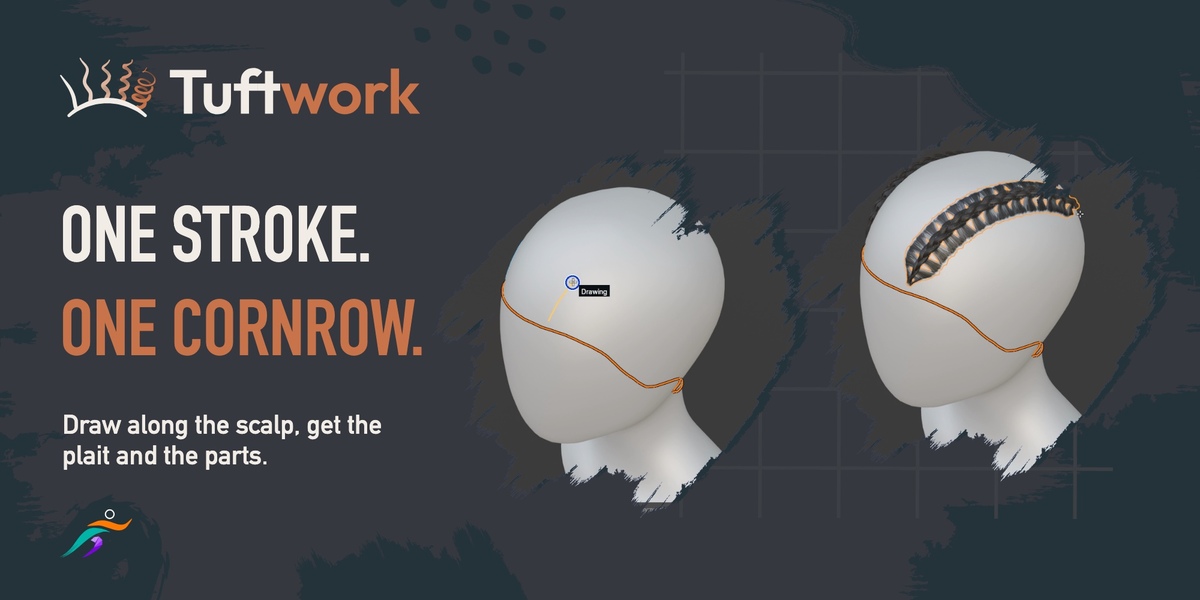
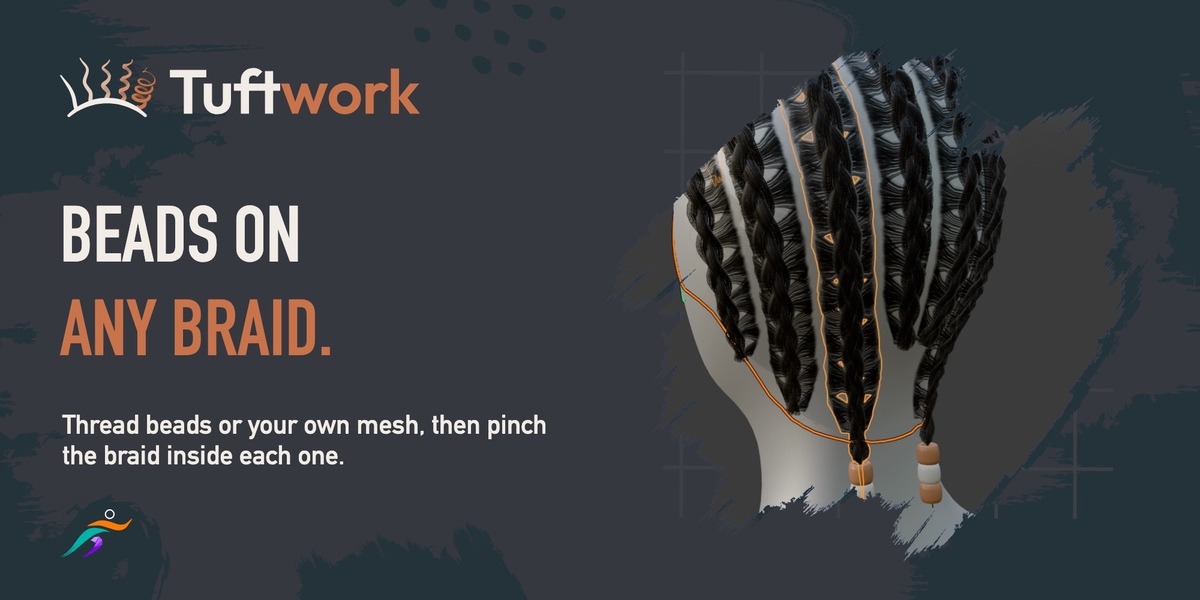
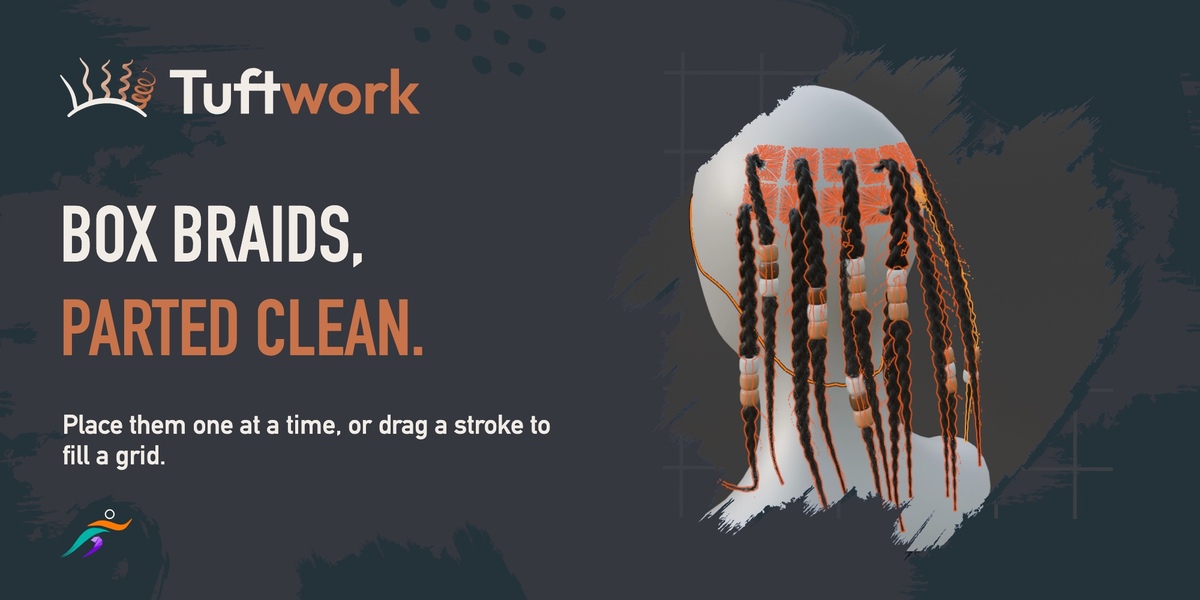
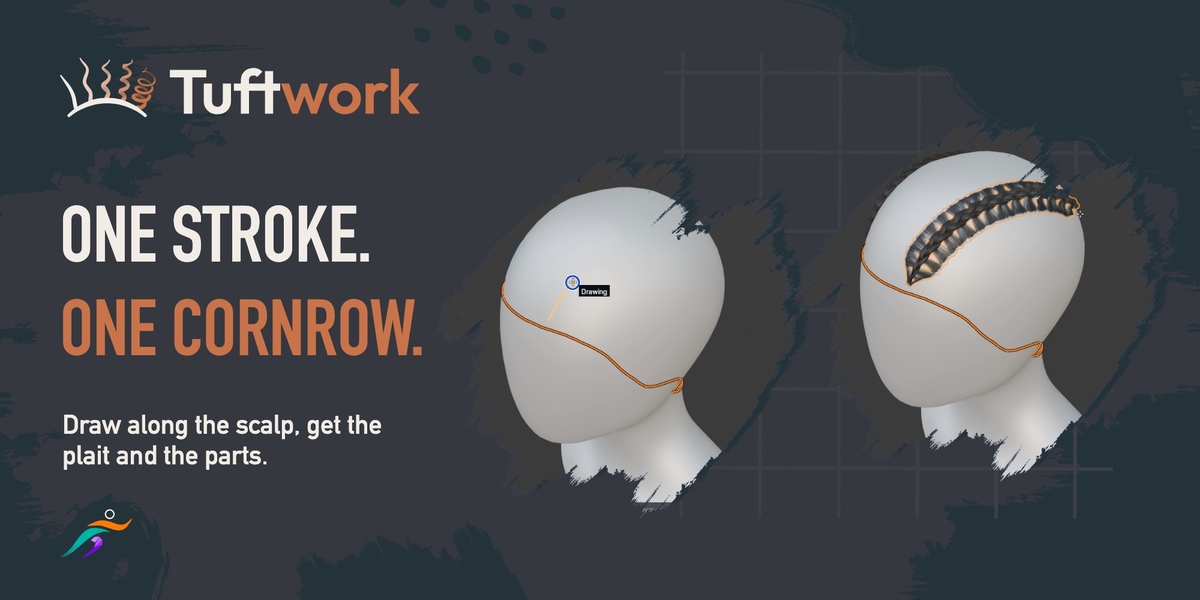
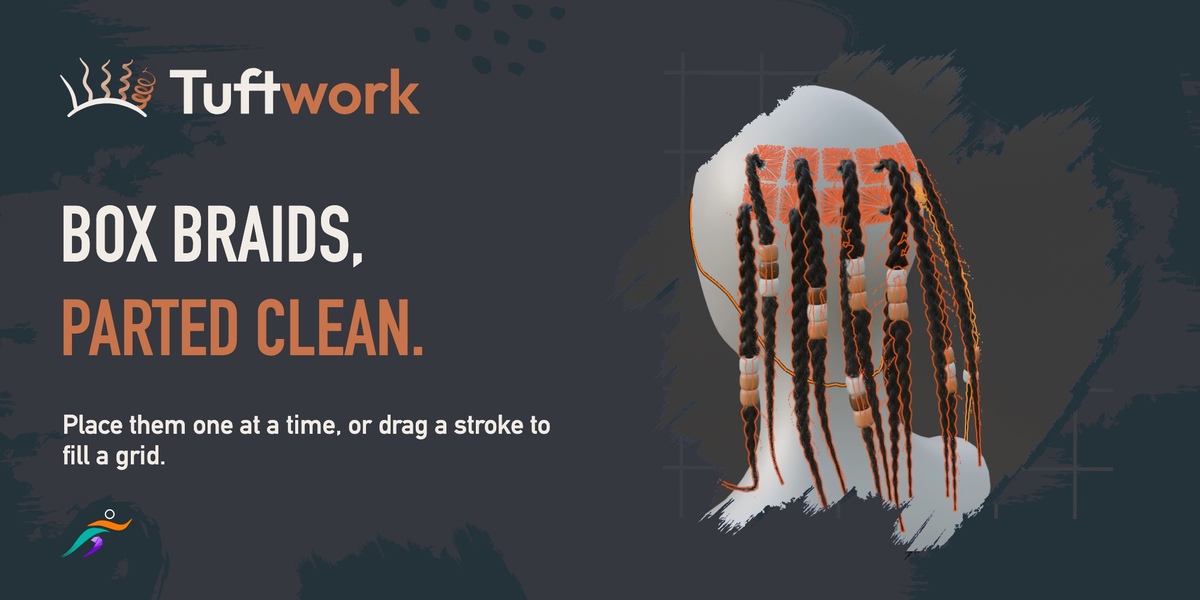
Draw cornrows straight along the scalp and place parted box braids, then thread beads or your own mesh onto them and groom the hanging braids with Comb and Gravity. Also new, Baby Hair along the hairline and live hair triangle counts in the viewport.
Public beta, free on Discord, $15 here
Tuftwork is a public beta, and while it lasts, it will be free for everyone in the Ispyr Games Discord. Join here, grab the free code in #beta-start-here, and it lands in your Superhive library like any other purchase.
Buying it now supports development and guarantees you the final release and continued support with every 1.x update. It's the same build either way.
Tutorials
- What's new in 0.70, cornrows, box braids, beads and Baby Hair. Watch on YouTube
- Tool Tour Part 1, drawing hair. Watch on YouTube
- Tool Tour Part 2, fades, Afros and finishing. Watch on YouTube
01
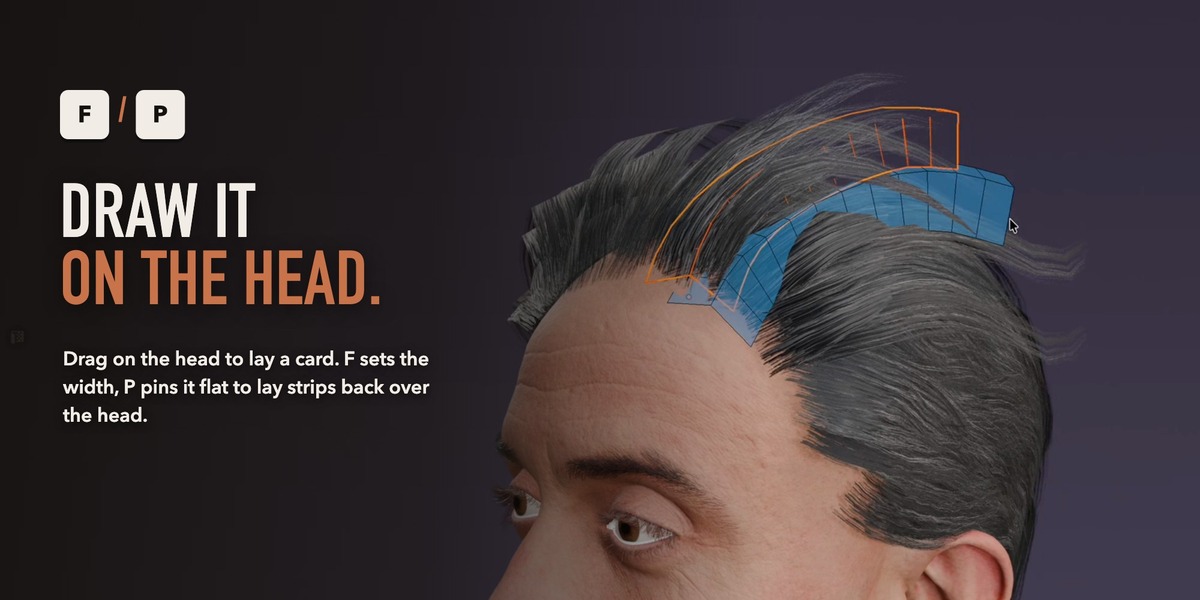
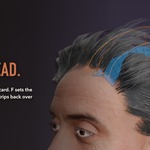
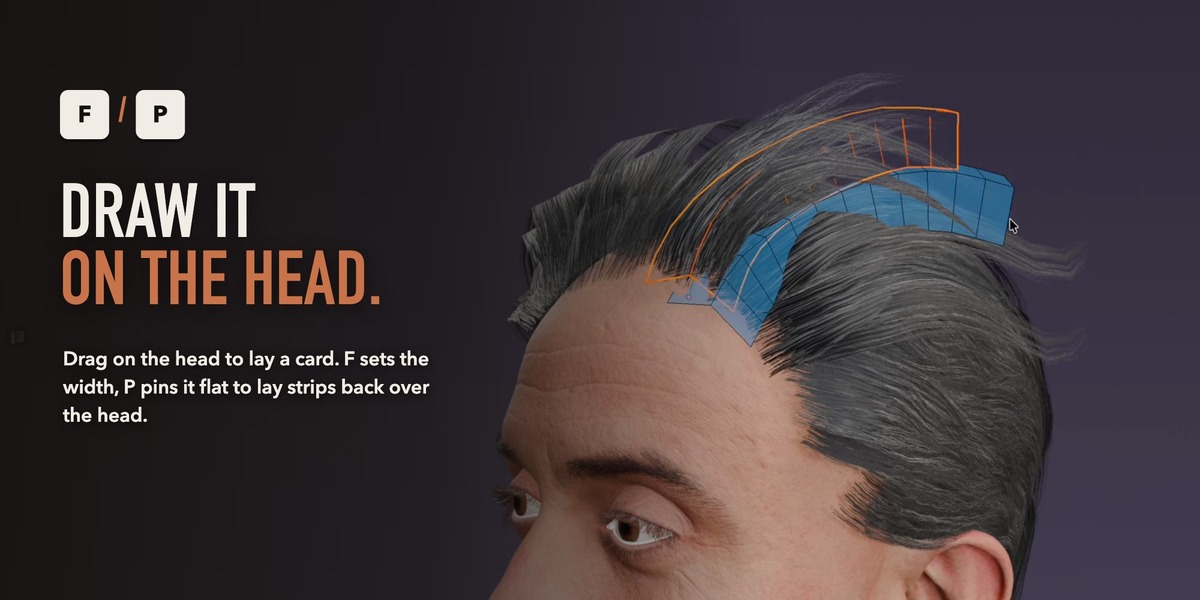
Draw it on the head
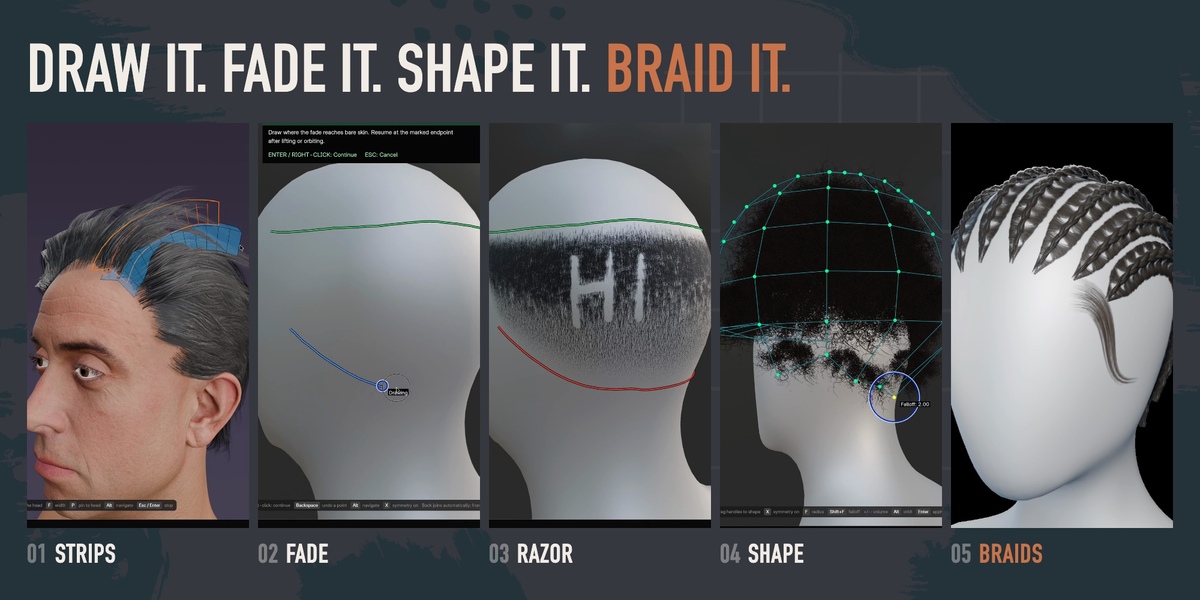
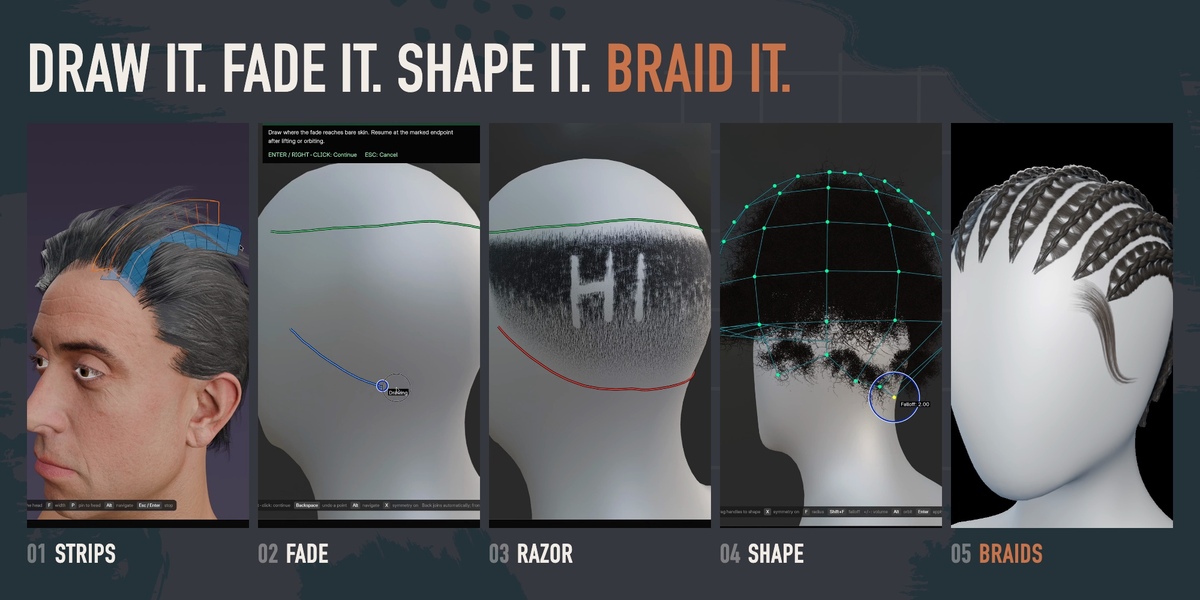
Drag strips and regions right on the head. Tuftwork lays the cards inside your hairline.
02
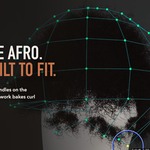
Fades, Afros and braids
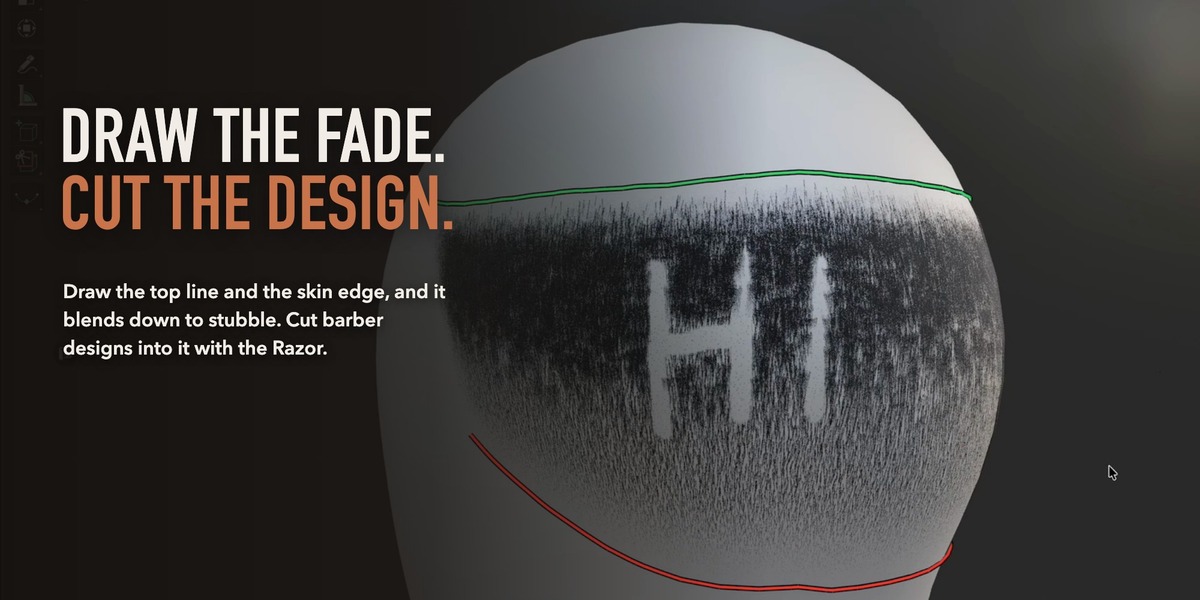
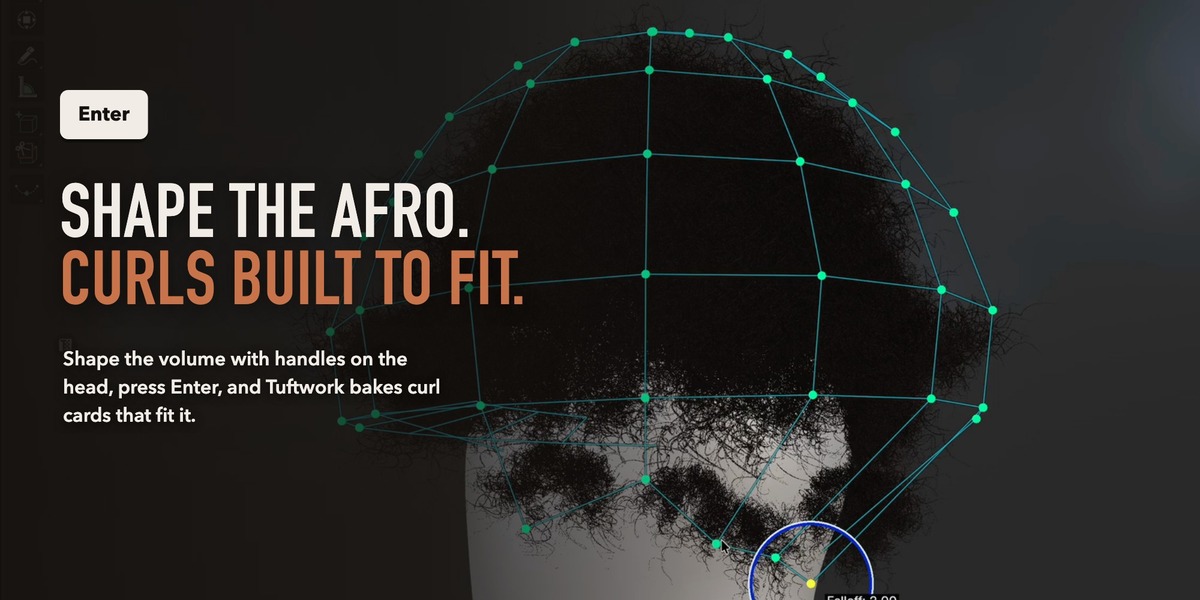
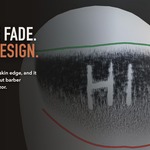
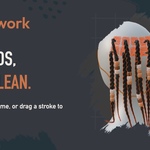
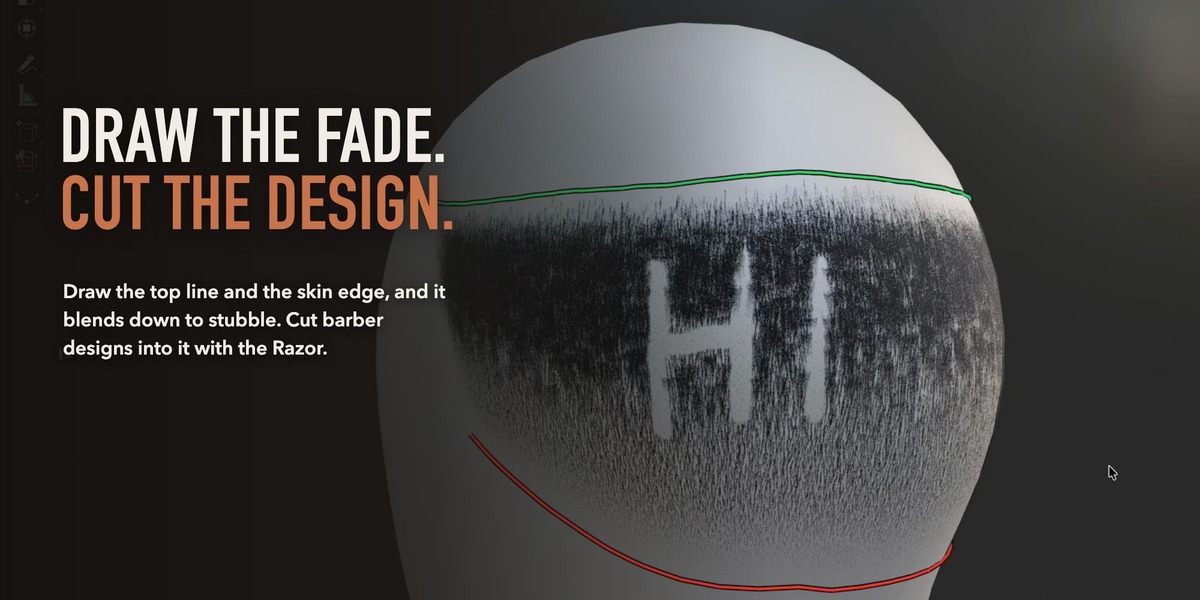
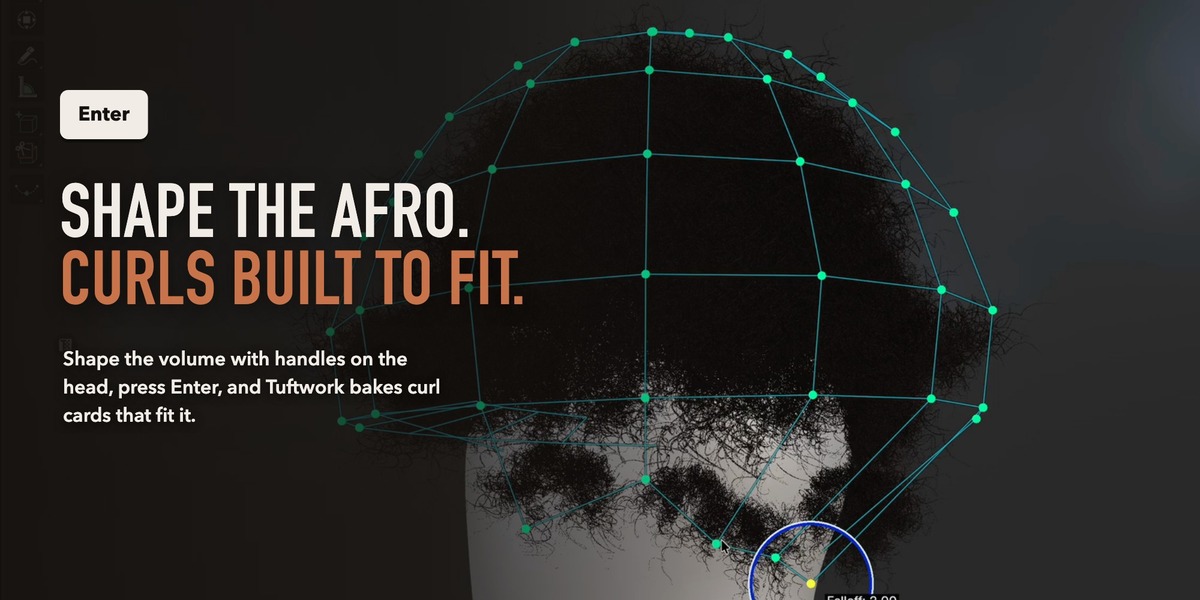
Draw a fade down to stubble, shape an Afro with curls built to fit, or draw cornrows and box braids straight on the scalp.
03
Every card stays yours
Comb, light and export real cards. Nothing is locked behind a generator.
What you'll use every day
The full toolkit
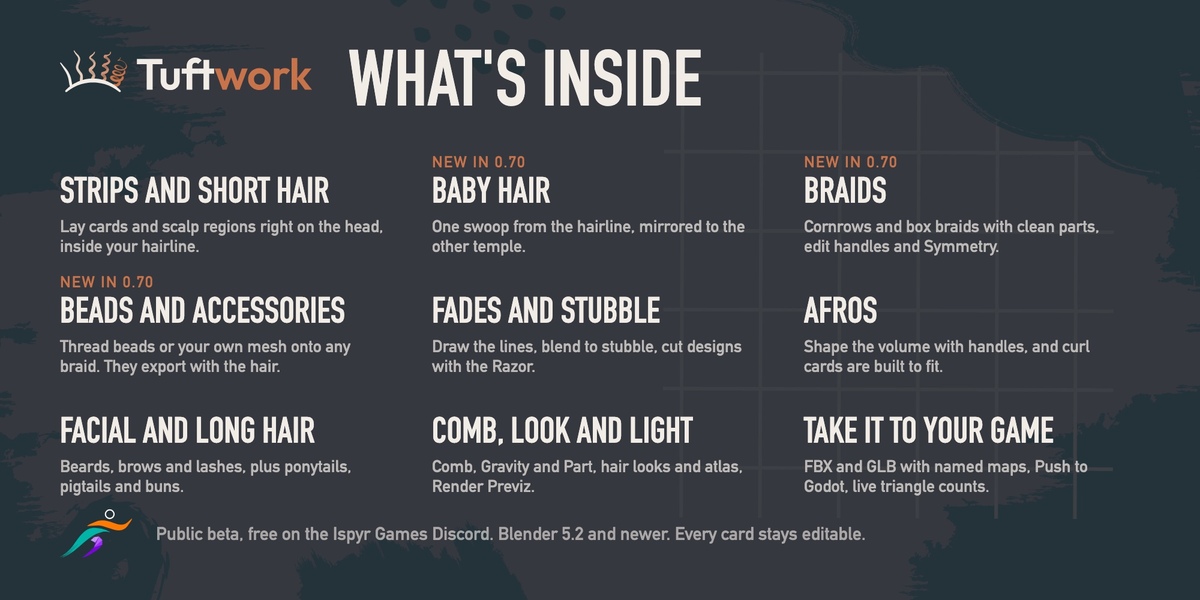
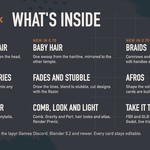
Everything Tuftwork adds, grouped by how you work.
Draw on the head
- Strips. Drag to lay a card, lift it into a fence, or press P to pin it flat.
- Short Hair regions. A start line and an end line fill the region with layered cards.
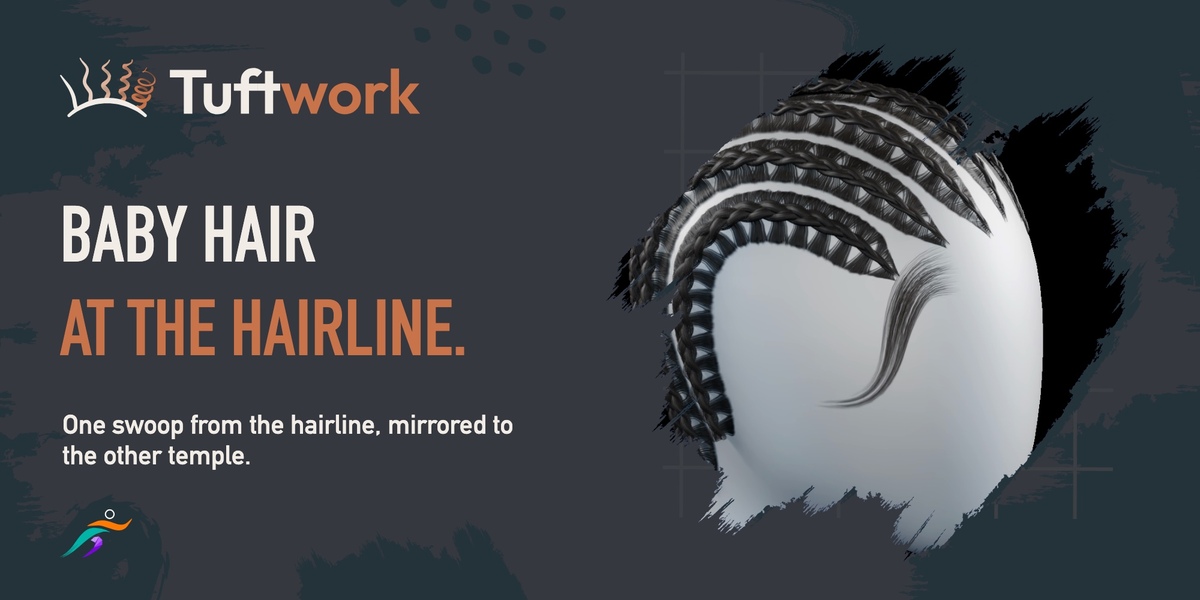
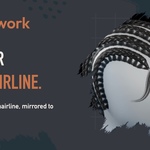
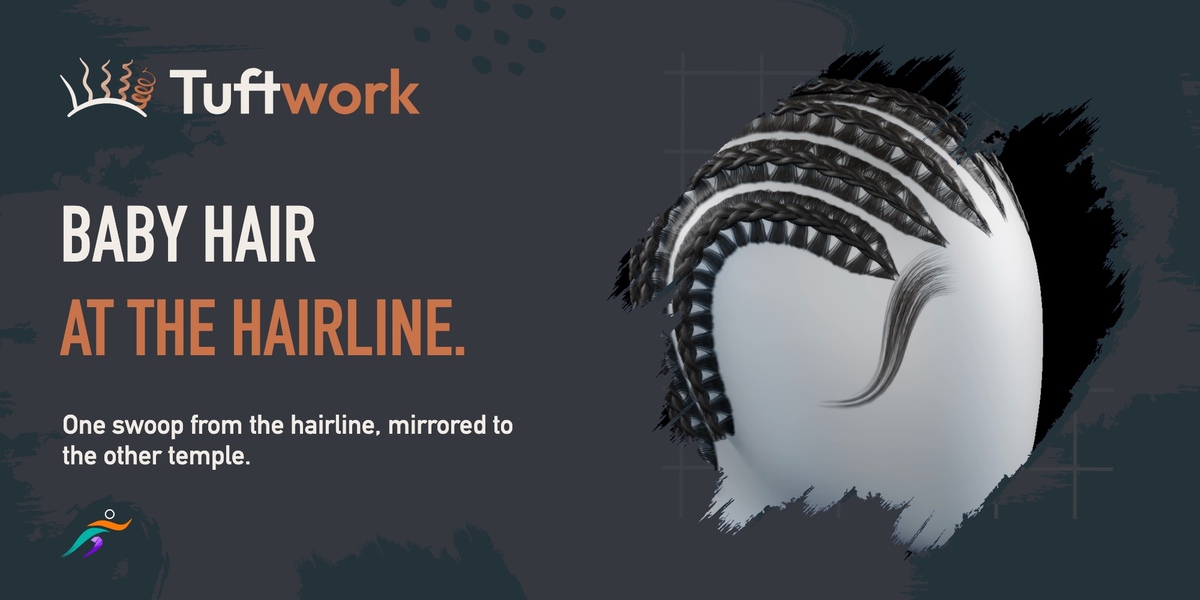
- Baby Hair. One swoop from the hairline, with Edge Width, Tip Taper, Swoop Curl, Lie Flat and Fullness down to a single card.
- Hairline. Draw where hair may grow, or keep the head's own.
Braids
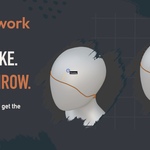
- Cornrows. A three-strand weave along the scalp with a parted section on each side and an optional hanging tail.
- Box Braids. Four-sided parted boxes placed one at a time, or Fill Box Braids to lay out a grid along your stroke.
- Clean parts. Neighbouring rows share one part line, a row meeting another squares off into a T-junction, and Parting widens the bare scalp.
- Edit handles. Move the row path, widen each side and pose the tail right in the viewport. Symmetry mirrors either kind.
- Beads and accessories. Thread beads or your own mesh onto a tail or box braid, slide them along it, and pinch the braid inside each bead with Braid Squeeze. Accessories export with the hairstyle.
- Comb and Gravity on braids. Groom hanging braids on the GPU while the scalp end stays planted.
Fades and stubble
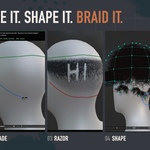
- Draw the top line and the skin edge for a fade that blends to stubble.
- Transition, length and density on graphs instead of number fields.
- Razor designs, or a Stubble cap.
Afros
- Cage handles on the head, then Enter bakes curl maps and builds fitted cards.
- Round or High Top, with curl, density and detail on graphs.
- Paint coverage to thin or restore hair.
Facial hair and long hair
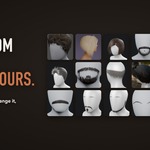
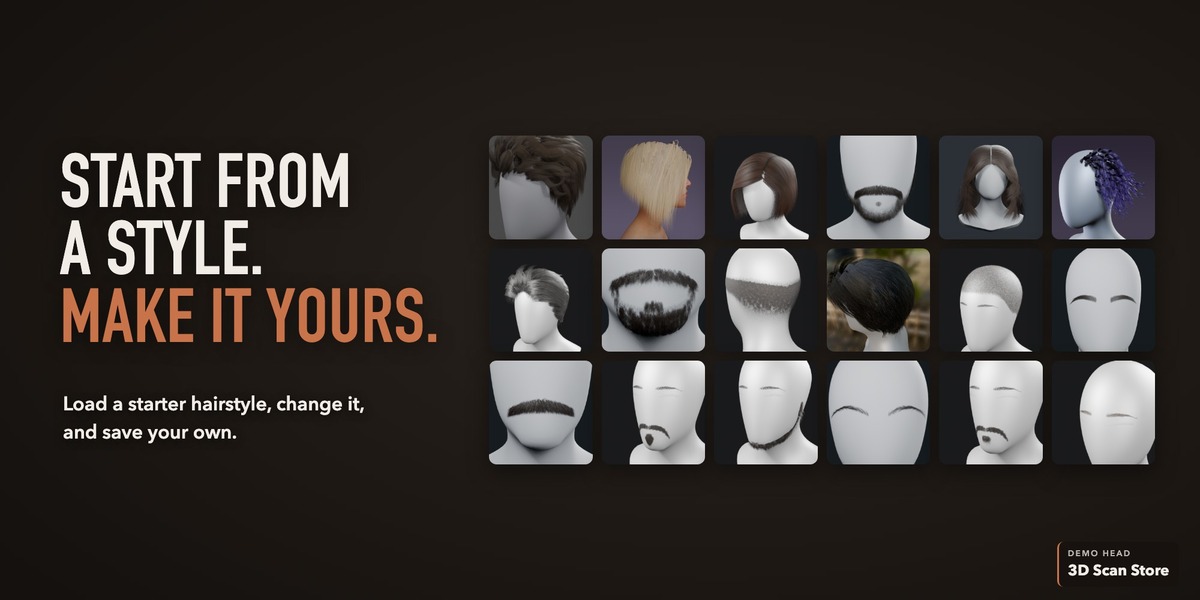
- Beards, moustaches, brows and lashes as combable cards, with the skin under them baked at the end.
- Symmetry. Draw one side, the other follows.
- Ponytails, pigtails and buns gathered at a tie.
Comb, look and light
- Comb, Gravity and Part on your cards.
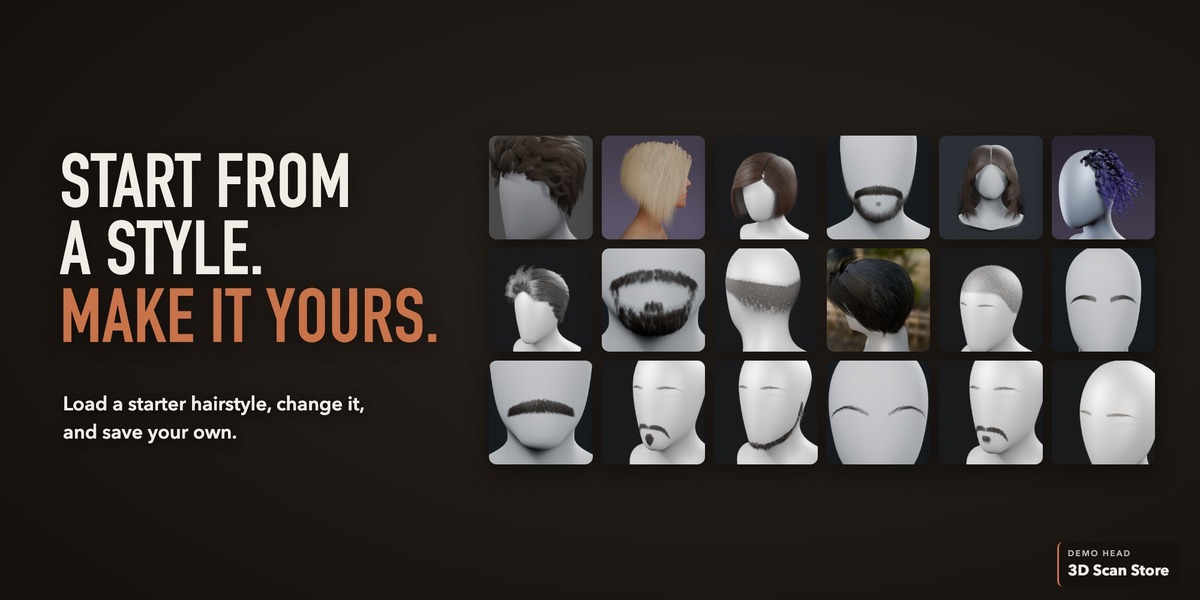
- Hair Look. Starter looks, colour and the hair atlas.
- Render Previz. EEVEE Beauty lighting and HDRIs.
Take it to your game
- Export Hairstyle writes FBX, GLB or both, with a textures folder of named colour, opacity and normal maps.
- Push to Godot. Send the hair alone, or a neutral Studio review scene, straight into your Godot project.
- Triangle counts. The viewport corner shows Selected Hair, Total Hair and Accessories triangles, without counting the head mesh.
- No Unreal or Unity adapter yet. FBX and GLB are standard formats.
Honest boundaries (beta)
- Save often. Undo and Redo across every tool, and save and reopen, are still being checked in live testing.
- No rigging, physics or LODs yet.
- The EEVEE preview is close, not final. Your engine sets the final shader and look.
- An Afro must have its curls baked before export. Tuftwork lives in its own workspace, and Alt navigation applies there only.
- Blender 5.2 or newer. Windows and tablet input have had less testing so far.
- No account, networking or usage data. Tuftwork sends nothing anywhere. Licensed under GPL-3.0-or-later.
Help and community
Discord
The free beta, bug reports, ideas and release updates live in the Tuftwork Beta channels.
Built-in guide
Tutorial Mode captions name each tool as you use it. Help > Open Manual opens the offline guide.
Reporting a bug
One bug per post in #bug-reports. Say what you did, what happened, your Blender, OS and Tuftwork versions, and attach your panel_errors.log (its path is in Tuftwork's entry under Edit > Preferences > Add-ons).
Install
Edit > Preferences > Get Extensions, menu at the top right, Install from Disk, pick the ZIP (leave it zipped). Then in the 3D View header, 3D Toolbox > Tuftwork.
Made by Tito Belgrave at Ispyr Games. Demo head 3D Scan Store (3dscanstore.com), used with permission. It is not included with Tuftwork.
