 Wondart
Showing your 3D work on social media should take one minute, not one evening of setting up cameras, lights and render settings.
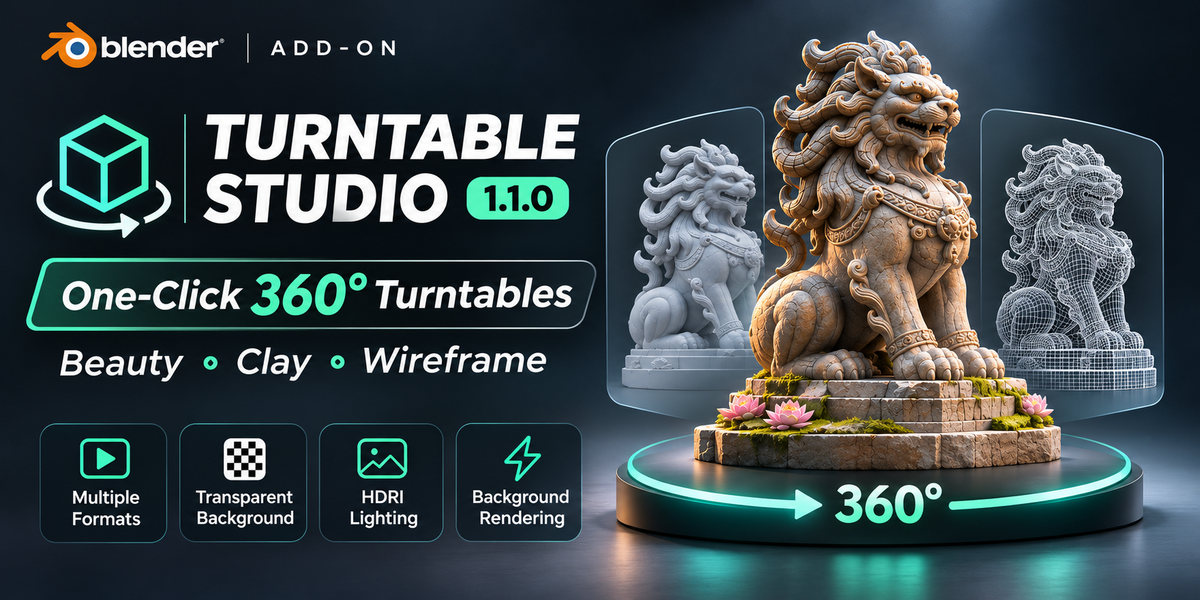
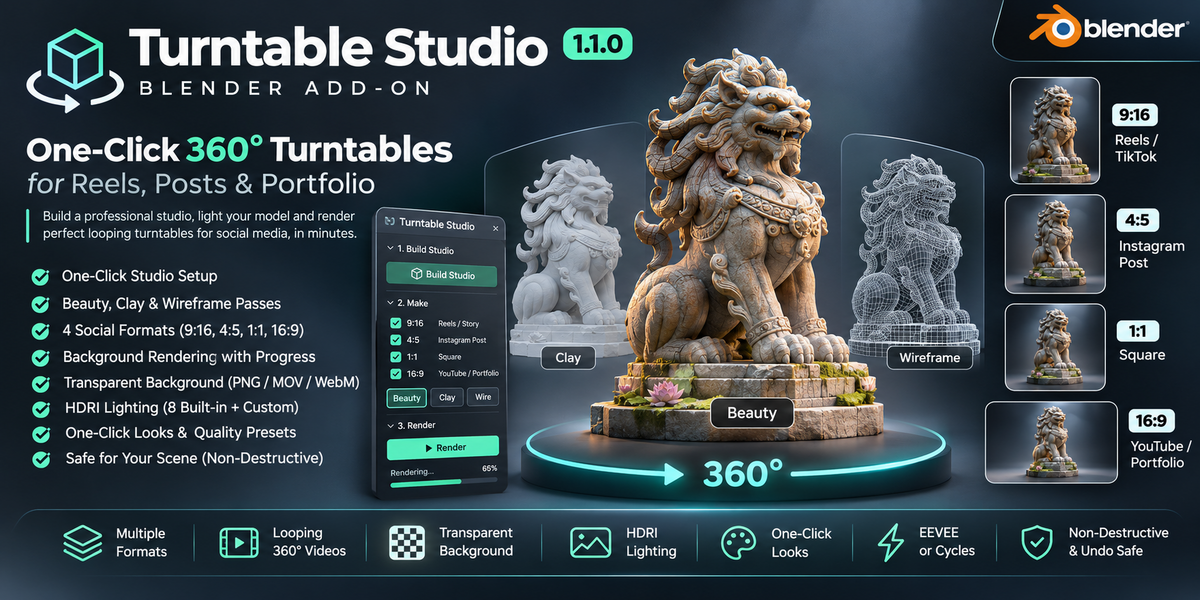
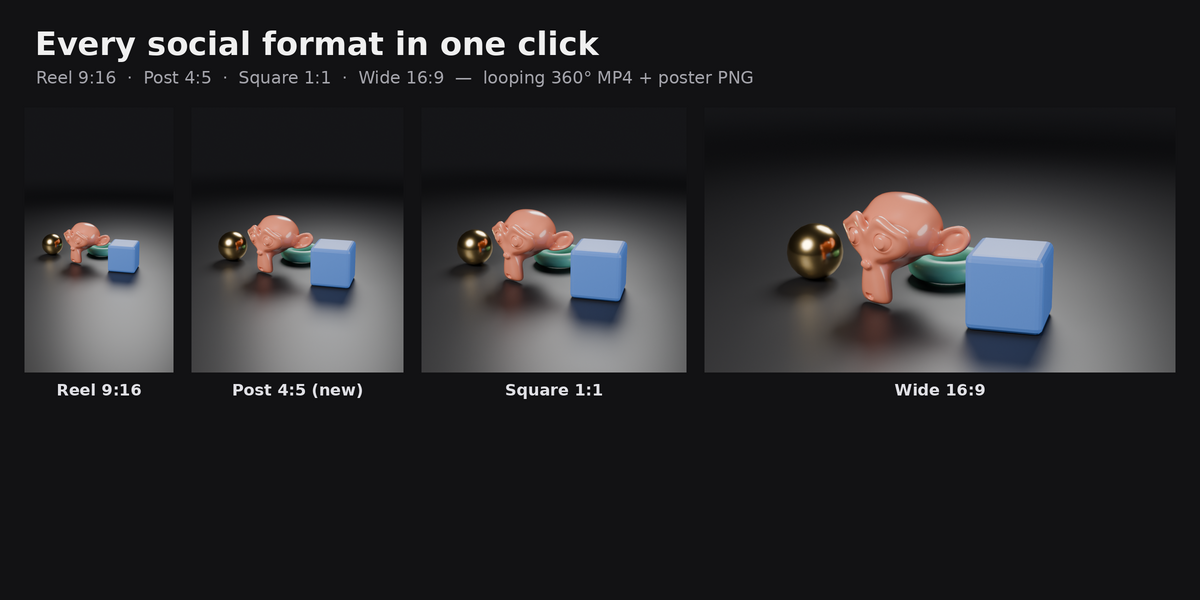
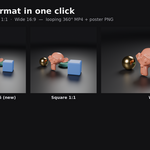
Turntable Studio builds a clean photo studio around your model in one click: a seamless backdrop, professional lighting and a camera that orbits your model and automatically fits it in the frame. Then one more click renders perfectly looping 360° videos and poster images in every format you need: Reels / TikTok / Shorts (9:16), Instagram posts (4:5), square (1:1) and YouTube / portfolio (16:9).
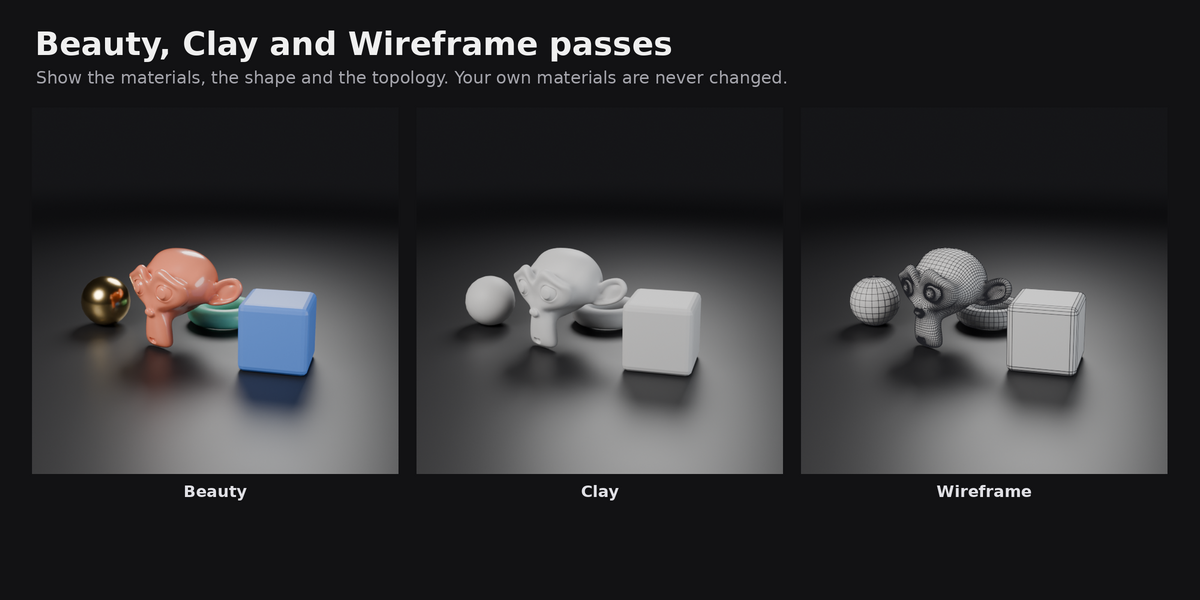
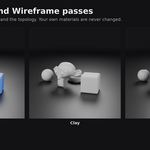
Want to show your topology? Tick Wireframe and Clay and you get the same spin with a clay material and clean mesh lines, which is great for ArtStation and client presentations. Your own materials, objects and settings are never changed: everything Turntable Studio adds lives in its own collection, temporary materials are removed after each render, and Remove Studio gives you back your original world.
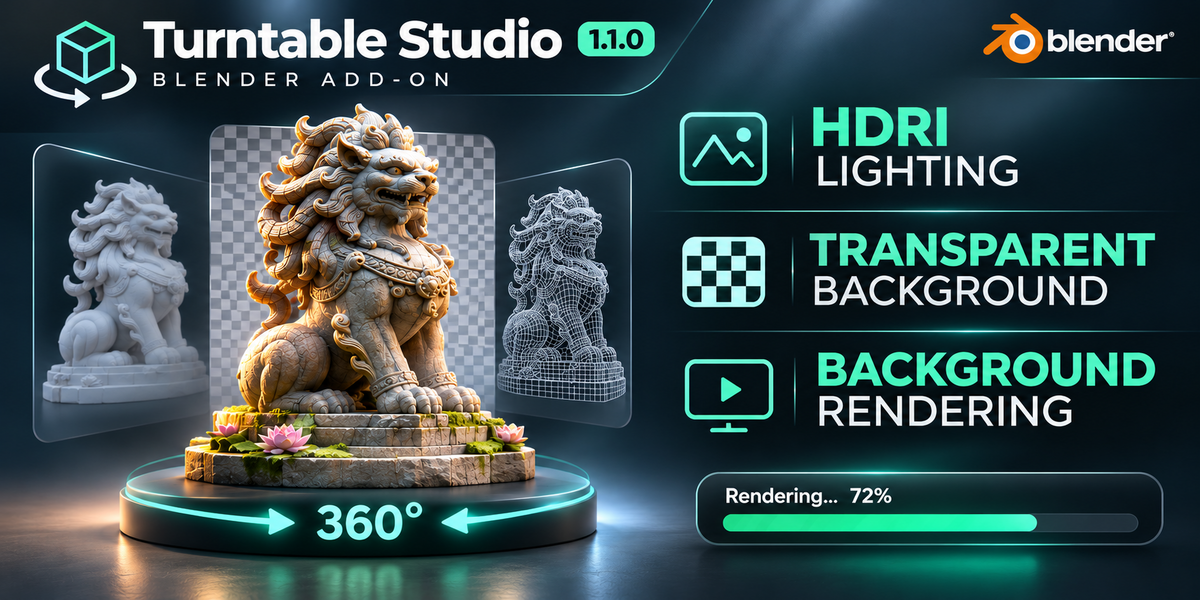
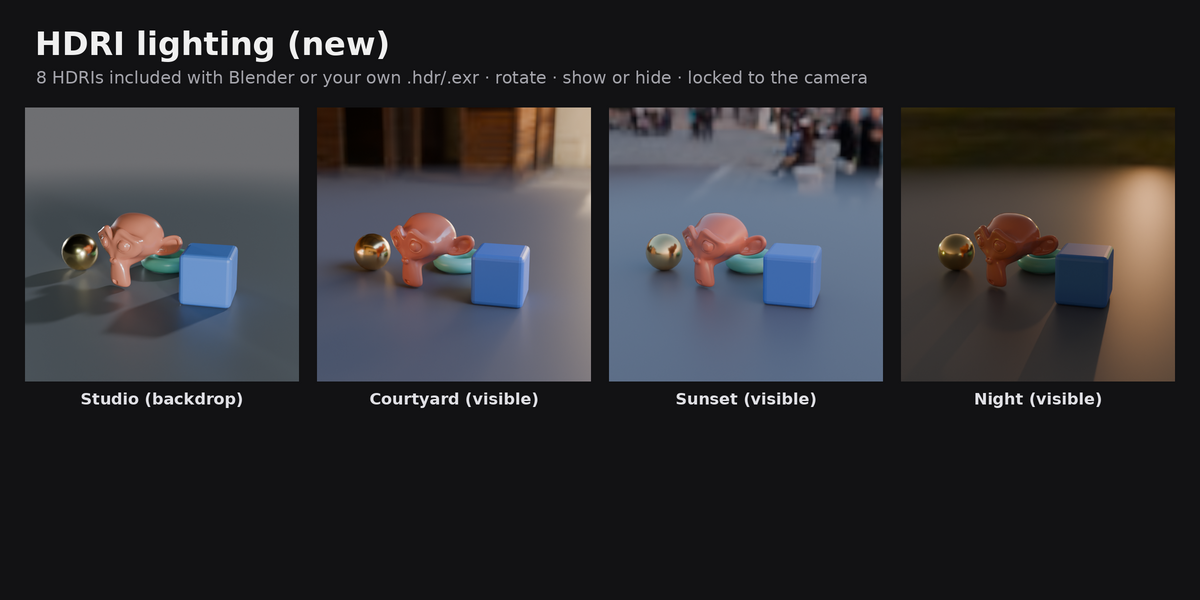
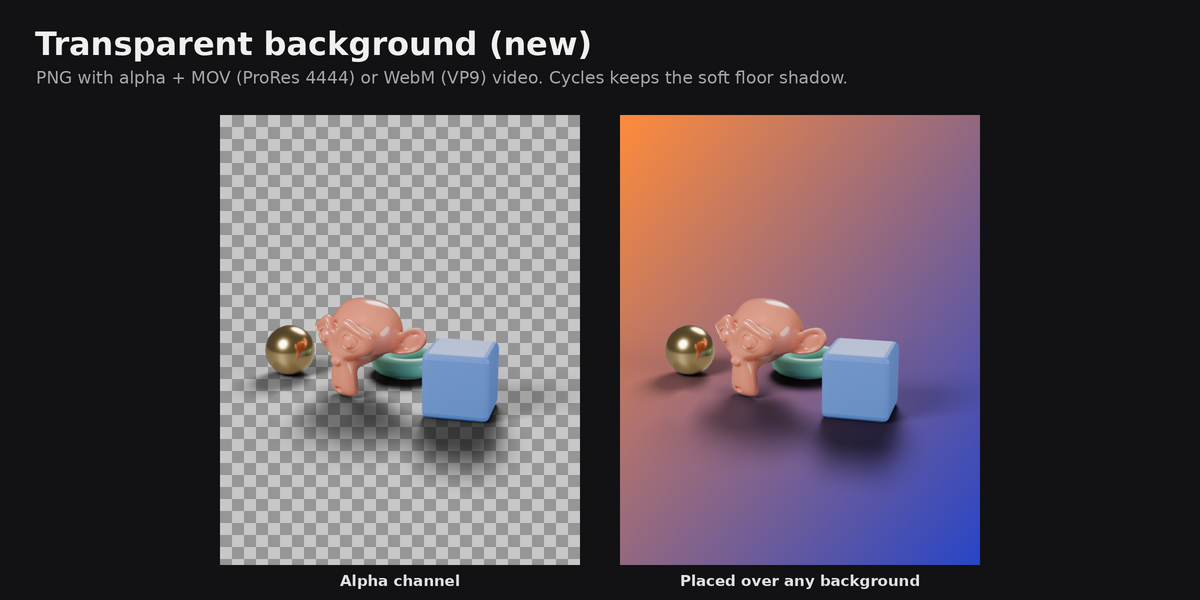
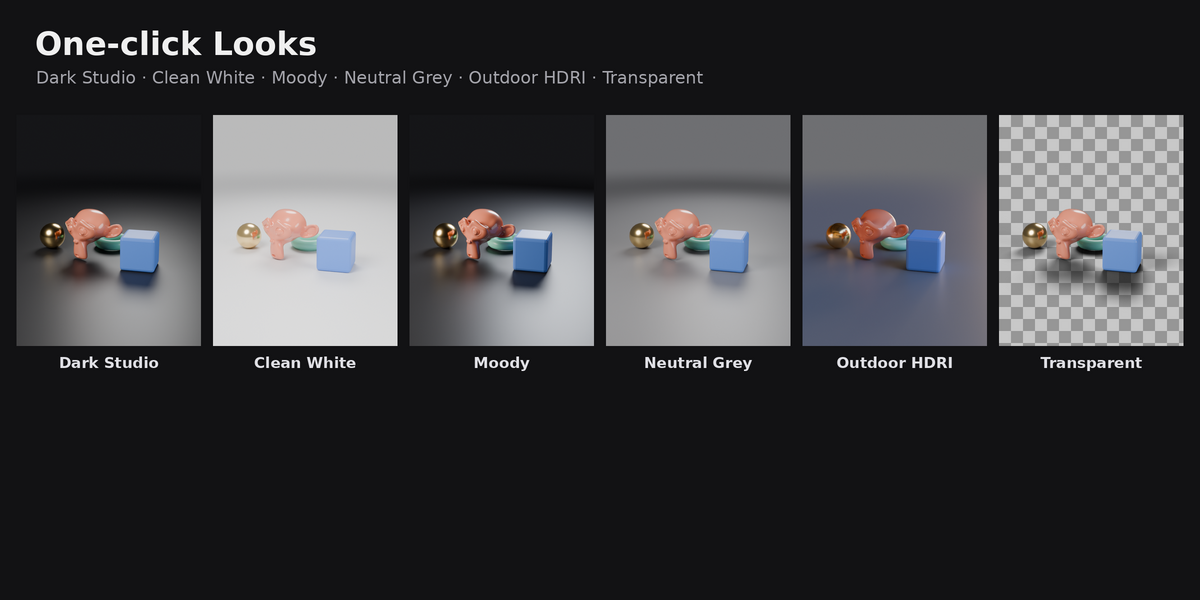
New in 1.1: rendering runs in the background with a progress bar (Blender stays usable), transparent backgrounds (PNG + MOV/WebM video with alpha), Instagram 4:5 format, HDRI lighting with 8 built-in environments or your own HDRI, one-click Looks, and a cleaner panel with simple controls up front and pro settings under Advanced.
Features
- One-click studio: seamless backdrop, floor with soft shadows and reflections, 3-point lighting, auto-framing camera
- 4 social formats in one render: Reel 9:16 (1080x1920), Post 4:5 (1080x1350), Square 1:1 (1080x1080), Wide 16:9 (1920x1080)
- 3 passes: Beauty (your materials), Clay, Wireframe (real mesh edges over clay, quads stay quads)
- Perfect loops: the spin ends exactly where it starts. MP4 (H.264) video plus a poster PNG for every format and pass
- Background rendering with progress bar: keep working while it renders; see which clip is rendering and the time left; Stop or Esc any time
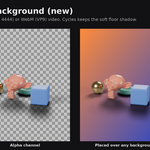
- Transparent background: PNG posters with alpha, MOV (ProRes 4444) for video editors or WebM (VP9) for websites; keeps the floor shadow in Cycles
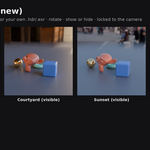
- HDRI lighting: 8 HDRIs included with Blender (Studio, Courtyard, City, Forest, Interior, Sunrise, Sunset, Night) or your own .hdr/.exr; rotation, strength, show as background, lock to camera
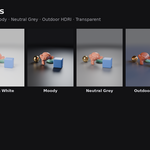
- One-click Looks: Dark Studio, Clean White, Moody, Neutral Grey, Outdoor HDRI, Transparent
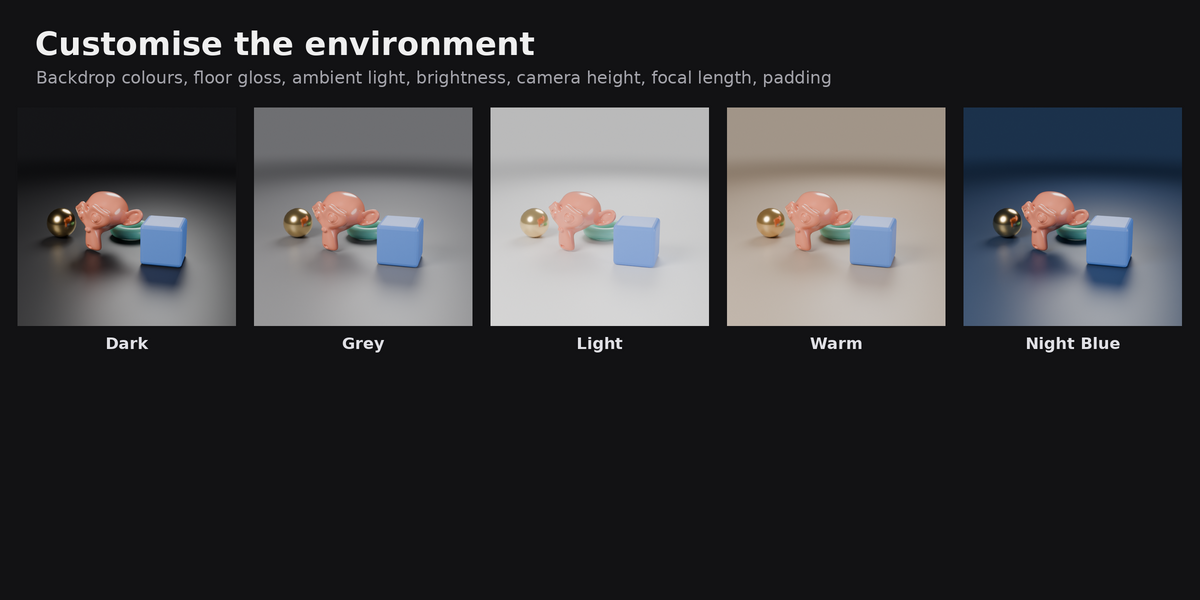
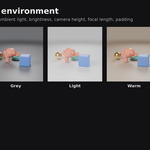
- Customise the environment: backdrop colours (Dark, Grey, Light, Warm, Night Blue, Custom), floor on/off and gloss, ambient light, brightness, camera height, focal length, padding
- Quality presets: Draft, Standard, High, or Custom samples and resolution
- EEVEE or Cycles
- Safe for your scene: never changes your objects, materials or render settings; full Undo support; your world is restored when you remove the studio
- Works with meshes, curves and text objects, and with several objects at once (wireframe pass: meshes)
How to use
- Install: Edit > Preferences > Get Extensions > ⌄ (top right) > Install from Disk… and pick
turntable_studio-1.1.0.zip. - In the 3D Viewport press N and open the Turntable tab.
- Select your model (one or more objects) and click Build Studio.
- Pick a Look (for example Dark Studio, Clean White or Transparent).
- Under Make, choose formats (9:16, 4:5, 1:1, 16:9) and passes (Beauty, Clay, Wire).
- Choose EEVEE (fast) or Cycles (most realistic) and a quality: Draft for a quick test, Standard or High for the final render.
- Click Render. Watch the progress bar, or keep working. Click Open Folder to find your videos and posters (by default in a
turntablefolder next to your .blend file). - Done with the shots? Click Remove to delete the studio and get your original world back.
Optional: the Environment, Camera and Output panels let you change the backdrop colour, lighting or HDRI, camera height, padding, spin length (frames / FPS) and output folder. Pro settings (samples, resolution %, clay and wire colours, floor gloss, ambient, transparent video type, HDRI strength and lock-to-camera) are under Advanced.
FAQ
Does it change my materials or objects?
No. Clay and wireframe materials are applied only while a clip renders and are removed right after, even if you stop the render or something goes wrong. Studio objects live in the TTS_Studio collection. Remove Studio deletes them and restores your previous world. Build and Remove can be undone with Ctrl+Z.
Can I keep working while it renders? Yes. Rendering runs in the background with a progress bar and time estimate in the Turntable panel. The interface is locked against edits while a frame renders (Blender's safe "Lock Interface"), but you can look around, check other apps, or press Stop.
Why is my transparent video a .mov or .webm and not .mp4? MP4 (H.264) can't store transparency. MOV (ProRes 4444) works in Premiere Pro, DaVinci Resolve, Final Cut and CapCut desktop. WebM (VP9) is small and works in web browsers. Instagram and TikTok don't support transparent videos, so for posting directly use a normal background.
Which format should I use for Instagram? Reels and Stories: 9:16. Feed posts: 4:5 (it takes the most space in the feed) or 1:1.
Where do the HDRIs come from? The 8 built-in HDRIs are the ones that ship with Blender (CC0). You can also use any .hdr or .exr file.
My model is cut off / too small. The camera fits the model at every angle of the spin automatically. Use Padding (Camera panel) to make it bigger or smaller in the frame. If you moved or scaled the model after building, click Rebuild.
EEVEE or Cycles? EEVEE is much faster and looks great for most turntables. Cycles gives the most realistic light and is needed to keep the floor shadow in transparent renders.
Does it work from the command line?
Yes: bpy.ops.tts.render() renders all selected formats and passes as a normal blocking render.
Compatibility
- Blender 4.2 LTS, 4.3, 4.4, 4.5 LTS, 5.0, 5.1, 5.2
- Windows, macOS, Linux
- EEVEE and Cycles
- Tested automatically on Blender 4.5.4 and 5.2.3 with both EEVEE and Cycles (installed from the release zip)
