Turntable Studio – One-Click 360° Turntables for Reels, Posts & Portfolio
 Wondart
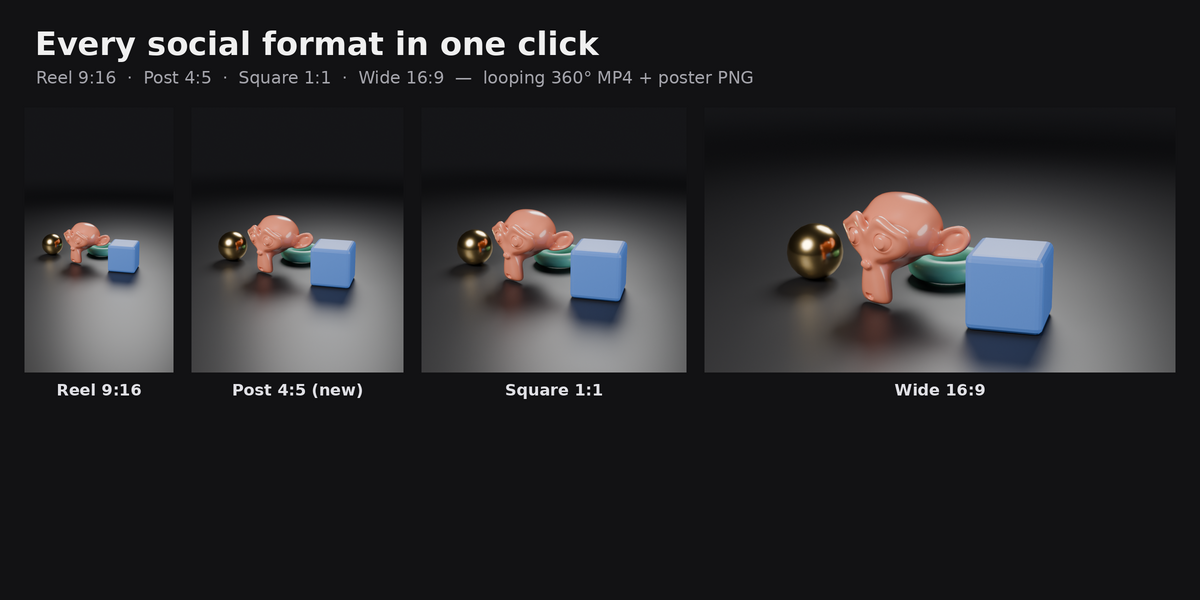
Does it work from the command line?
Yes: bpy.ops.tts.render() renders all selected formats and passes as a normal blocking render.
EEVEE or Cycles?
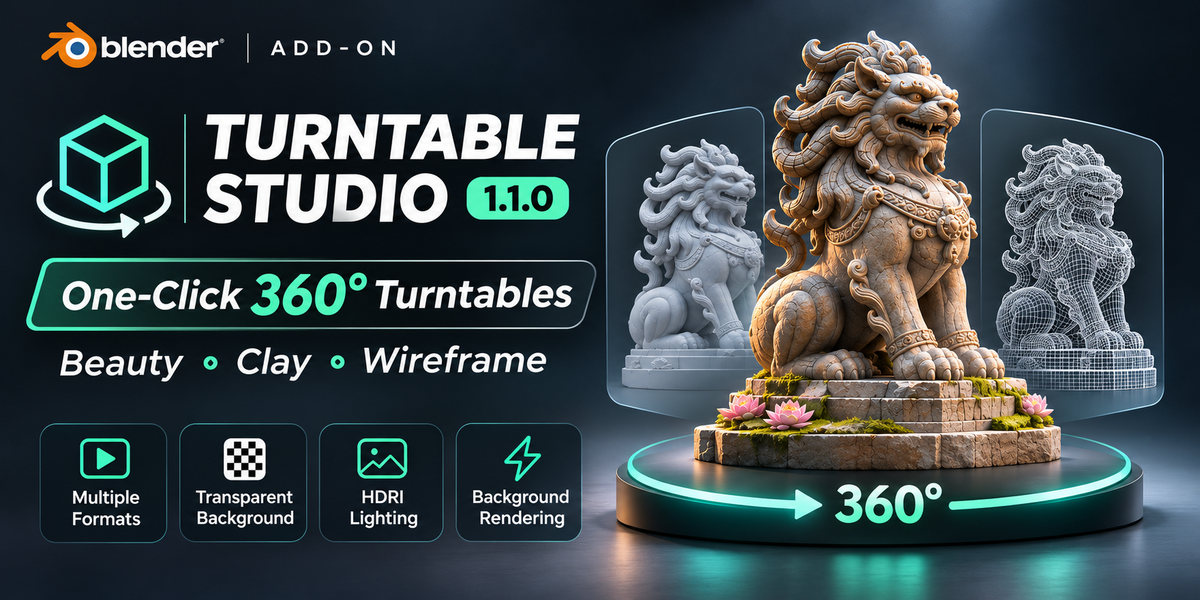
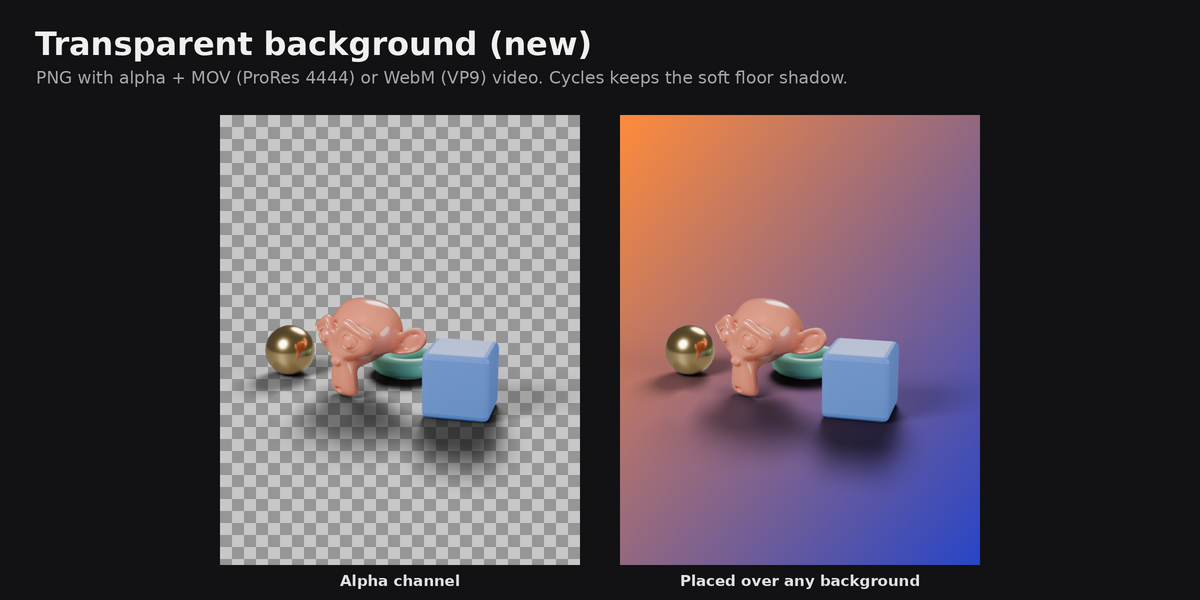
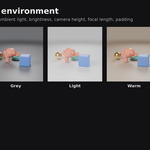
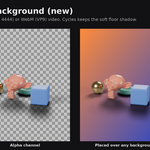
EEVEE is much faster and looks great for most turntables. Cycles gives the most realistic light and is needed to keep the floor shadow in transparent renders.
My model is cut off / too small.
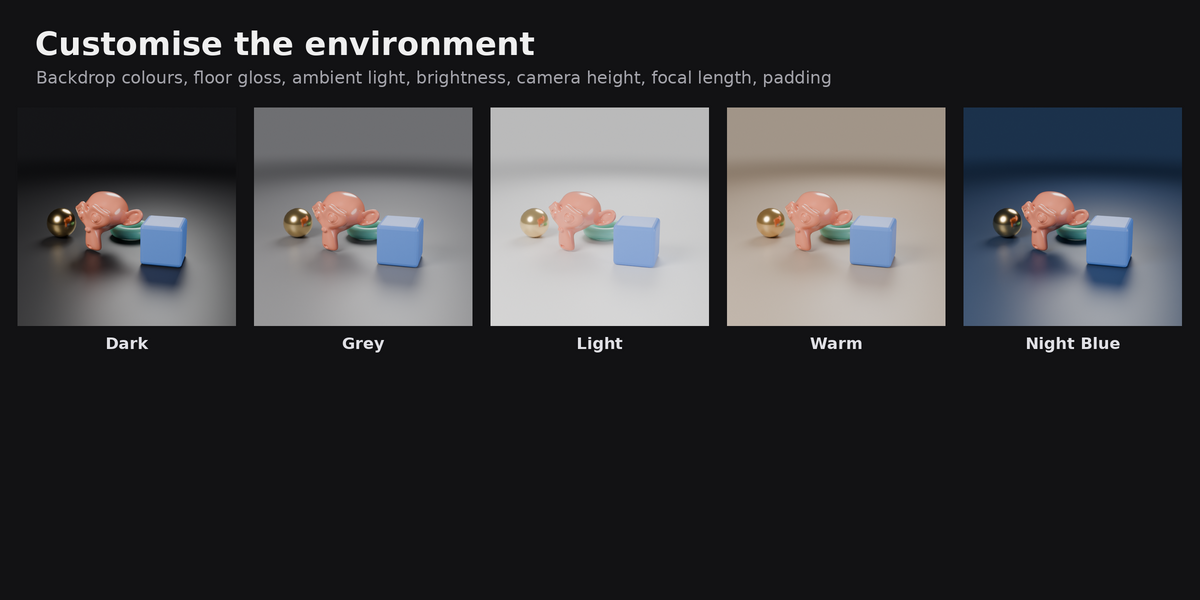
The camera fits the model at every angle of the spin automatically. Use Padding (Camera panel) to make it bigger or smaller in the frame. If you moved or scaled the model after building, click Rebuild.
Where do the HDRIs come from?
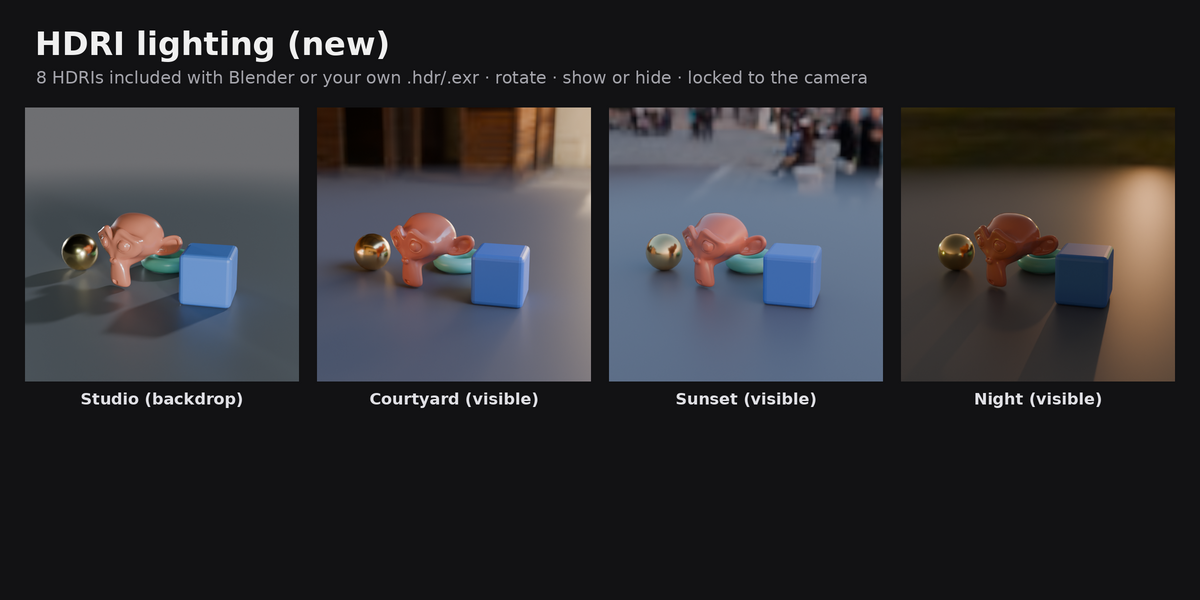
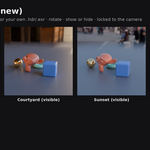
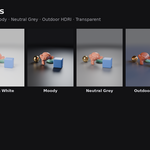
The 8 built-in HDRIs are the ones that ship with Blender (CC0). You can also use any .hdr or .exr file.
Which format should I use for Instagram?
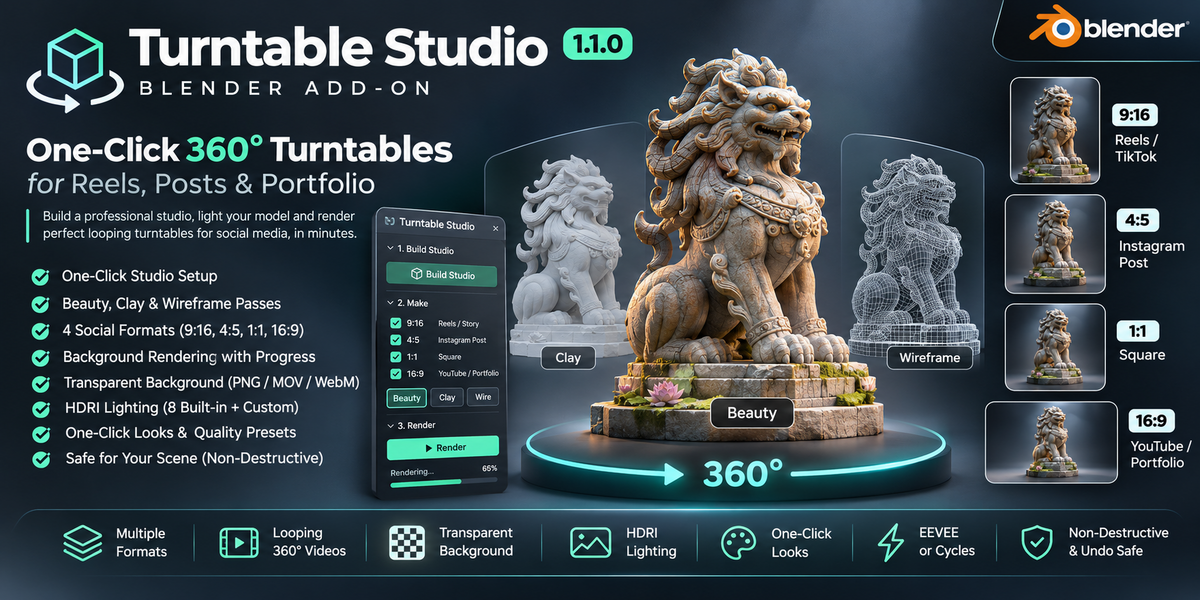
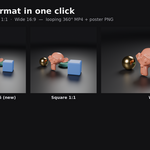
Reels and Stories: 9:16. Feed posts: 4:5 (it takes the most space in the feed) or 1:1.
Why is my transparent video a .mov or .webm and not .mp4?
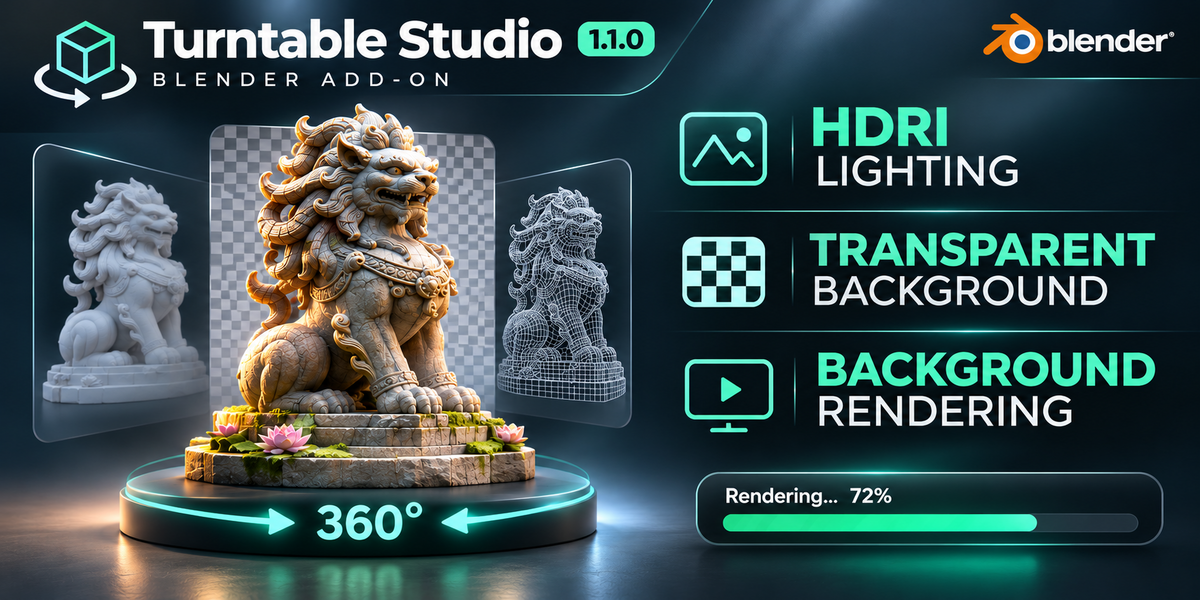
MP4 (H.264) can't store transparency. MOV (ProRes 4444) works in Premiere Pro, DaVinci Resolve, Final Cut and CapCut desktop. WebM (VP9) is small and works in web browsers. Instagram and TikTok don't support transparent videos, so for posting directly use a normal background.
Can I keep working while it renders?
Yes. Rendering runs in the background with a progress bar and time estimate in the Turntable panel. The interface is locked against edits while a frame renders (Blender's safe "Lock Interface"), but you can look around, check other apps, or press Stop.
Does it change my materials or objects?
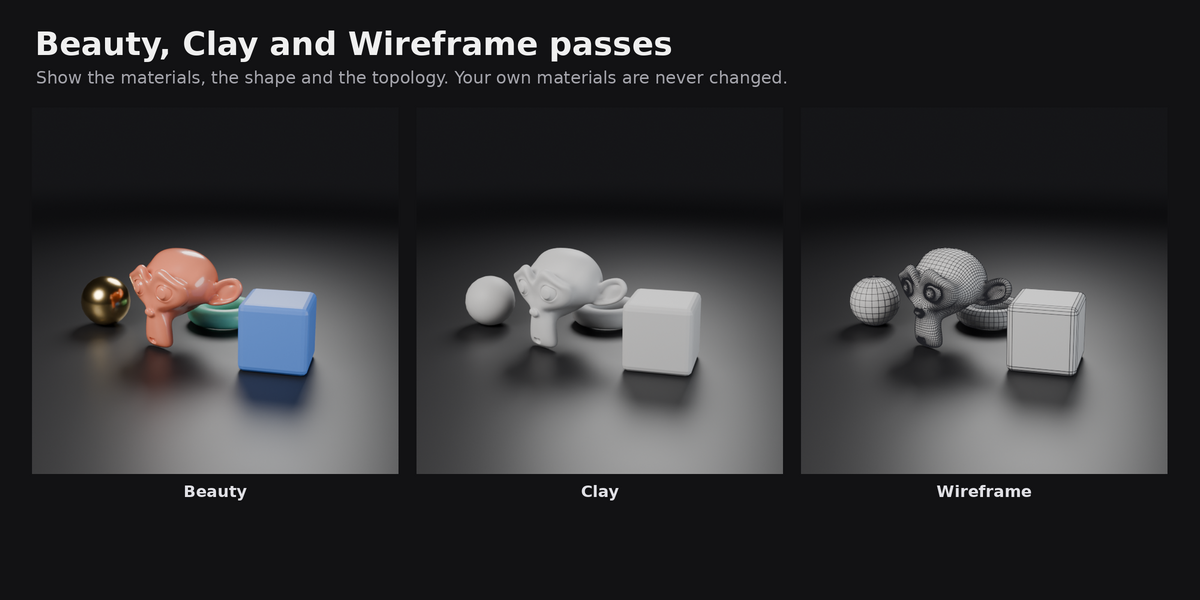
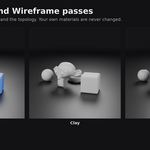
No. Clay and wireframe materials are applied only while a clip renders and are removed right after, even if you stop the render or something goes wrong. Studio objects live in the TTS_Studio collection. Remove Studio deletes them and restores your previous world. Build and Remove can be undone with Ctrl+Z.
 Included
Includes 12 months of
- Support from Wondart
- Product updates
Extend this product’s Support Period +12 months: 25% of product price
Have questions before purchasing?
Login to message
| Blender Extension Compatible | Yes |
| Dev Fund Contributor | |
| Published | about 2 hours ago |
| Blender Version | 4.2 - 5.3 |
| Extension Type | Add-on |
| Render Engine Used | Cycles, Eevee |
| License | GPL |