 Ronin
Ronin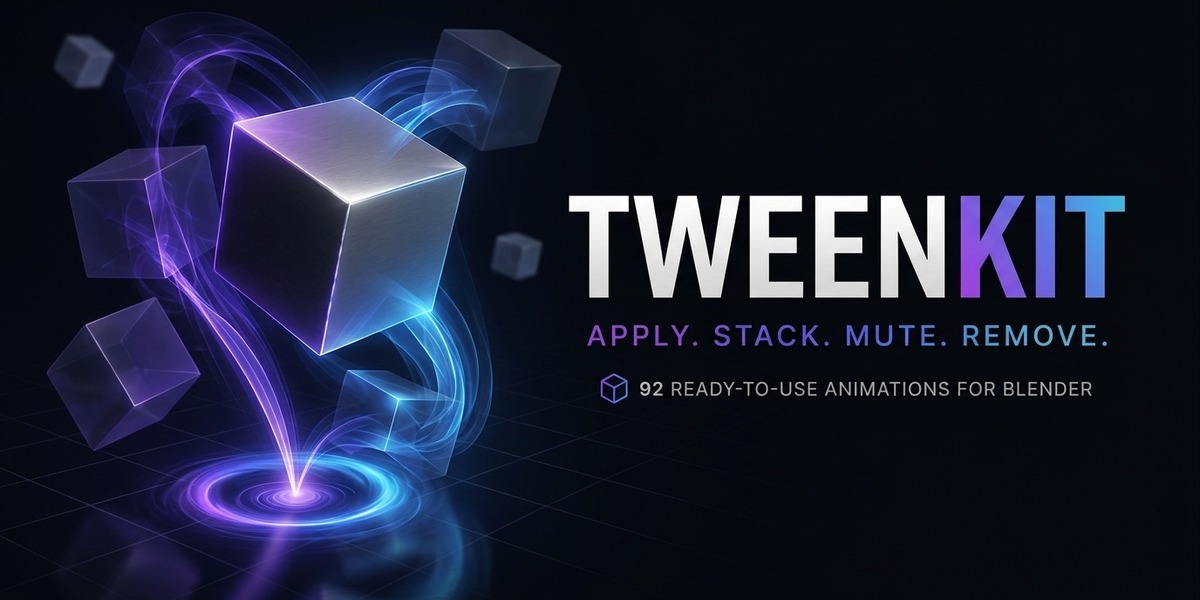
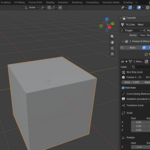
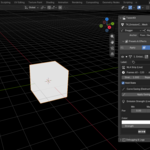
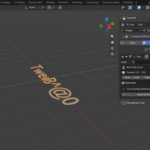
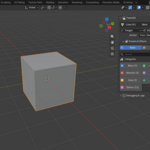
⚡ TweenKit — Getting Started
Welcome to TweenKit!
TweenKit is a non-destructive animation library for Blender, featuring 92 ready-to-use animation presets.
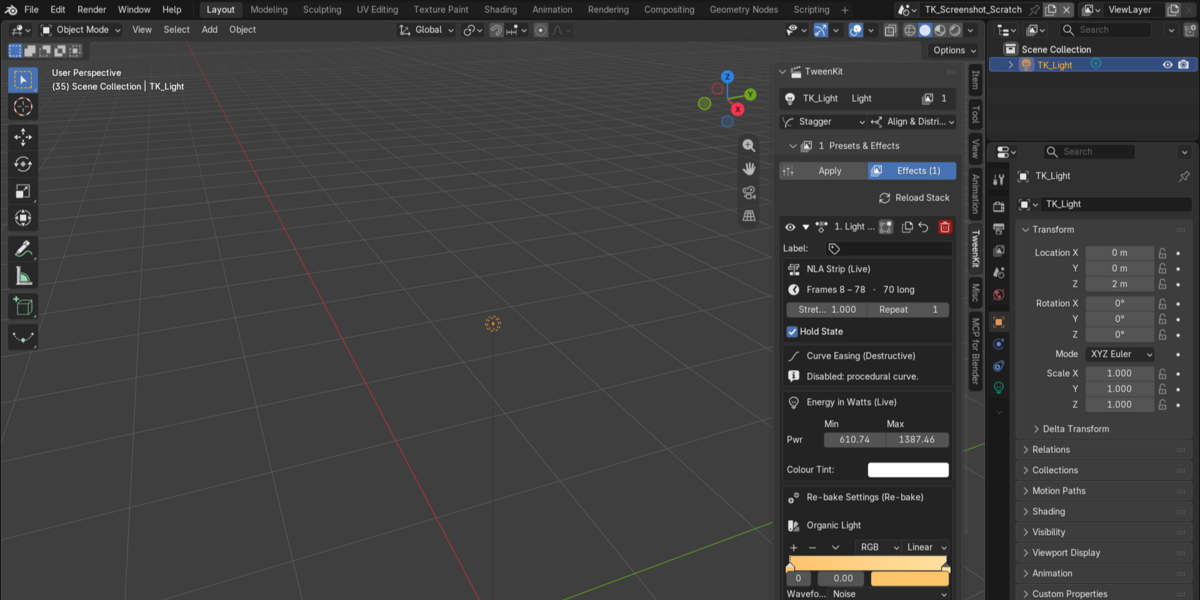
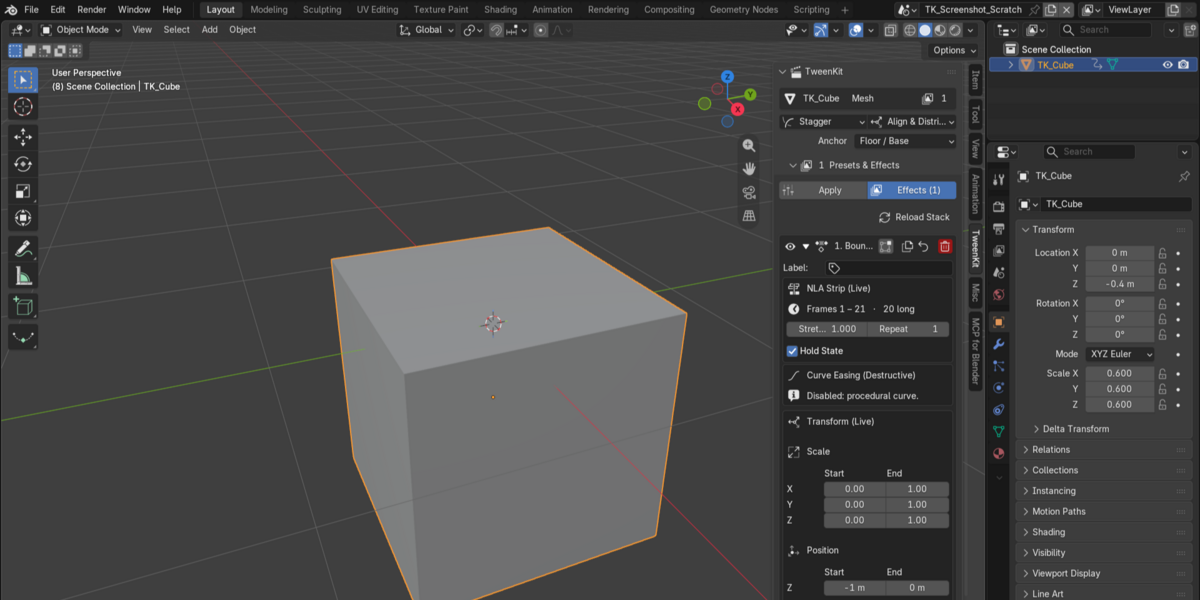
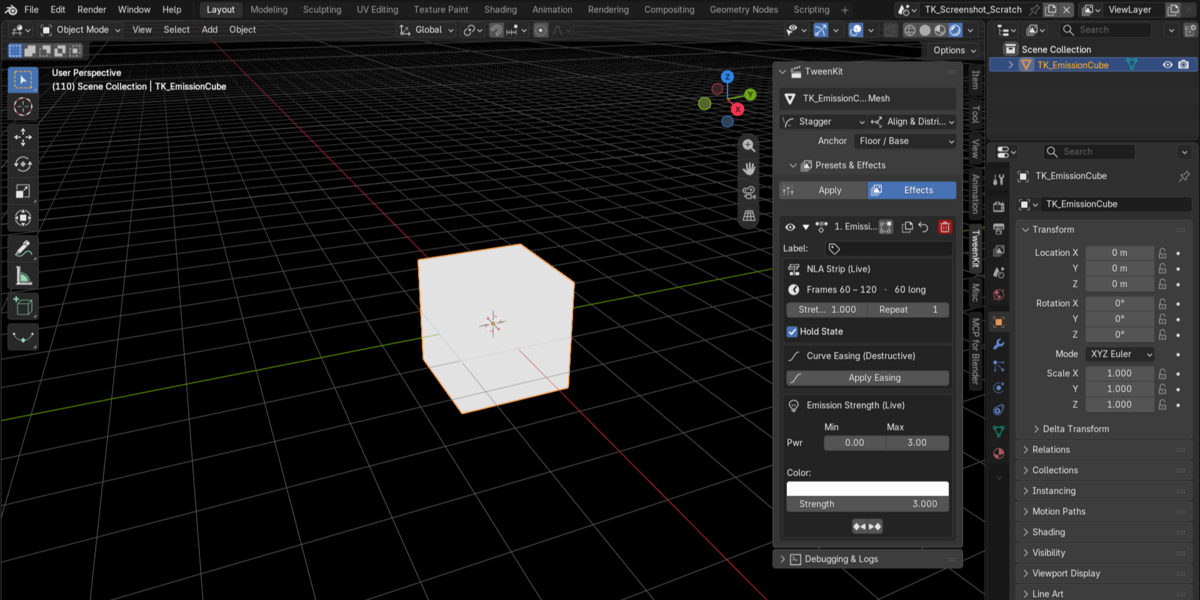
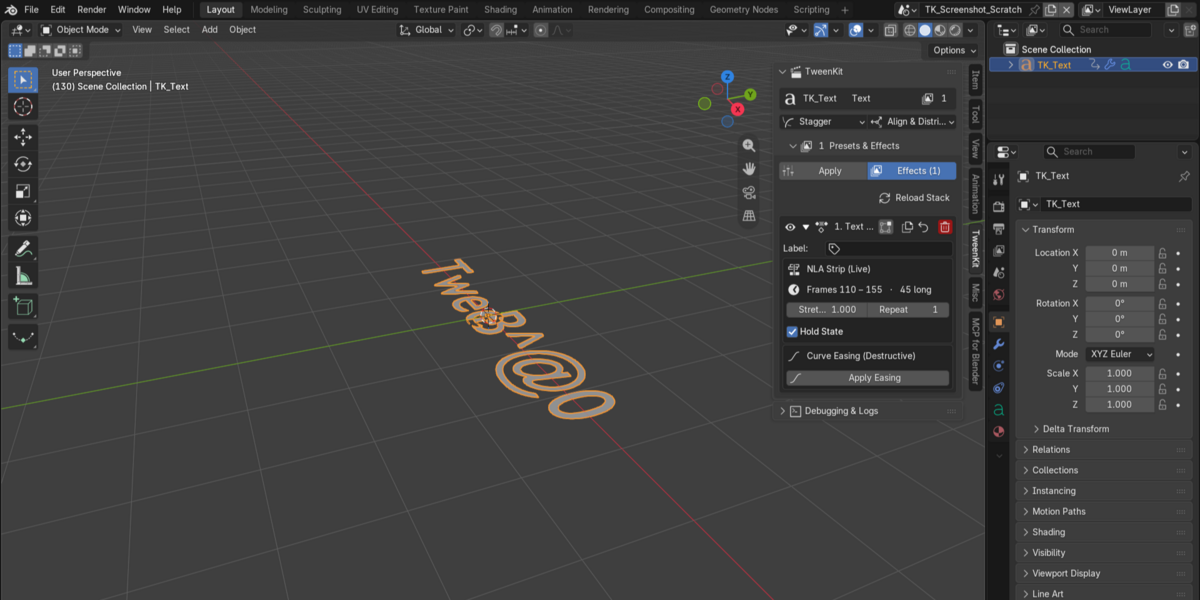
Every effect is placed on its own NLA track, allowing you to stack, mute, and remove animations without affecting the animation you already have.
Apply. Stack. Mute. Remove.
Requires Blender 4.4.0 or newer. Verified on Blender 5.2.
📦 What You Downloaded
The TweenKit_v2.0.0_Release.zip package contains:
TweenKit_v2.0.0.zip→ The TweenKit add-on. This is the file you install in Blender.TweenKit_Docs_v2.0.0.zip→ The complete documentation. Unzip it and open index.html.READ ME FIRST.txt→ This guide.🚀 Installation
Installing TweenKit only takes a few seconds.
1. Extract the release package
Unzip:
TweenKit_v2.0.0_Release.zip
2. Keep the add-on ZIP intact
Do not unzip TweenKit_v2.0.0.zip.
Blender needs the add-on ZIP file itself.
3. Install the add-on
In Blender, go to:
Edit → Preferences → Add-ons → Install from Disk…
Select:
TweenKit_v2.0.0.zip
4. Enable TweenKit
After installation, tick the checkbox next to TweenKit.
⚠️ Installing the add-on is not the same as enabling it.
TweenKit will not appear in Blender until the checkbox is enabled.
5. Open TweenKit
In the 3D Viewport, press:
N → TweenKit
You can also use:
Ctrl + Shift + A
to open the TweenKit pie menu.
🎬 Your First Animation
Let's get your first effect running.
- Select an object.
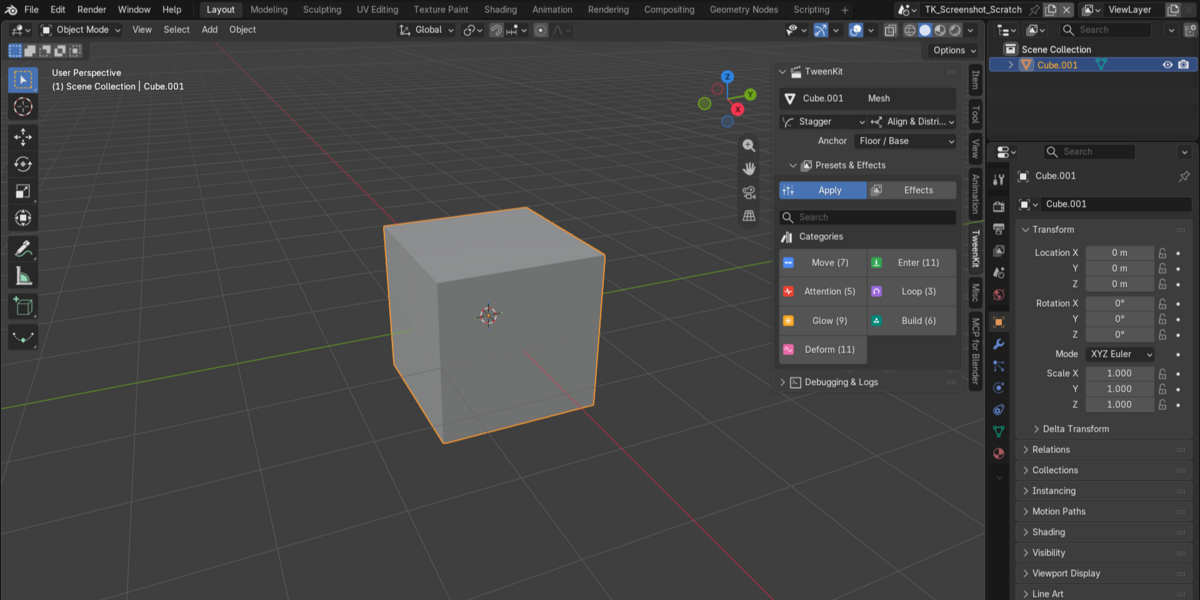
- Open the TweenKit panel.
- Choose an animation preset.
- Click the preset.
That's it.
TweenKit places the effect on its own NLA track, keeping your existing animation untouched.
From there, you can:
➕ Stack
Combine multiple effects on the same object.
🔇 Mute
Temporarily disable an individual effect.
❌ Remove
Remove an effect completely without destroying your original animation.
Your animation stays yours. TweenKit effects remain independent.
🛡️ Security & Transparency
We believe you should know exactly what you're installing.
TweenKit is written in readable Python and does not contain native binaries or bytecode.
TweenKit does not:
- 🌐 Open network connections
- 🚀 Launch external programs
- 🧩 Execute generated code
- 💻 Install software outside Blender
- 📡 Send telemetry or data over the network
These aren't simply promises — the corresponding capabilities are absent from the source code.
You can also inspect the security checks included with the release:
python ADMIN/qa/s7_capacidades.py TweenKit only writes to your Blender scene, Blender's own add-on configuration and shortcut data, and — if you explicitly enable logging — a single log file next to your .blend file.
Nothing else, nowhere else.
For complete technical details, see the License & Security section of the documentation.
📚 Documentation
For the complete TweenKit guide, unzip:
TweenKit_Docs_v2.0.0.zip
Then open:
index.html
The documentation covers:
- Installation
- Getting started
- Animation presets
- NLA workflow
- Stacking effects
- Muting and removing effects
- Troubleshooting
- Security & license information
📬 Support
Need help? Found a bug? Have an idea for a new preset?
We'd love to hear from you.
Ronin Team
📧 [email protected]
When reporting an issue, please include:
- Your TweenKit version
- Your Blender version
- Your operating system
- A short description of the problem
- Steps to reproduce it, if possible
This information helps us identify and resolve issues faster.
⚡ Enjoy TweenKit
Apply. Stack. Mute. Remove.
Your animation. Your control.
— Ronin Team
Have questions about this product?
Login to message
| Published | 2 days ago |
| Blender Version | 4.2 - 5.2 |
| Extension Type | N/A |
| Render Engine Used | Blender-Internal, Blender-Game-Engine, Cycles, Eevee |
| License | GPL |
Discover more products like this
blender 2026-add-ons-for-blender animation3d 2026addon addon blender 3DMotionGraphics 3D animation tool