Two Point Align
 Tomas Krajcovic
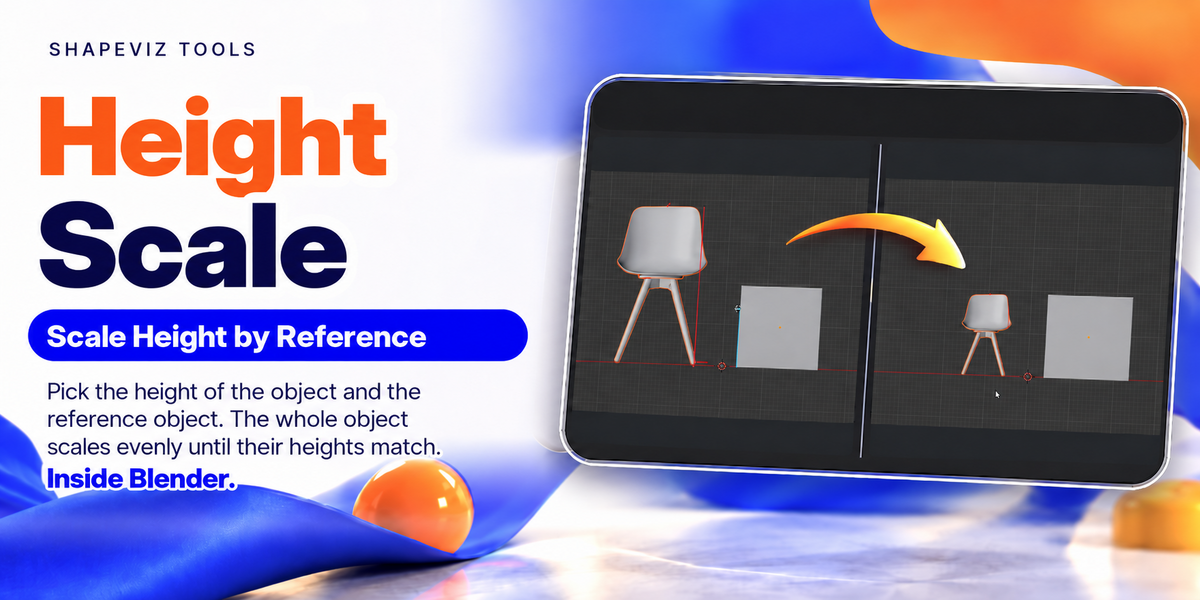
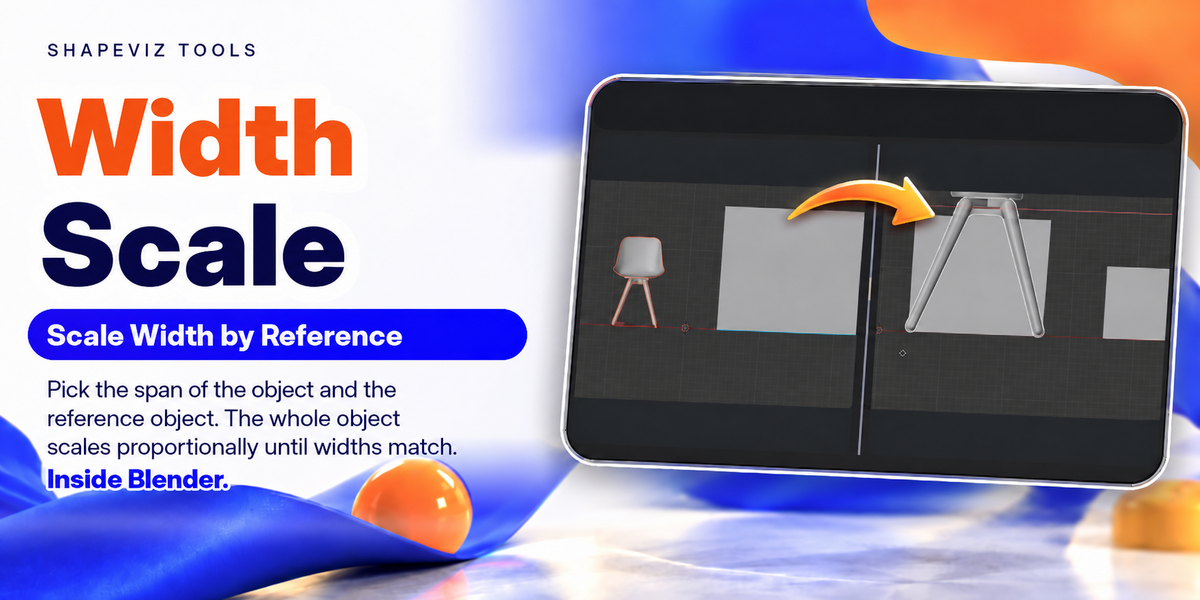



Installation: Go to Edit → Preferences → Add-ons → Install from Disk. Select the downloaded ZIP without extracting it, then enable Two-point Allign.
Settings: Expand the add-on’s preferences to choose between the N panel and Pie Menu. You can also customize the shortcut—default: Y.
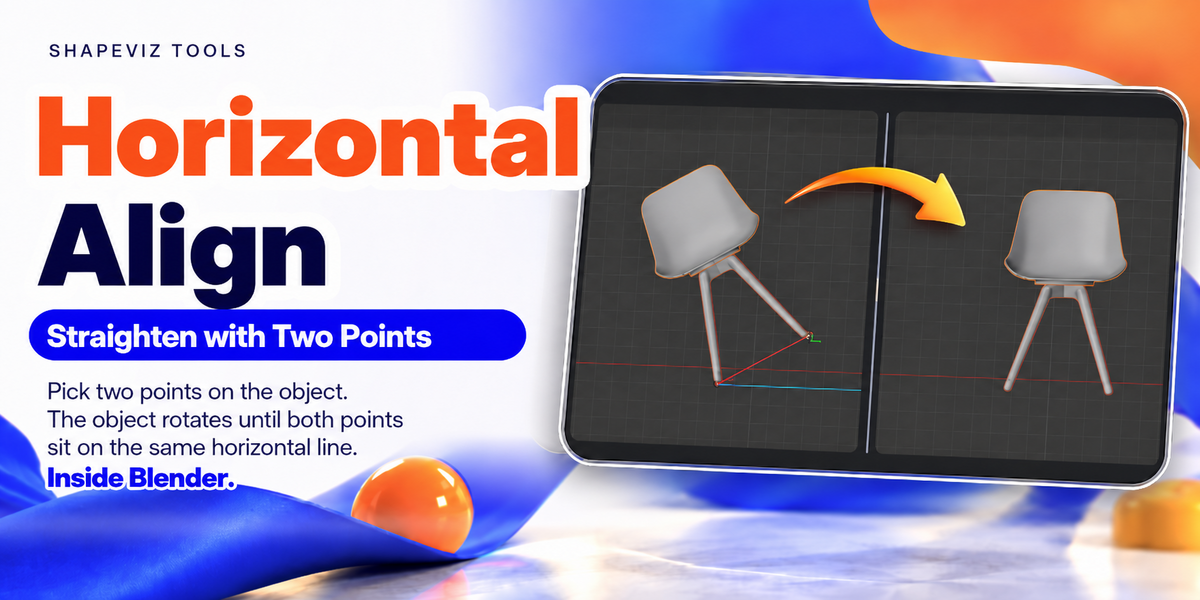
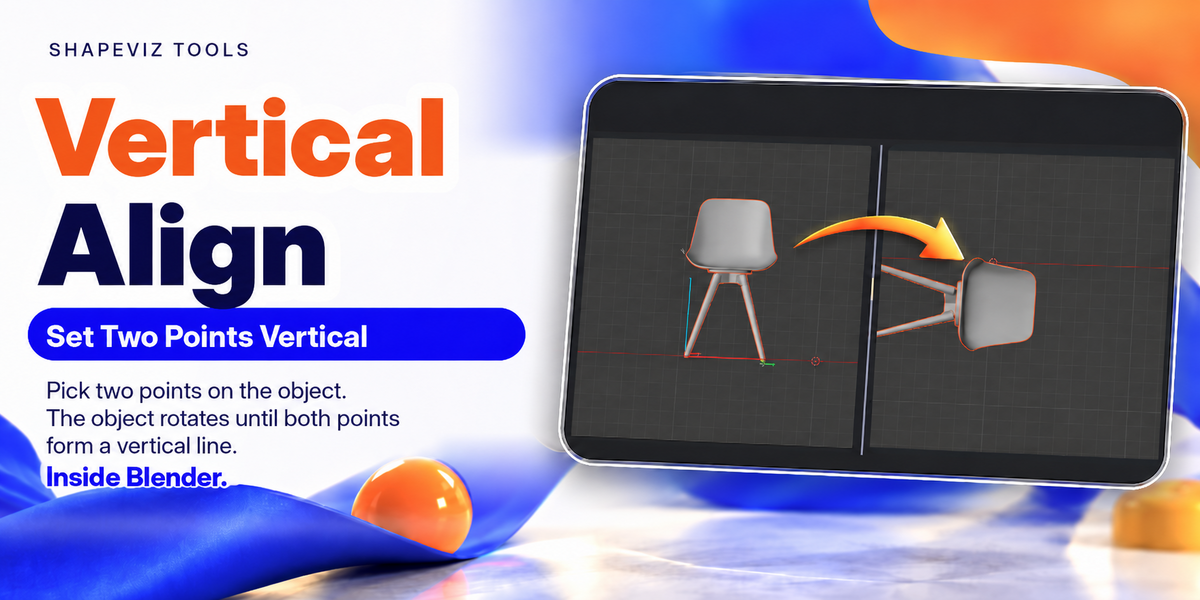
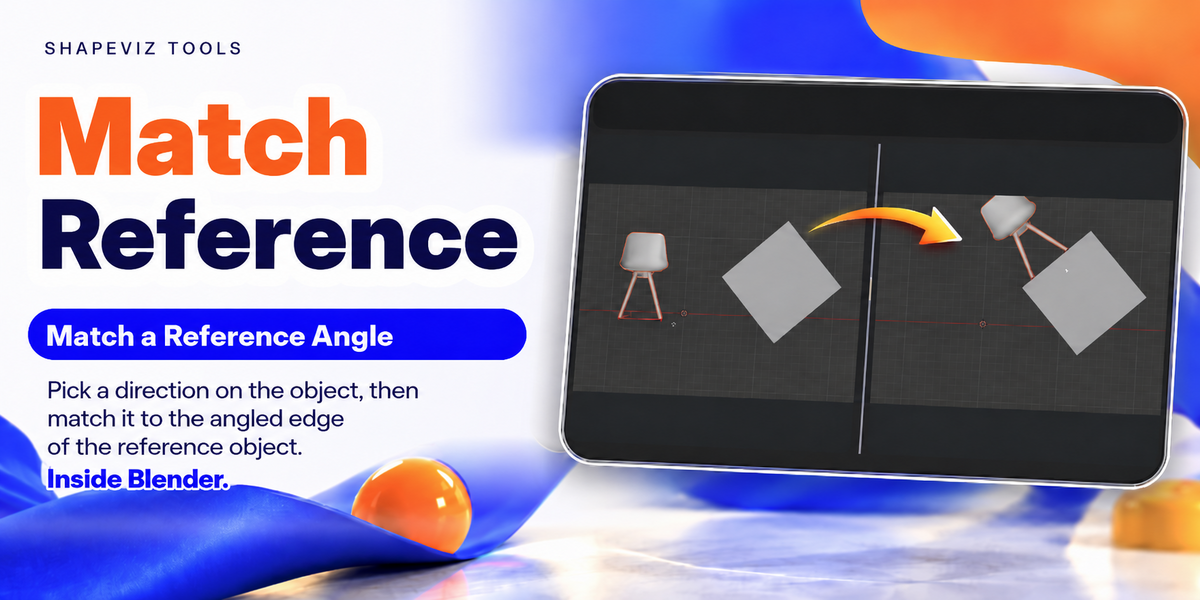
Usage: Select your object or group in Object Mode and switch to an orthographic view. Choose Rotate or Scale, then pick the source and reference vertices as prompted. The final click applies automatically.
For the pie menu, hold the shortcut, move toward a function, and release. Press Esc to cancel or Ctrl+Z to undo.
Have questions about this product?
Login to message
| Published | about 4 hours ago |
| Blender Version | 5.0 - 5.2 |
| Extension Type | N/A |
| Render Engine Used | Arnold, Blender-Internal, Blender-Game-Engine, Cycles, Eevee, Freestyle, Luxrender, Mental-Ray, Octane, Vray, Yafaray |
| License | GPL |