Tykuii's Level Design Toolkit
 tykuii's lil shop


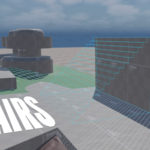
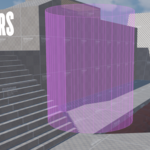
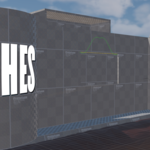
Where are the textures? Where is documentation?
Textures and documentation can be found in the tykuiLD-TexDoc zip file. Please extract the contents for your usage.
How do I install the plugin?
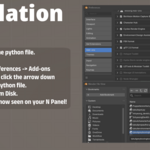
In Blender 5.2, navigate to Edit -> Preferences -> Add-ons. On the top right of the window, click the dropdown arrow and select "Install from Disk". Locate "tykuiiLDToolkitv02" and install. Alternatively, drag "tykuiiLDToolkitv02" into the viewport and install.
Where is the plugin located after installation?
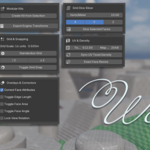
It can be found on the n-panel designated as tykuiiLD.
Why are my Bezier Roads not automatically applying my designated material?
Bezier roads are not generated like the other modal drawing geometry in the plugin. They're created utilizing blender's bezier curves and not converted into real mesh geometry in order to retain easy manipulation of points on the curve. Since they're curves, the same operations required to utilize the specified texel densities and unwrap methods are not possible. Simply convert the curve to a mesh when positions are finalized, then run the texel density sync to get proper UV scale.
$20
Have questions about this product?
Login to message
| Blender Extension Compatible | Yes |
| Sales | 10 |
| Published | 5 months ago |
| Blender Version | 5.1 - 5.2 |
| Extension Type | Add-on |
| Render Engine Used | Blender-Internal, Cycles, Eevee |
| License | GPL |