 KacaDev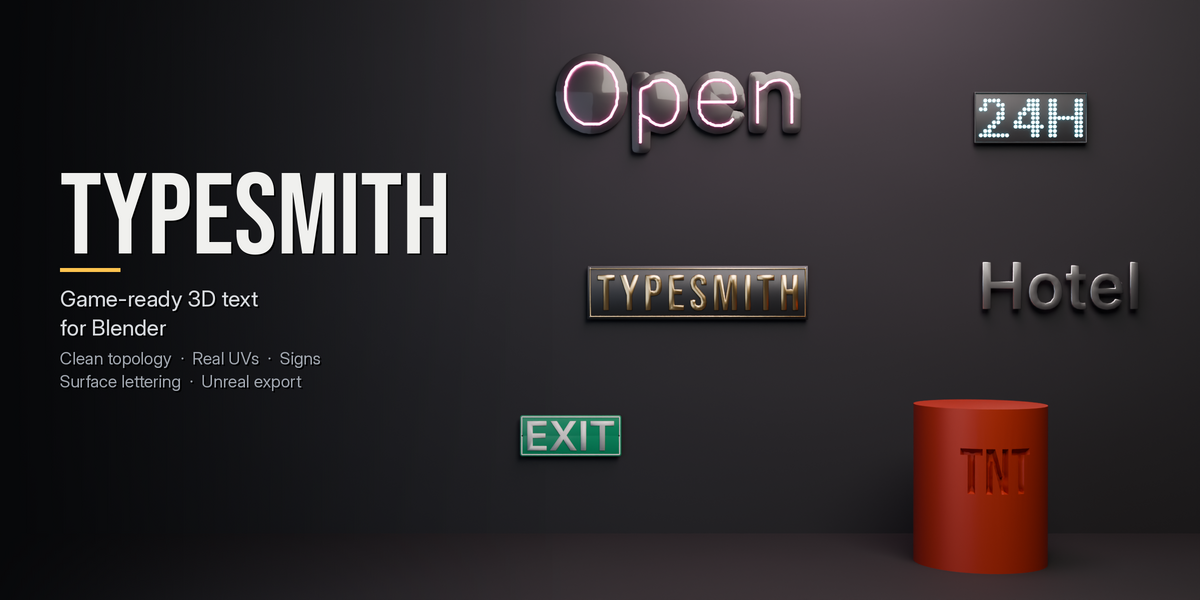
TypeSmith makes 3D text you can put in a game. You type, it builds a clean, closed mesh with proper UVs and separate material slots. And it stays editable until you decide it's done.
Blender's own text object is made for renders. Once you need the text in an engine, you are cleaning up messy fills, unwrapping by hand, and redoing it all when the wording changes. TypeSmith skips that.
Clean geometry
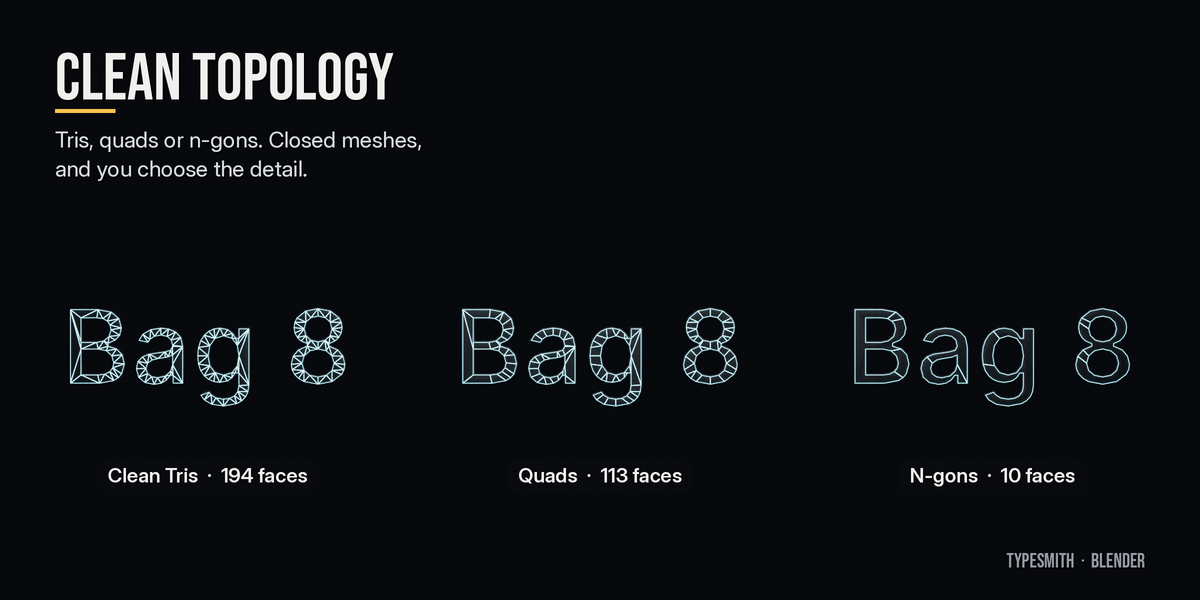
- Fill the letter faces with Clean Tris, Quads or N-gons. The word "Bag 8" goes from 194 front faces to 113 to 10.
- A Detail slider sets curve resolution, with a live triangle count.
- Meshes come out closed (watertight) with the back face on, and free of zero-area faces.
- Bevels: Chamfer, Round, Cove or Step profiles. The bevel stops itself on thin strokes, so letters never collapse or cross over.
- Back face on or off, back bevel, smoothing by angle.
Real UVs and material slots
- Letter faces unwrap at real scale (texel density + texture size) or fit 0–1.
- Sides and bevel unwrap as one continuous strip, optionally 0–1 tall for trim sheets.
- Separate slots for front, side, bevel, back, plate, frame, glow and hardware, or one slot for everything.
Stays live
Change the text, font, size or any setting and the mesh rebuilds, usually in well under a second. Settings are saved in the .blend. Bake to Mesh turns it into a normal mesh when you are finished.
Stamp onto any surface
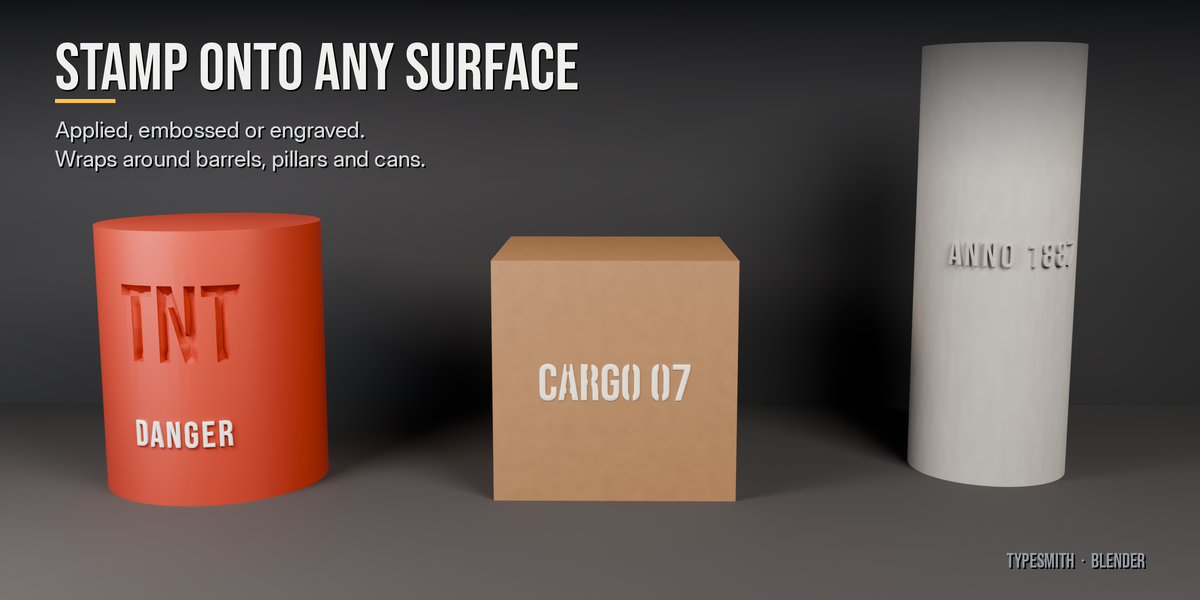
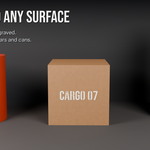
Place on Surface: move over any mesh and click. The text hugs the surface, including curved ones, and can wrap around barrels, pillars and cans.
- Applied: a separate mesh sitting on the surface. Cheap and engine-ready.
- Emboss / Engrave: a live boolean. Edit the text and the cut follows. Apply it when you are happy.
Sign builder
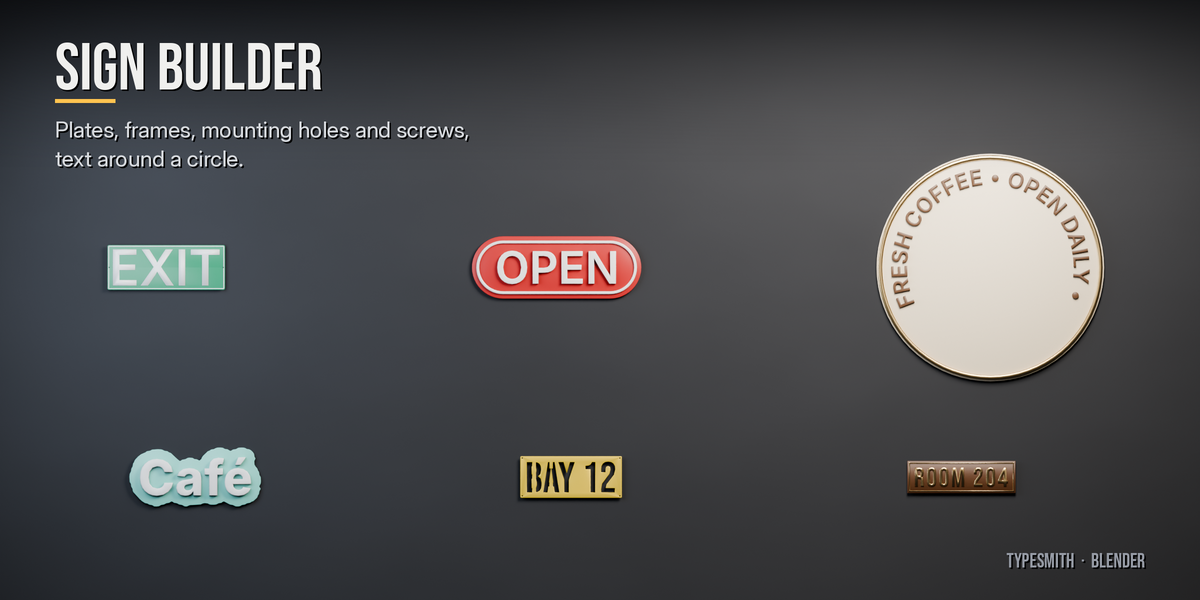
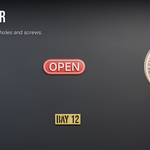
- Backplates: rectangle, pill, ellipse, circle, arch, or an outline that follows the letters like a sticker.
- Letters raised on the plate, or cut through it (stencil signs).
- Raised frames, plus mounting holes or screws.
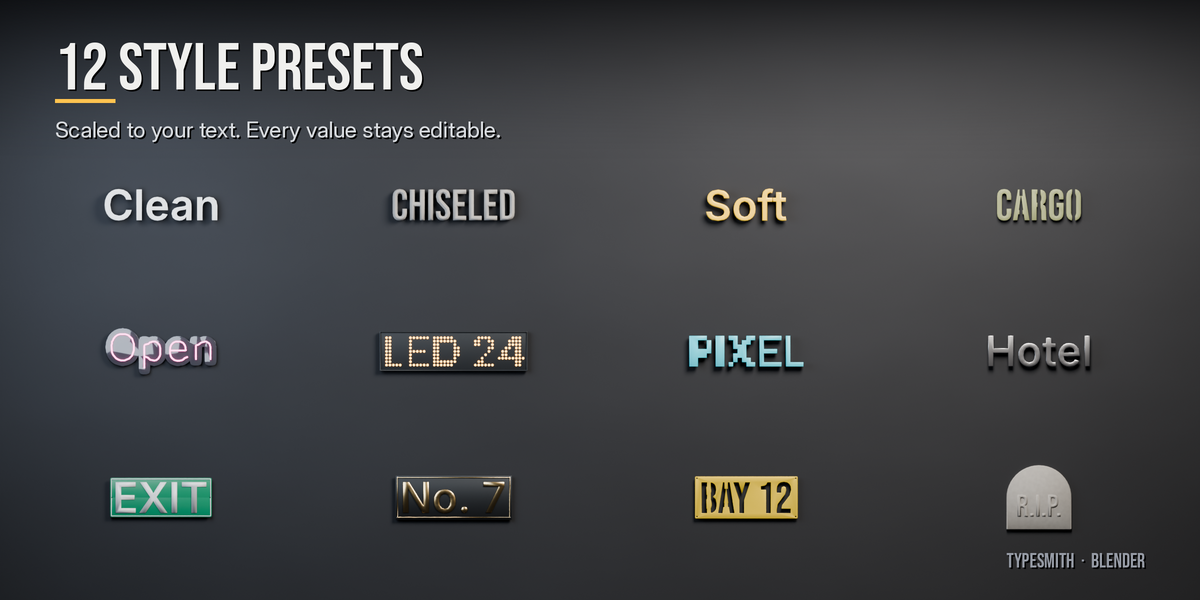
12 style presets
Clean Extrude, Chiseled Stone, Rounded Plastic, Stencil, Stencil Plate, Neon Sign, LED Board, Pixel Blocks, Cast Metal Letters (on standoff pins), Street Sign, Brass Plaque, Tombstone. Presets scale with your text and everything stays editable afterwards.
- Neon tubes follow the centre line of each stroke (or the outline).
- Stencil bridges keep the middle of O, A, B and 8 attached.
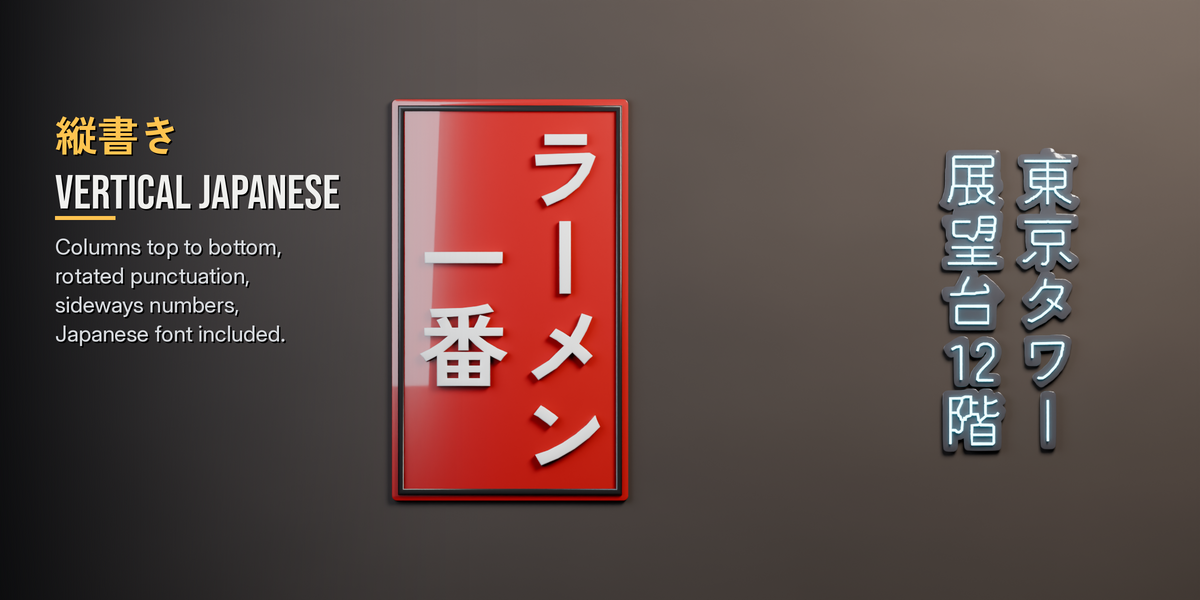
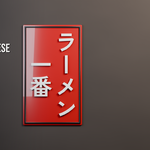
Japanese vertical text (縦書き)
- Columns run top to bottom, right to left.
- Punctuation and ー rotate to their vertical forms.
- Short numbers sit sideways in one cell, and Latin words run rotated.
- A Japanese font is bundled, and it fills in automatically for characters your chosen font doesn't have.
Typography
- Any .ttf, .otf or .ttc font, with a searchable list of installed fonts.
- Font kerning or optical kerning; ligatures and OpenType features (ss01, smcp…).
- Variable font sliders (weight, width…).
- Letter, word and line spacing; slant and width.
- Wrap or fit to a box.
- Text on a circle or along any curve.
- Random jitter for hand-placed or worn signs, plus per-letter adjustments.
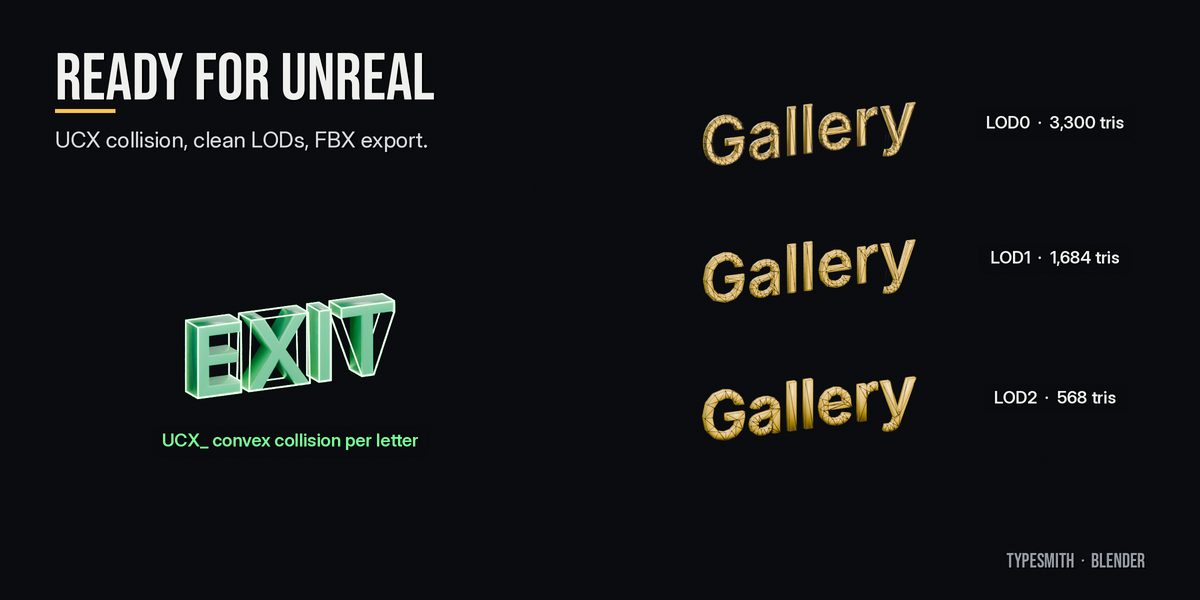
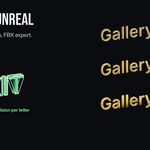
Ready for Unreal
- UCX_ collision: boxes or convex hulls per word, line, letter or whole text.
- LODs: rebuilt at lower detail, not decimated, so they stay clean.
- Name for Unreal (SM_ prefix).
- FBX export with the collision included.
Also included
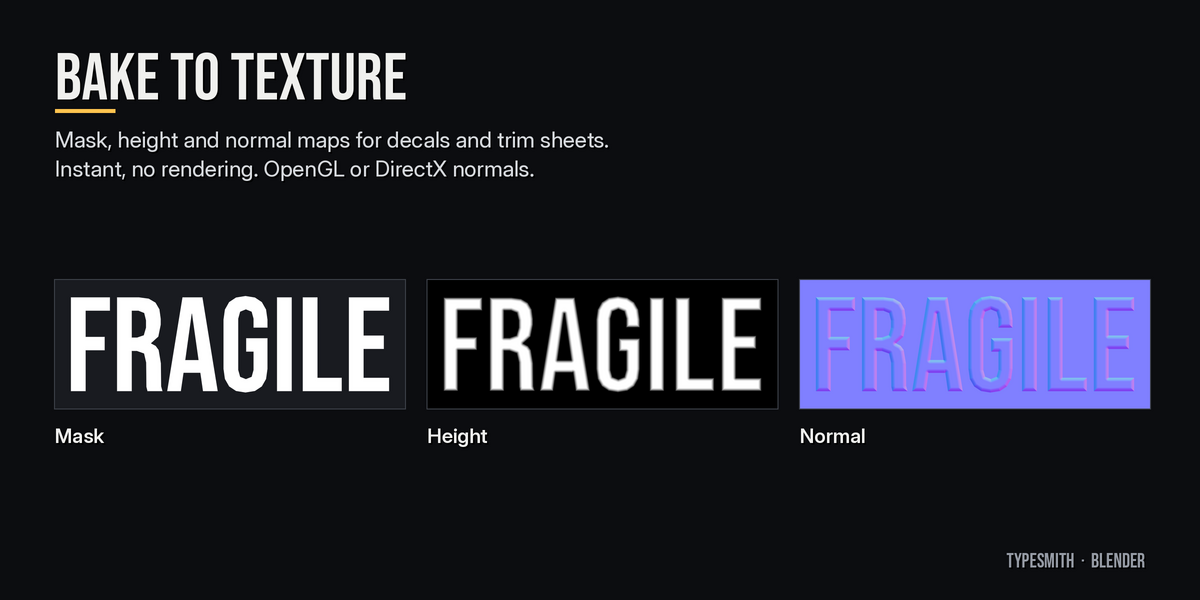
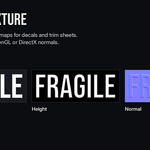
- Bake to Texture: mask, height and normal maps (OpenGL or DirectX) of the text, made instantly with no rendering, plus a ready decal plane.
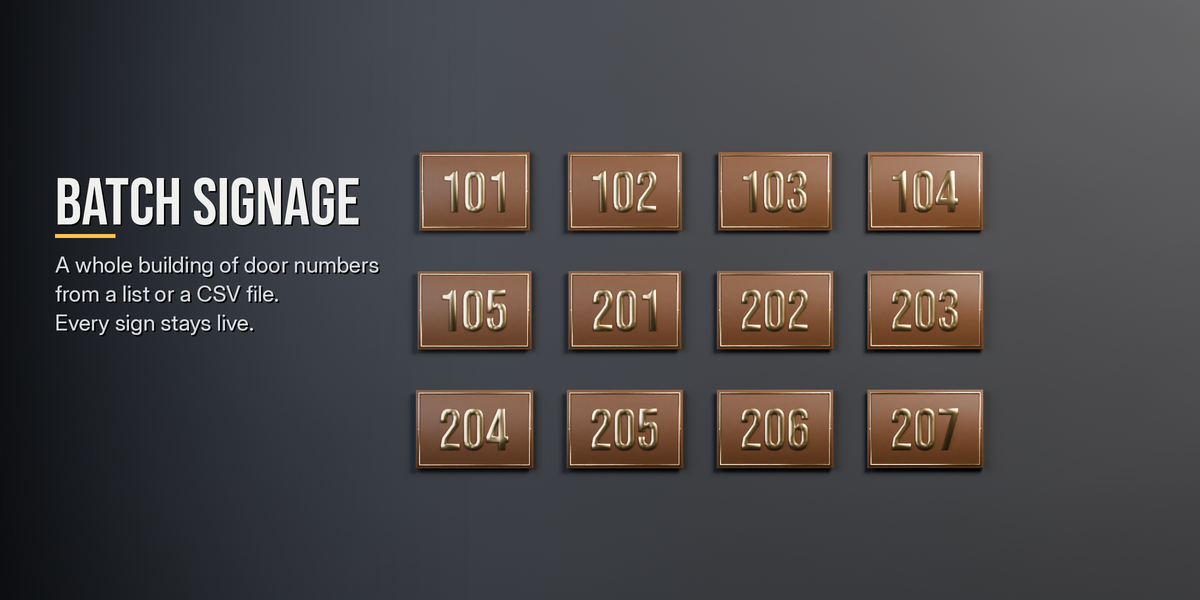
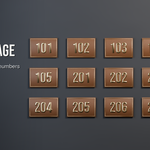
- Batch Signage: room numbers, street names or labels from a list, a text block or a CSV file. One live text per entry, laid out in a grid, in your sign's style.
- 12 interactive lessons: Basics, Advanced and Master. Each step checks itself off when you do it.
Details
- Blender 4.2 and newer. Tested on 4.2, 5.1 and 5.2.
- Follows your scene units. Size is the height of a capital letter, so 30 cm means 30 cm.
- Bundled fonts: Inter (variable), Bebas Neue and Zen Kaku Gothic New, all under the SIL Open Font License.
- Not supported: scripts that need complex shaping, such as Arabic or Hindi.