 KacaDev
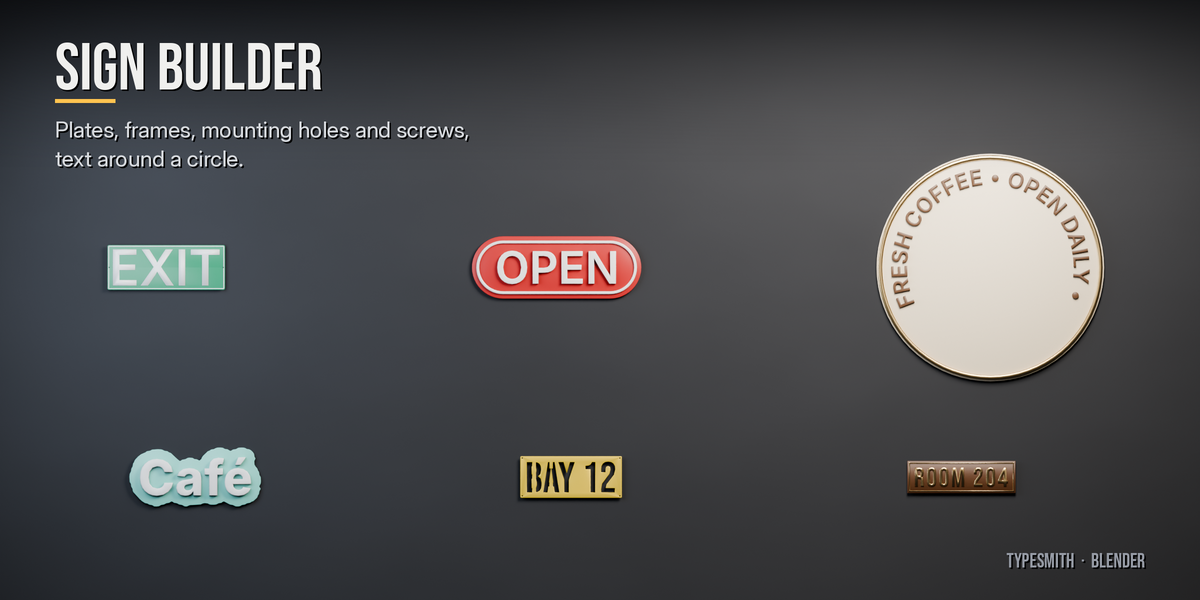
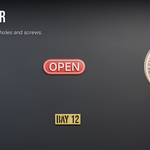
Yes. Pick any installed font from the searchable list, or point it at a .ttf, .otf or .ttc file. Japanese characters your font doesn't have fall back to the bundled Japanese font.
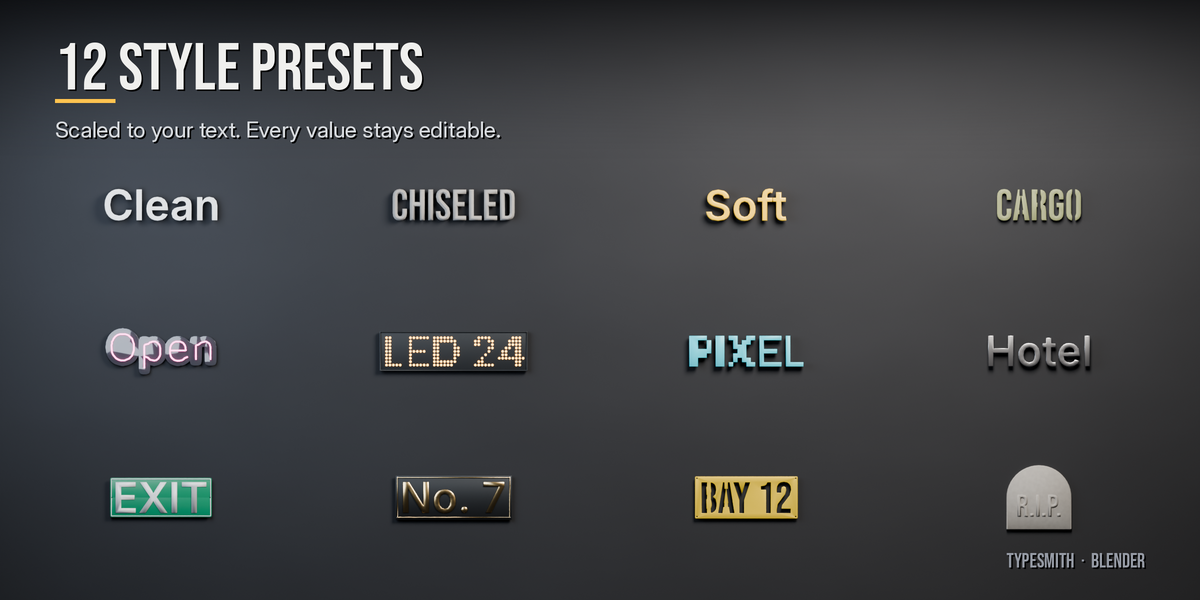
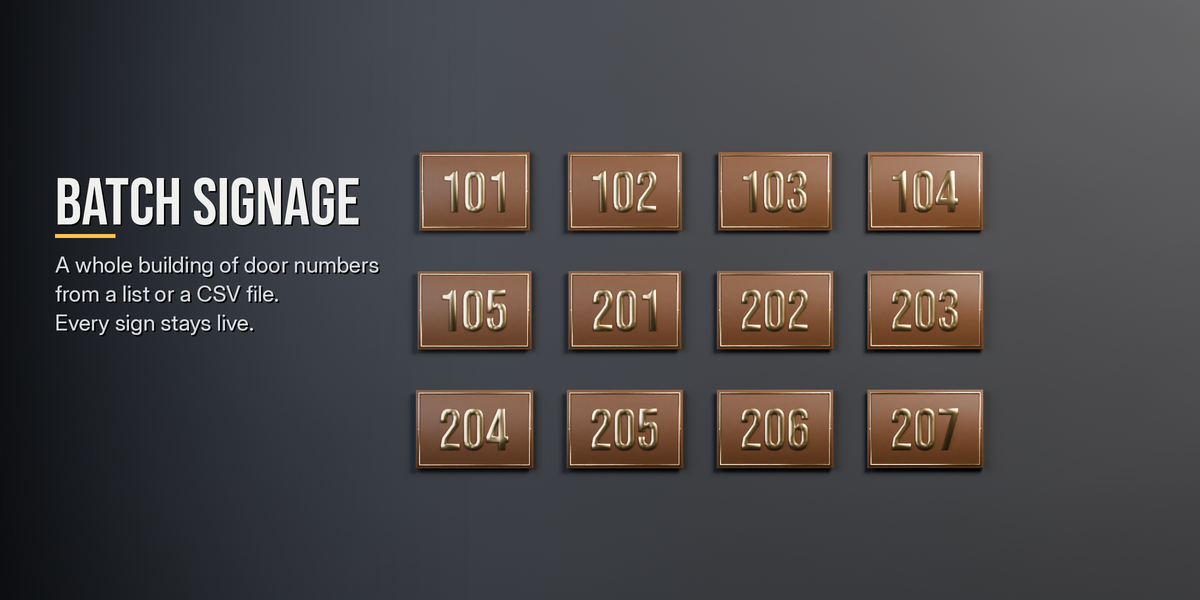
Yes. The text stays live and every setting is saved in the .blend. Click Bake to Mesh when you want an ordinary mesh to edit by hand.
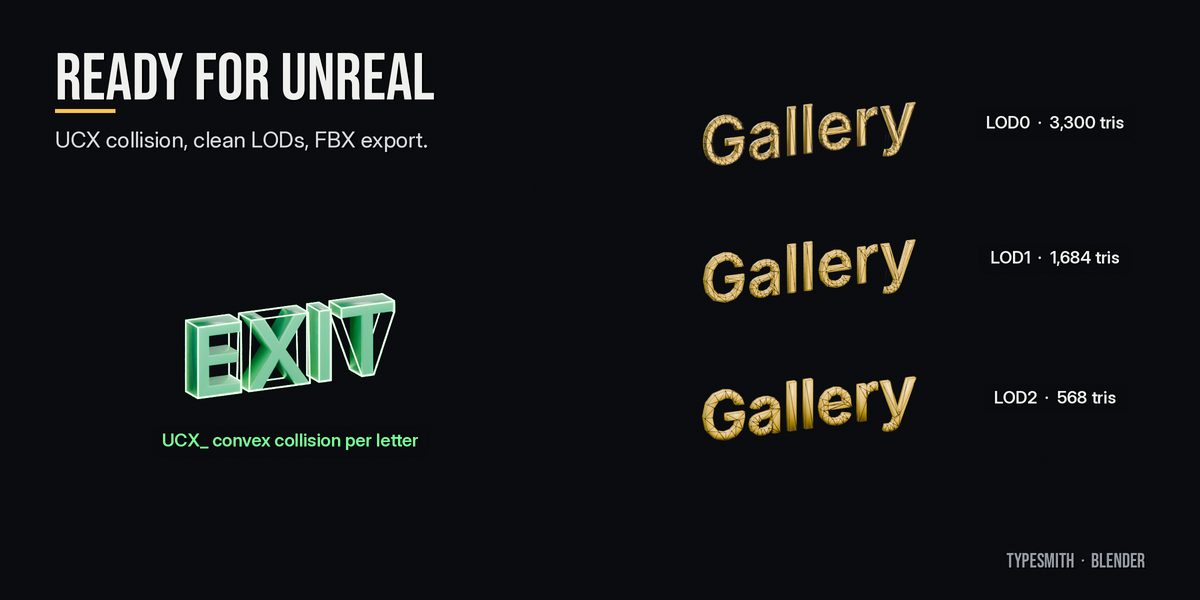
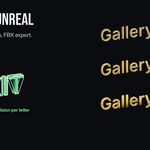
Yes. They are closed, clean meshes with UVs and material slots. The collision naming (UCX_) and the export button are set up for Unreal. The LODs and the mesh itself work in any engine that imports FBX.
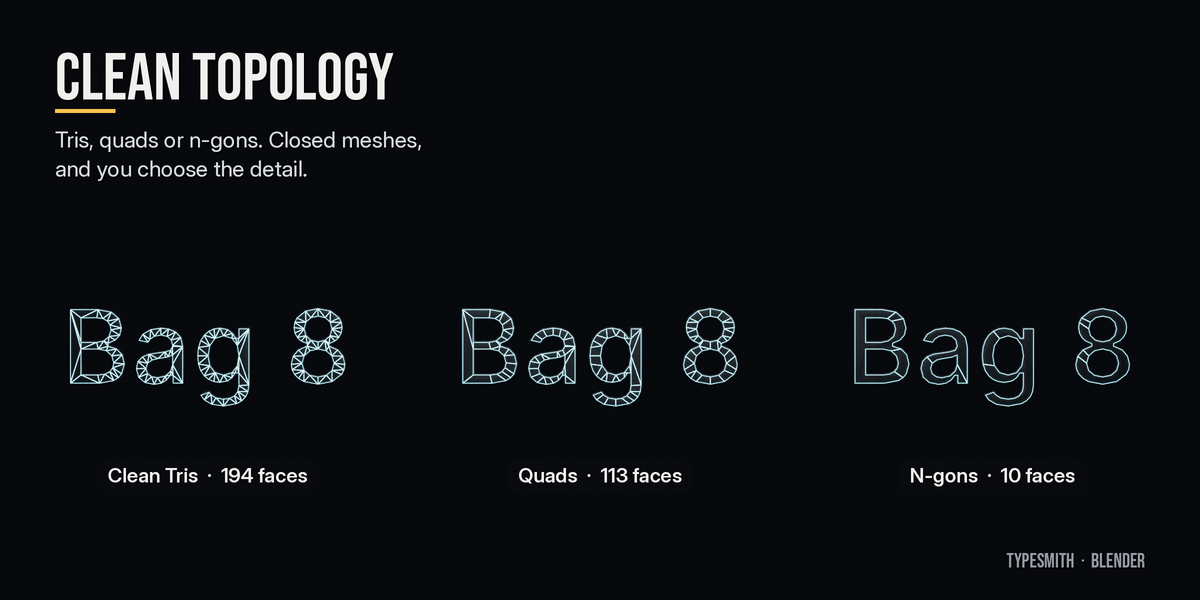
Lower Detail, turn off Back Face for letters against a wall, use fewer bevel segments, or switch Fill to N-gons. The panel shows the triangle count live.
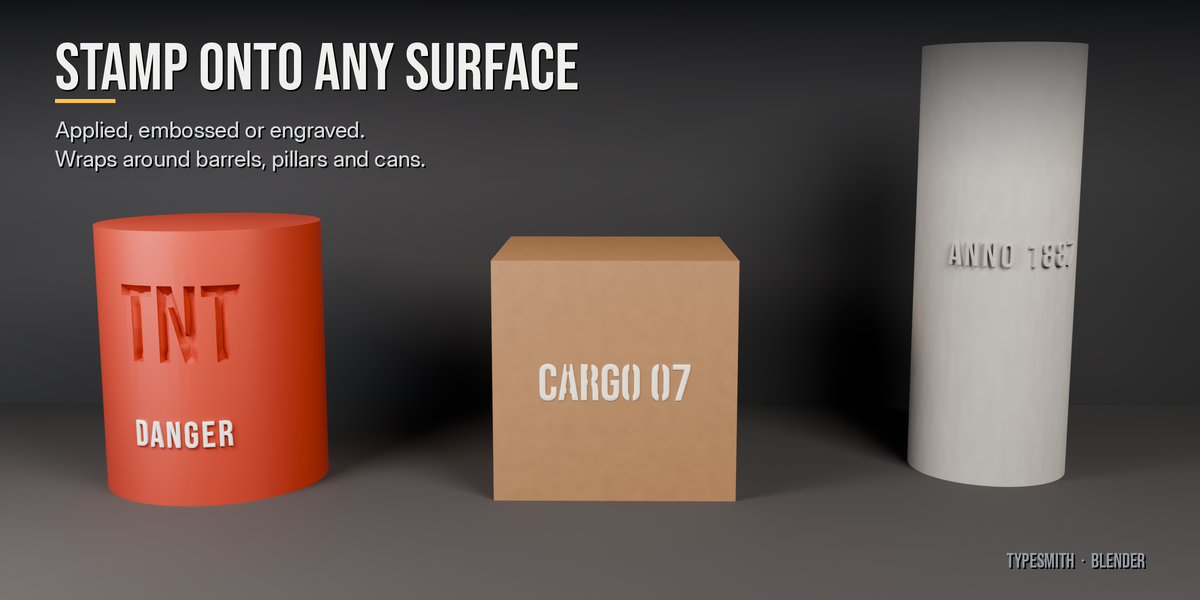
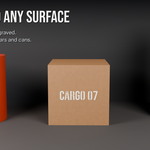
Yes. Use Place on Surface and pick Engrave, with Wrap set to Cylinder for barrels, pillars and cans. The cut is a live boolean, so you can still edit the text, and Apply to Surface makes it permanent.
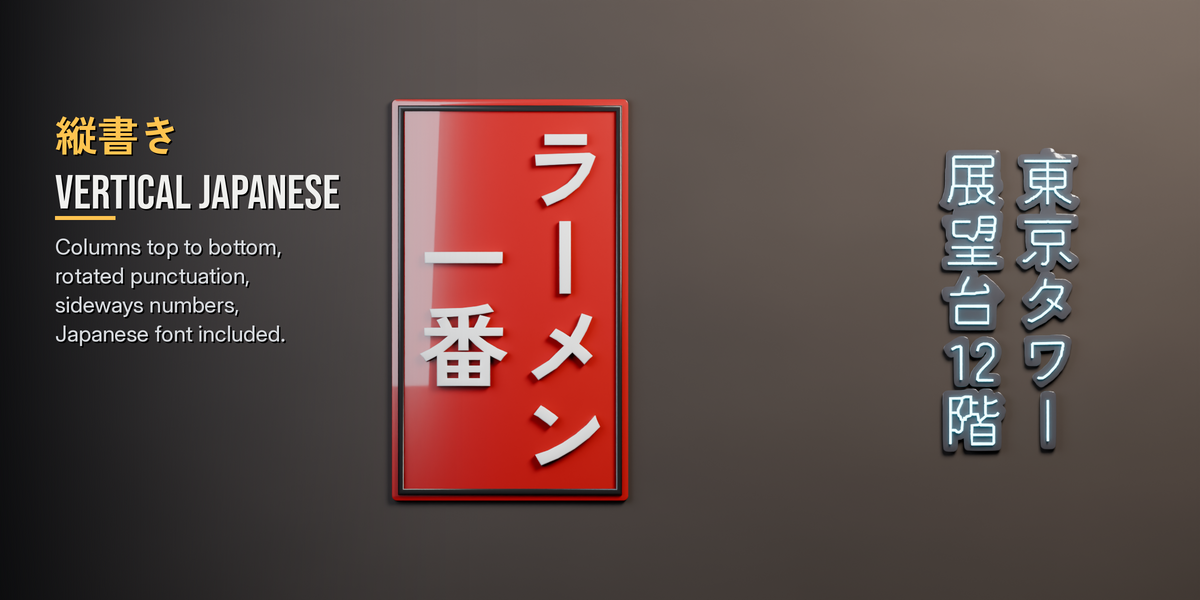
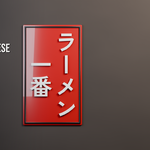
Yes. Set Direction to Vertical. Punctuation, the long vowel mark and short numbers are handled automatically.
The mesh stays exactly as it is. If you change a setting there, TypeSmith rebuilds with the bundled font and shows a warning.
Blender 4.2 and newer. Tested on 4.2, 5.1 and 5.2.
Have questions about this product?
Login to message
| Blender Extension Compatible | Yes |
| Published | 1 day ago |
| Blender Version | 4.2 - 5.2 |
| Extension Type | Add-on |
| License | GPL |
Discover more products like this
Unreal Engine decals text signage game assets japanese 3D text low poly neon typography