 ARLN
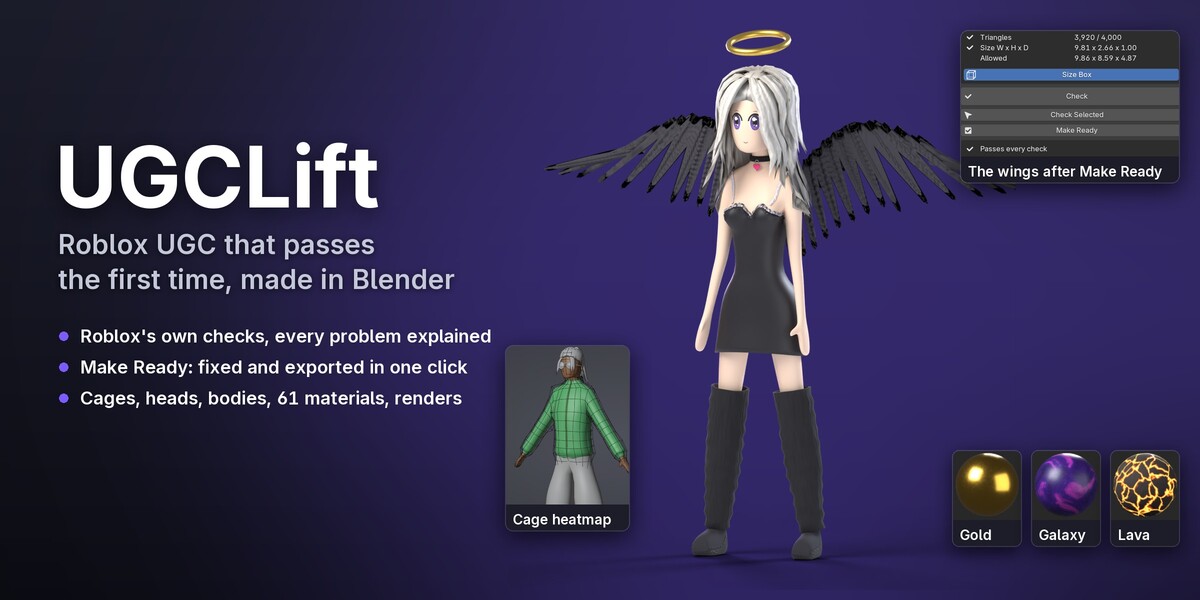
Roblox UGC that passes the first time, made in Blender
UGCLift turns Blender into a studio for Roblox UGC avatar items. It checks hats, hair, layered clothing, bodies, dynamic heads and emotes the way Roblox's upload validation does, shows every problem right in the viewport, fixes it in one click and exports the files Roblox Studio's importer expects. It has the tools to make the items too: cages, weights, FACS faces, rigs, textures and Marketplace renders. And there is an avatar creator to start from or to try your items on.
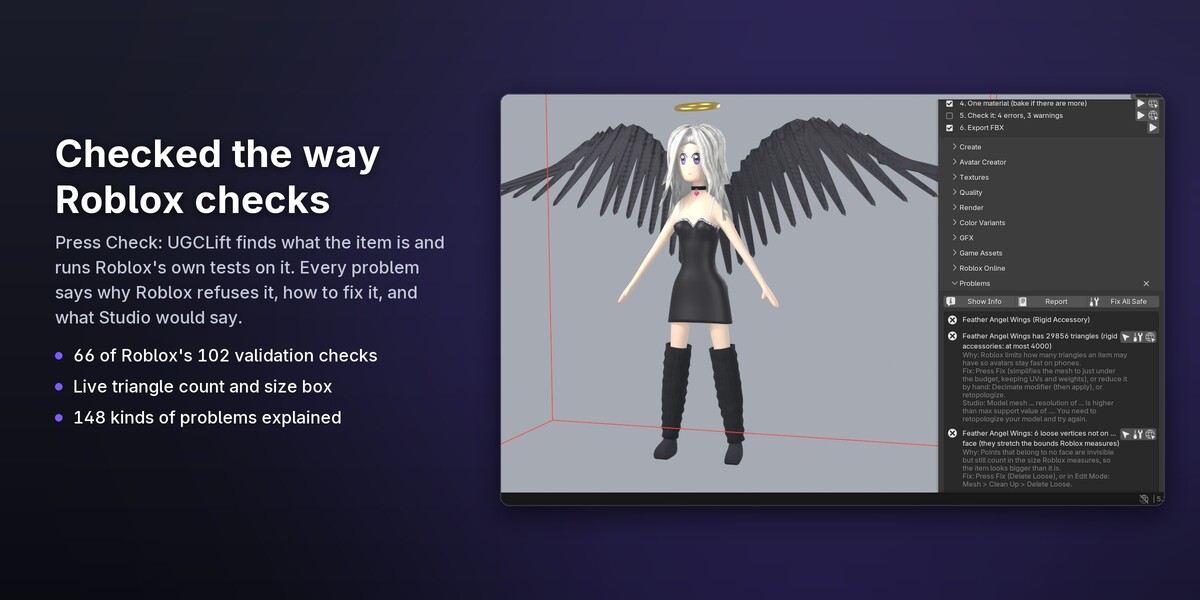
- Checked the way Roblox checks. UGCLift copies 66 of the 102 checks in Roblox's own validation code, down to how Roblox measures a body from six sides. The other checks are Studio settings or happen on Roblox's servers when you publish, and UGCLift tells you which ones those are.
- Every problem explained. 148 kinds of problems, each with why Roblox refuses it, how to fix it and the message Roblox Studio would show you.
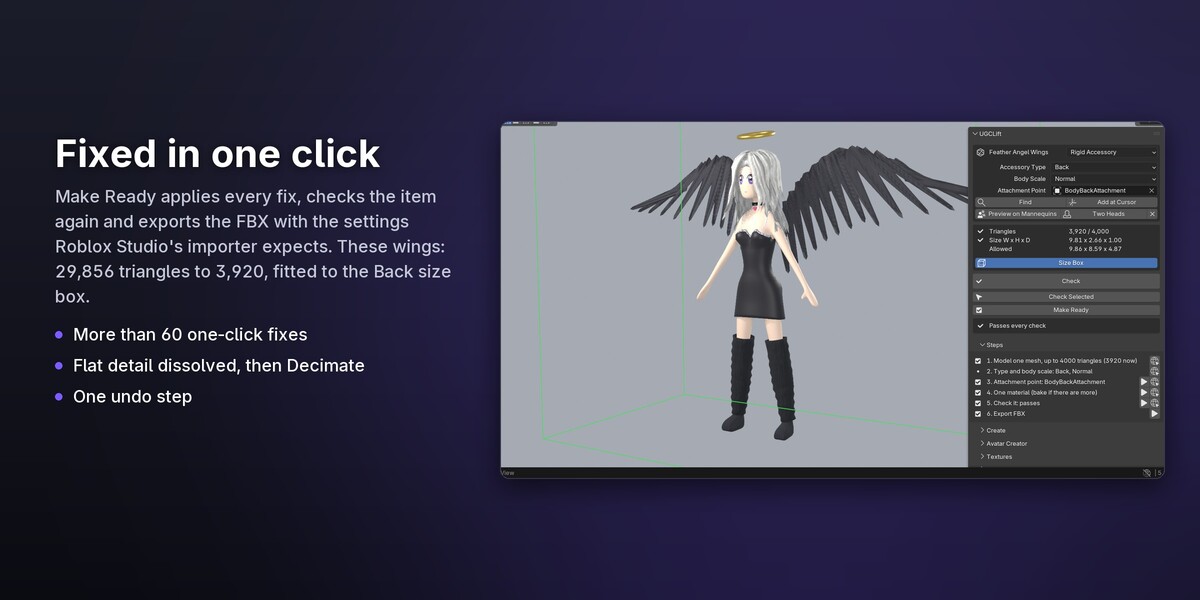
- Fixed in one click. More than 60 problems have a Fix button. Make Ready fixes them all, checks again and exports.
- Works offline. No subscription and no account; everything runs inside Blender. UGCLift goes online only when you press Upload, with your own Roblox key.
Check: see what Roblox would refuse
Select an item and press Check. UGCLift works out what it is (a rigid accessory, layered clothing, a body, a dynamic head, an emote, classic clothing, makeup) and measures what Roblox measures: triangle budgets, the size box of each accessory type, attachments, cage distances and UVs, textures, skinning, FACS poses, body proportions and more. The triangle count and the size box stay live in the viewport while you model. Each problem selects its faces or vertices for you, and in the free Lite edition each hint says how to fix it by hand.
Make Ready: fixed, checked again, exported
Press Fix next to a problem, or Make Ready for all of them. UGCLift simplifies the mesh to just under the budget with the UVs and weights kept, fits the item into its size box, applies transforms, turns faces outside, deletes loose geometry, shrinks textures to what Roblox stores, then checks the item again and exports the FBX with the settings Studio's 3D Importer expects.
Layered clothing that fits
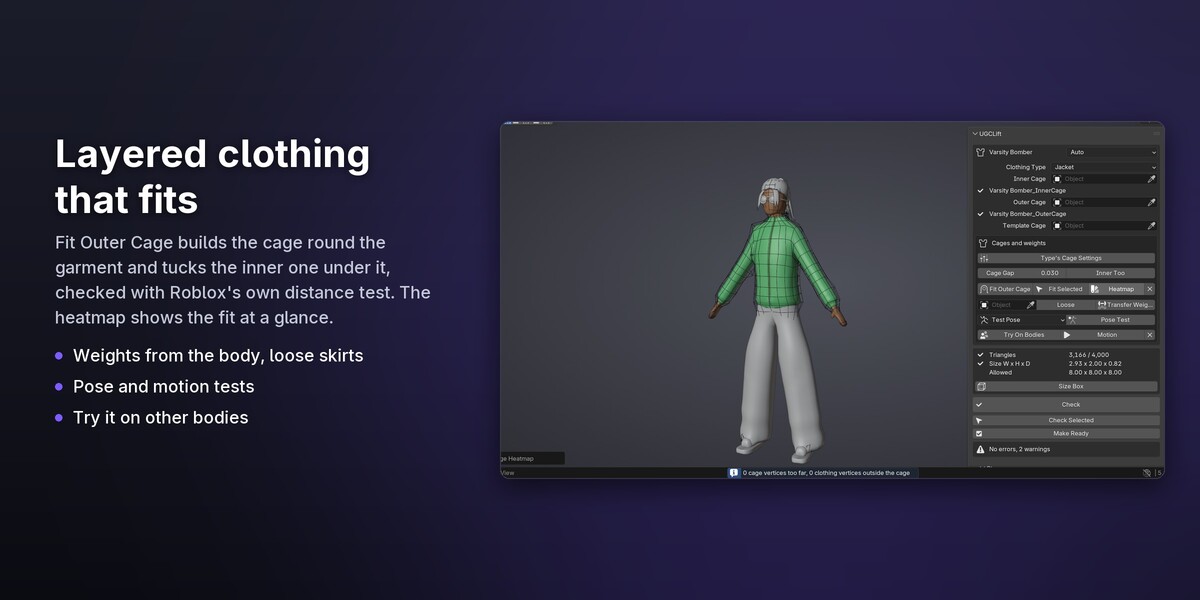
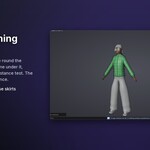
Fit Outer Cage builds the outer cage around your garment from Roblox's template and tucks the inner cage under it, checked with the same distance test Roblox runs. A heatmap shows how close the garment sits; weights come over from the body; skirts get loose weights, so they follow both legs instead of splitting between them. The Motion Test and Pose Test walk, run, sit and stretch the avatar so you see stretching and skin poking through before Roblox does.
Bodies and dynamic heads
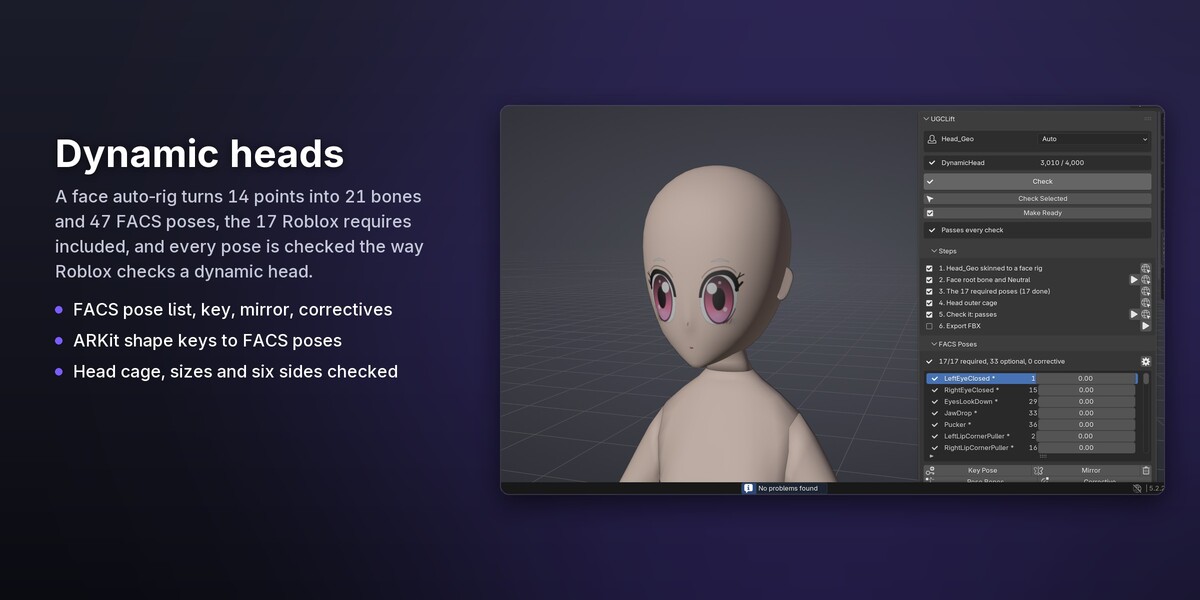
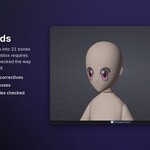
Attachments placed for you, an R15 rig from your parts, body cages from Roblox's template, and the checks Roblox runs on bodies: sizes as Roblox measures them, how solid each part looks from six sides, thin bits that stretch a part's box, pose and proportions. For heads, the face auto-rig turns 14 points you place into 21 bones and 47 FACS poses, including the 17 Roblox requires; you can also pose them by hand or turn ARKit shape keys into bone poses, and every pose is checked the way Roblox checks a dynamic head.
Passes in Roblox Studio
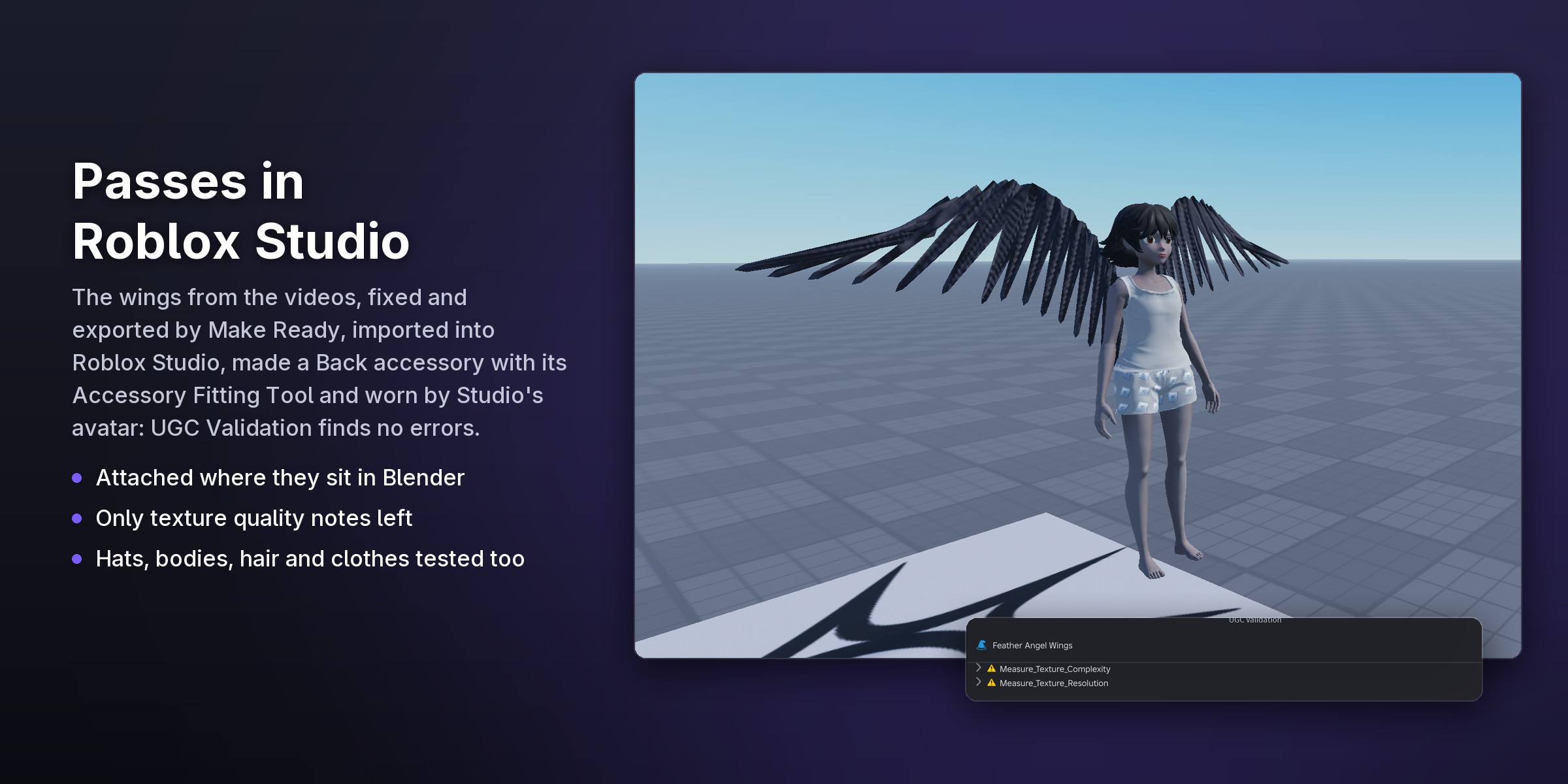
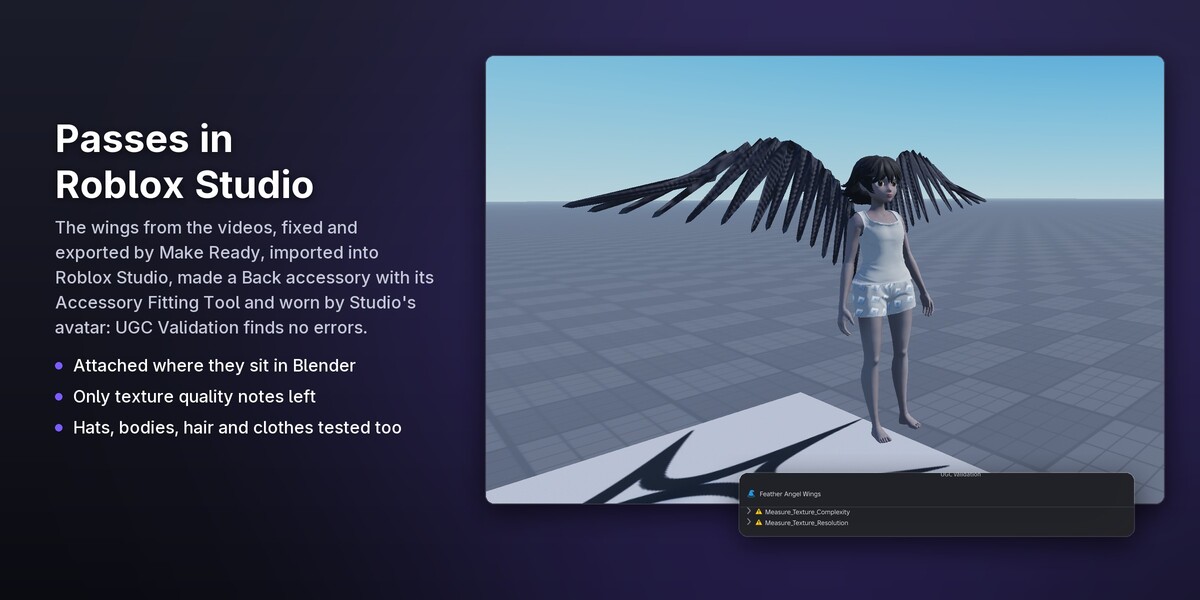
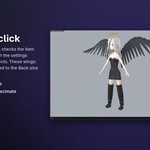
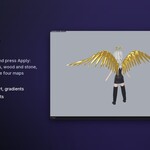
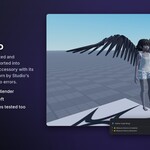
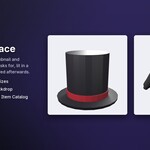
The angel wings from the videos above, fixed and exported by Make Ready, imported into Roblox Studio, made a Back accessory with its Accessory Fitting Tool and worn by Studio's avatar: Roblox's UGC Validation finds no errors, only notes about the texture's quality. A top hat, bodies exported in 15 parts, hair and clothes were tested in Studio the same way.
Textures and colour
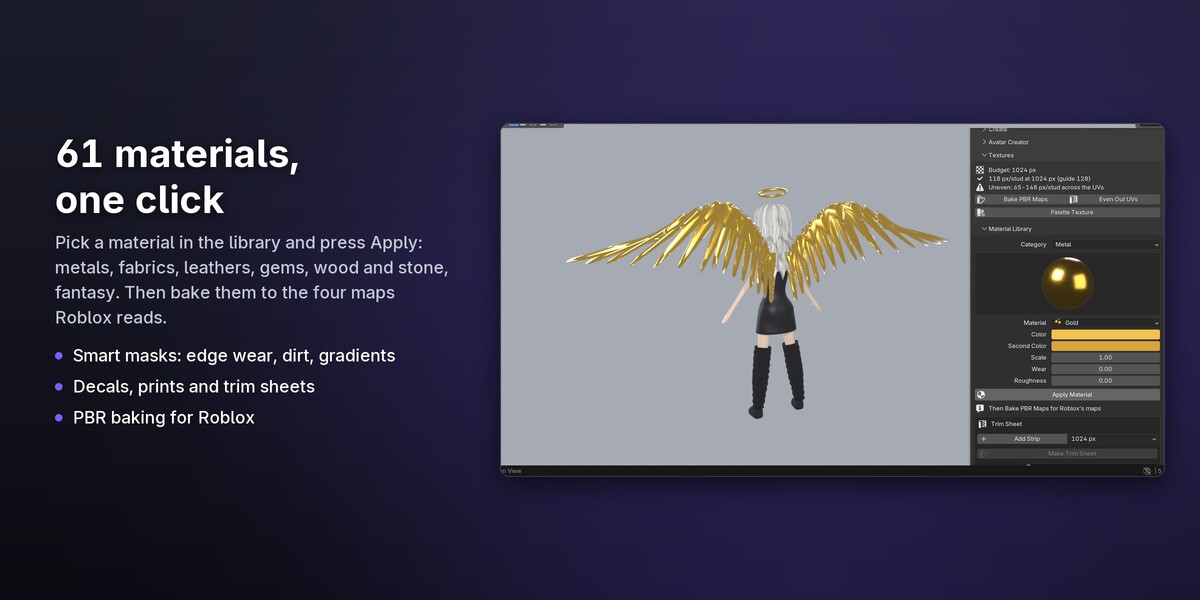
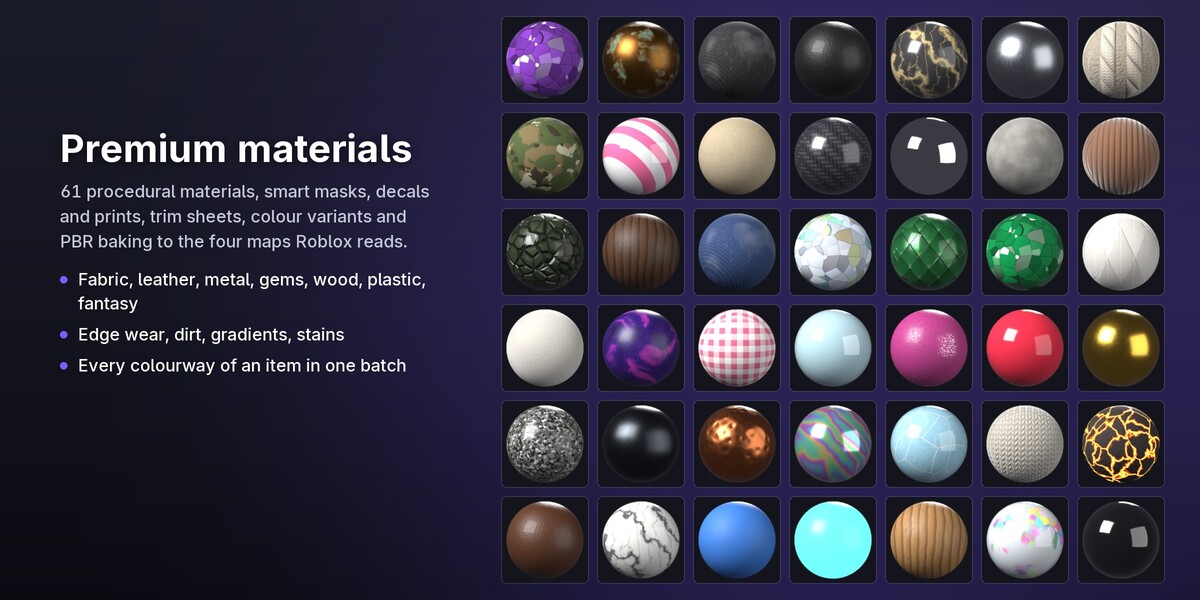
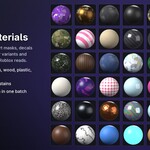
61 procedural materials in seven groups (fabric, leather, metal, gems and glass, wood and stone, plastic and rubber, fantasy), smart masks for edge wear, dirt, gradients and stains, decals and all-over prints, trim sheets, and PBR baking to the four maps Roblox reads.
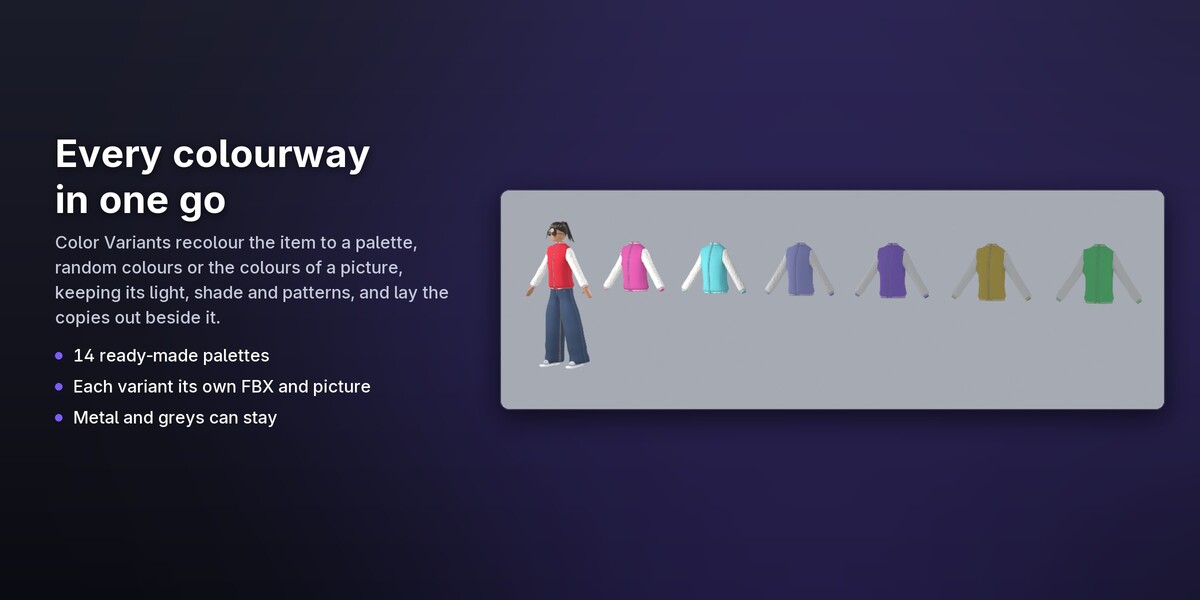
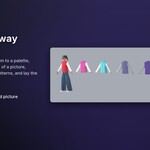
Color Variants make every colourway in one go: a ready-made palette, random colours or the colours of a picture; the light, shade and patterns stay, metal and greys can too. Each variant gets its own materials and, if you like, its own FBX and picture, laid out beside the item.
Animation and emotes
An R15 rig with IK/FK controls, retargeting from Mixamo, BVH and Rokoko, emotes and animation packs with their Idle weights, R6 rigs and KeyframeSequence export, all checked for Roblox's speed, travel and joint rules.
Renders, batches and Roblox
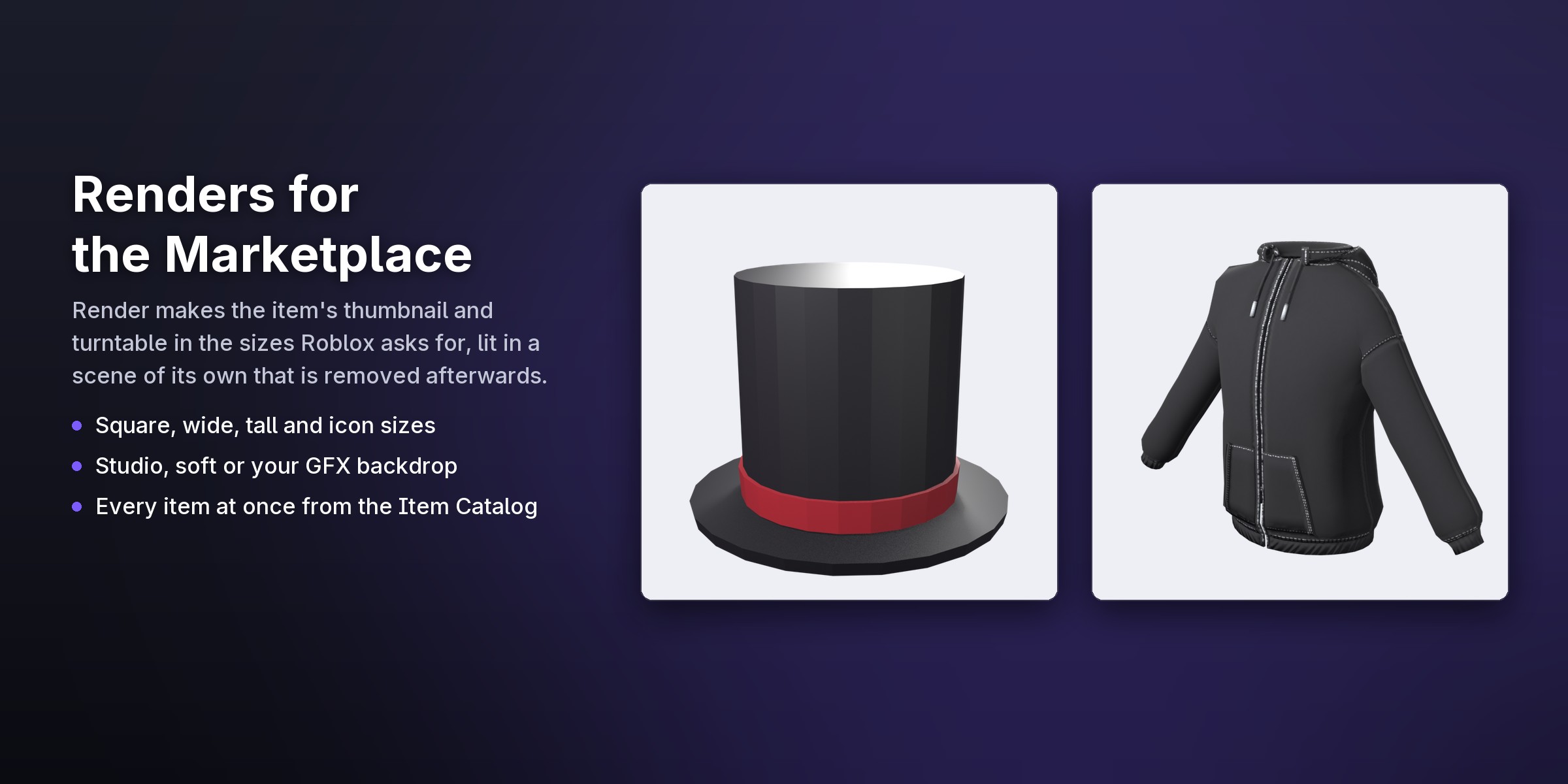
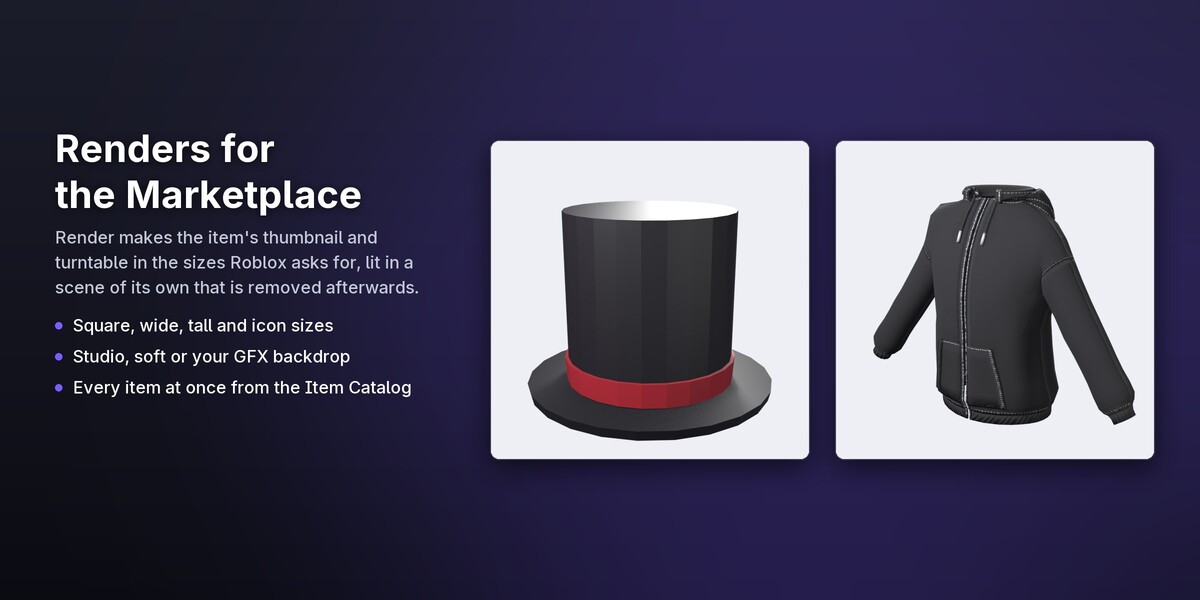
Marketplace thumbnails and turntables in the sizes Roblox asks for, a quality score, and an Item Catalog that checks, fixes, exports and renders every item in your file in one go, also from the command line. Upload with Roblox Open Cloud, send new versions and roll back with your own key, and set up thumbnails in Roblox Studio with the companion plugin.
Bonus: an avatar creator inside
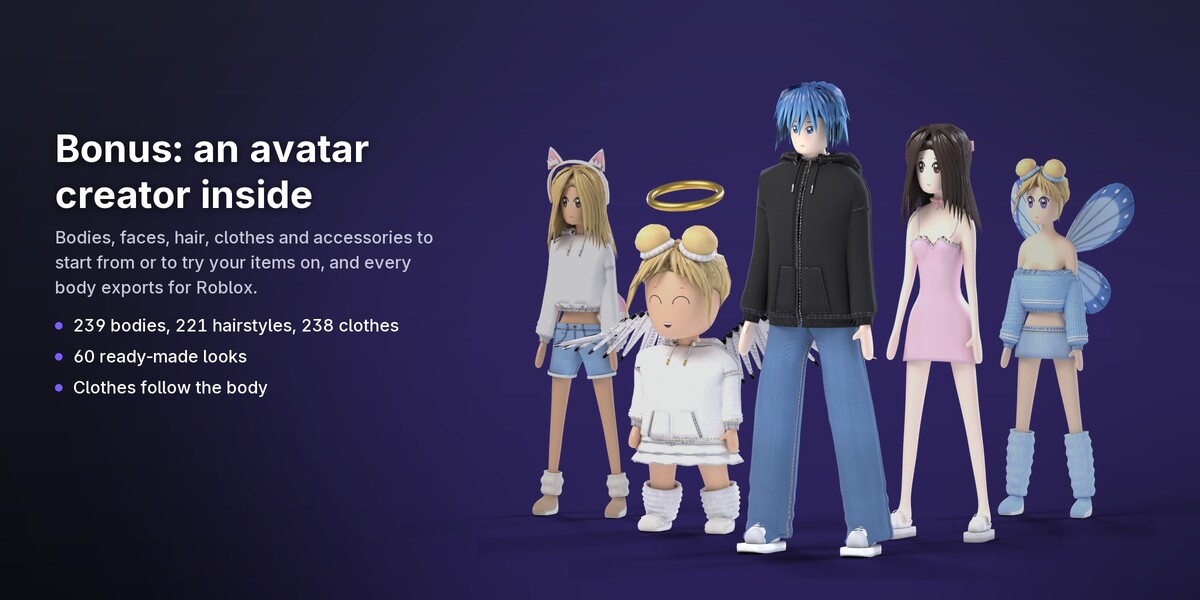
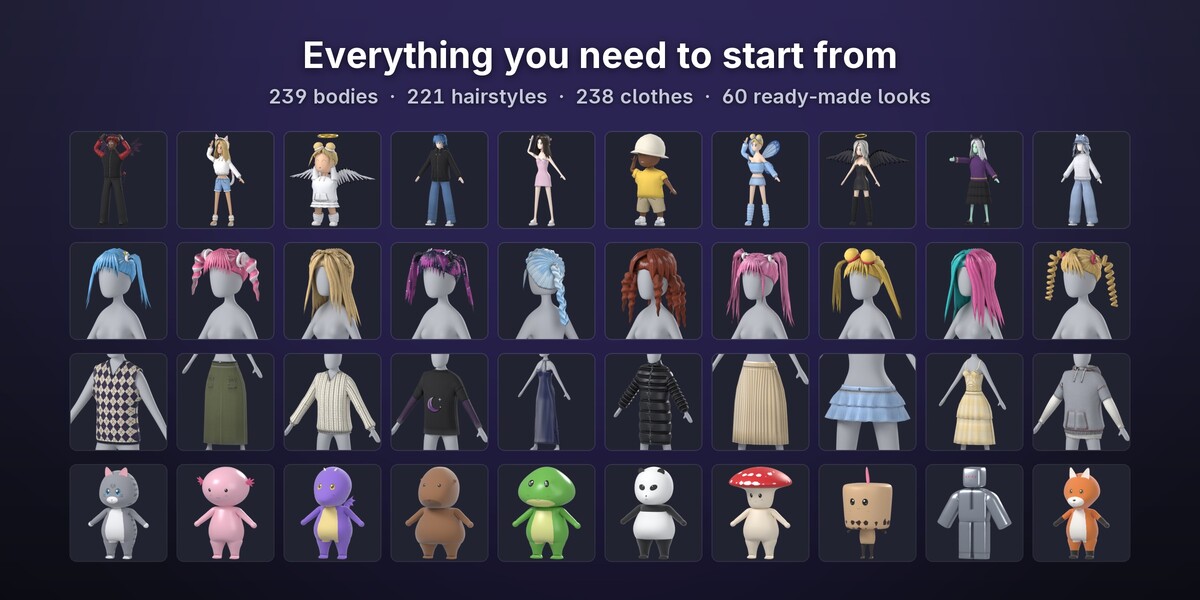
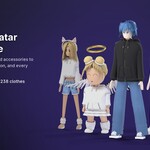
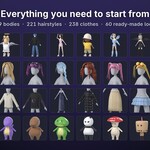
A Roblox-style avatar editor inside Blender, to start your items from or to try them on. Pick a body (people, anime, blocky, minis, animals, plushies, fantasy), shape it with sliders and parts, give it a face, then dress it from the library along the bottom of the view: 221 hairstyles with dyes and finishes, 238 tops, bottoms, dresses and shoes, accessories, prints, tattoos and patterns. 60 ready-made looks start you off.
Clothes follow the body you put them on, and their colours, patterns and prints change in a click. When the avatar is done, export the body for Roblox: in 15 parts with their cages, attachments and a FACS face rig, or as one mesh for Studio's Avatar Setup. Any item exports on its own, as an accessory or as layered clothing with cages.
What's inside
- Checks for rigid accessories, layered clothing, bodies, dynamic heads, emotes and animation packs, classic clothing and makeup. The limits come from Roblox's documentation and, where it only says "a threshold", from Roblox's own validation code.
- Fixes: more than 60 one-click fixes, Make Ready and Fix All Safe.
- Export: FBX and glTF with Studio's settings, textures, batch export.
- Clothing: cage fitting, inner cage tucking, fit heatmap, weight transfer, loose skirts, cage brush, motion and pose tests.
- Bodies and heads: attachments, R15 rig from parts, body cages, FACS auto-rig and pose authoring, ARKit to FACS.
- Animation: IK/FK, retargeting, emotes, animation packs, R6, KeyframeSequence.
- Textures: 61 materials, smart masks, decals and prints, trim sheets, colour variants, PBR baking, texel density.
- Workflow: Marketplace renders and turntables, quality score, Item Catalog, command line, Open Cloud uploads and versions, Roblox Studio companion plugin.
- Game assets: GFX poses and a blocky avatar, FPS viewmodels and weapons, VFX meshes and flipbooks, hair from curves, terrain, importing .rbxm/.rbxmx models.
- Avatar Creator (bonus): 239 bodies, 221 hairstyles, 238 clothes, 35 accessories, 60 ready-made looks, 21 faces, prints, tattoos and patterns; exports bodies, accessories and layered clothing.
- Languages: English, Ukrainian, Spanish and Brazilian Portuguese.
Tested in Roblox Studio
- Feather angel wings after Make Ready, made a Back accessory: no UGC Validation errors.
- A top hat after Make Ready: no UGC Validation errors.
- Bodies exported in 15 parts (the kitten, coconut, classic block, alien, boba, stick bug and others) import into Studio as R15 bodies and pass UGC Validation except for the hidden-surface data Roblox adds when the body is published.
- Wings and hair: no UGC Validation errors.
- A tee, jeans and sneakers from the Creator sit cleanly on Roblox's mannequin in the Accessory Fitting Tool.
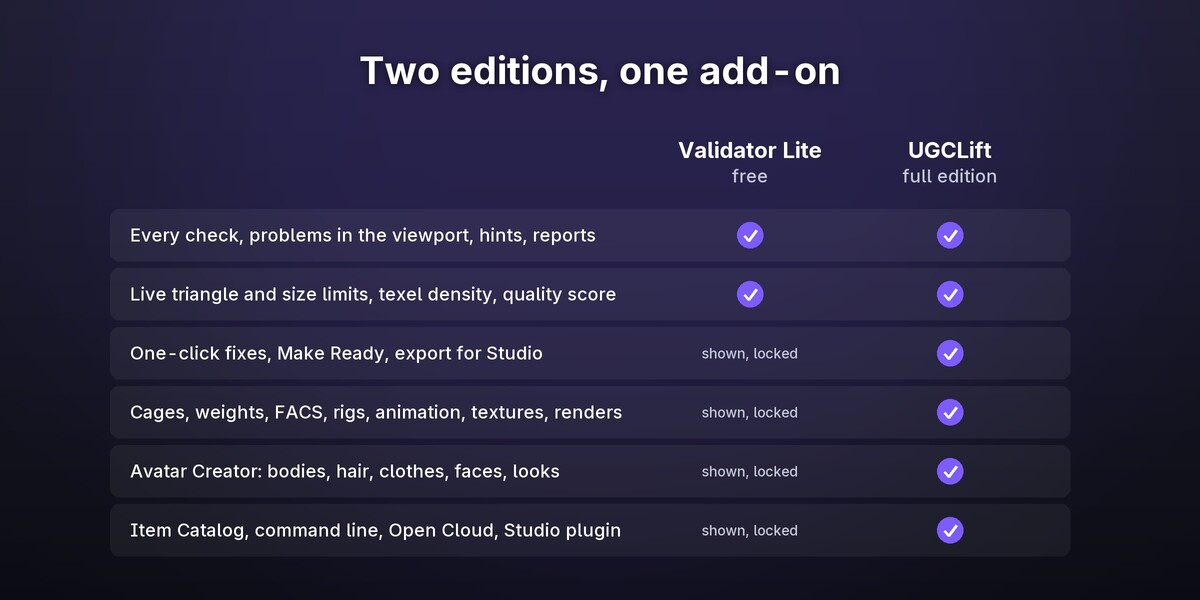
Two editions
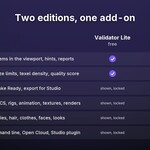
| Validator Lite (free) | UGCLift (this product) | |
|---|---|---|
| Every check, problems in the viewport, hints, reports | yes | yes |
| Live triangle and size limits, texel density, quality score | yes | yes |
| One-click fixes, Make Ready, export | shown, locked | yes |
| Cages, weights, FACS, rigs, animation, textures, renders | shown, locked | yes |
| Item Catalog, Open Cloud, command line, Studio plugin, Avatar Creator | shown, locked | yes |
Try the checks with Lite first: it shows every tool of the full edition where it lives, locked, so you can see what you would get.
Requirements
- Blender 5.0 or newer (tested on 5.0.1, 5.1.2 and 5.2.2 LTS, on Windows). Pure Python, nothing compiled.
- Roblox's own templates and mannequins are not included. The tools that need one (cage templates, the body cage) ask for your own copy and link to Roblox's page.
UGCLift is not made by, affiliated with or endorsed by Roblox Corporation. Roblox is a trademark of Roblox Corporation.