 ARLN
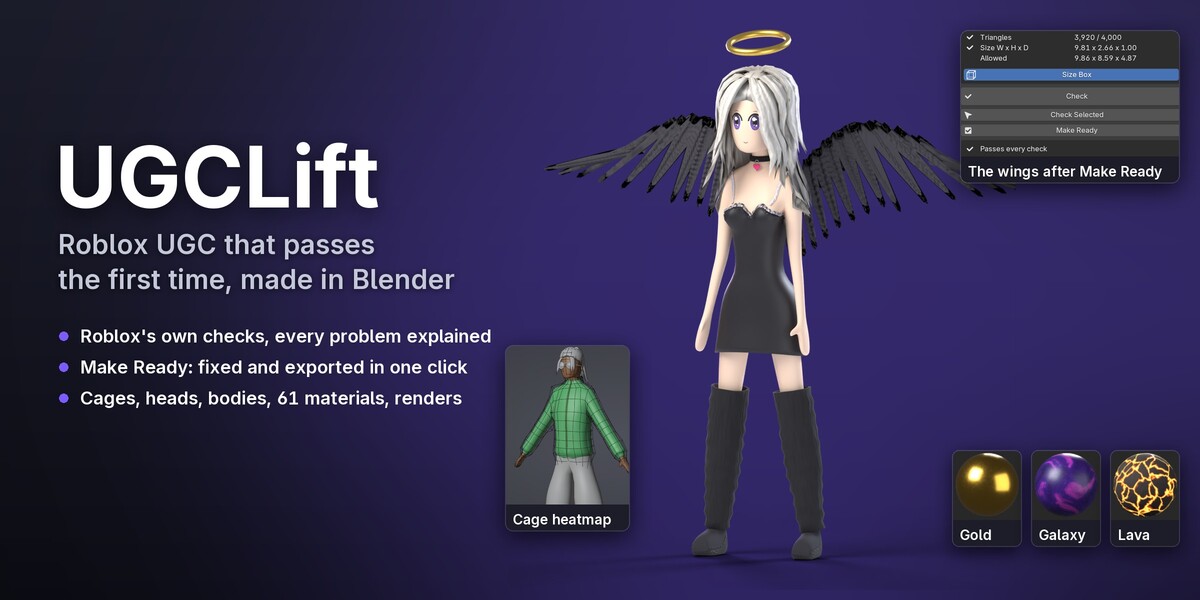
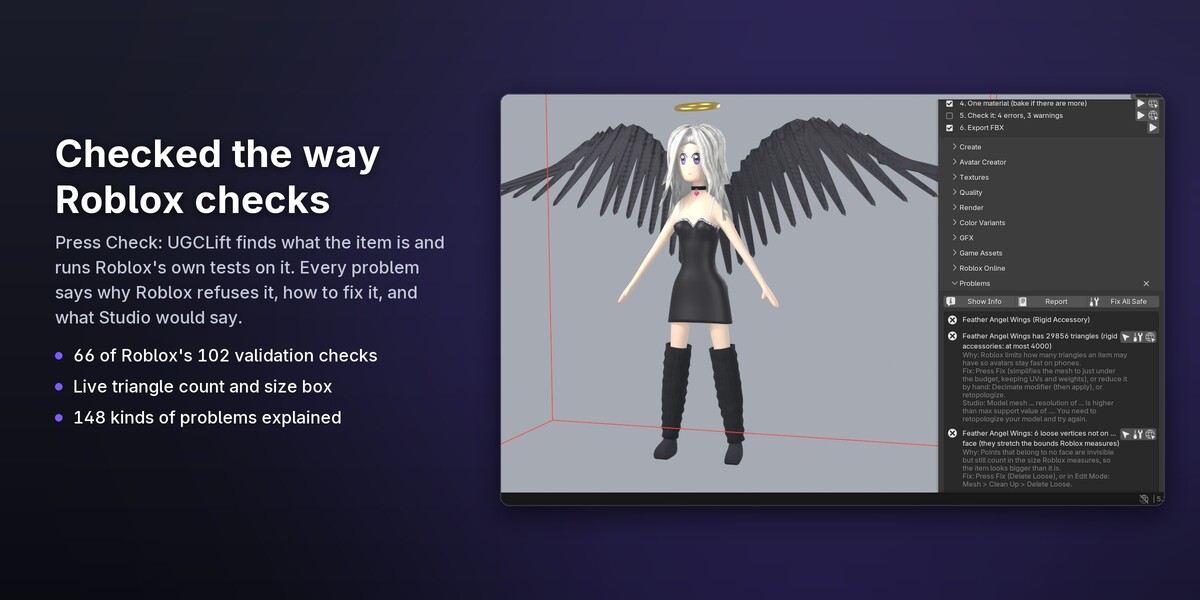
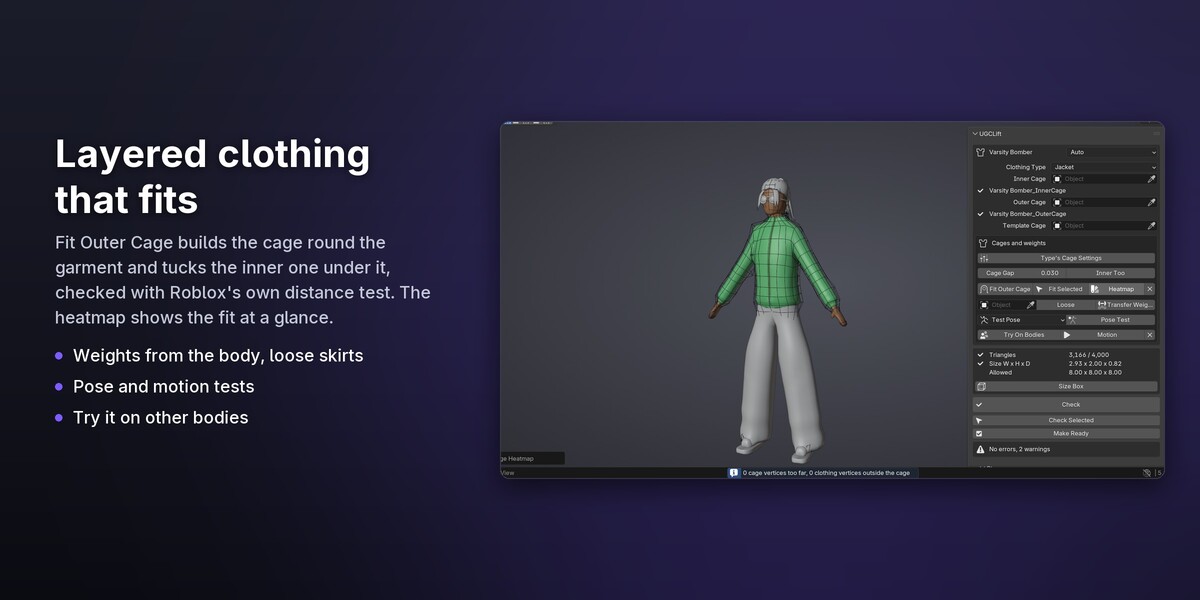
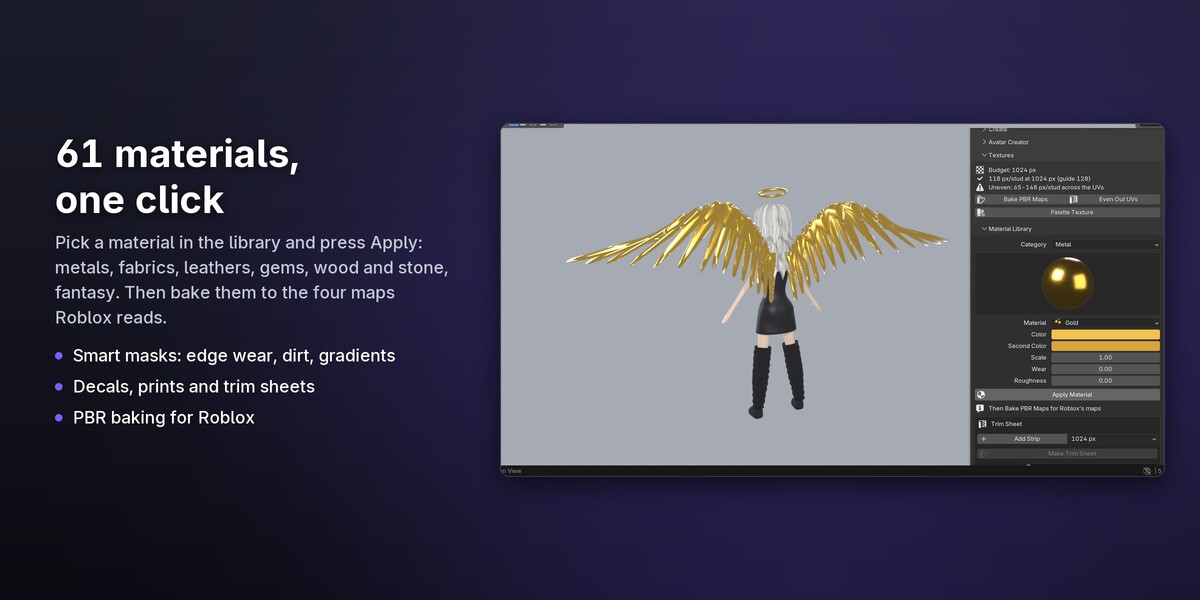
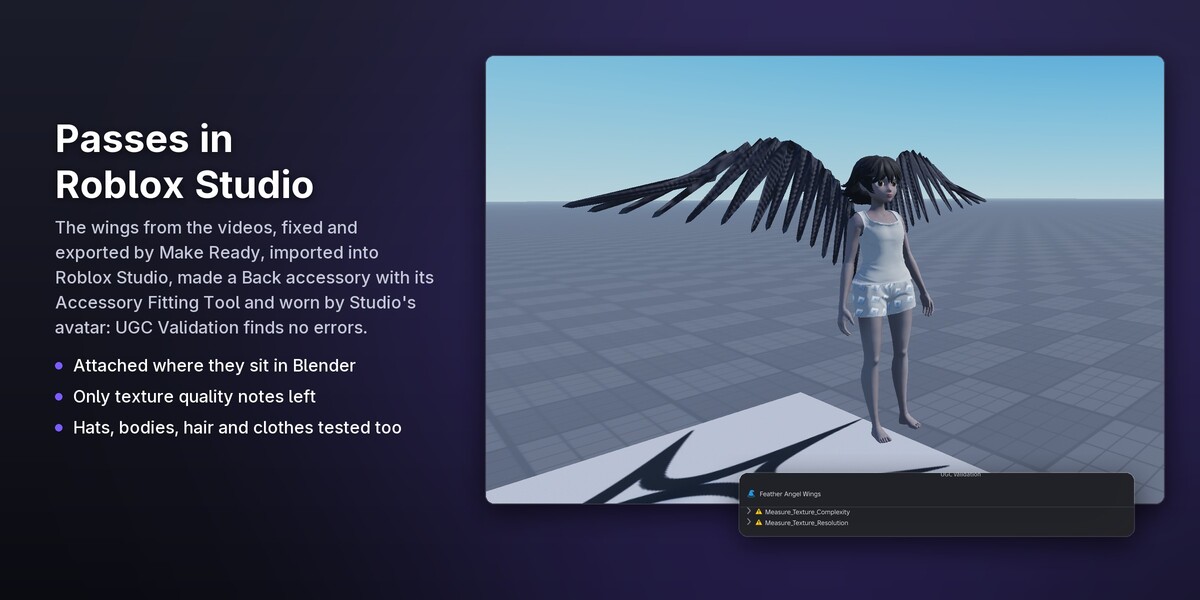
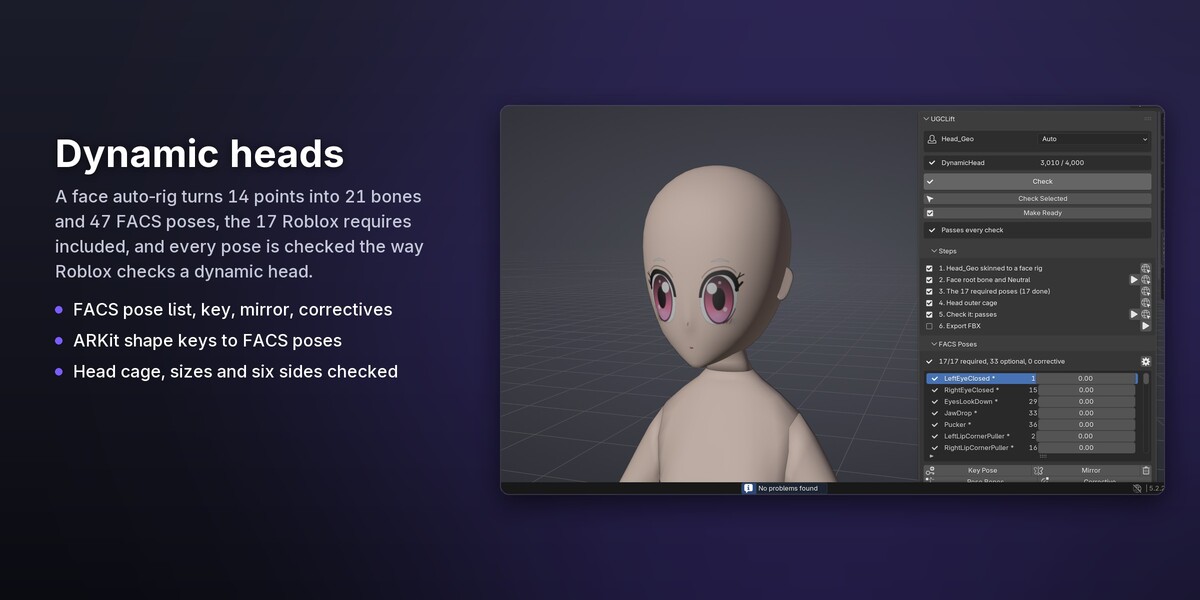
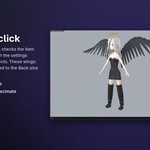
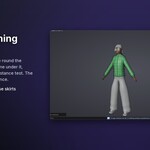
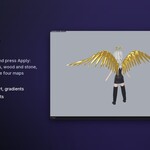
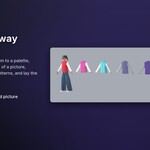
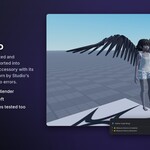
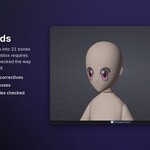
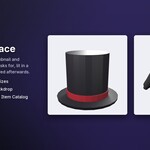
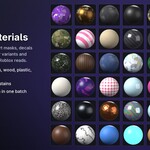

UGCLift checks your files for what Roblox's upload validation measures: it copies 66 of the 102 checks in Roblox's own validation code. The others are Studio properties, hidden-surface data Roblox adds when you publish, quality scores worked out on Roblox's servers and moderation, which no file can check. So UGCLift catches the problems that make Studio refuse an item, and it cannot promise what Roblox's moderators decide.
Blender 5.0 and newer. It is tested on 5.0.1, 5.1.2 and 5.2.2 LTS. It does not run on Blender 4.
UGCLift is pure Python with nothing compiled, so it runs wherever Blender runs. It is tested on Windows.
No. Only the buttons that talk to Roblox go online (Upload, Upload New Version, Asset Versions, Roll Back and Avatar Reference), only when you press them, and only with Blender's Online Access turned on. Your Open Cloud key stays in the add-on's preferences and is sent only to apis.roblox.com.
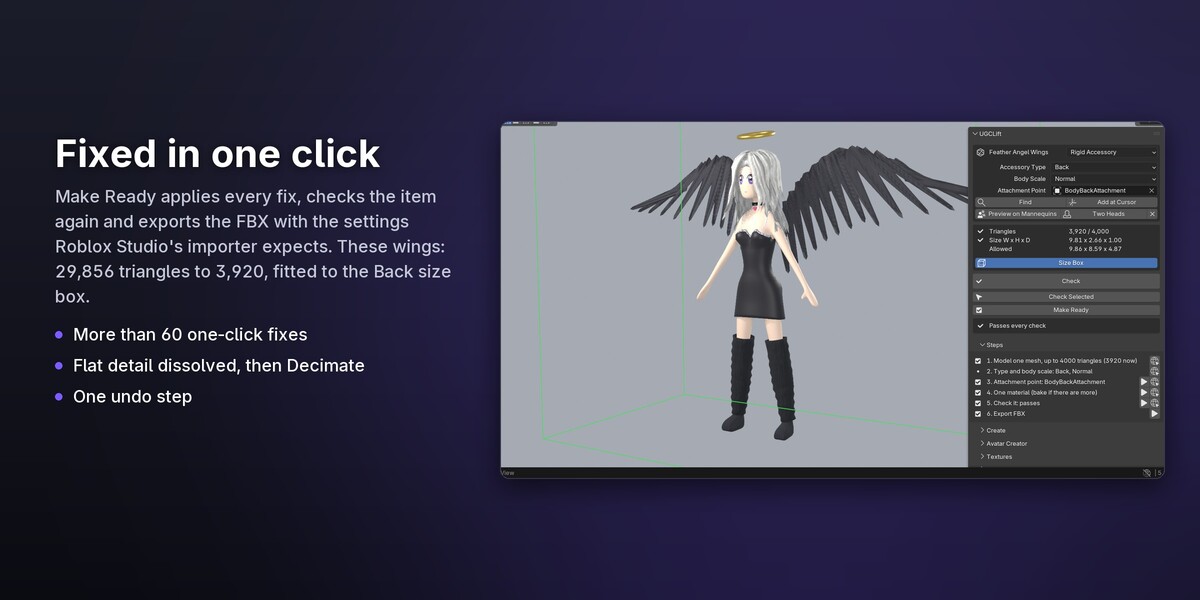
Yes, to publish. UGCLift exports files with the settings Studio's 3D Importer expects and tells you which Studio tool comes next (the Accessory Fitting Tool, Avatar Setup or File > Import 3D). With Open Cloud you can upload meshes and models straight from Blender.
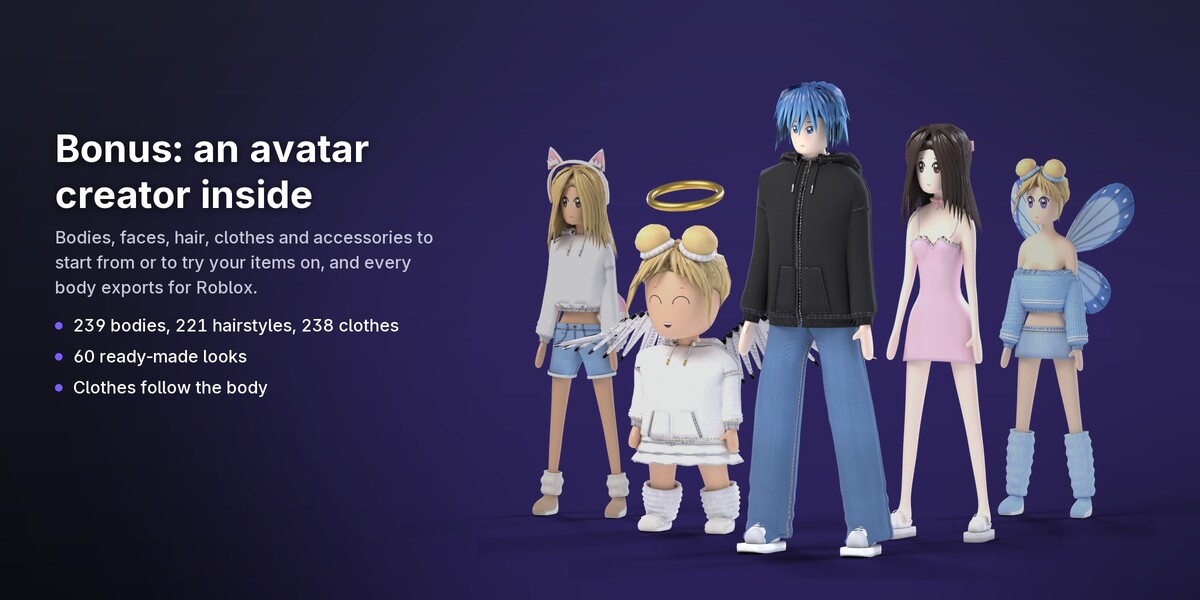
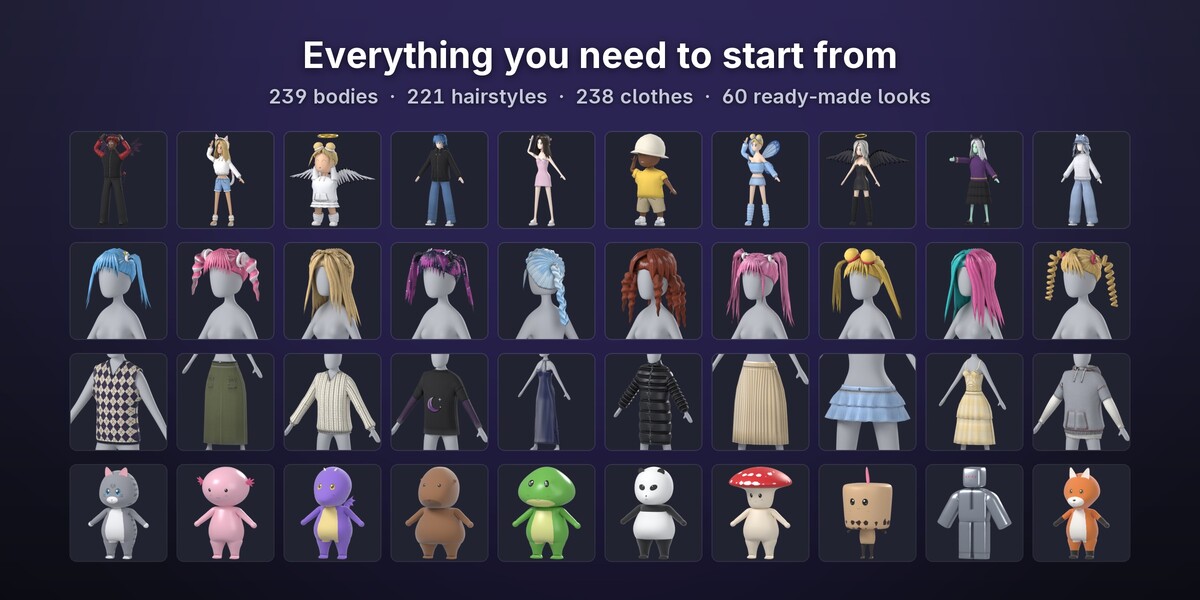
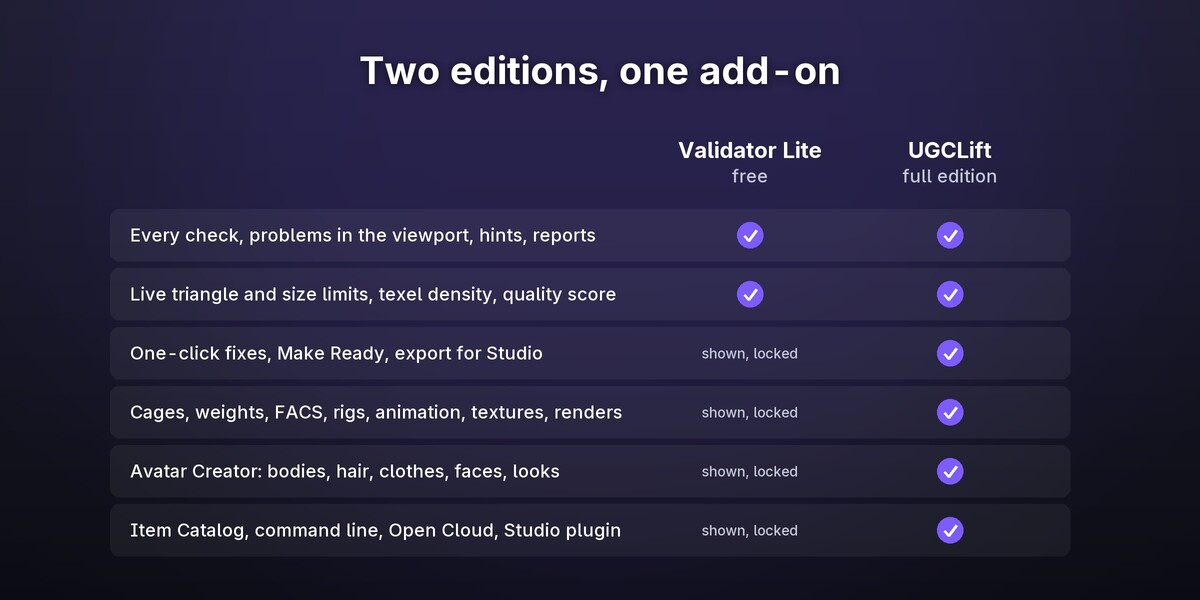
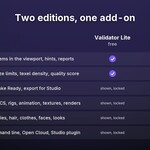
Validator Lite is free: every check, the problems in the viewport, the hints and the reports. UGCLift adds the one-click fixes, Make Ready, the export and every tool for making items, including the Avatar Creator. Lite shows those tools in place, locked, so you can see what they do.
No. They are Roblox's files. The tools that need one (the layered clothing cage template, the body cage template, the makeup head) ask for your own copy and link to Roblox's page where you download it.
Yes. Select your mesh or rig and press Check, or use Start Here > My Model. In the Avatar Creator, Add Your Own Model puts your own item on the avatar.
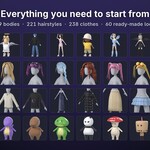
Yes. What you make and export with UGCLift is yours to publish. The library's ready-made bodies, hairstyles and clothes are shared by every UGCLift user, so change them (shape, colours, prints, your own pieces) to make your items your own; Roblox's Marketplace rules apply as for any item.
Download the new version here and install it from disk again (Edit > Preferences > Get Extensions > the arrow menu > Install from Disk). Your settings and your Open Cloud key are kept.
UGCLift keeps its limits in rule files, each with the date it was checked against Roblox's pages, and a tool compares them with Roblox's validation code. When Roblox changes a limit, an update follows.
English, Ukrainian, Spanish and Brazilian Portuguese (Edit > Preferences > Interface > Translation).
Have questions about this product?
Login to message
| Blender Extension Compatible | Yes |
| Published | about 1 hour ago |
| Blender Version | 5.0 - 5.2 |
| Extension Type | Add-on |
| Render Engine Used | Cycles, Eevee |
| License | GPL |
Discover more products like this
ugc roblox FACS roblox accessories Character Creator cage roblox ugc RobloxStudio avatar FBX Export validation layered clothing