 KacaDev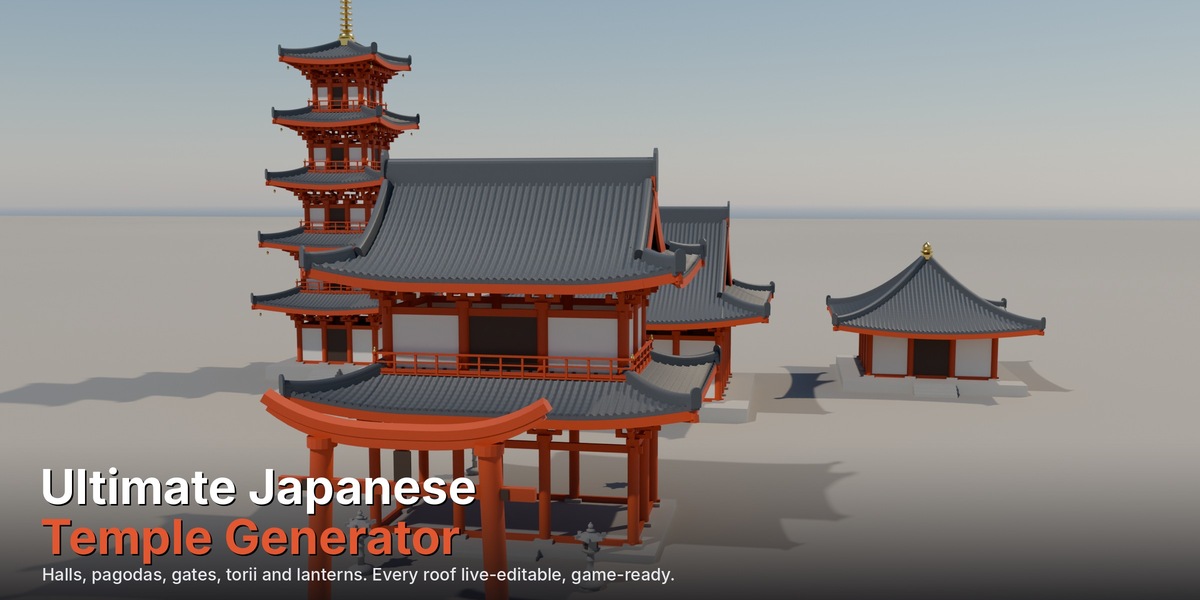
Requirements
Blender 4.2 or newer. Developed and tested on 5.1 and 5.2 LTS. Windows, macOS and Linux.
Installation
- Download
japanese_temple_generator-x.y.z.zip. Don't unzip it. - In Blender, open Edit > Preferences > Get Extensions, click the drop-down arrow at the top right and choose Install from Disk…, or drag the zip into the Blender window.
- The add-on is enabled automatically.
Adding a building
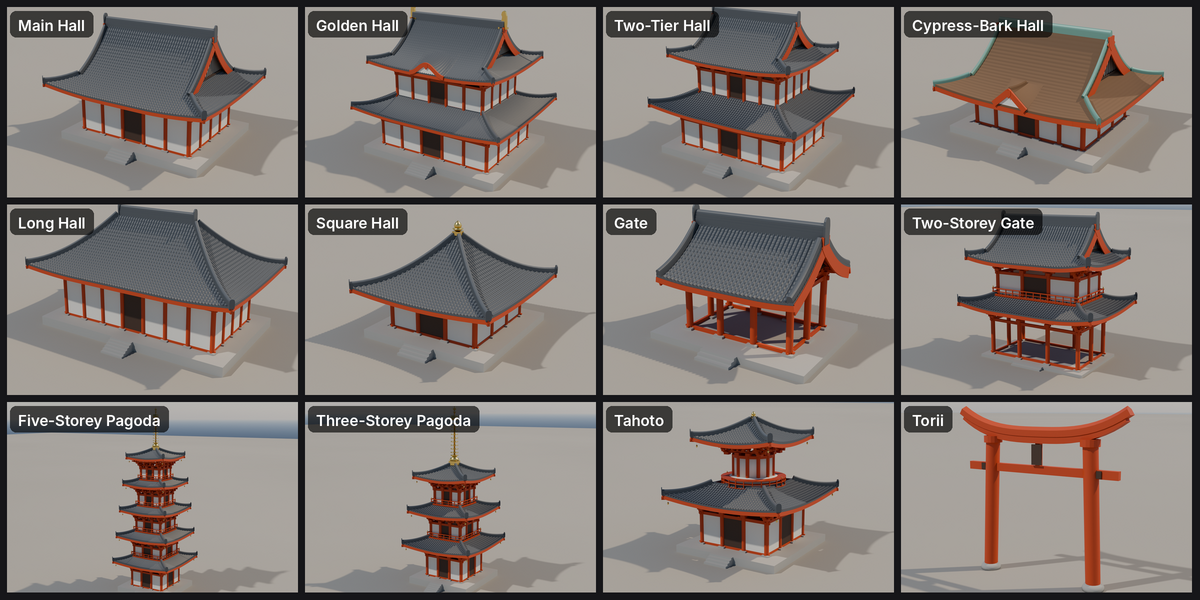
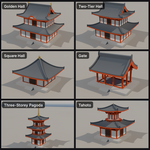
Add > Mesh > Japanese Temple, then pick a preset. The building appears at the 3D cursor with the front facing -Y. You can also press N, open the Temple tab and use Add Temple.
Editing
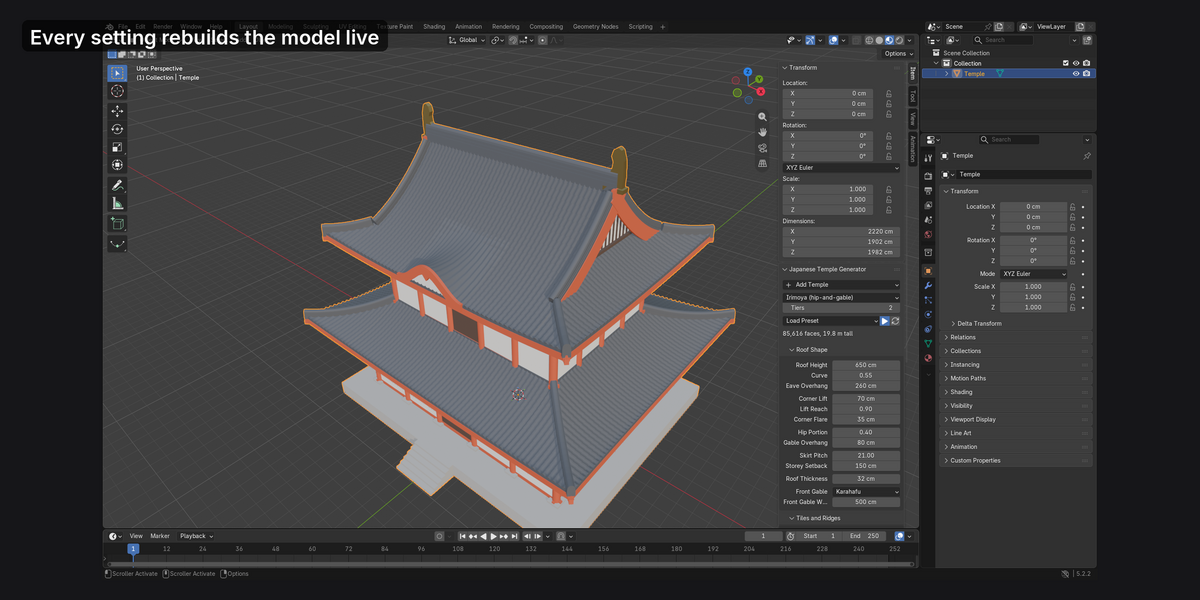
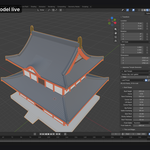
Select the building and open the Temple tab. Every setting rebuilds the mesh as you change it. The panels:
- Top: roof type, number of tiers, Load Preset, the Live Update toggle (pause it to change several settings on a heavy model, then press Rebuild), and a face count.
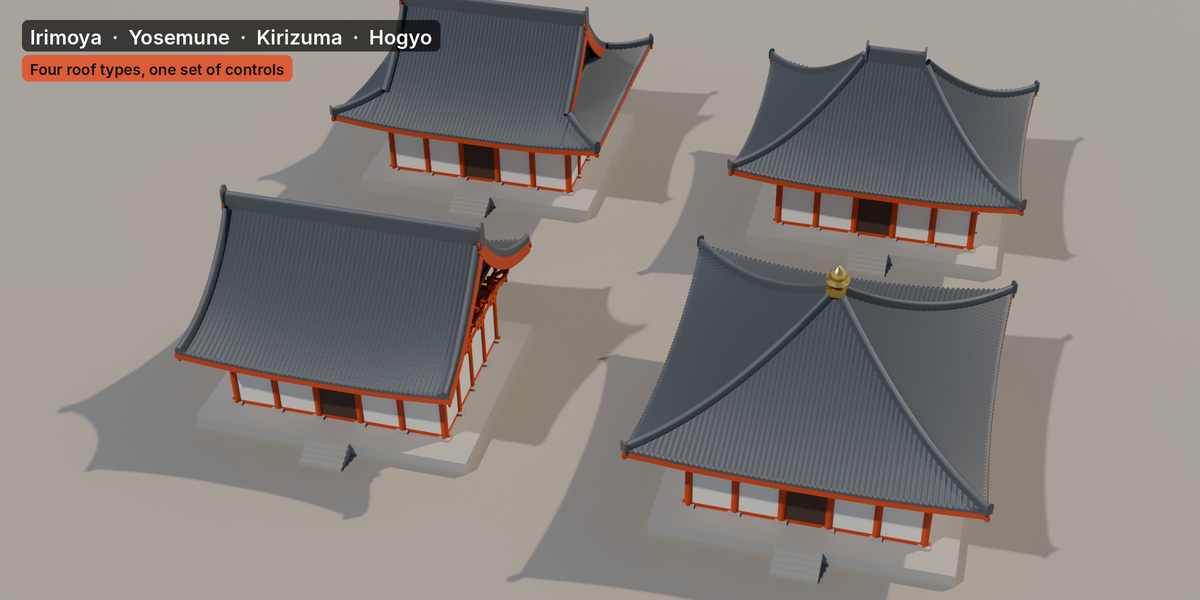
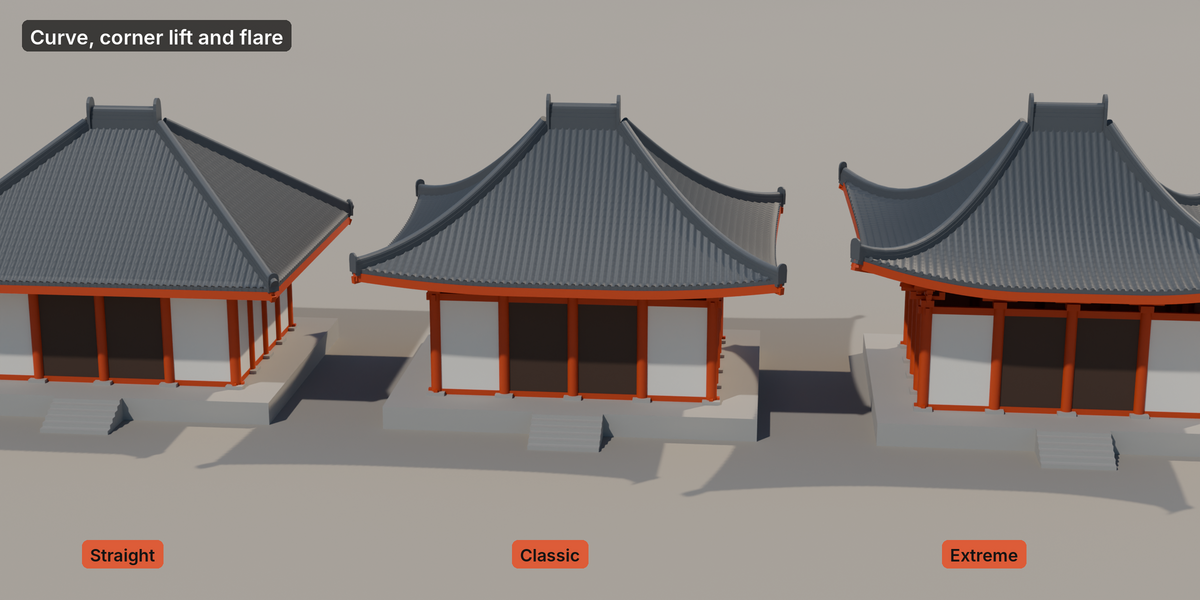
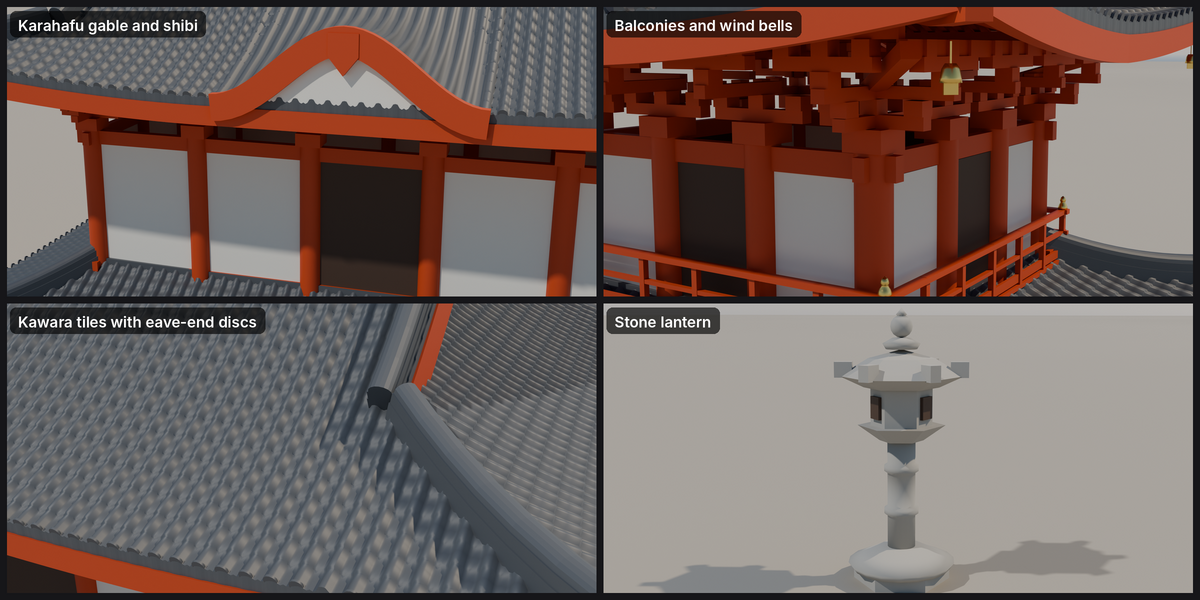
- Roof Shape: roof height, curve (positive is the concave temple curve, negative is convex), eave overhang, corner lift, lift reach, corner flare, roof thickness. Irimoya roofs add Hip Portion and Gable Overhang. Multi-tier buildings add Skirt Pitch and Storey Setback. Front Gable adds a karahafu or chidori-hafu with its width.
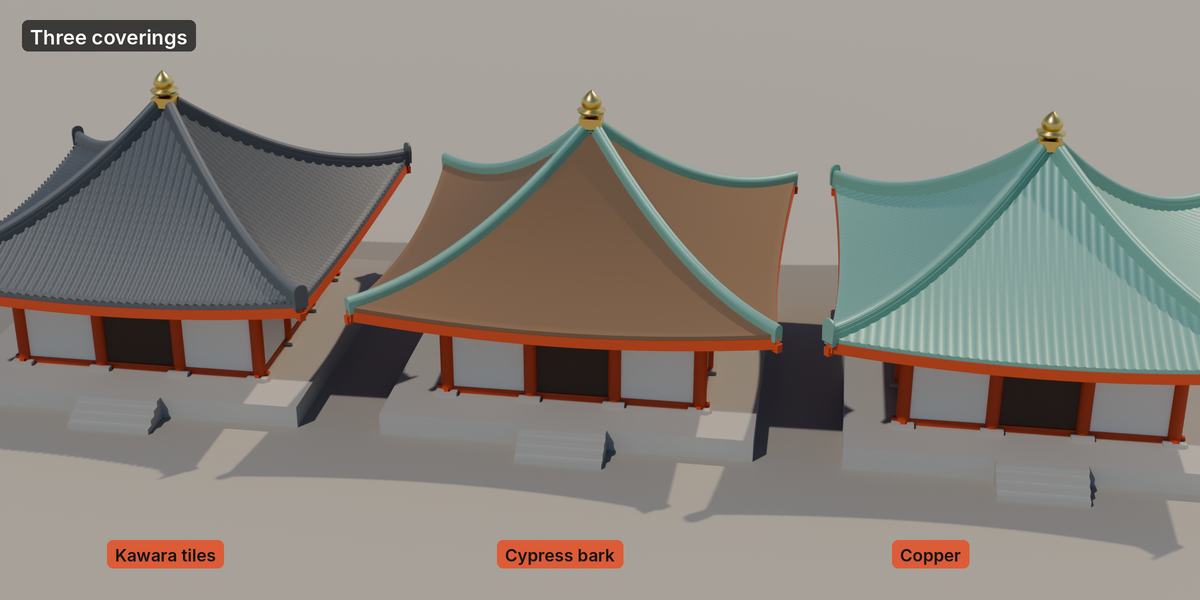
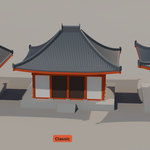
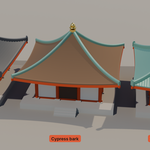
- Tiles and Ridges: covering (kawara, cypress bark, copper), tile detail, tile spacing and size, ridge size, ridge ends (onigawara, shibi, plain), and the finial on pyramid roofs.
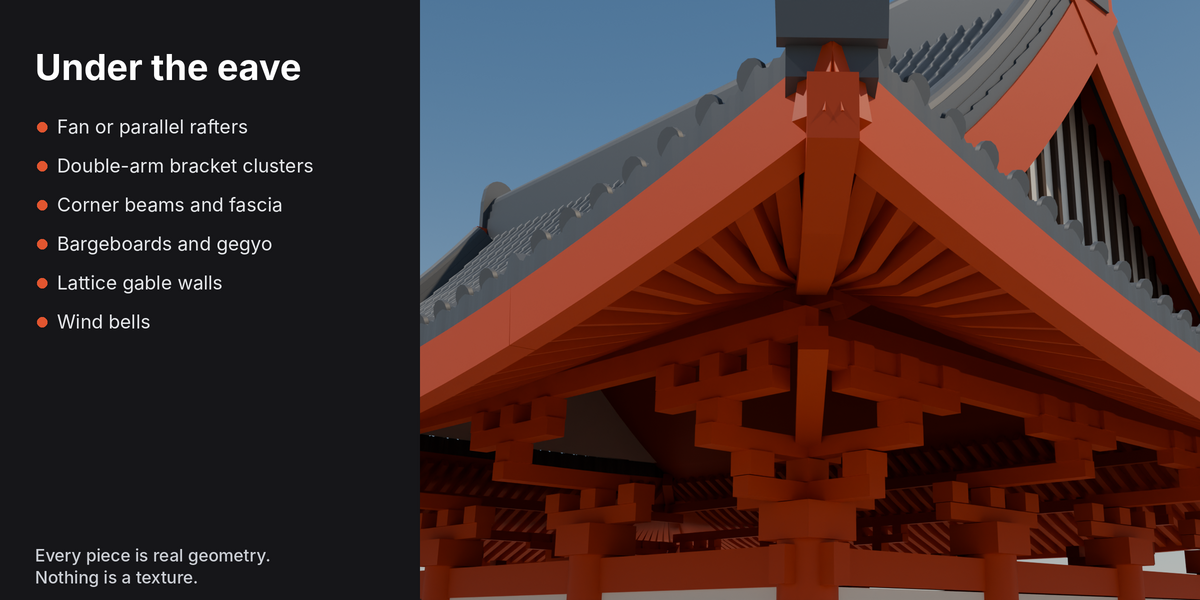
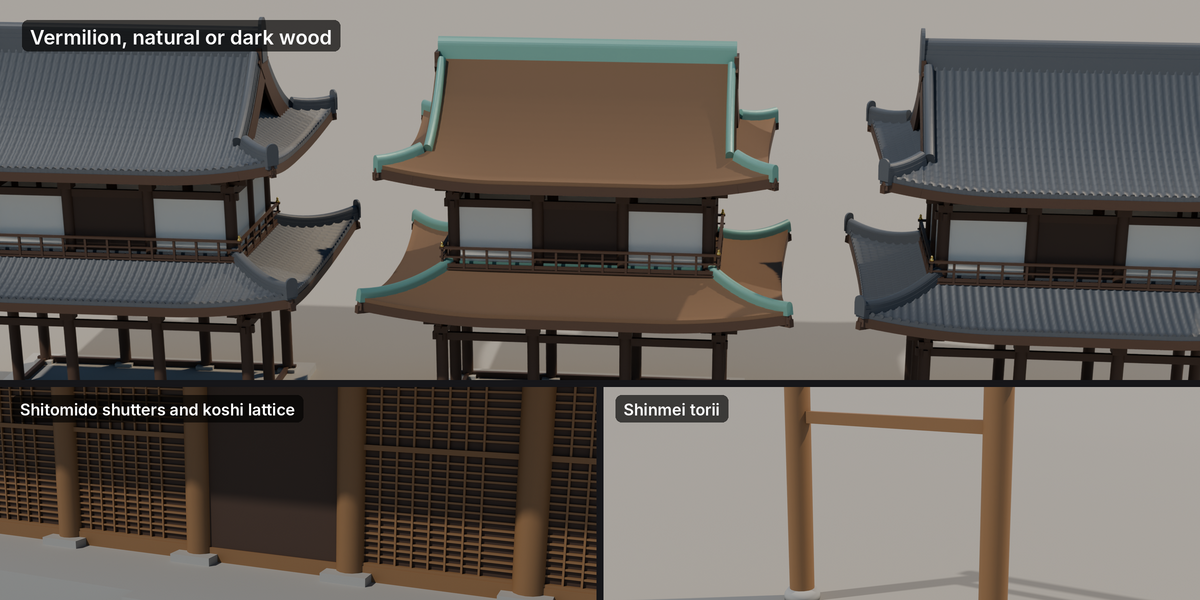
- Eaves and Brackets: rafters on/off, spacing, size, offset, parallel or fan layout; bracket style; wood colour; wind bells.
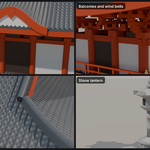
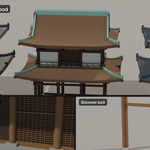
- Building: width and depth (the pillar lines), pillar heights, bays, pillar radius (which also scales the brackets), walls (open, plaster, doors all round, shitomido, kōshi), open ground floor, balconies, stone platform with its height and margin.
- Export: Roof Only, UV mode, Separate by Material, Convert to Plain Mesh.
Torii and stone lanterns show a shorter panel: style, pillar spacing, height, radius and wood colour for the torii; height for the lantern.
Units
Settings are lengths in your scene units. Presets are defined in metres and converted when loaded, so they come out the same size in a centimetre scene.
Game export
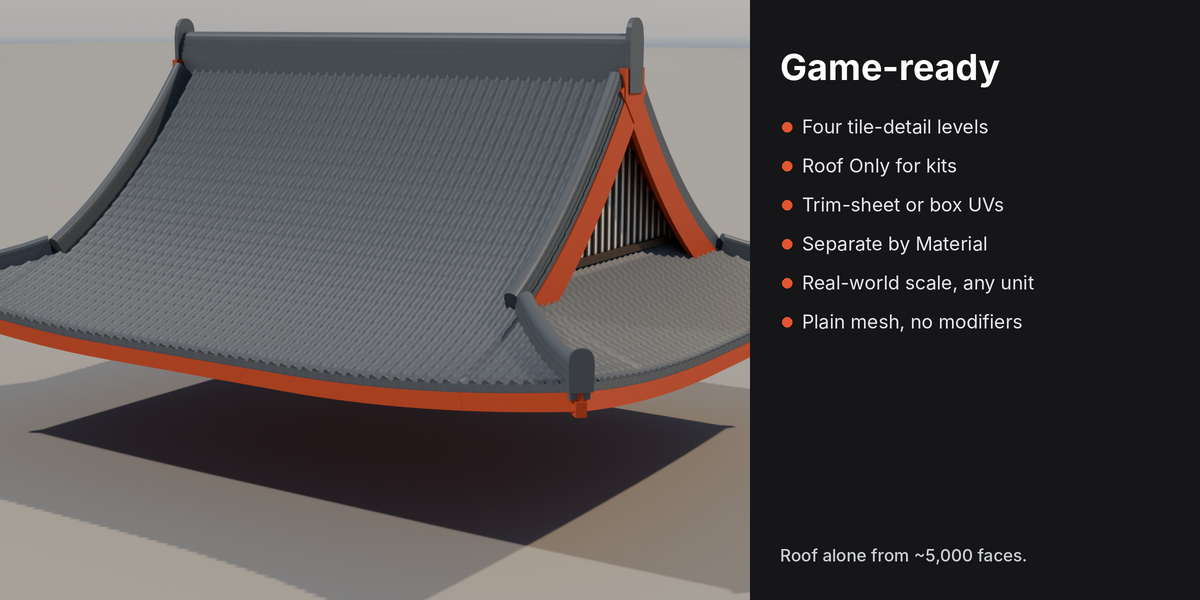
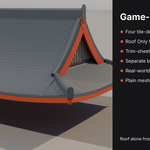
- Set Tile Detail to Off or Low for distant buildings; keep Medium or High for hero assets.
- Turn on Roof Only if your kit has its own walls.
- Choose UVs: Trim sheet to put every timber, plaster, stone and metal face on its own row of an 8-row trim sheet (rows, top to bottom: wood, dark wood, plaster, stone, gilt metal, copper, spare, spare). Tile faces keep their own tiling UVs.
- Press Separate by Material to split the building into one object per material, or Convert to Plain Mesh to keep it as one editable object.
Materials
Seven materials are created once and shared by every temple in the file: TR Roof Tiles, TR Wood, TR Plaster, TR Stone, TR Metal, TR Wood Dark and TR Copper (TR Cypress Bark replaces the tiles slot on bark roofs). They are plain Principled BSDF materials with flat colours, meant to be replaced by your own textures. The wood colour setting recolours TR Wood.
Have questions about this product?
Login to message
| Blender Extension Compatible | Yes |
| Published | 2 days ago |
| Blender Version | 4.2 - 5.2 |
| Extension Type | Add-on |
| Render Engine Used | Cycles, Eevee |
| License | GPL |
Discover more products like this
shrine temple torii parametric architecture roof game environment pagoda ArchViz Generator procedural japanese