 3D Texel


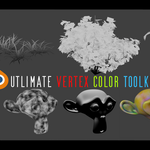
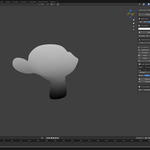
Ultimate Vertex Color Toolkit
Bake, generate and pack vertex color masks for game engines, one channel at a time.
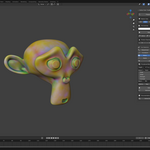
Shaders for foliage wind, wear, dirt and blending read their masks from vertex colors. This toolkit builds those masks inside Blender. Every tool can write to a single R, G, B or A channel, and to the selected vertices only. You can pack four different masks into one color attribute and export it straight to Unreal, Unity or Godot.
Made for: PSX and retro game assets, foliage and trees, and large vertex-painted props and environments.
New in 1.3
- Blender 4.0 to 5.2. Installs as an Extension on 4.2 and later; a classic add-on ZIP is included for 4.0 and 4.1.
- Your materials are never touched. The channel preview no longer writes to your material slots.
- Brush-safe channel lock: Protect Channels also covers Blender's own Vertex Paint and Sculpt brushes. View G, lock R, B and A, and paint freely.
- Support (Discord) button in the panel.
Generate masks
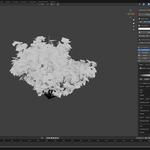
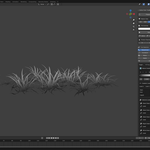
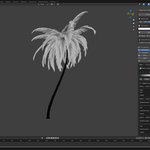
Hierarchical Gradient. Trunk to branch to leaf, driven by your materials, with per-material controls and no limit on levels. Built for foliage wind masks on trees, palms and plants.

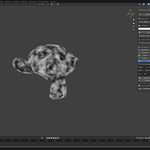
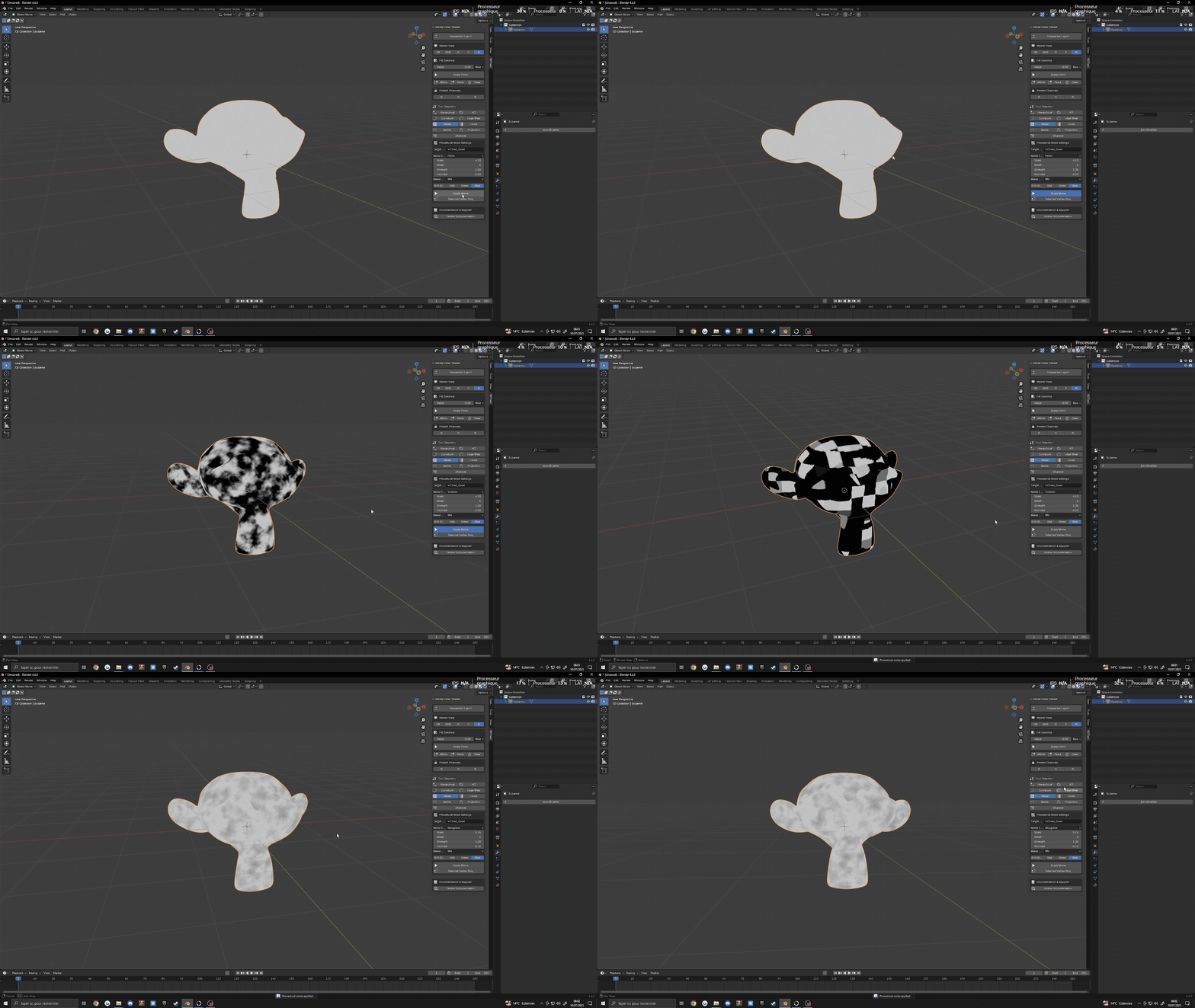
Procedural Noise. Several noise types with scale, detail, strength and contrast controls, plus blend modes to mix with what is already in the channel. Adds variation without UVs.
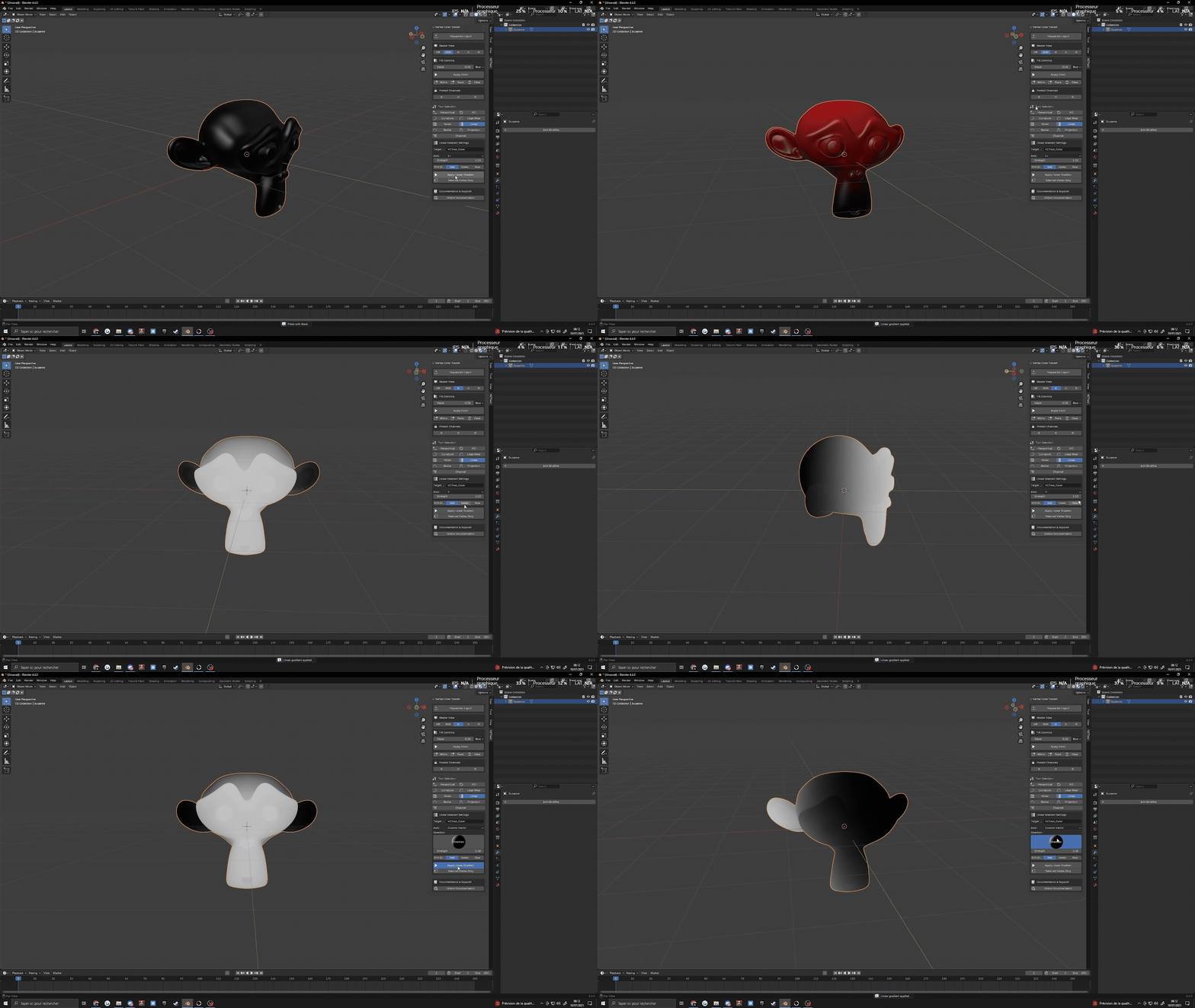
Linear Gradient. Along any axis, with start and end control. Use it for height masks and directional fades.
Radial Gradient. From any origin, with falloff control. Use it for circular patterns and local detail.
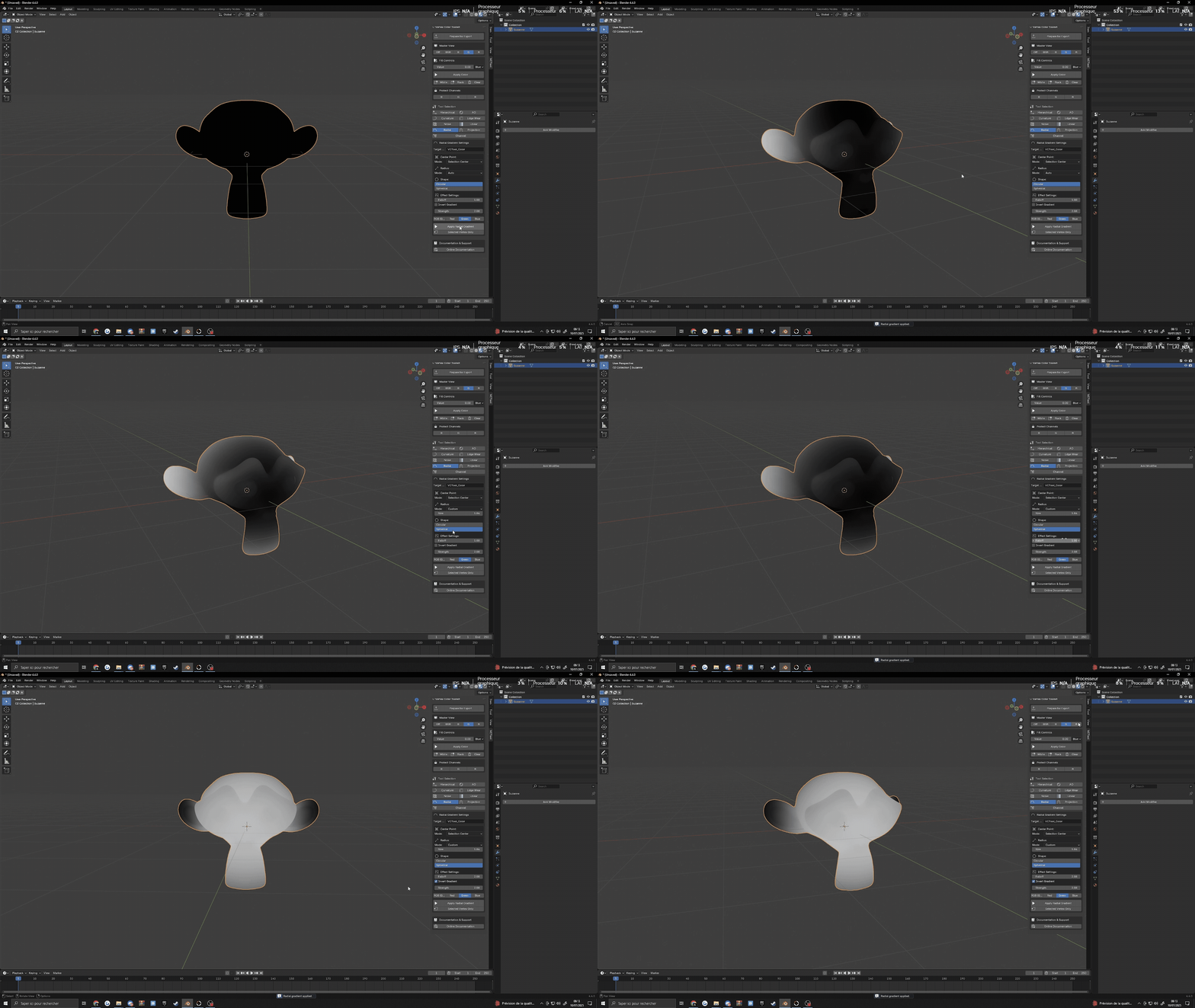
Projection Mask. Masks by facing direction: up (snow, moss), down (dirt, drips) or any custom direction.

Bake masks
These use Cycles. A one-click "Use Cycles" button is in the panel.
Ambient Occlusion. AO straight to vertex colors, with no texture bake. Distance, samples and strength controls, plus Invert for cavity and dirt masks.
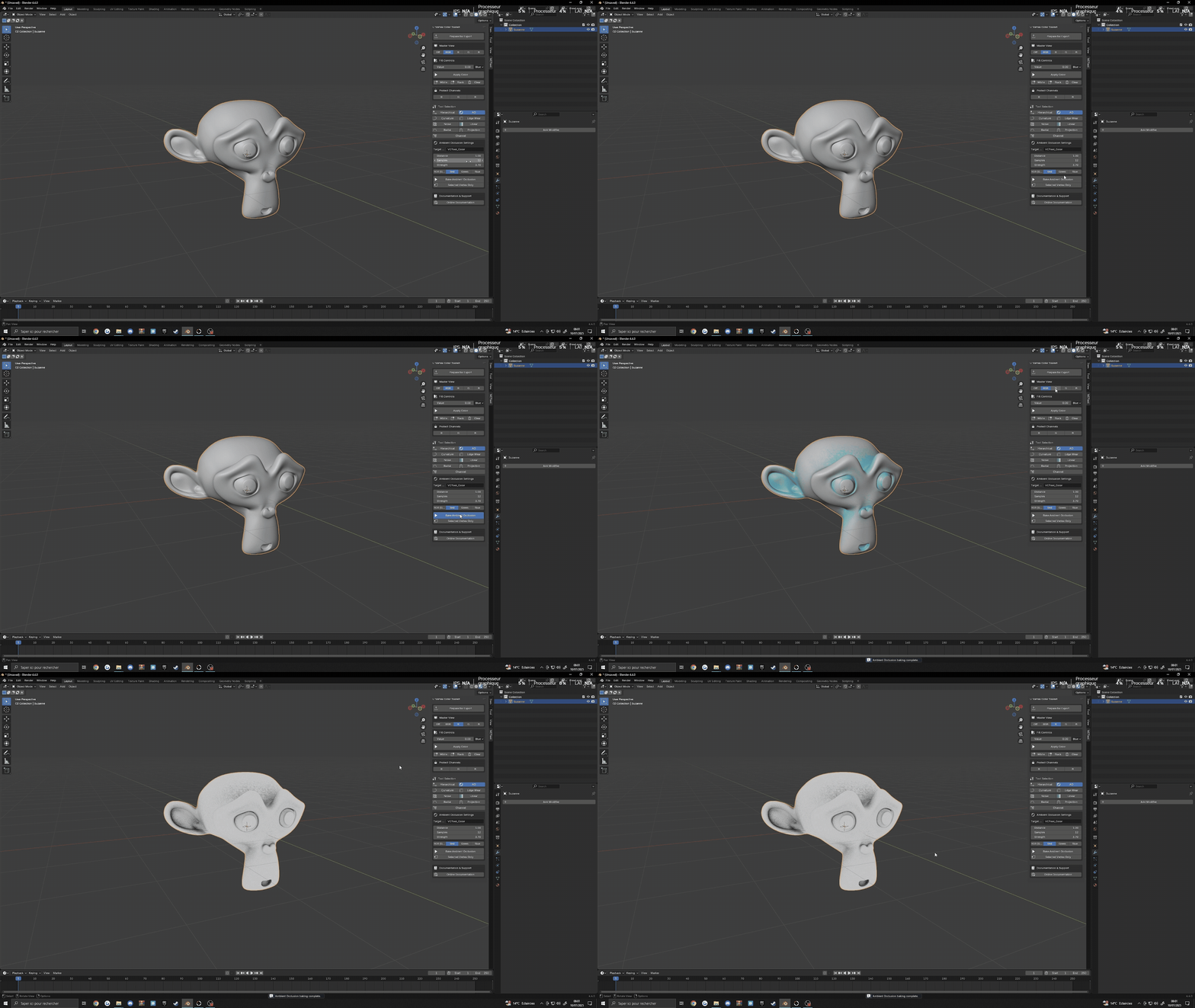
Curvature. Picks out edges, cracks and cavities, with threshold and strength controls. A base for wear and detail masks.

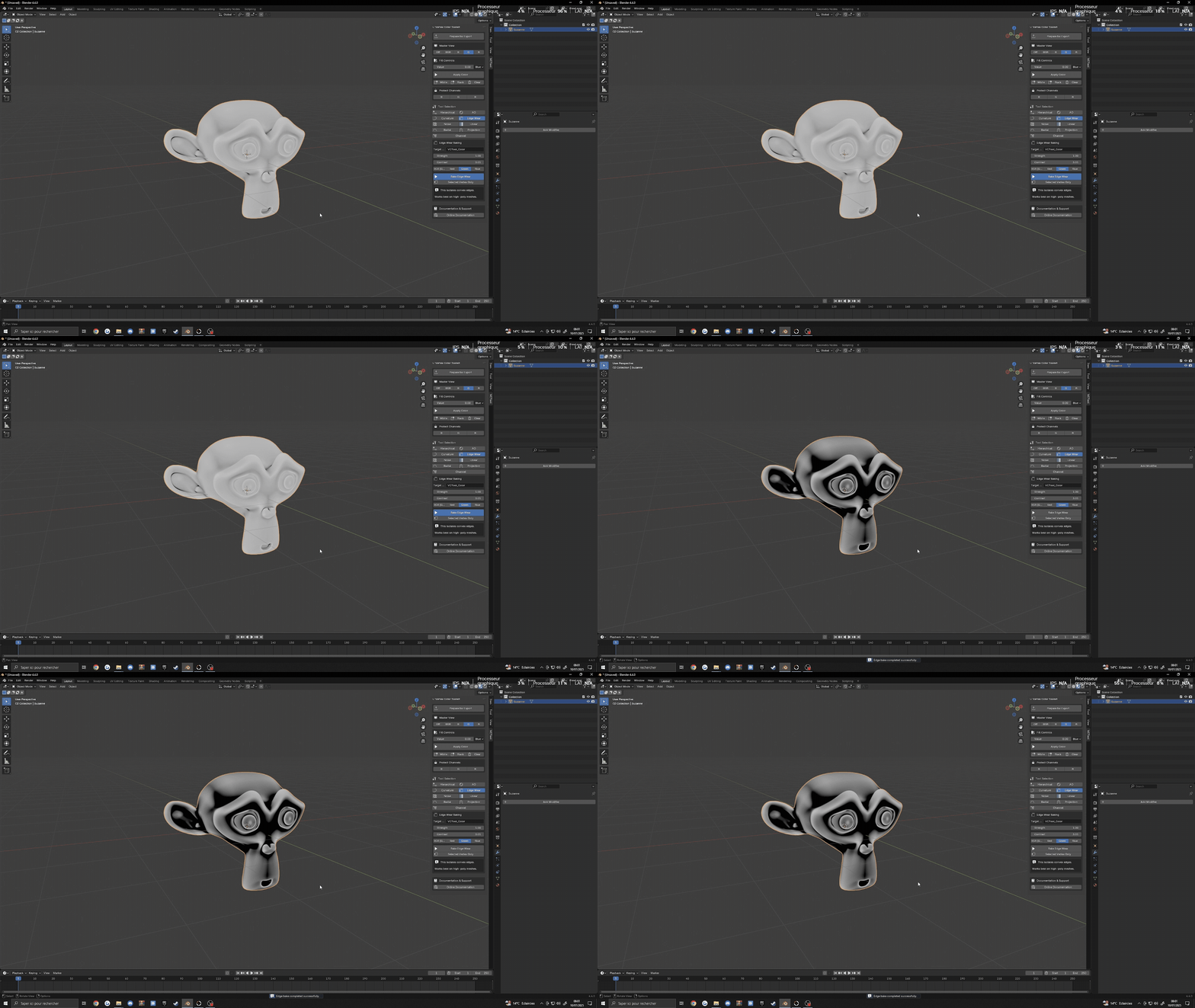
Edge Wear. Edge damage and weathering with strength and contrast controls, for hard-surface props and architecture.
Manage channels
Channel Manager. Copy, swap, intensity, multiply and invert between R, G, B and A.

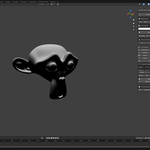
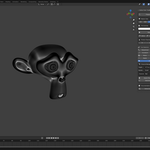
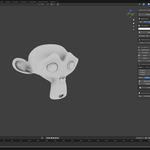
- Master View: preview RGB, R, G, B or A alone in the viewport, so you can see each mask.
- Protect Channels: lock channels so that neither the toolkit nor Blender's brushes change them.
- Fill: set any channel to a value in one click.
- Selected vertices only: limit any operation to your selection.

Ship
Prepare for Export sets the mesh up with the right color attribute for game engines, so your masks arrive in Unreal, Unity or Godot as you painted them.

Compatibility
Blender 4.0 to 5.2. Two ZIPs are included:
-
vertex_color_toolkit_1.3.4.zip: Extension for Blender 4.2 to 5.2 (Get Extensions > Install from Disk). -
UVCToolkit1.3.4.zip: classic add-on for Blender 4.0 and 4.1 (Preferences > Add-ons > Install).
FAQ
Why do AO, Curvature and Edge Wear need Cycles?
They use Cycles' bake engine to compute the result per vertex. The other tools work in any render engine.
Does it change my materials?
No. Since 1.3.0 the preview never writes to your material slots.
Documentation and support
Documentation: Ultimate Vertex Color Toolkit documentation.
Questions, bugs or ideas: join the 3D Texel Discord.
More from 3D Texel
Ultimate Rock Generator, Smart LOD Generator, and free CC0 PBR materials and HDRIs on 3dtexel.com.
