Anvil Interactive Solutions


What is Unit & Scale Doctor?
Unit & Scale Doctor prevents the “looks right in Blender, wrong in engine” problem.
It detects and fixes unit, scale, and axis issues that cause broken lighting, physics, and exports—before assets leave Blender.
Originally built for production pipelines managing thousands of assets, Unit & Scale Doctor is a focused, professional tool for validating scale and orientation with no guesswork.
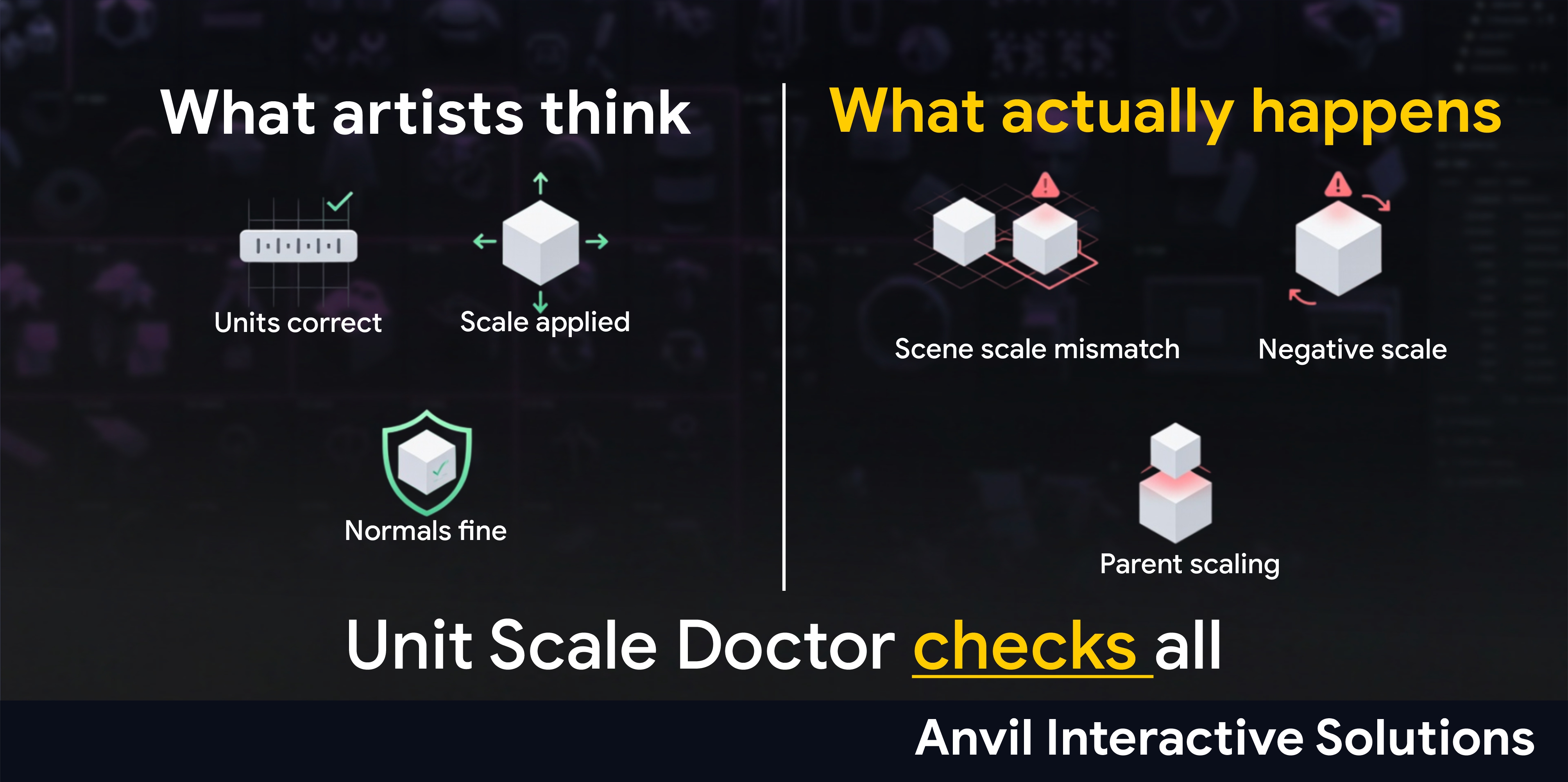
Correct size. Correct axes. Predictable physics.
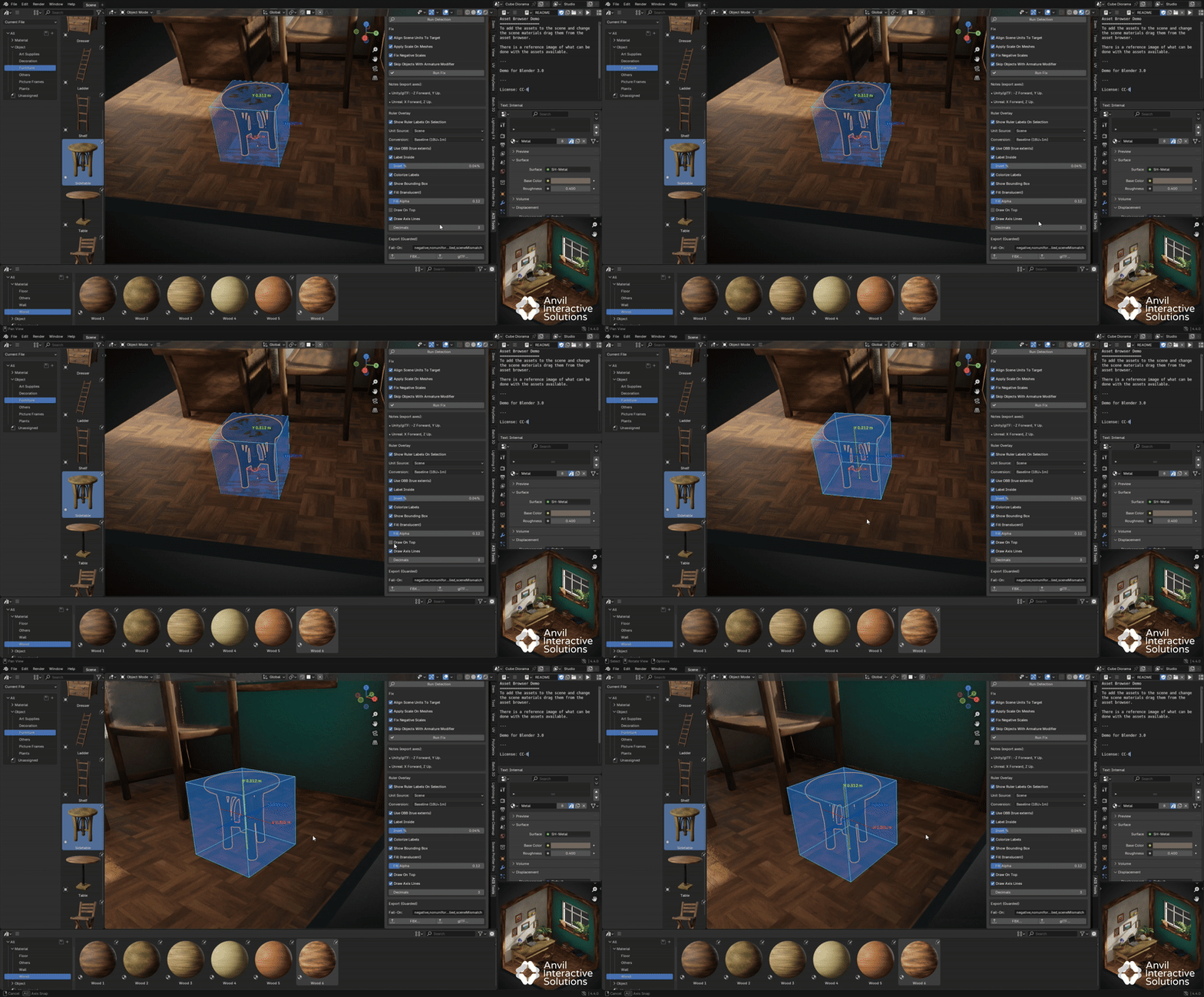
Feature Demo – Detect, Fix, and Block Bad Exports
What Unit & Scale Doctor Enforces
Profile-Aware Units & Axes
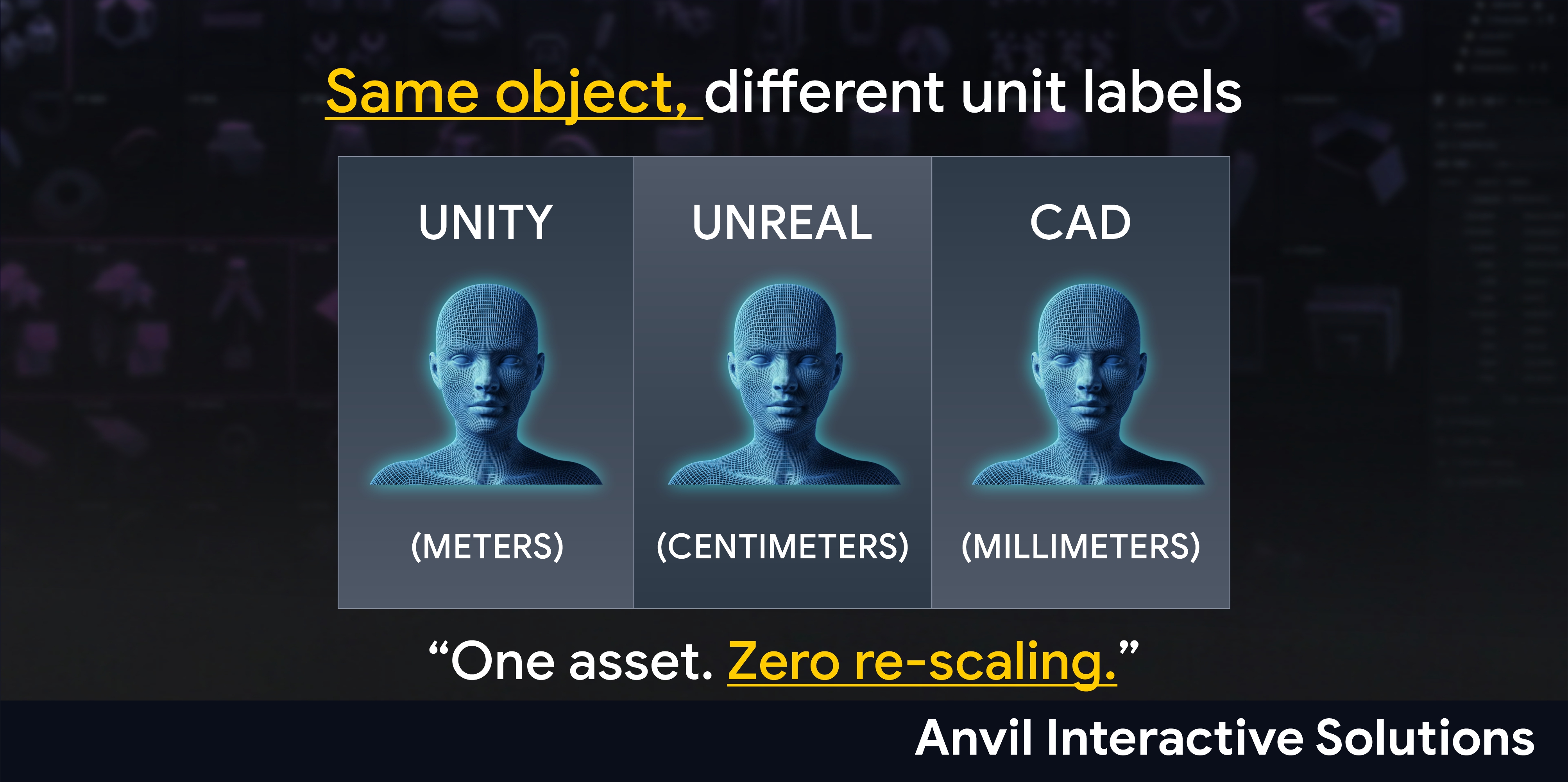
Select a target engine profile (Unity, Unreal, glTF, CAD).
Scene checks, rulers, axes, and export settings automatically adapt to match the selected profile, including correct up and forward axes.
Fast Scene Audit
Detects the most common causes of broken exports:
• Unapplied scale (not 1,1,1)
• Non-uniform scale
• Negative (mirrored) scale
• Scaled parents
• Scene unit mismatches relative to the target profile
One-Click Repair
Provides explicit, one-click fixes:
• Align scene units to the target profile (no vertex rescaling)
• Apply scale safely on static meshes
• Fix negative scales with automatic normal recalculation
• Optional armature skipping to preserve rigs and skinning
Rulers, Axis Lines & Cages (AABB/OBB)
Visualize true object size and orientation in the viewport:
• Live AABB or OBB bounds with translucent fill
• Axis lines remapped to the target profile
• On-mesh labels with units and precision control
• Color-coded axes and optional draw-on-top mode
Guarded Export (FBX/glTF)
Exports are blocked when scale or axis violations exist.
You receive a clear on-screen warning and a detailed console report so broken assets never leave Blender.
Headless CI Validator
Run validations headlessly in CI pipelines.
Emits a JSON report and non-zero exit code on violations for vendor intake, asset validation, and pre-merge gates.
Presets & Rules
Save fail-on rules to enforce consistent scale and axis standards across teams and projects.
📈 Console Reports
Concise UI summary + detailed object-level diagnostics in the console.
Workflow Overview
- Select a target engine profile.
- Run detection to identify violations.
- Apply fixes where appropriate.
- Use rulers and bounds to verify size and orientation.
- Export with guardrails enabled so invalid assets are blocked.
Non-Destructive by Design (when you choose)
Unit & Scale Doctor is non-destructive by default.
Scene unit alignment does not rescale vertices.
Scale application is explicit and optional.
Armatured meshes can be skipped to protect skinning.
Ideal Use Cases
| Scenario | AIS Solution |
|---|---|
| Vendor/Photogrammetry intake | Catch & fix unit/scale mismatches before they hit the engine |
| Game asset export | Guarantee correct size and up/forward axes for Unity/Unreal/glTF |
| CAD → Game handoff | Enforce mm/cm/m consistently with profile-aware rulers |
| Physics/collision chaos | Remove negative/unapplied scale; recalc normals; block bad exports |
| Team pipelines & CI | Headless validation with JSON report + exit codes |
Technical Highlights
Blender Support: 3.0 – 4.4 (tested 3.6 LTS & 4.4)
OS: Windows / macOS / Linux
Engine Targets: Unity / Unreal / glTF pipelines
Exporters: FBX, glTF (guarded)
License: MIT
Language: Python (UTF-8)
Tips for Best Results
-
Run Align Scene Units before applying scale.
-
Use OBB for rotated objects (true extents), AABB for quick checks.
-
Enable Draw On Top in dense scenes so cages/labels stay readable.
-
Keep Skip Armature on unless you know you need to freeze rigged meshes.
-
Treat fail-on rules as your pipeline’s contract; keep them strict.
Learning Resources
-
YouTube: AIS Unit & Scale Doctor — Feature Demo (2:05)
-
Docs: Install, Quickstart, CI examples, FAQ
-
Issues/Support: Tracker or support email
Roadmap
-
Axis remap per profile (Unity Y-up / Unreal Z-up / glTF Y-up export)
-
AABB/OBB cages with fill/alpha and on-top
-
Colorized labels + precision control
-
Guarded FBX/glTF with fail-on rules & JSON report
-
Headless validator for CI
-
Saved rule presets per workspace/team
-
Optional per-object overrides (ignore lists)
-
Example CI templates (GH Actions, GitLab, Jenkins)
Reliability & Maintenance
-
Hardened for Blender 3.x/4.x (GPU/BLF fallbacks).
-
Clean register/unregister; no leftover handlers.
-
Backwards-safe defaults (no surprises on first enable).
License & Updates
-
MIT (open source, permissive).
-
Use in commercial and open projects.
-
Versioned releases with changelogs.
Creator’s Note
“Unit & Scale Doctor exists to prevent silent unit and axis drift from wasting hours of work. Detect the issues, fix them once, see the truth in the viewport, and block broken exports.”
Summary Tagline
Correct size. Correct axes. No broken exports.