 SARASURRANO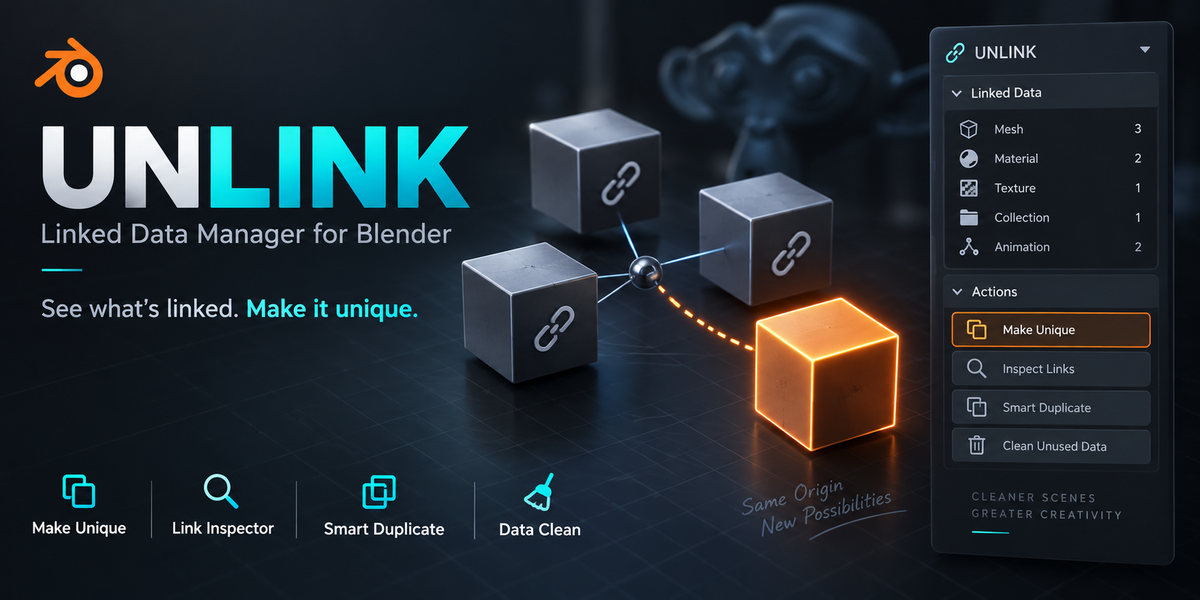
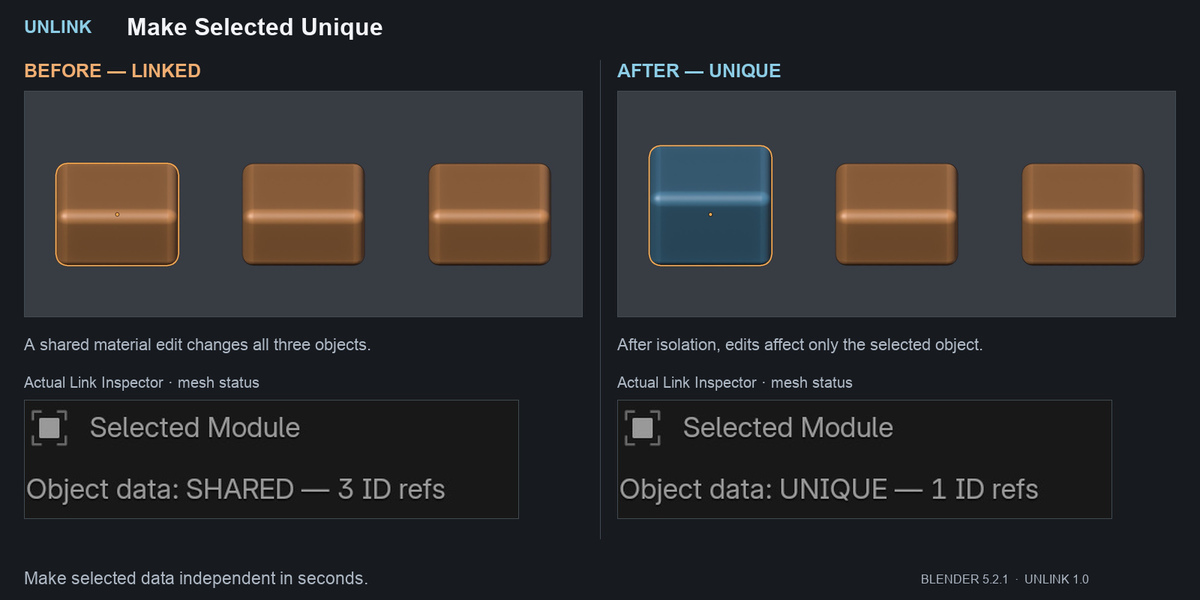
Changed one object and accidentally changed them all?
A shared mesh, material or node group can turn a small edit into an unexpected change across your scene. UNLINK helps you see what your Blender objects share and choose exactly what to make independent.
Everything is accessible from one dedicated sidebar in the 3D Viewport.
Understand the connections
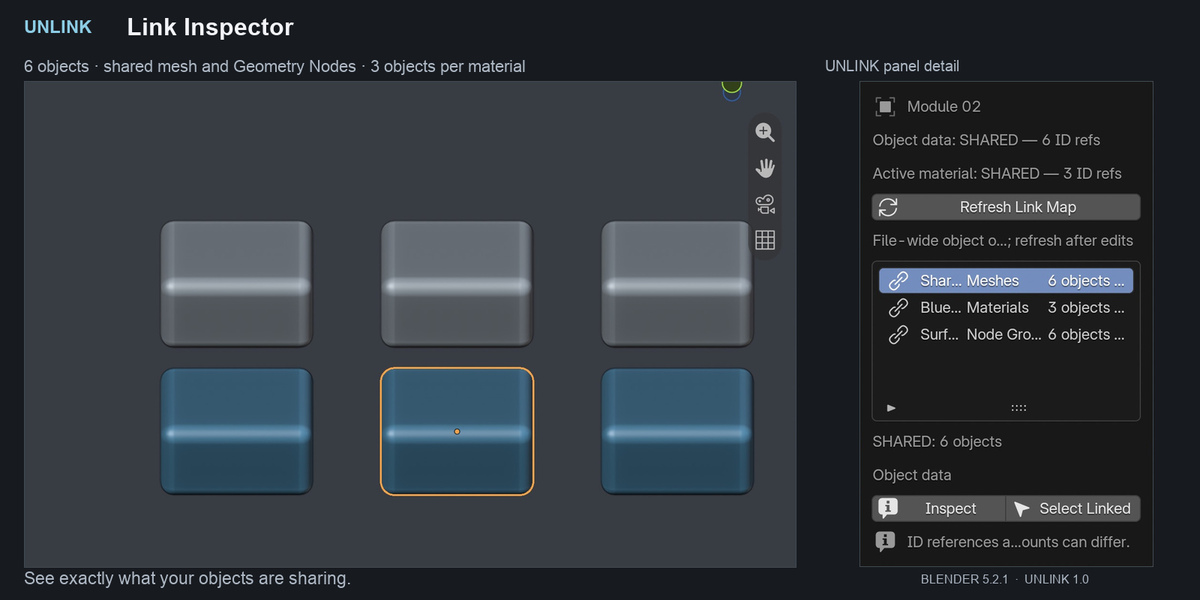
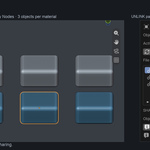
The Link Inspector shows the active object’s supported data dependencies, including nested node groups, images and actions. See how many objects use a datablock, inspect its dependency path, and select its available owners.
Blender reference counts and actual object-owner counts are displayed separately, helping you understand connections that a simple user count can miss.
Create independent variations
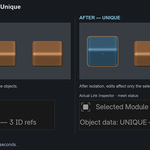
Select one object or a batch, choose your data categories, and click Make Selected Unique. Safe Mode lets you review the scope before applying changes.
Choose from:
Mesh and other supported object data.
Materials and Geometry Nodes modifier trees.
Nested shader and Geometry Nodes groups.
Object and data Actions, including NLA strip actions.
Packed image snapshots, including unsaved pixel edits.
Required parent materials and node containers are copied automatically when isolating nested groups or images. Materials-only isolation protects unselected objects that share the same mesh.
Duplicate with a clear choice
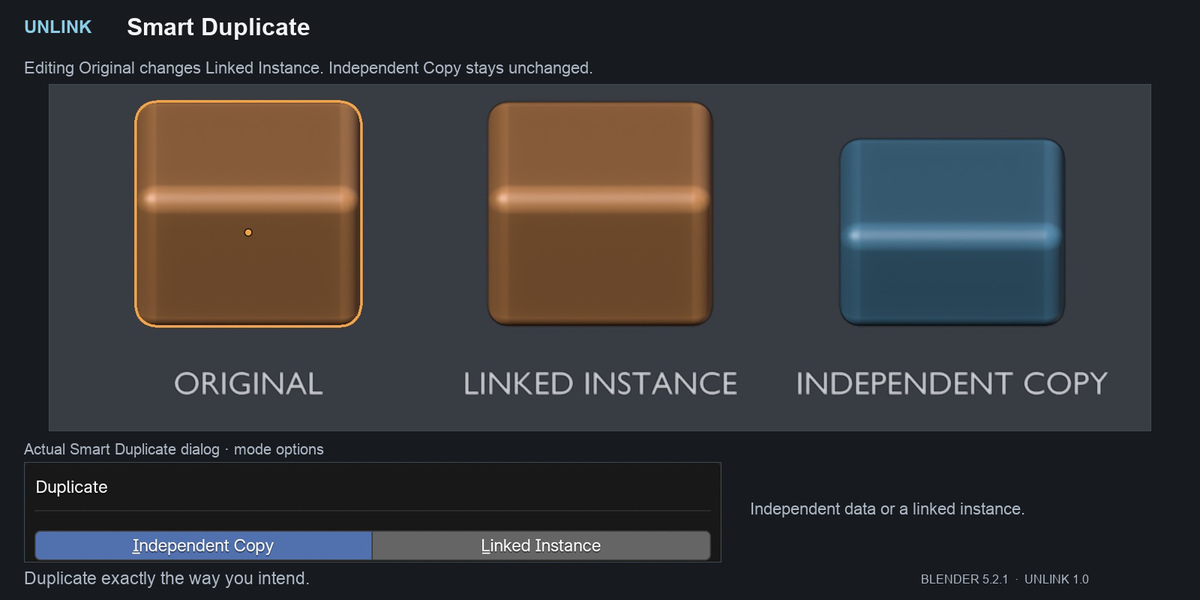
Smart Duplicate offers Independent Copy using your selected categories or Linked Instance using shared data. A configurable offset controls initial placement.
Clean with control
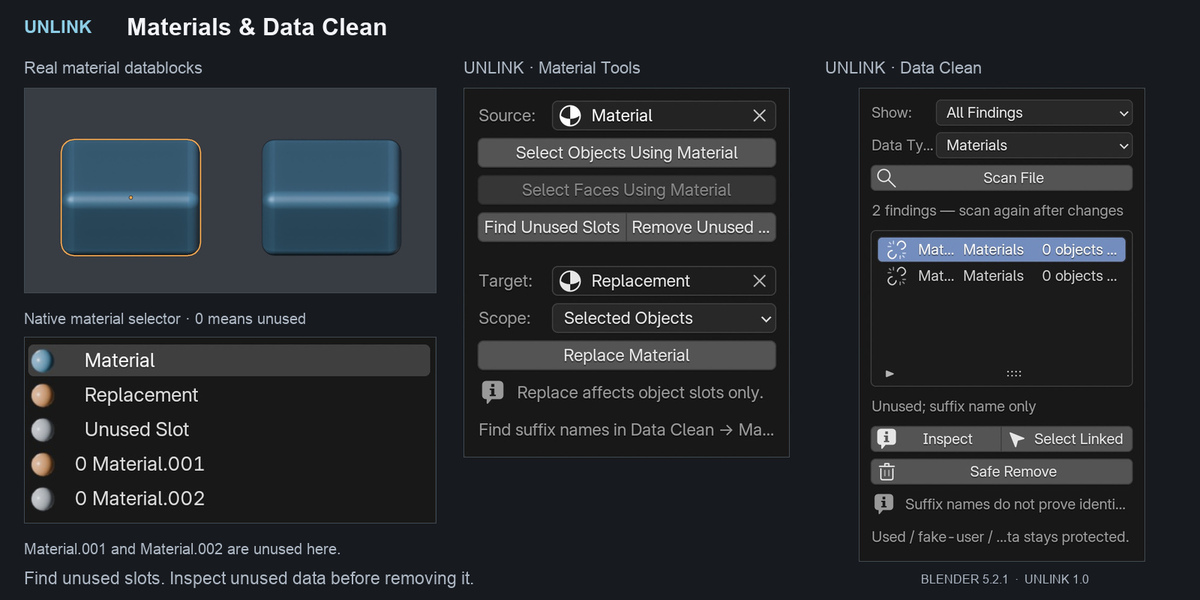
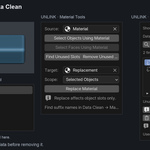
Find material owners, select faces by material, replace material slots within a chosen scope, and remove slots unused by base mesh faces.
Data Clean lists unused datablocks and duplicate-like names for inspection. Nothing is automatically merged or purged. Safe Remove requires confirmation and protects used, linked, fake-user and asset data.
Compatibility
Designed for Blender 4.2–5.2. Tested on Blender 4.2.0 and 5.2.1 LTS on macOS, including installation, functional workflows, panel rendering, undo/redo, and saving and reopening files.
Windows and Linux are supported by design but have not been physically tested. Intermediate Blender versions have not been individually tested. No external dependencies are required.
Important scope limits
Unchecked categories remain shared. Parents, constraints, driver targets and Object/Collection node inputs are not detached. Linked library objects and overrides are inspect-only; collection instances must be made real before independent copying.
Image snapshots support loaded, single-view file and generated images; UDIM, movies, sequences and multiview