Unlink — Linked Data Manager
 SARASURRANO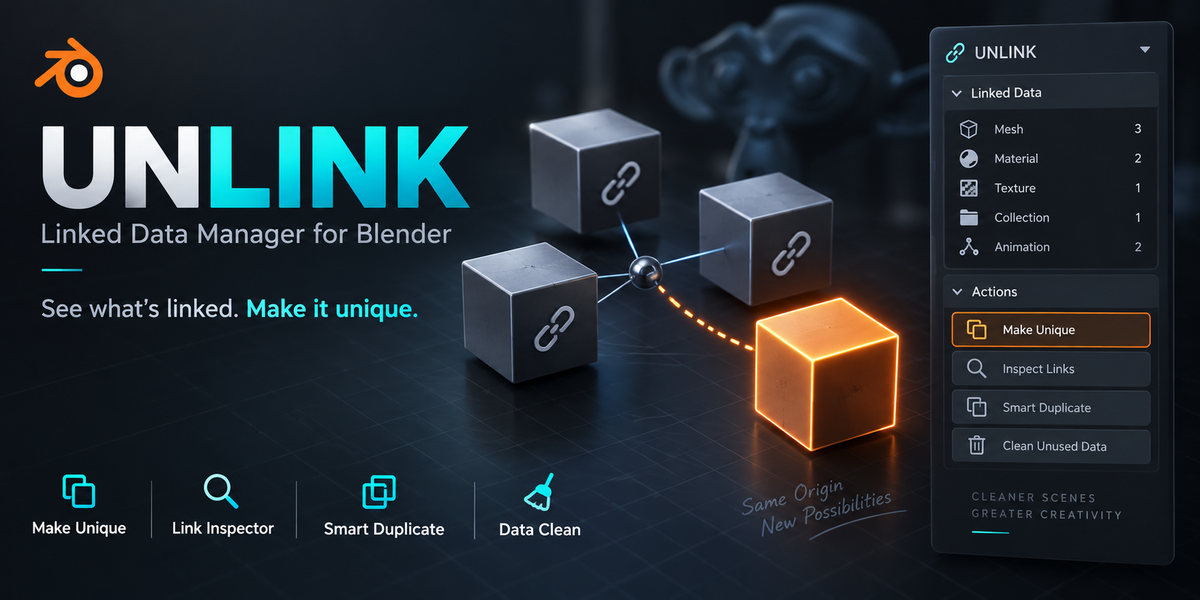
Can Safe Remove delete materials that are still in use?
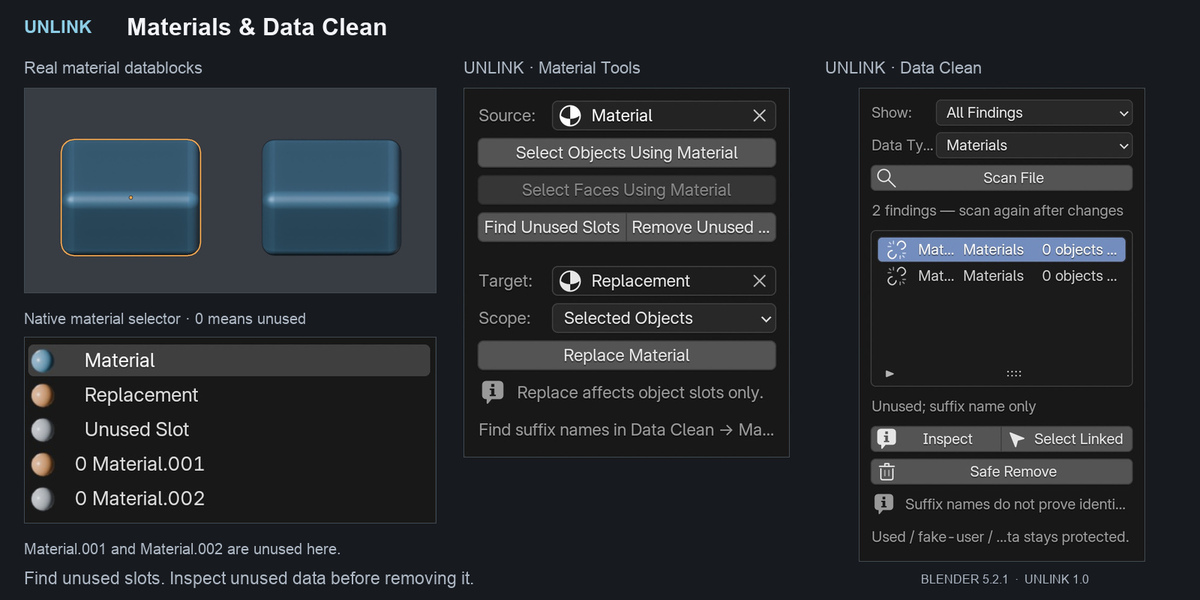
Safe Remove rechecks current usage before deletion. Used, linked, override, fake-user, and asset-marked datablocks are protected. Scans are snapshots, so refresh them after changes.
Does Data Clean automatically merge Material.001 and Material.002?
No. Numerical suffixes are naming hints, not proof of identical content. UNLINK lets you inspect findings and safely remove eligible unused datablocks individually.
Why are ID references and object-owner counts different?
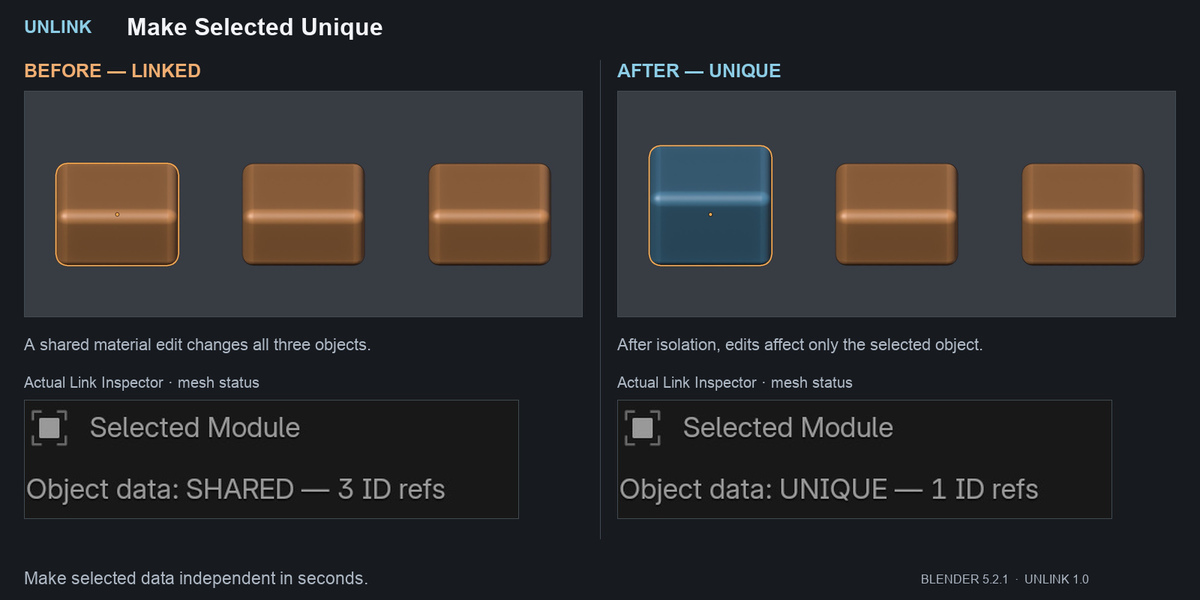
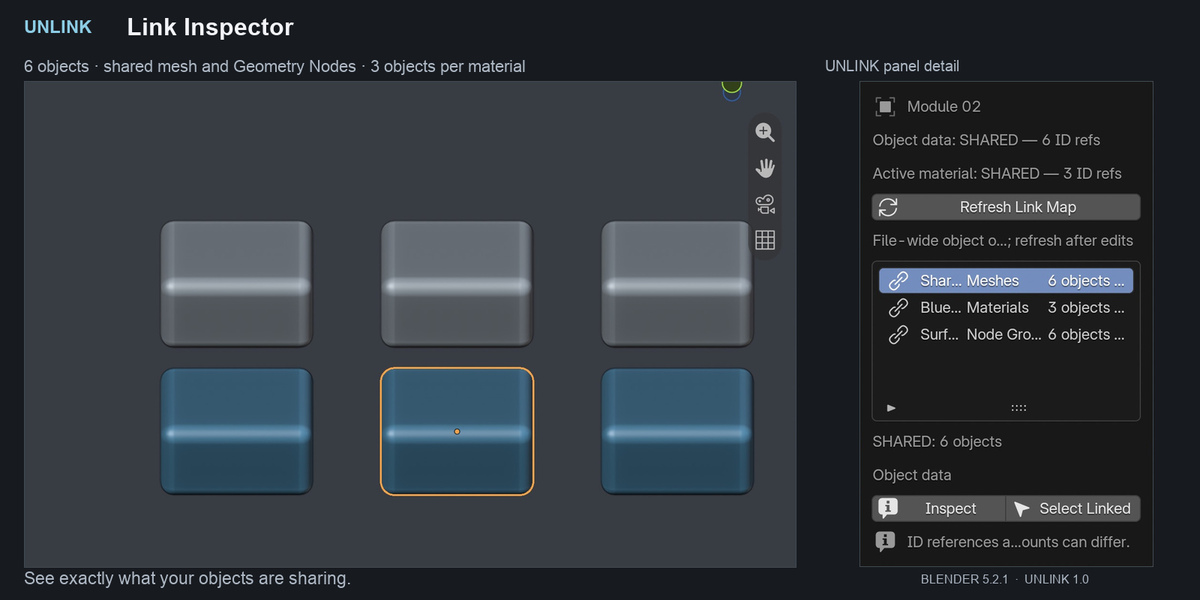
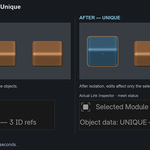
They measure different things. One shared mesh can reference a material once while several objects use that mesh. The inspector shows both counts to help explain these relationships.
Does UNLINK support Geometry Nodes?
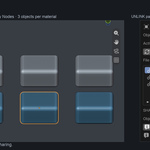
Yes. It can isolate root Geometry Nodes trees. Enable Nested Node Groups to also isolate supported groups inside them. External Object and Collection inputs remain connected.
What is the difference between Independent Copy and Linked Instance?
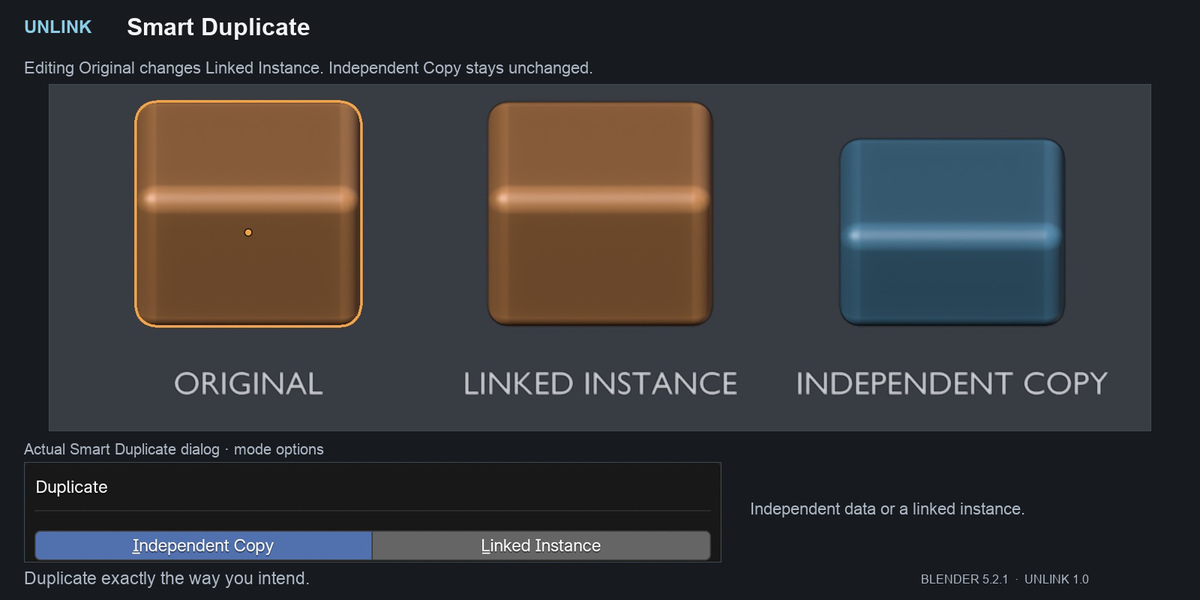
Independent Copy isolates the checked data categories on the duplicate. Linked Instance keeps the duplicate’s data shared, similar to Blender’s Alt+D workflow.
Can I make only the mesh or material independent?
Yes. Choose Object Data, Materials, and/or Geometry Nodes before using Make Selected Unique. Unchecked categories remain shared. Advanced image isolation may also copy required material and node-group containers.
What does UNLINK do?
UNLINK brings dependency inspection, selective isolation, duplication controls, material tools, and unused-data review into one sidebar. You can choose which supported categories to isolate and inspect their object owners.
$7.99
Have questions about this product?
Login to message
| Published | about 21 hours ago |
| Blender Version | 4.2 - 5.2 |
| Extension Type | N/A |
| Render Engine Used | Cycles, Eevee |
| License | GPL |
Discover more products like this
Workflow blender addon materials utilities batch tools scene cleanup linked data Object Management asset management Data Management productivity geometry nodes