Unlink - Linked Data Manager
 SARASURRANO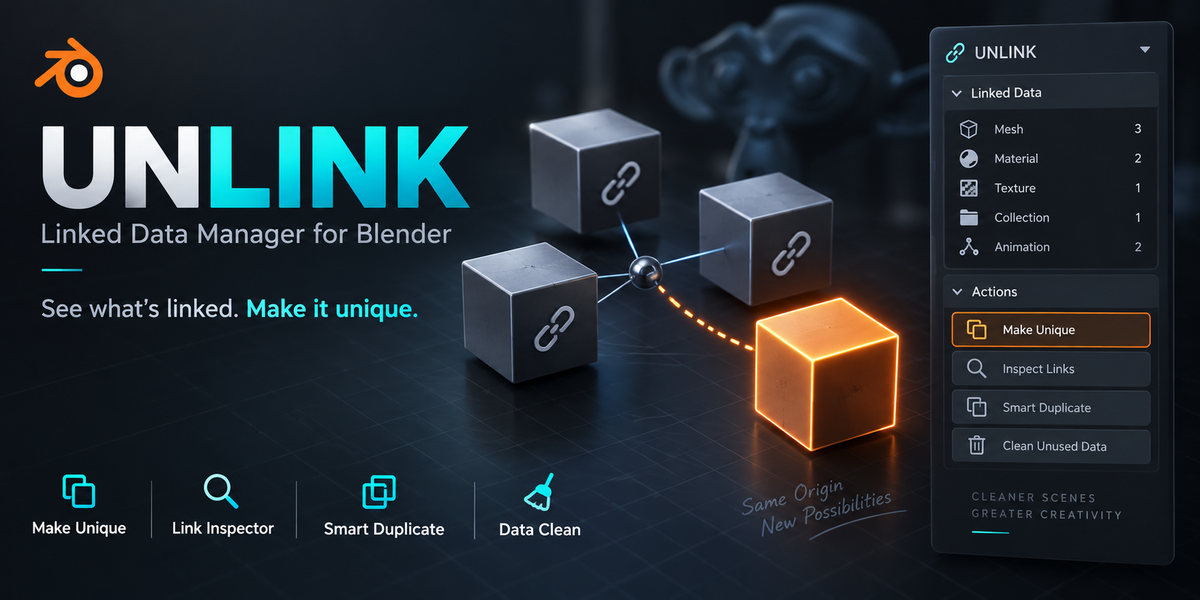
UNLINK — Documentation
UNLINK helps you inspect shared Blender data, make selected data independent, control how objects are duplicated, and review unused datablocks.
Installation
Download UNLINK_v1.0.0.zip and keep it zipped.
In Blender, open Edit → Preferences → Add-ons.
Open the add-on menu and choose Install from Disk.
Select the downloaded ZIP and enable UNLINK — Shared Data Manager.
In the 3D Viewport, press N to open the sidebar, then select the UNLINK tab.
UNLINK is a traditional Python add-on. No external software, Python packages, or internet connection are required.
Quick Start: Make an Object Independent
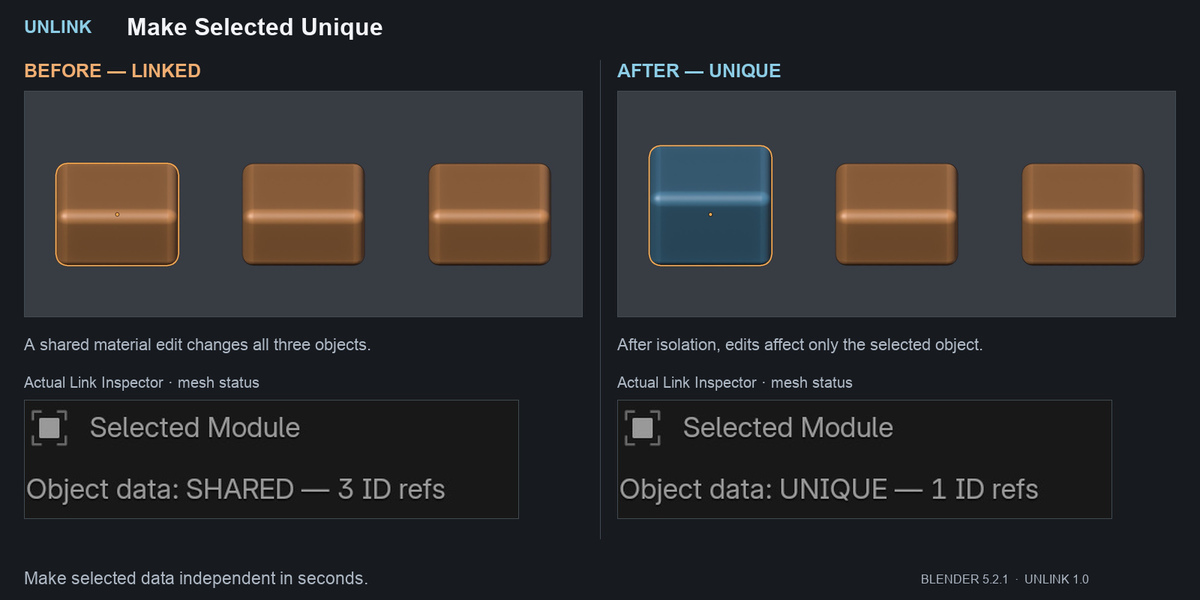
If editing one object also changes other objects:
Select the object you want to isolate and switch to Object Mode.
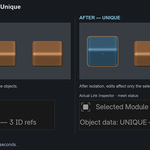
Under Make Unique — Scope, choose the categories to isolate: Object Data, Materials, and/or Geometry Nodes.
Click Make Selected Unique.
Review the confirmation when prompted.
Edit the selected object to verify the result.
Each selected object receives its own copies of the checked categories. Unchecked categories remain shared.
For example, isolating Object Data lets you edit one object's mesh without changing other objects that previously shared that mesh.
Link Inspector
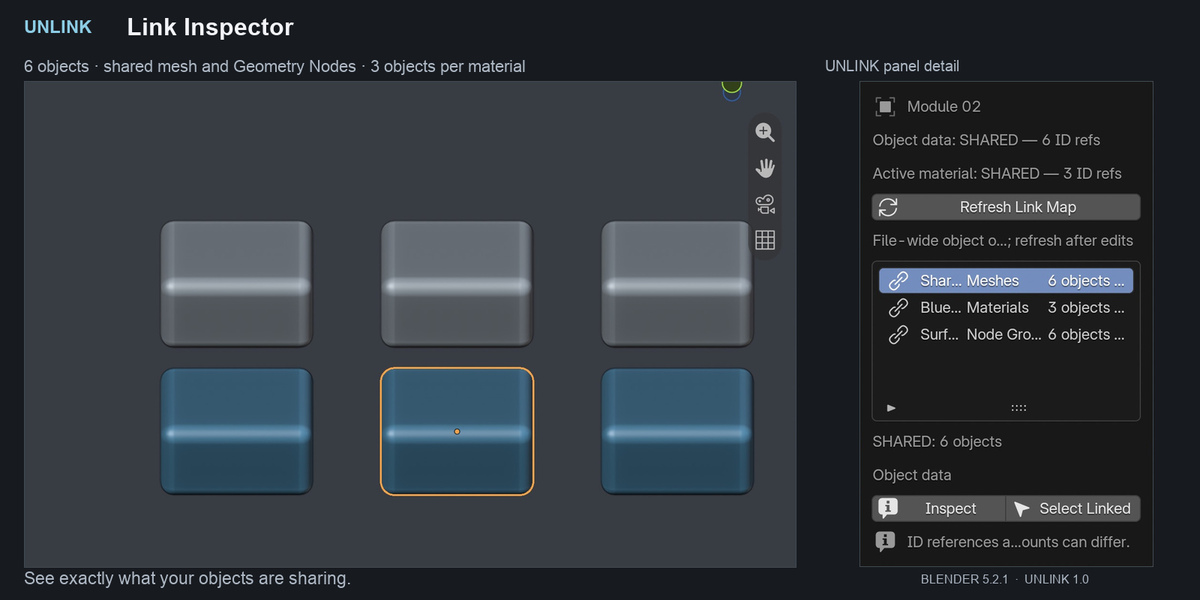
Select an object and click Refresh Link Map to inspect its supported dependencies.
The inspector shows:
Whether the active object's data and material have shared ID references.
Object owners of supported meshes, materials, node groups, and other dependencies.
Dependency paths that help explain where a datablock is used.
Select a row and use:
Inspect to view the datablock's current references and object owners.
Select Linked to select its available visible object owners.
Understanding the Counts
Blender ID references and object owners are different counts.
A material may have one reference from a shared mesh while affecting several objects. Conversely, one object can reference a material through more than one supported path.
Hidden objects and objects outside the current view layer can appear in owner counts, but they cannot all be selected by Select Linked.
The link map is a snapshot. Refresh it after changes, undo, or redo.
Smart Duplicate
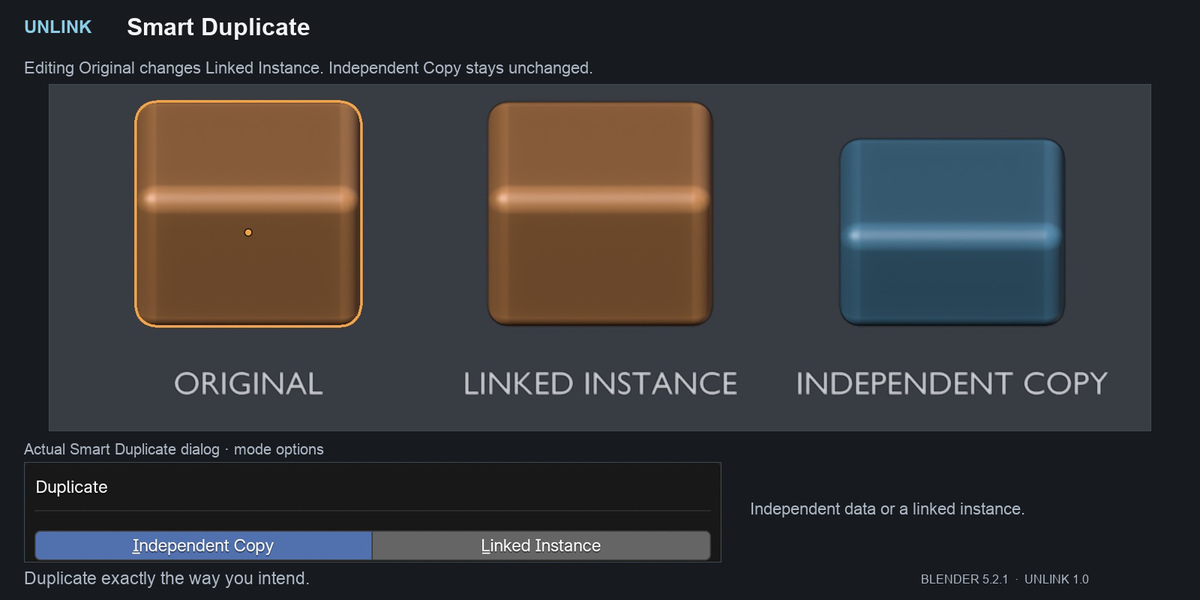
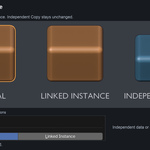
Smart Duplicate provides two modes:
Independent Copy: duplicates selected objects and isolates the checked data categories.
Linked Instance: duplicates objects while sharing their data, similar to Blender's Alt+D workflow.
Set Offset to position the copies.
Selected parent hierarchies are duplicated together. External parents, constraint targets, and driver targets remain linked.
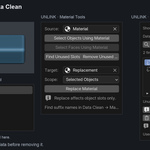
Material Tools
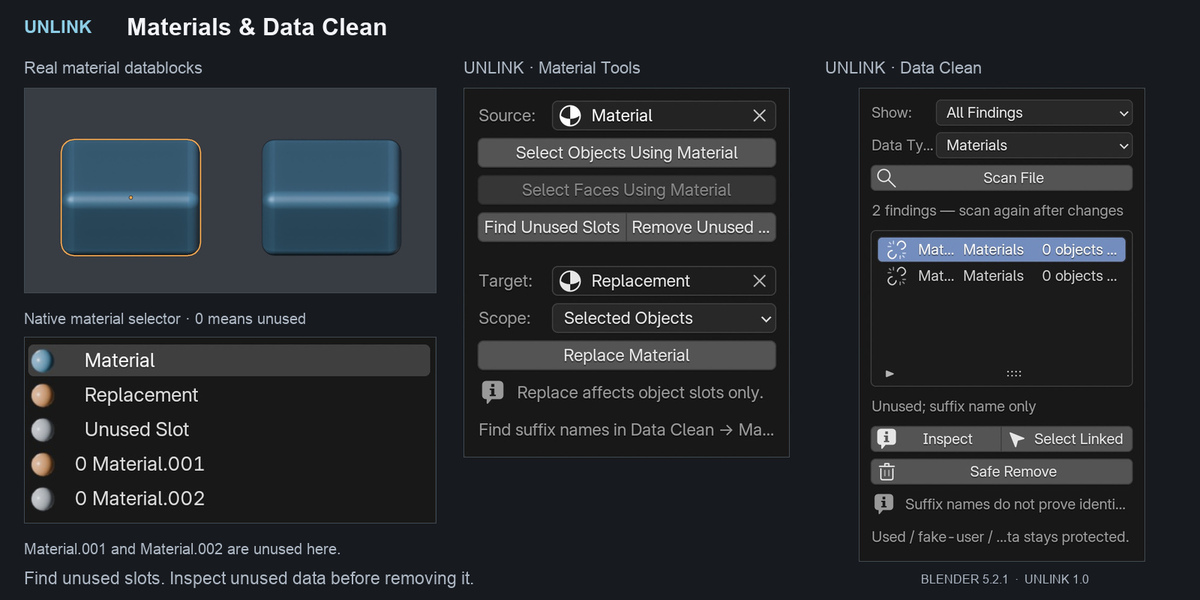
Choose a Source material to:
Select visible objects using it.
Select matching faces in mesh Edit Mode.
Find or remove unused material slots.
Unused-slot detection checks base mesh faces. Slot removal preserves face assignments and copies shared meshes before changing their slots. Removal is blocked on meshes with modifiers because generated faces may use slots that appear unused in the base mesh.
To replace a material, choose Source, Target, and either Selected Objects or Current Scene, then use Replace Material.
Replacement changes object material slots, not node sockets. An object used in multiple scenes changes in every scene containing that same object.
Data Clean
Use Scan File to review unused local datablocks and/or names with numerical suffixes such as .001 and .002.
A suffix is a naming hint—it does not prove that two datablocks contain identical data. UNLINK does not automatically merge duplicates.
Inspect a finding before using Safe Remove. Removal targets one specific datablock and rechecks its current usage. Used datablocks, linked library data, library overrides, fake-user data, and asset-marked data are protected.
There is no recursive purge. Run another scan after changing your file.
Advanced Isolation
Additional scopes include:
Nested Node Groups: recursively isolates supported shader and Geometry Nodes groups.
Image Snapshots: copies supported loaded image pixels into separate packed images, including unsaved pixel edits.
Actions / NLA: copies supported animation actions, including object, object-data, shape-key, and NLA strip actions.
Image isolation may also copy required material and node-group containers. External image files are never overwritten. Image snapshots support loaded, single-view FILE and GENERATED images; UDIM, sequences, movies, render results, viewer images, and multiview images are not supported.
Copying textures can increase memory usage and blend-file size.
Safety and Scope
Save a working copy before making major changes. UNLINK operations support Blender's global undo.
Safe Mode previews isolation operations. Large isolation batches of 25 or more objects always require a preview. Duplication, material replacement, slot removal, and datablock removal always use review dialogs.
Object Data isolation supports meshes, curves, surfaces, text, armatures, lattices, cameras, and lights.
Linked library objects and library overrides are inspect-only. Local objects using linked data can copy that data. Collection instances must first be made real using Blender.
UNLINK does not isolate every Blender relationship. External parents, constraints, drivers, Object/Collection node inputs, modifier targets, worlds, simulations, external caches, and node bake files can remain connected.
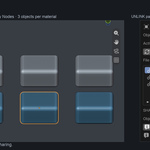
Geometry Nodes isolation copies root node trees. Enable Nested Node Groups when groups inside those roots must also be independent.
See the included README.txt for the full scope and limitations.
Compatibility and Support
Version 1.0.0 was tested with Blender 4.2.0 and 5.2.1 LTS on macOS. Intermediate versions were not individually tested. Windows and Linux are supported by design but have not been tested.
For support, contact the seller through Superhive and include your UNLINK version, Blender version, operating system, and steps to reproduce the issue. If needed, provide a small, non-confidential example blend file.
The download includes the add-on, README, and GNU GPL v3-or-later license.
Have questions about this product?
Login to message
| Blender Extension Compatible | Yes |
| Published | 1 day ago |
| Blender Version | 4.2 - 5.2 |
| Extension Type | Add-on |
| Render Engine Used | Cycles, Eevee |
| License | GPL |
Discover more products like this
scene cleanup linked data blender addon Object Management productivity Workflow geometry nodes materials batch tools Data Management utilities asset management