Unreal Engine Bridge
 Tachyon Studio
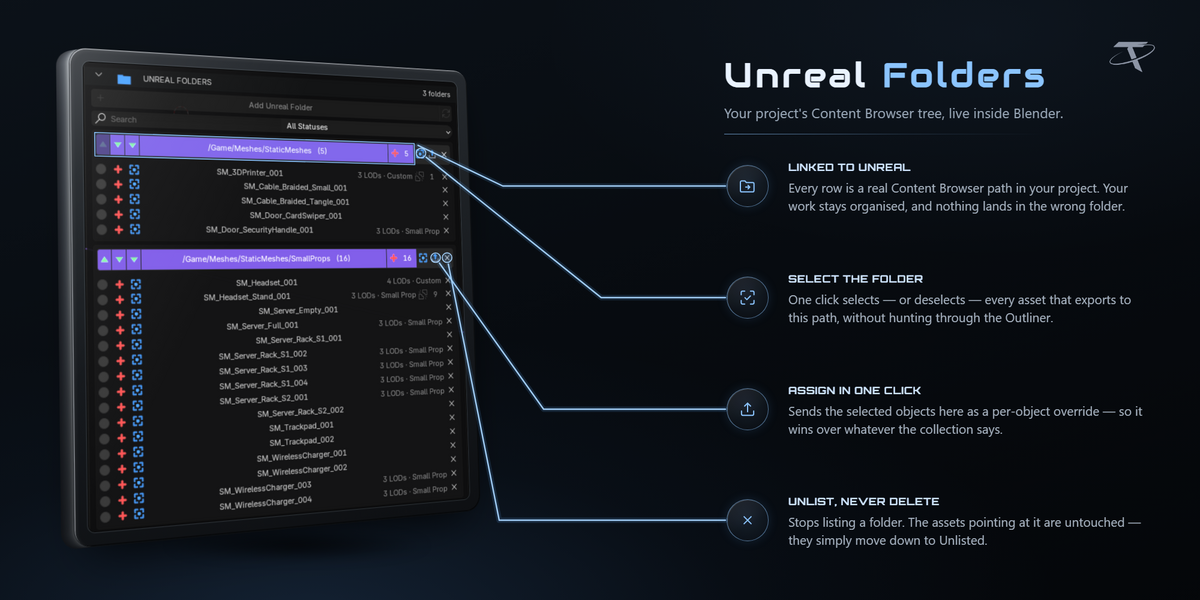
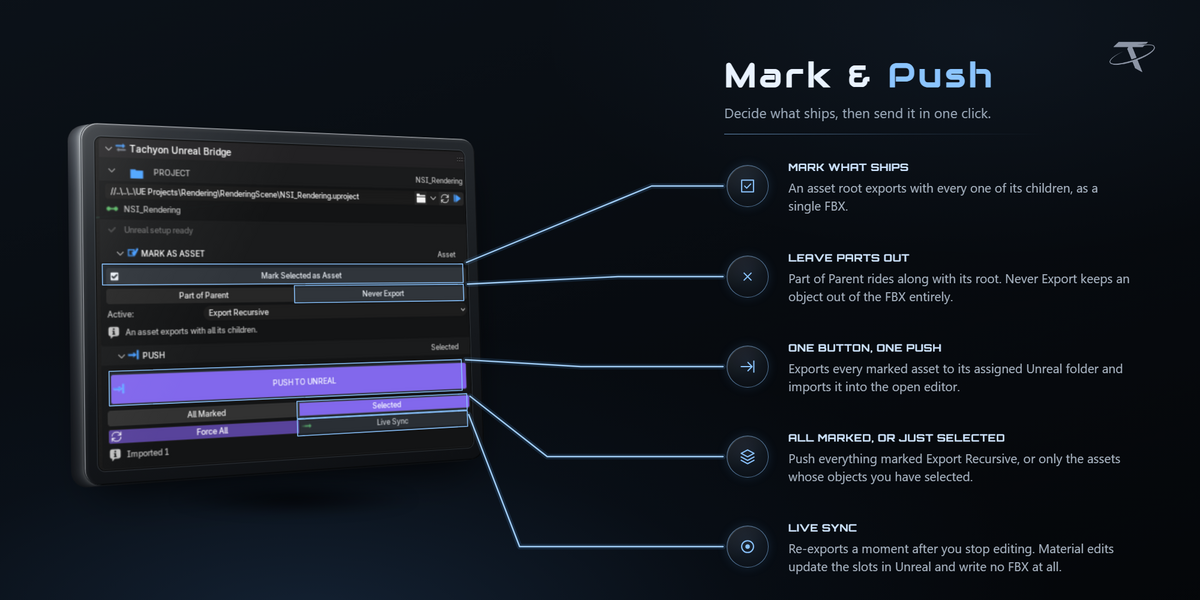
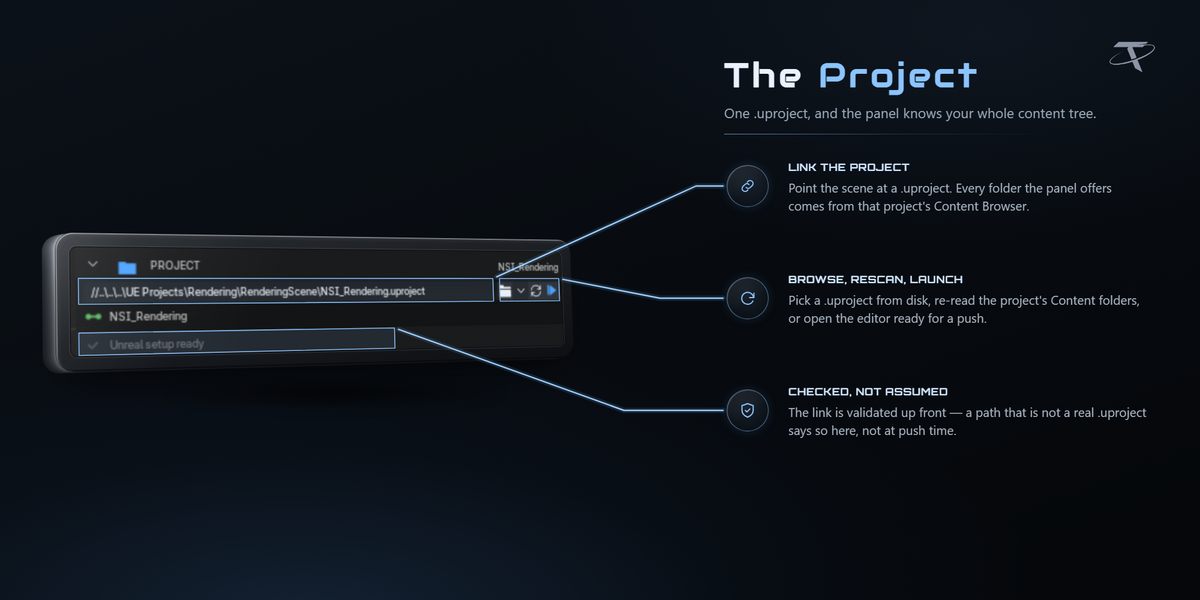
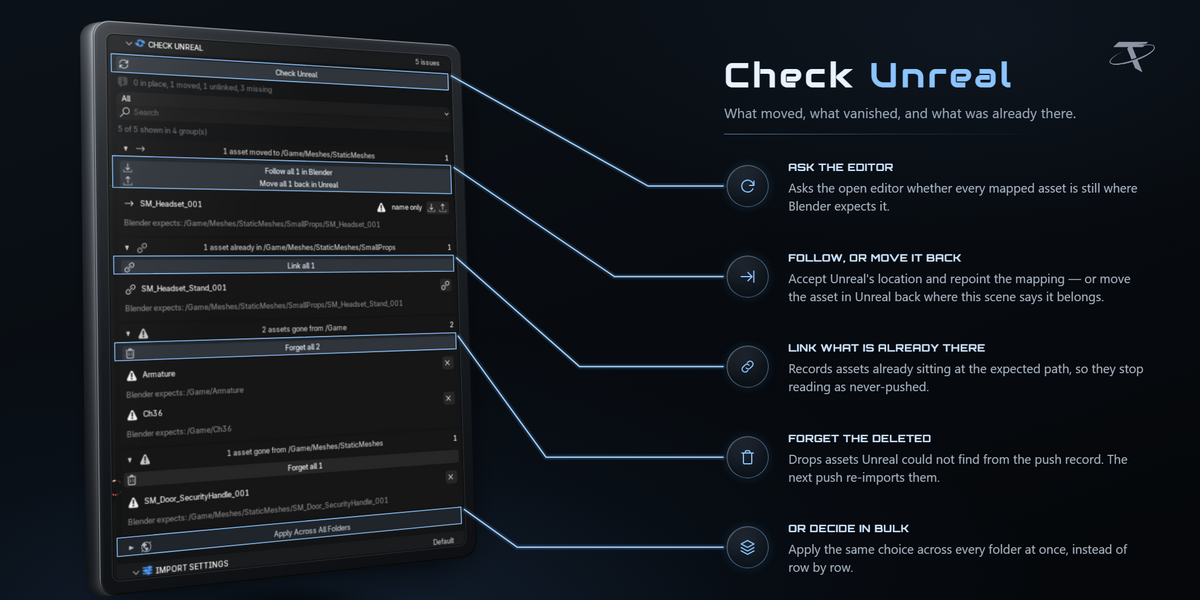
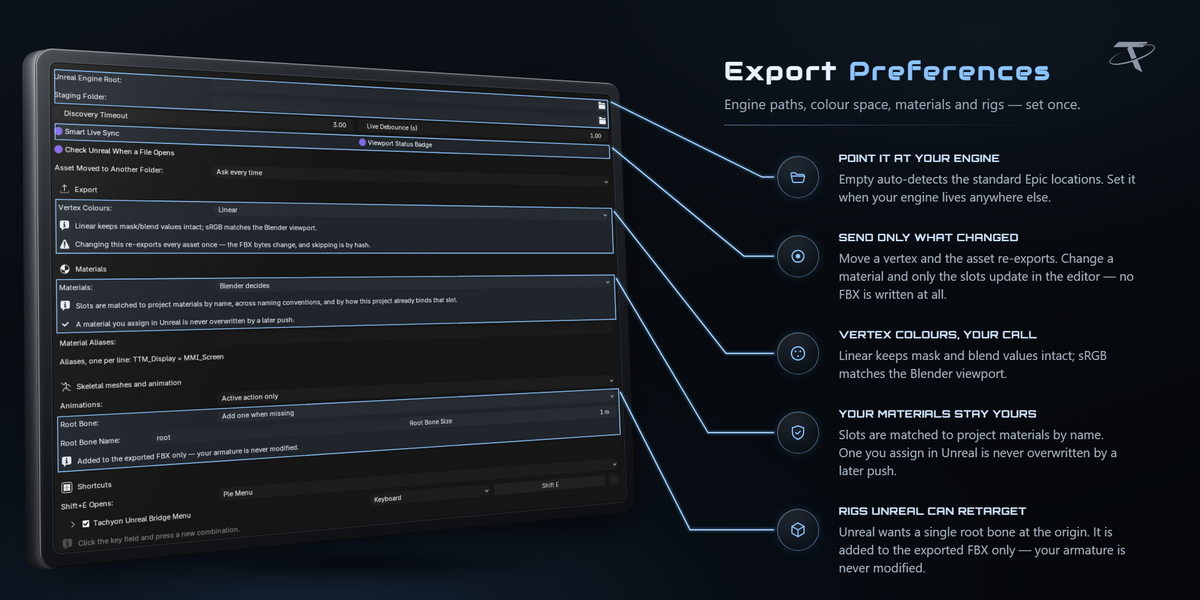
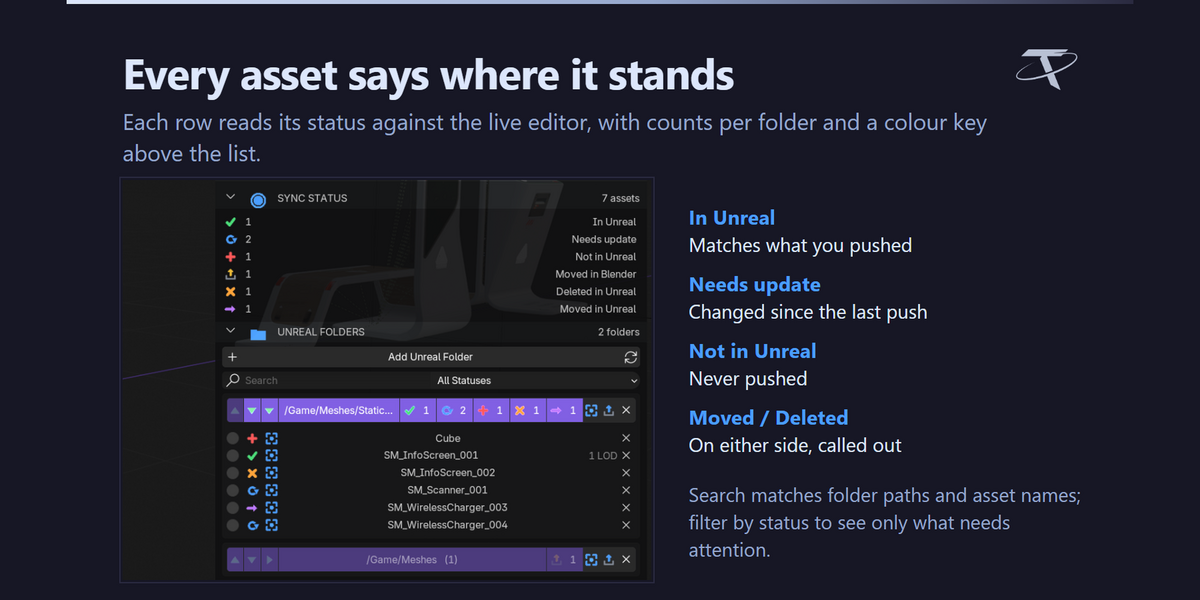



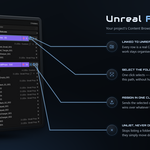
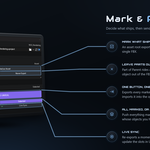
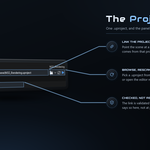
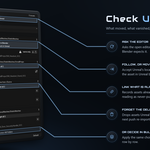
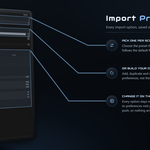
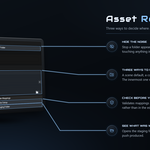
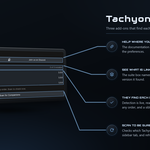
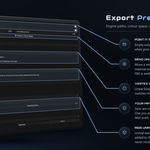
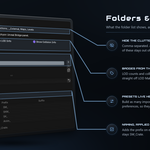
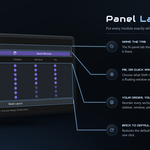
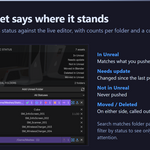
It sends assets from Blender into a running Unreal Editor. You mark objects as asset roots, assign them to folders from your project's real Content Browser tree, and press Push. The add-on exports FBX, imports it into the open editor over Unreal's own Python Remote Execution, and remembers what it sent — so it can skip unchanged assets, show you what is new or edited, and tell you when something has been moved or deleted on the Unreal side.
Blender 3.3 through 5.2, from one package. The same folder installs as a modern extension on 4.2 and newer, or as a classic add-on on 3.3 – 4.1. Tested end to end on 3.3, 4.3, 5.0, 5.1 and 5.2.
5.2 through 5.8. The add-on deliberately drives Unreal's legacy FBX importer rather than Interchange, so one import preset behaves identically on every 5.x version — nothing to reconfigure when you upgrade the engine.

Three things, once: the Python Editor Script Plugin, Editor Scripting Utilities, and Remote Execution under Project Settings ▸ Plugins ▸ Python. You do not have to hunt for them — link your .uproject and the panel audits the project and offers a Do It For Me button that switches all three on, backing up both files it edits. Restart the editor once afterwards.
On the first push, Windows will ask to allow Blender through the firewall. The traffic is localhost only: UDP 6766 to find the editor, TCP 6776 to talk to it.
To import, yes. But Push works either way: with the editor closed, everything is exported to the staging mirror and the panel says Exported N to staging. Open Unreal, push again, and it imports. Re-pushing is always safe.
No. The folder tree is read from the project on disk, so you can link a project, browse its folders and assign assets with Unreal closed entirely.
Every object is one of three things: Asset (an export root — it and all its children become one FBX), Part of Parent (the default), or Never Export. Mark a selection in one click from the MARK AS ASSET section, or from the pie menu.
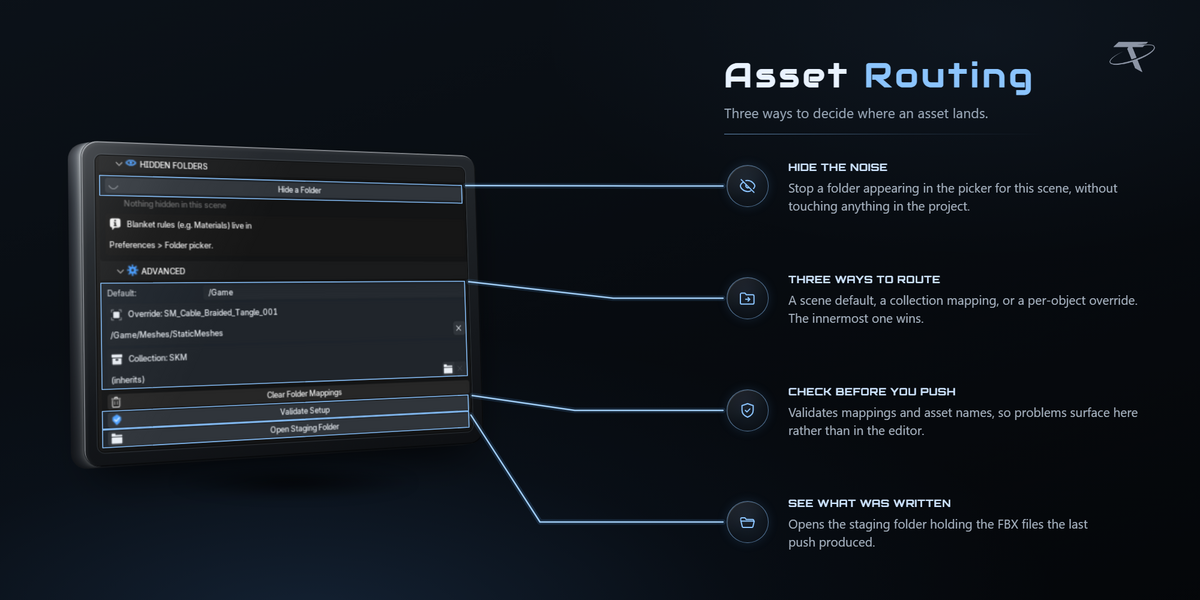
By mapping, not by typing a path each time. An asset lands in its own per-object override if it has one, otherwise in the innermost collection that has an Unreal folder assigned, otherwise in the scene's default folder. Every destination is forced under /Game.
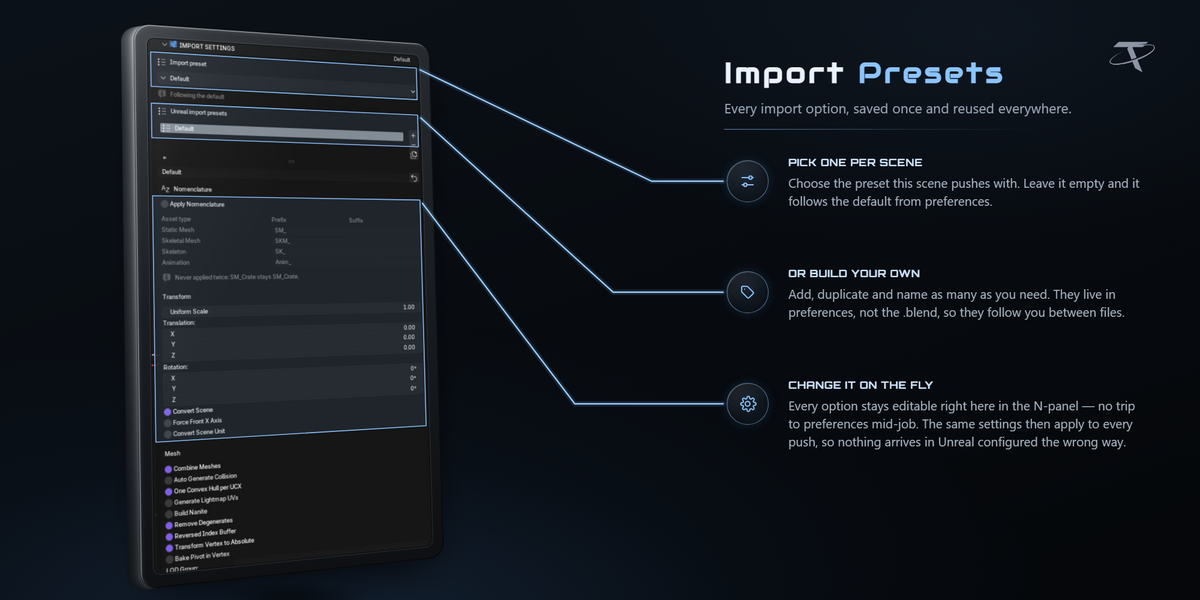
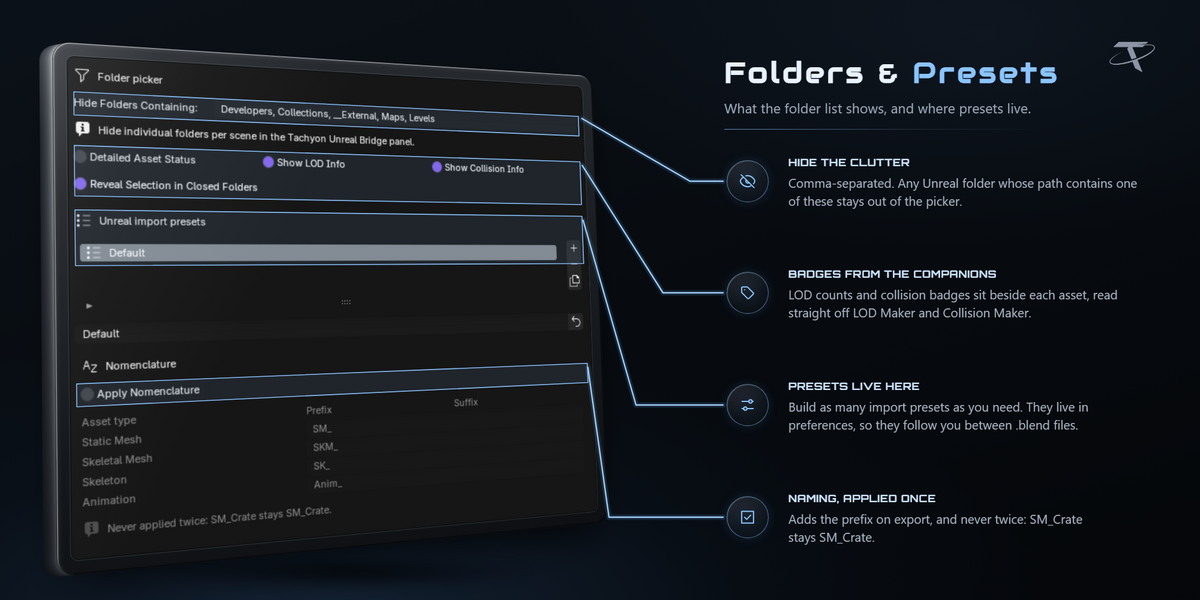
Not unless you ask it to. Names are used as-is — Crate_001 imports as Crate_001 — sanitised only to characters Unreal accepts. Type prefixes like SM_ and SKM_ are opt-in in the import preset and off by default, because objects are usually already named to the convention. When they are on, a prefix is never applied twice.

By name, so it works however you author them. Child meshes named UCX_, UBX_, USP_ or UCP_ ride inside the asset's FBX and have their materials stripped on the way out; Auto Generate Collision is off by default so your shapes are the ones Unreal uses. Sockets are Empty children named SOCKET_, and static-mesh sockets get Unreal's +90° X convention applied automatically.
Yes. LOD levels export as one FBX per level and are applied to the imported asset with each level's screen size pinned. A LOD that fails to import leaves you with a working base asset and a warning rather than nothing.
No. Every export happens on temporary duplicates that are thrown away afterwards, inside a safety net that cleans up even when an export fails. The one thing it writes to your objects is the mark (Asset / Part of Parent / Never) and any folder override you set.
A content hash of the exported FBX that ignores the header, file ID and timestamp — so two exports of identical geometry hash identically. Each imported asset carries that hash as a tag in Unreal, and the importer is the authority: if the tag matches, it skips. Force All ignores the whole mechanism and reimports everything.
It asks the open editor where your assets actually are. Someone moves a mesh in the Content Browser, someone deletes one, or an asset is already there from before you started using the add-on — Check Unreal finds all three and lets you decide per asset whether Blender follows Unreal or Unreal follows Blender. Nothing is resolved automatically, and a match made on name alone is flagged as needing a look, because asset names are not unique in a real project.
No. Those are rarely two hundred decisions — usually they are one decision ("everything that was in /Game/Meshes is now in /Game/Props") repeated. The panel folds the rows into collapsible groups, one per verdict per folder, and each group header carries the buttons that settle the whole group: Follow all N in Blender, Move all N back in Unreal, Link all N, Forget all N. The buttons stay on the header while the group is collapsed, so you never have to unroll two hundred rows to reach them.
A group whose moves mix hash-confirmed and name-only matches also offers Follow only the N confirmed, so the ones that deserve a look keep it. Ambiguous results get no bulk button at all — several assets share a name and none matched by hash, so picking one for you would be a guess.
Because Blender has no push record for it. Run Check Unreal: it comes back as Unlinked, and one button adopts it — hash and all — so it reads correctly from then on.

Sends your edits a moment after you finish making them. It waits for a quiet interval (1 second by default), works only from Object Mode, and never runs two round trips at once — anything edited meanwhile goes into the next one.
No. Live Sync sends as much as the edit touched and no more. Move a vertex and the asset is re-exported. Change a material and no FBX is written at all — the material slots are re-pointed inside the open editor instead. That works because the add-on never imports materials in the first place: it matches each slot against materials already in your project, so re-pointing the slot is the entire job.
If the slot layout itself changed — a section added or removed — the asset falls back to a normal push automatically, as it does for an asset that has never been pushed. Nothing is silently skipped. You can switch the whole behaviour off with Smart next to the Live Sync toggle.
A small readout sits in the bottom-left corner of the 3D viewport: a dot and Unreal Bridge live sync while it is watching, and a line flashing what it just did after each sync. Turn it off with Badge next to the Live Sync toggle if you would rather have a clean viewport.
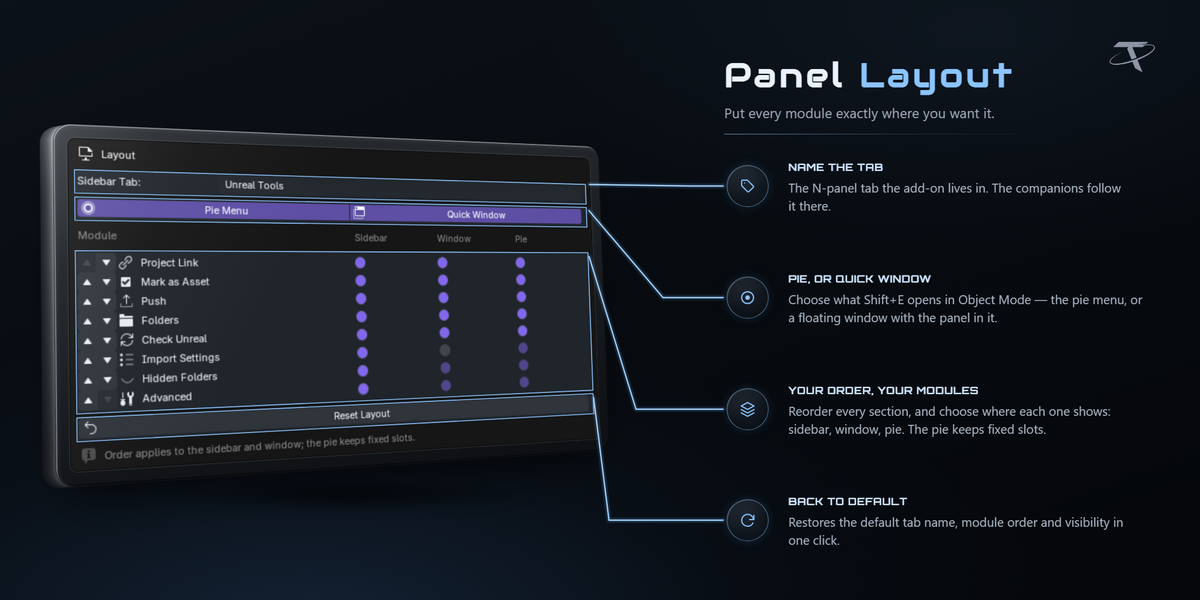

Yes. Preferences ▸ Layout lists every section with arrows to reorder it and three checkboxes: show it in the sidebar, in the quick window, in the pie menu. You can also rename the sidebar tab and choose whether Shift+E opens the pie or the window.
Yes — the push record is kept per Unreal project rather than per .blend, so two scenes pushing to the same project agree about what has already been sent.
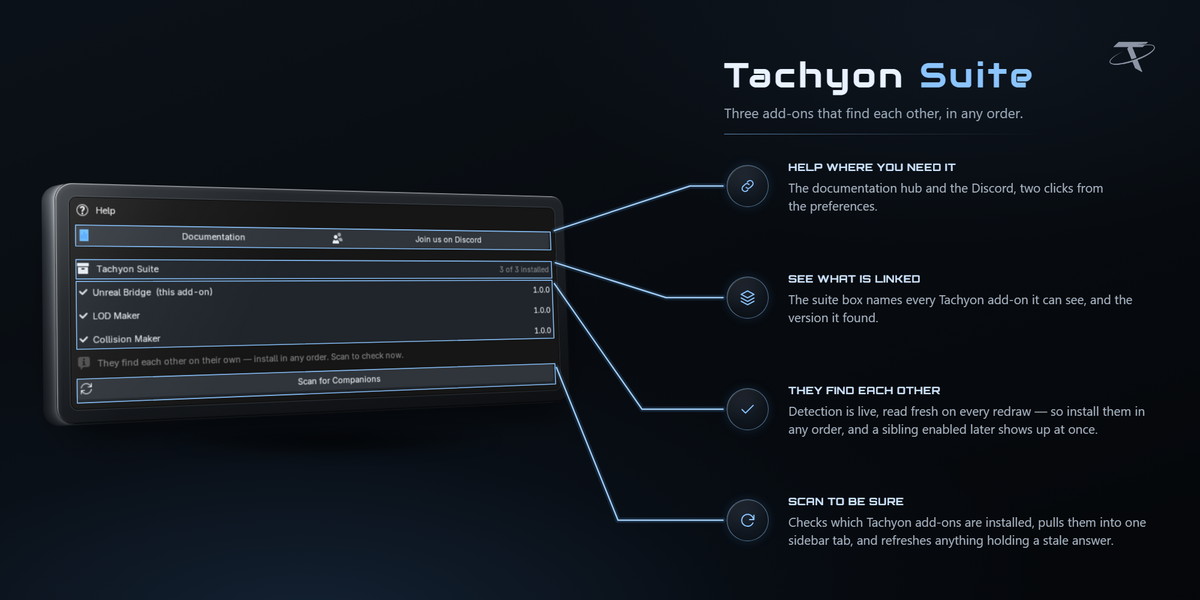
Two separate add-ons that share Unreal Bridge's sidebar tab. LOD Maker generates preset-driven LOD levels with Unreal screen sizes already worked out. Collision Maker builds Unreal collision shapes — box, sphere, capsule and convex, including concave decomposition — with an in-viewport editor.
No. Unreal Bridge is complete on its own, and neither companion is included with it. If one is installed, Unreal Bridge picks up what it writes automatically: LOD levels with their screen sizes, collision shapes, and badges on the asset rows.
Everything works. The three add-ons talk through plain ID properties stamped on your objects rather than by importing each other, so a missing companion never breaks a push, and a push never requires one.
Yes, and that is the normal case for anyone with an existing workflow. Collision is matched purely by Unreal's naming convention, so any child mesh you name UCX_, UBX_, USP_ or UCP_ is picked up no matter what made it. The same goes for SOCKET_ empties.
Yes.
Unreal Engine is required and is not included. It is a free download from Epic Games. This add-on is the Blender-side bridge only, and is not affiliated with or endorsed by Epic Games.
No. Engine discovery, editor launching and the setup repair are all Windows-specific. Windows only.
GPL-3.0-or-later.
-
$11.24 $14.99
One-person license for hobby and professional work.
-
$22.49 $29.99
The complete add-on with a business license for up to five members of one studio or production team.
 Included
Includes 12 months of
- Support from Tachyon Studio
- Product updates
Extend this product’s Support Period +12 months: 50% of product price
Have questions before purchasing?
Login to message
| Blender Extension Compatible | Yes |
| Published | 5 days ago |
| Blender Version | 3.3 - 5.2 |
| Extension Type | Add-on |
| License | GPL |
Discover more products like this
pipeline Unreal Engine game assets content browser live sync fbx collision LOD Game Engine unreal bridge Export ue5