Unreal Engine Bridge

Tachyon Studio in Import & Export

BLENDER ADDON · GAME ENGINE

Unreal Engine Bridge

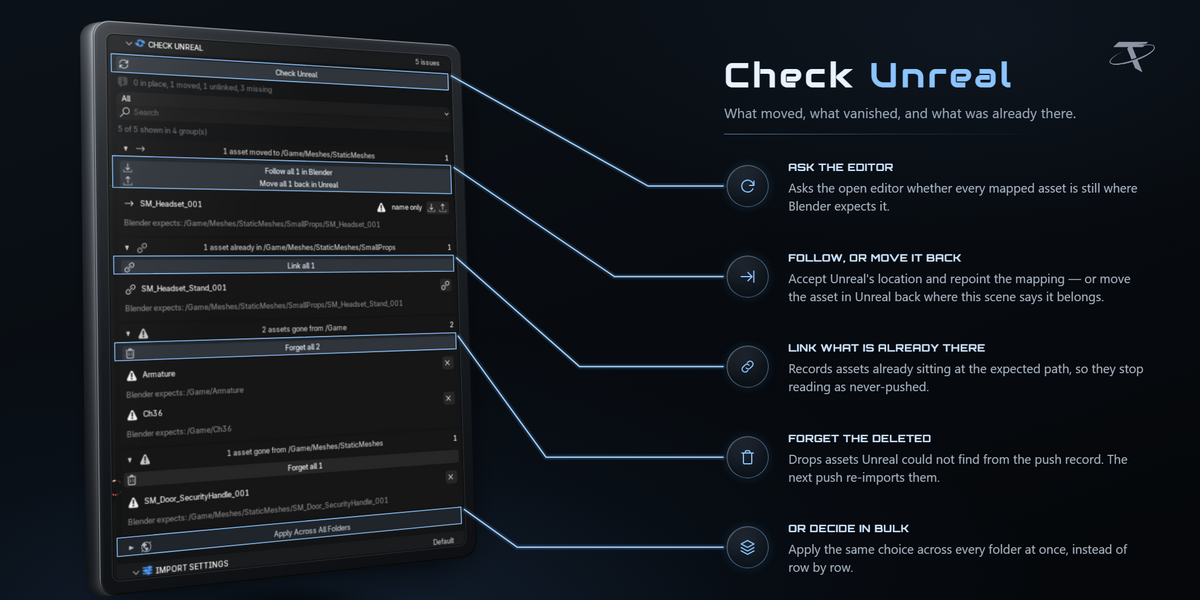

Send meshes from Blender into a running Unreal Editor with one button — collision, sockets, LODs and names already applied. Assets land in your project's real Content Browser folders, and the bridge remembers every push: it skips what has not changed, follows your edits live, and knows when something was moved or deleted on the Unreal side.

⚠ Unreal Engine is not included. It is a free download from Epic Games, installed and licensed by you; this add-on is the Blender side only. Windows only. Blender 3.3 – 5.2, Unreal 5.2 – 5.8. Not affiliated with, endorsed by, or sponsored by Epic Games.
FEATURE BY FEATURE
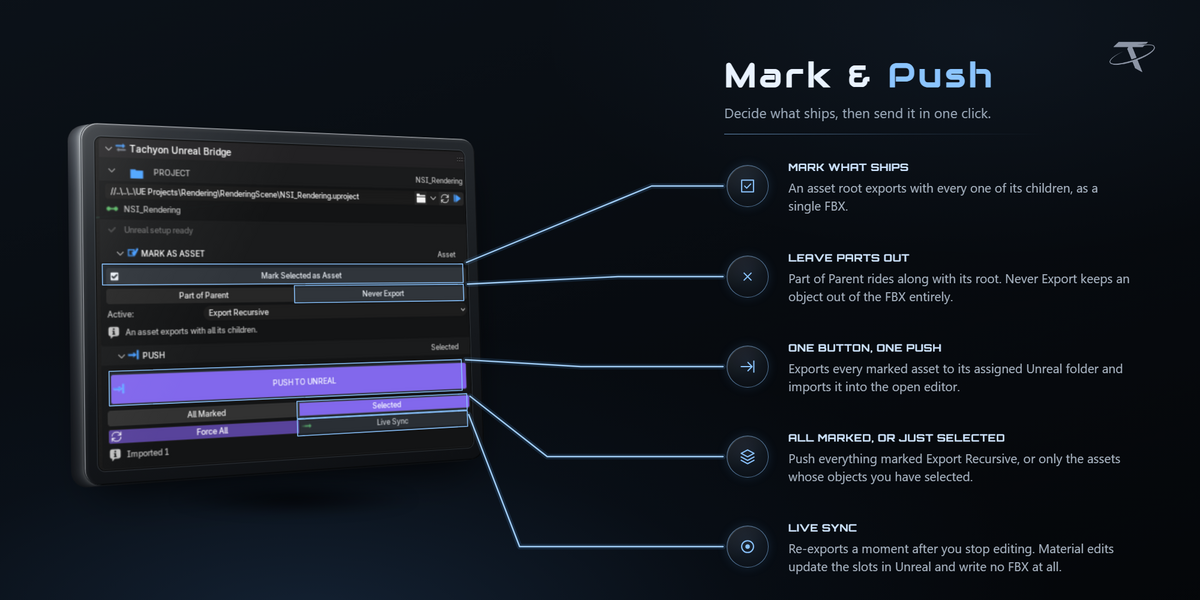

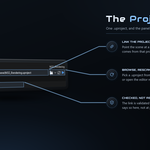

One button into the open editor
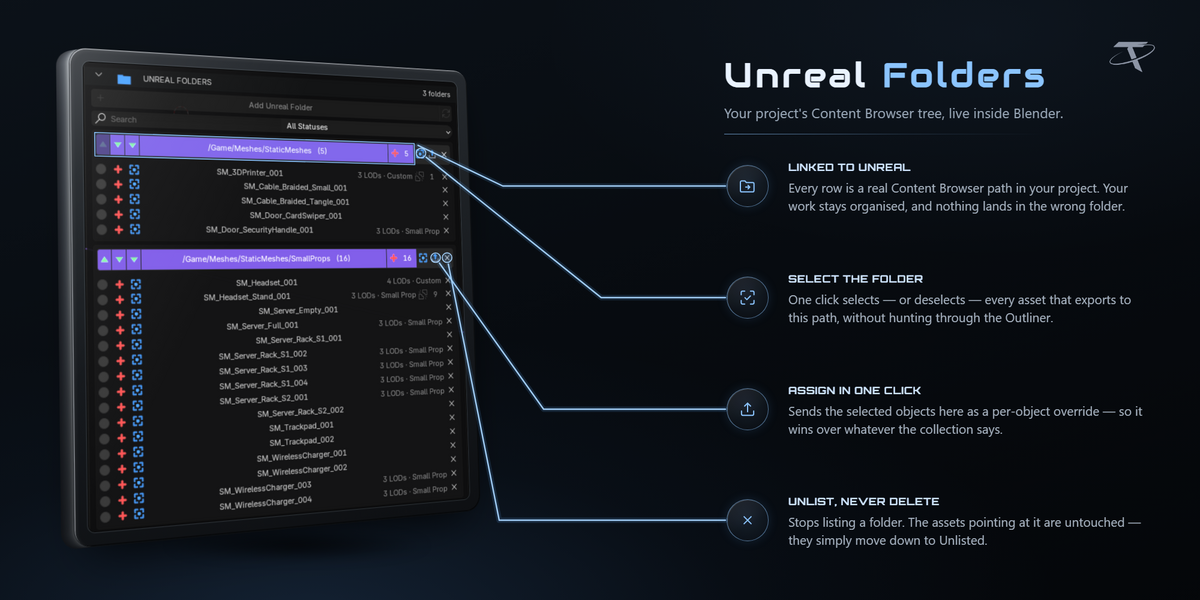
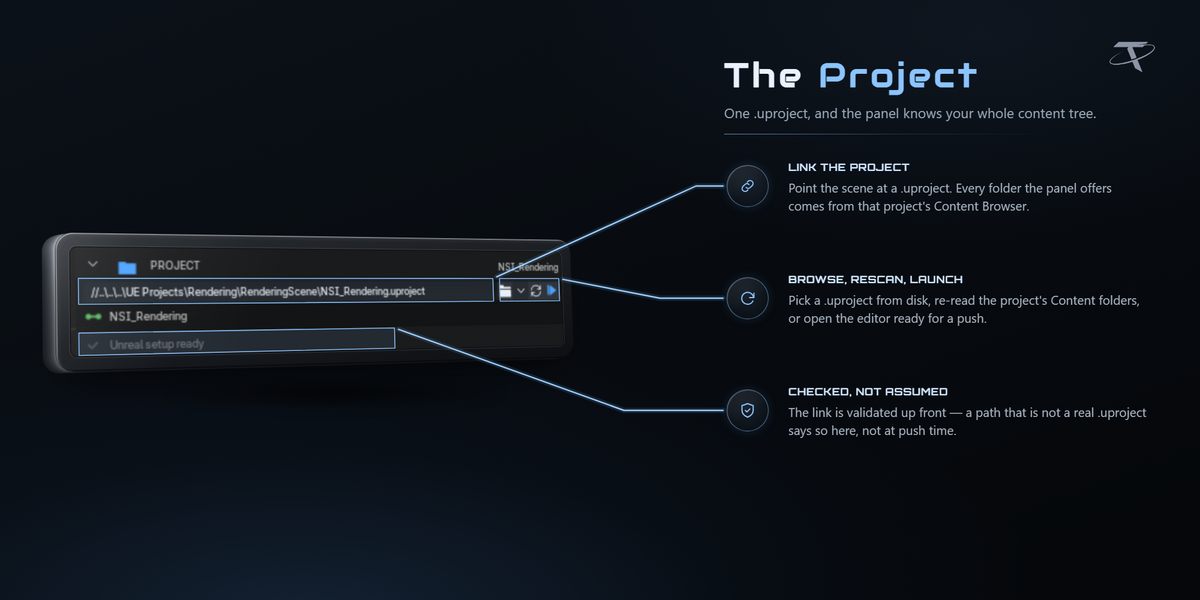
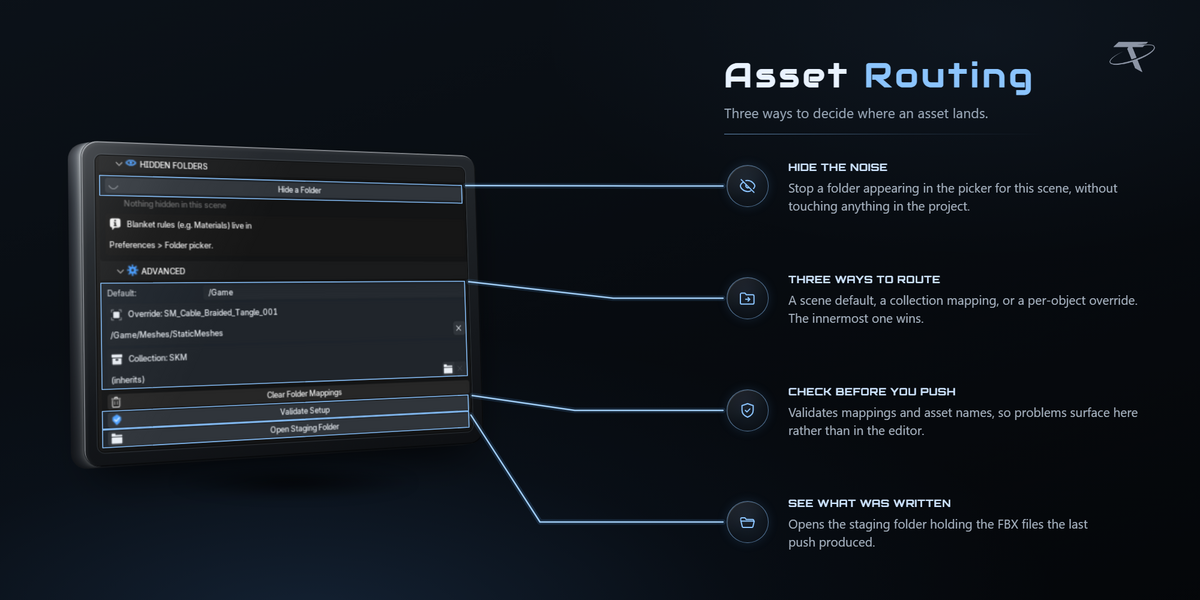
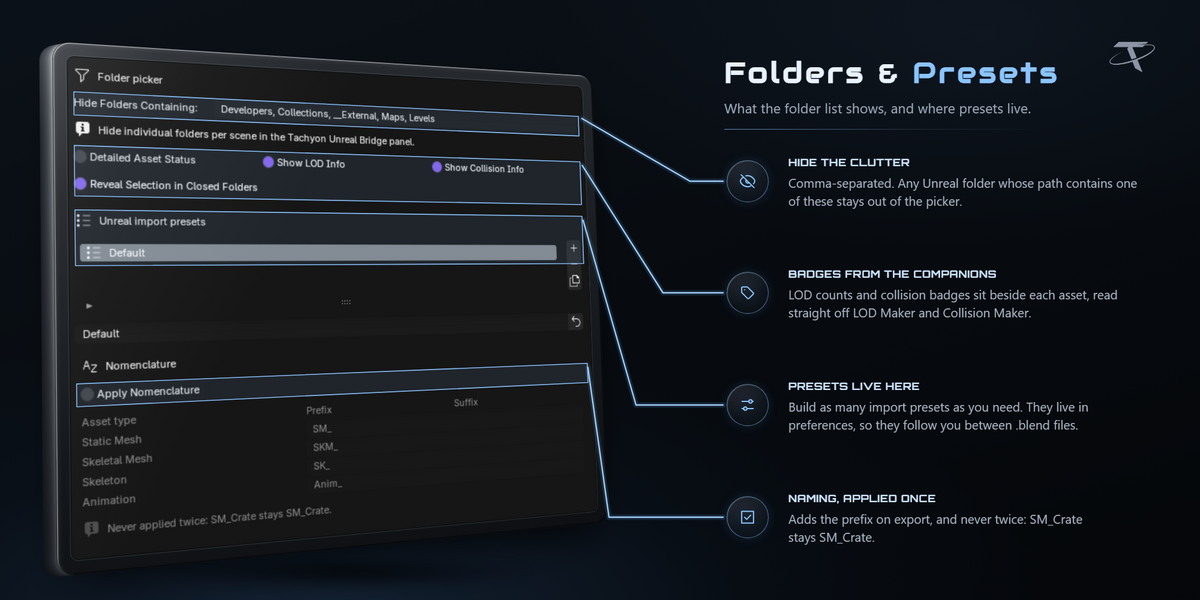

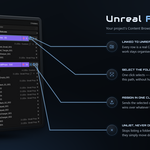
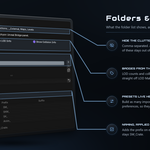

Your project's folders, not a guess at them


Edit in Blender, watch Unreal follow
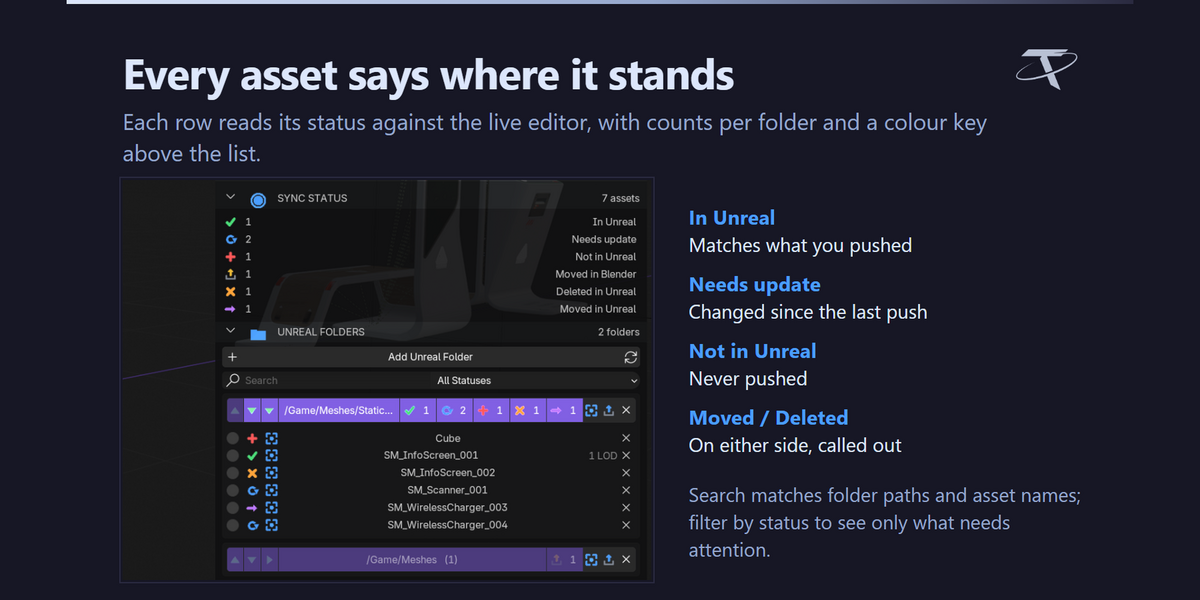
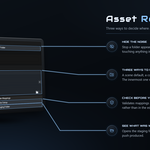
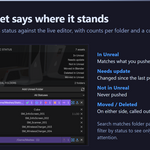
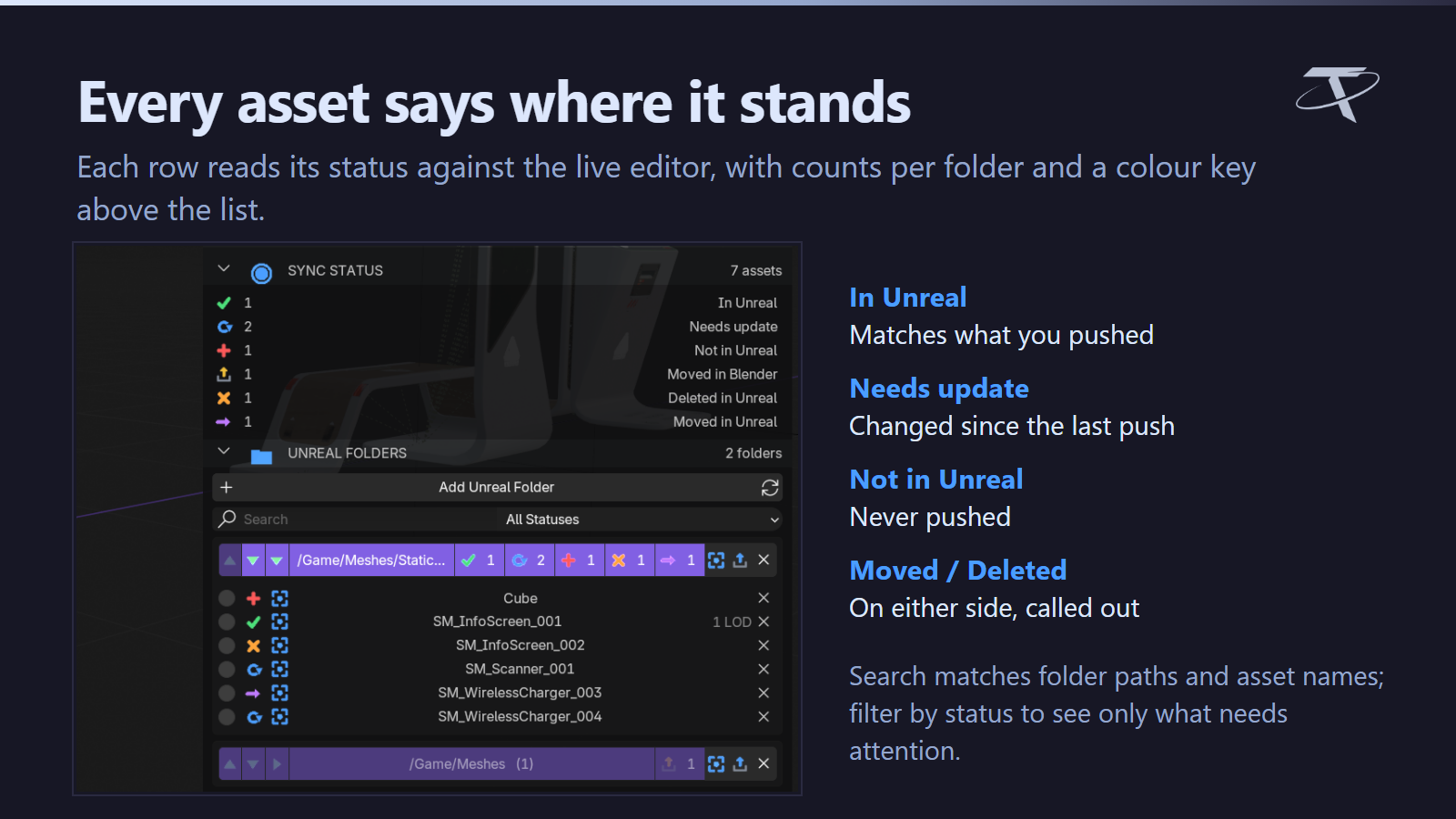
Every asset says where it stands


When Unreal and Blender disagree
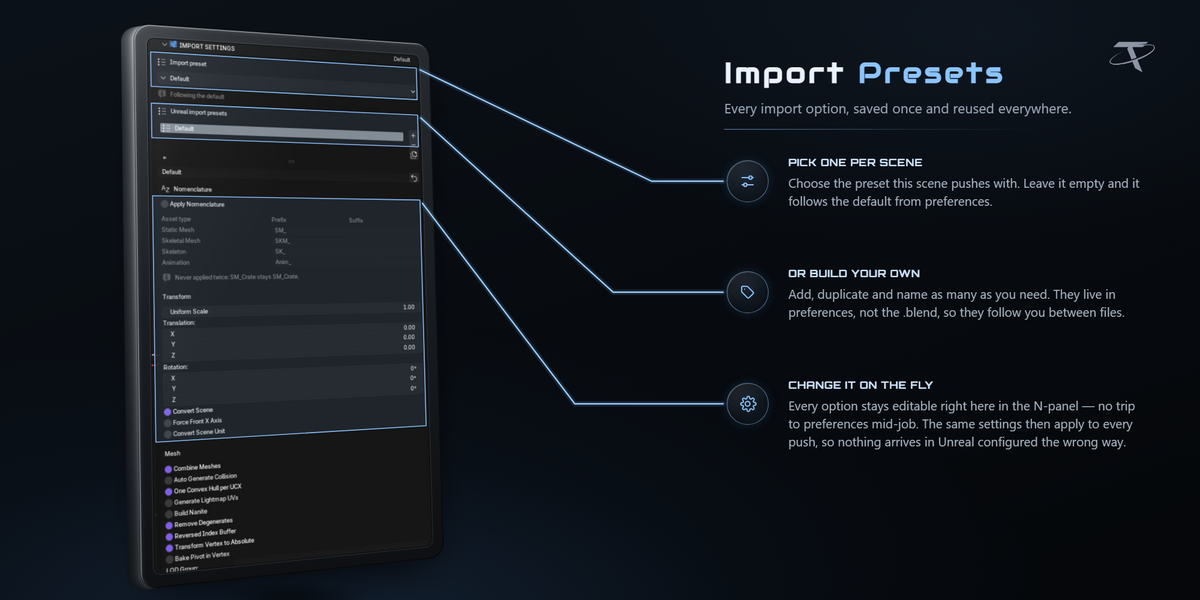

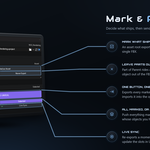

Collision and LODs arrive with the mesh


Your own collision and LODs, one click each

Push stops before Unreal drops anything

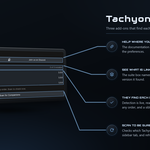

One-time Unreal setup, done for you
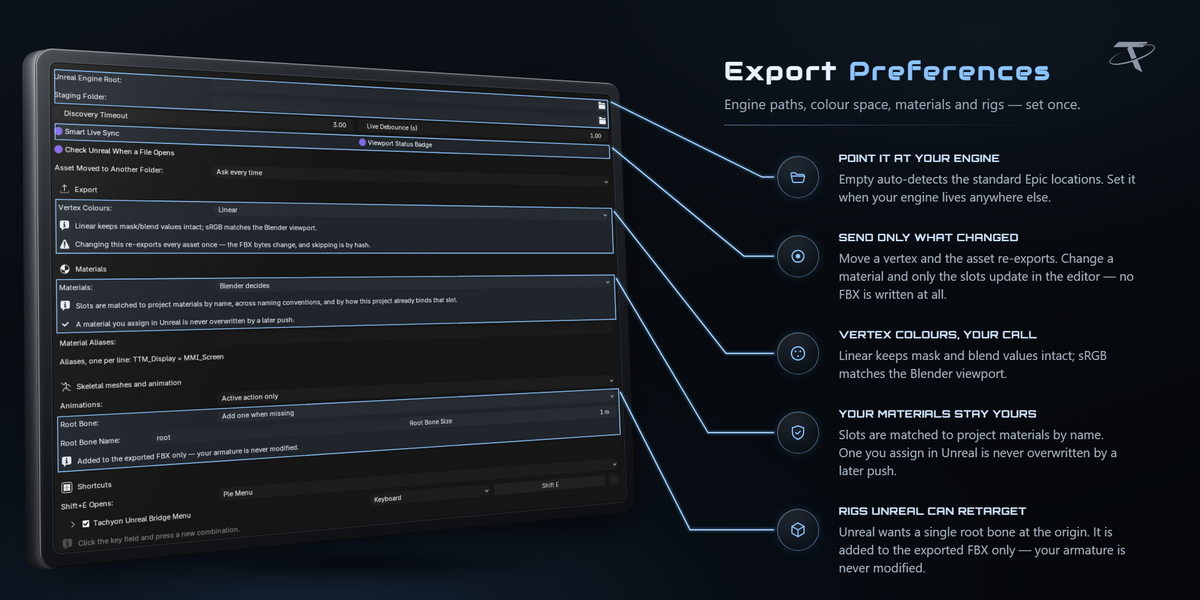
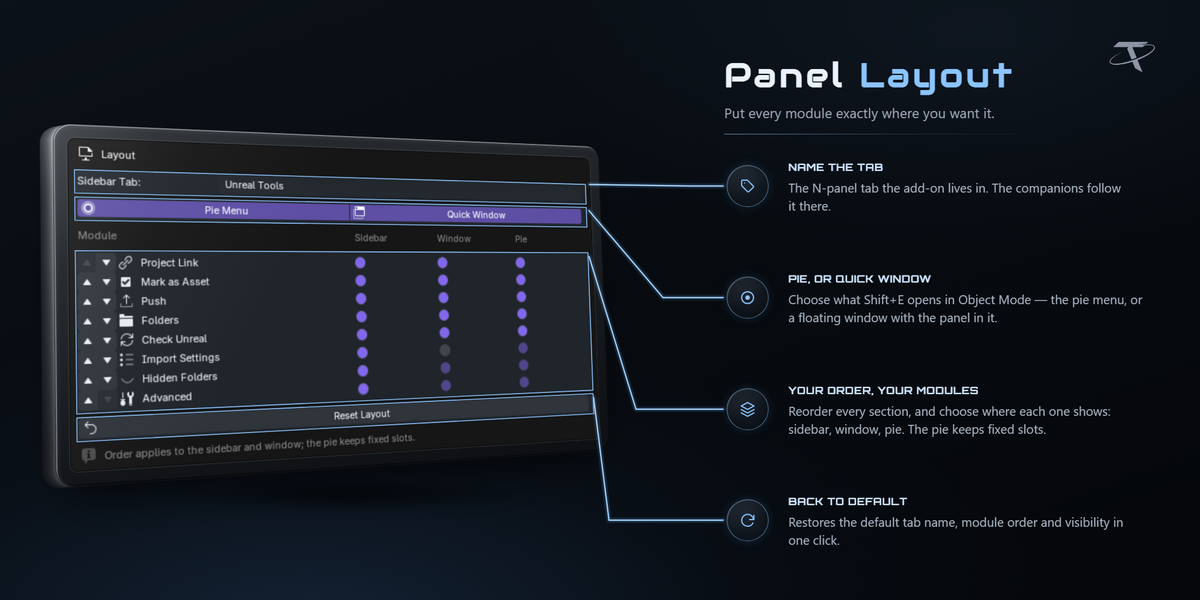

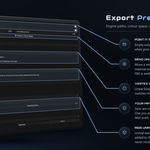
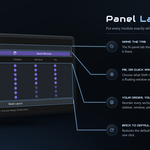

Arrange it the way you work
Tachyon Studio
Questions, bug reports and feature requests — join the Discord.
GPL-3.0-or-later · Copyright 2026 Tachyon Studio.

THE TACHYON STUDIO COLLECTION

Go beyond
Unreal Engine Bridge.

Build the collision and LODs it carries into Unreal, then check, organize and deliver.

ADD THE COLLISION

Unreal Collision Maker

Build collision that follows the shape, named for Unreal. The bridge sends it inside the asset’s FBX.

Unreal Collision Maker product thumbnail

ADD THE LODS

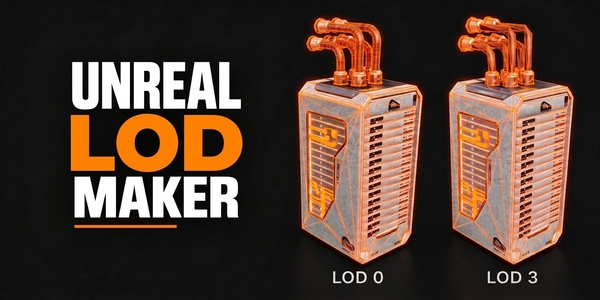
Unreal LOD Maker

Build LOD levels with Unreal’s screen sizes. The bridge imports every level and sets each one.

Unreal LOD Maker product thumbnail

Build out your workflow.

Optional tools for your workflow.

There is more in the studio.

See the full collection ↗

Optional products, sold separately. Check requirements; external applications are not included.

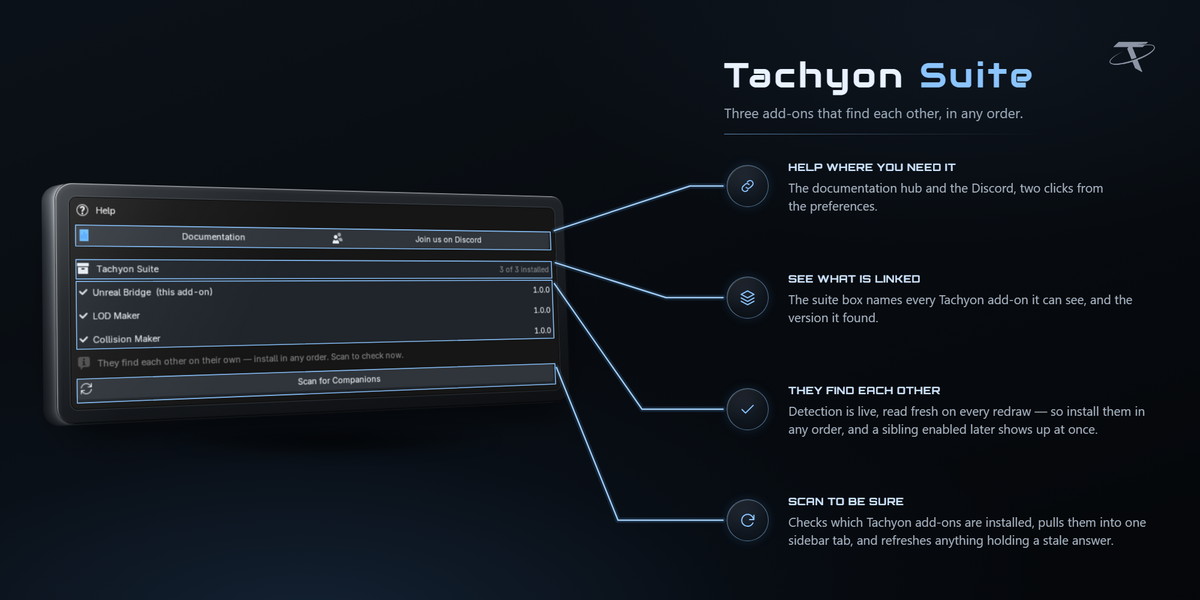
Collision Maker and LOD Maker are picked up by the bridge automatically when installed; neither is required.


  • For 1 person (1 seat). Commercial use included.

    $11.24 $14.99
  • For a team of up to 6 people (6 seats). Commercial use included.

    $44.97 $59.96
  • For a studio of up to 20 people (20 seats). Commercial use included. Need more than 20 seats? Contact us directly.
    $112.43 $149.90
$11.24

Support Period Included

Includes 12 months of

Extend this product’s Support Period +12 months: 50% of product price

Have questions before purchasing?
Login to message

Details
Blender Extension Compatible Yes
Published 7 days ago
Blender Version 3.3 - 5.2
Extension Type Add-on
License GPL