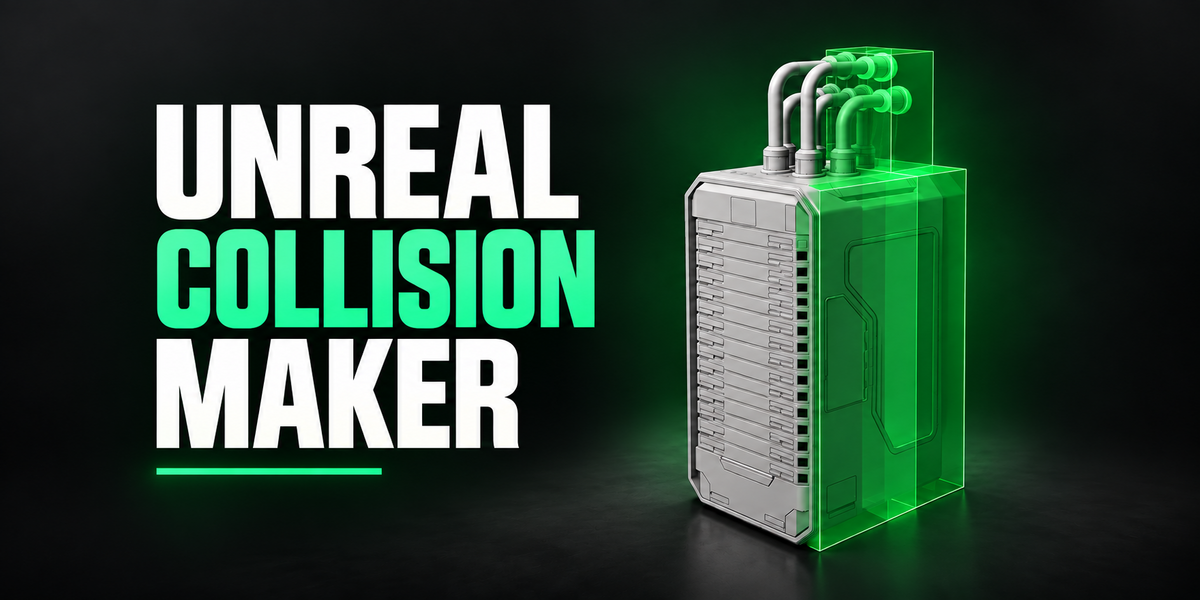
Unreal Collision Maker

Tachyon Studio in Presets


Fixed: the card no longer flickers or disappears during autosave.

CHANGELOG

Unreal Collision Maker

What's new in this version

1.3.0 — 26 November 2026

Collision that follows the mesh more closely in fewer shapes, built several times faster, two new settings, Collision Maker on a card, one edit for every selected asset, and presets that survive a restart. Everything since 1.2.0 is in this release.

Rebuild your collision to get the new shapes: Generate Collision on an asset, or Generate Collision for All in BATCH. Collision built with 1.2.0 stays exactly as it is until you do.

Added

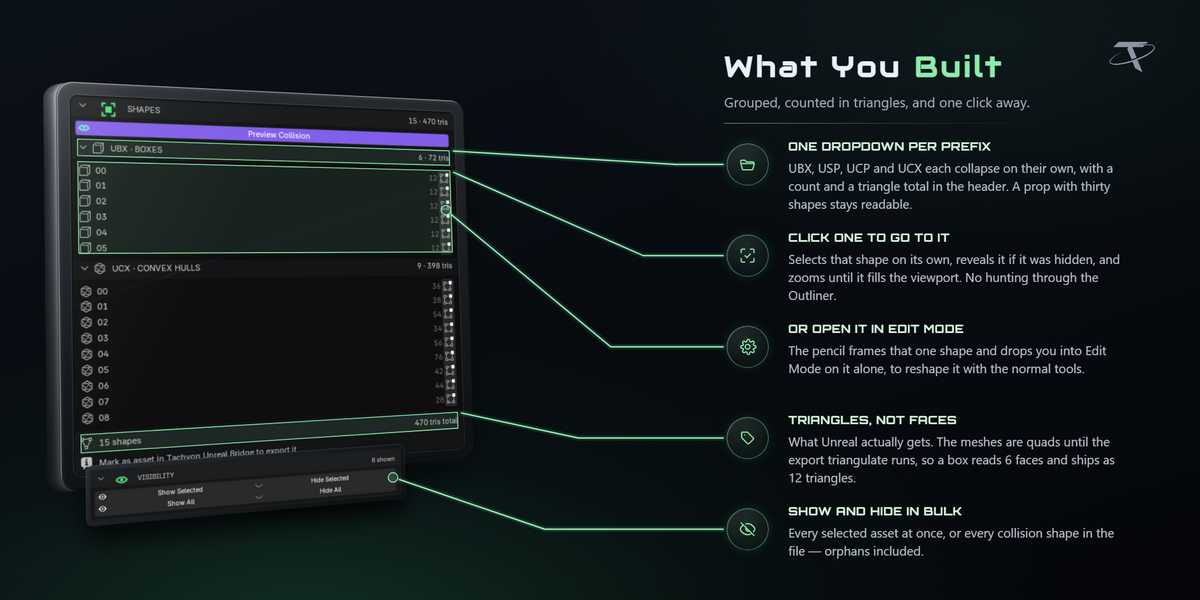
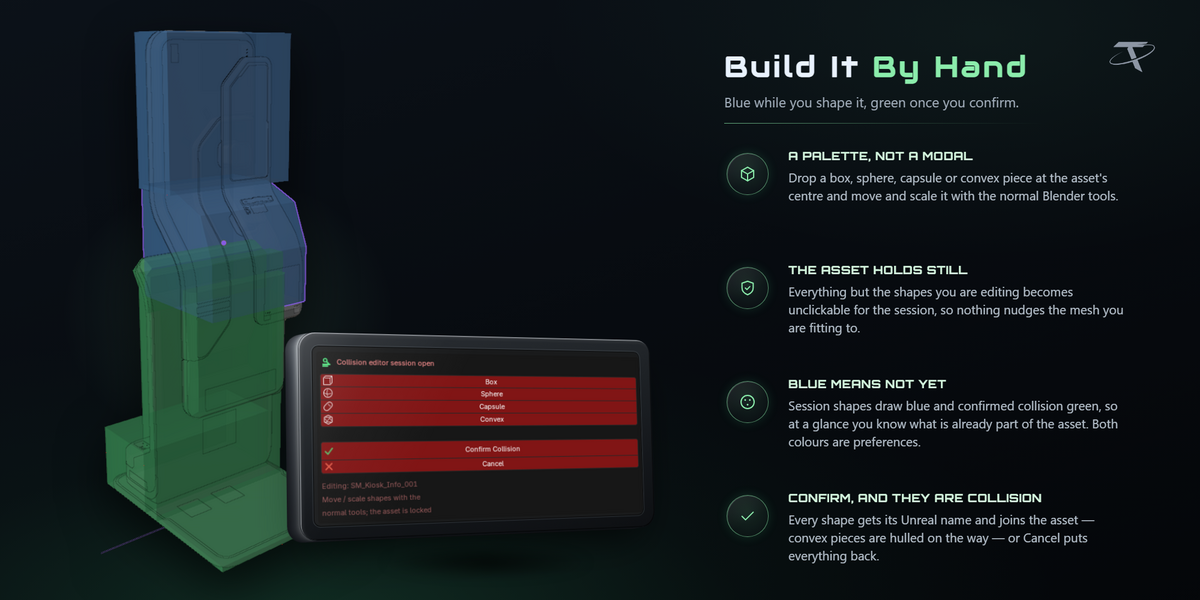
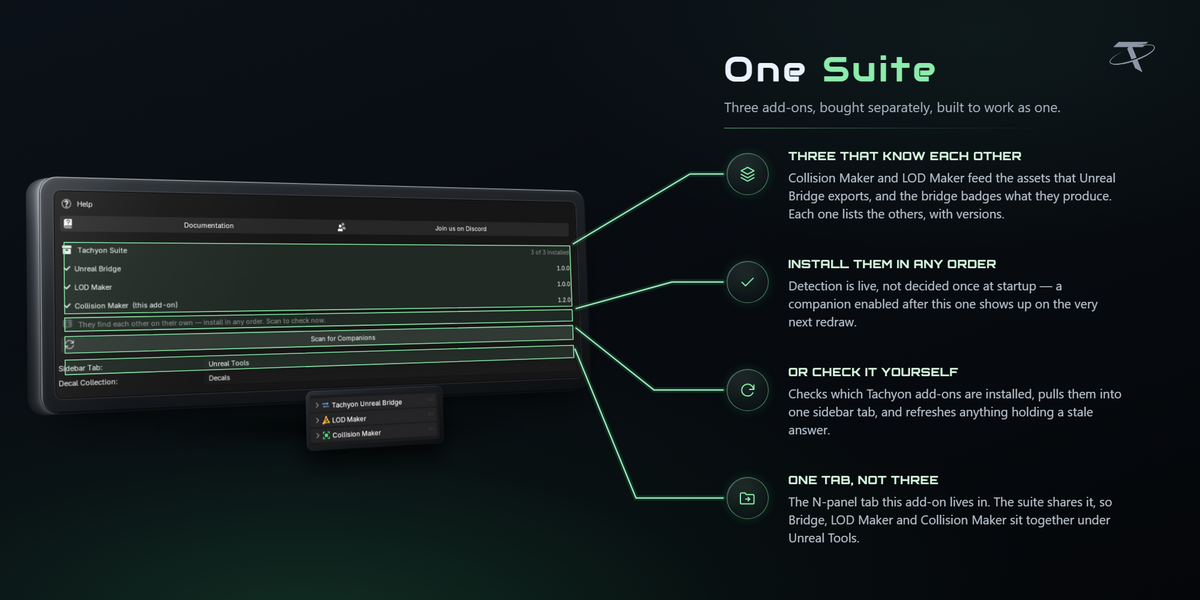
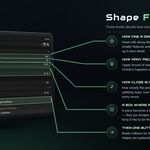
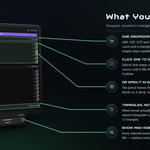
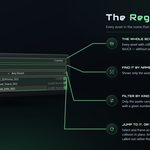
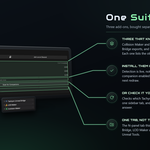
Collision Maker on a card. The sidebar's Unreal Tools tab shows Collision Maker as a card: the whole add-on in one place, docked in the sidebar or floating over the viewport. Ctrl + Shift + Alt + X brings it up. Rest on any control and it explains what it does. The button at the card's top right switches to the classic panels and back. With Unreal Bridge or LOD Maker installed, they share one card, with Collision Maker's section in green.

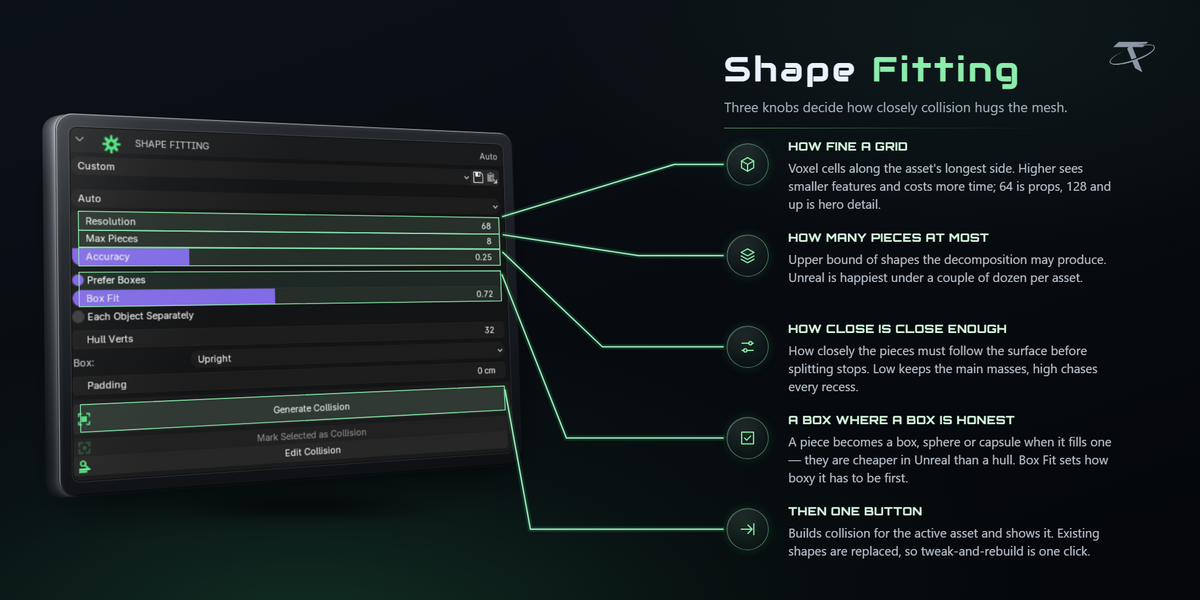
Merge Distance. How far the collision may stray from the mesh, out of it or into it, to save a shape. It is 2 cm in every preset: raise it for fewer shapes, or set it to 0 and hulls never reach past the mesh. The splitting, the shape merge and the hulls all work to this one distance.
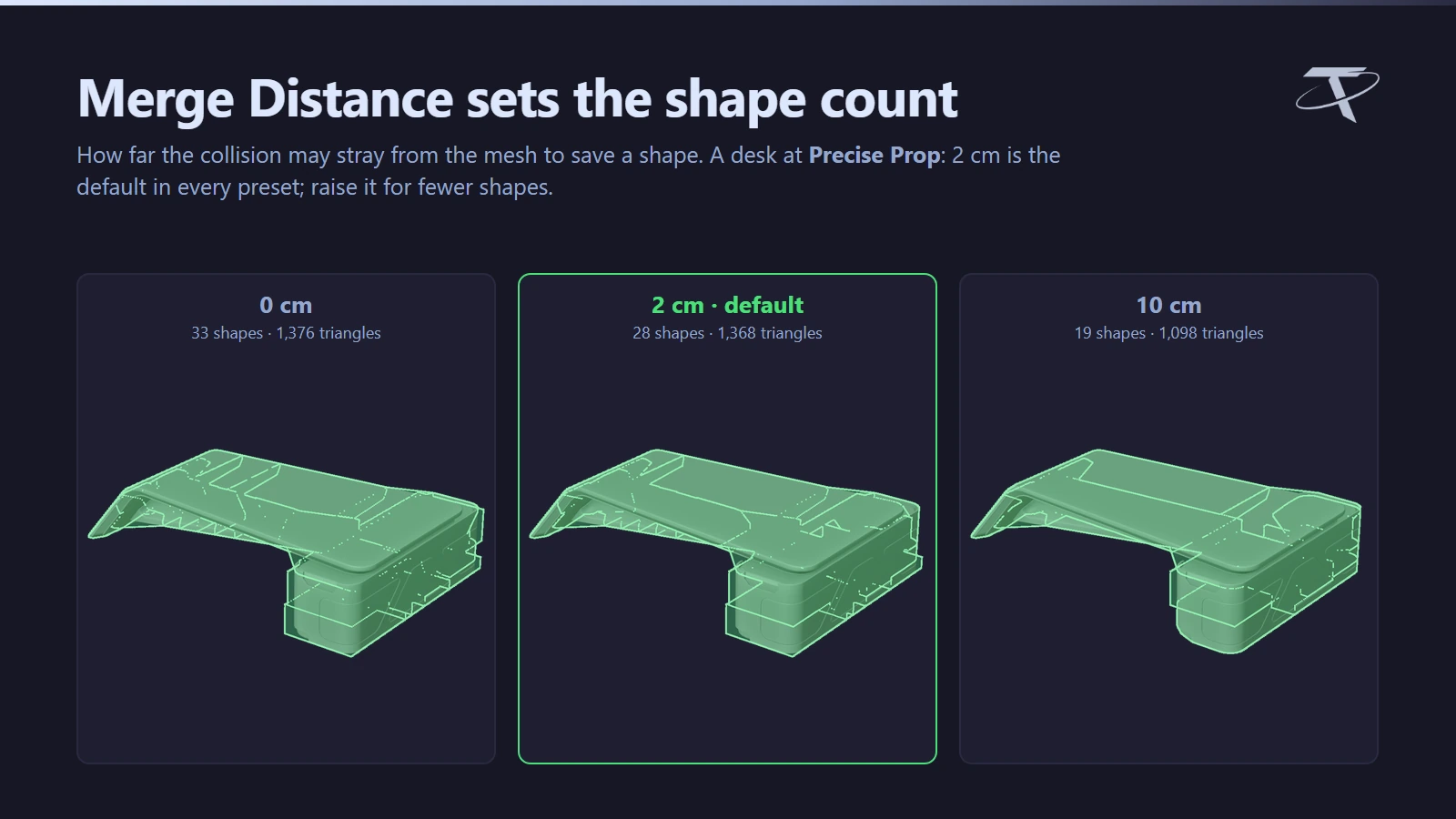
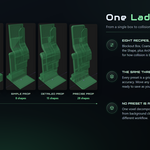
A desk at Precise Prop with a Merge Distance of 0, 2 and 10 cm: 33, 28 and 19 shapes

Ignore Bevels. Builds the collision from the meshes without their Bevel modifiers. A small edge bevel adds corners along every edge and almost no shape, so on bevelled props the hulls come out with about a fifth fewer triangles. It is off in every preset, sits beside Padding, and travels with presets.
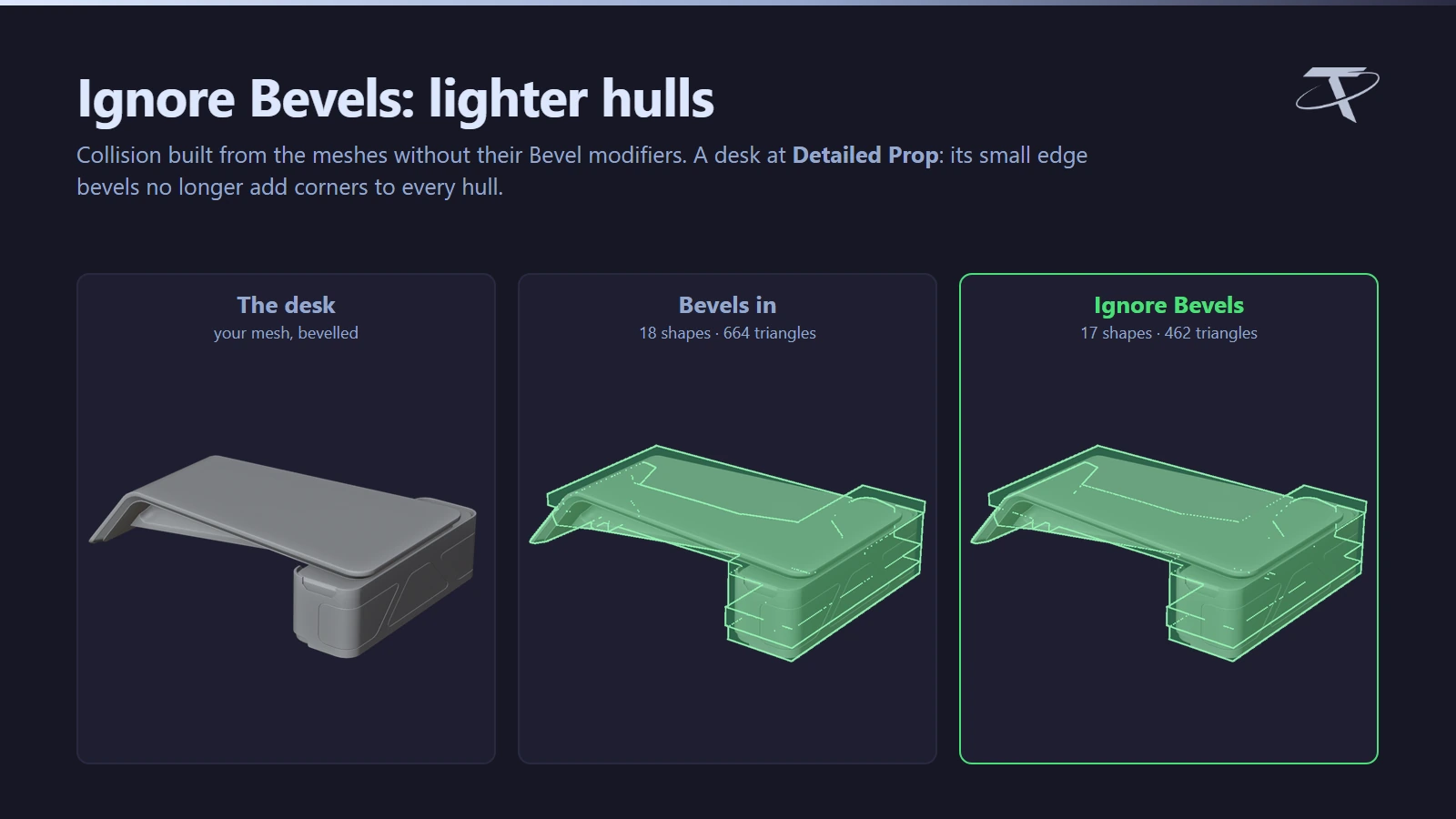
A bevelled desk at Detailed Prop: 664 triangles with the bevels, 462 with Ignore Bevels

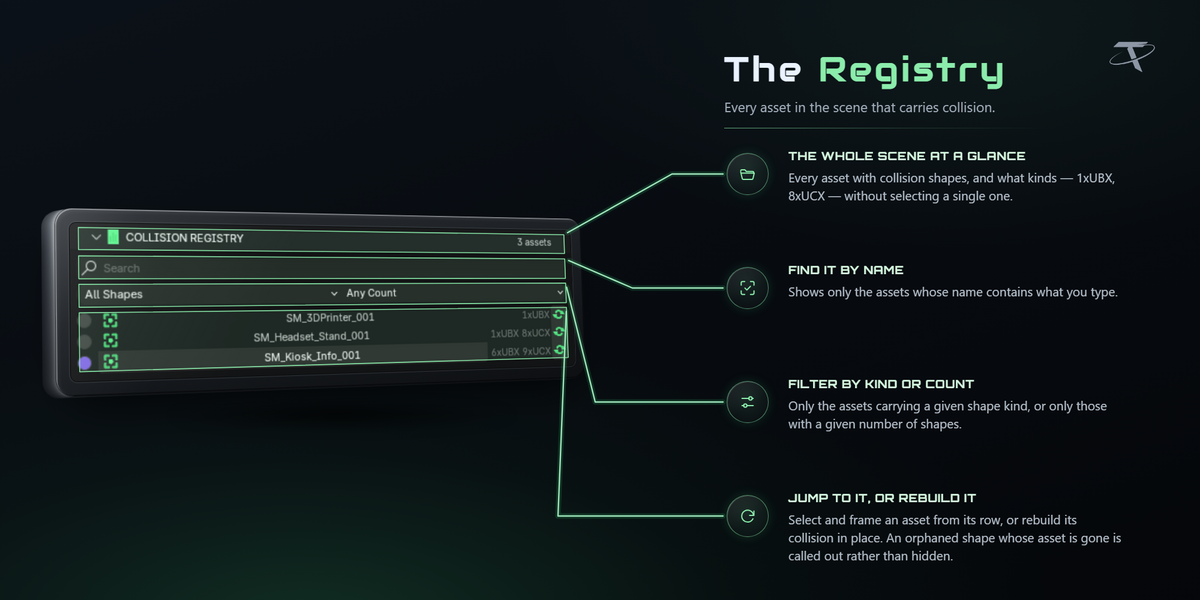
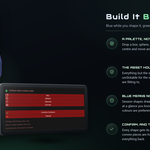
One edit, every selected asset. With several assets selected, an edit in the panel or on the card reaches all of them, so the batch builds what the panel shows. The panel says how many are selected and how many hold other settings, and Make All Match copies the active asset's settings to the rest without editing anything.

Changed

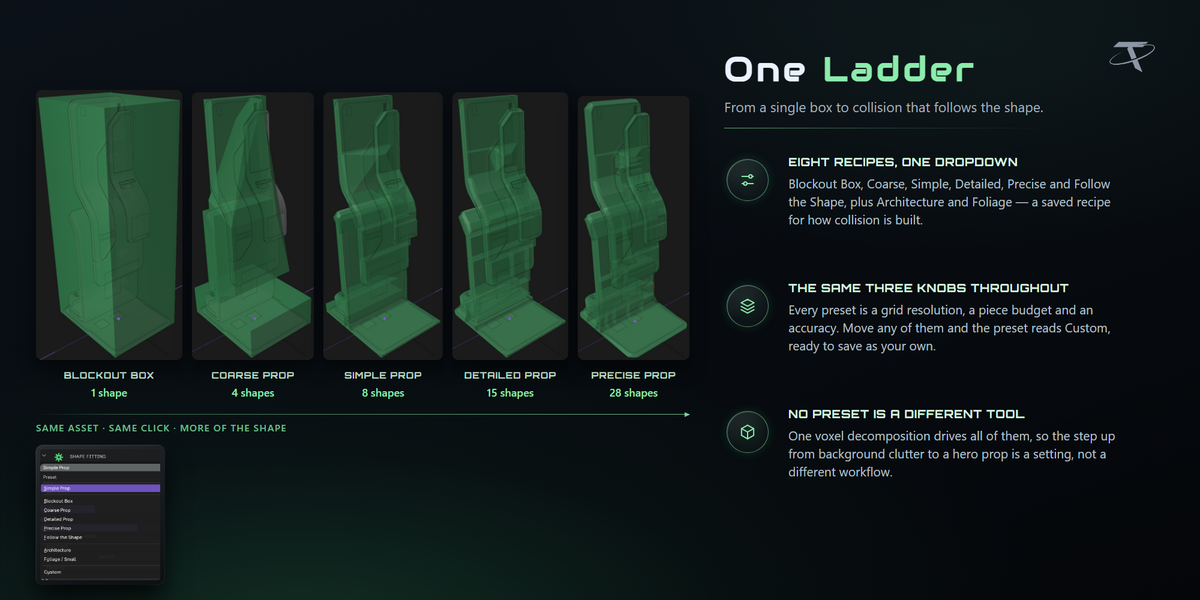
Faster. Generating is several times faster: the plane search reuses each hull it has built, and clipping looks only at the triangles a piece can reach. On an L-shaped desk at Detailed Prop, 1.2.0 took 5.3 seconds and 1.3.0 takes 1.6; on an info kiosk the whole preset ladder, from Blockout Box to Follow the Shape, builds in under 4 seconds per rung.
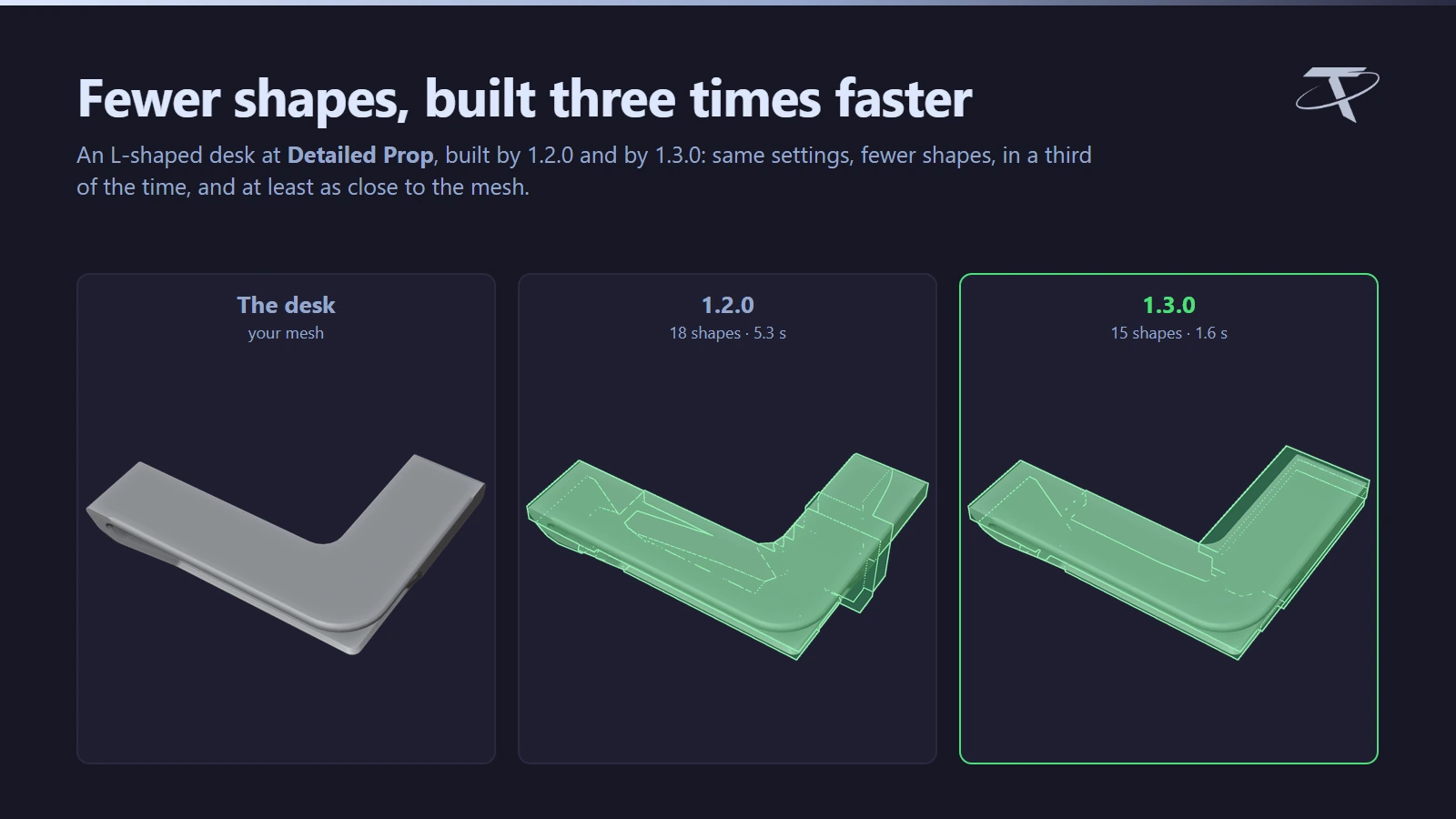
An L-shaped desk at Detailed Prop: 18 shapes in 5.3 s with 1.2.0, 15 shapes in 1.6 s with 1.3.0

Closer to the mesh, in fewer shapes.

  • Touching shapes merge wherever the merged shape fits as well, within the Merge Distance: a curve becomes a few hulls, not a stack of bricks.
  • Splitting stops once a hull lies close enough to the mesh, so a ball is one sphere and a capsule one capsule.
  • A hull over its vertex budget keeps the corners that hold the most and moves them out over the curve the dropped ones covered, so it no longer cuts into rounded parts.
  • Thick parts are filled all the way through, so a piece in the middle of a solid makes a shape instead of a thin cap.
  • Thin rings, frames and panels are measured as the slabs they are, so one hull no longer spans a ring's hole or a window.
  • At coarse resolutions each shape is checked against the mesh itself, and one that stands out of it, such as a hull filling the space under a desk top, is cut along the mesh's own planes.
  • A sphere or capsule is used only where the mesh fits inside it: a cylinder's rims no longer stick out of a capsule.

Everything the asset exports gets collision. Curves, surfaces, text, metaballs and instances (a collection on an empty, particles, a Geometry Nodes scatter) now count, as Unreal Bridge exports them. Boolean cutters and parts set not to export stay out.

Padding reaches convex hulls. It used to move only boxes, spheres and capsules, so with every shape a hull it did nothing.

Fixed

  • Your presets stay. Presets lived only in Blender's preferences, which Blender keeps only when it saves its preferences and drops on a reinstall, an update or a switch-off, so a preset saved in one session could be gone in the next. They are now written to a file the moment they change, tachyon_presets/collision_maker_presets.json beside Blender's version folders, which survives all of that and is shared by every Blender version on the computer: one made in 5.3 is there in 4.3. The first start adds the presets your saved preferences held, so nothing made before is lost. The preferences show the file, with a button that opens its folder.
  • Padding on a scaled asset. Padding was scaled by the asset's own scale, so on an FBX import at 0.01 a 10 cm padding came out 1 mm. It is now a distance in the scene's units.
  • Flat parts. A part with no thickness, such as a lamp's flat panel, could ship as a flat hull that Unreal drops; and two merged pieces forming an L could leave a wall half uncovered. Both are fixed.

GPL-3.0-or-later · Copyright 2026 Tachyon Studio
Unreal Engine is not required and is not included: the add-on builds collision to Unreal's conventions inside Blender and never talks to an engine.
Not affiliated with, endorsed by, or sponsored by Epic Games.

Original release.

Fixed: the card no longer flickers or disappears during autosave.

CHANGELOG

Unreal Collision Maker

What's new in this version

1.3.0 — 26 November 2026

Collision that follows the mesh more closely in fewer shapes, built several times faster, two new settings, Collision Maker on a card, one edit for every selected asset, and presets that survive a restart. Everything since 1.2.0 is in this release.

Rebuild your collision to get the new shapes: Generate Collision on an asset, or Generate Collision for All in BATCH. Collision built with 1.2.0 stays exactly as it is until you do.

Added

Collision Maker on a card. The sidebar's Unreal Tools tab shows Collision Maker as a card: the whole add-on in one place, docked in the sidebar or floating over the viewport. Ctrl + Shift + Alt + X brings it up. Rest on any control and it explains what it does. The button at the card's top right switches to the classic panels and back. With Unreal Bridge or LOD Maker installed, they share one card, with Collision Maker's section in green.

Merge Distance. How far the collision may stray from the mesh, out of it or into it, to save a shape. It is 2 cm in every preset: raise it for fewer shapes, or set it to 0 and hulls never reach past the mesh. The splitting, the shape merge and the hulls all work to this one distance.

A desk at Precise Prop with a Merge Distance of 0, 2 and 10 cm: 33, 28 and 19 shapes

Ignore Bevels. Builds the collision from the meshes without their Bevel modifiers. A small edge bevel adds corners along every edge and almost no shape, so on bevelled props the hulls come out with about a fifth fewer triangles. It is off in every preset, sits beside Padding, and travels with presets.

A bevelled desk at Detailed Prop: 664 triangles with the bevels, 462 with Ignore Bevels

One edit, every selected asset. With several assets selected, an edit in the panel or on the card reaches all of them, so the batch builds what the panel shows. The panel says how many are selected and how many hold other settings, and Make All Match copies the active asset's settings to the rest without editing anything.

Changed

Faster. Generating is several times faster: the plane search reuses each hull it has built, and clipping looks only at the triangles a piece can reach. On an L-shaped desk at Detailed Prop, 1.2.0 took 5.3 seconds and 1.3.0 takes 1.6; on an info kiosk the whole preset ladder, from Blockout Box to Follow the Shape, builds in under 4 seconds per rung.

An L-shaped desk at Detailed Prop: 18 shapes in 5.3 s with 1.2.0, 15 shapes in 1.6 s with 1.3.0

Closer to the mesh, in fewer shapes.

  • Touching shapes merge wherever the merged shape fits as well, within the Merge Distance: a curve becomes a few hulls, not a stack of bricks.
  • Splitting stops once a hull lies close enough to the mesh, so a ball is one sphere and a capsule one capsule.
  • A hull over its vertex budget keeps the corners that hold the most and moves them out over the curve the dropped ones covered, so it no longer cuts into rounded parts.
  • Thick parts are filled all the way through, so a piece in the middle of a solid makes a shape instead of a thin cap.
  • Thin rings, frames and panels are measured as the slabs they are, so one hull no longer spans a ring's hole or a window.
  • At coarse resolutions each shape is checked against the mesh itself, and one that stands out of it, such as a hull filling the space under a desk top, is cut along the mesh's own planes.
  • A sphere or capsule is used only where the mesh fits inside it: a cylinder's rims no longer stick out of a capsule.

Everything the asset exports gets collision. Curves, surfaces, text, metaballs and instances (a collection on an empty, particles, a Geometry Nodes scatter) now count, as Unreal Bridge exports them. Boolean cutters and parts set not to export stay out.

Padding reaches convex hulls. It used to move only boxes, spheres and capsules, so with every shape a hull it did nothing.

Fixed

  • Your presets stay. Presets lived only in Blender's preferences, which Blender keeps only when it saves its preferences and drops on a reinstall, an update or a switch-off, so a preset saved in one session could be gone in the next. They are now written to a file the moment they change, tachyon_presets/collision_maker_presets.json beside Blender's version folders, which survives all of that and is shared by every Blender version on the computer: one made in 5.3 is there in 4.3. The first start adds the presets your saved preferences held, so nothing made before is lost. The preferences show the file, with a button that opens its folder.
  • Padding on a scaled asset. Padding was scaled by the asset's own scale, so on an FBX import at 0.01 a 10 cm padding came out 1 mm. It is now a distance in the scene's units.
  • Flat parts. A part with no thickness, such as a lamp's flat panel, could ship as a flat hull that Unreal drops; and two merged pieces forming an L could leave a wall half uncovered. Both are fixed.
GPL-3.0-or-later · Copyright 2026 Tachyon Studio
Unreal Engine is not required and is not included: the add-on builds collision to Unreal's conventions inside Blender and never talks to an engine.
Not affiliated with, endorsed by, or sponsored by Epic Games.

Original release.

  • For 1 person (1 seat). Commercial use included.

    $8.44 $12.99
  • For a team of up to 6 people (6 seats). Commercial use included.

    $33.79 $51.99
  • For a studio of up to 20 people (20 seats). Commercial use included. Need more than 20 seats? Contact us directly.

    $84.49 $129.99
$8.44

Support Period Included

Includes 12 months of

Extend this product’s Support Period +12 months: 50% of product price

Have questions before purchasing?
Login to message

Details
Blender Extension Compatible Yes
Published 2 months ago
Blender Version 3.3 - 5.3
Extension Type Add-on
License GPL