BLENDER ADDON
Unreal Collision Maker
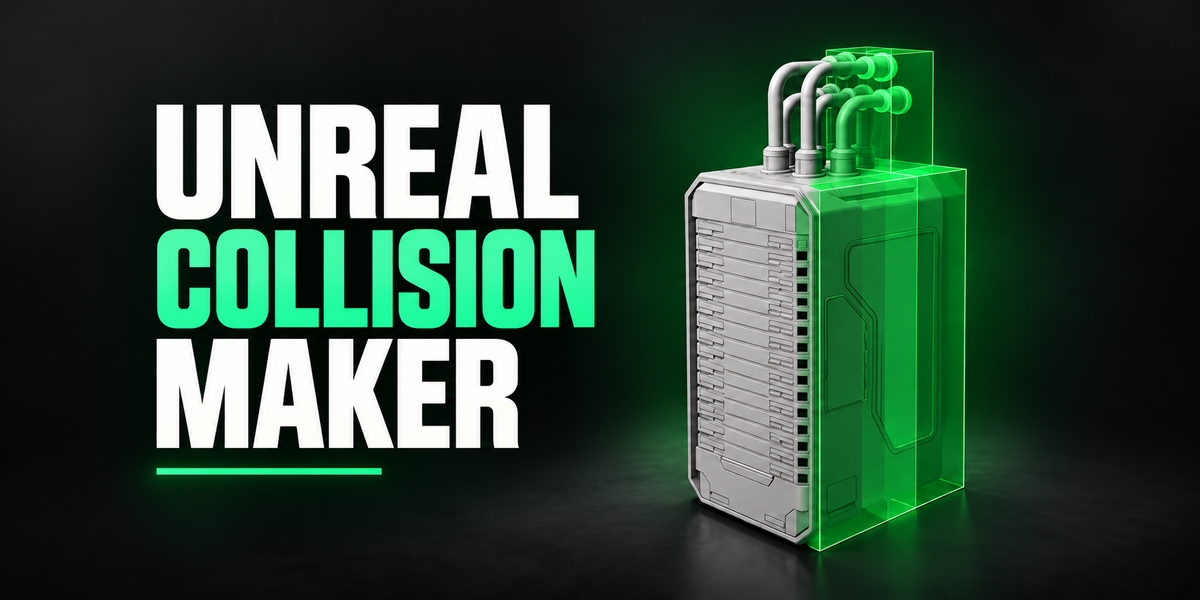
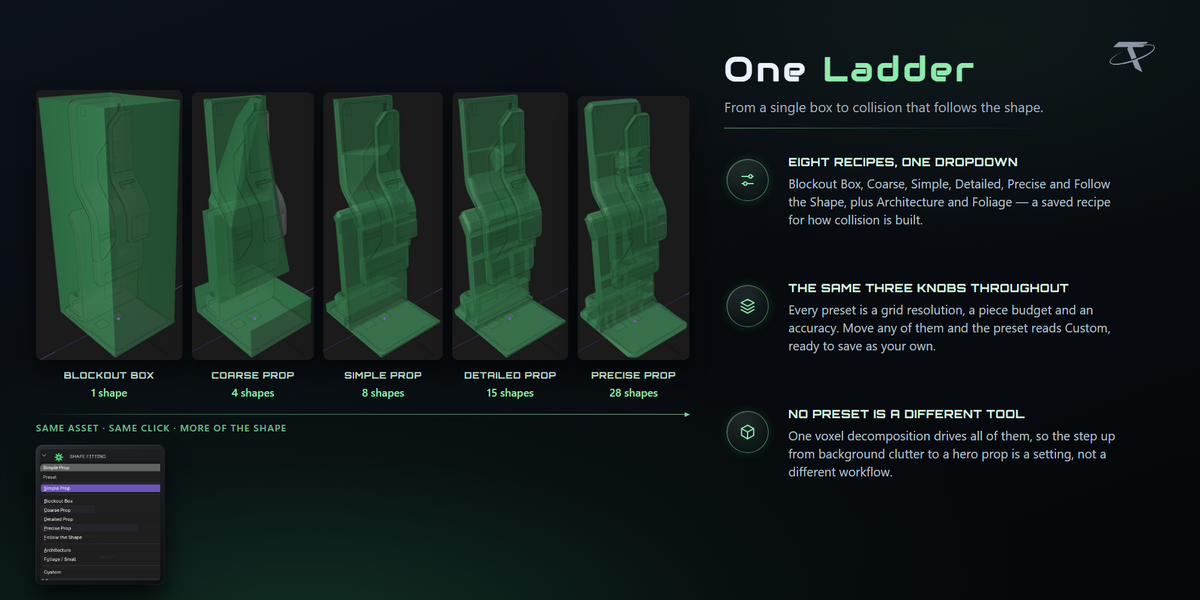
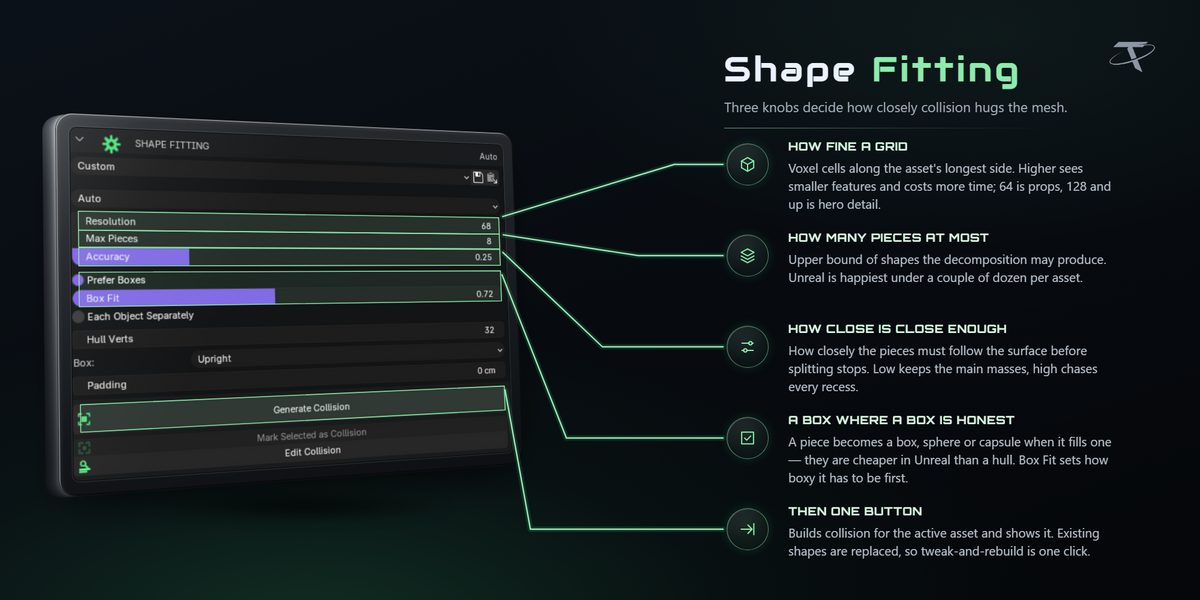



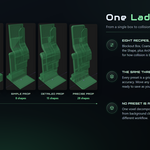




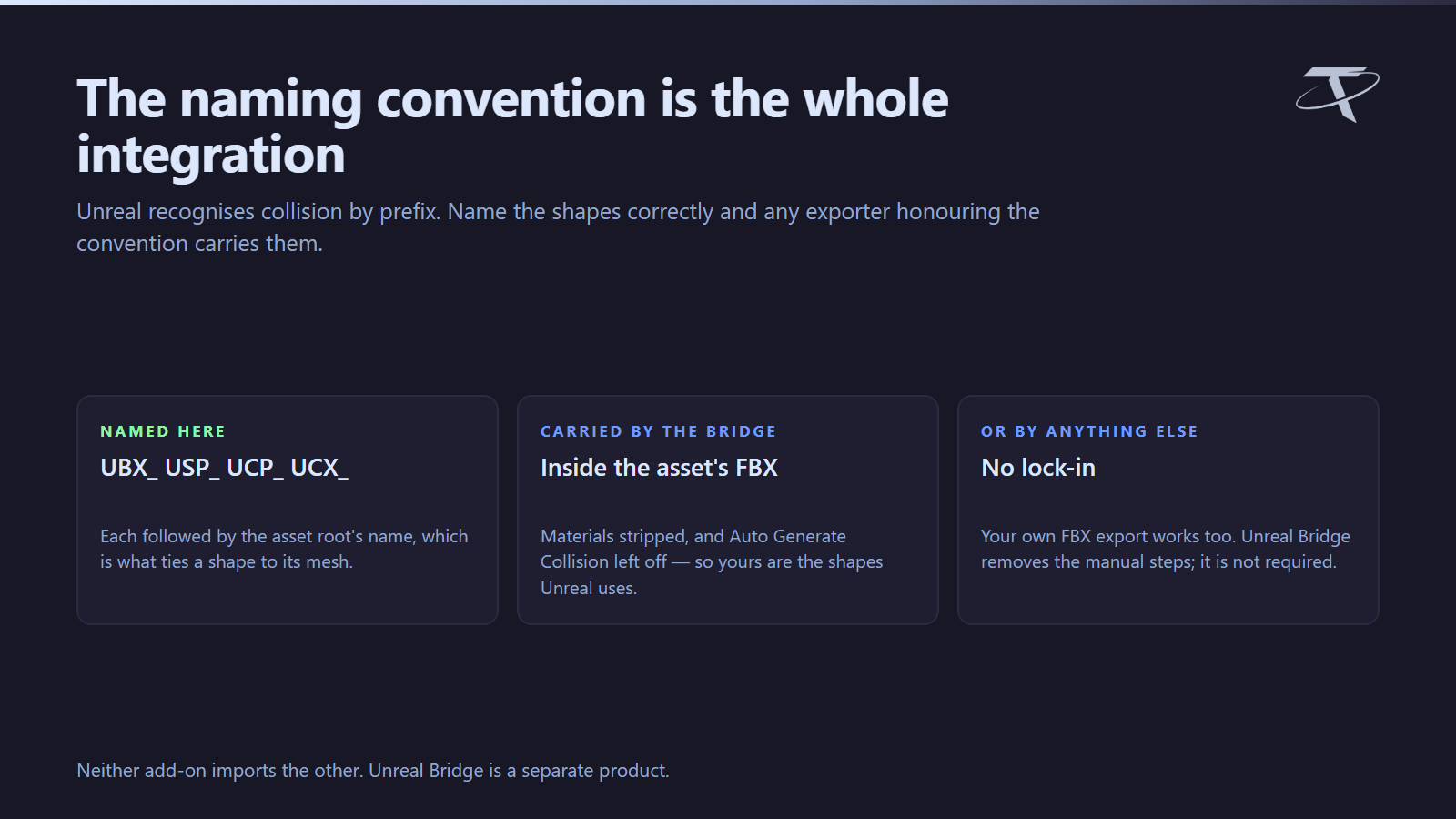
Auto rasterizes your asset into a voxel grid and splits it into convex pieces until the collision follows the shape as closely as you asked for — the same kind of algorithm as V-HACD, built into Blender. A preset ladder runs from one level box to collision that follows every major surface, and every shape is named to Unreal's FBX convention (UBX_, USP_, UCP_, UCX_), so a normal push carries it inside the asset's own FBX with nothing to configure.
⚠ Unreal Engine is not required. Collision Maker is pure Blender and runs on Windows, macOS and Linux. It builds collision to Unreal's conventions; getting it into Unreal is a separate step, which Unreal Bridge (a separate product) automates if you want it. The shapes are equally valid for any exporter that honours the same convention. Not affiliated with, endorsed by, or sponsored by Epic Games.
FEATURE BY FEATURE


Mark Selected as Collision
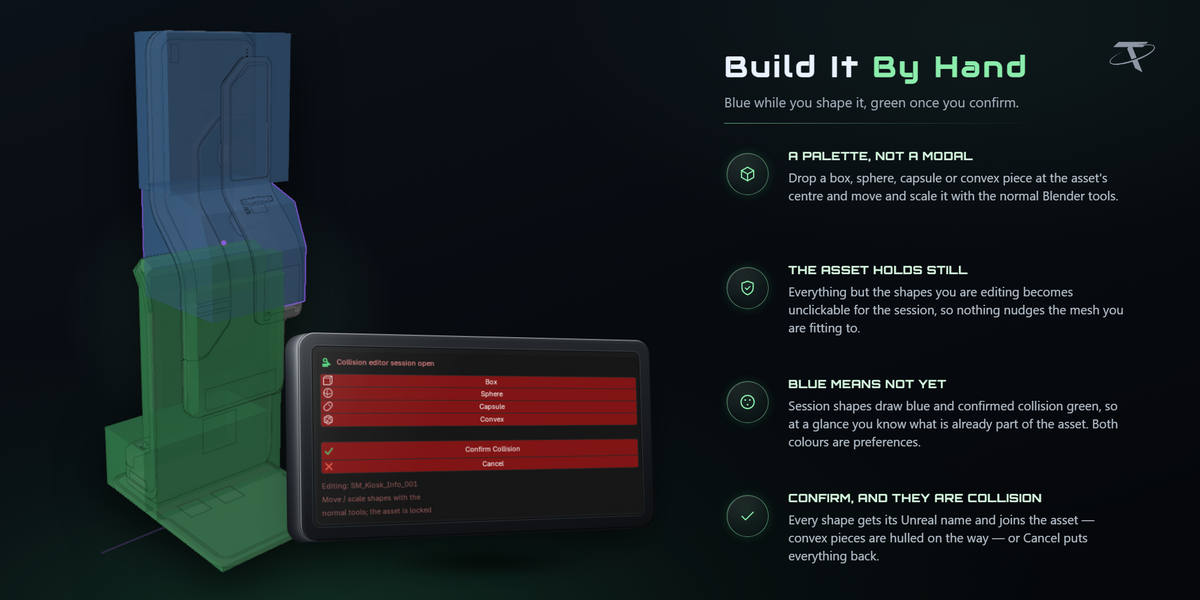


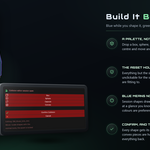
Modelled your own shapes? They get renamed to the convention, parented to the asset and tagged exactly like a generated one, so everything downstream treats them identically.
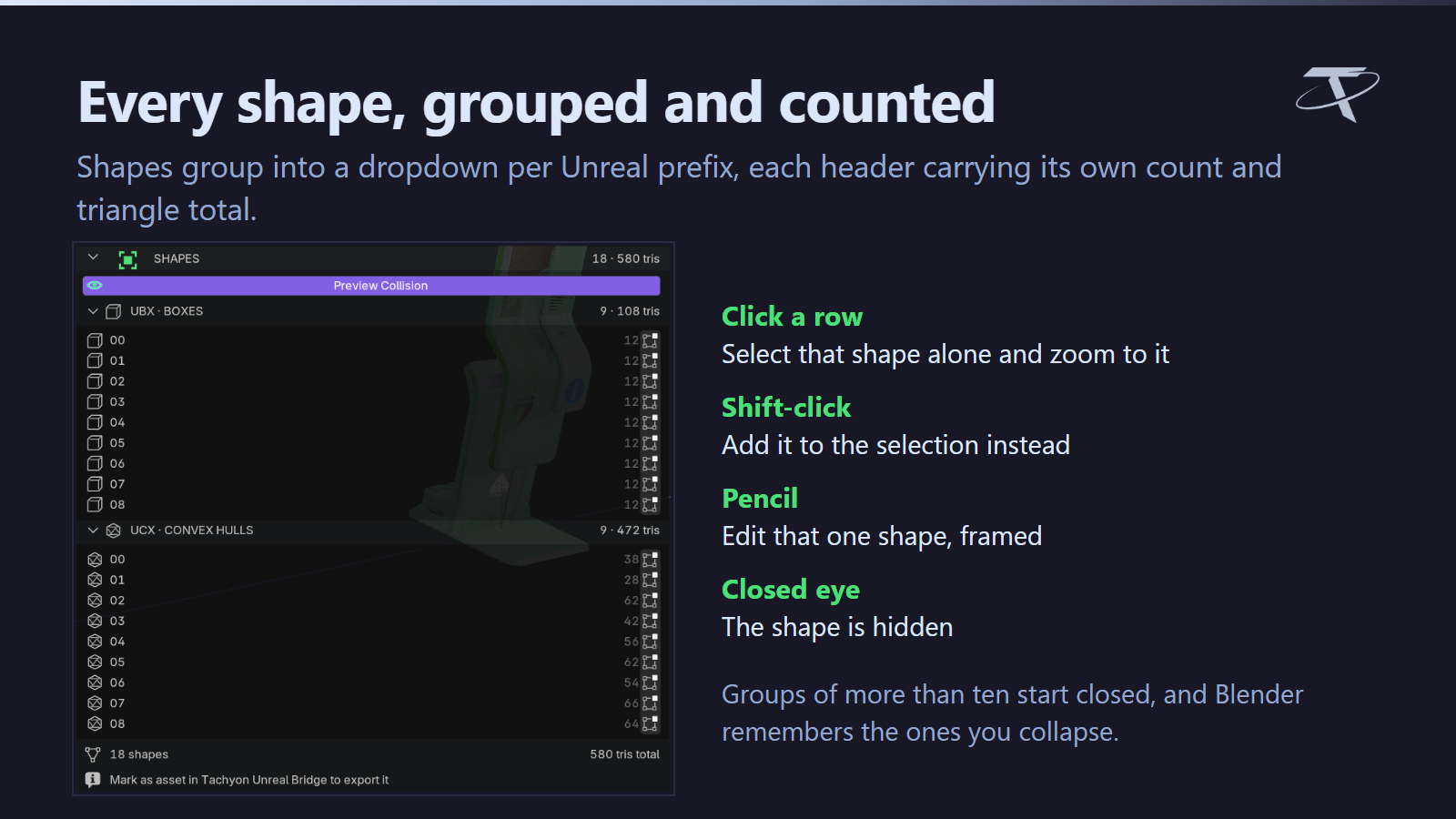
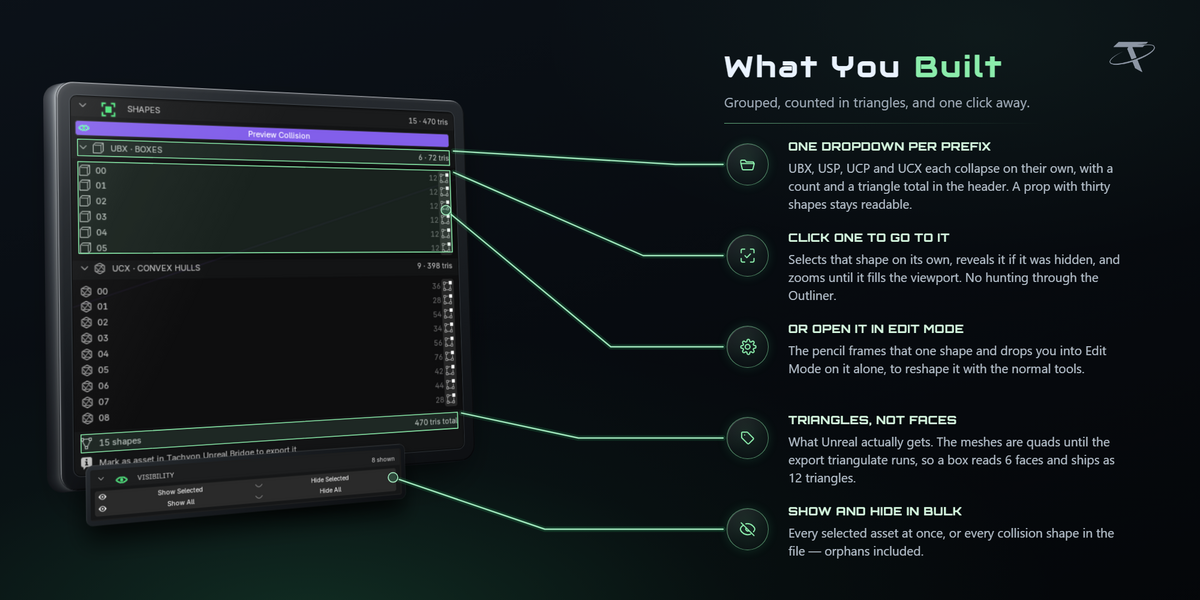
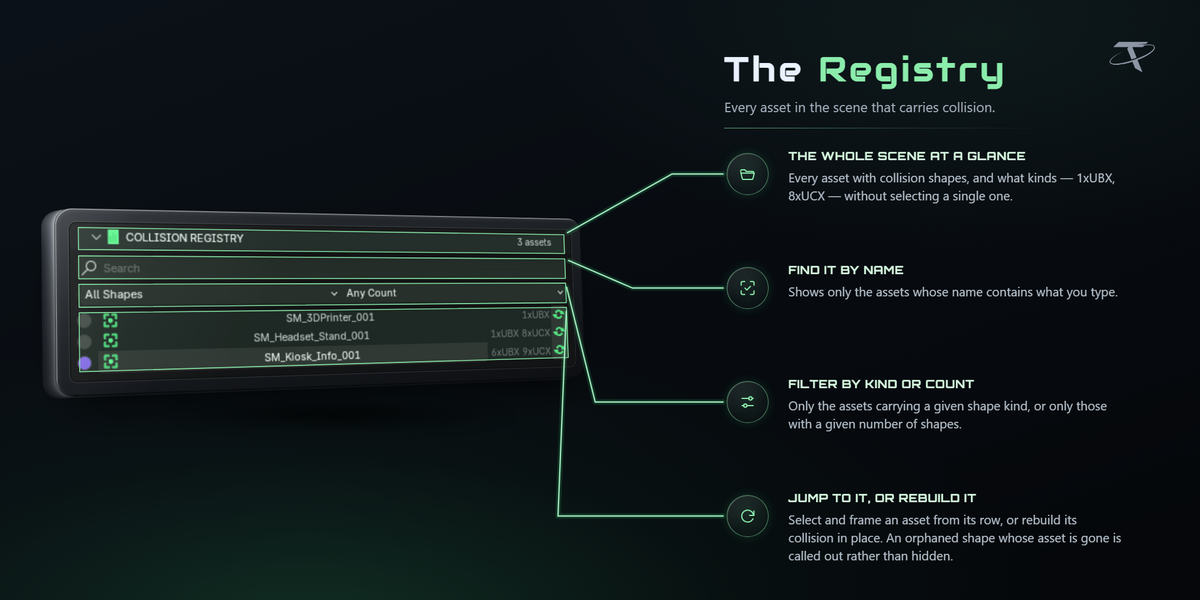
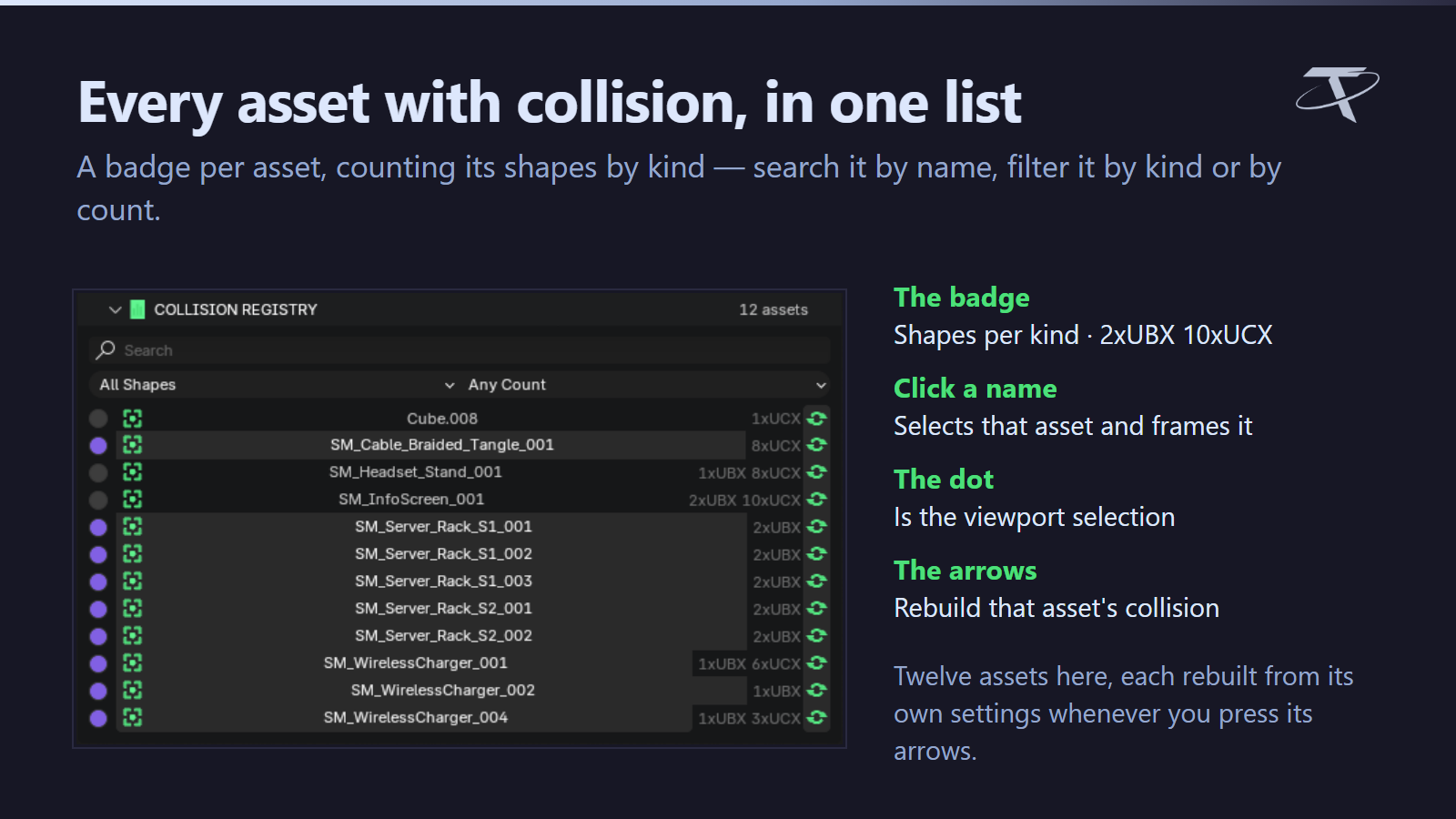
Every shape, grouped and counted
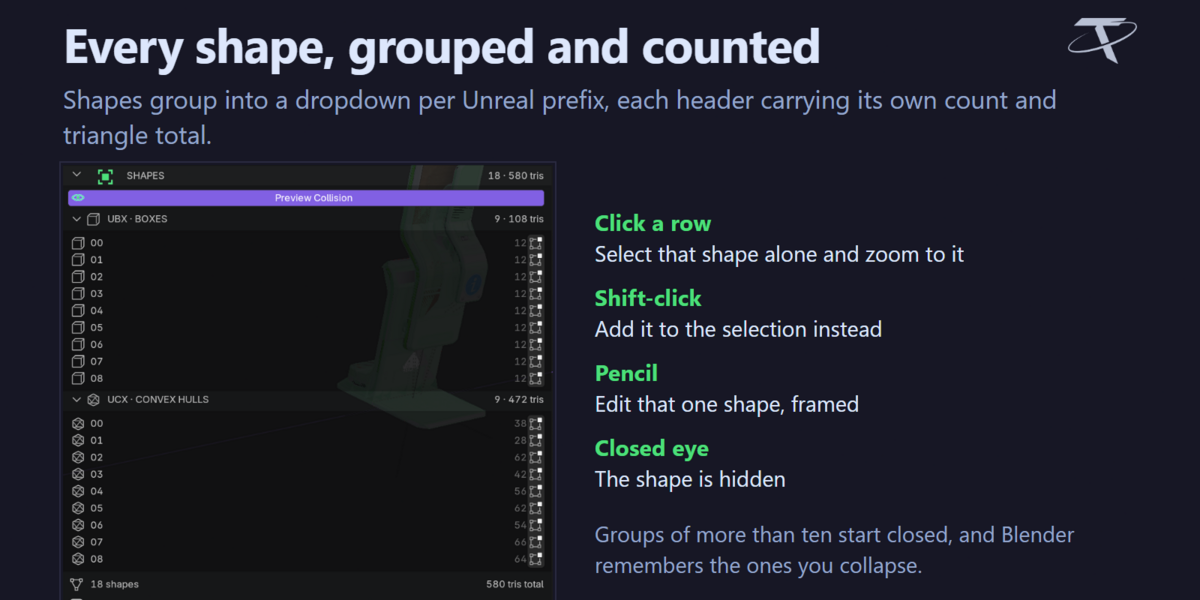

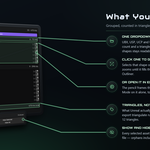
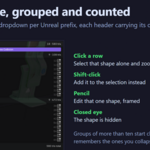
The SHAPES list groups them into a dropdown per Unreal prefix, each header carrying its own count and triangle total. Click a row to select that shape alone and frame it, shift-click to add it to the selection, or press its pencil to open it alone in Edit Mode. Counts are triangles, not faces — what Unreal actually receives — with a total at the bottom. Groups of more than ten start closed, and Blender remembers the ones you collapse.
Requirements & Setup
|
PLATFORM
Windows, macOS or Linux. Collision Maker is pure Blender.
|
BLENDER
3.3 to 5.2 from one package. Installs as a modern extension on 4.2+ and as a classic add-on on 3.3 – 4.1. Every release is tested end to end on 3.3, 3.6, 4.2, 4.3, 4.5, 5.0, 5.1 and 5.2 — including installing the shipped archive on each one.
|
UNREAL ENGINE
Not required and not included. This add-on builds collision to Unreal's conventions inside Blender; it never talks to an engine. Getting it there is a separate step that Unreal Bridge, a separate product, automates.
|
|
PANEL
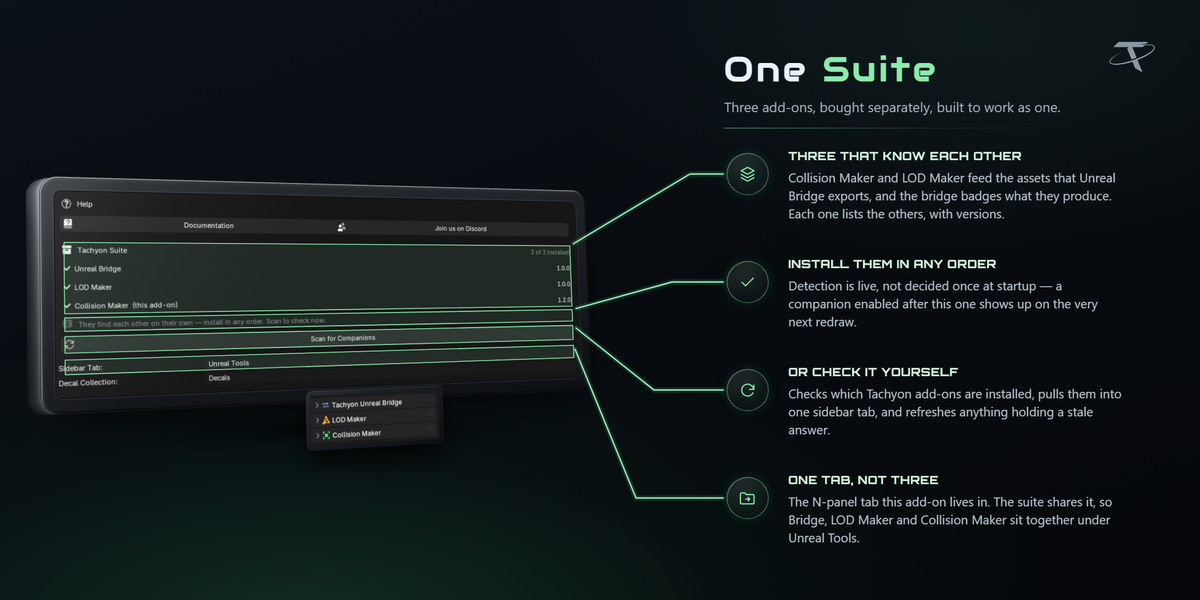
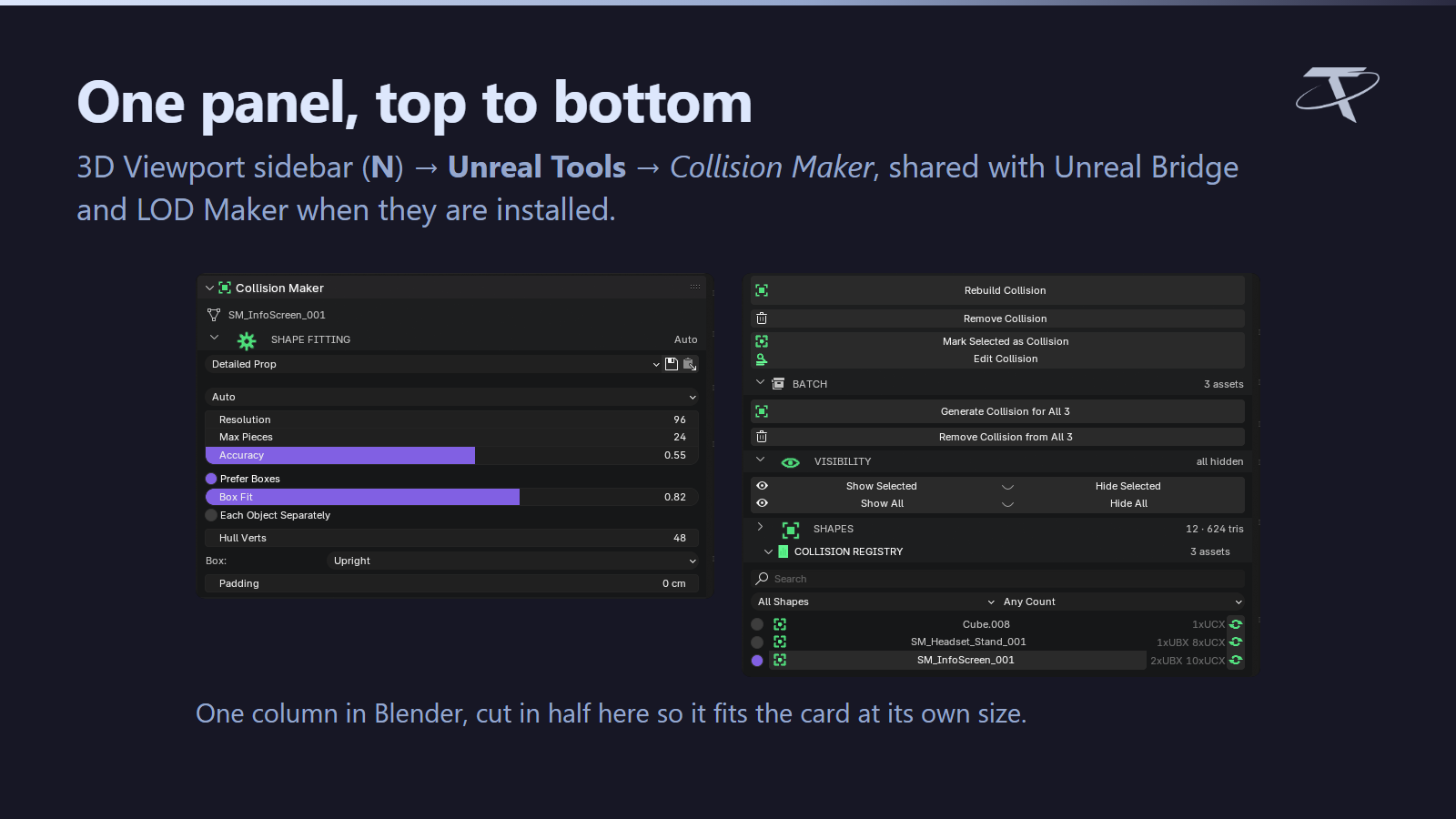
3D Viewport sidebar (N) → Unreal Tools tab → Collision Maker. The tab is shared with Unreal Bridge and LOD Maker when they are installed; rename it in preferences and the others follow.
|
NETWORK
None. The add-on opens no sockets, sends no telemetry and checks no licence. The Documentation and Discord buttons hand a URL to your default browser and nothing more.
|
FILES
Its own preferences, preset files only where you export or import them, and a one-line marker in Blender's config folder recording which version last showed its welcome. Nothing else, nowhere else.
|
|
LICENCE
GPL-3.0-or-later.
|
|
|
Tachyon Studio
Questions, bug reports and feature requests —
join the Discord.
GPL-3.0-or-later · Copyright 2026 Tachyon Studio.
 Tachyon Studio