Preset-driven LOD generation for the Unreal pipeline. Pick a preset, press Generate LODs, and the asset gets a chain of decimated levels — each carrying the Unreal screen size at which it takes over.
| Item |
Detail |
| Version |
1.0.0 |
| Blender |
3.3 – 5.2, one package for all of them — installs as an extension on 4.2+, or as a classic add-on on 3.3 – 4.1 |
| Tested on |
3.3, 3.6, 4.2, 4.3, 4.5, 5.0, 5.1 and 5.2 — every release, including installing the shipped archive on each |
| Platform |
Windows, macOS or Linux — LOD Maker is pure Blender |
| Unreal Engine |
Not required and not included. The add-on builds chains to Unreal's conventions; it never talks to an engine |
| Companions |
Works on its own. Unreal Bridge is optional — it exports the levels and pins their screen sizes in the engine |
| Licence |
GPL-3.0-or-later |
What this add-on does
A LOD chain is a series of progressively cheaper copies of a mesh, and a rule for when the engine swaps between them. LOD Maker builds both: it decimates, and it works out the Unreal screen size at which each level takes over.
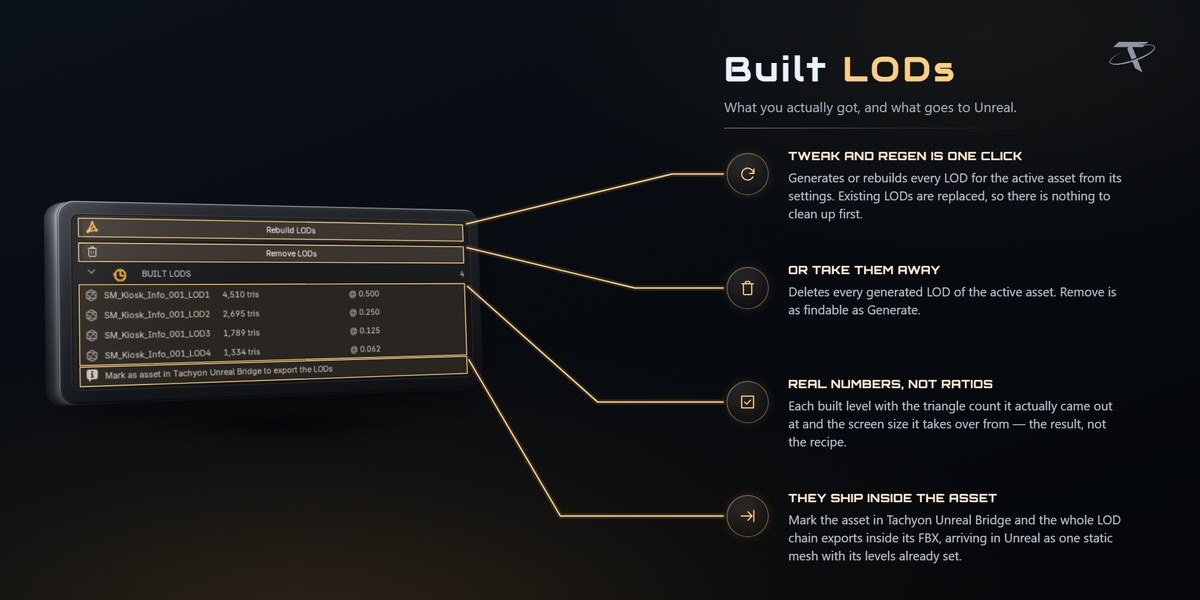
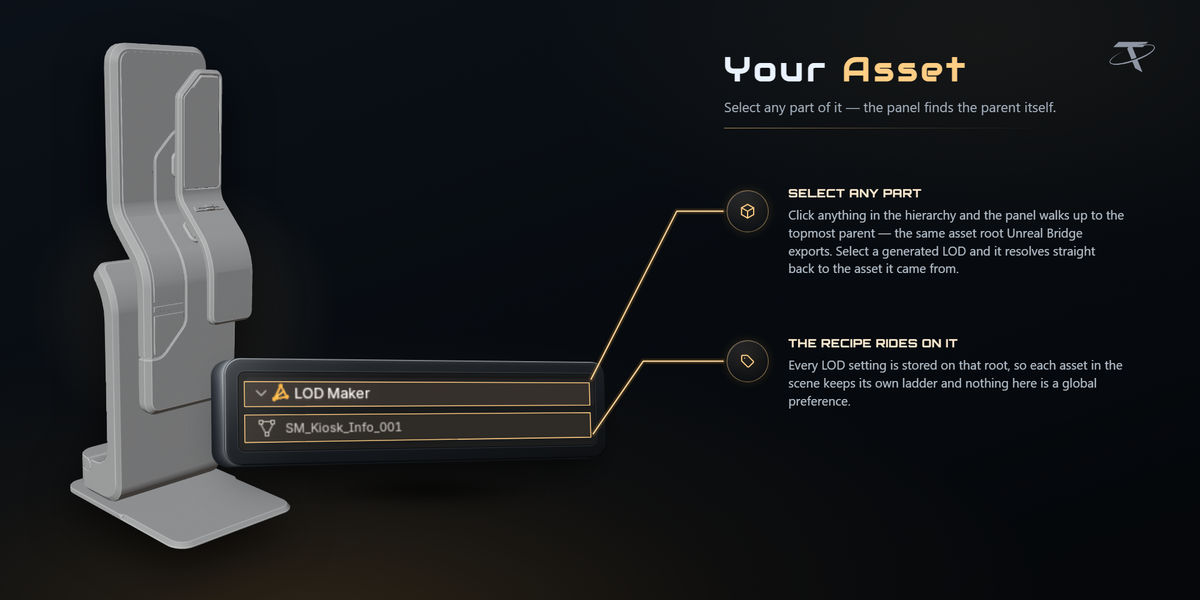
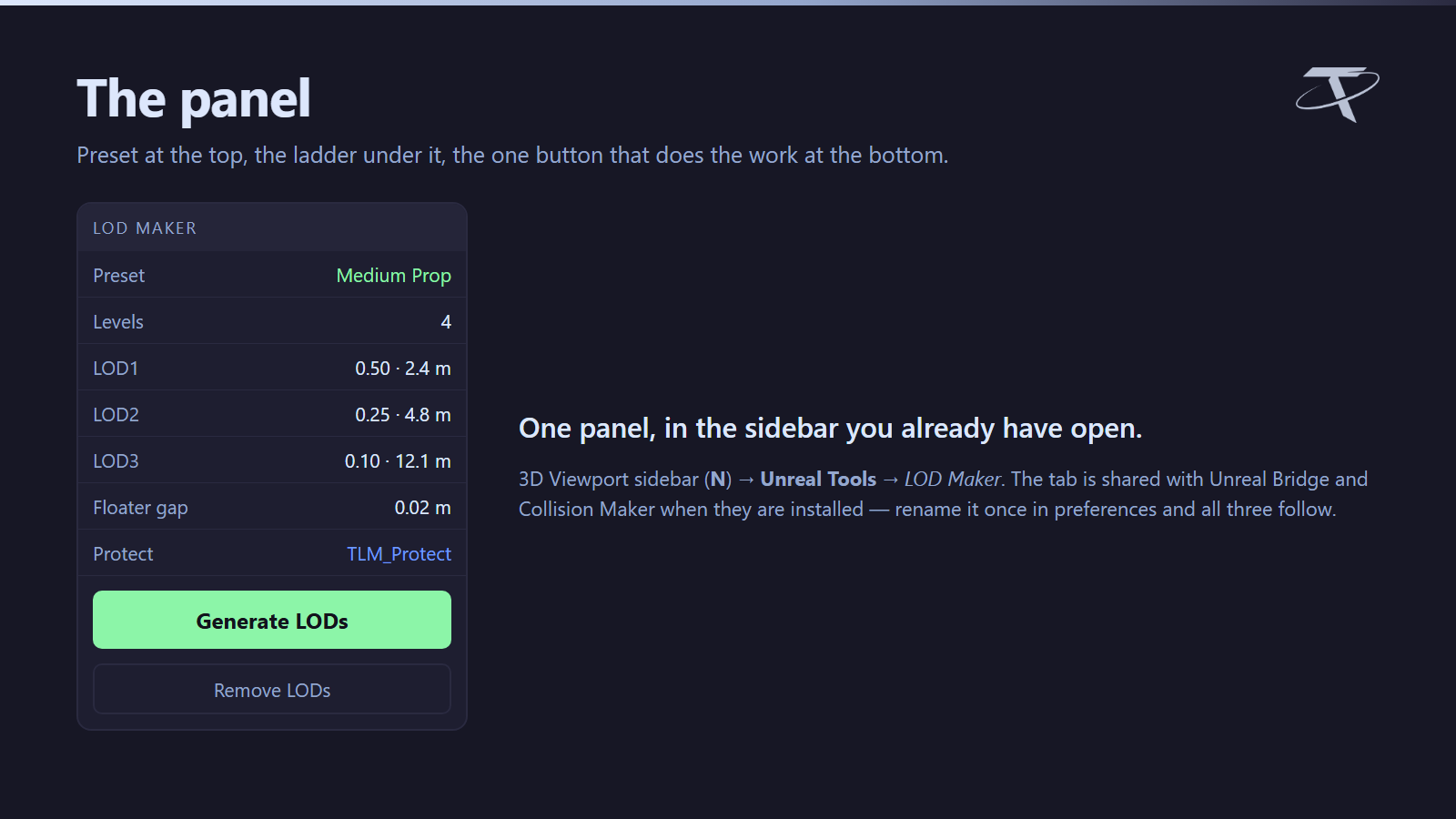
Select an asset — a mesh, or the root of a multi-part prop — pick a preset, and press Generate LODs. The levels are parked in an LODs collection so they stay out of your way, and the asset root is stamped with what was built.
It does not modify your original mesh. LOD0 is always the mesh you authored.
Installing
- Blender → Edit ▸ Preferences ▸ Add-ons ▸ Install from Disk.
- Pick the
tachyon_lod_maker zip.
- Enable Tachyon LOD Maker.
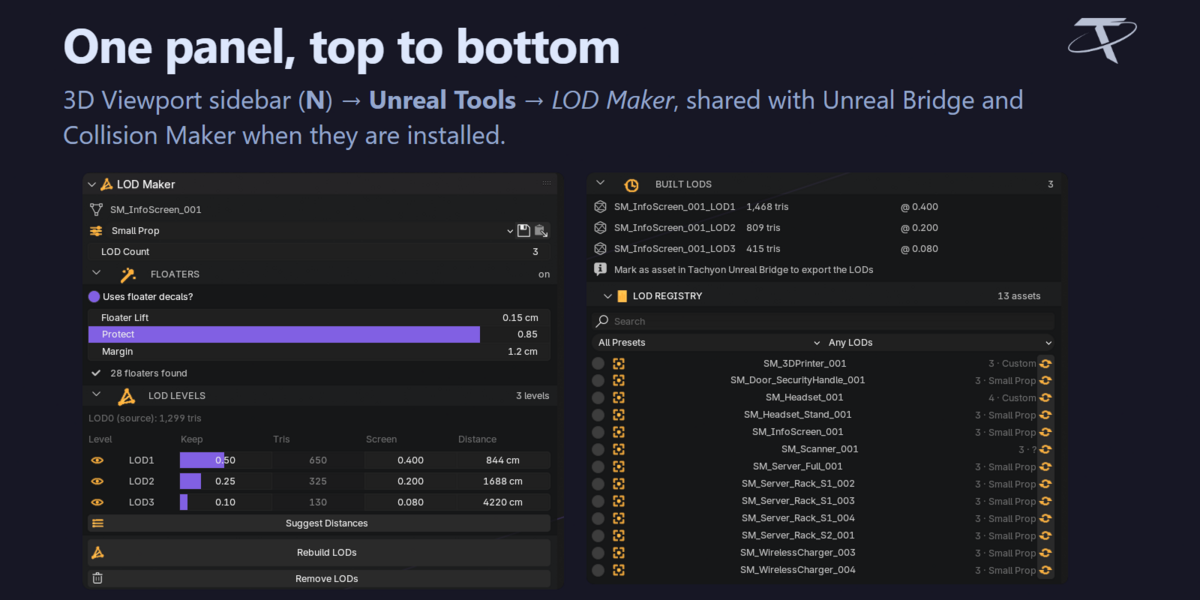
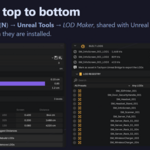
The panel is in the 3D Viewport sidebar: press N, then the Unreal Tools tab.
That tab is named for the tab, not for this add-on. Unreal Bridge and Tachyon Collision Maker are separate products, and when they are installed they appear in the same tab — one place for everything that feeds Unreal. Rename it in the add-on preferences if you prefer; the others follow.
Presets
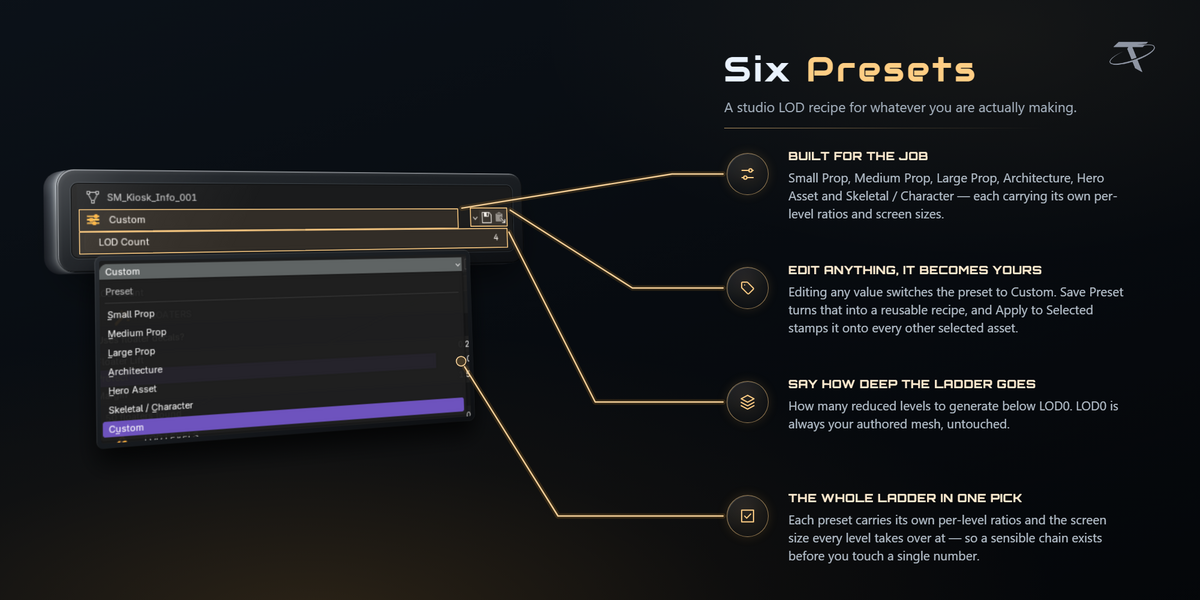

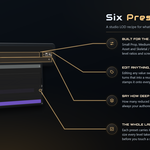
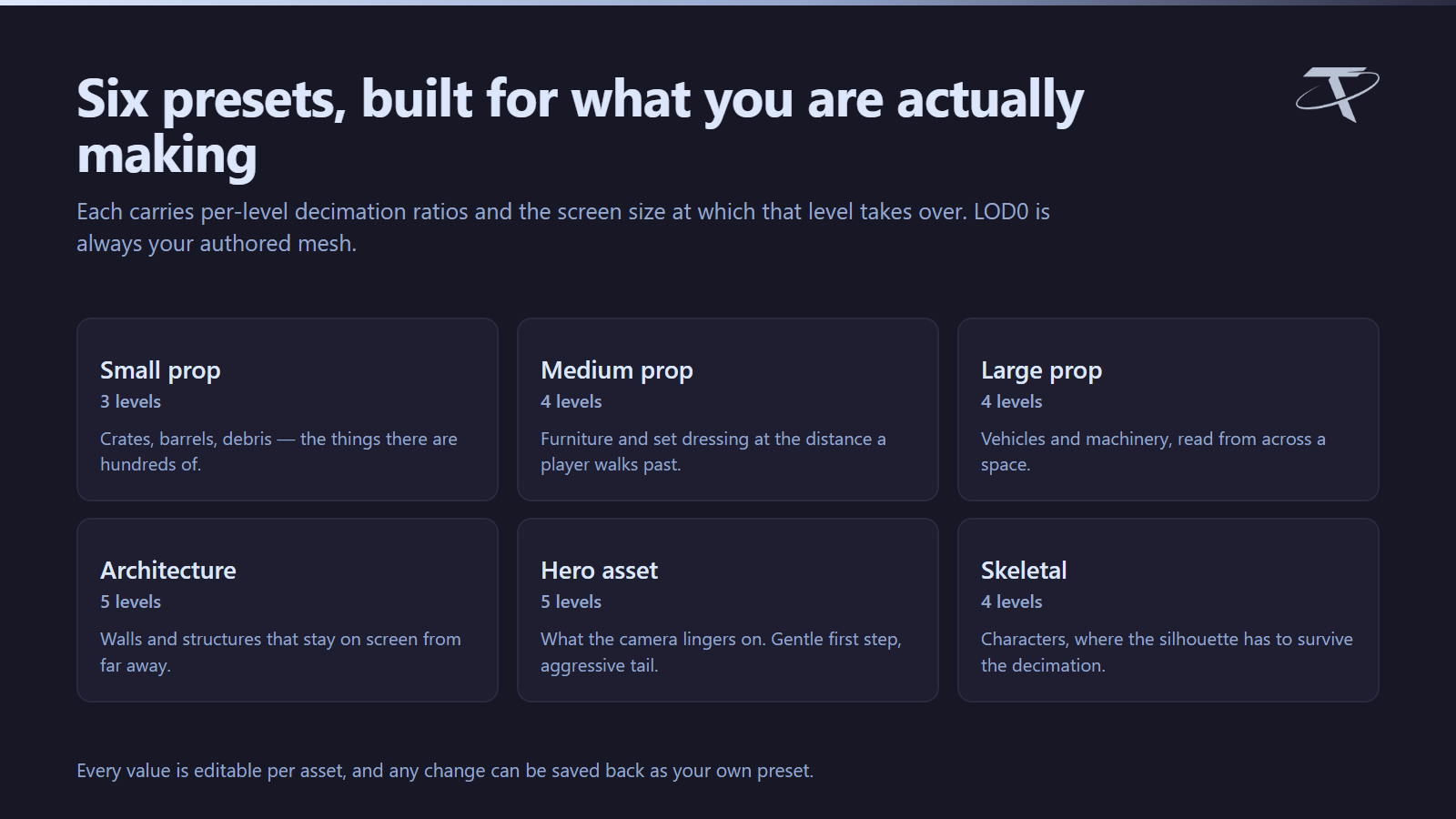
Six built-in recipes, each carrying per-level decimation ratios and the screen size at which that level takes over. The ratio is the fraction of the original triangle count kept at that level.
| Preset |
For |
Keeps |
Screen sizes |
| Small Prop |
Handheld clutter up to ~50 cm; drops detail fast |
50 / 25 / 10 % |
0.4 · 0.2 · 0.08 |
| Medium Prop |
Furniture-sized props between 0.5 m and 2 m |
60 / 35 / 15 % |
0.5 · 0.25 · 0.1 |
| Large Prop |
Machinery and set pieces from 2 m to 6 m |
65 / 40 / 20 / 8 % |
0.6 · 0.35 · 0.18 · 0.07 |
| Architecture |
Walls, kits and buildings that stay on screen long |
75 / 50 / 25 % |
0.7 · 0.4 · 0.18 |
| Hero Asset |
Focal assets that must hold up close; gentle falloff |
80 / 55 / 30 / 12 % |
0.6 · 0.35 · 0.18 · 0.08 |
| Skeletal / Character |
Skinned meshes; keeps deformation-critical density |
60 / 35 / 15 % |
0.5 · 0.28 · 0.12 |
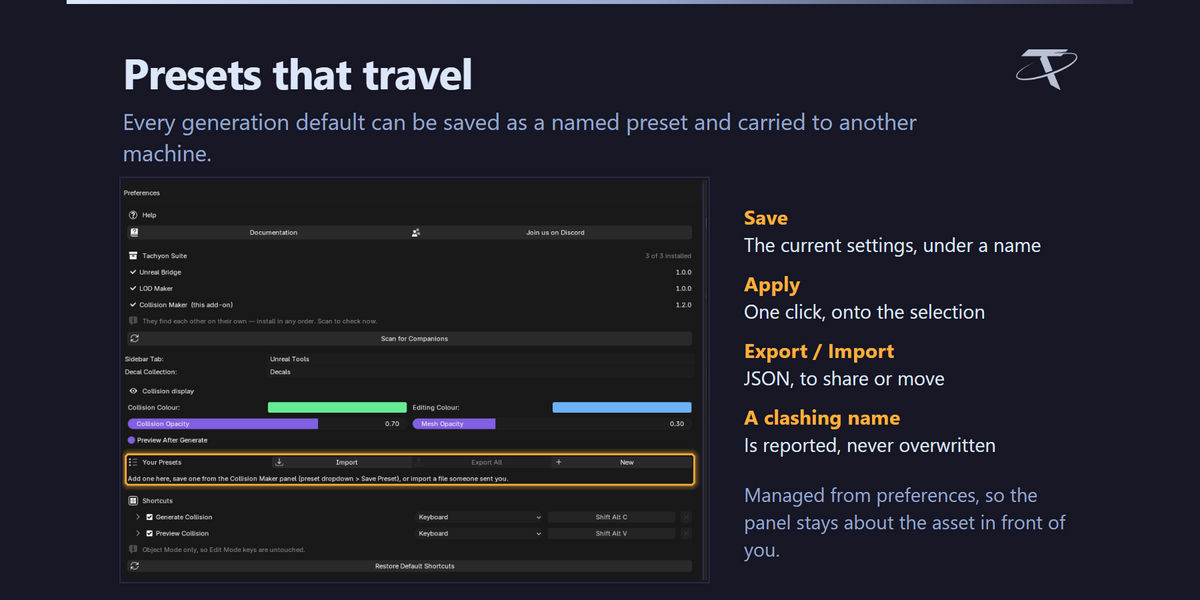
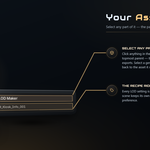
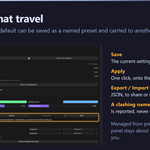
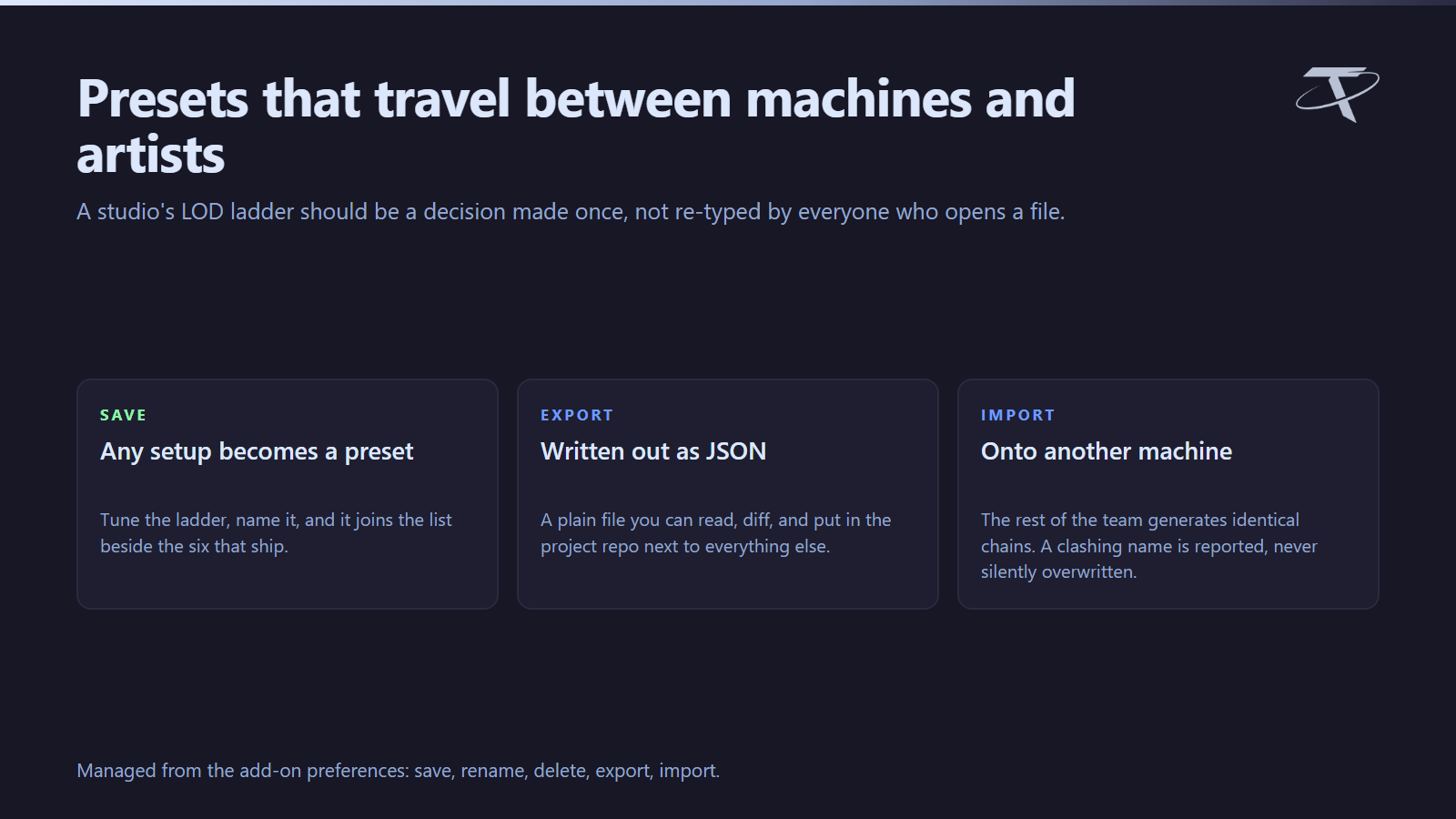
Every generation default — ratios, level count, screen sizes, floater handling — can be saved as a named preset of your own, applied in one click, and exported to JSON to share or move between machines. Presets are managed in the add-on preferences: save, rename, delete, export, import. Import never overwrites silently; a clashing name is reported.
Screen sizes, and the distances beside them

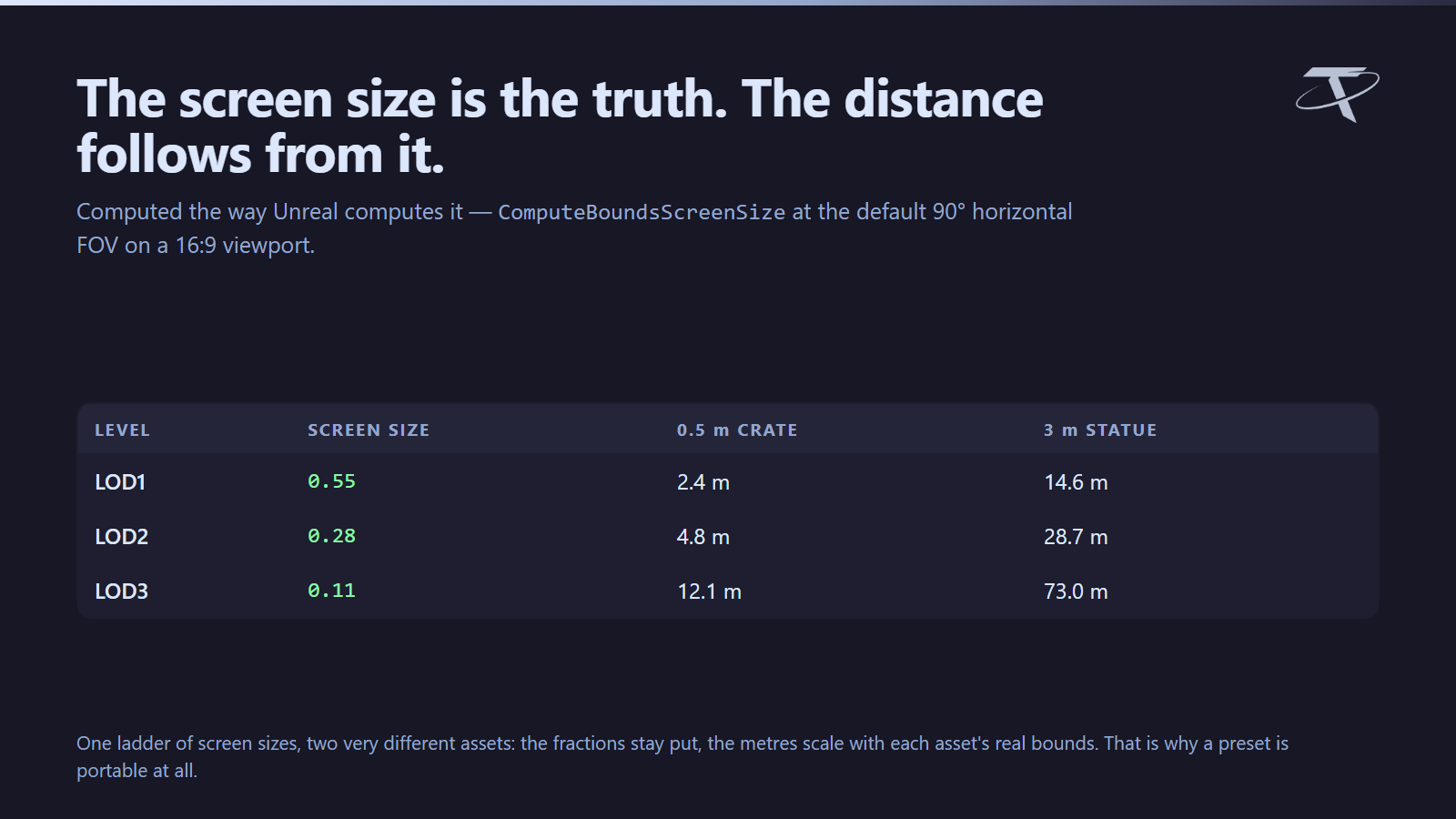
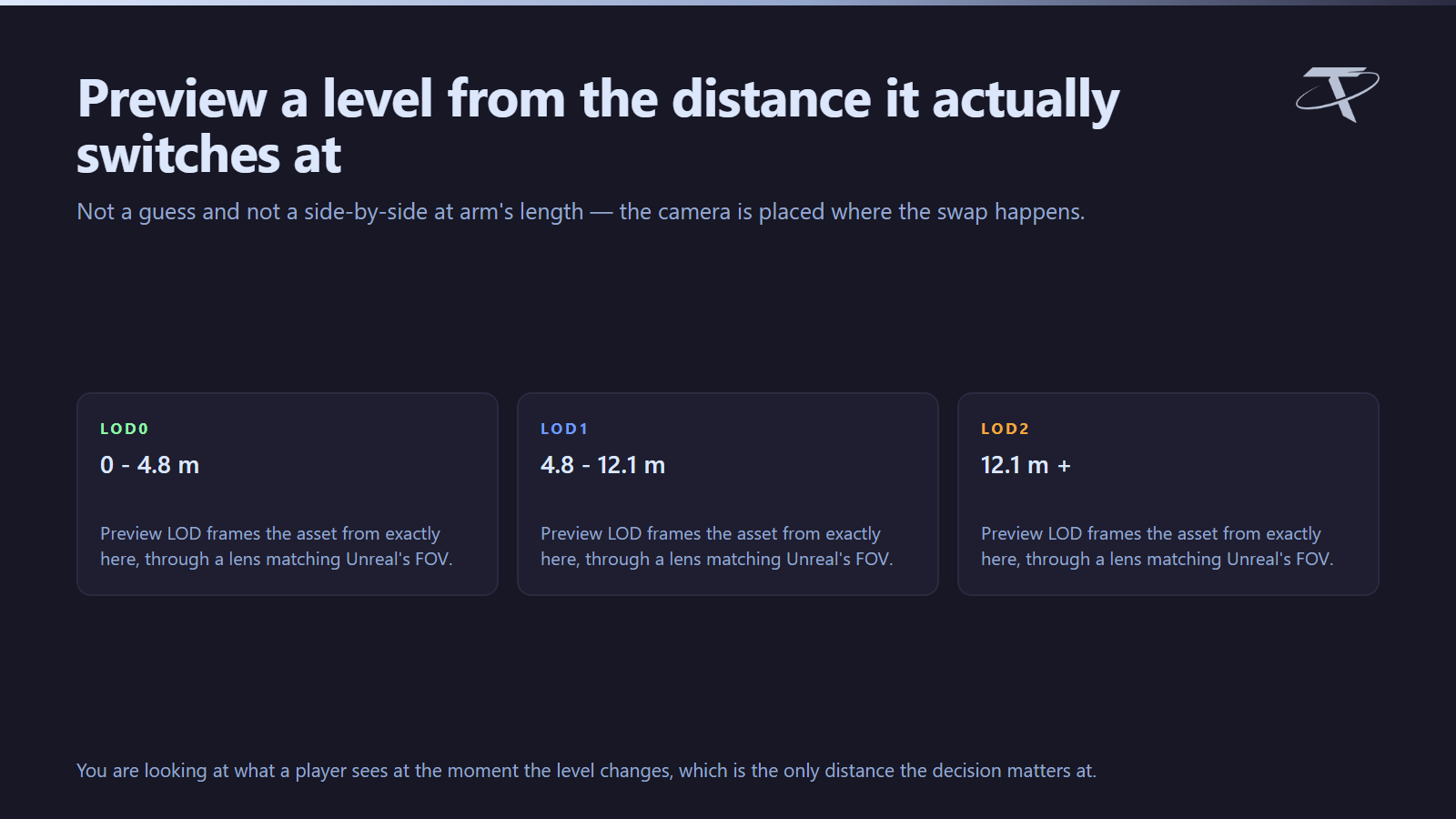
Unreal switches LODs on screen size: the fraction of the view the asset's bounding sphere fills. The maths here follows Unreal's own ComputeBoundsScreenSize at the engine default of a 90° horizontal field of view on a 16:9 viewport.
That matters because the two numbers behave differently:
-
Screen sizes are size-invariant. 0.25 means the same thing for a teacup and for a warehouse.
-
The distances shown next to them are not. They scale with each asset's real bounds, which is why the panel computes them per asset rather than printing a fixed table.
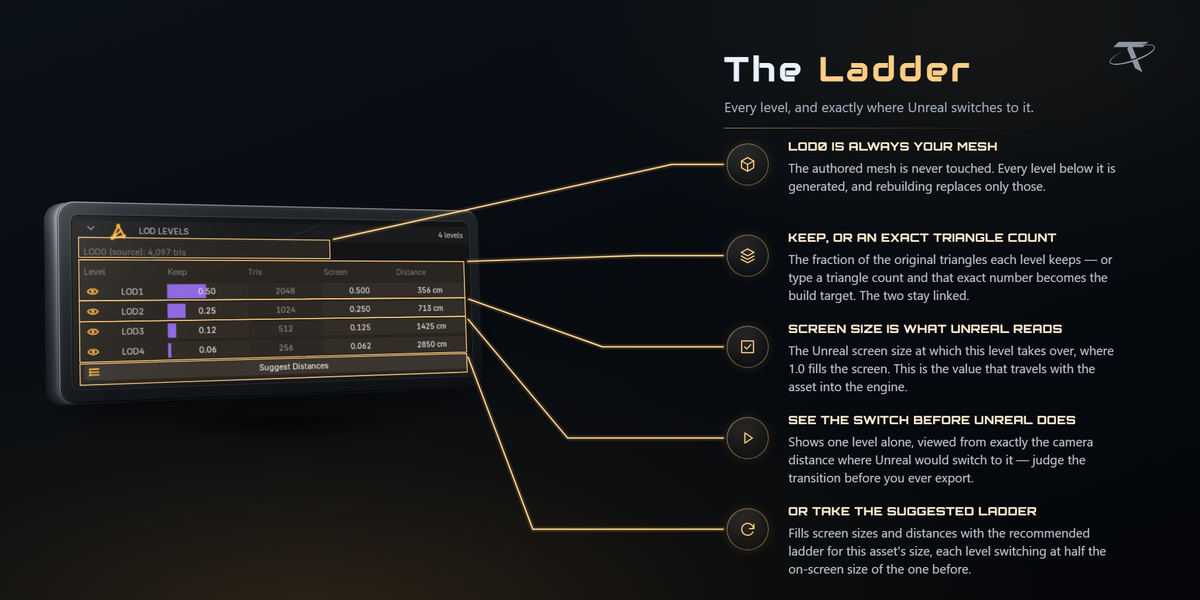
Suggest Distances fills a chain from the preset's ladder. Preview LOD puts you at exactly the distance a level takes over, through an 18 mm lens — a 90° horizontal FOV on a 36 mm sensor, matching what the screen-size maths assumes — so what you see is what the engine will show. Exit Preview puts the viewport back.
What is never decimated
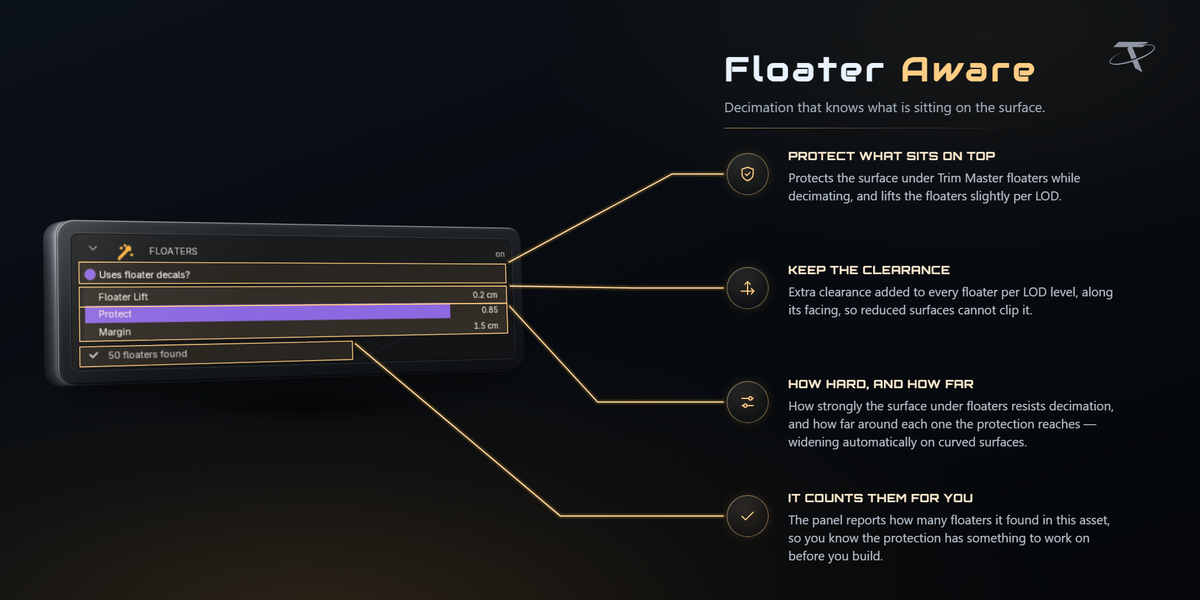

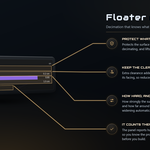
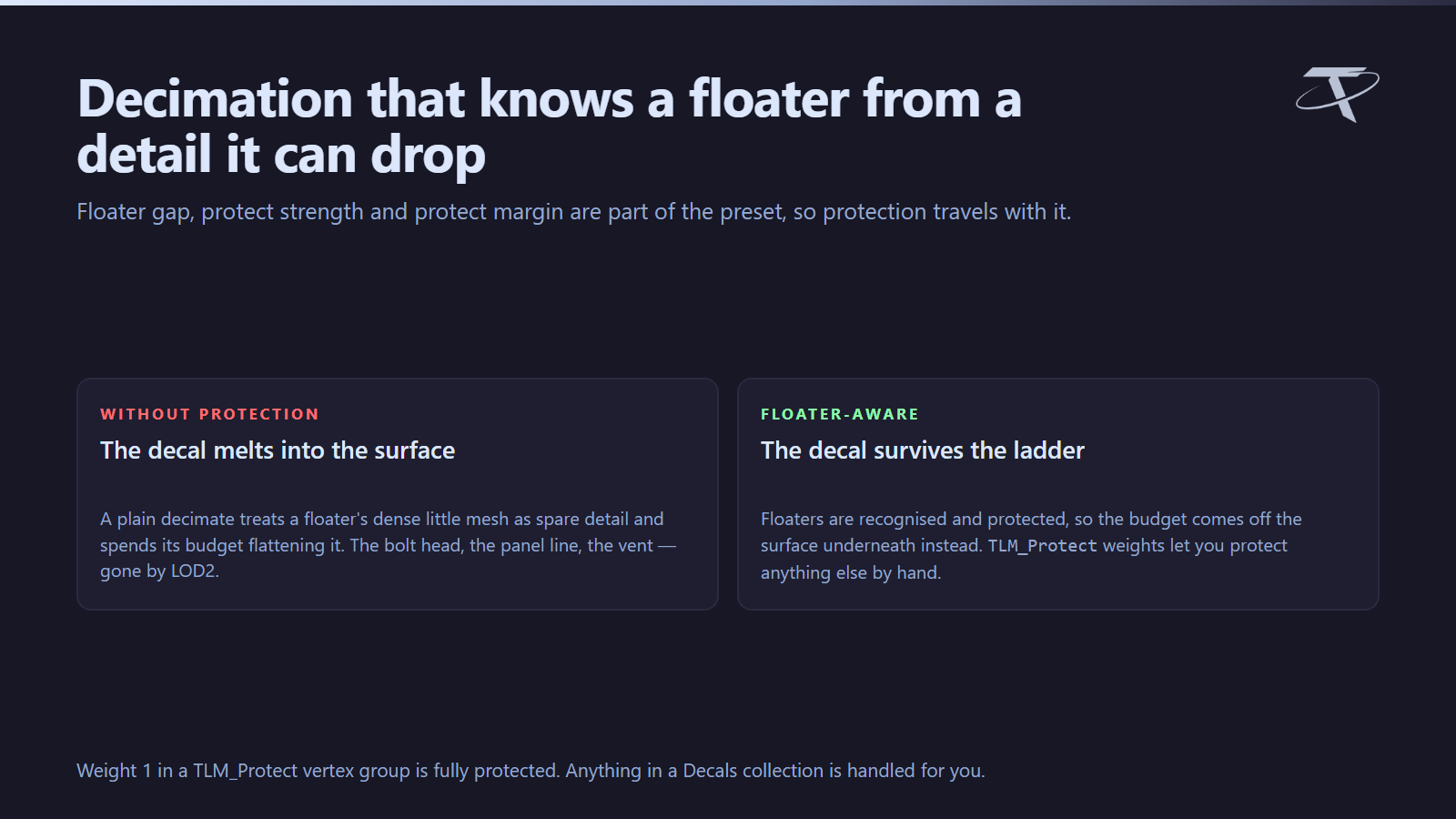
Floater decals are protected rather than melted into the surface. A floater is a small detail mesh sitting just above a surface; a naive decimator welds it into the wall and the detail disappears. Floaters are recognised by Tachyon Trim Master's convention, or by living in the Decals collection (the name is a preference). Floater gap, protect strength and protect margin are part of the preset.
Anything you paint. A TLM_Protect vertex group protects any region by hand — weight 1 is fully protected.
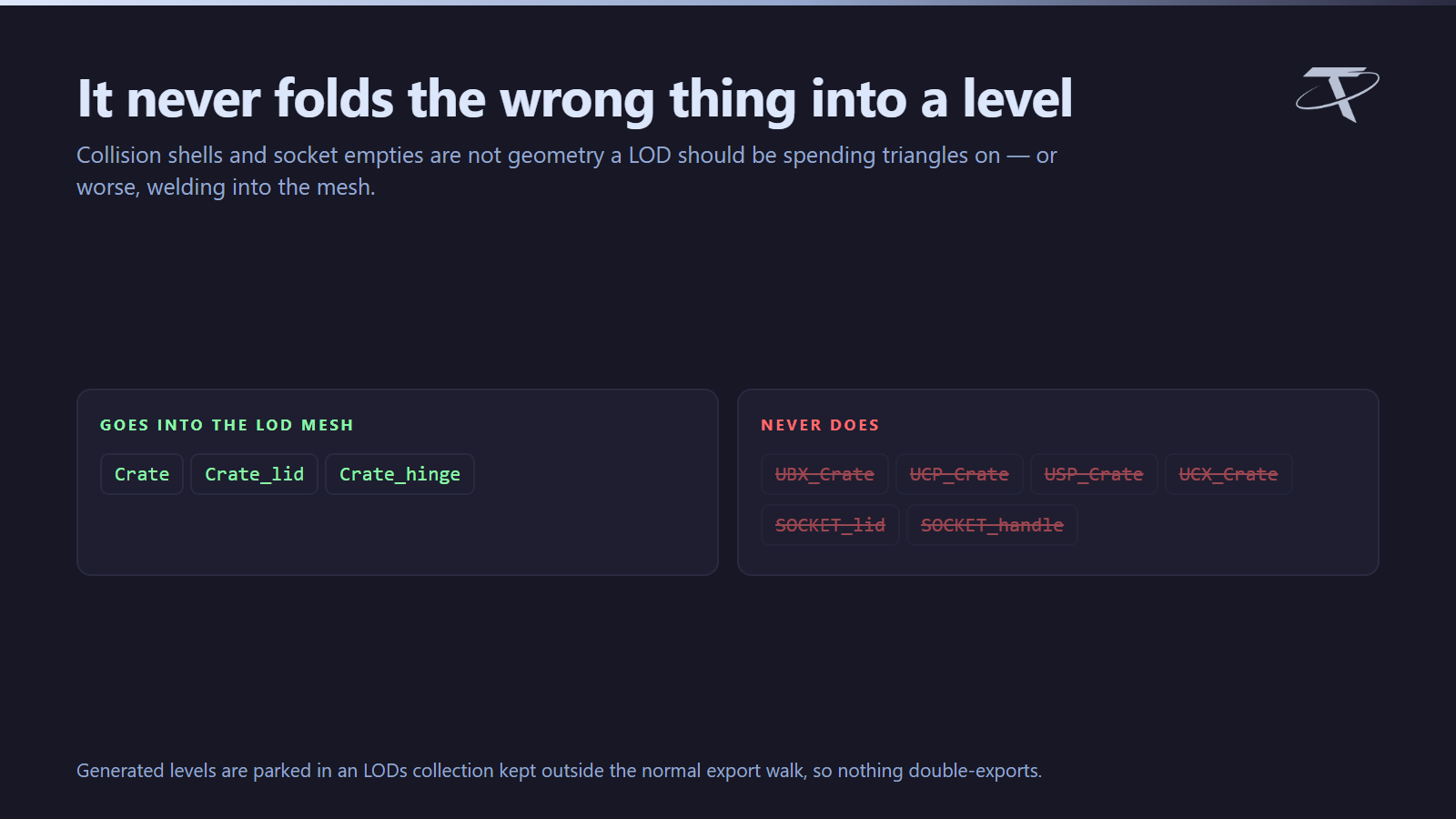
Collision and sockets. Collision shells (UBX_, UCP_, USP_, UCX_) and SOCKET_ empties are never folded into a LOD mesh.
A chain you built yourself
LOD Maker generates levels. It does not claim meshes you made elsewhere — but nothing stops those meshes from becoming levels, because the contract is a set of ID properties rather than this add-on.
Tachyon Unreal Bridge (a separate product) is where that happens. Its Detect LODs by Name claims meshes named for the active asset — Crate_LOD1, Crate.lod2, Crate LOD 3, CrateLOD4 and crate-lod-5 are all recognised — and Assign Selected as LODs takes whatever you have selected. Names that only look like levels are deliberately left alone: Crate_Lid_LOD1 is a part of Crate, not a level of it.
Either way the mesh ends up carrying the same tlm_lod_source, tlm_lod_index and tlm_screen_size that a generated level carries, so from then on it exports, pins its screen size and binds its materials exactly like one. That matters even if you never generate a chain here: a hand-built Crate_LOD1 that nothing recognises is not merely ignored, it is merged into LOD0 and quietly doubles the base mesh.
Per-asset settings and the registry
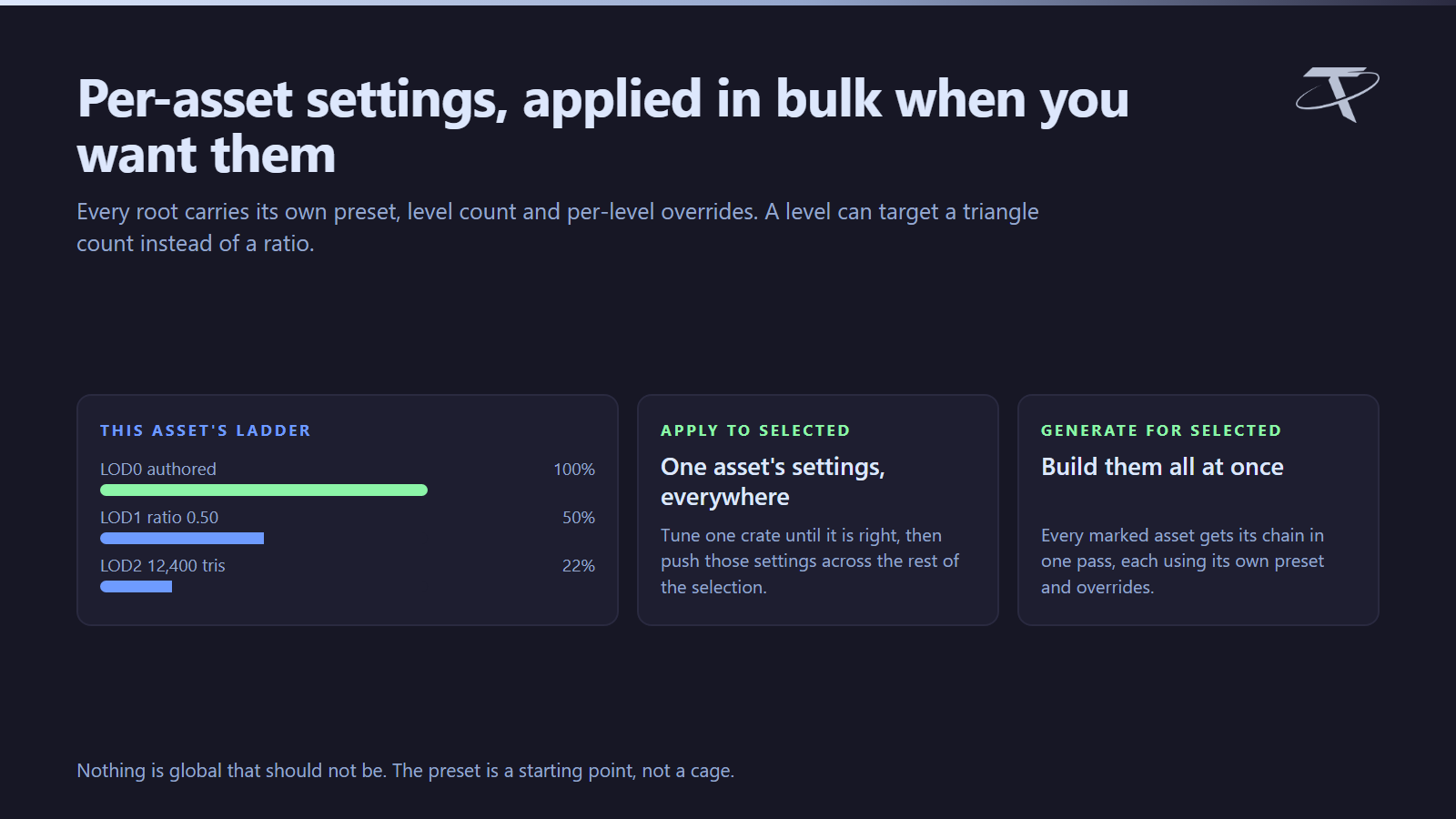
Each asset root carries its own preset, level count, and per-level overrides — a ratio, a screen size and a distance.

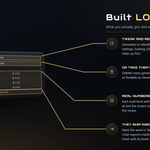
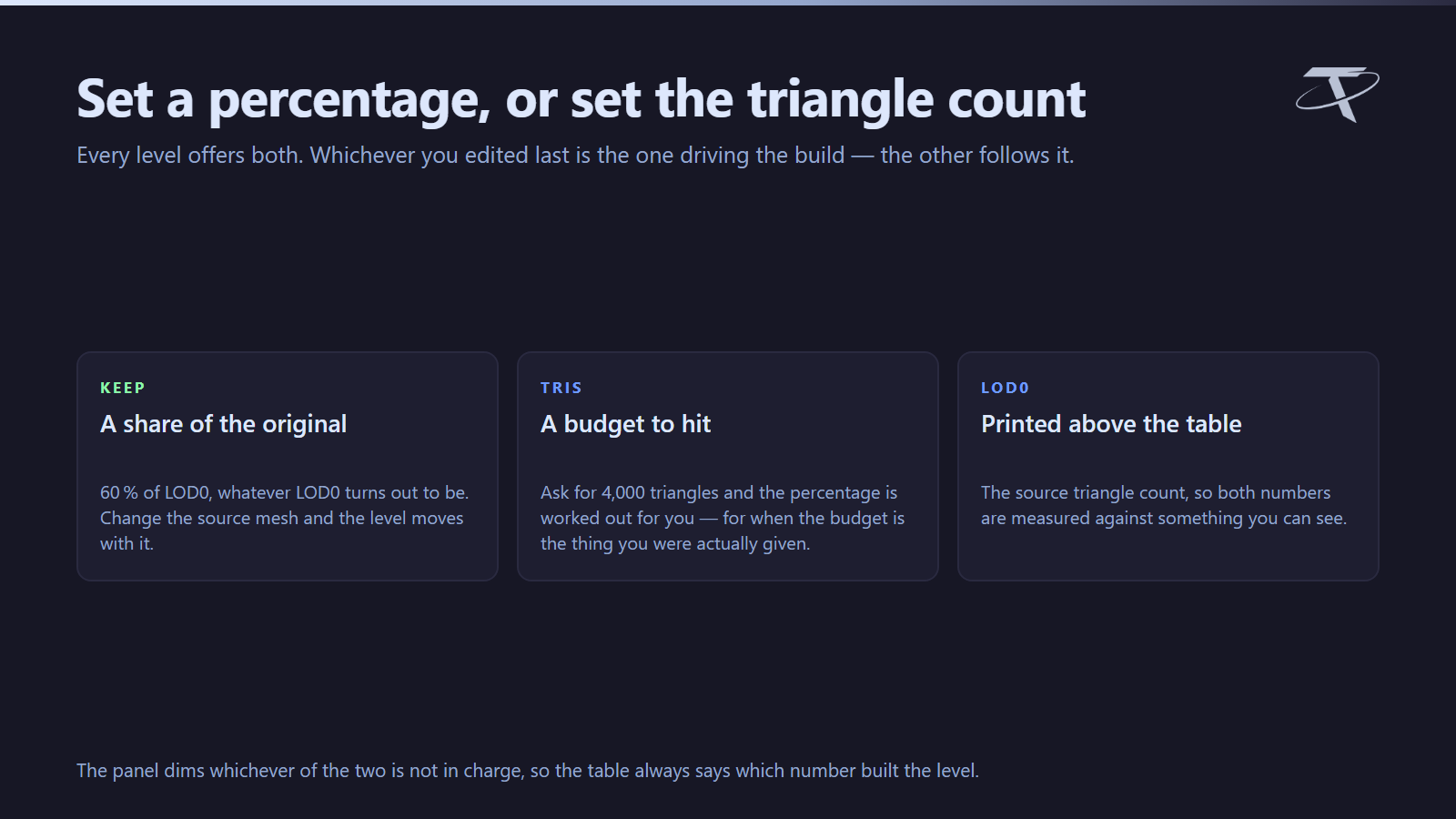
Every level offers Keep and Tris side by side: set a percentage, or ask for a triangle count and let the percentage follow. Whichever you edited last is the one driving the build, and the other is dimmed so it is clear which is in charge. LOD0's own triangle count is printed above the table to measure against.
| Control |
What it does |
| Generate LODs |
Builds the chain for the active asset |
| Generate for Selected |

The same for every marked asset in the selection |
| Apply to Selected |
Copies this asset's settings onto the rest of the selection |
| Suggest Distances |
Fills the chain from the preset's ladder |
| Remove LODs |
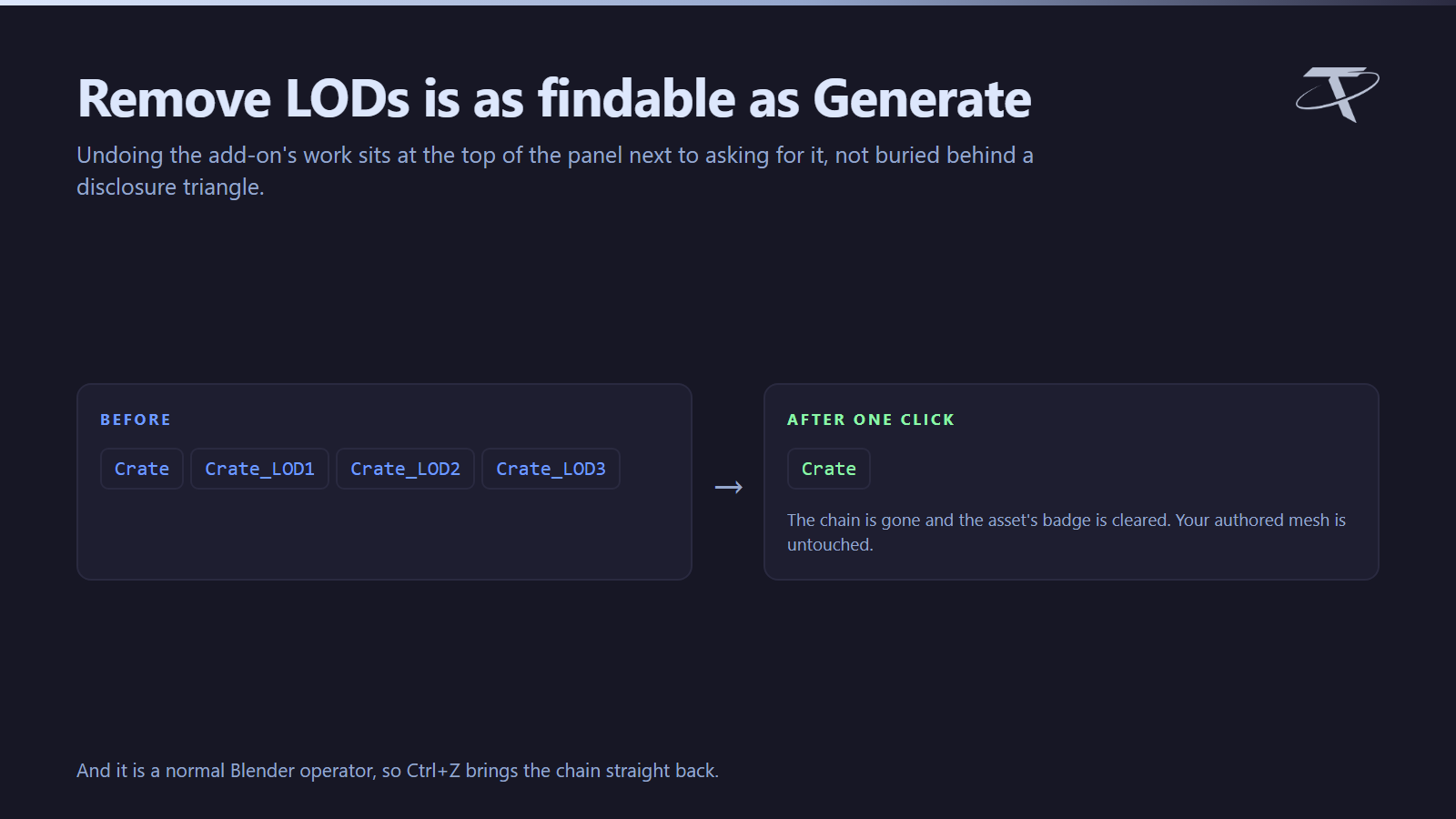
Deletes the chain and clears the asset's badge |
| Remove for Selected |
Clears the chains from every marked asset in the selection |
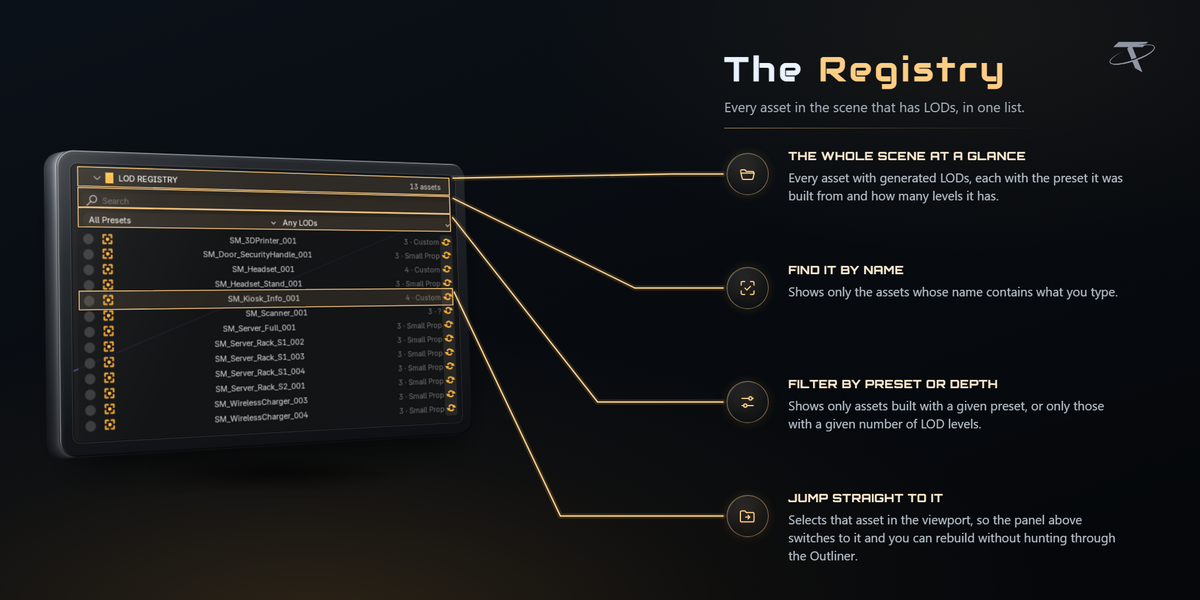
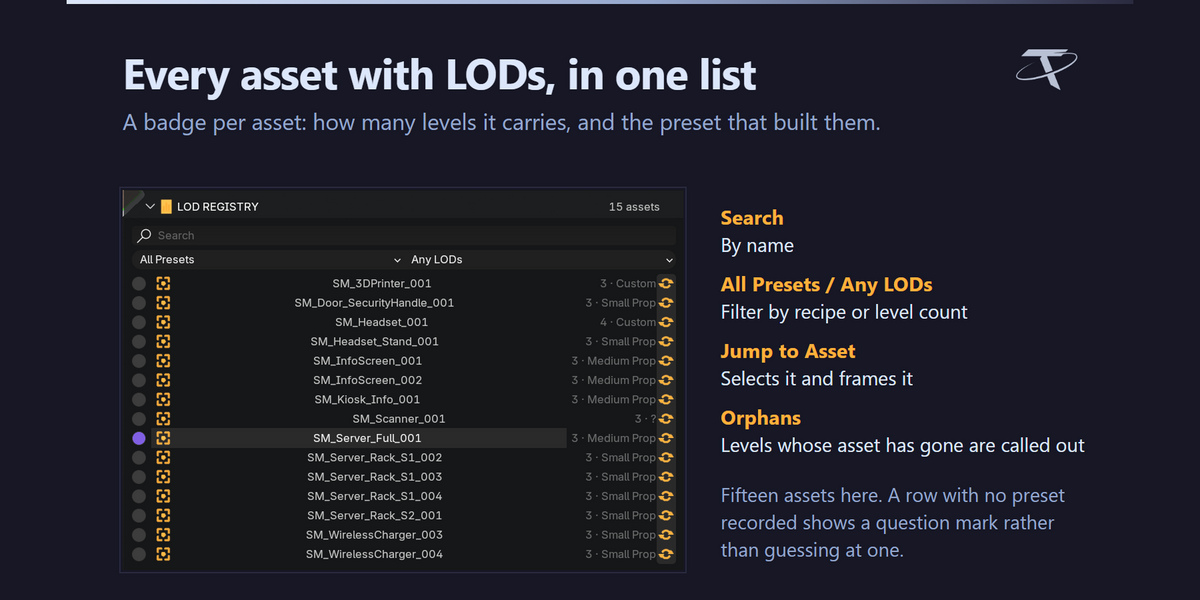
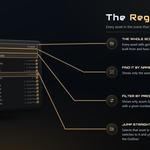
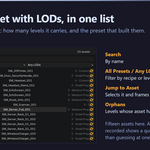
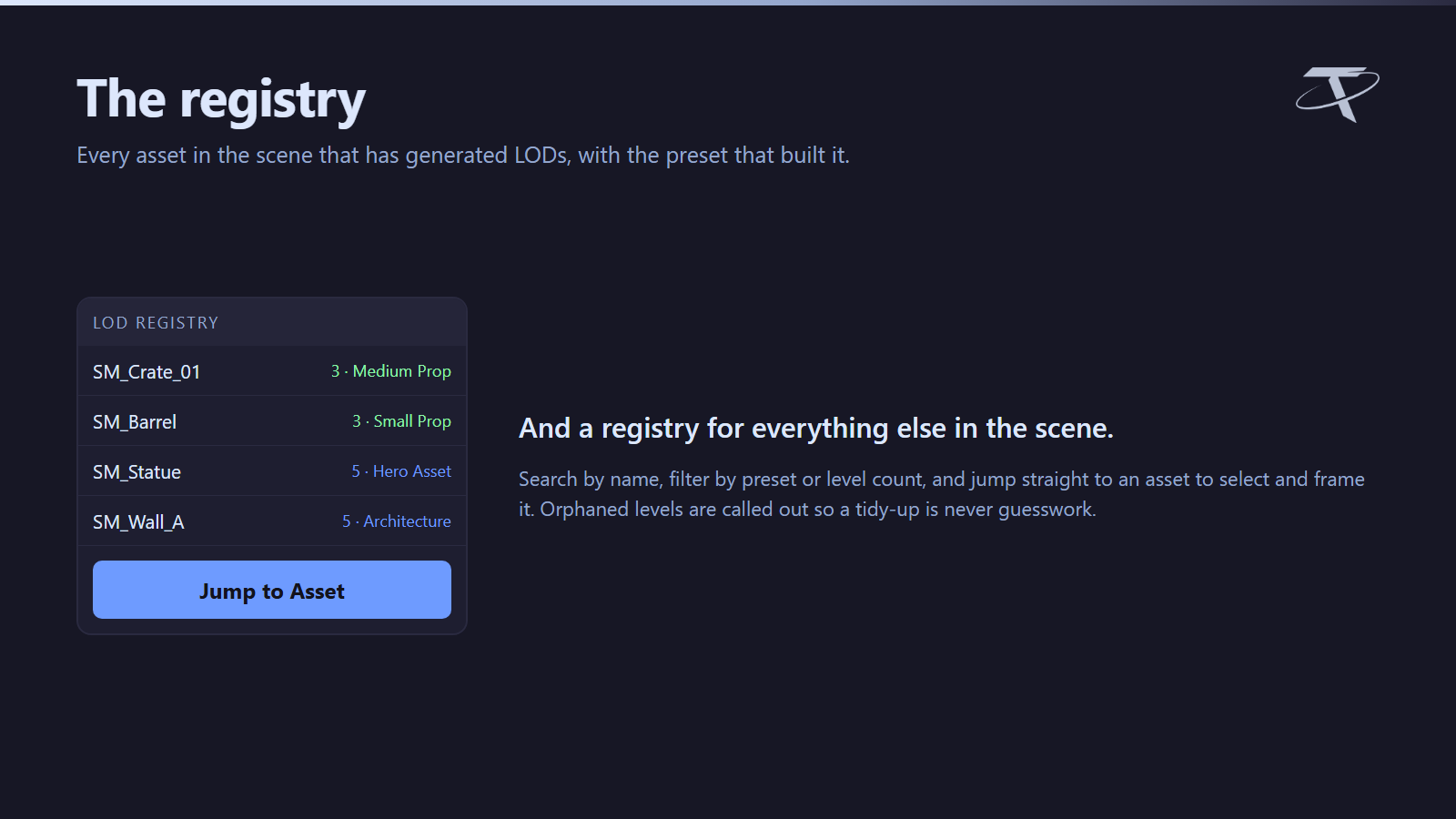
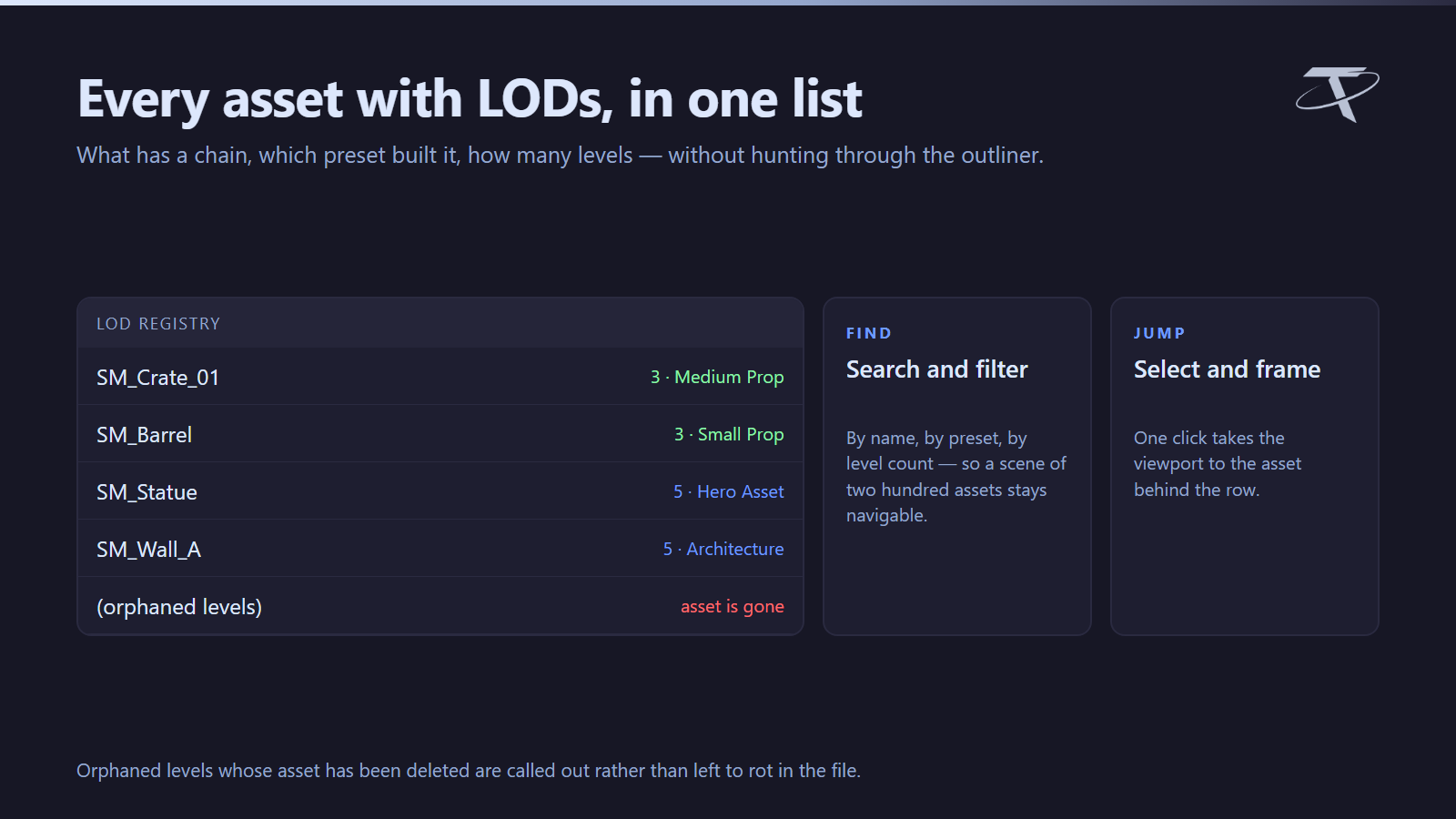
LOD REGISTRY lists every asset in the scene that has generated levels, with a badge like 3 · Medium Prop, a search box, filters by preset and by level count, and Jump to Asset to select and frame one. Levels whose asset has been deleted are called out as orphaned rather than left to accumulate silently.
Keyboard shortcuts
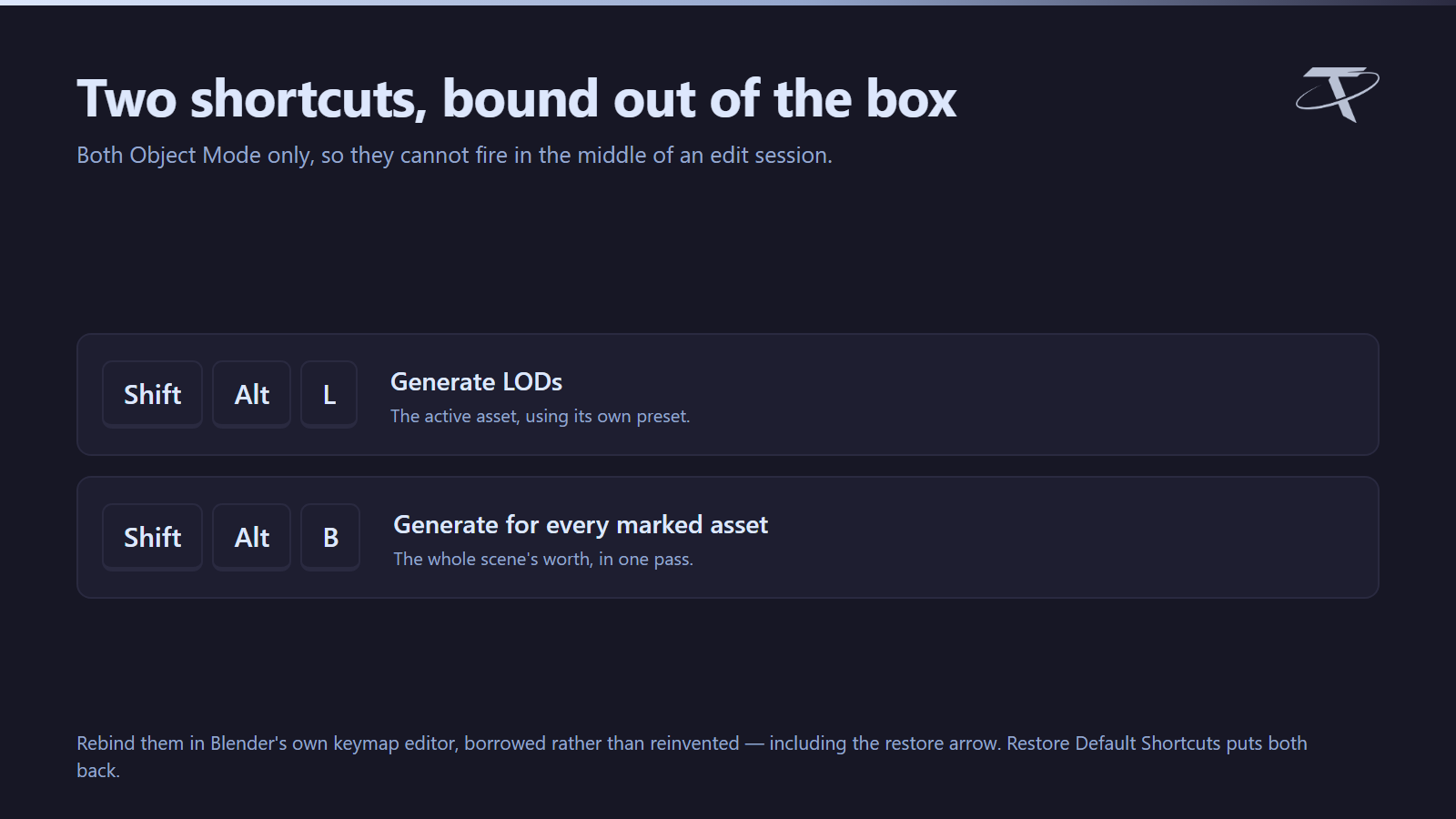
| Shortcut |
Action |
| Shift + Alt + L |
Generate LODs |
| Shift + Alt + B |
Generate LODs for every marked asset |
Both are Object Mode only. They are editable in the add-on preferences, using Blender's own keymap editor rather than a second one invented for the occasion — including the restore arrow that appears once an item is customised. Restore Default Shortcuts puts both back.
With Unreal Bridge
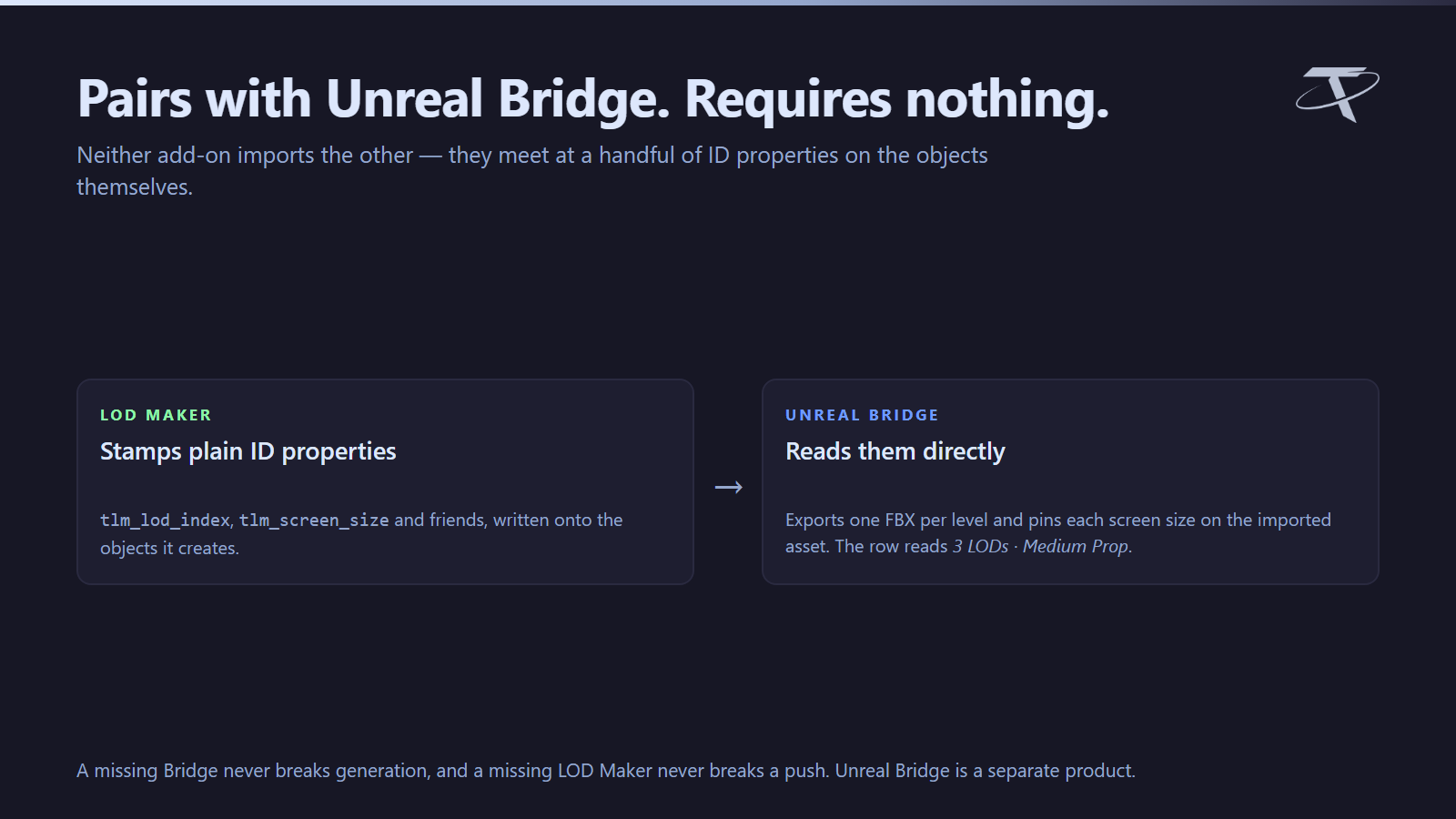
The two add-ons are joined by plain ID properties, not by importing each other. LOD Maker stamps tlm_lod_source, tlm_lod_index and tlm_screen_size on every level it creates, and tlm_lod_count and tlm_lod_preset on the asset root. Unreal Bridge reads those directly.
So with both installed: the levels export as one FBX per level, arrive on the imported asset with each screen size pinned, and the Bridge's asset row reads 3 LODs · Medium Prop.
A missing Bridge never breaks generation, and a missing LOD Maker never breaks a push — the Bridge can also be told about a chain you built by hand.
What the add-on writes
Nothing outside these, and nothing without you asking for it:
| Path |
What, and when |
| Blender's own preferences |
The add-on preferences, saved by Blender |
| A path you choose |
Preset files, only when you press Export or Import |
/tachyon/welcomed_tachyon_lod_maker.txt |
One line recording which version last showed its welcome, so a reinstall greets you again |
It opens no network sockets. There is no telemetry, no analytics and no licence check. The Documentation and Discord buttons hand a URL to your default browser; the add-on itself makes no request and sees no response.
Support
Questions, bug reports and feature requests: join us on Discord. The same invite is in the add-on preferences.
GPL-3.0-or-later. Copyright 2026 Tachyon Studio. Unreal Engine is not required to generate LODs, and is not included; it is a free download from Epic Games. This add-on is not affiliated with or endorsed by Epic Games.
 Tachyon Studio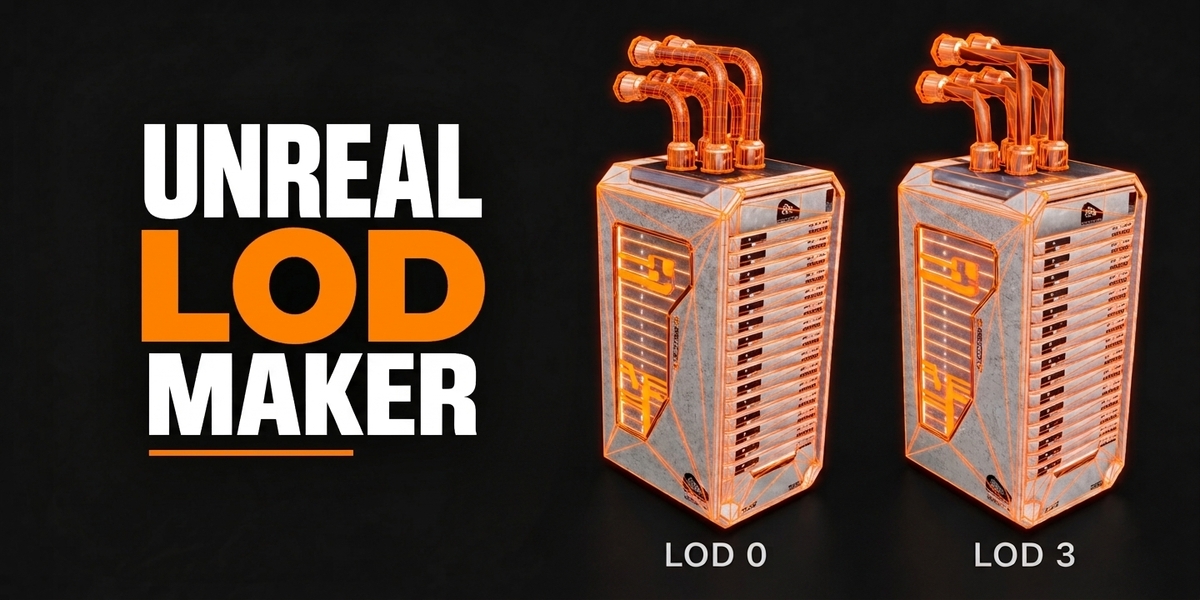

 Included