BLENDER ADDON
Unreal LOD Maker
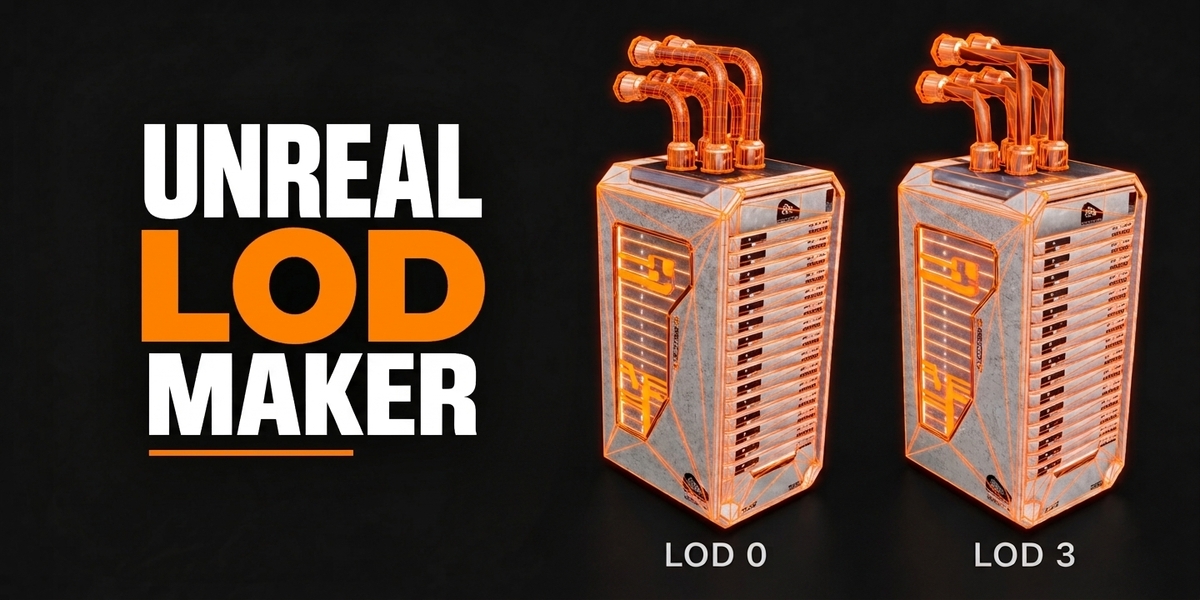
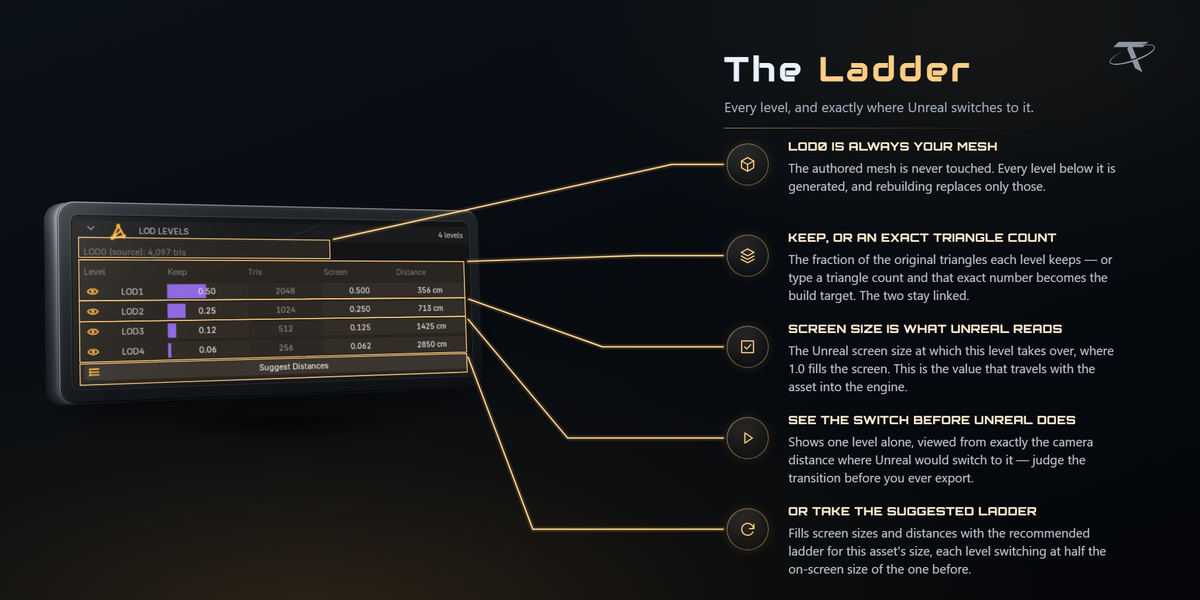
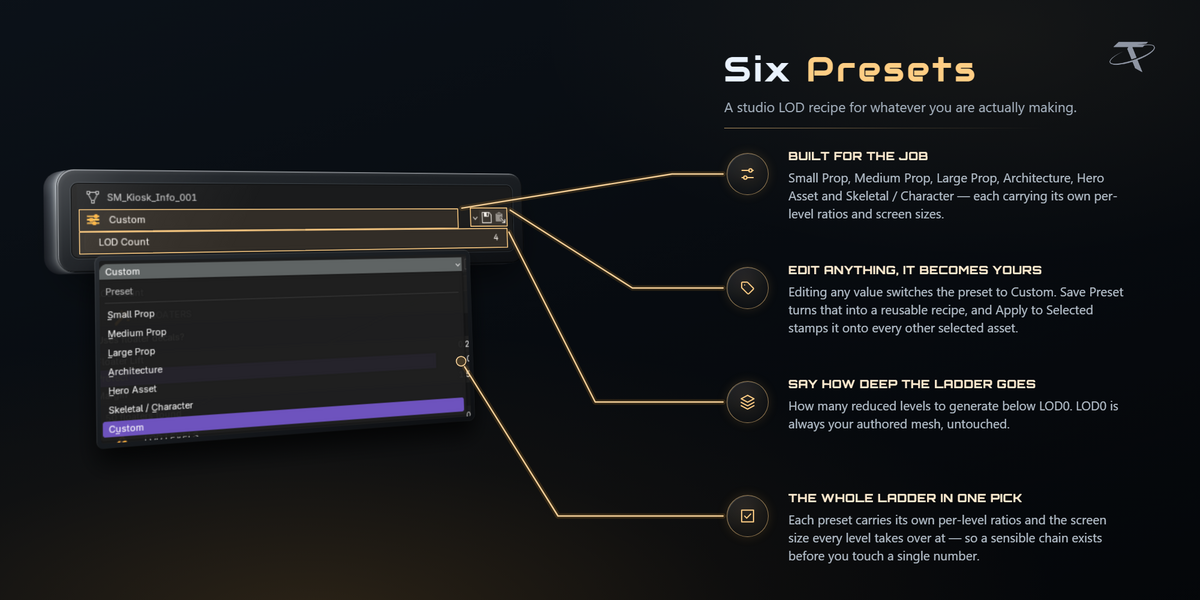




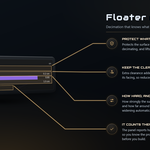
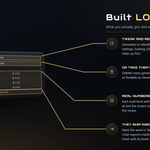
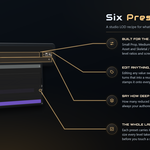
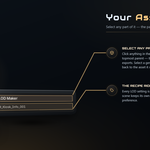
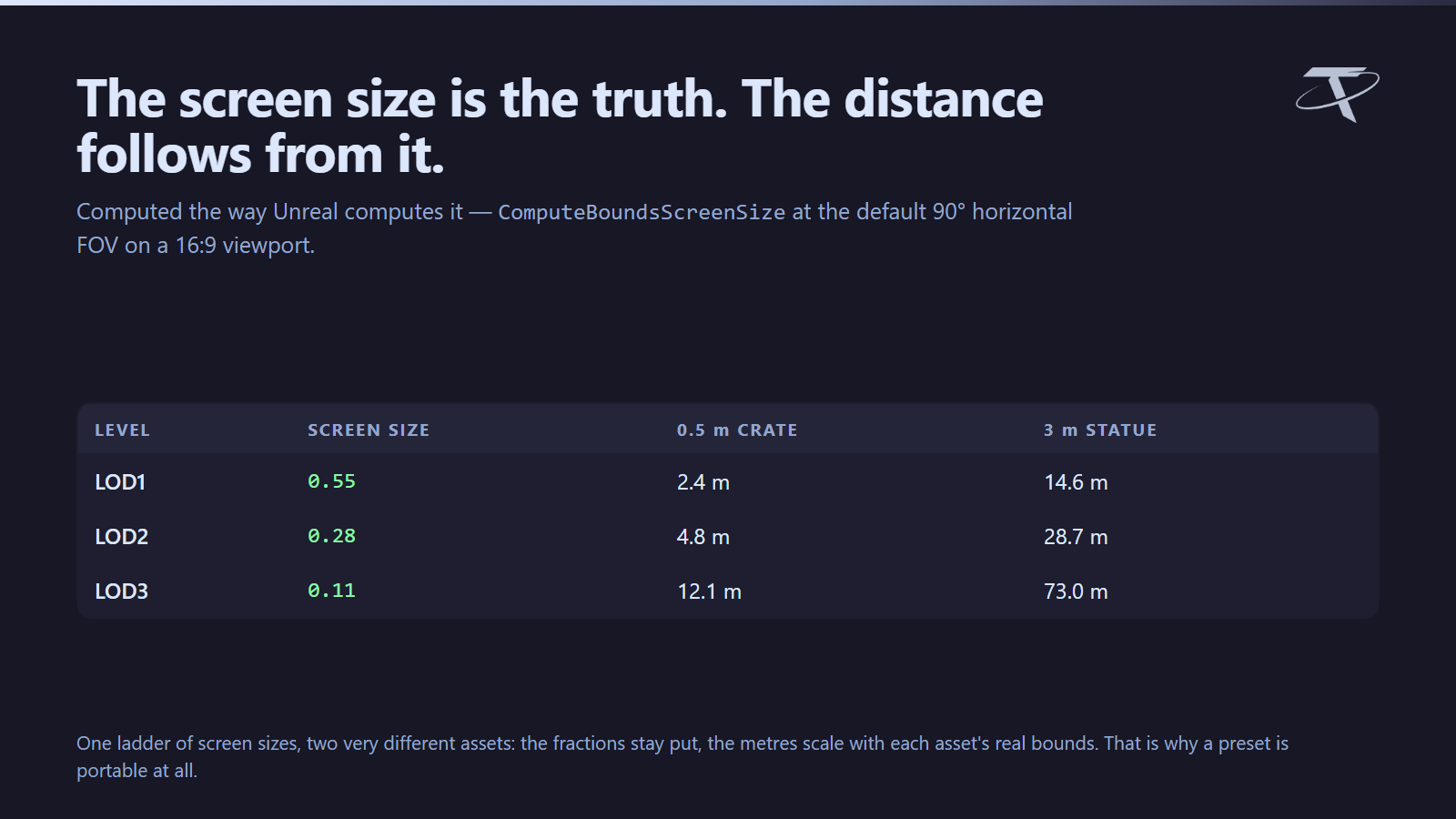


Pick a preset, press Generate LODs, and the asset gets a chain of decimated levels — each one carrying the Unreal screen size at which it takes over. The maths follows Unreal's own ComputeBoundsScreenSize, so levels change where you expect instead of popping early, and Preview LOD lets you look at any level from exactly the distance it switches at, through a lens matching Unreal's FOV.
⚠ Unreal Engine is not required. LOD Maker is pure Blender and runs on Windows, macOS and Linux. It produces LOD chains built to Unreal's conventions; getting them into Unreal is a separate step, which Unreal Bridge (a separate product) automates if you want it. Nothing here is affiliated with, endorsed by, or sponsored by Epic Games.
FEATURE BY FEATURE
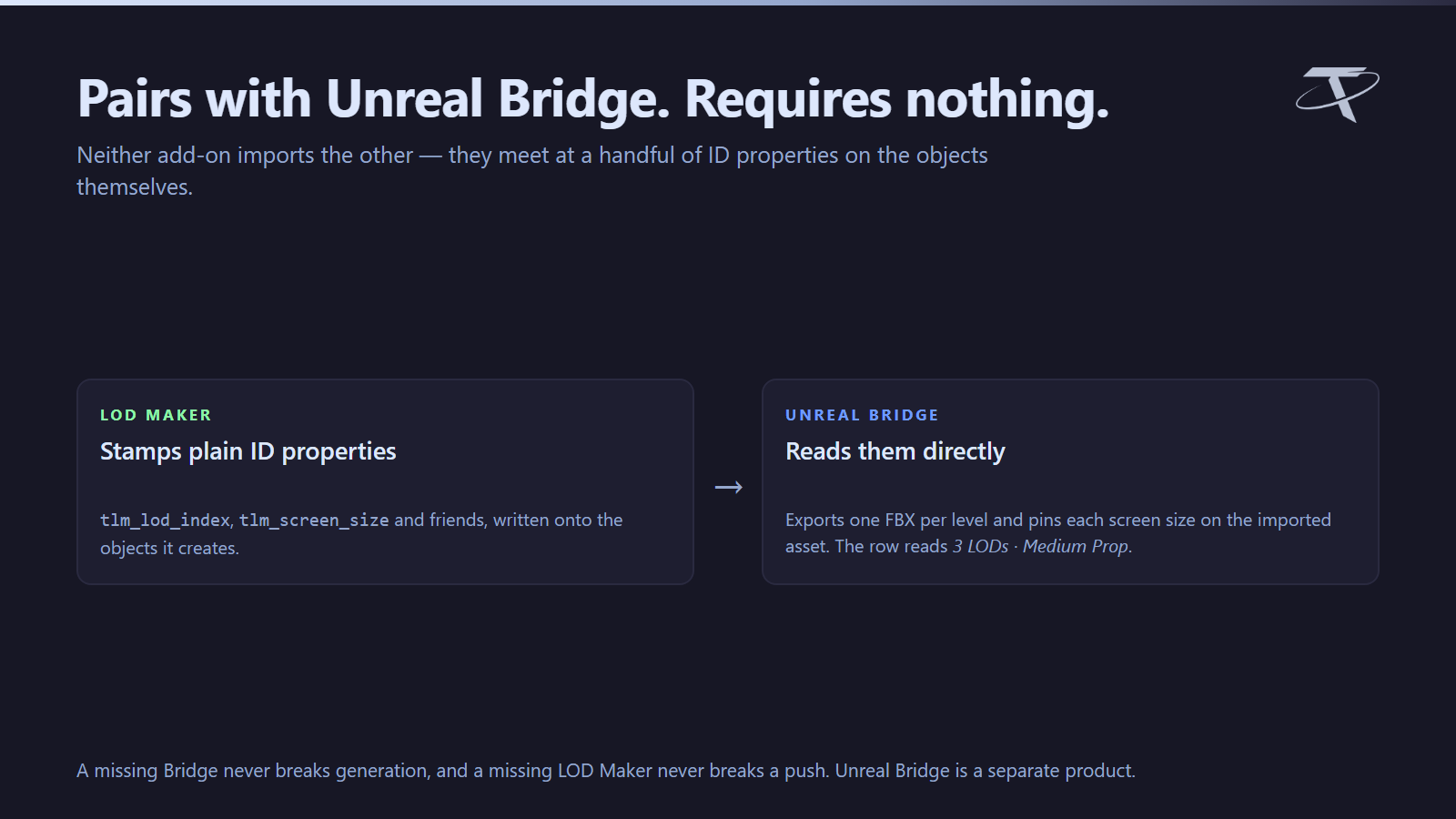
Pairs with Unreal Bridge, needs nothing
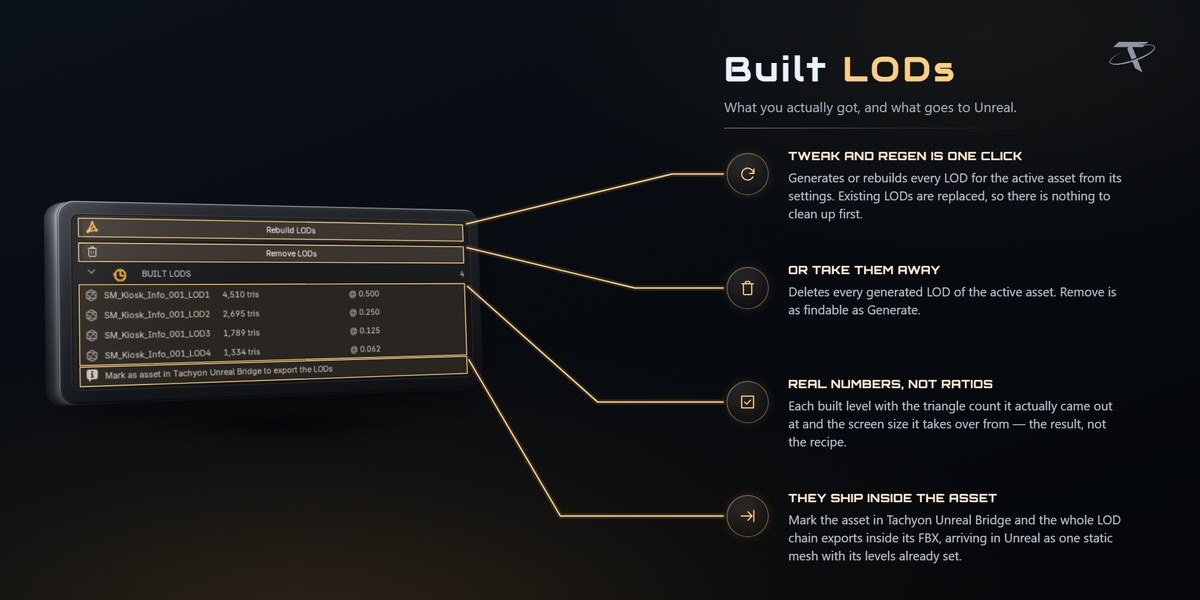
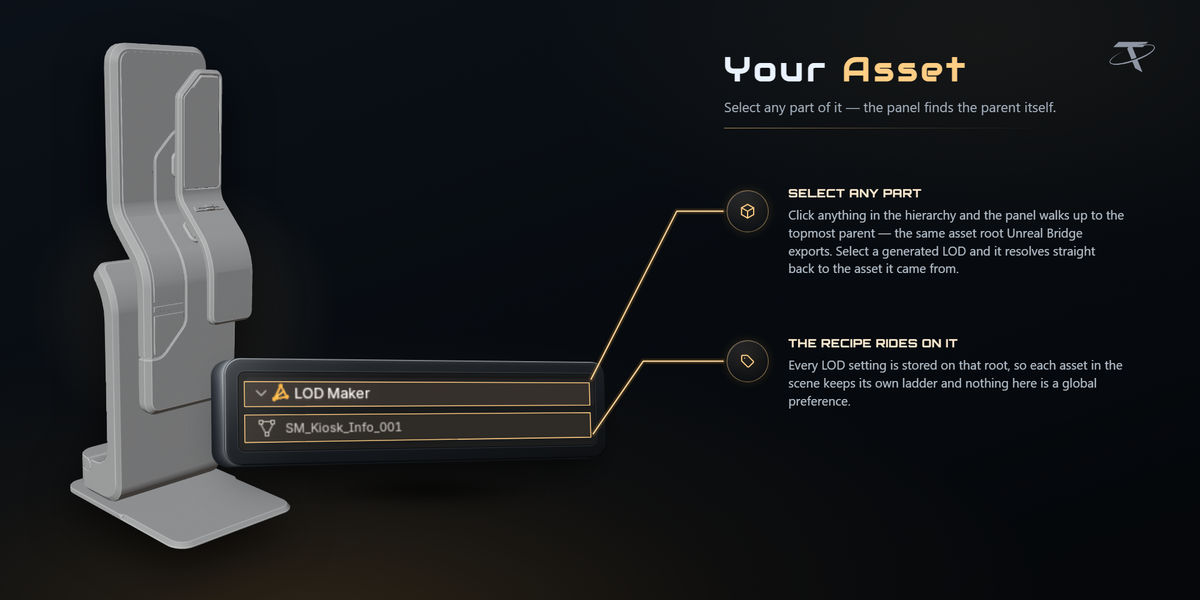
LOD Maker stamps plain ID properties on what it creates. Unreal Bridge reads them directly and exports one FBX per level with each screen size pinned on the imported asset. Neither add-on imports the other: a missing Bridge never breaks generation, and a missing LOD Maker never breaks a push. Because the contract is those properties rather than either add-on, a chain you built by hand can join it too — the Bridge's own Detect LODs by Name and Assign Selected as LODs stamp the same properties, and the level then behaves like a generated one.
Requirements & Setup
|
PLATFORM
Windows, macOS or Linux. LOD Maker is pure Blender.
|
BLENDER
3.3 to 5.2 from one package. Installs as a modern extension on 4.2+ and as a classic add-on on 3.3 – 4.1. Every release is tested end to end on 3.3, 3.6, 4.2, 4.3, 4.5, 5.0, 5.1 and 5.2 — including installing the shipped archive on each one.
|
UNREAL ENGINE
Not required and not included. This add-on builds LOD chains to Unreal's conventions inside Blender; it never talks to an engine. Getting them into Unreal is a separate step that Unreal Bridge, a separate product, automates.
|
|
PANEL
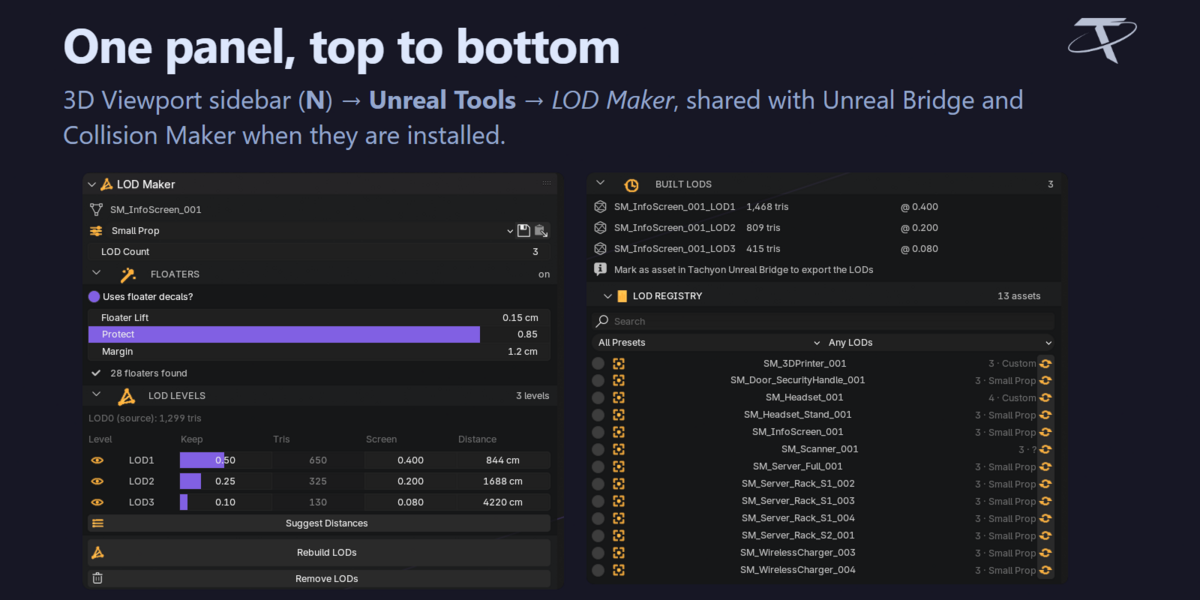
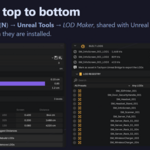
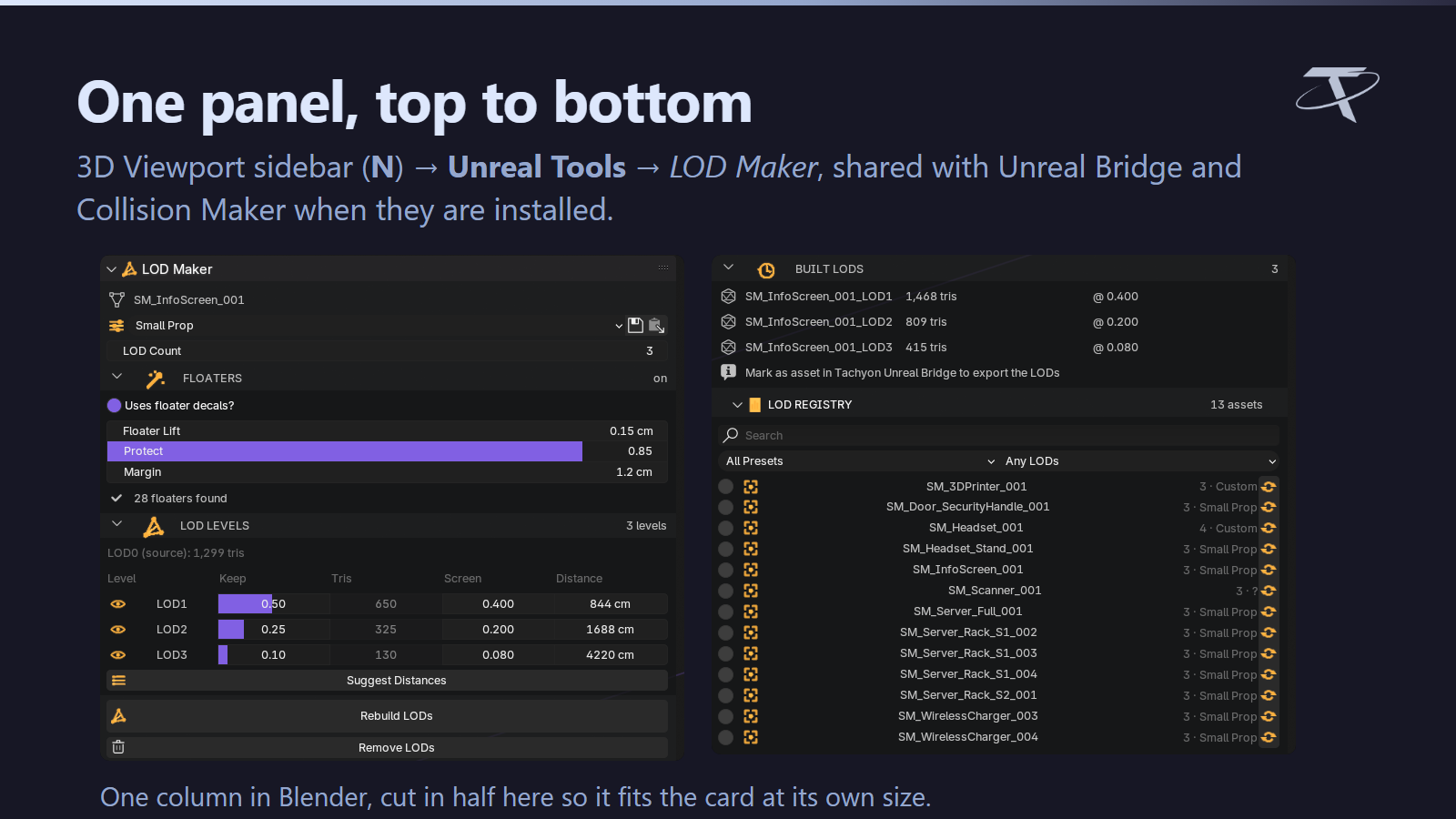
3D Viewport sidebar (N) → Unreal Tools tab → LOD Maker. The tab is shared with Unreal Bridge and Collision Maker when they are installed; rename it in preferences and the others follow.
|
NETWORK
None. The add-on opens no sockets, sends no telemetry and checks no licence. The Documentation and Discord buttons hand a URL to your default browser and nothing more.
|
FILES
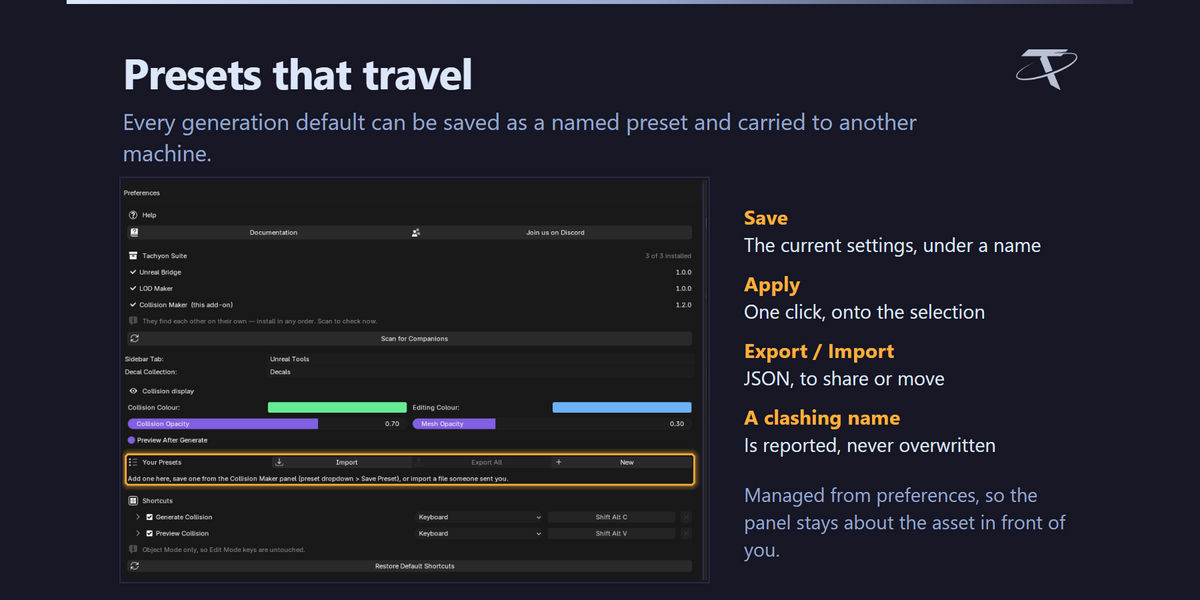
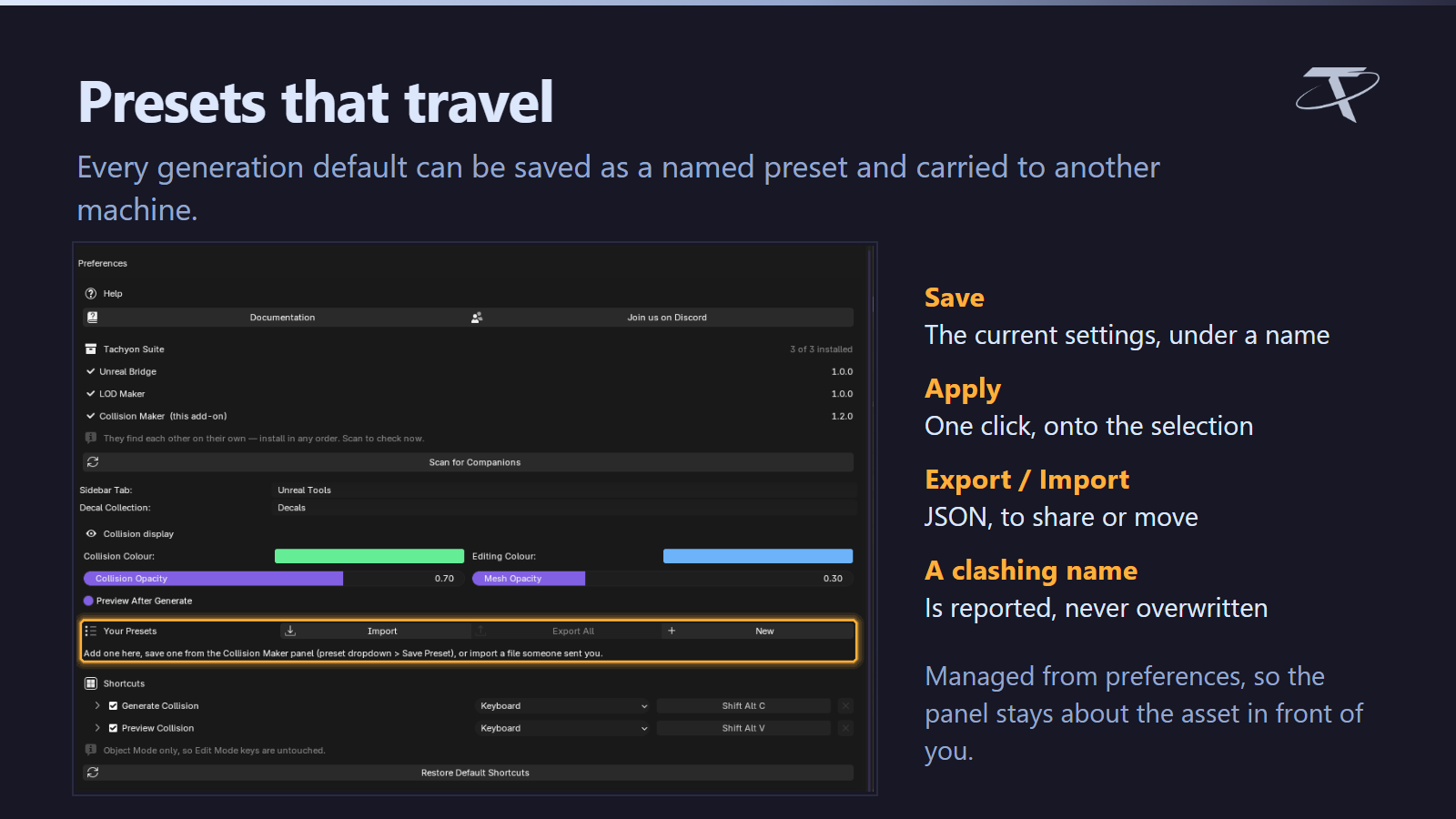
Its own preferences, preset files only where you export or import them, and a one-line marker in Blender's config folder recording which version last showed its welcome. Nothing else, nowhere else.
|
|
LICENCE
GPL-3.0-or-later.
|
|
|
Tachyon Studio
Questions, bug reports and feature requests —
join the Discord.
GPL-3.0-or-later · Copyright 2026 Tachyon Studio.
 Tachyon Studio