Unreal Lod Maker
 Tachyon Studio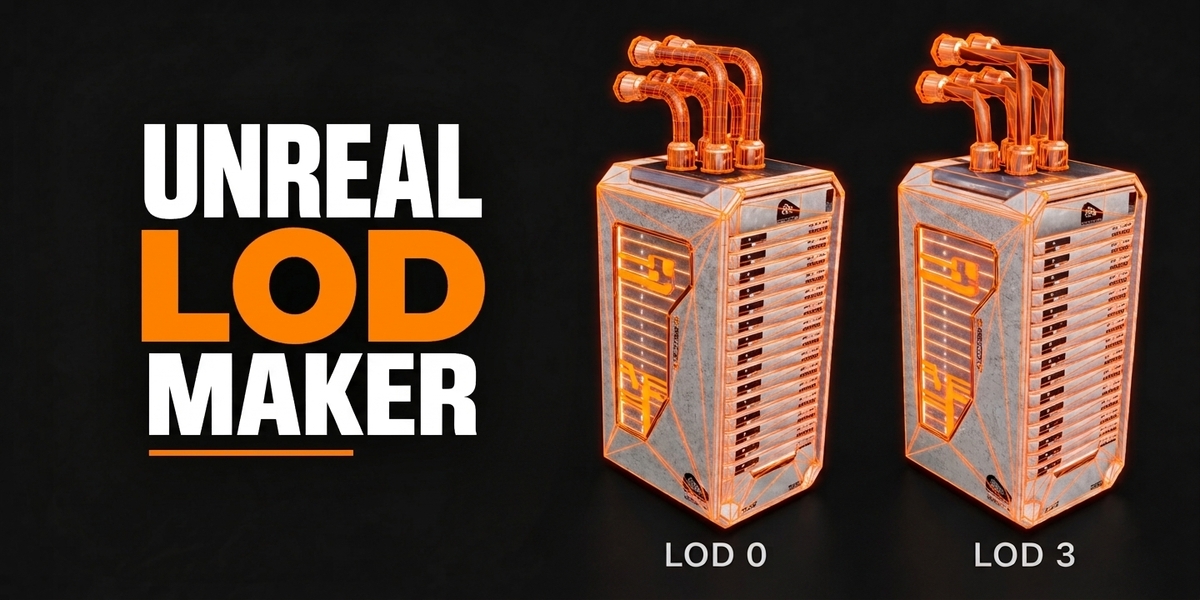
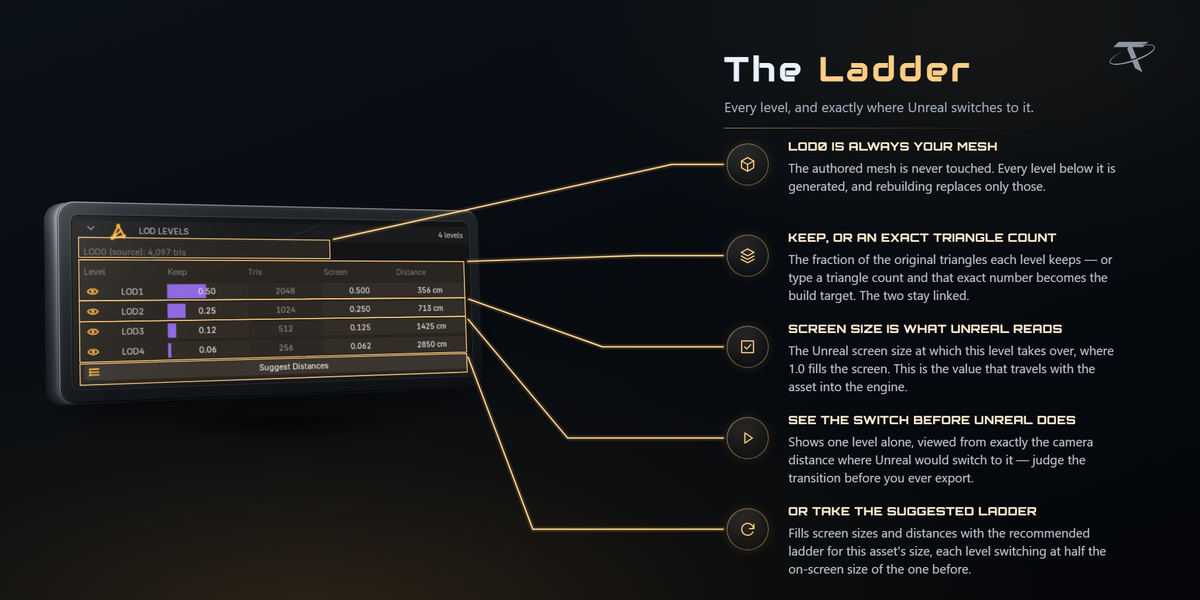
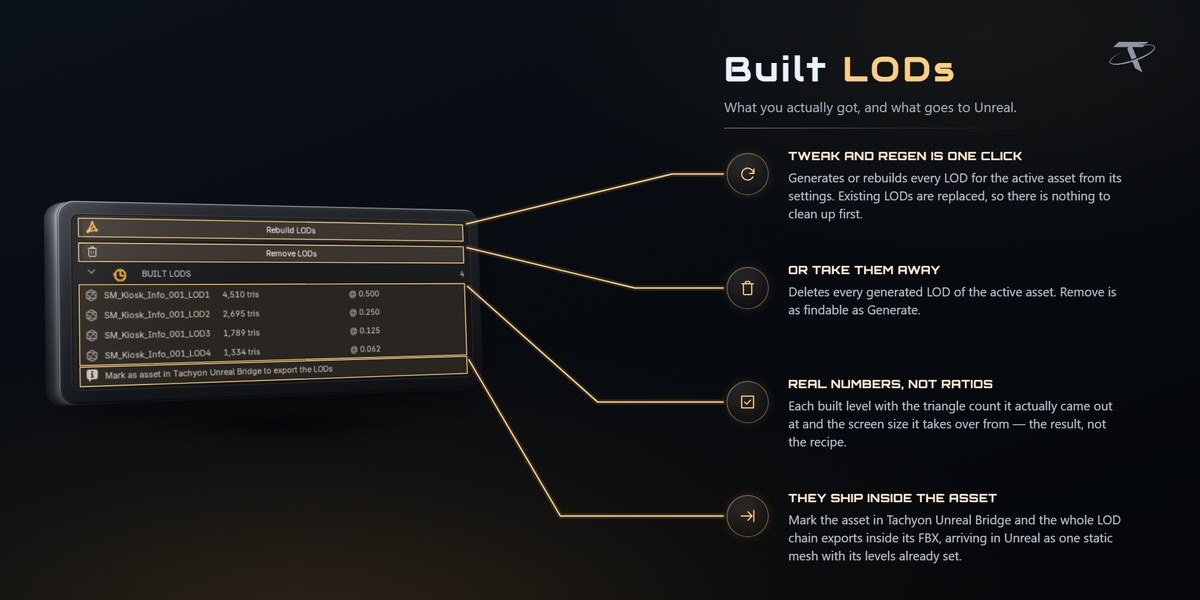
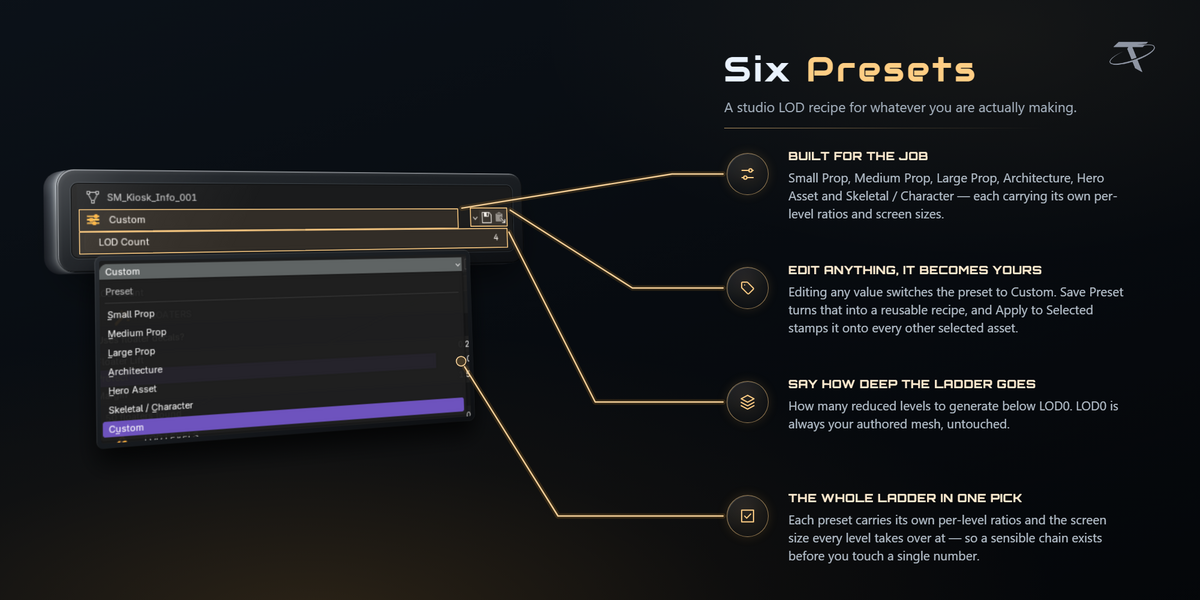
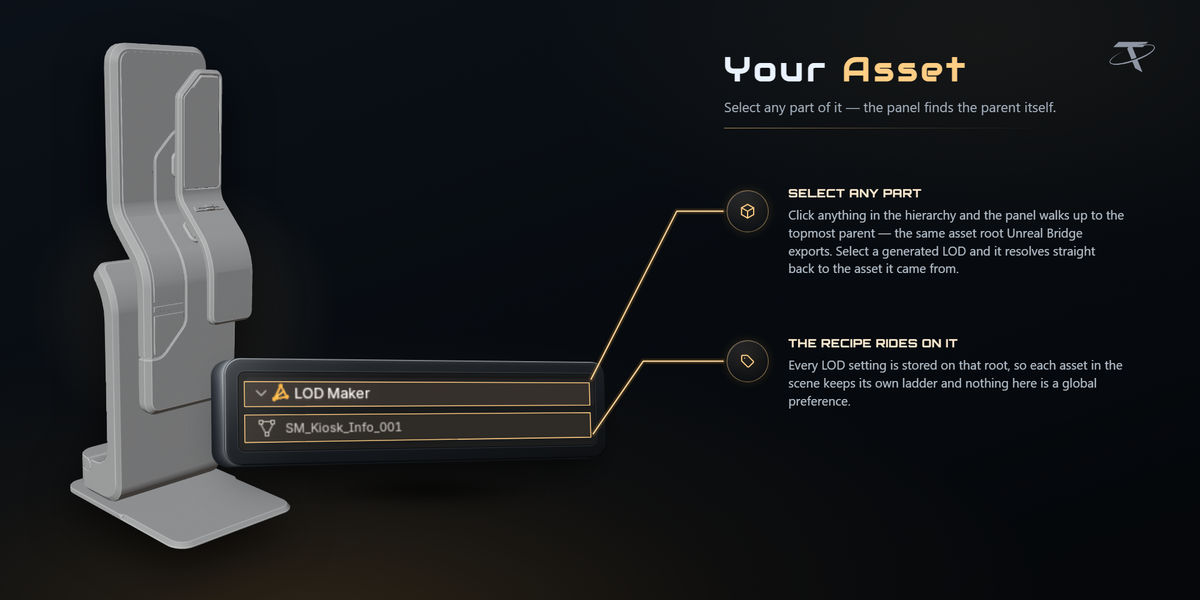
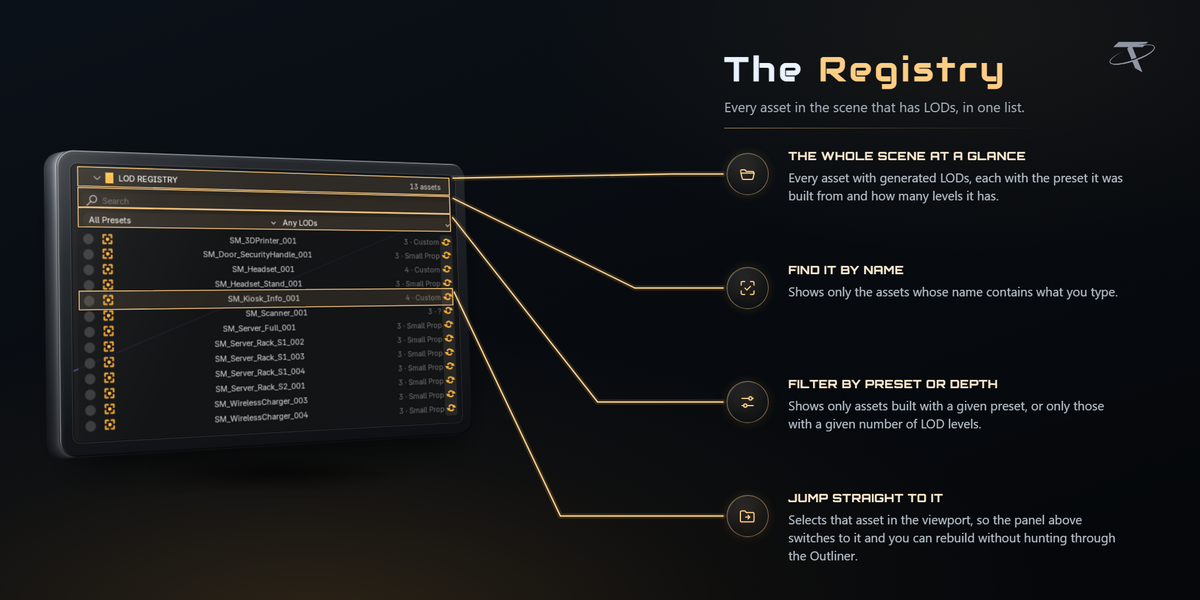

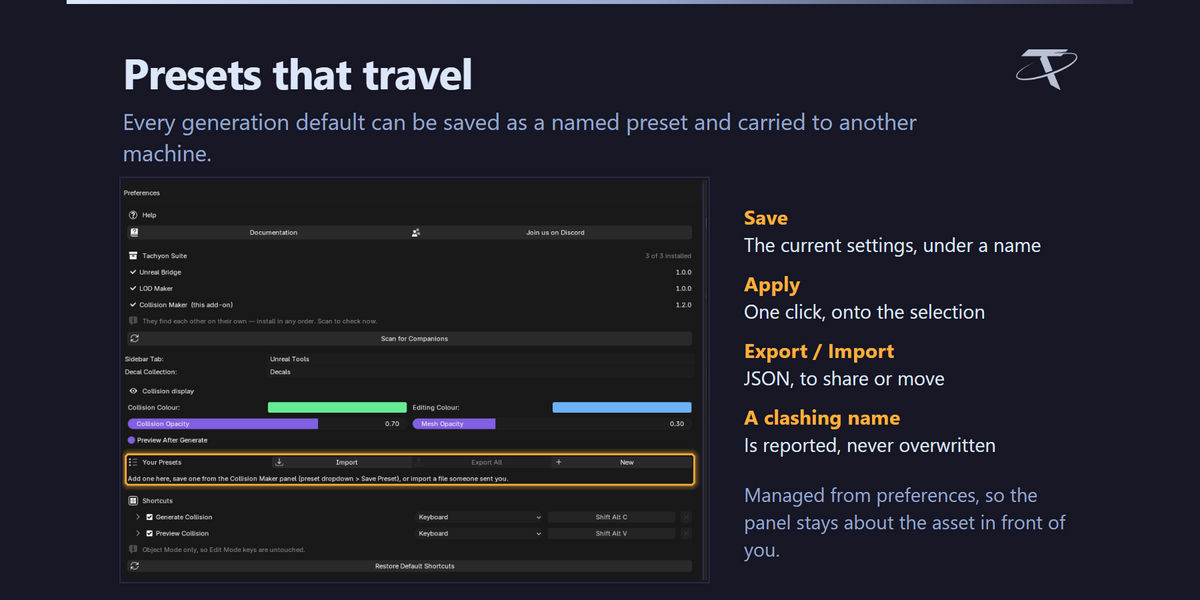

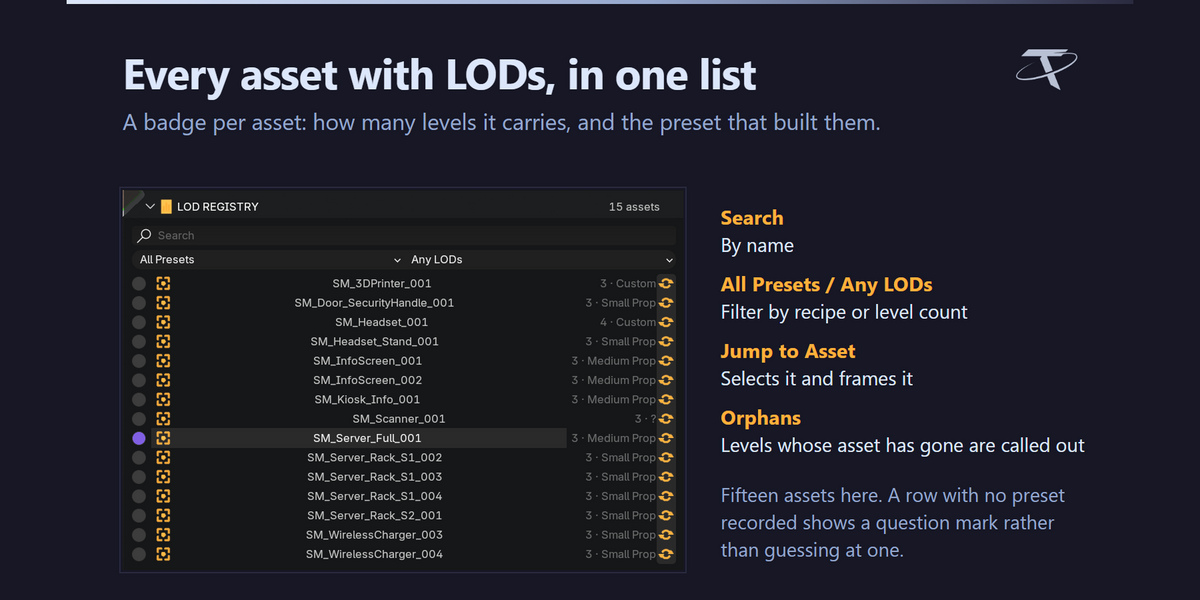

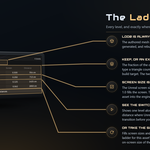
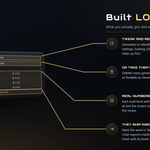
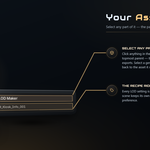
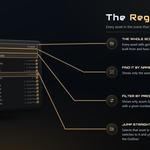
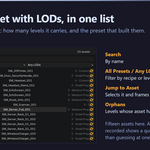
A LOD chain is a series of progressively cheaper copies of a mesh, plus a rule for when the engine swaps between them. LOD Maker builds both. Pick a preset, press Generate LODs, and the asset gets a chain of decimated levels — each carrying the Unreal screen size at which it takes over.
No. LOD Maker is pure Blender and never talks to an engine. It builds chains to Unreal's conventions; getting them into Unreal is a separate step that Unreal Bridge automates if you want it.
3.3 through 5.2, from one package. It installs as a modern extension on 4.2 and newer, and as a classic add-on on 3.3 – 4.1. Every release is tested end to end on 3.3, 3.6, 4.2, 4.3, 4.5, 5.0, 5.1 and 5.2 — including installing the shipped archive on each of them.
Yes. There is nothing platform-specific in it.
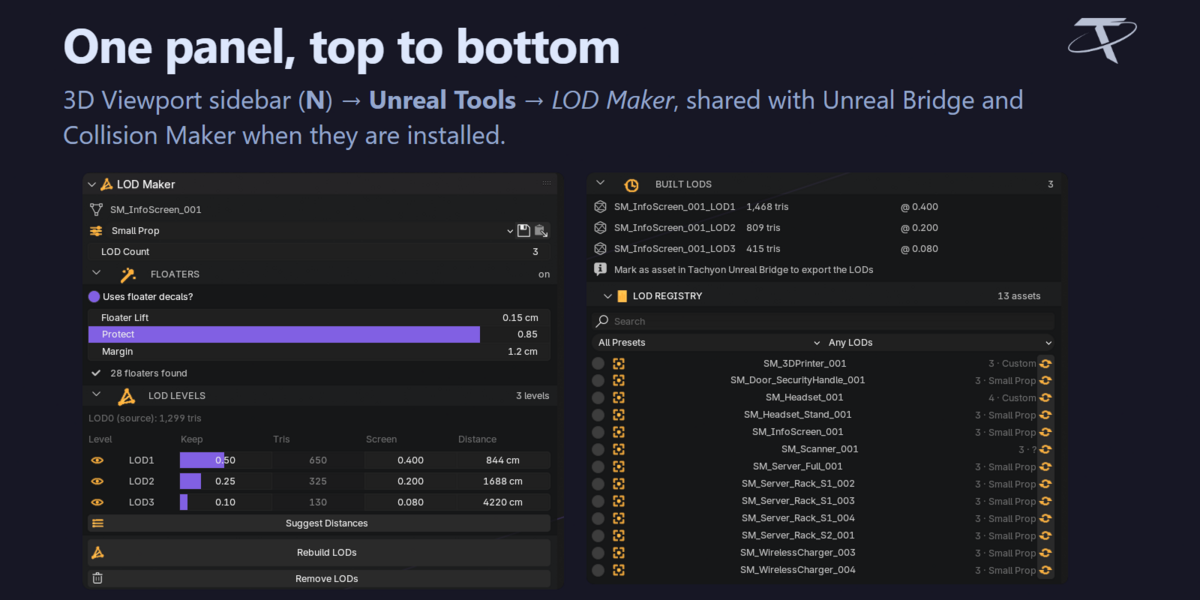
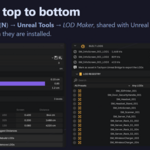
3D Viewport sidebar — press N — then the Unreal Tools tab, then LOD Maker. That tab is shared with Unreal Bridge and Collision Maker when they are installed. Rename it in preferences and the others follow.

Unreal switches LODs on screen size: the fraction of the view the asset's bounding sphere fills. It is size-invariant — 0.25 means the same thing for a teacup and for a warehouse — which is why a preset built for one asset is meaningful on another. Distance is not: the same distance means something completely different for those two objects.
Yes. It follows Unreal's own ComputeBoundsScreenSize at the engine default of a 90° horizontal field of view on a 16:9 viewport.
It puts the viewport camera at exactly the distance that level takes over, through an 18 mm lens — a 90° horizontal FOV on a 36 mm sensor, matching what the screen-size maths assumes. So you are looking at what the engine will show at the moment of the swap, not an approximation of it. Exit Preview puts the viewport back.
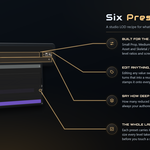
Six built-in: Small Prop, Medium Prop, Large Prop, Architecture, Hero Asset, and Skeletal / Character. Each carries per-level decimation ratios and the screen size at which that level takes over. The ratio is the fraction of the original triangle count kept at that level. LOD0 is always your authored mesh, untouched.
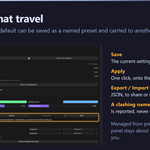
Yes. Generate for Selected builds every marked asset in the selection, each from its own settings. Apply to Selected copies the active asset's recipe onto the rest first, if you want them to match. Remove LODs from All N clears the chains from a whole selection.
Yes, though the claiming is done by Tachyon Unreal Bridge rather than here: LOD Maker generates levels, it does not adopt meshes you built elsewhere. The Bridge's Detect LODs by Name claims _LOD1, _LOD2 and similar spellings, and Assign Selected as LODs takes whatever you have selected. Both stamp the same ID properties a generated level carries, so from that point the chain behaves identically — screen sizes, export, all of it.
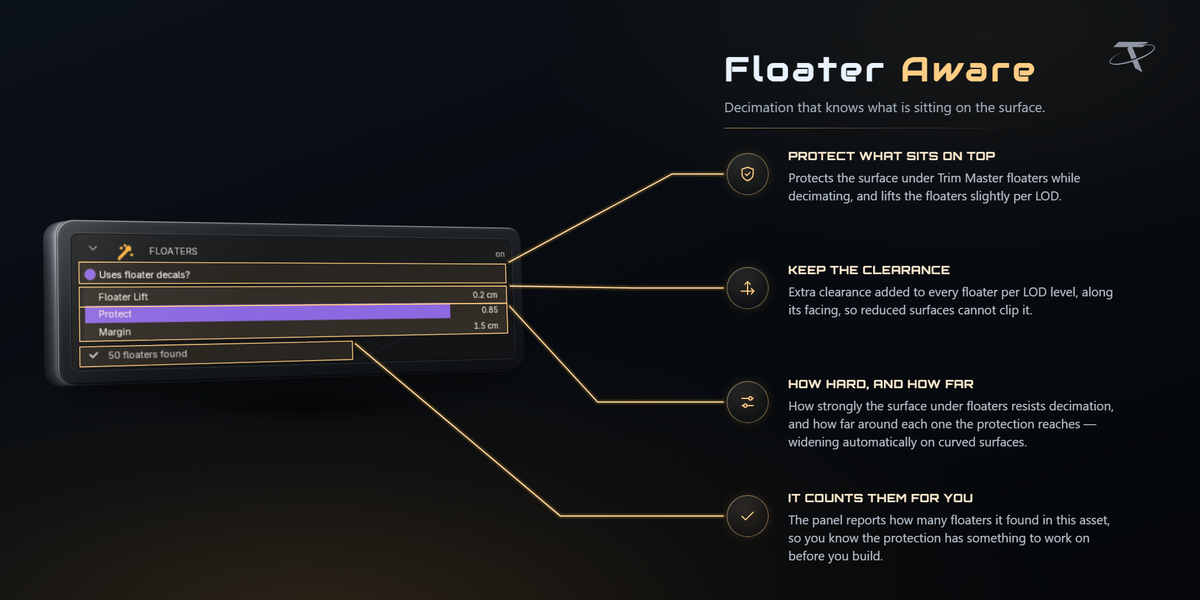

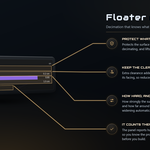
A floater is a small detail mesh sitting just above a surface — a bolt head, a vent, a panel line. A naive decimator welds it into the wall and the detail disappears. LOD Maker recognises floaters and protects them, spending the budget on the surface underneath instead. Floater gap, protect strength and protect margin are all part of the preset.
Never. Collision shells (UBX_, UCP_, USP_, UCX_) and SOCKET_ empties are excluded from every level, and generated levels are parked in an LODs collection kept outside the normal export walk so nothing double-exports.
Through plain ID properties that LOD Maker stamps on what it creates — tlm_lod_source, tlm_lod_index, tlm_screen_size on each level, and tlm_lod_count, tlm_lod_preset on the asset root. Unreal Bridge reads those directly. Neither add-on imports the other.
No. LOD0 is always the mesh you authored. The generated levels are new objects in an LODs collection.
No. It opens no sockets, sends no telemetry and checks no licence. The Documentation and Discord buttons hand a URL to your default browser; the add-on makes no request and sees no response.
-
$7.49 $9.99
For 1 person (1 seat). Commercial use included.
-
$29.97 $39.96
For a team of up to 6 people (6 seats). Commercial use included.
-
$74.93 $99.90
For a studio of up to 20 people (20 seats). Commercial use included. Need more than 20 seats? Contact us directly.
 Included
Includes 12 months of
- Support from Tachyon Studio
- Product updates
Extend this product’s Support Period +12 months: 50% of product price
Have questions before purchasing?
Login to message
| Blender Extension Compatible | Yes |
| Published | 12 days ago |
| Blender Version | 3.3 - 5.2 |
| Extension Type | Add-on |
| License | GPL |
Discover more products like this
presets Game asset optimization LOD Unreal Engine game ready gamedev decimate level of detail pipeline Batch processing performance