Untiling: Non-Repetition - Aperiodic Monotile Generator
 Cloudburst LLC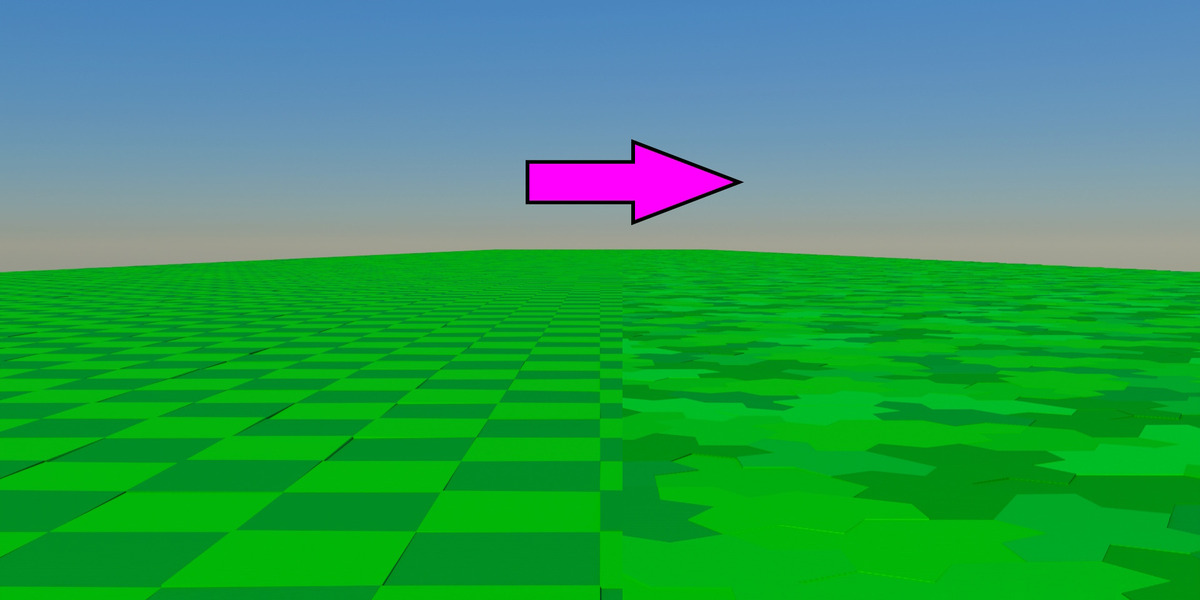

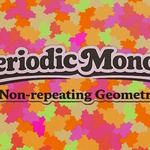
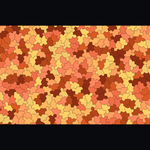
Overview
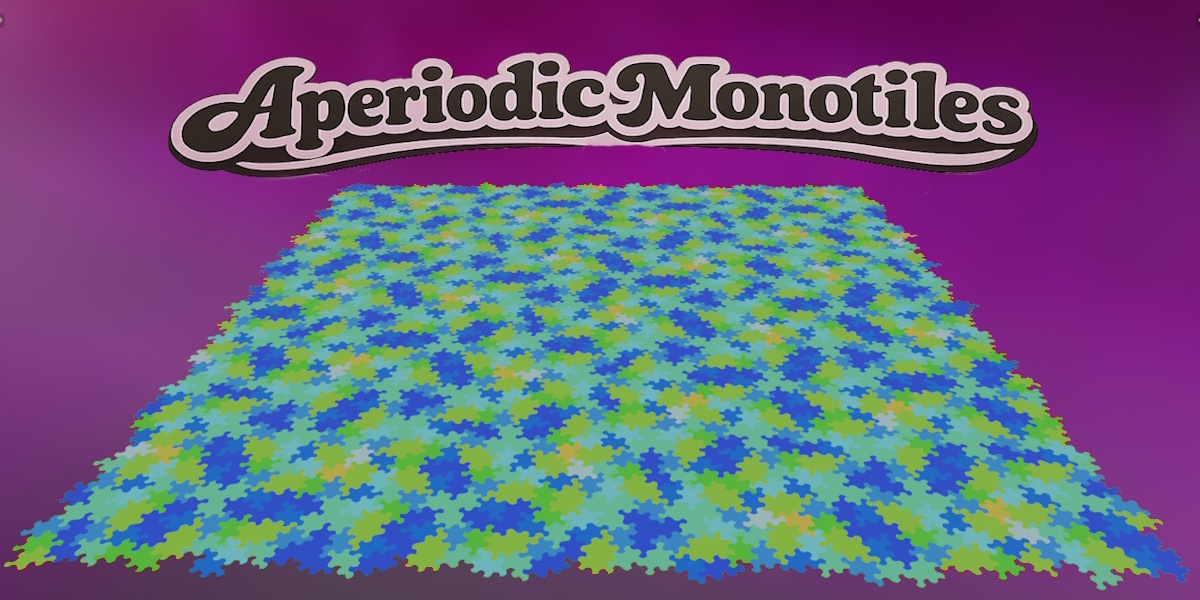
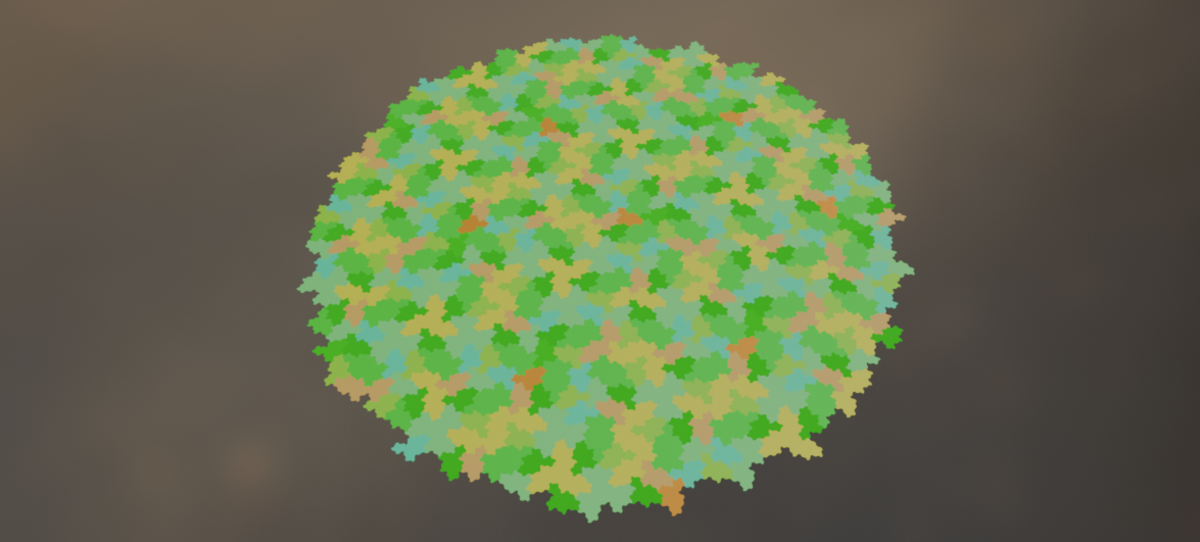
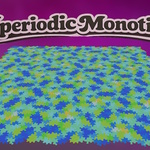
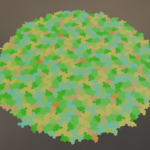
The Spectre Monotile Kit for Blender connects Blender 4.0+ to the hosted Aperiodic Monotile Generator API. You define a boundary (circle, rectangle, hexagon, and more), request a patch, and import a GLB with one mesh object per tile—ready to shade in Cycles or Eevee.
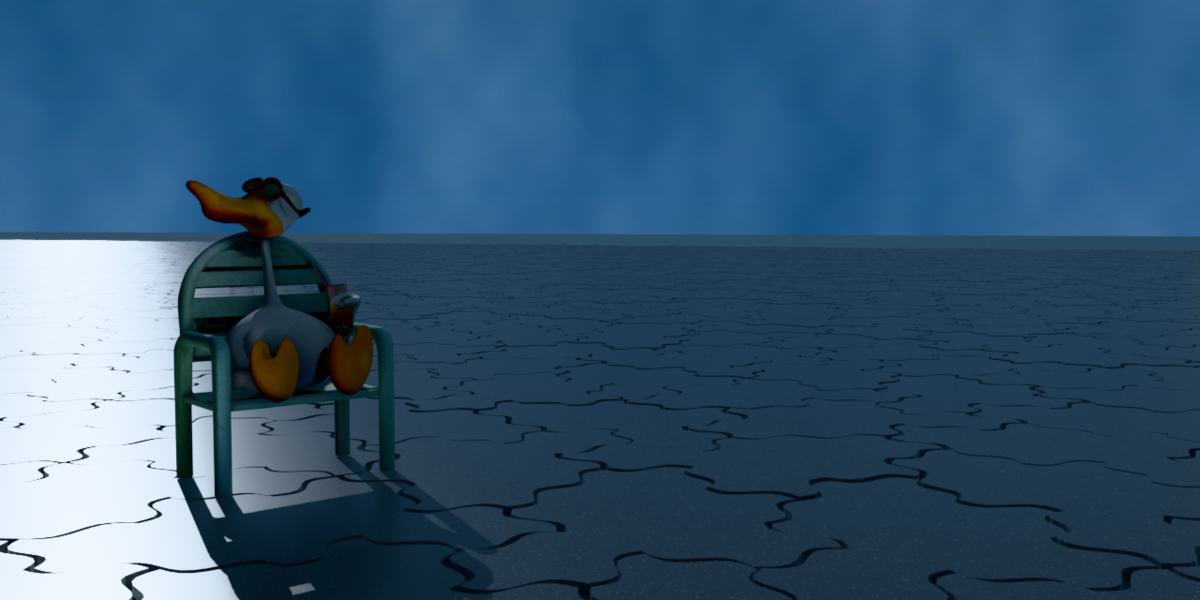
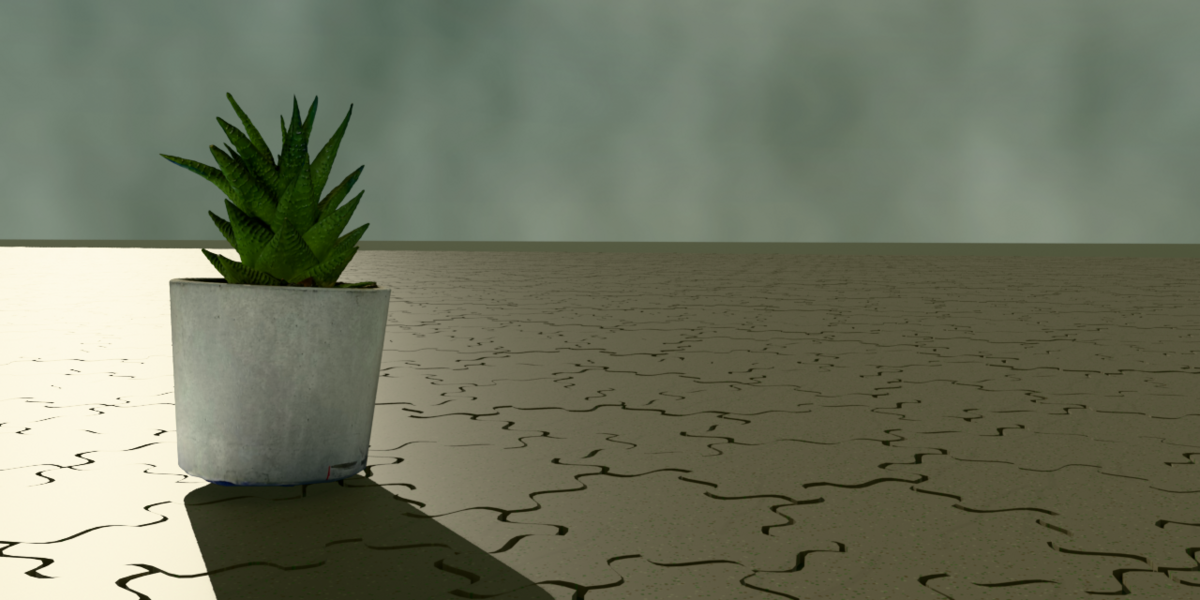
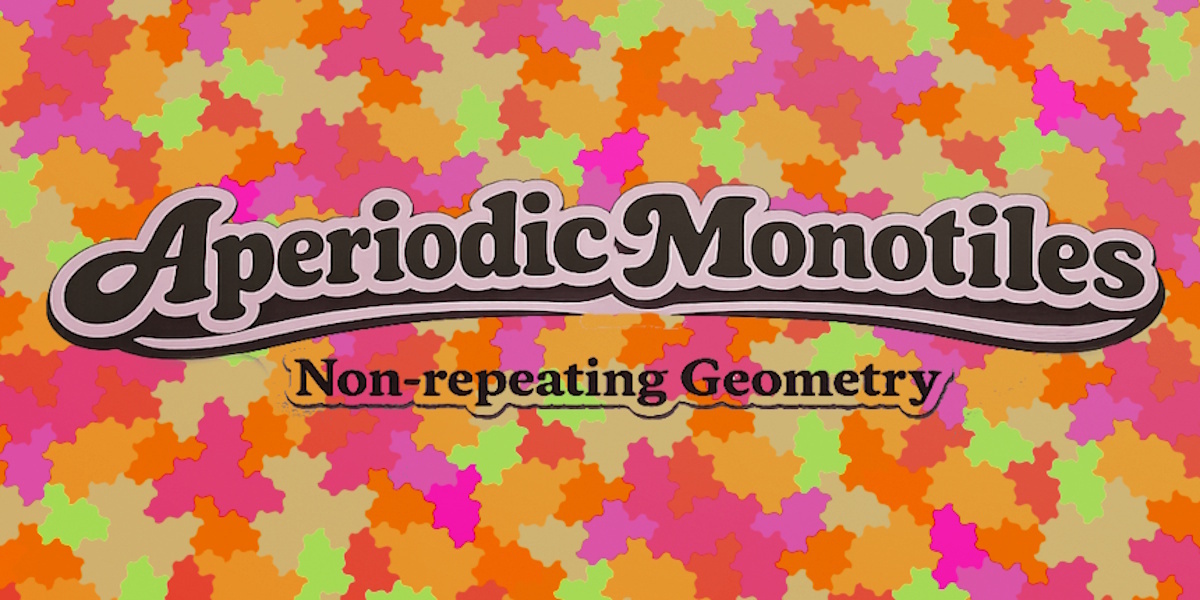
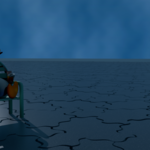
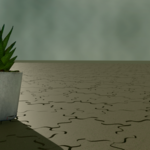
Regular floor and wall grids often look fine in stills, then repetition shows up when the camera moves or light grazes the surface. Spectre aperiodic monotile geometry stays coherent but does not collapse to one wallpaper cell, so large surfaces read more natural in archviz, environments, and sci-fi sets.
This download is not an offline generator. The add-on submits jobs to the API and imports the result. You need an internet connection and an API key from https://aperiodicgenerator.com.
What’s in the download
aperiodic_monotile_generator_blender.zip
Blender add-on (install this file)
START_HERE.txt
Quick-start guide
samples/
Example SVG, PNG, JPG, GLB, CSV, JSON, STL
example_masks_svg/
Reference mask shapes
Blender Market price = the kit (add-on + samples + guide). API usage is billed separately on the website (Free tier for small raster tests; Solo or Commercial for production GLB).
Requirements
Blender 4.0 or newer
Internet during generation
API key from https://aperiodicgenerator.com/docs.html#access
Solo or Commercial API plan for GLB production (Free tier: PNG/JPG previews only)
Render engines: Cycles and Eevee (imported glTF PBR → Principled BSDF). Third-party engines (Arnold, Octane, V-Ray, etc.) are not included.
Installation
- Unzip the kit you downloaded from Blender Market.
- In Blender: Edit → Preferences → Add-ons → Install…
- Select aperiodic_monotile_generator_blender.zip (the inner zip, not the full kit zip).
- Enable Aperiodic Monotile Generator.
- In the 3D View, press N → sidebar tab Monotile.
API key setup
- Open https://aperiodicgenerator.com/docs.html#access
- Create an account and copy your API key.
- In the Monotile panel, paste the key into API Key.
- Leave API Base as https://api.aperiodicgenerator.com unless support tells you otherwise.
- Free tier: test the workflow with small PNG/JPG jobs (change formats in the API docs if you call the API directly; the add-on requests GLB, which needs a paid plan).
- Solo plan: production GLB import for real scenes.
- The key is stored in your .blend if you save the file. Treat it like a password.
First patch (about one minute)
- Open the Monotile panel.
- Paste your API key (Solo or Commercial for GLB).
- Choose Boundary (rectangle, square, circle, triangle, hexagon, rounded rectangle).
- Set Tile Scale and Depth (extrusion in mm for the exported mesh).
- Click Generate and Import GLB.
- Wait until status shows success. Imported tiles appear in a collection named Monotile + job id.
- Blender may freeze briefly while the add-on polls the API, downloads the file, and imports it. Max Wait is how long Blender waits before giving up; the job may still finish on the server if you hit the timeout.
Generation
- Tile Scale — API scale in canonical tile units.
- Depth — Extrusion thickness for the GLB mesh.
- Also request JSON — Requests JSON metadata; this version still imports GLB only.
- Max Wait — Polling timeout in seconds (default 180).
Helpers
- Randomize Tile Materials — Assigns a warm preview palette (Principled BSDF) to selected meshes, or all meshes if nothing is selected.
After import
- Shade per tile, instance from CSV/JSON (see samples/), or edit individual tiles.
- Stable tile IDs in exported data support material variation and scripting.
- For heavy scenes, consider instancing one prototile using API JSON/CSV (documented on the website) instead of editing thousands of separate objects.
Full API reference: https://aperiodicgenerator.com/docs.html
AI/agent integration: https://aperiodicgenerator.com/agents.html
Troubleshooting
“Enter an API key first”
Paste a key from aperiodicgenerator.com into the Monotile panel.
“HTTP 403” or “Invalid X-API-Key”
Key is wrong, expired, or not active on the server. Create a new key on the site and try again.
“HTTP 422” or format errors
GLB requires Solo or Commercial. Free keys only support raster previews. Upgrade or test with the website demo first.
“Job did not complete” / timeout
Increase Max Wait for large patches.
Check https://aperiodicgenerator.com — service status.
Retry; use a smaller mask (smaller radius or half-side) for a faster test.
“No GLB URL returned”
Job failed or tier does not include GLB. Check Last job id and contact support with that id.
Blender freezes during generate
Expected for large jobs: the operator is synchronous. Reduce mask size or wait longer.
Empty or wrong scale after import
Adjust Tile Scale and Depth. Use Use Selected Bounds only on flat references whose bounding box matches the area you want filled.
Materials look flat
Run Randomize Tile Materials or assign your own Principled materials. Imported GLB uses simple glTF PBR colors.
License (summary)
You may use exported geometry in personal and commercial work according to your API plan on the website (Solo vs Commercial).
Do not redistribute this kit ZIP or the add-on as your own product.
Spectre / Tile(1,1) mathematics is not proprietary; this product is the hosted generator, add-on, and exports.
Terms: https://aperiodicgenerator.com/terms.html
Refunds (API): https://aperiodicgenerator.com/refund.html
Support
https://aperiodicgenerator.com/contact.html
Include:
Blender version
Screenshot of the Monotile panel (hide most of your API key)
Last job id if shown
What you clicked and the error text
Roadmap (not in this version)
Account login instead of pasted keys
True “fill arbitrary mesh silhouette” masks
Direct SVG / STL / CSV import from the panel
Tile recolor by label / ID from the UI
Have questions about this product?
Login to message
| Blender Extension Compatible | Yes |
| Published | 4 months ago |
| Blender Version | 4.0 - 5.1 |
| Extension Type | Add-on |
| Render Engine Used | Cycles, Eevee, Freestyle |
| License | Mit |
Discover more products like this
Tile 1 1 geometry generator Einstein tile procedural geometry anti-repetition non-repeating tiles aperiodic monotile aperiodic tiling spectre monotile Spectre tile monotile