Urban Forge
 3dskybuild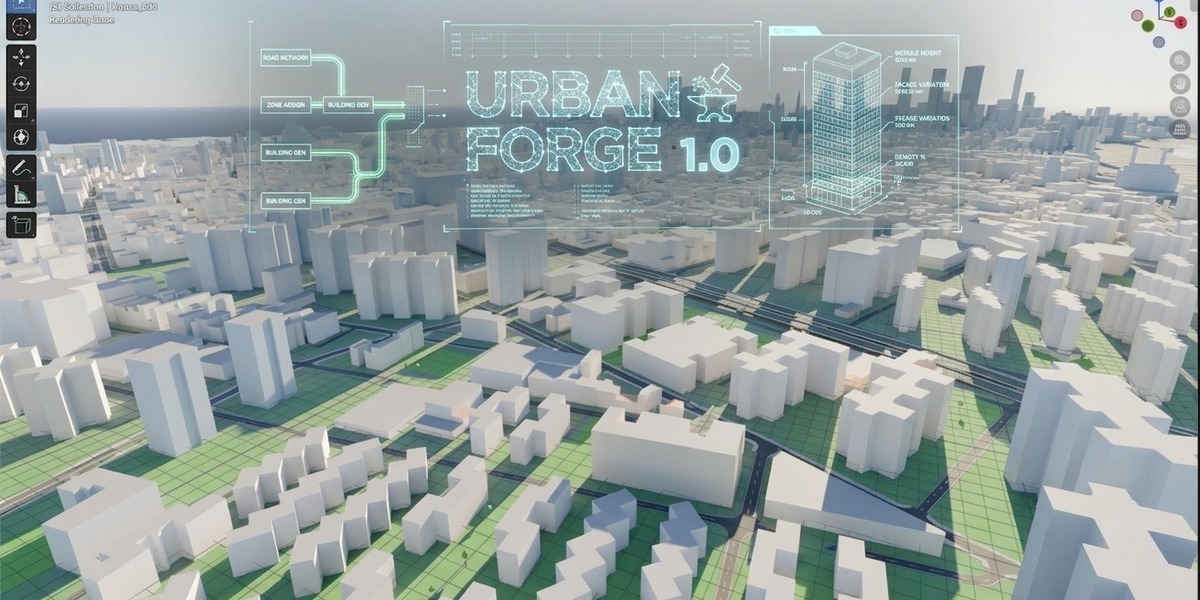
Urban Forge – Documentation
Version 1.19 · Blender 4.2 LTS or newer (tested logic for 4.2–5.0) · License GPL-3.0-or-later
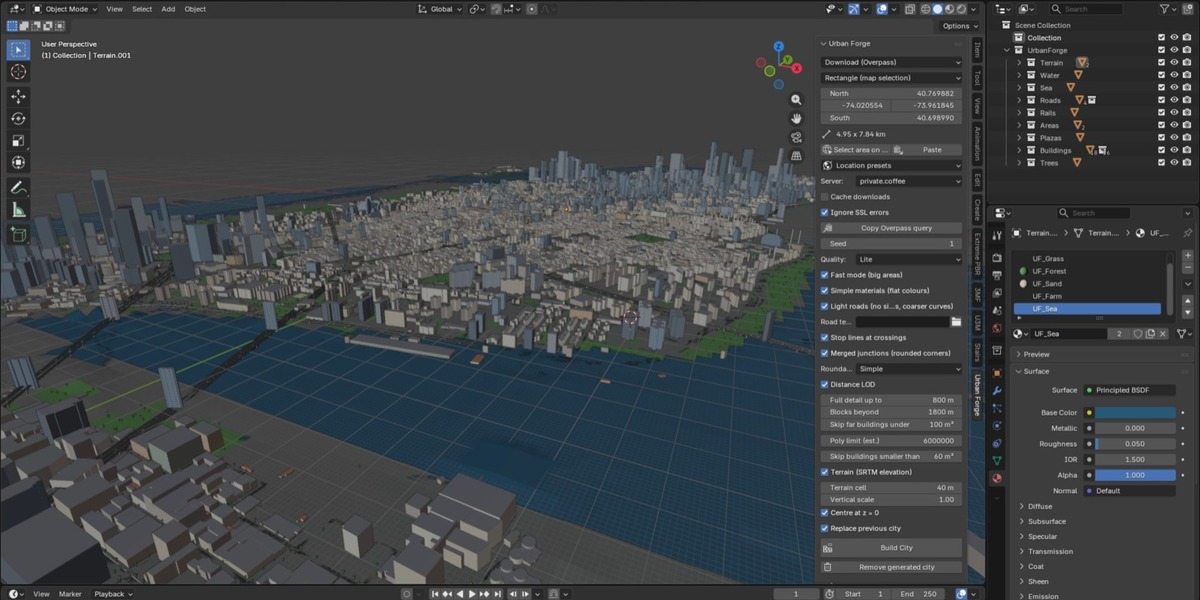
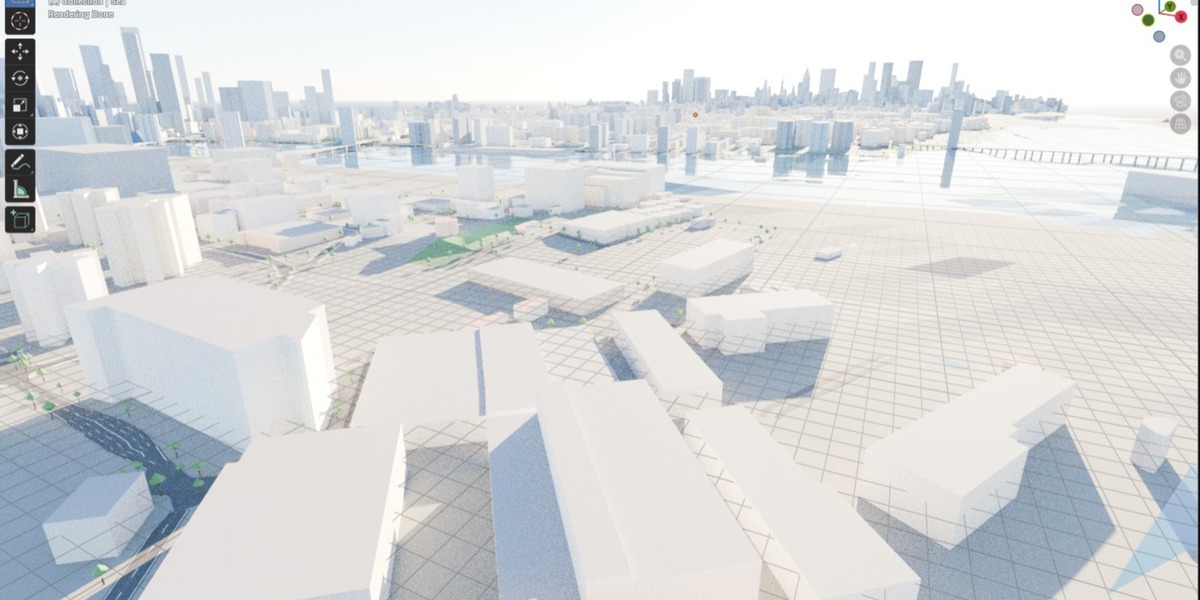
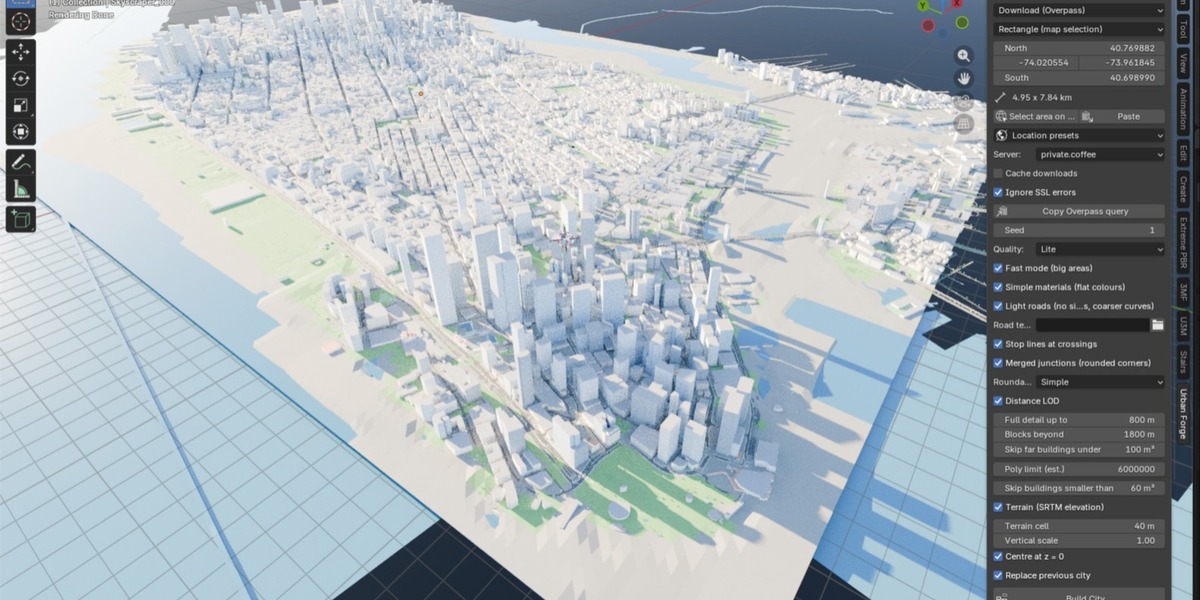
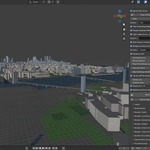
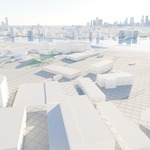
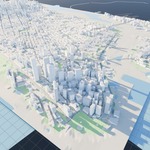
Urban Forge turns OpenStreetMap data into a 3D city inside Blender: buildings, roads with lane markings, junctions, roundabouts, sidewalks, crosswalks, parks, water, trees, street furniture and real terrain (SRTM). Every category can be replaced by your own models from a library .blend.
1. Installation
- Blender → Edit > Preferences > Get Extensions → drop-down (top right) → Install from Disk… → select
urban_forge-x.y.z.zip. - Enable the add-on.
- Allow internet access: Preferences > System > Network > Allow Online Access (needed to download OSM data and elevation). When asked, accept the permissions: network (Overpass / elevation download), files (cache, libraries), clipboard (area paste).
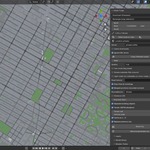
- The panel is in the 3D Viewport sidebar (N) → tab Urban Forge.
Updating: remove the old version (or install over it) and restart Blender if the panel does not refresh.
2. Quick start (5 minutes)
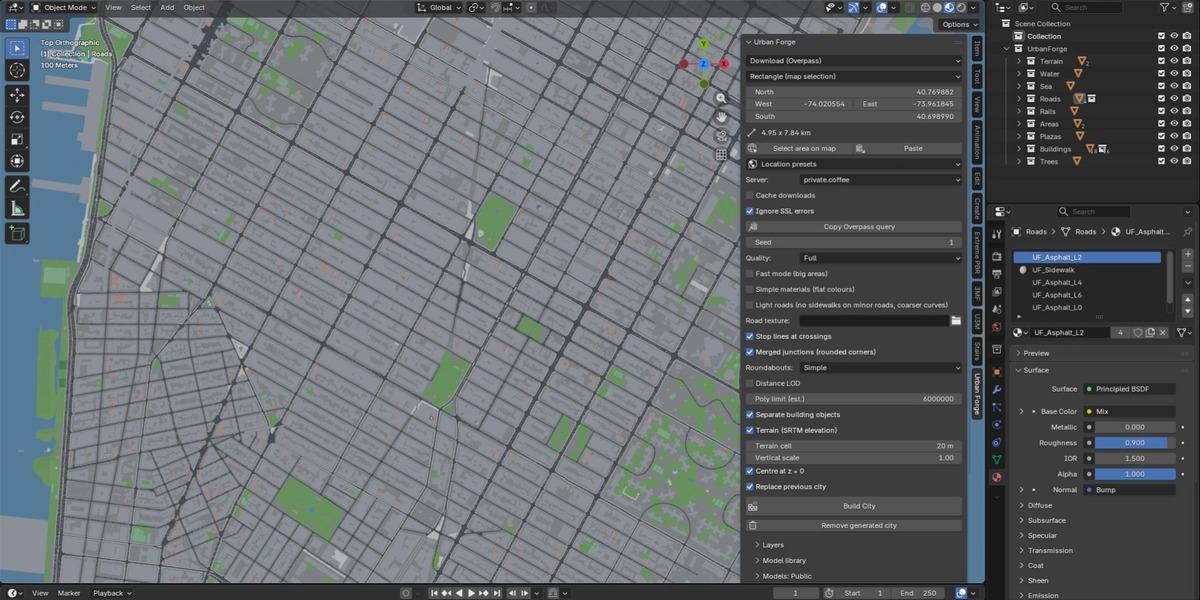
- In the panel set Data = Download (Overpass) and Area = Rectangle.
- Click Select area on map. A web map opens in your browser.
- Choose Rectangle (click two opposite corners) or Polygon (click the vertices, close with double-click or by clicking the first point). The coordinates are copied automatically.
- Back in Blender click Paste. The area and its size (km) appear in the panel.
- Pick Quality (start with Lite or Medium for areas over 2 km²).
- Click Build City. A progress bar with percentage and estimated time is shown in the panel and in the status bar.
Recommended first test: about 1 × 1 km in a dense area.
3. Selecting the area
| Mode | Use |
|---|---|
| Rectangle (map selection) | South / West / North / East. Set on the map or typed by hand. |
| Polygon (map selection) | Free polygon. Only elements inside the polygon are built. |
| Centre + radius | Latitude, longitude and radius (100 m – 4 km). |
| OSM file | Use a local .osm file instead of downloading. |
Notes
- Maximum area: 8 × 8 km. Above 2 km² the download automatically skips trees, street furniture and parking (public servers time out otherwise).
- With a polygon, buildings, parks, trees and furniture are kept when their centre is inside; roads are kept whole when at least one point is inside. Terrain stays rectangular, on the polygon's bounding box.
- Location presets gives ready-made places.
-
Copy Overpass query copies the query and opens overpass-turbo, useful if the servers are busy: export the result as
.osmand load it with OSM file.
4. Download settings
- Server: Overpass server tried first (private.coffee, kumi.systems, overpass.openstreetmap.fr, overpass-api.de, maps.mail.ru). Large areas are split into tiles downloaded in parallel (4 workers); if a server fails, the others are tried automatically.
- Cache downloads: tiles are stored locally; repeating a build on the same area is almost instant.
- Ignore SSL errors: only for networks with a filtering proxy (e.g. company networks).
- If a server is blocked by your network, simply choose another one.
5. Quality presets and performance
| Preset | What it does |
|---|---|
| Lite | Merged buildings, flat colours, distance LOD, light roads, coarser terrain. For big areas. |
| Medium | One object per building, LOD, light roads. |
| Full | Everything on: roof details, furniture, parking, full-detail roads. |
| Custom | Set each option manually (switches automatically when you change an option). |
Single options
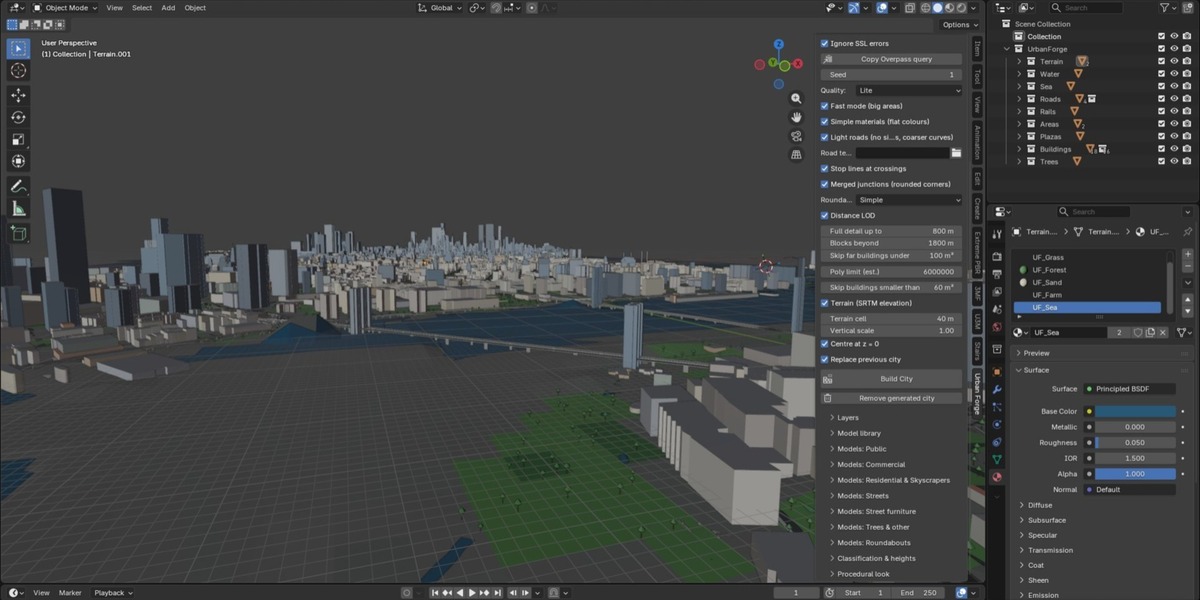
- Fast mode (big areas) – skips small buildings (Skip buildings smaller than), reduces detail.
- Distance LOD – full detail up to Full detail up to m, simplified blocks up to Blocks beyond, small far buildings skipped.
- Simple materials – flat colours instead of procedural window shaders (much lighter).
- Light roads – no sidewalks on minor roads, coarser curves.
- Poly limit (est.) – the build is cancelled before generating if the estimated polygon count is above the limit. Raise it only if your machine copes.
- Separate building objects – one object per building (origin at the base) or a few merged meshes (faster viewport).
Tips: 6 × 6 km works well with Lite; for renders of a few hundred metres use Full.
6. Layers
Buildings, Roads, Service/pedestrian roads, Railways, Water, Parks & forests, Trees, Ground plane, Bike lanes, Street furniture (lamps, signals, crossings, bus stops), Parking lots, Sports pitches, Airports (runways, aprons). Each can be switched off to speed up the build.
Terrain (SRTM elevation) downloads 30 m elevation and drapes everything on it. Options: Terrain cell (resolution), Vertical scale, Centre at z = 0.
7. Roads
Roads are procedural and follow OSM geometry and tags (type, lanes, one-way, dual carriageways).
- Lane markings, crosswalks, stop lines, bus lanes – generated automatically (Stop lines at crossings can be turned off).
- Widths follow Italian road standards by class, scalable with Road width ×.
- Merged junctions (rounded corners) – one joined patch per intersection with rounded kerbs and sidewalks; roads are trimmed to it.
- Dual carriageways – sidewalk only on the outer side of each carriageway.
- Width transitions (e.g. 4 → 2 lanes) are tapered smoothly; bends are smoothed.
- Road texture – optional asphalt image (horizontal axis along the road); set Texture length (m) and tick Texture already has lane markings if the image includes them. Empty = procedural asphalt.
- Sidewalks, Junction patches, Widening / Park road / Stop intersection chance – used by the library road modules (section 9).
Roundabouts
Rings of any shape (including junction=circular) are detected automatically, even when drawn in several ways.
- Simple – ring, central island and continuous kerb; roads are cut at the ring. Clean and robust.
- Detailed – rounded entry kerbs, splitter islands and crosswalks.
- Each roundabout is a separate object, so you can edit or replace it. With a library model (category Roundabout) the model is scaled to the OSM ring.
- The build log reports "Roundabouts: N ring(s) built from M way(s)".
8. Buildings
- Classification by OSM tags and height: Skyscraper from (m), House max height / area, floor height, fallback heights for buildings without data (Unknown height min / max).
- Pitched roofs on houses, setback tiers on skyscrapers, rooftop details (AC units, tanks, antennas).
- Lit windows (night look) with adjustable Window light.
- Seed changes all random choices (colours, heights without data, tree placement).
9. Model libraries (replace procedural with your own)
Put all your models in one .blend (the Global library). Each object or collection name must start with a prefix.
Several alternatives can be given, separated by commas (e.g. Office, Tower).
| Group | Default prefixes |
|---|---|
| Public | Club, Hospital, Metro, Museum, Power, Sports, Plaza, Theat |
| Commercial | Hotel, Mall, Library/Bookstore, Office |
| Residential | Apt, House, Sky |
| Streets | Road8, Road4, RoadWidening8, RoadWidening4, ParkRoadWidening8, BikeLane, Intersection*, Stop*, HighwayRamp, Bridge |
| Roundabout | Roundabout |
| Street furniture | Lamp, Signal, BusStop |
| Trees | Tree |
Per category (in the Model library panel and the Models sub-panels):
- Source: Procedural, Library .blend or Scene collection.
- File (per category or the Global library), Name prefix, Model (a specific one, or random), Use collections.
- Fit – buildings: fitted to the footprint (only for footprints that are rectangular enough, see Min. rectangularity and Min. footprint area); streets: modules tiled along the OSM road.
- Smart model match picks the model closest in size to the footprint.
- Rescan libraries reloads the list after you edit the .blend.
Model preparation
- Buildings: origin at the base; the model's X/Y size defines the footprint it is fitted to.
- Straight road modules: origin at one end, length along the road.
- Intersections: matched on the arms present (4-way / T), main axis along local +Y (8-lane road), origin at the junction centre.
- Roundabout: X/Y size = ring outer diameter, centred; scaled uniformly to the OSM ring.
10. Result and management
- Everything is created in collections under one parent; Replace previous city (default on) removes the old one first.
- Remove generated city deletes only what Urban Forge created.
- Lamps and street trees are placed along roads (Lamp spacing, Street tree spacing, Max lamps, Max trees, Trees / 1000 m²).
- Materials are procedural nodes (no external textures required) and render in Cycles and EEVEE.
11. Troubleshooting
| Problem | Solution |
|---|---|
| "Online access is disabled" | Preferences > System > Network > Allow Online Access. |
| Download slow or fails | Choose another Server; reduce the area; try again (cached tiles are kept); use Copy Overpass query + OSM file. |
| Server unreachable at work | Some networks block specific servers: pick another one. Tick Ignore SSL errors only behind a filtering proxy. |
| "Area too large" | Maximum 8 × 8 km. |
| Build cancelled by poly limit | Use Lite/Medium, enable LOD or Fast mode, reduce the area, or raise Poly limit. |
| Blender freezes during the build | Normal on large areas: the progress bar updates in the panel/status bar. Start with a smaller area. |
| Buildings look flat / grey | Simple materials is on (Lite preset). Use Medium or Full. |
| Library model not used | Check the name prefix, that the footprint is rectangular enough, and press Rescan libraries. |
| Roundabout not detected | Check the build log line "Roundabouts: …"; ensure the ring is tagged junction=roundabout or circular in OSM. |
| No terrain | Enable Terrain; elevation needs internet access. |
12. Data and credits
Map data © OpenStreetMap contributors, licensed under the ODbL (https://www.openstreetmap.org/copyright). Elevation: SRTM via Mapzen/AWS terrain tiles. Web map tiles: Esri. If you publish renders or derivative data, credit "© OpenStreetMap contributors".
13. Support and updates
Contact: via the Superhive product page. Please include the Blender version, Urban Forge version, the area (coordinates) and the build log (Window > Toggle System Console on Windows).
Have questions about this product?
Login to message
| Blender Extension Compatible | Yes |
| Published | about 9 hours ago |
| Blender Version | 4.5 - 5.1 |
| Extension Type | Add-on |
| Render Engine Used | Cycles, Eevee |
| License | GPL |

Discover more products like this
OpenStreetMap roads urban city generator architecture procedural terrain skyline cityscape buildings GIS