Urban Forge
 3dskybuild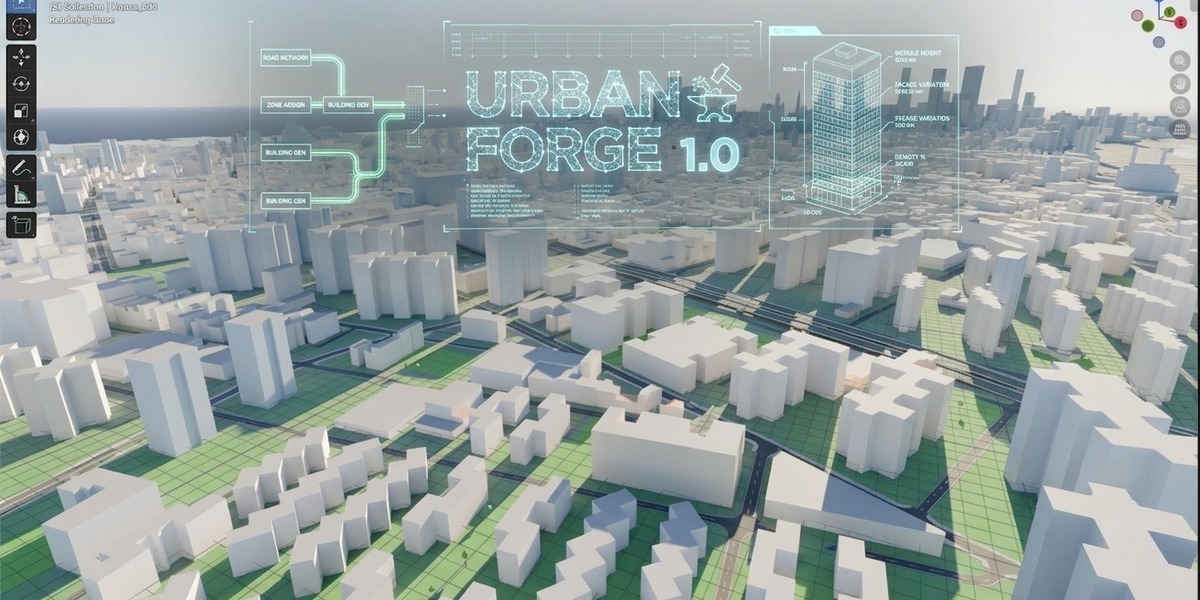
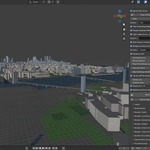
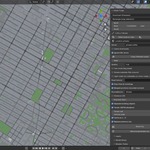
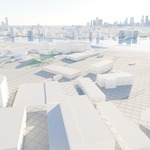
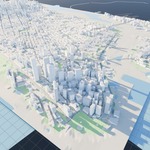
Where do I report a bug?
Through the Superhive product page, with Blender version, Urban Forge version, coordinates of the area and the build log.
Can I use the add-on commercially (render, sell the images)?
Yes. The add-on is GPL-3.0-or-later; your renders are yours.
Is it exactly like the real place?
It follows OSM geometry and tags, so accuracy depends on OSM coverage. Areas with detailed OSM data look best.
Which road/building data is used?
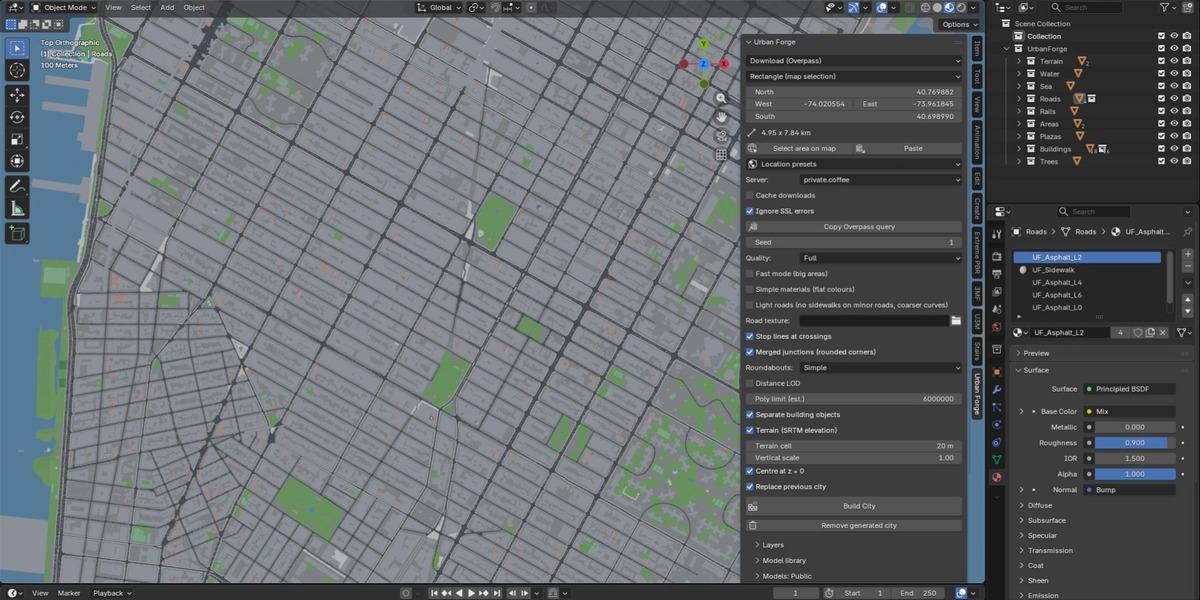
OSM tags: building type and height or levels, road class, lanes, one-way, surface features, parks, water, railways. Missing heights are estimated within the range you set.
Can I edit the result afterwards?
Yes. With Separate building objects every building is its own object; roundabouts are separate objects too.
Can I rebuild the same city with changes?
Yes. Replace previous city removes the old one; the Seed controls random choices
Does it include real terrain?
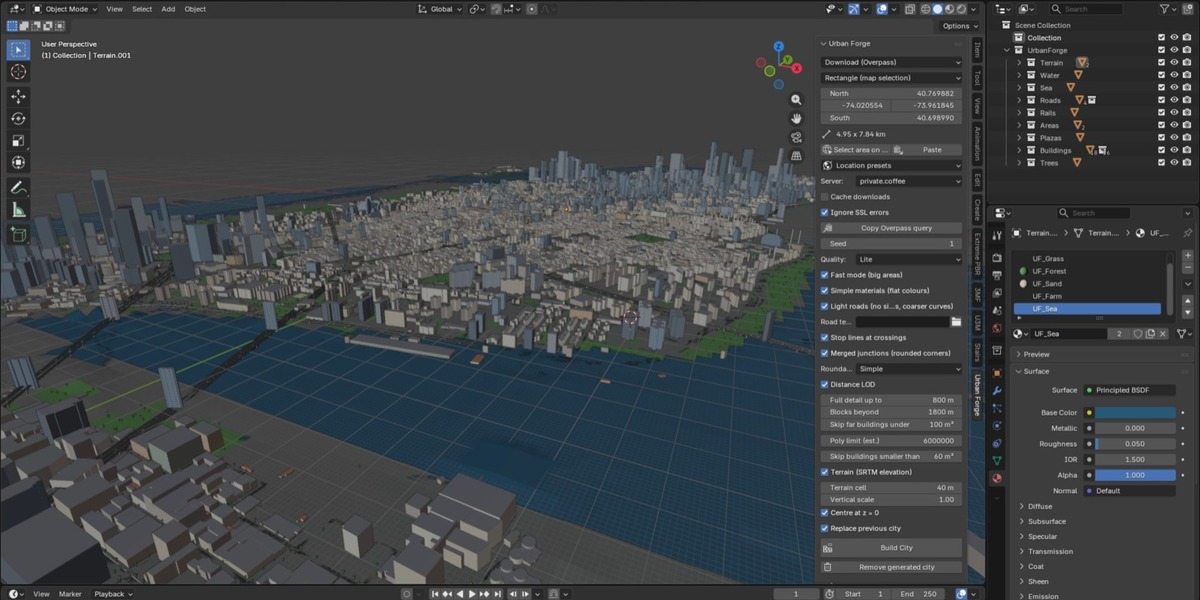
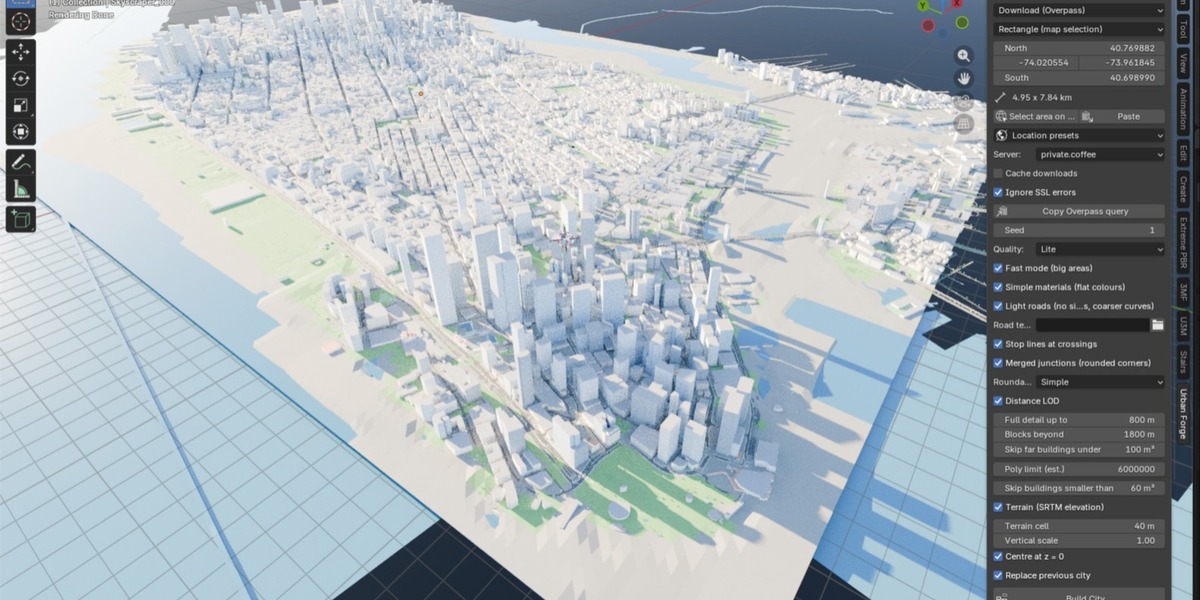
Yes, SRTM elevation (30 m), with adjustable resolution and vertical scale.
Can I get a night look?
Yes: enable Lit windows and adjust Window light.
Does it render in Cycles and EEVEE?
Yes. Materials are procedural nodes with no external textures.
How heavy is the result? Will my computer cope?
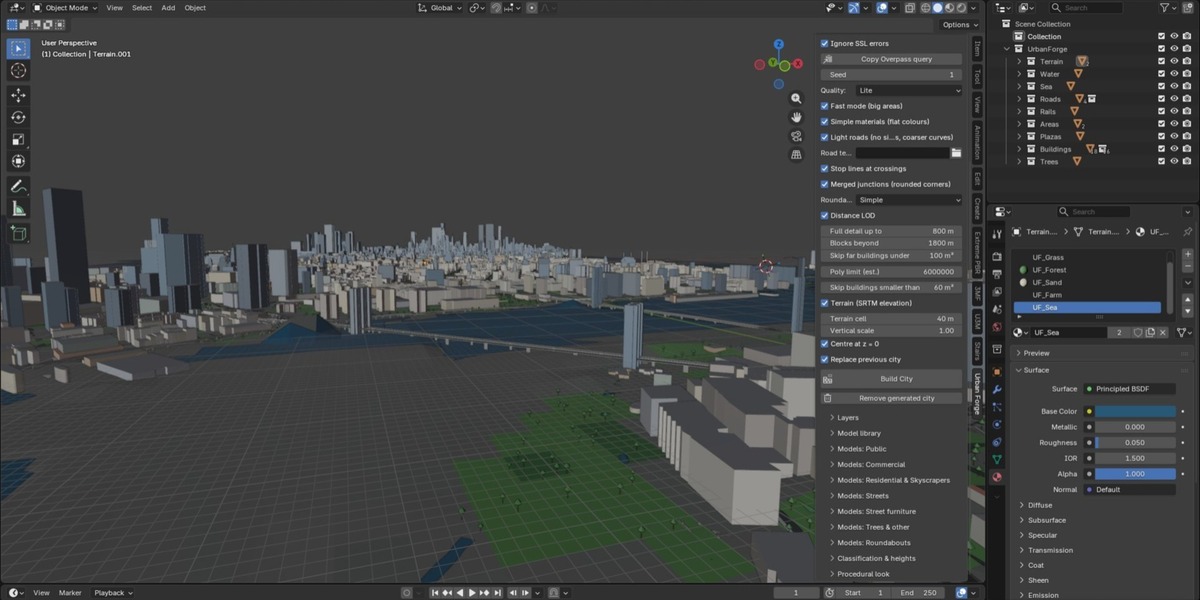
Use the Quality presets: Lite for big areas, Medium for balance, Full for close-ups. The build is cancelled before generating if the estimated polygon count exceeds the Poly limit.
Does it work without my own models?
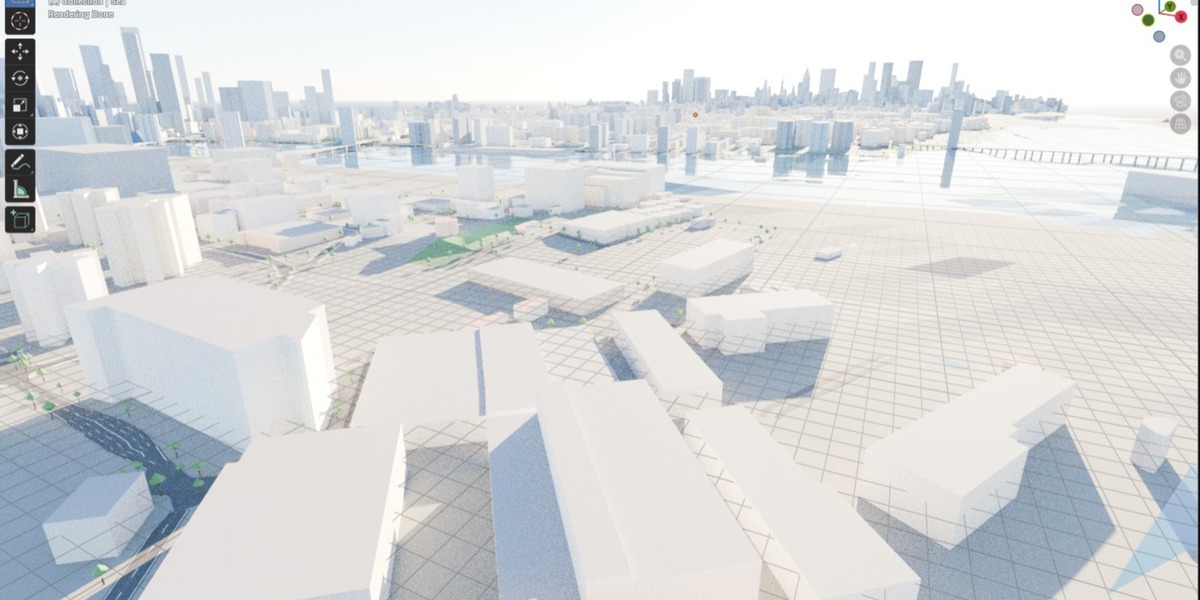
Yes, everything is procedural by default: buildings, roads, trees, lamps, terrain.
Why are some of my library buildings not used?
Models are fitted only to footprints that are rectangular enough (Min. rectangularity) and large enough (Min. footprint area). Lower these values, or check the name prefix and press Rescan libraries.
Can I use my own buildings, streets, lamps, trees, roundabouts?
Yes. Put them in one .blend, name them with the category prefix (Office, House, Lamp, Tree, Roundabout…), and choose Library .blend as source. See the documentation, section 9.
Can I select a custom shape instead of a rectangle?
Yes: in the web map choose Polygon, draw the vertices and paste the result in Blender.
The download is slow or fails. What can I do?
Select another Server in the panel, reduce the area, or retry (finished tiles are cached). Alternatively use Copy Overpass query, export an .osm from overpass-turbo and load it with OSM file.
What is the maximum area?
8 × 8 km. For best results use up to about 2 km² with full detail; larger areas work with the Lite preset.
Is it free to use the data commercially?
OpenStreetMap data is ODbL: commercial use is allowed, with the credit "© OpenStreetMap contributors" when you publish renders or data.
Do I need an account or API key?
No. Data comes from public Overpass servers and open elevation tiles.
Do I need an internet connection?
Yes, to download OpenStreetMap data and elevation. Downloaded tiles are cached; you can also load a local .osm file and work offline.
Which Blender versions are supported?
Blender 4.2 LTS and newer (including 5.0).
Have questions about this product?
Login to message
| Blender Extension Compatible | Yes |
| Published | about 10 hours ago |
| Blender Version | 4.5 - 5.1 |
| Extension Type | Add-on |
| Render Engine Used | Cycles, Eevee |
| License | GPL |

Discover more products like this
OpenStreetMap cityscape roads skyline GIS city generator procedural urban architecture buildings terrain