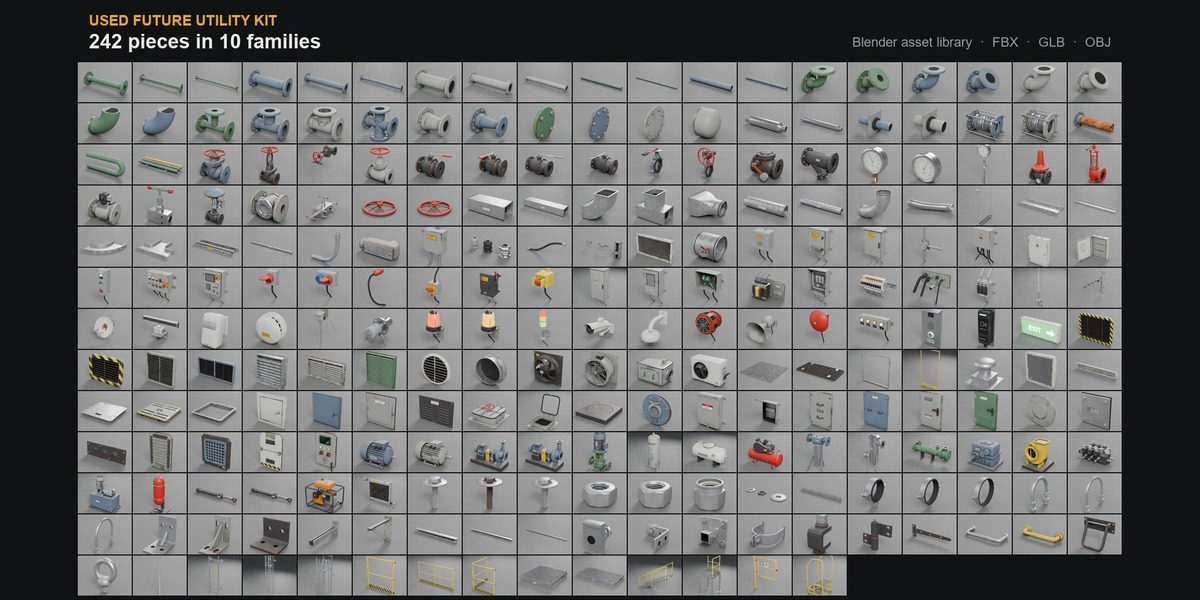
Used Future Utility Kit - 242 Industrial Kitbash Pieces
 AssetsFactory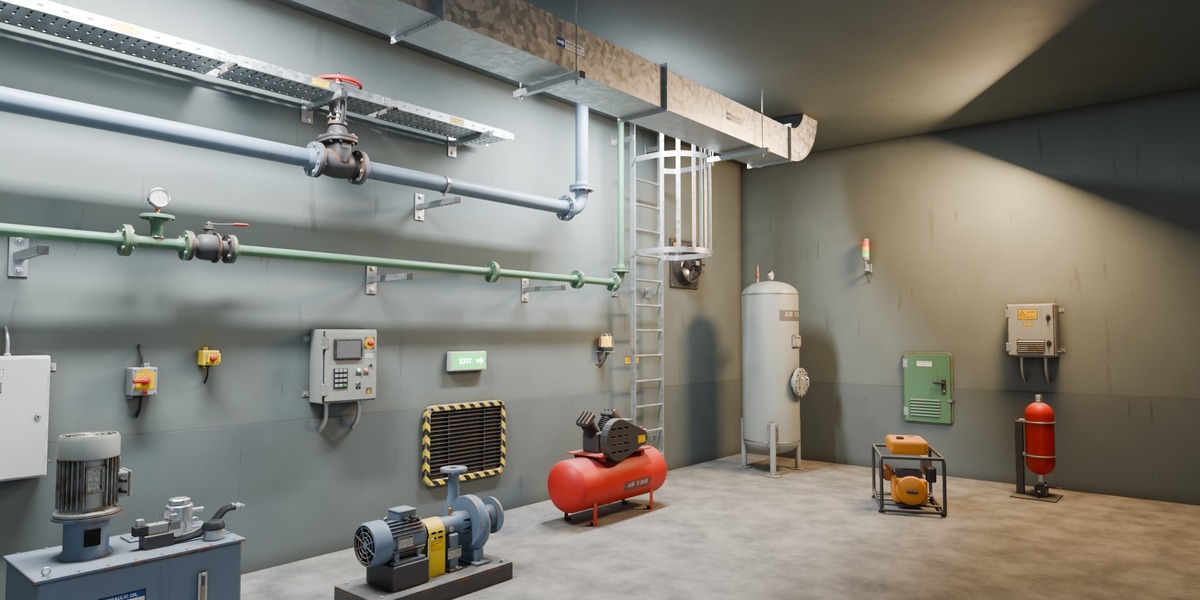
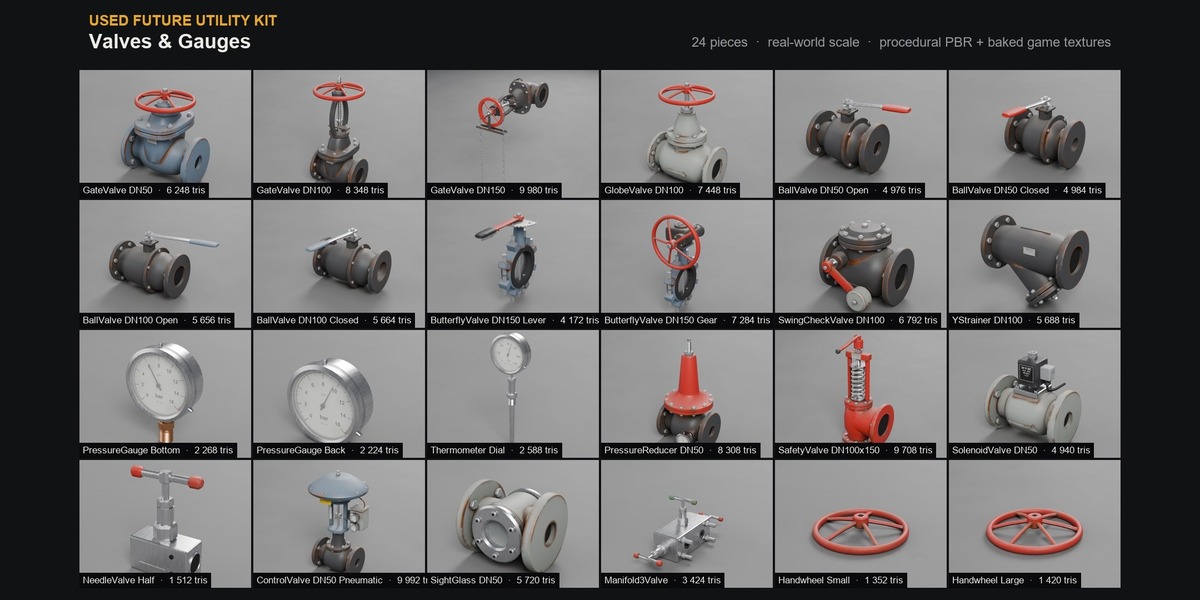
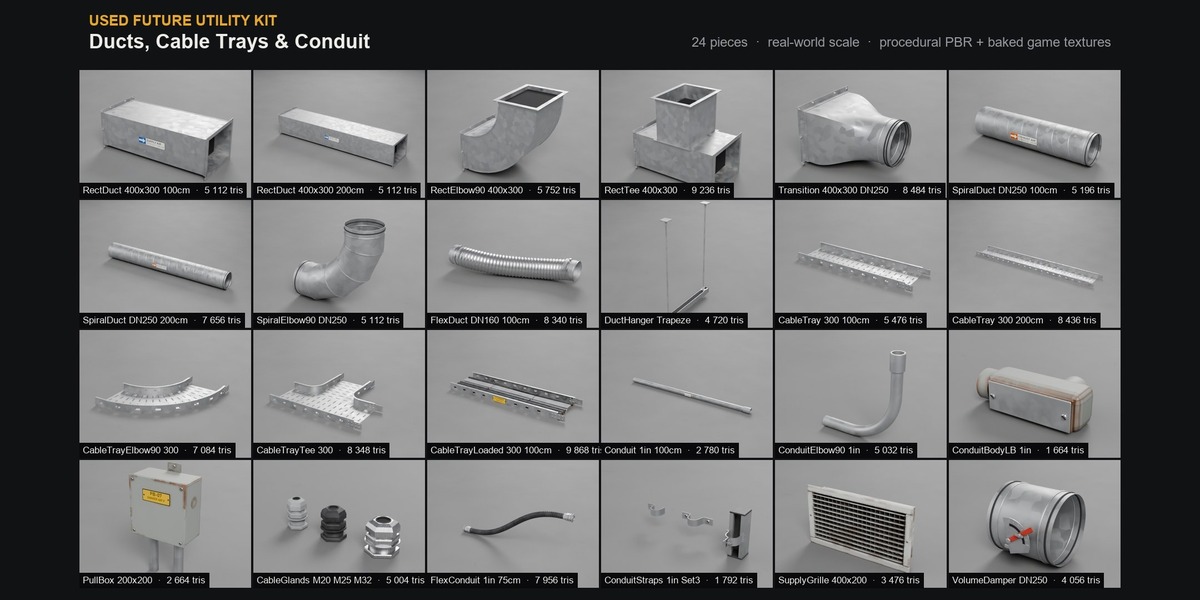
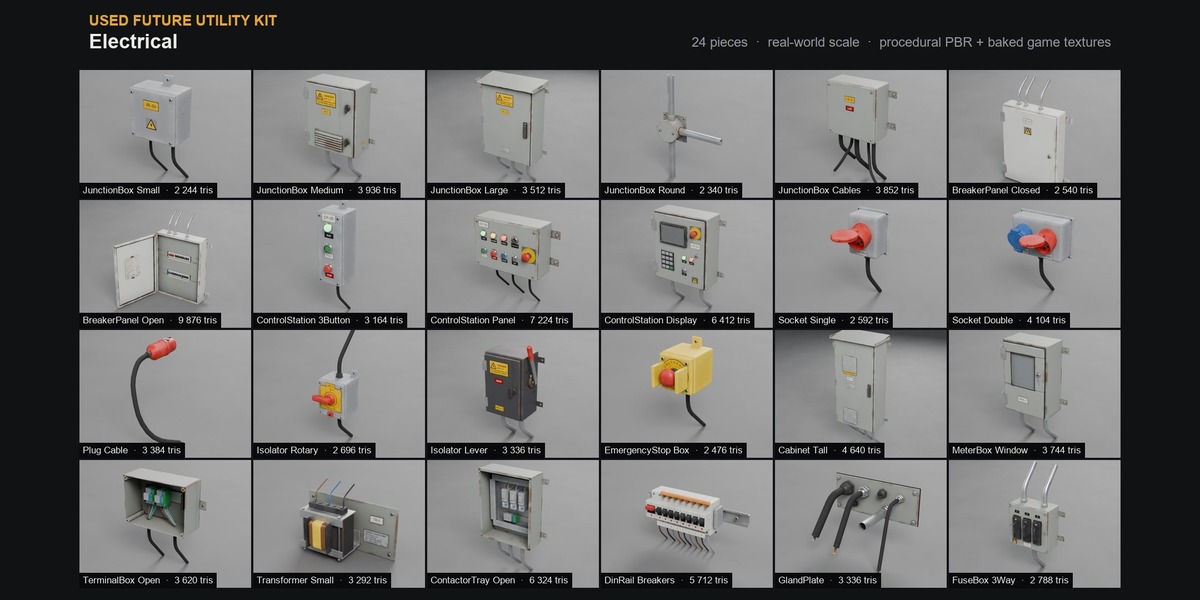
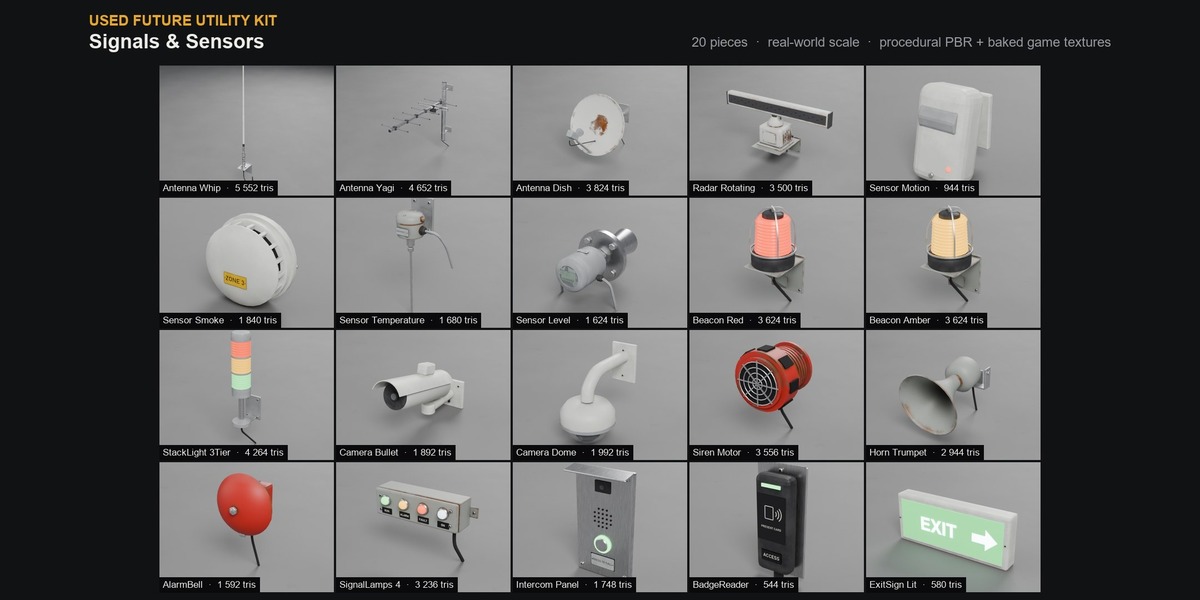
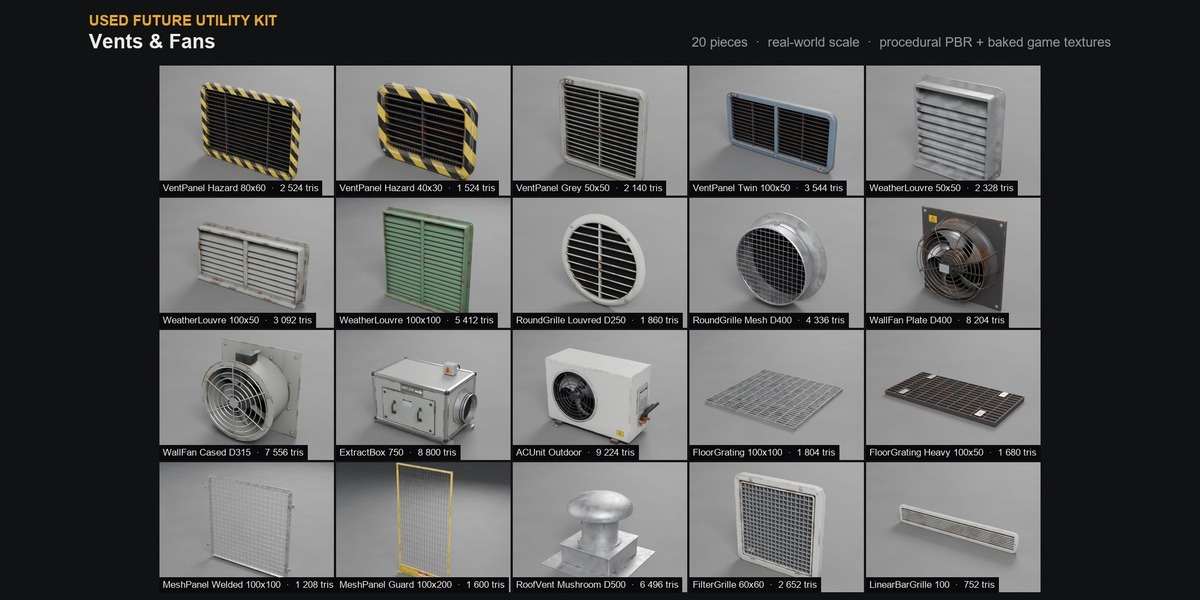
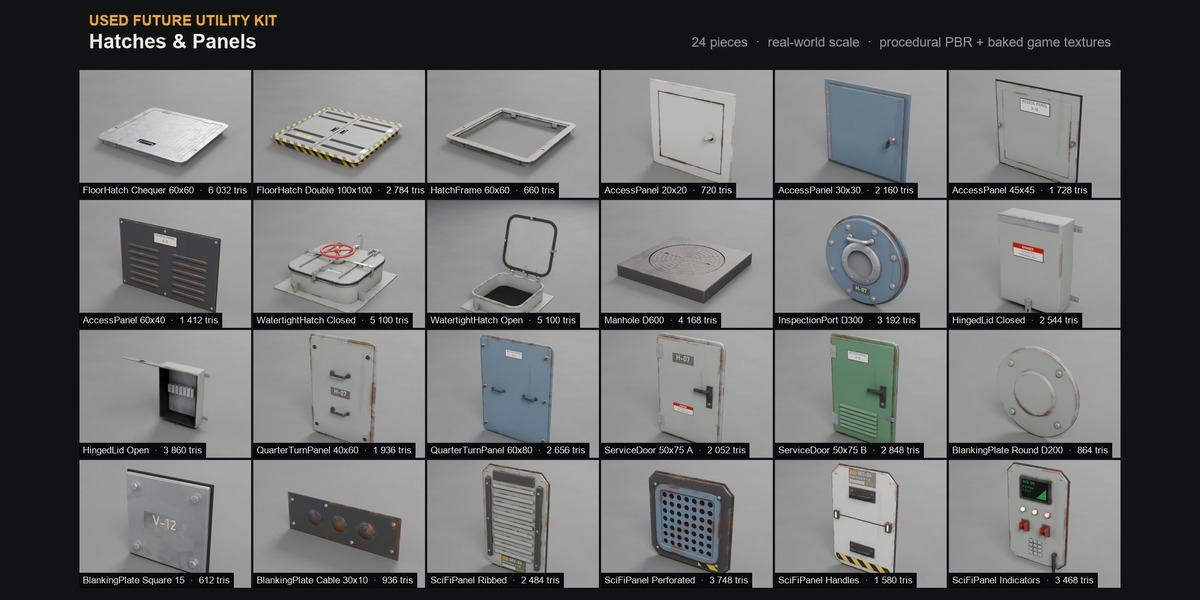
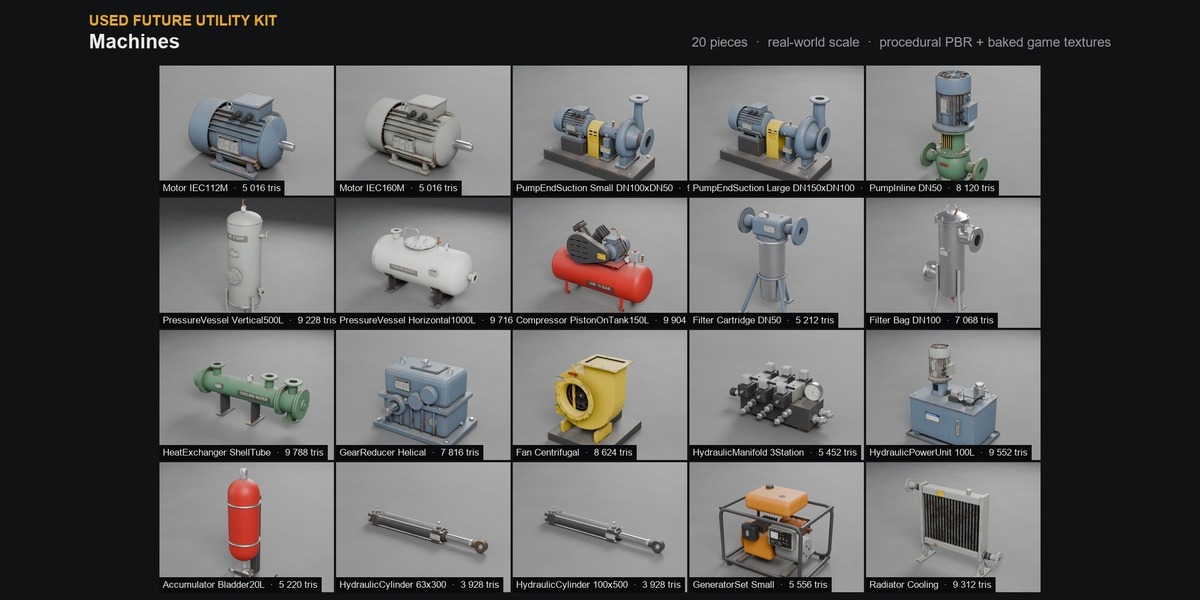
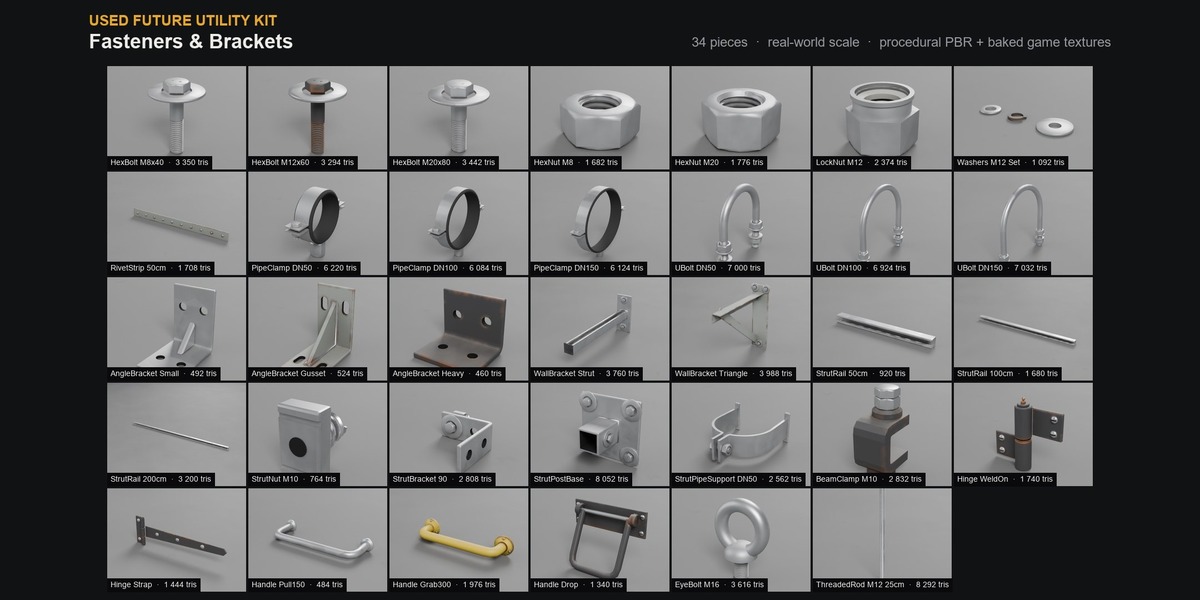
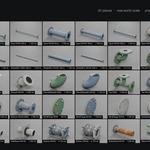
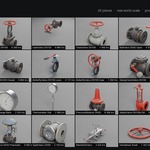
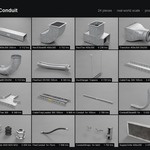
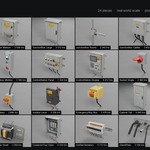
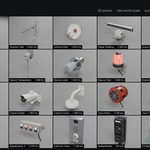
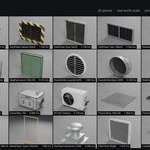
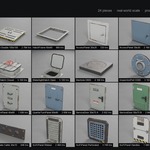
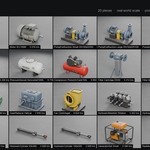
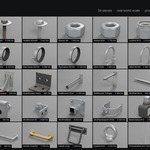
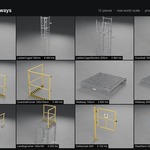
Install the asset library
- Download and unzip "Used_Future_Utility_Kit_Blender.zip" anywhere you keep assets.
- In Blender: Edit > Preferences > File Paths > Asset Libraries > "+" and pick the "blender" folder from the zip.
- Open an Asset Browser editor and choose the library "Used Future Utility Kit": the 10 catalogs appear on the left. Drag pieces into your scene.
Demo scene
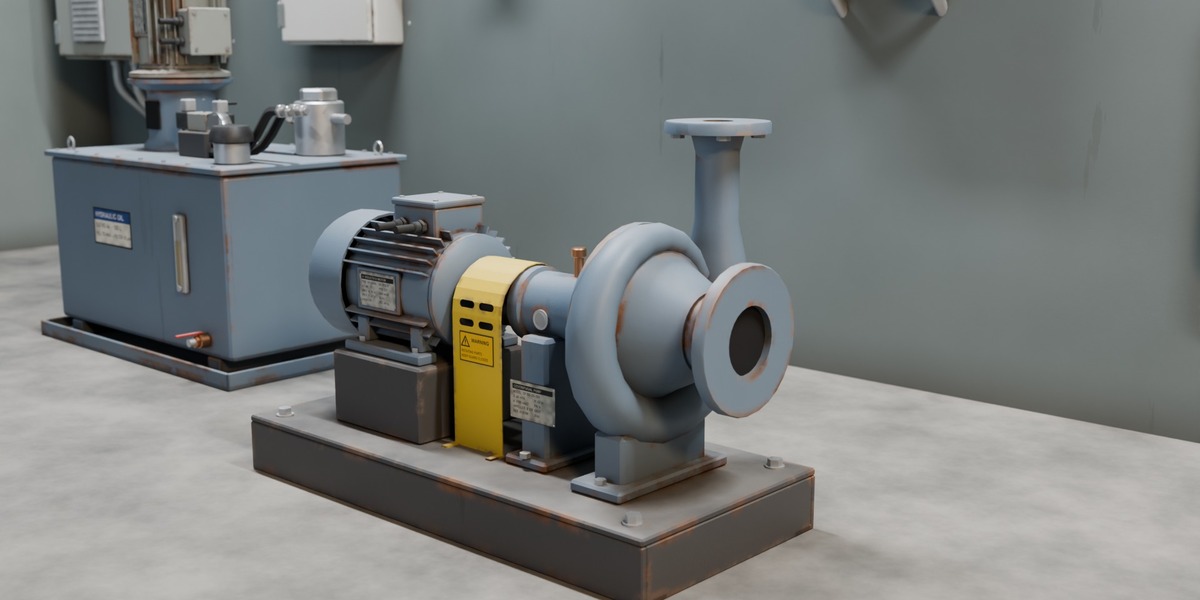
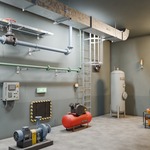
Unzip "Used_Future_Utility_Kit_Demo_Scene.zip" and open the .blend: it is the cover image scene, with camera and lights. Press F12 to render it in Cycles. Textures are packed in the file.
Material sliders
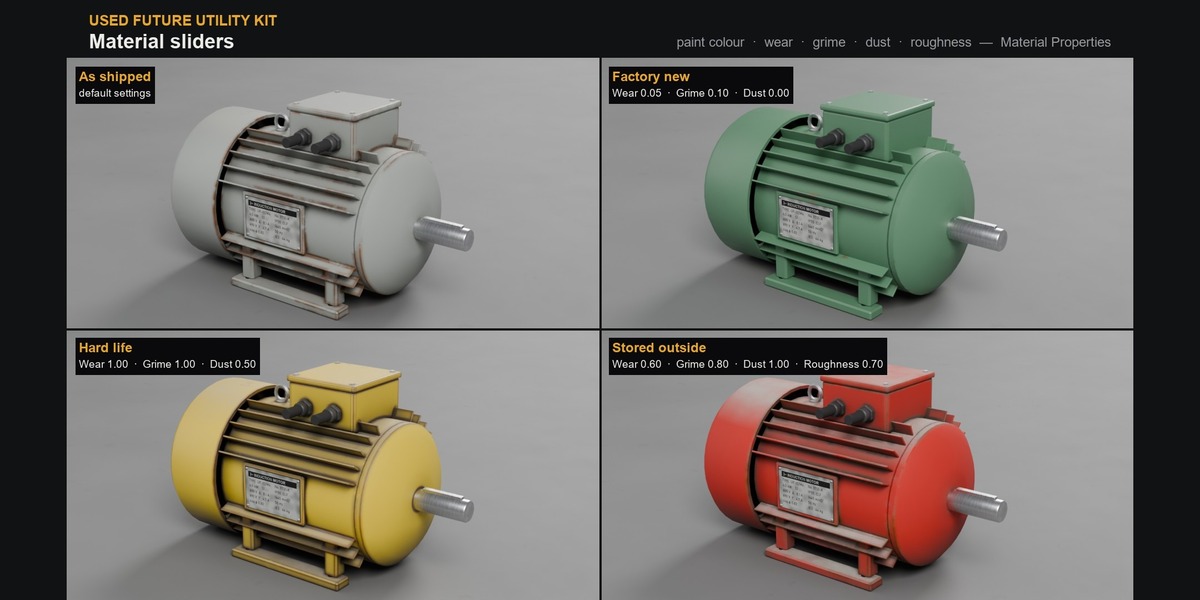
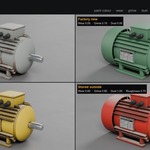
Select a piece and open Material Properties. Under Surface, each material shows its settings as sliders:
- Painted metal: Paint Color, Wear, Grime, Dust, Roughness, Pattern Scale, Edge Wear Width
- Hazard stripes: two stripe colours, Stripe Width, Wear
- Plastic, rubber: Color (and Roughness, Grime)
- Galvanized steel: Spangle Contrast. Rust: Rust Amount. All: Pattern Scale
Pieces share their materials (all blue paint is one material). To change one piece only, click the number next to the material name to make a single-user copy first.
Pipe generator
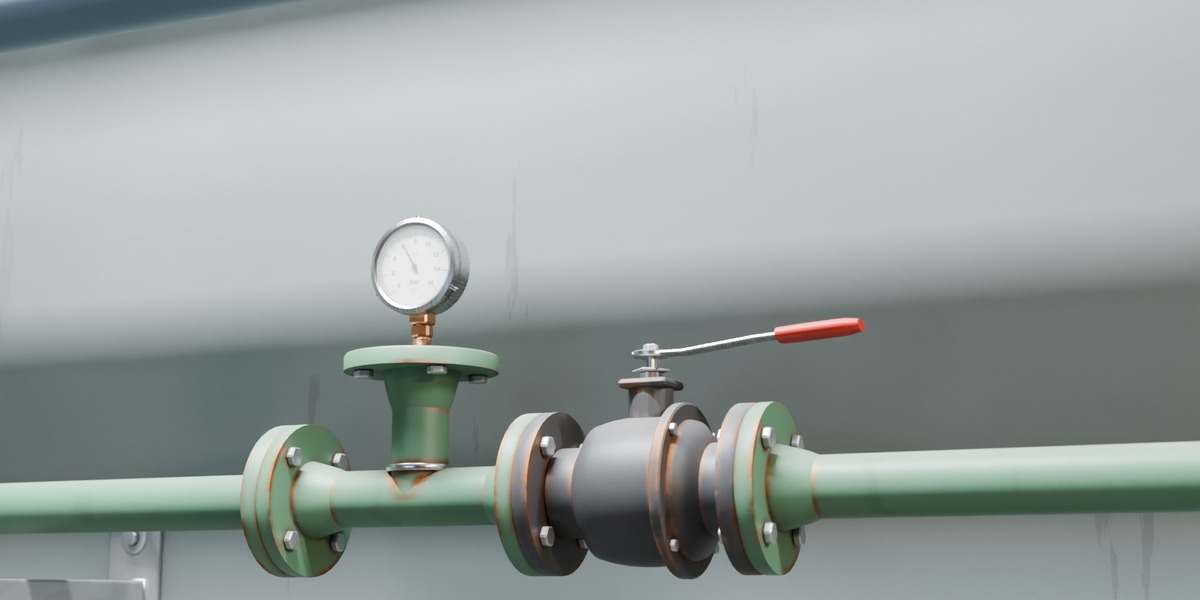
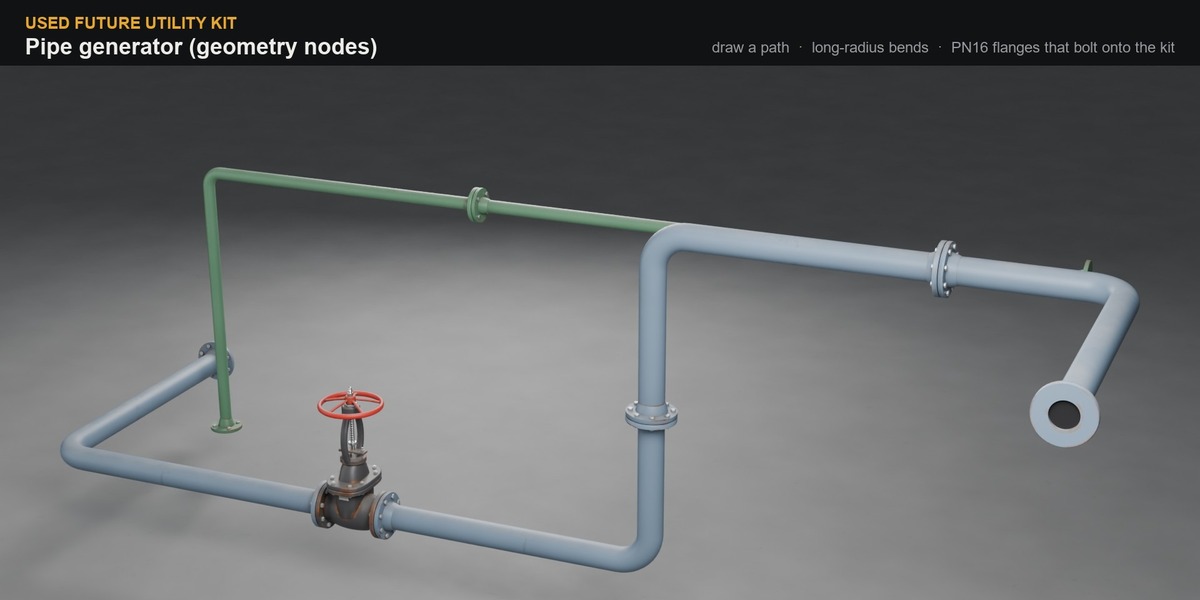
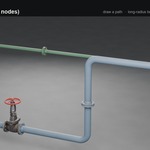
Drag "Pipe Run Example" from the "Generators" catalog into your scene, press Tab and move or extrude its points: the pipe runs straight between the points, with a long-radius bend at each point. Or select any curve (or a mesh made of edges) and pick Add Modifier > Used Future Utility Kit > Generators > UF Pipe Run (the asset library must be added in Preferences first).
Settings in the modifier panel: Pipe Size (DN50 / DN100 / DN150), Bend Radius, Bend Segments, Pipe Sides, End Flanges, Joint Spacing, Pipe Material. End a run 3 mm (gasket) from a valve or fitting face and the flanges bolt together. One path per object works best. Apply the modifier to get a mesh.
Pivots
- Pipes, fittings, in-line valves, ducts, cable trays, conduit: inlet face at the origin, run along +X. Place the next piece at the previous one's outlet.
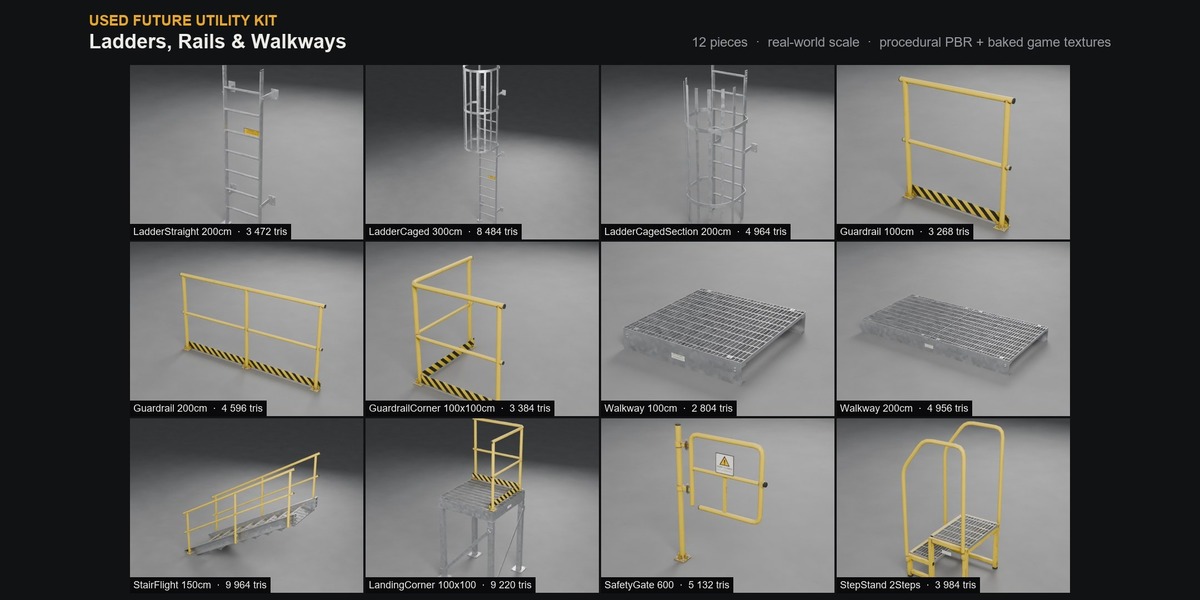
- Wall pieces (boxes, panels, vents, signs, ladders): back face on the wall, centred, front toward -Y.
- Floor pieces (machines, gratings, step stands): centre of the base, on the floor.
- Gauges and tapped devices: process connection at the origin, rising +Z.
- Ducts and trays snap on a 0.25 m grid.
KIT OPS
- Unzip "Used_Future_Utility_Kit_KPACK.zip": you get the folder "Used_Future_Utility_Kit_KPACK" with 10 categories.
- Edit > Preferences > Add-ons > KIT OPS > KPACKS > Add KPACK path and pick that folder.
- In the KIT OPS preferences, untick "Auto scale INSERT" (on by default), otherwise KIT OPS resizes each piece to the object under the mouse.
- In the 3D View sidebar (N) > KIT OPS, choose a "UF ..." category, click a thumbnail and Add. Rotate wall pieces with Alt + mouse wheel while placing.
Game engines
- GLB is the most complete format (materials, alpha modes, emission). In Godot, a convex collision hull named -colonly imports as a static collision shape.
- FBX and OBJ reference the shared "textures" folder: keep the folder structure.
- Stickers use alpha cut-out, glass uses alpha blending.
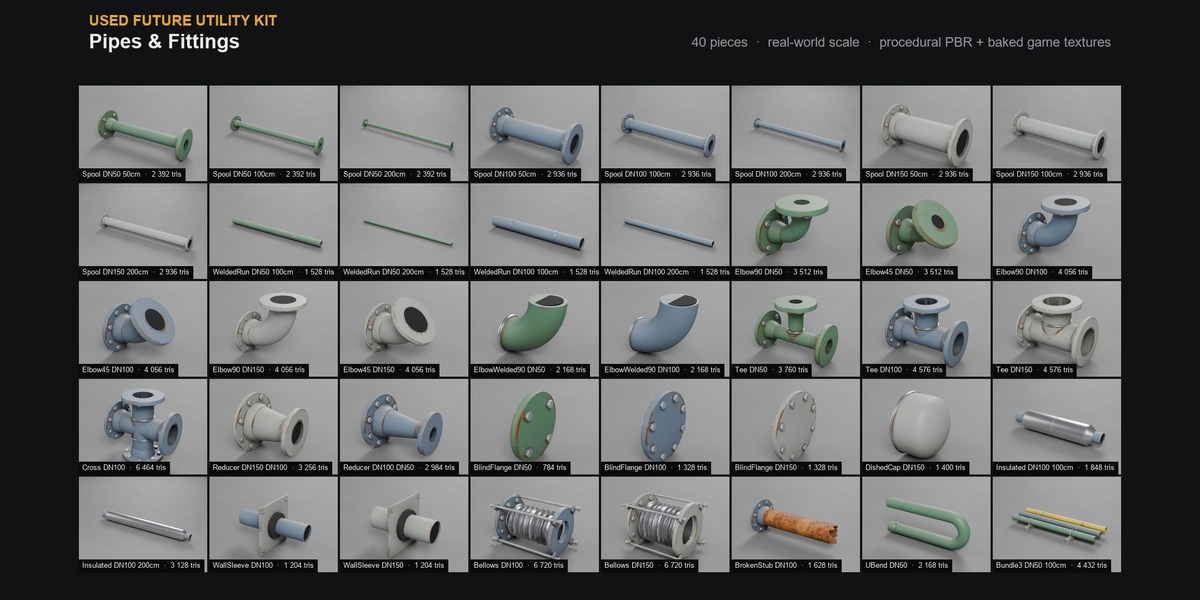
PIECES.txt in the zip lists every piece with its family, size and triangle count.
Have questions about this product?
Login to message
| Published | 4 days ago |
| Blender Version | 5.2 |
| Render Engine Used | Cycles |
| Misc Data | Uvs-Unwrapped, Manifold-Mesh, Normal-Mapped, Textured |
| License | Royalty Free |

Discover more products like this
PBR game ready hard surface sci fi kitops kitbash asset library props pipes industrial machinery valves