 mojilab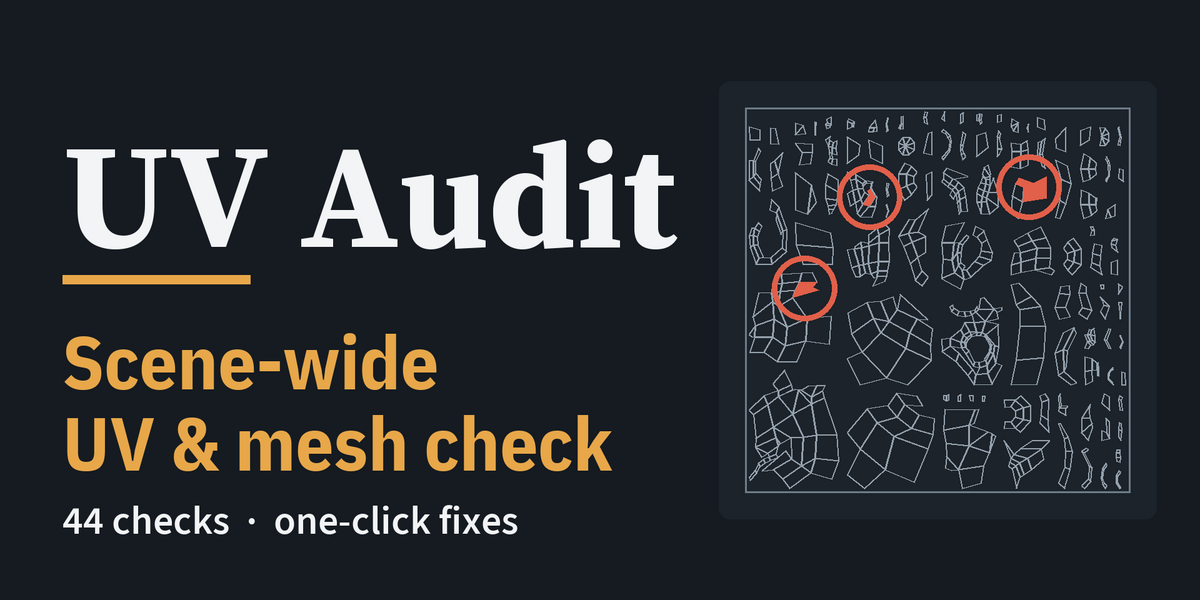
Find every UV and mesh problem in the scene before it reaches your bake, your texture artist or your game engine — and fix twenty of them in one click, only when you press the button.
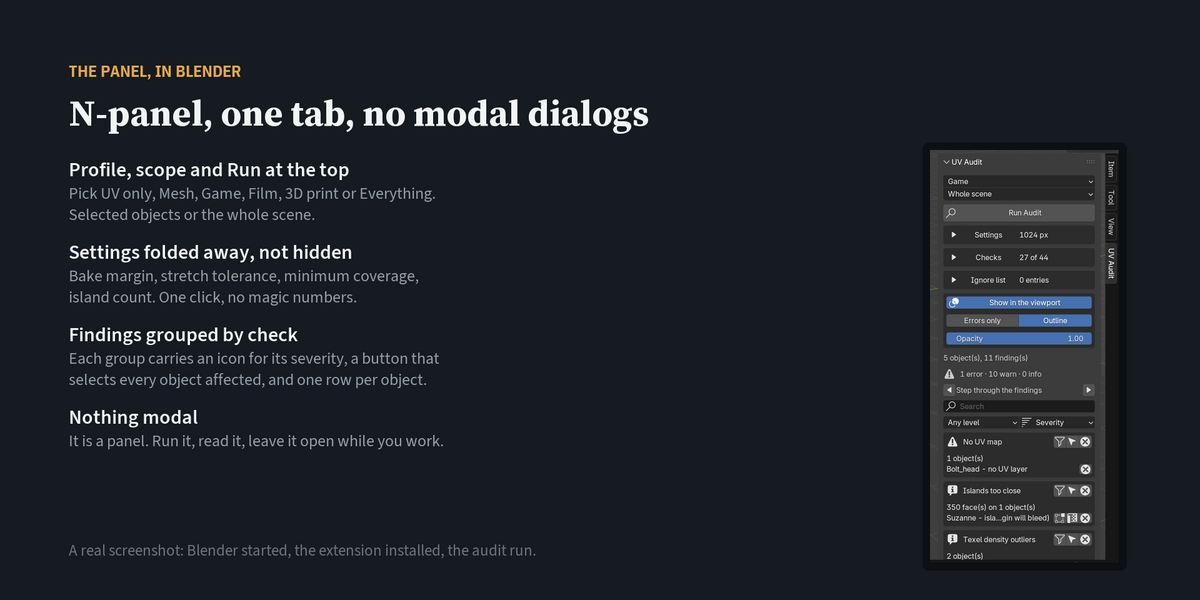
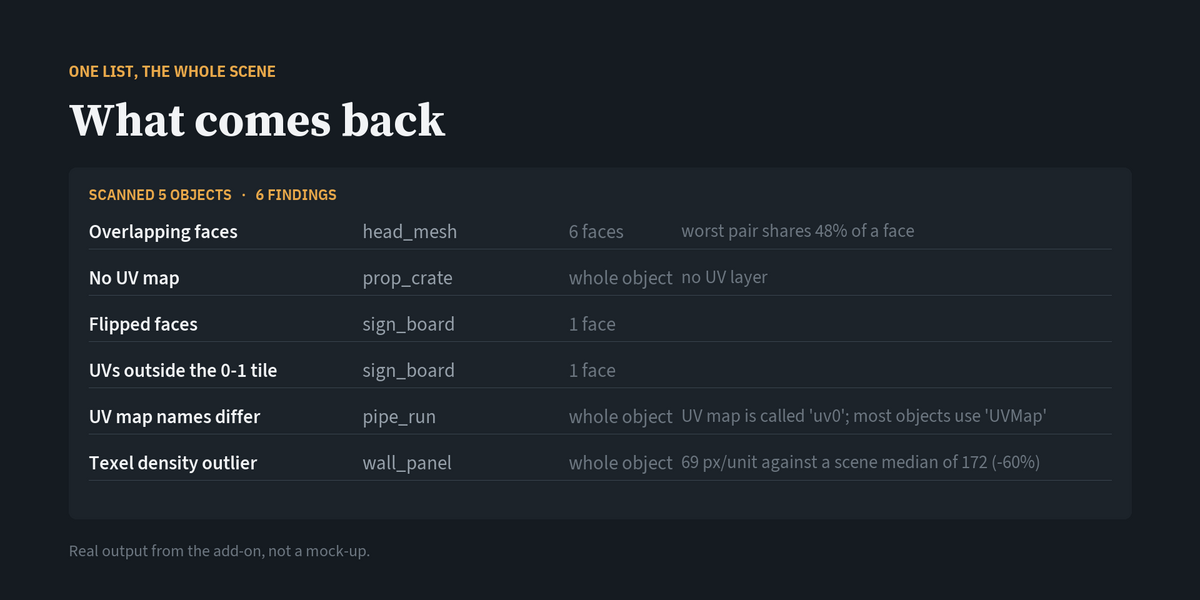
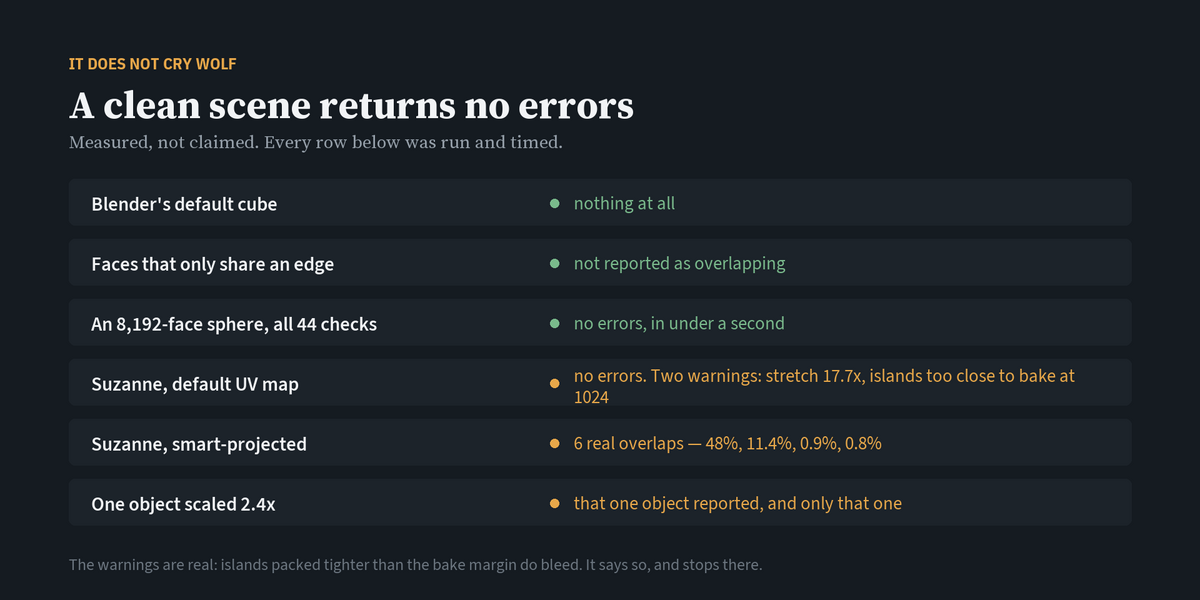
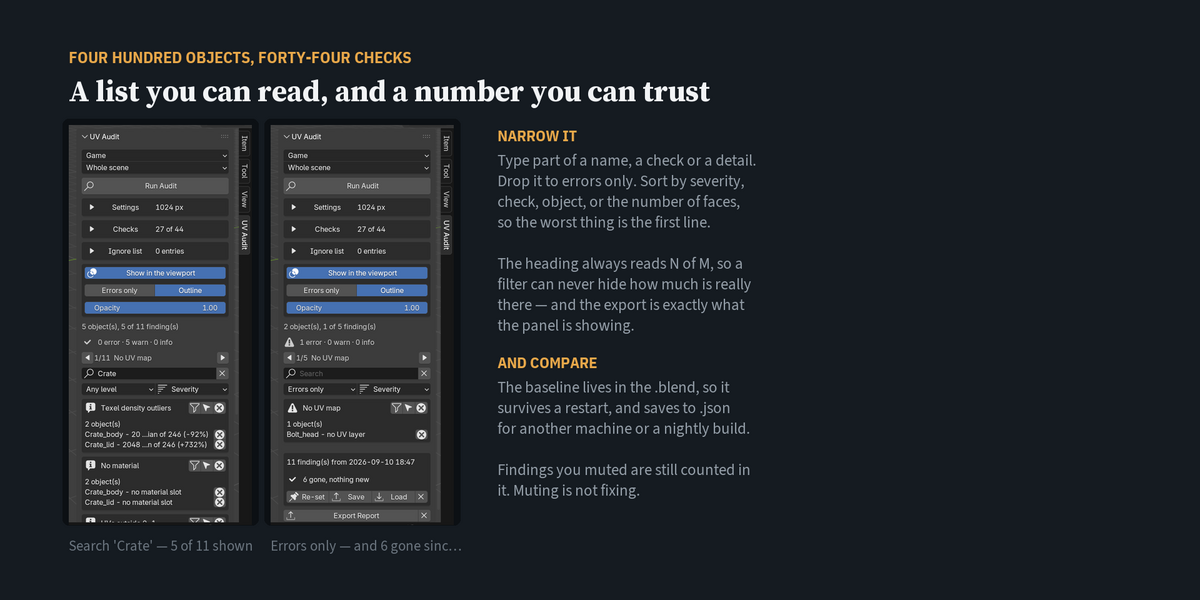
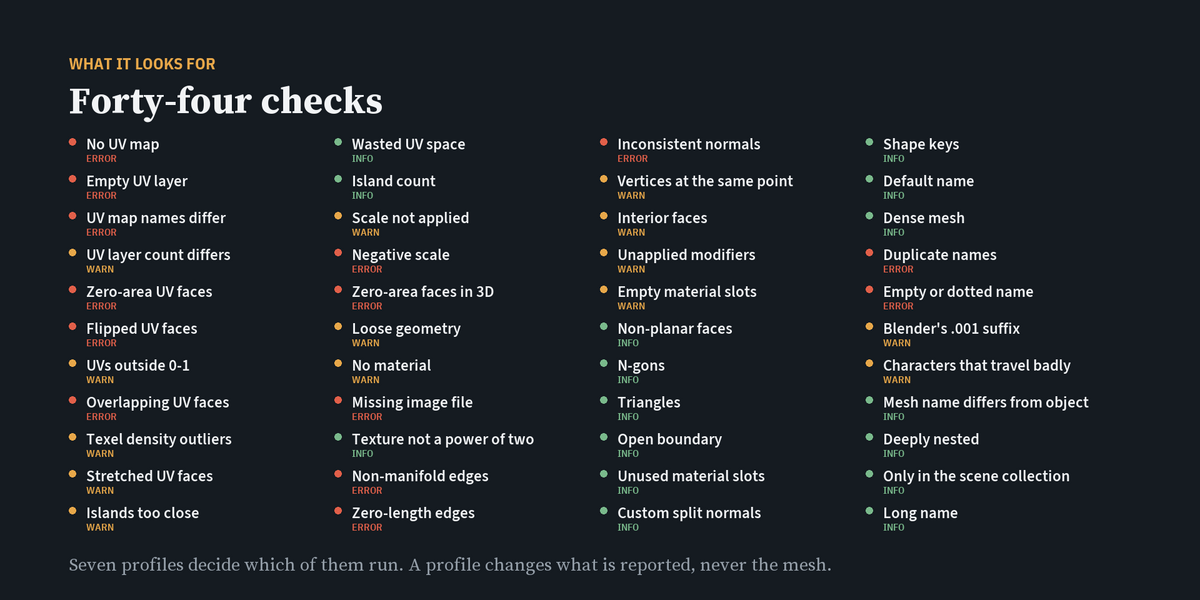
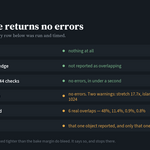
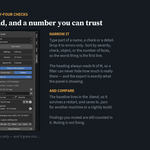
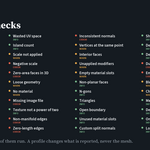
One audit for the whole scene. Press Run and every mesh in scope is checked: overlapping, flipped and stretched UVs, islands too close for your bake margin, texel density outliers, UDIM tiles, missing UV maps, non-manifold edges, missing image files, duplicate names and more. Forty-four checks, sorted by severity.
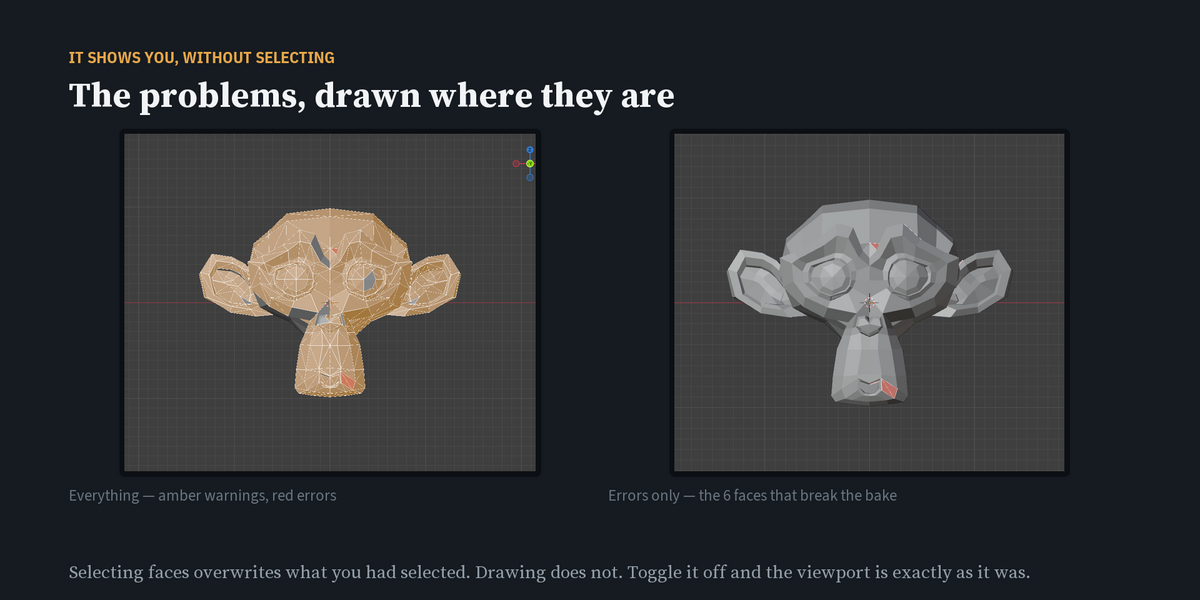
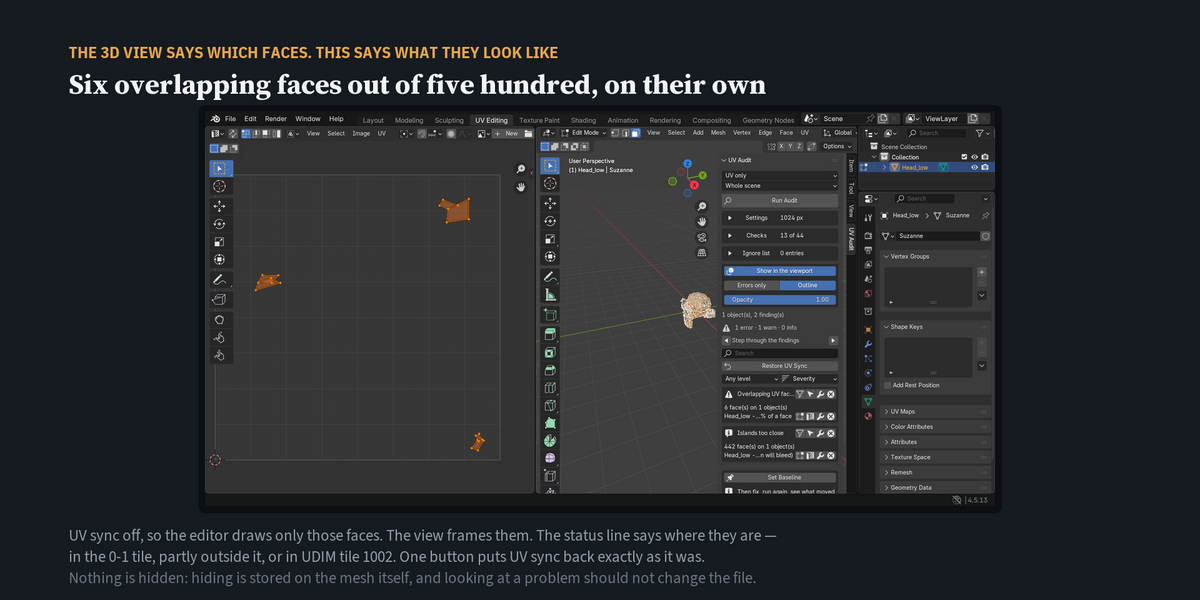
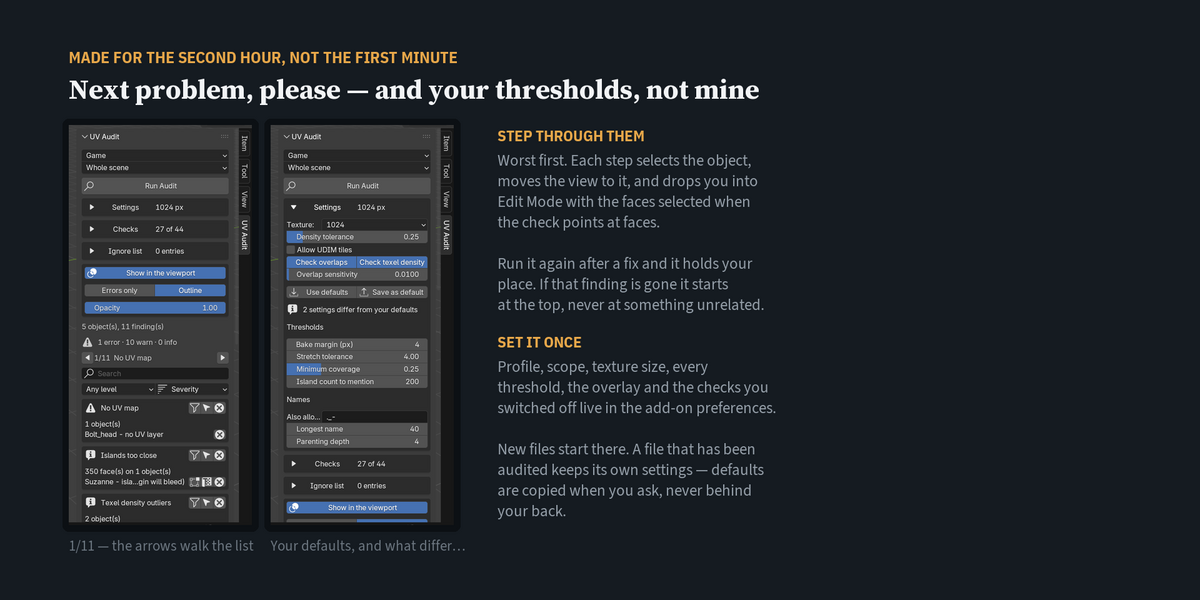
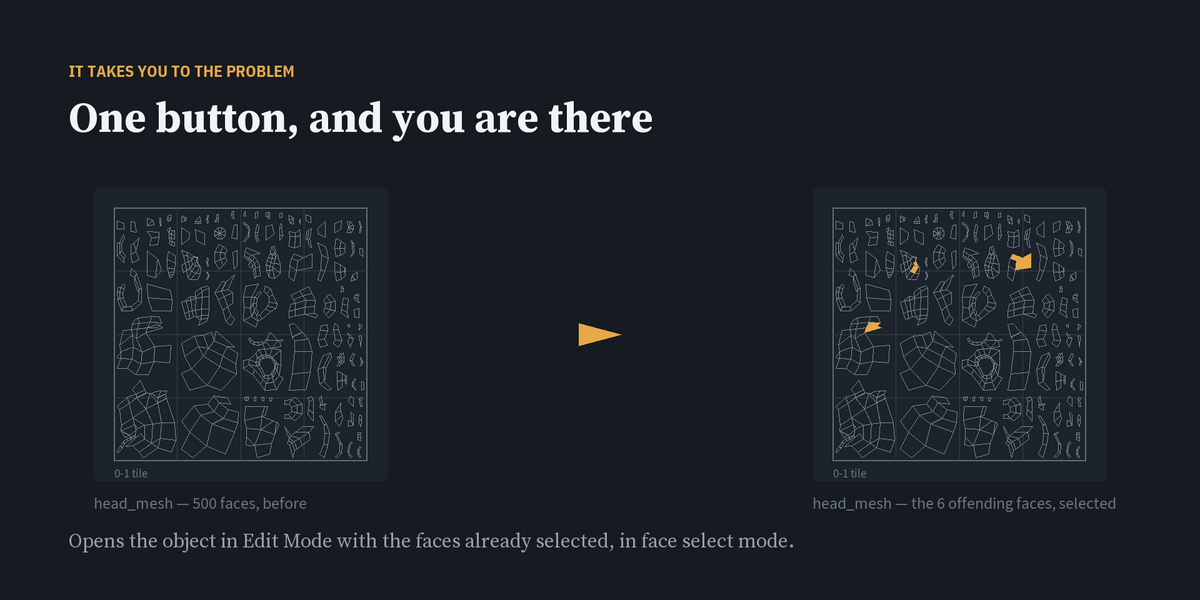
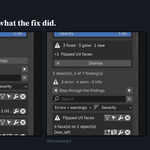
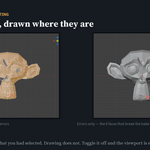
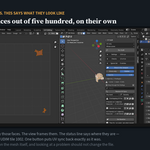
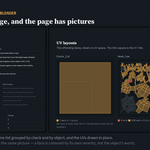
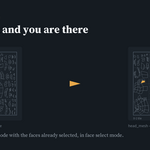
See it instead of hunting for it. Problem faces are drawn in the 3D view and the UV editor in red, amber and green. One click opens the object with those faces selected, or isolates them in the UV editor at full size. The arrows walk you through the findings, worst first.
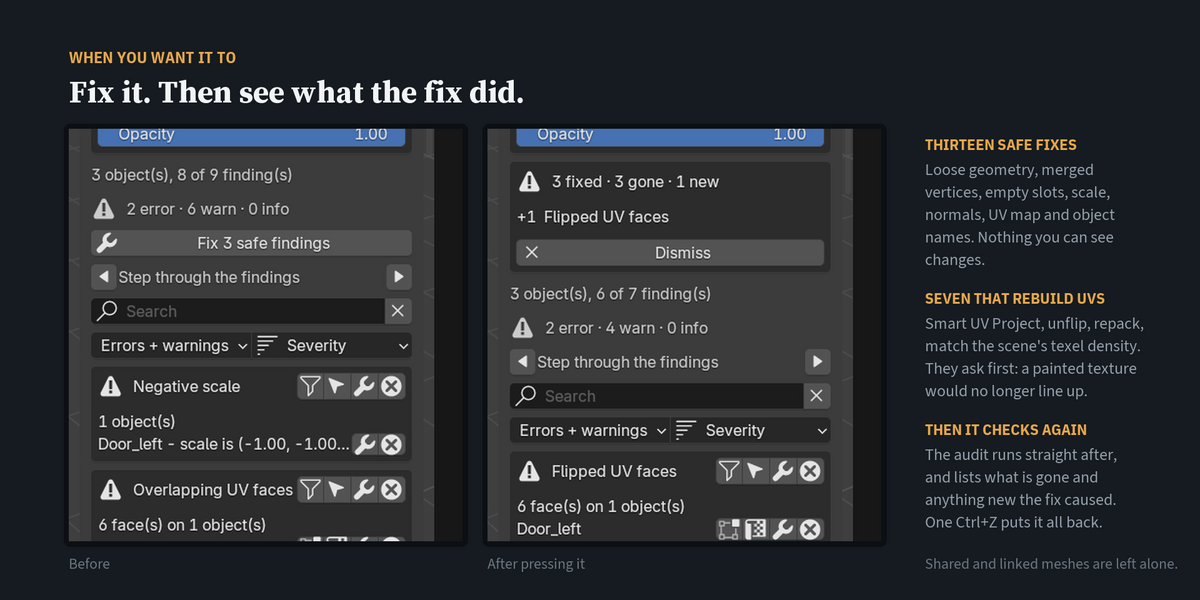
Fix it, then prove the fix. Press the wrench on a finding. Thirteen fixes change nothing you can see — loose geometry, merged vertices, empty material slots, unapplied or mirrored scale, inconsistent normals, UV map and object names. Seven rebuild the UV layout — Smart UV Project, unflip, repack, match the scene's texel density — and ask first, because a painted texture would no longer line up. The audit runs again straight after and lists anything new the fix caused. One Ctrl+Z puts it all back.
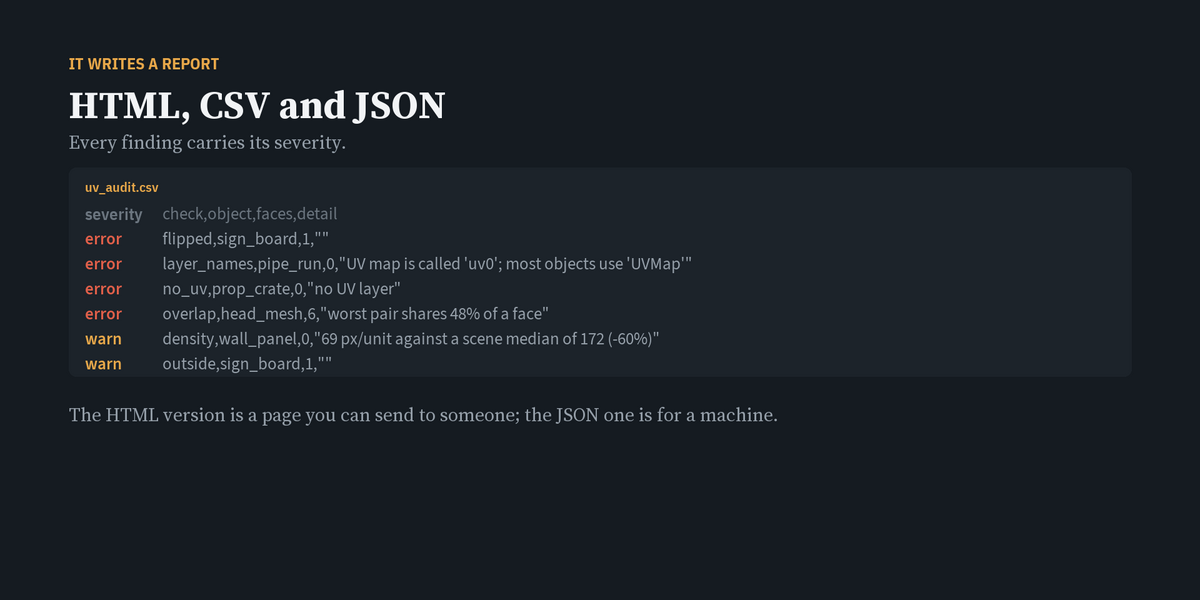
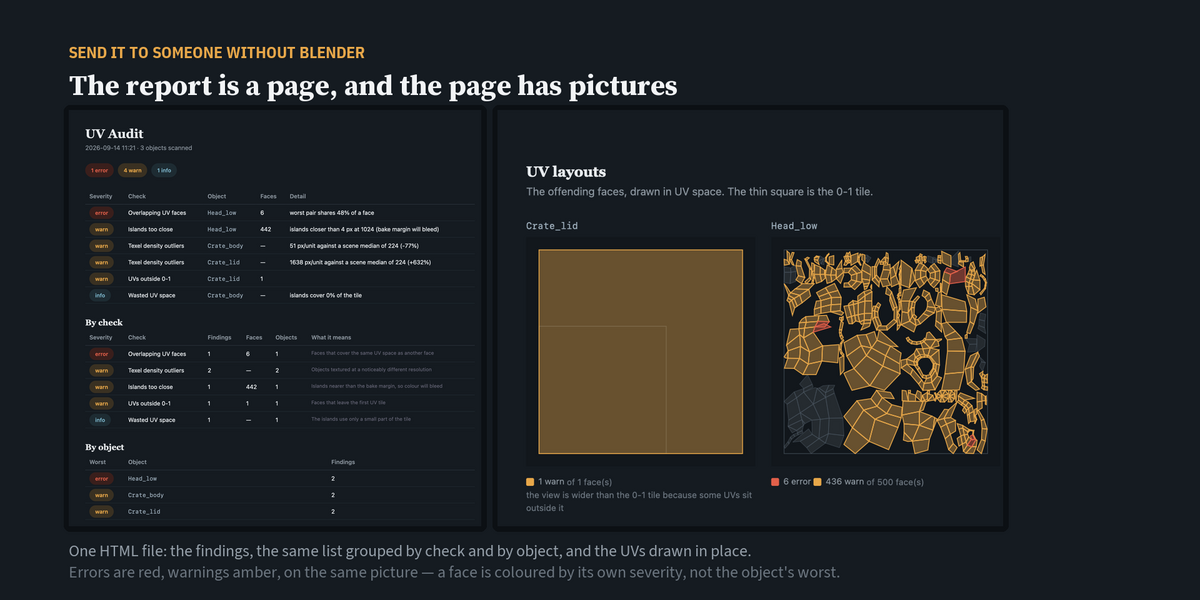
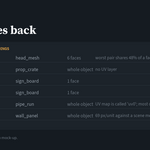
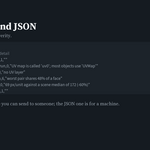
A report anyone can open. Export an HTML page with the UV layouts drawn in, plus CSV or JSON. Nobody needs Blender to see which faces overlap and where they sit in the tile.
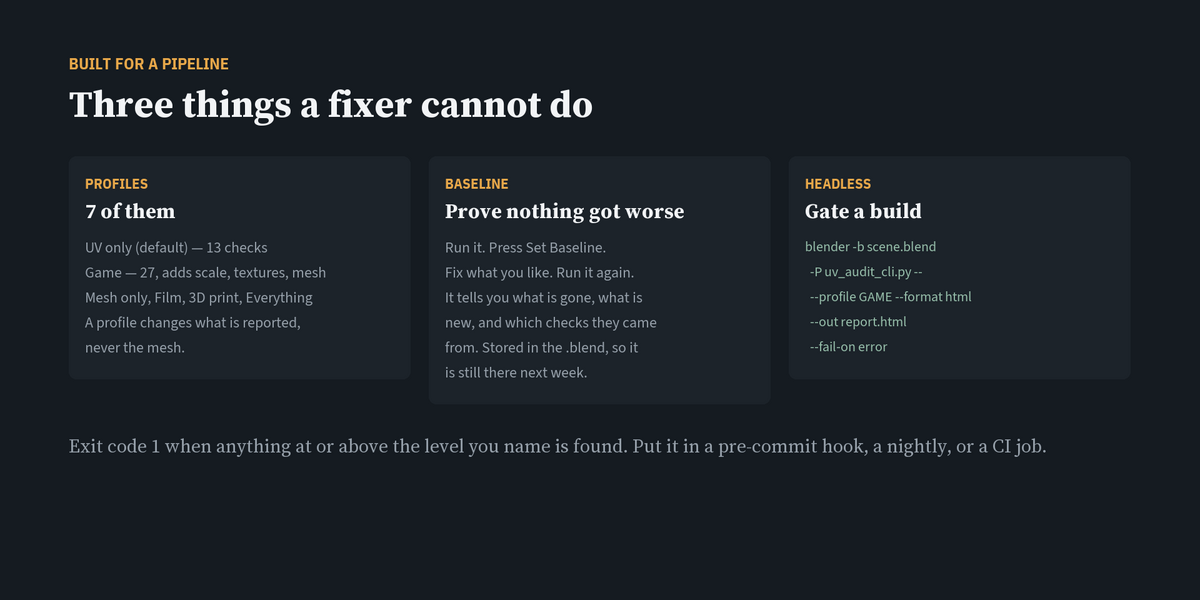
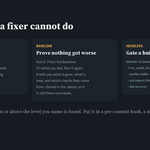
Prove nothing got worse. Set a baseline, fix things with any tool you like, run again: UV Audit lists what is gone and what is new. The baseline is saved with the .blend.
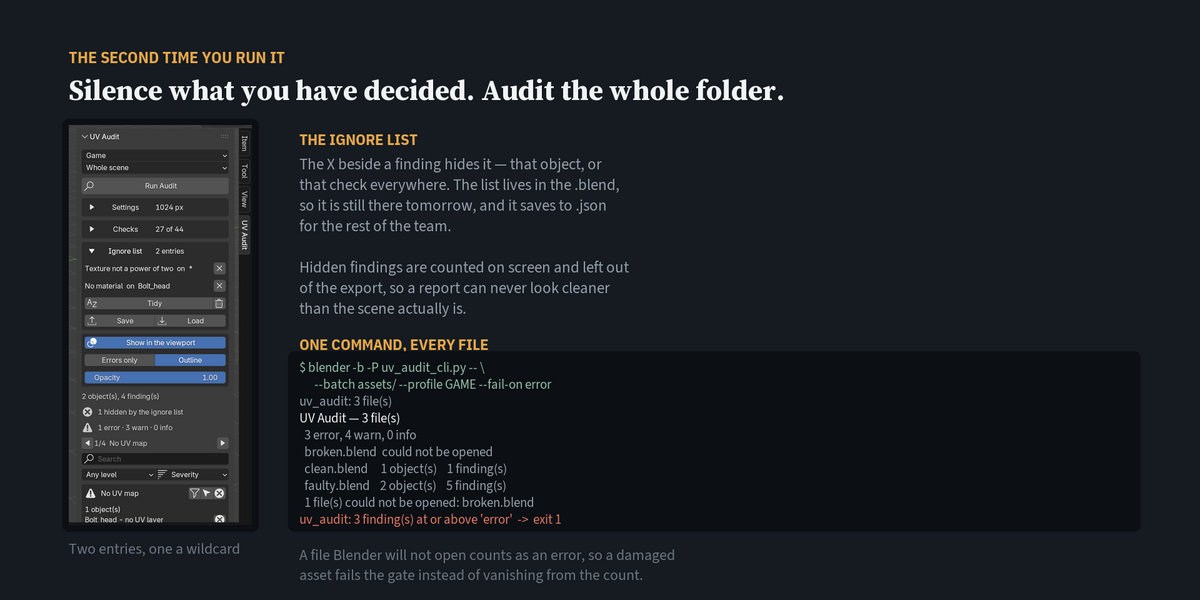
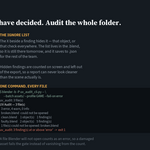
A gate for your build. Run it headless on one file or a whole folder and fail the job on errors:
blender -b -P uv_audit_cli.py -- --batch assets/ --fail-on error
Exit code 3 means nothing was checked, so a typo in a path never passes as clean.
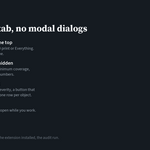
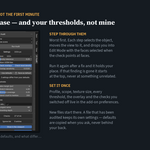
Quiet when you want it. Mute one finding or a whole check, pick one of seven profiles (UV, Mesh, Names, Game, Film, 3D print, Everything), and set your thresholds once in the add-on preferences.
Nothing changes until you press Fix. Auditing, the overlay, the report and the command line only read. Shared and linked meshes are never fixed. No dependencies, nothing online.
Which license?
- Personal — one artist.
- Studio, up to 5 users — a small team sharing one pipeline.
- Studio, 5 or more users — larger teams and build servers.
Every license includes all 1.x updates and 12 months of support.
Compatibility: Blender 4.2 and newer. Tested on 4.5.13 LTS and 5.2.1 LTS.
The full manual is in the Documentation tab. Common questions are in the FAQ.

