 mojilab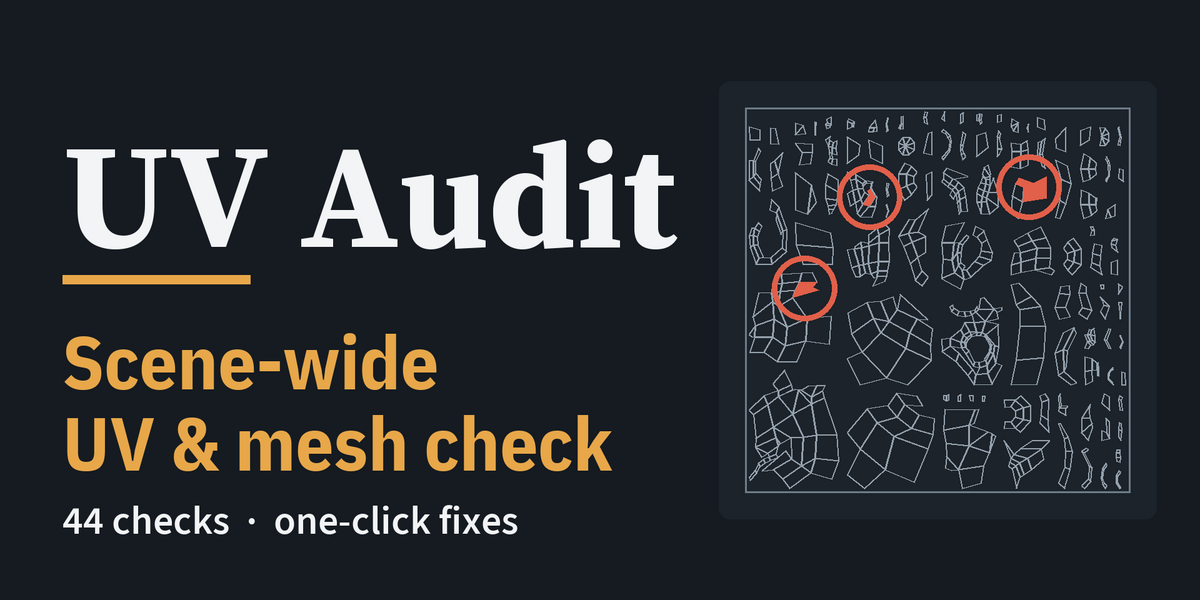
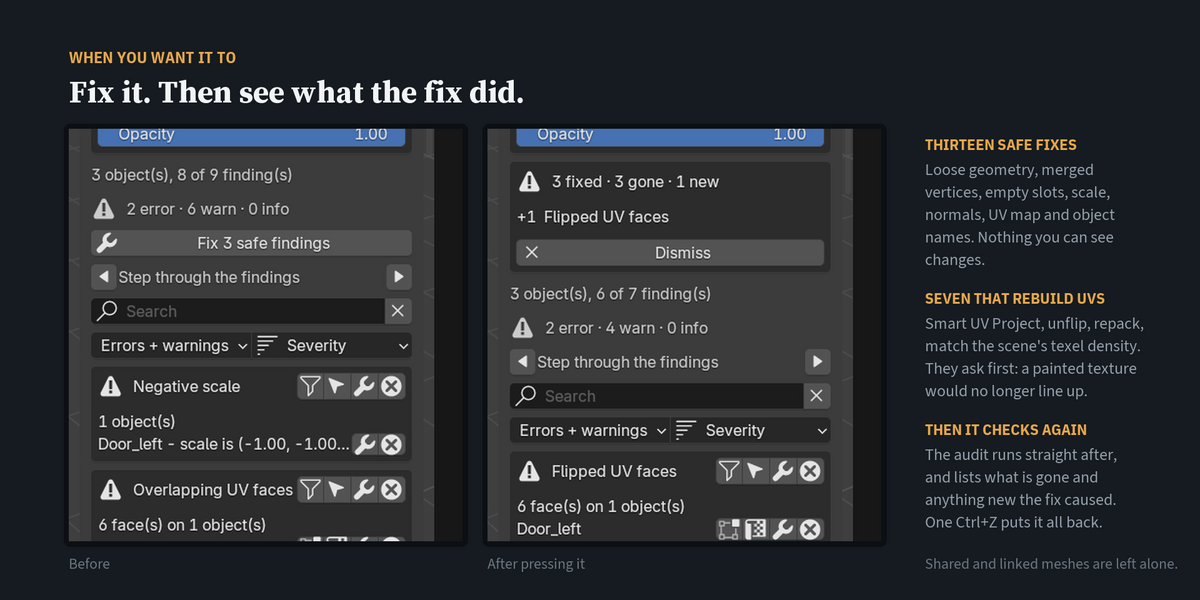
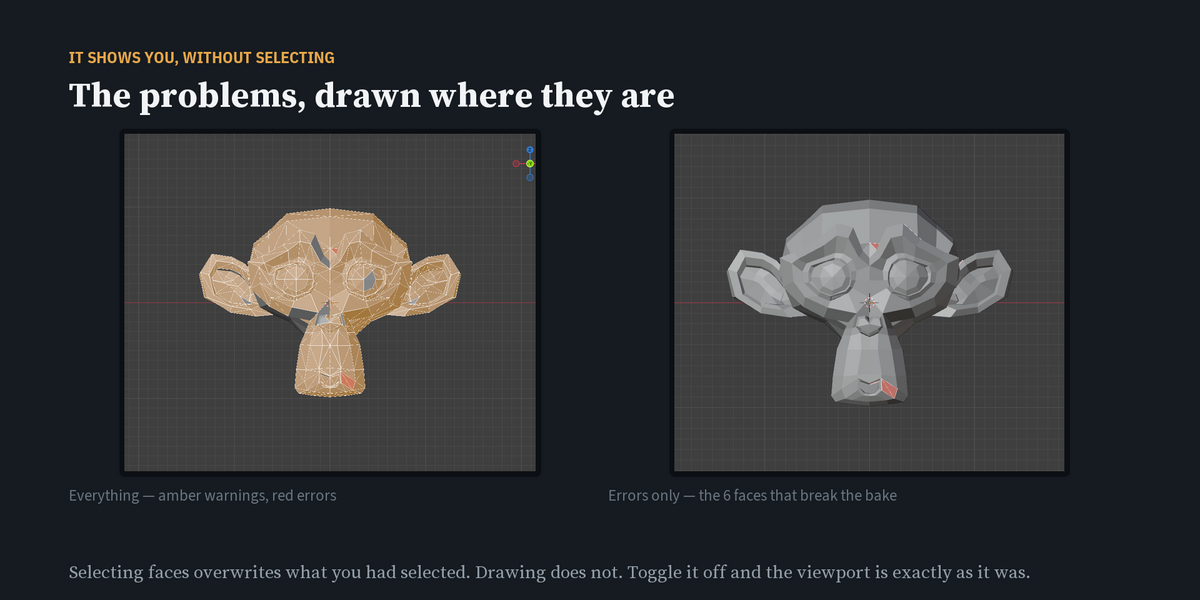
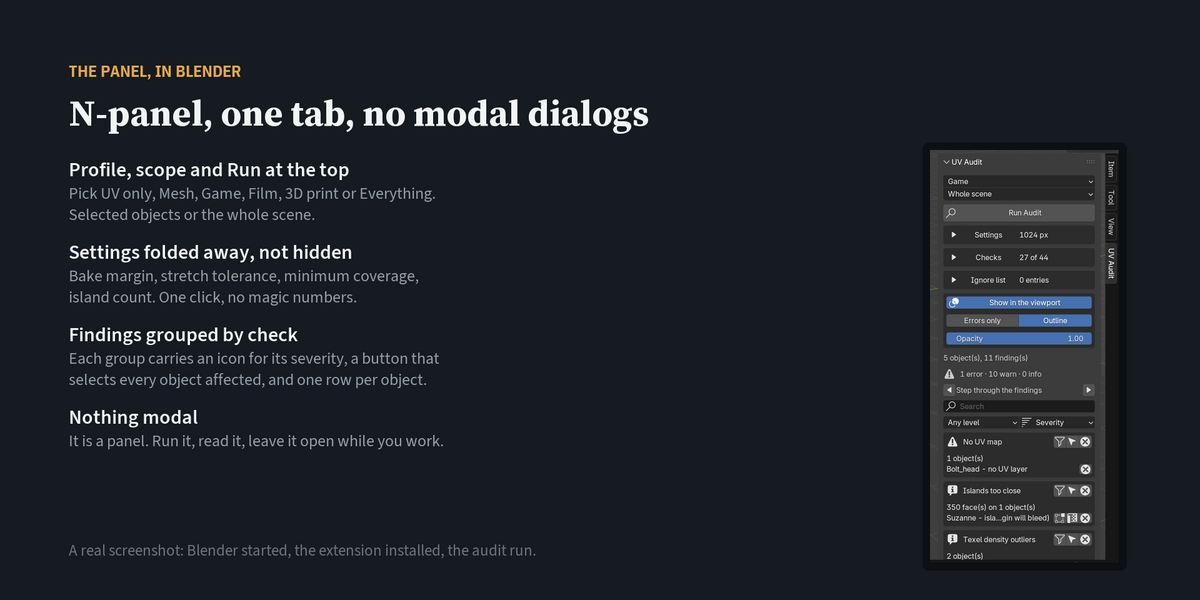
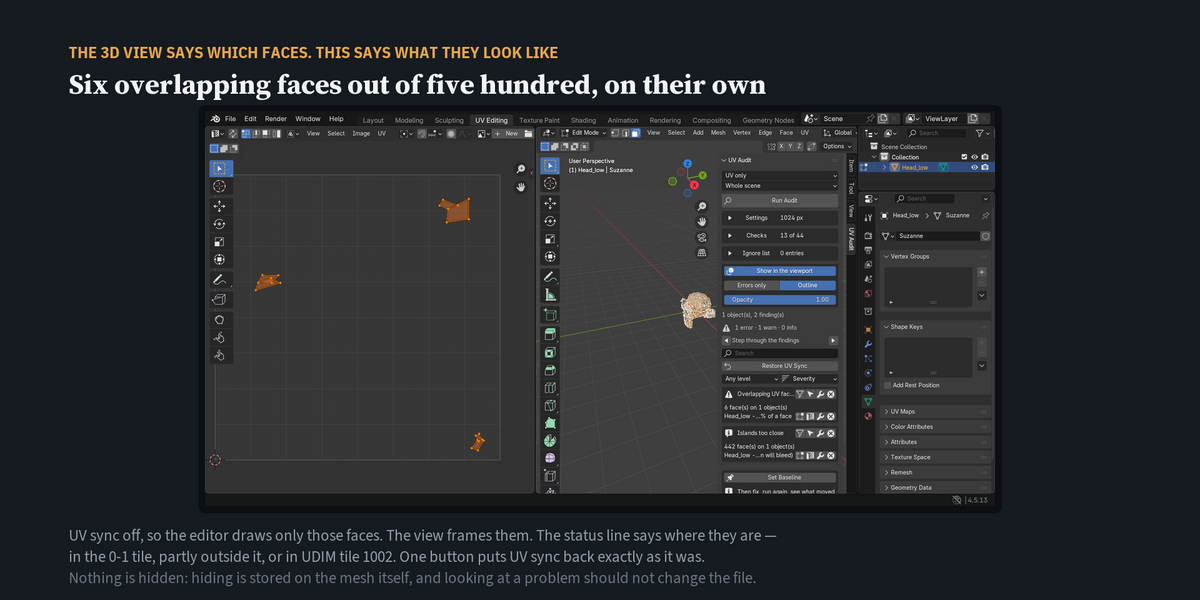
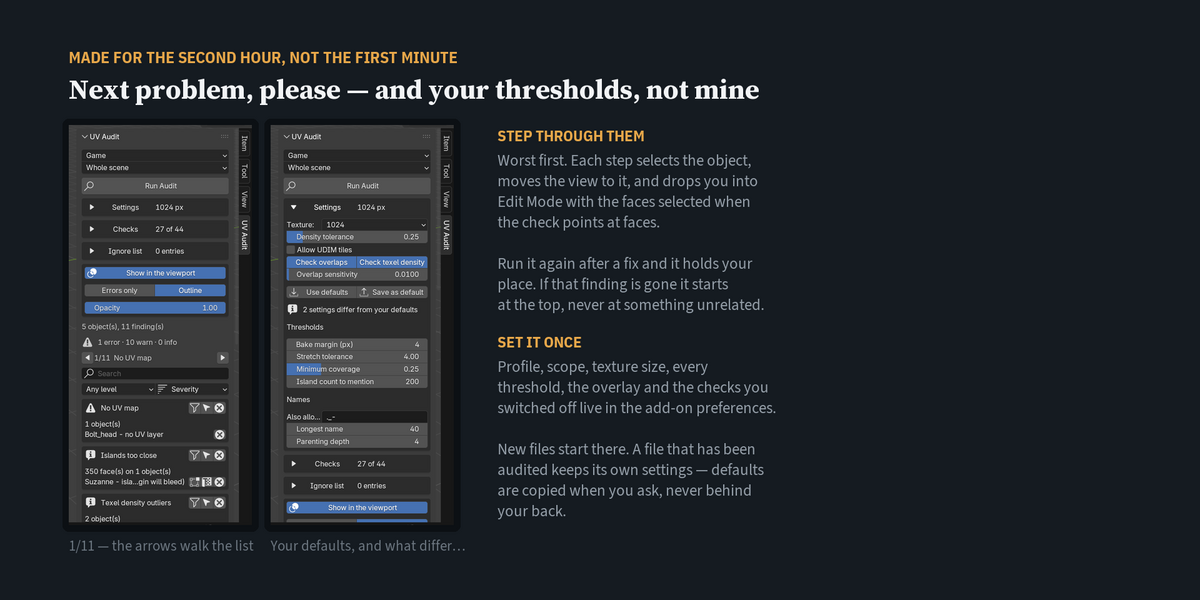
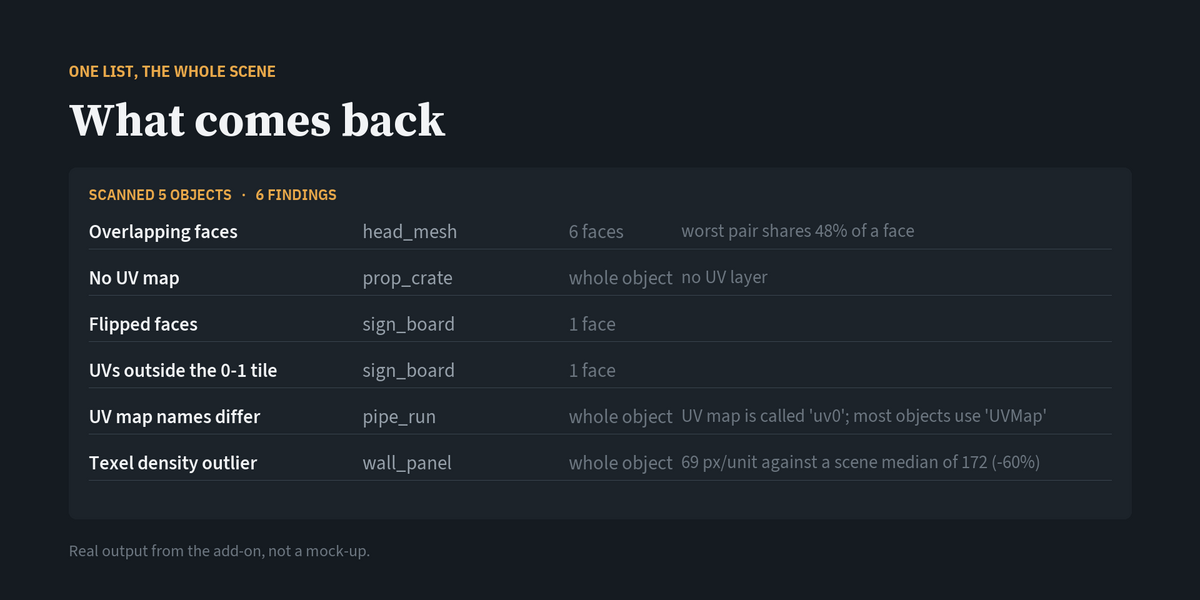
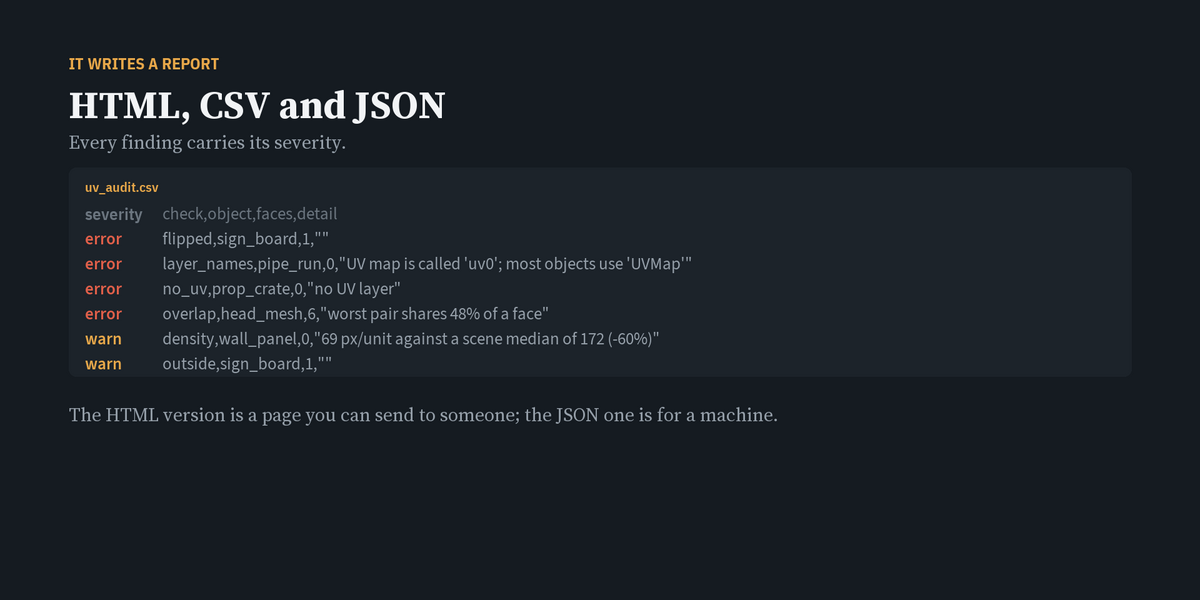
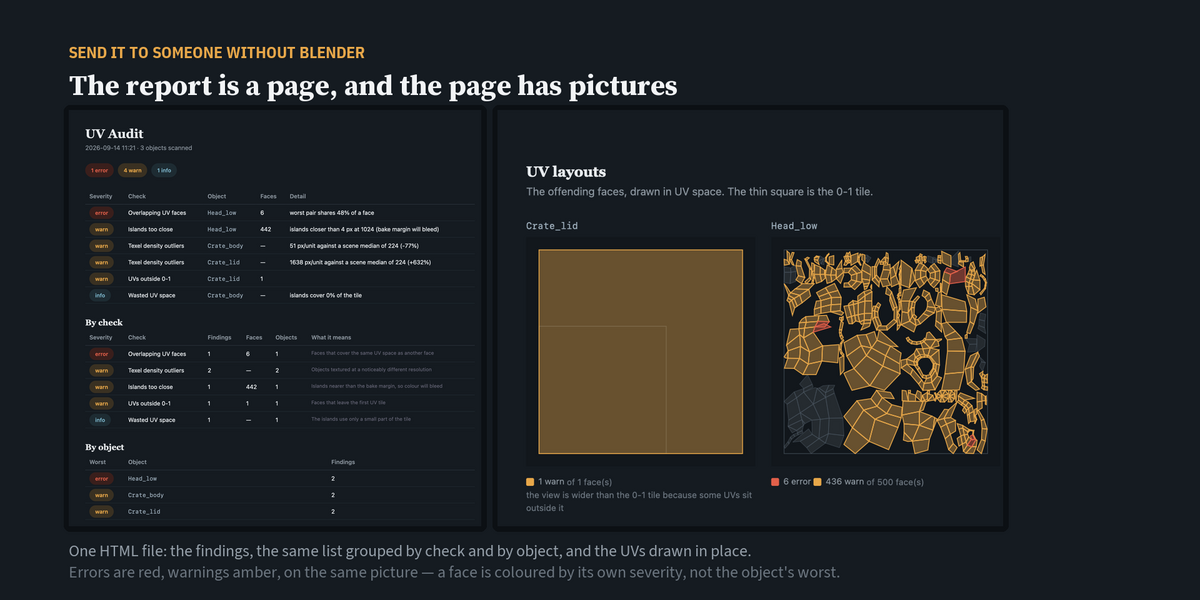
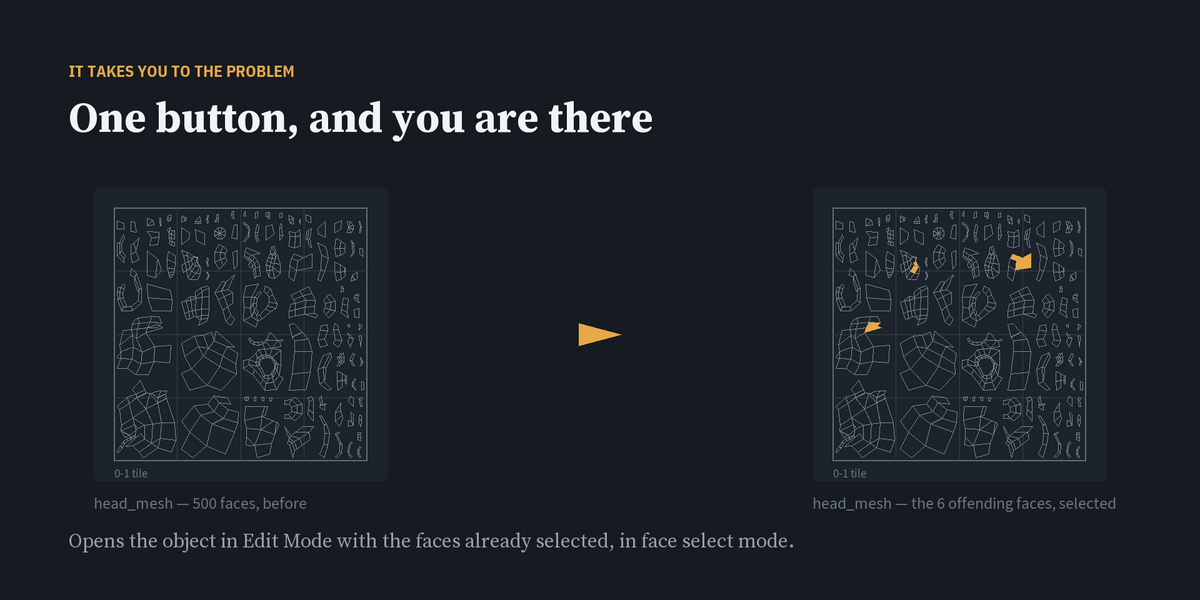
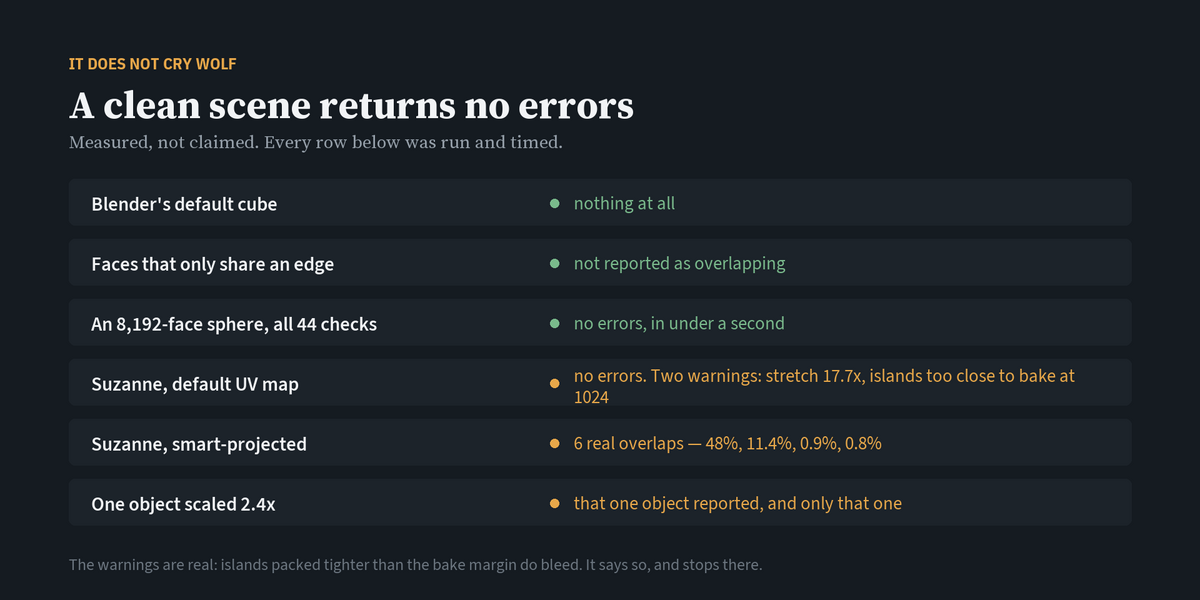
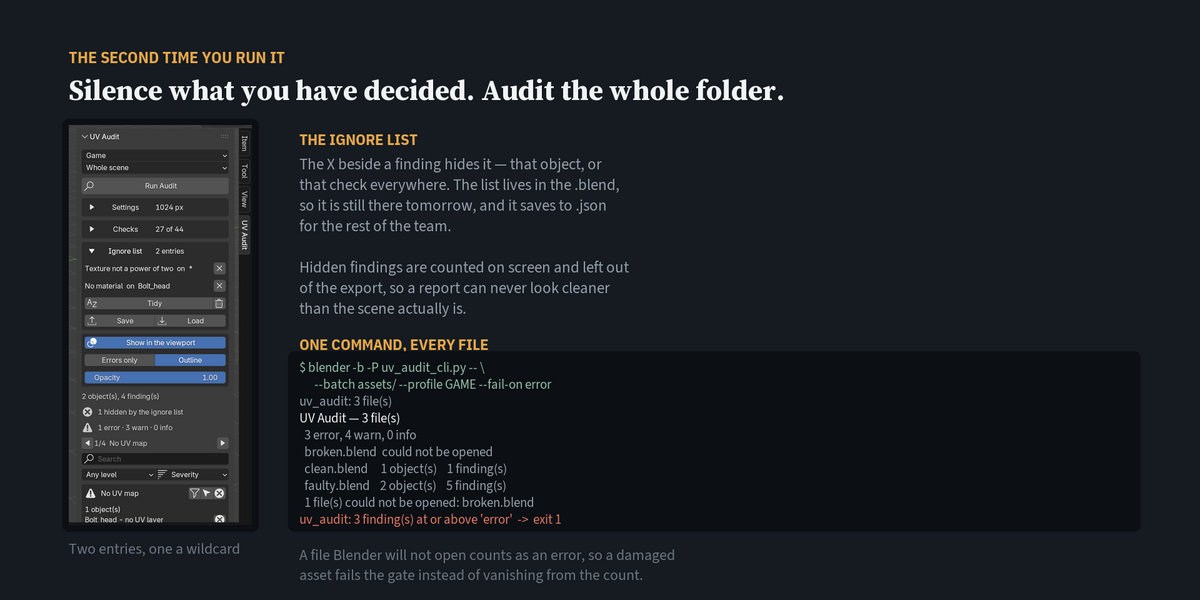
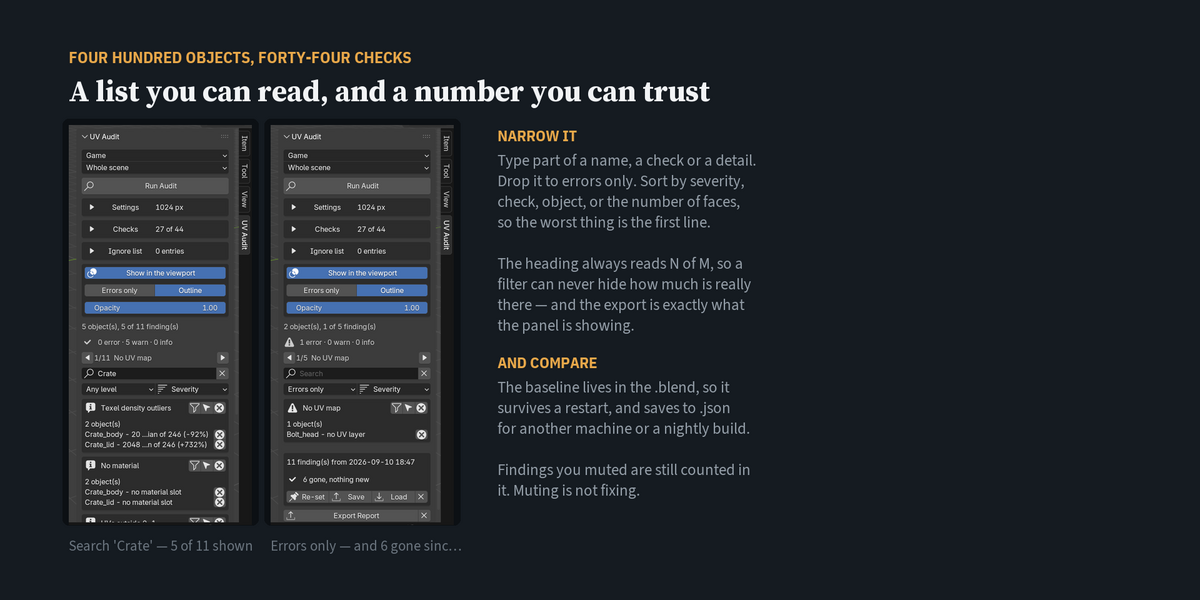
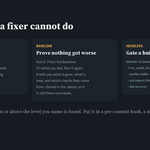
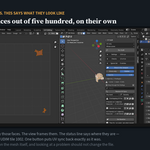
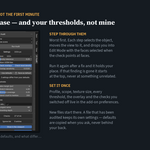
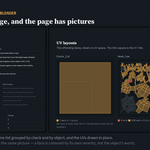
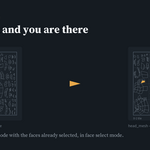
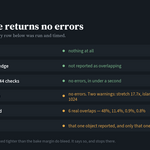
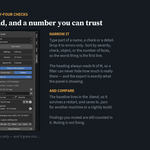
Only when you press a fix, and one Ctrl+Z undoes it. Auditing, the overlay, the report and the command line never change meshes, UVs or materials. Besides that, the only things it keeps in the file are its own settings, the baseline and the ignore list, stored as scene properties so they survive saving.
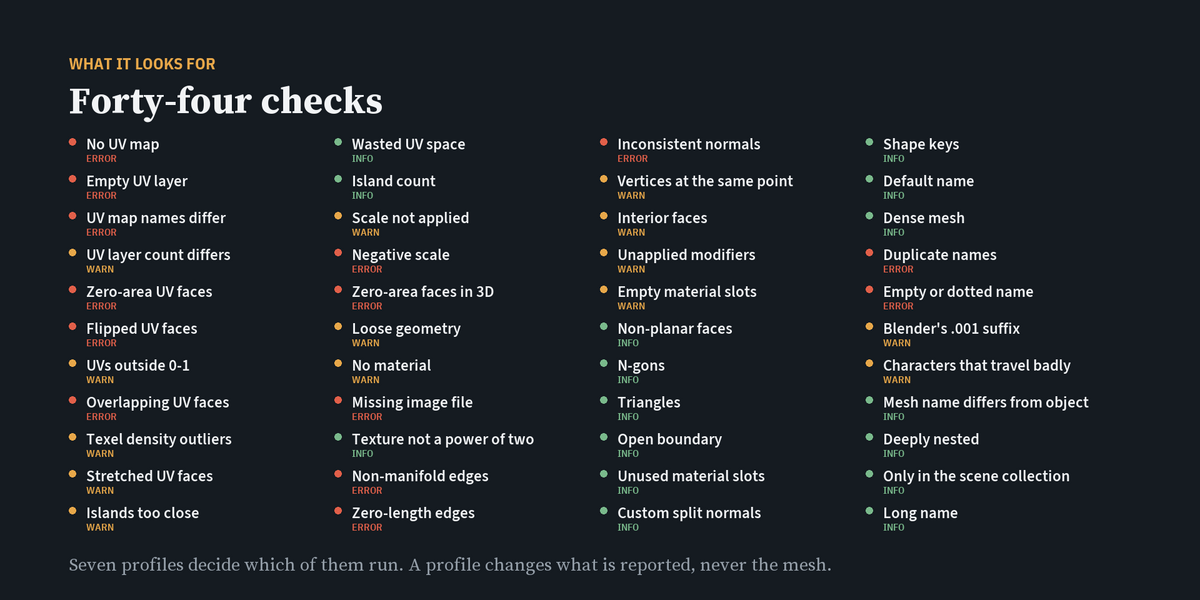
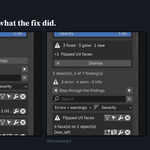
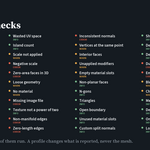
Twenty of the forty-four, when you ask. Thirteen safe fixes change nothing you can see; seven rebuild the UV layout and ask first. The other twenty-four are left to you, because the right answer depends on the asset — a mesh that is meant to be open, a modifier you have not applied on purpose, an image you have moved. After every fix the audit runs again, so anything the fix caused is on screen.
Blender 4.2 and newer. It is tested on 4.5.13 LTS and 5.2.1 LTS. If you run a newer Blender than that, the panel says so, and it keeps working.
Personal if you are the only person using it. Studio, up to 5 users, for a small team. Studio, 5 or more users, for larger teams and for running it on build servers.
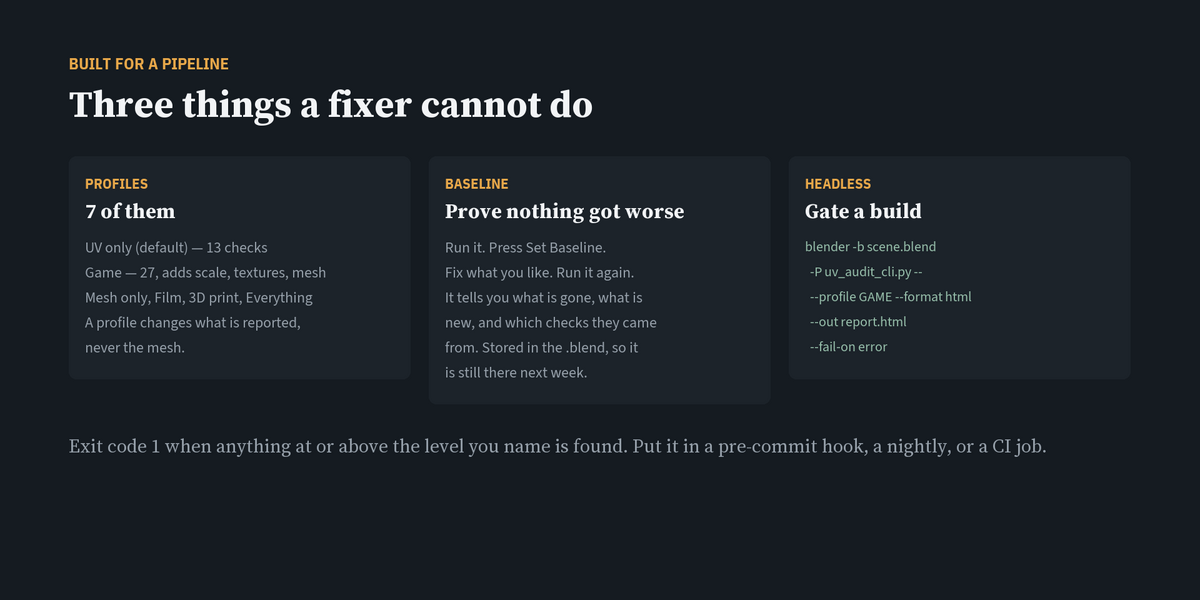
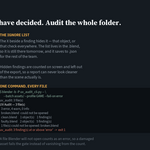
Yes. blender -b -P uv_audit_cli.py -- --help style command lines are covered in the Documentation tab, including audits of whole folders and exit codes for CI.
Download the new zip from your Superhive purchases, then in Blender open Edit → Preferences → Get Extensions → ▾ → Install from Disk… and choose it.
-
$15
One artist. Includes all 1.x updates and 12 months of support.
-
$60
A small team sharing one pipeline, up to five people. Includes all 1.x updates and 12 months of support.
-
$100
Larger teams and build servers. Includes all 1.x updates and 12 months of support.
 Included
Includes 12 months of
- Support from mojilab
- Product updates
Extend this product’s Support Period +12 months: 25% of product price
Have questions before purchasing?
Login to message
| Blender Extension Compatible | Yes |
| Published | 9 days ago |
| Blender Version | 4.2 - 5.2 |
| Extension Type | Add-on |
| Render Engine Used | Cycles, Eevee |
| License | GPL |

Discover more products like this
texel density uv mapping udim pipeline uv overlap uv UV Checker Checker asset validation Game asset mesh check baking