 Shapko Tools


Find UV Problems Before Texturing
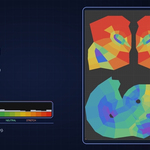
UV Stretch Monitor helps you quickly detect UV distortion, locate problematic areas, and see exactly where they appear on the 3D model - without manually inspecting the entire UV layout or relying only on checker textures.
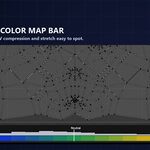
Color Bar - Find Problematic UVs Instantly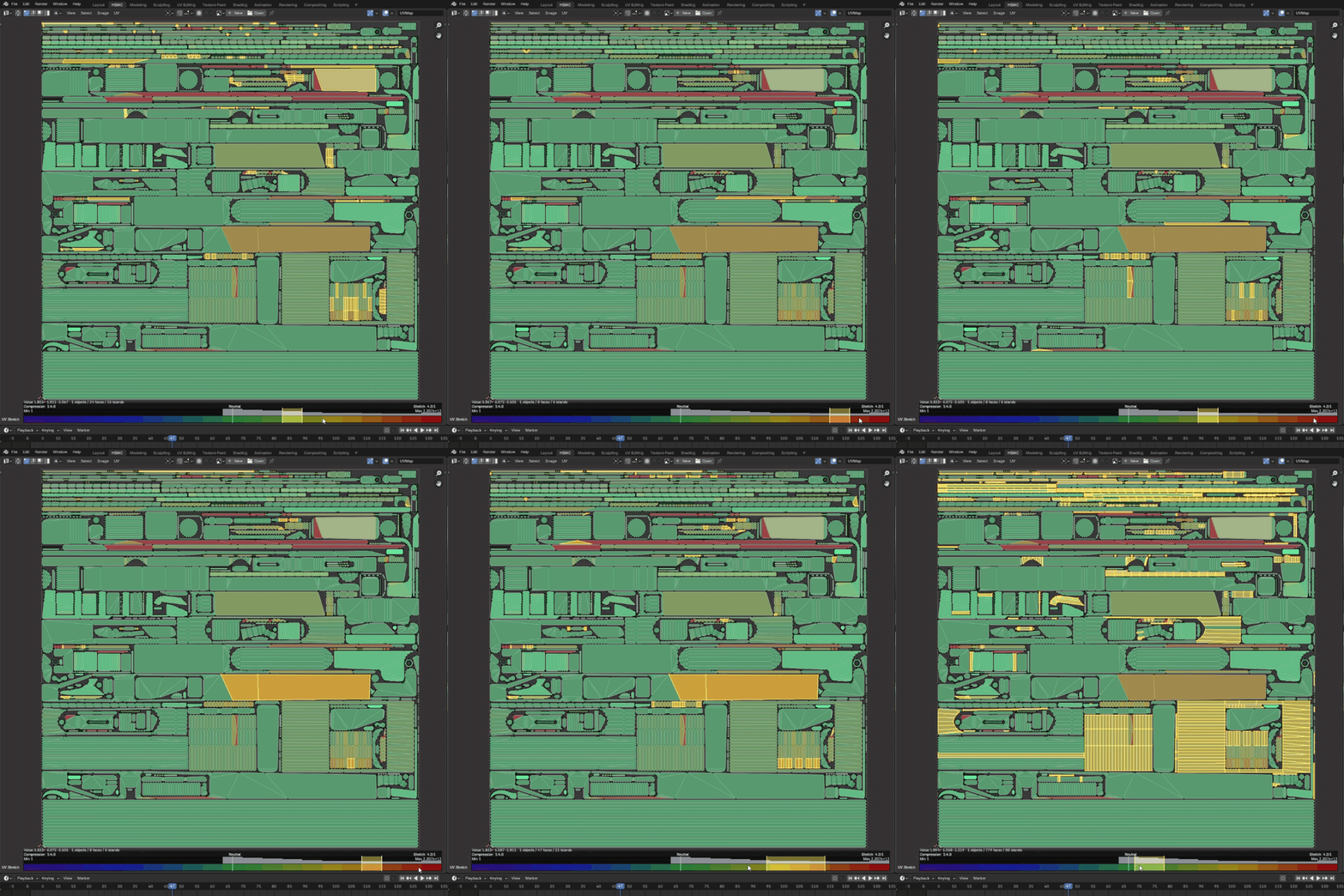
No need to manually search through the entire UV layout.
The interactive Color Bar shows the distribution of UV distortion across the entire layout. Click or drag any range to instantly select the affected faces or UV islands.
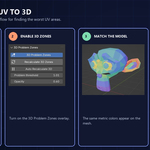
3D Problem Zones - See UV Problems Directly on the Model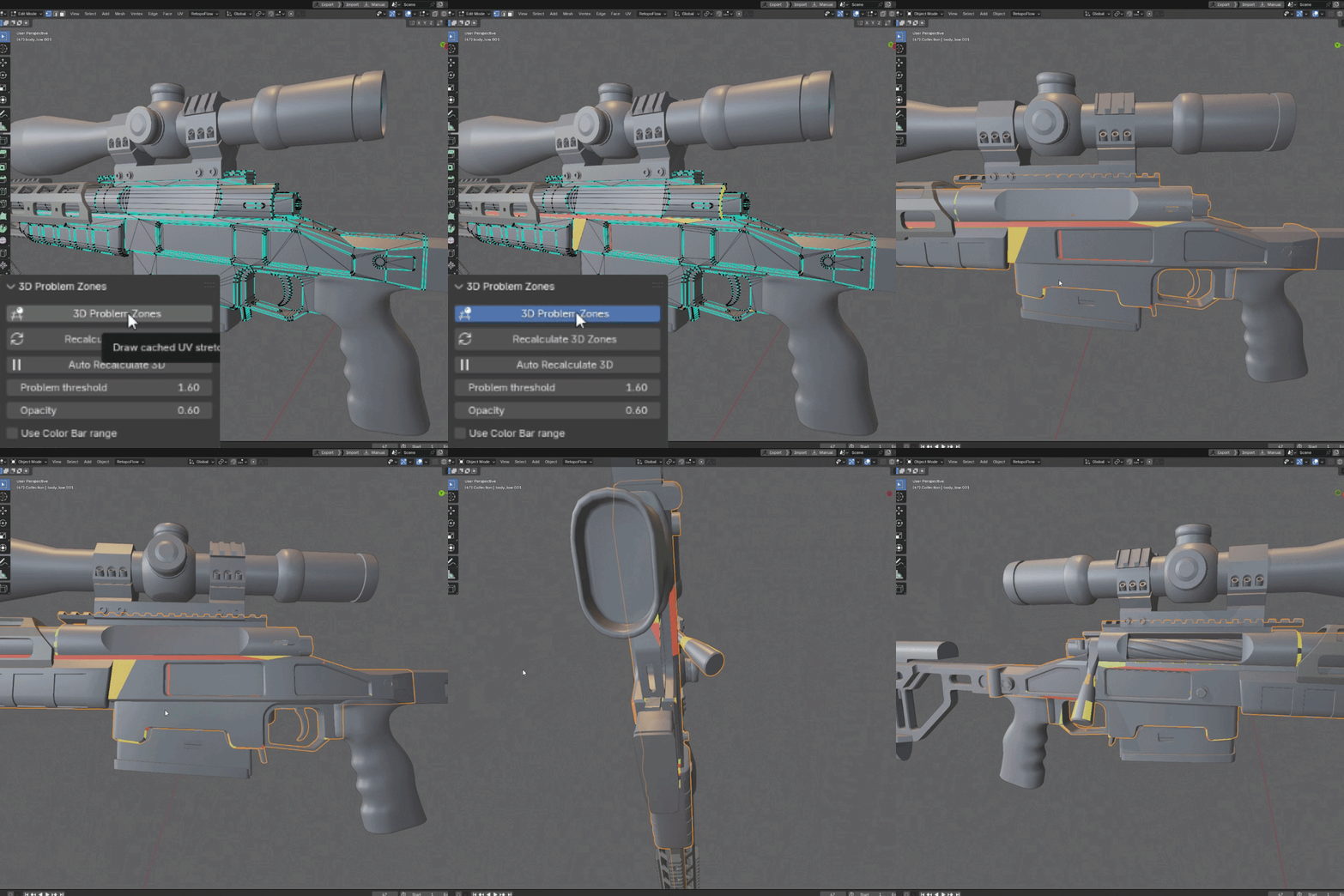
Enable 3D Problem Zones to visualize problematic UV areas directly on the model. UV and 3D selections stay synchronized, so you can immediately locate the affected geometry.
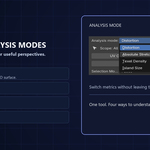
Analysis Modes - Multiple UV Analysis Modes
UV Stretch Monitor includes several analysis modes for different UV problems:
- Distortion - detect relative UV compression and stretching.
- Absolute Stretch - analyze directional UV stretching.
- Texel Density - identify inconsistent texture density.
- Island Size - compare UV island scale and distribution.
Simple Workflow
1. Analyze
Choose an analysis mode.
2. Check the Color Bar
See whether problematic values are present.
3. Select
Click or drag the problematic range.
4. Locate
Enable 3D Problem Zones to see the same areas on the model.
5. Fix
Correct the UVs and recalculate.
Key Features
Analysis
- Distortion analysis
- Absolute Stretch analysis
- Texel Density analysis
- Island Size analysis
- Polygon and UV island measurement modes
- Multi-object analysis
Selection & Visualization
- Interactive Color Bar with histogram
- Click or drag ranges to select affected UVs
- Replace, Add, Remove and Clear selection modes
- 3D Problem Zones
- Synchronized selection between the UV Editor and 3D Viewport
Statistics & Workflow
- Object, polygon and UV island statistics
- Min, average, median and max values
- UV Sync Selection support
- Cached and chunked analysis for heavier meshes
- Handles missing UV maps, degenerate faces and unapplied scale
Blender Compatibility
Compatible with Blender 4.x and 5.x.
Tested on Blender 4.2, 4.4, 5.0 and 5.2.