Daniel Boxer
Download it for free on my GitHub!
All earnings from sales here are donated to the Blender Development Fund.
Join the forum discussion on Blender Artists if you have feedback or feature requests!
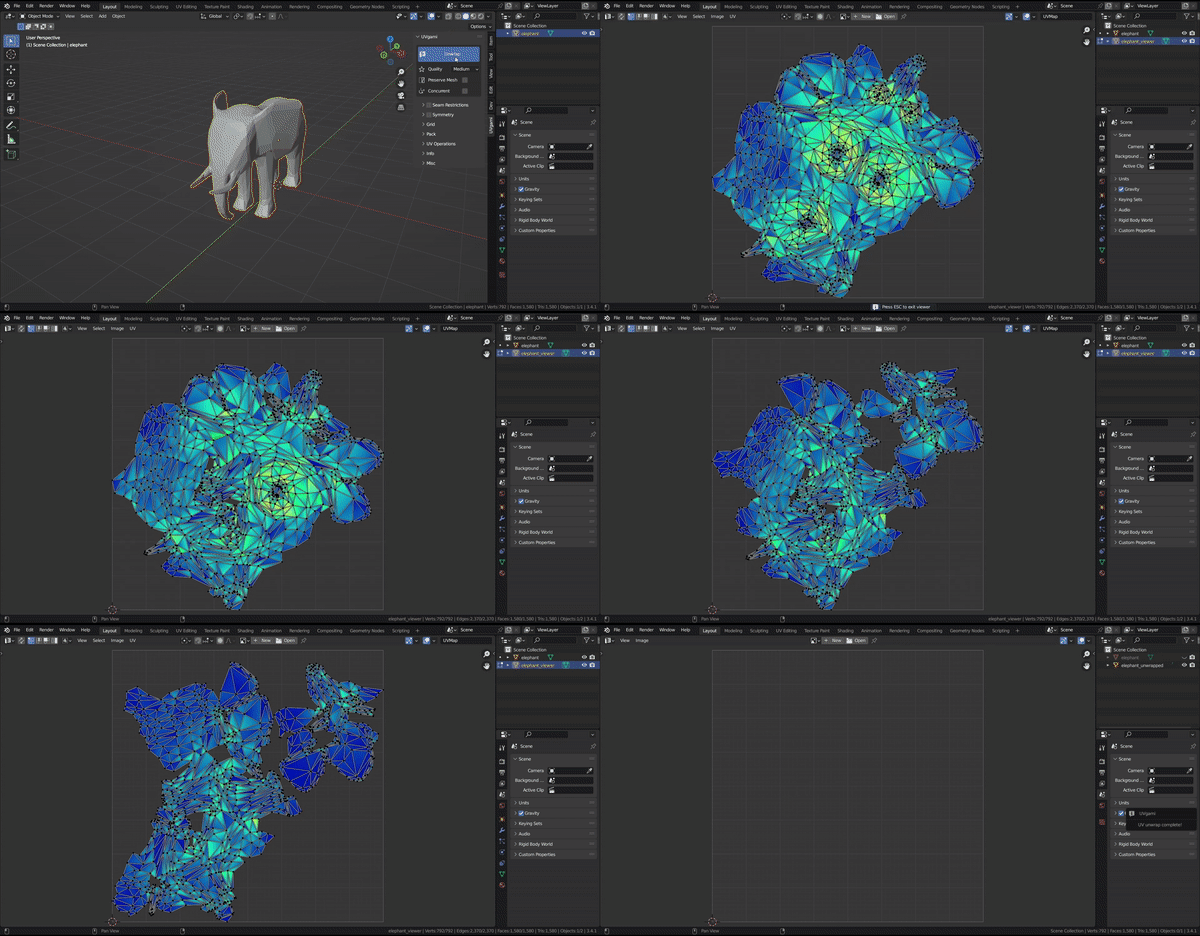
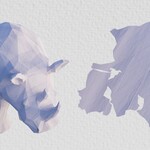
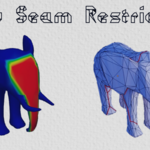
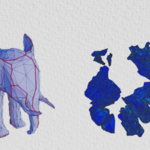
UVgami unwraps your models automatically with just one click! It picks the seams and flattens the mesh with as little stretch as possible, so you get a clean UV map without marking seams by hand.
Features
- One click fully automated unwrap!
- Batch unwrap of many objects at the same time
- Hard surface and Organic character modes
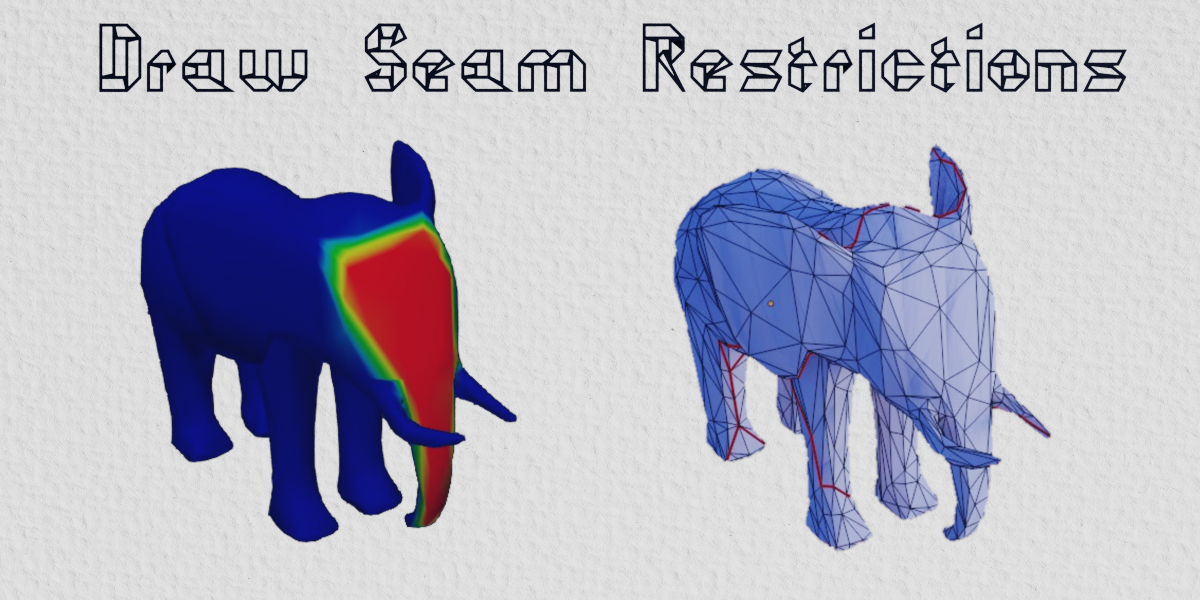
- Weight painting to control where the seams go
- Proxy mode for unwrapping meshes with millions of triangles
- Manual UV editor tools: Unwrap Island, Relax Island, Combine Islands, Unwrap Area, Relax Area
- Live viewer to watch the engine unwrap in real time
- Import UVs which lets you use an existing UV map as the starting point
- Stack similar parts to save UV texture space
- Different engines to pick from depending on your needs
- Quad topology is supported with Transfer UVs setting!
- All platforms (Windows, Mac, Linux) are supported
Demo


Hard surface mode
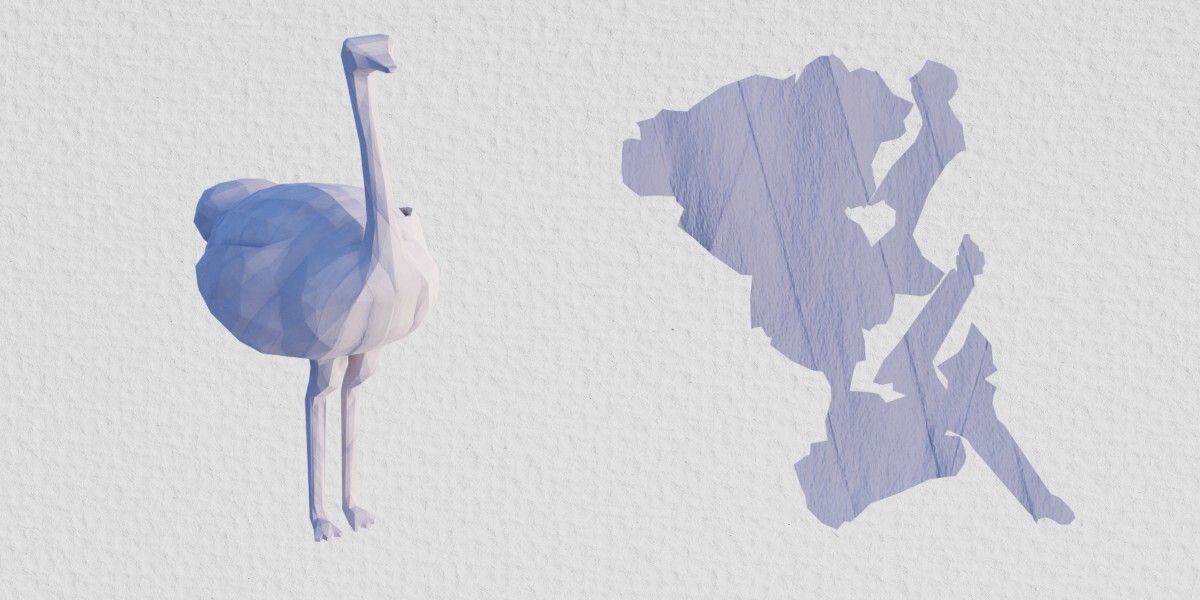
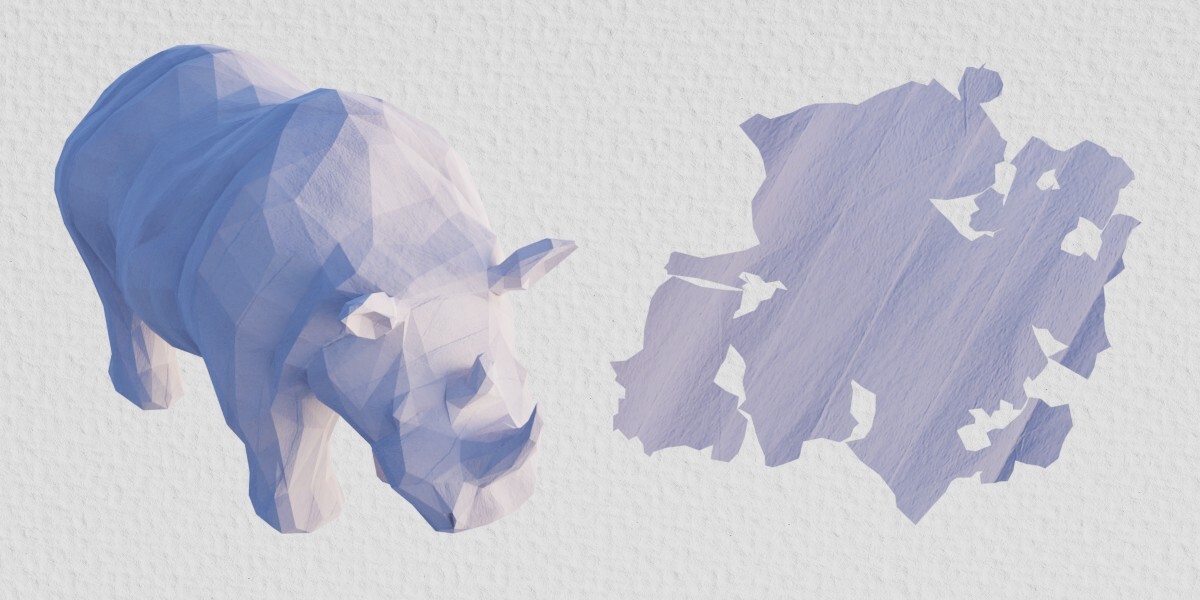
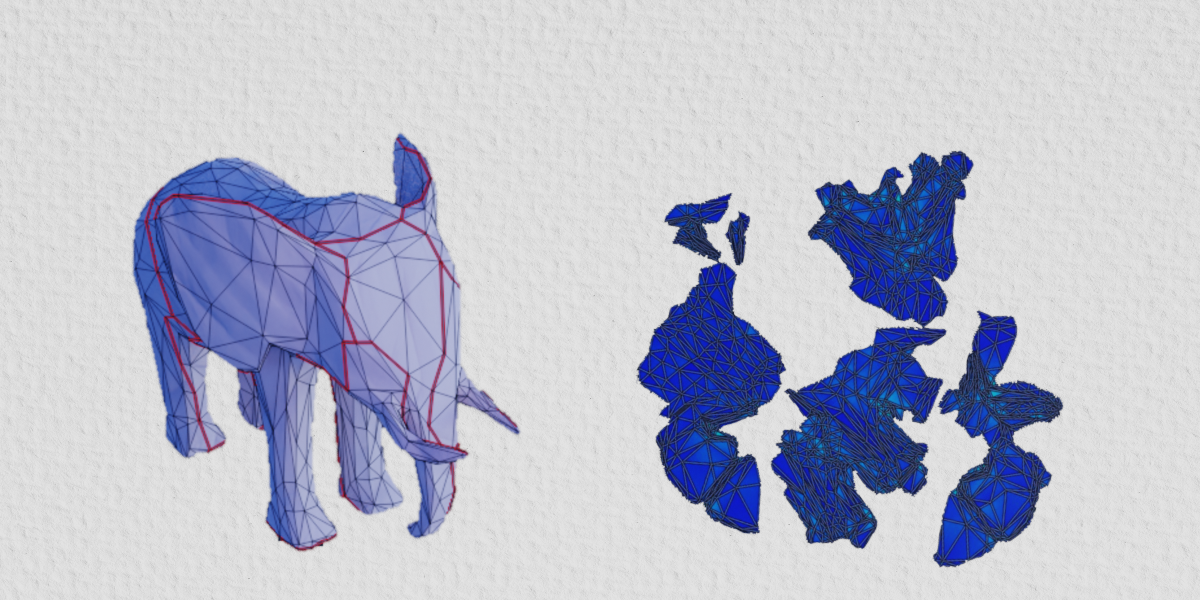
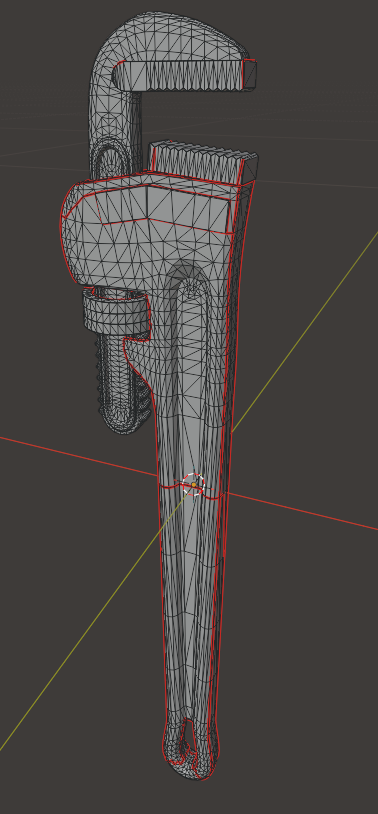
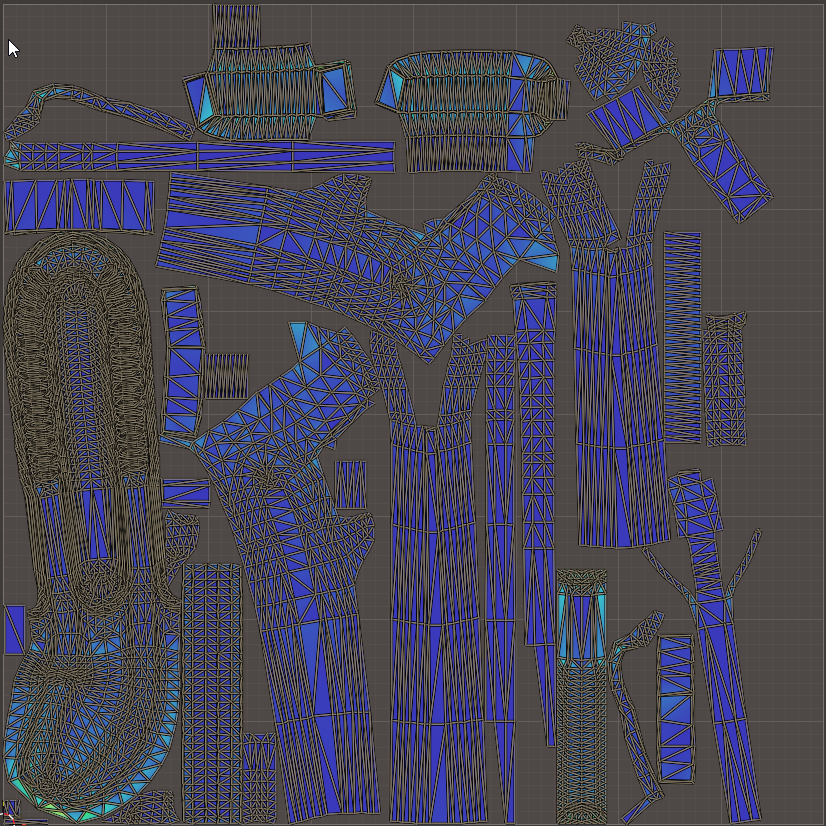
Hard surface mode puts seams more on hard creases and edges. There will be more islands, but if your model has many sharp edges the seams will be hidden better.
| Hard surface mode seams | Hard surface mode UVs |
|---|---|
 |
 |
UV editor tools
These tools can be used on specific islands or UV areas without affecting the whole unwrap.

Relax area
Relax area will reduce stretching in the selected UV faces.

Combine islands
Combine islands will either stitch together two islands or re-unwrap both as a single island. This can be used to remove a seam between islands.
Proxy mode

Proxy mode creates a low poly "proxy" of your mesh, unwraps it, and then transfers the seams to the original high poly mesh. This allows you to unwrap meshes with millions of triangles that are otherwise too slow to unwrap.

You can also use weights with proxy mode to prevent seams from being placed on important areas like the face.