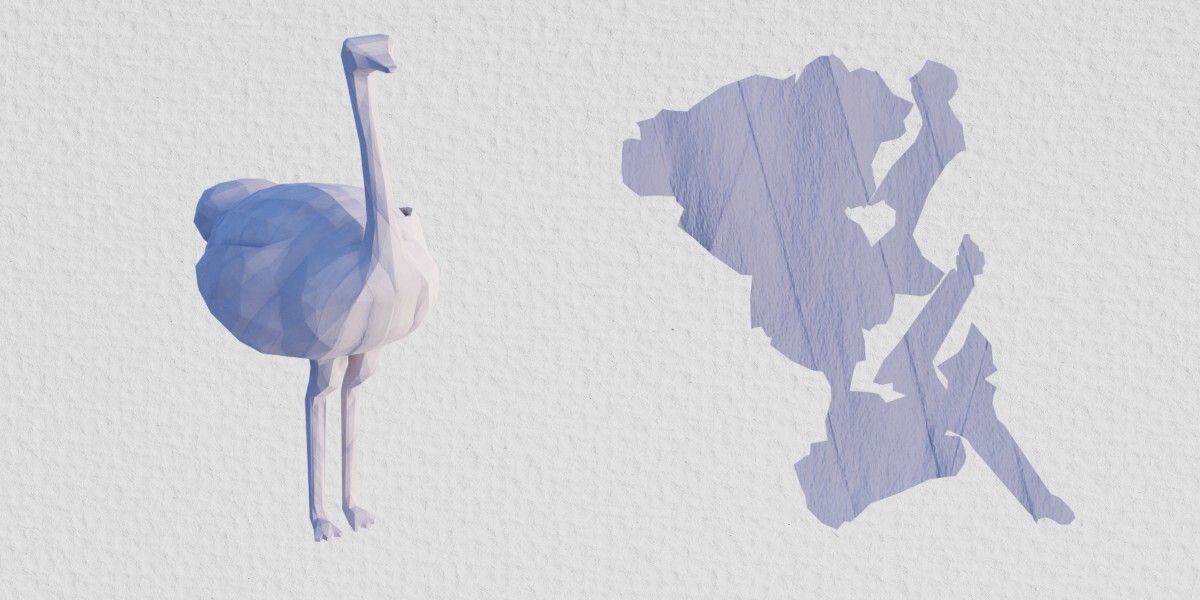
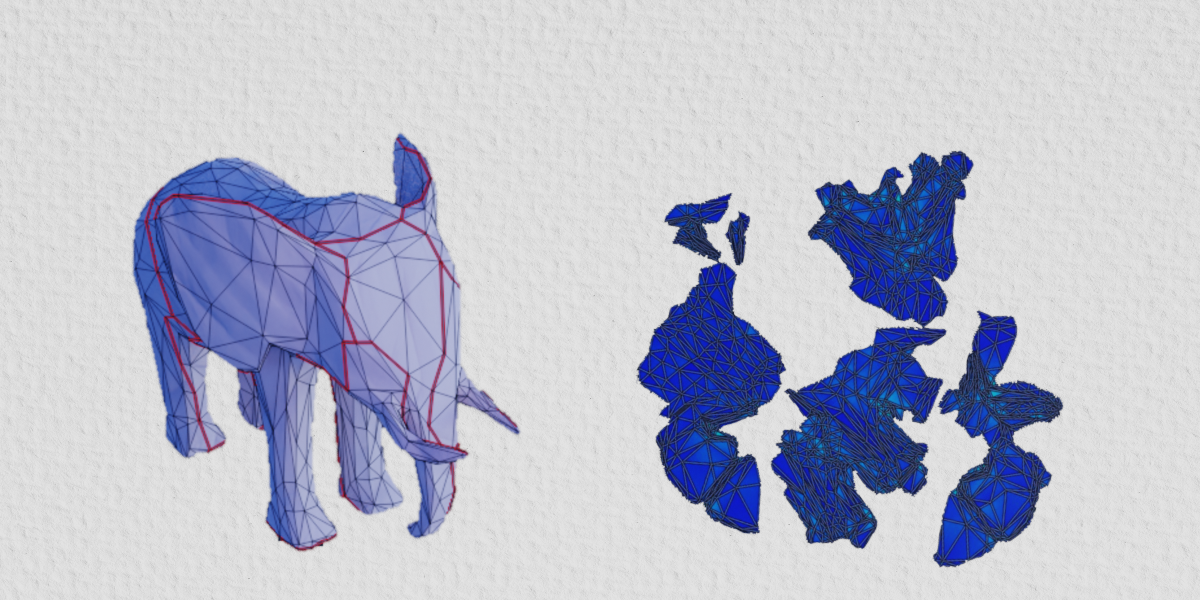
UVgami: Automatic UV Unwrapping
 Daniel Boxer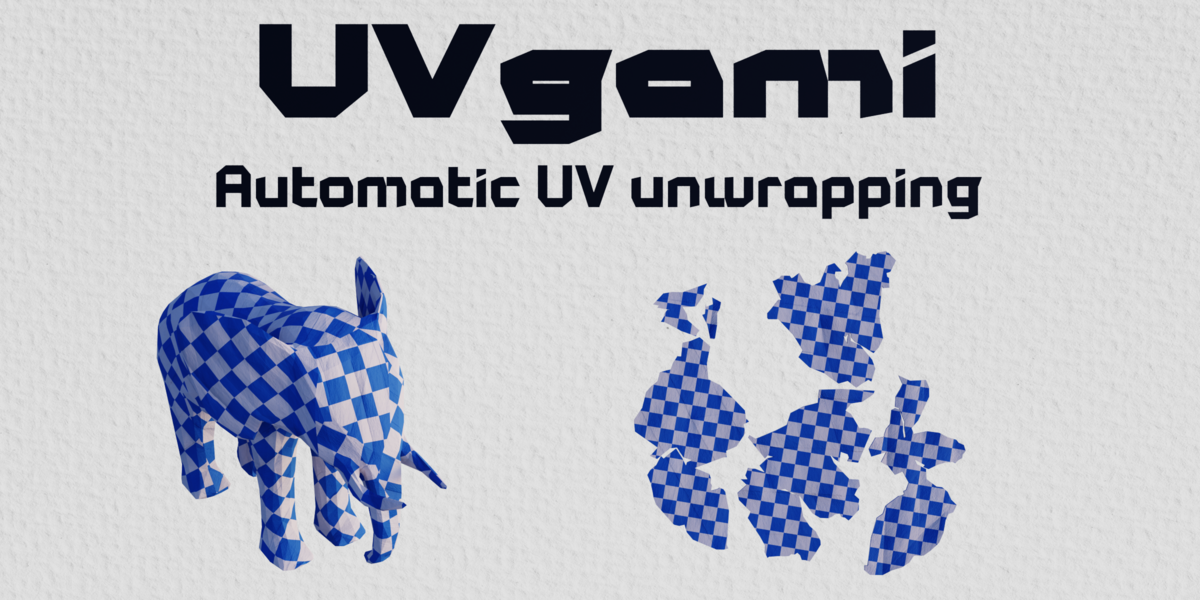

Is UVgami free?
Yes. UVgami is free on my GitHub. All of my earnings from sales here go to the Blender Development Fund.
Can I use it for commercial work?
Yes. The UV maps, seams and models you make with UVgami are yours, with no restrictions on them.
Which systems are supported?
Windows, Linux, Intel Mac and Apple Silicon Mac, on Blender 4.3 or newer.
The unwrap is slow on my high poly mesh. What can I do?
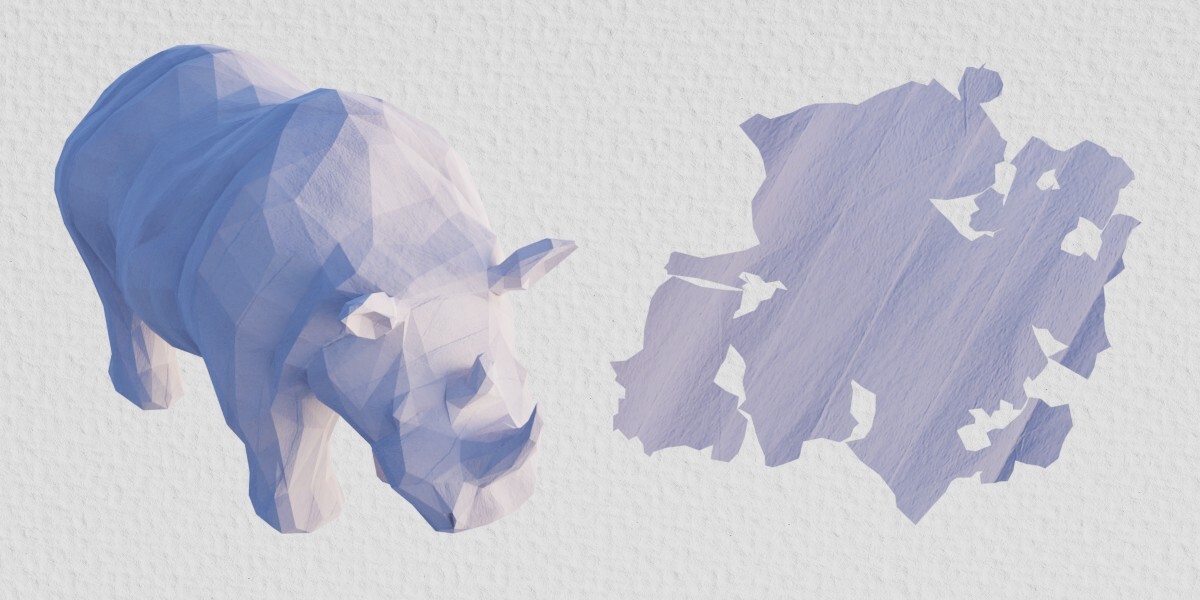
- Turn on Proxy in the Speed panel. It unwraps a low poly copy and transfers the seams to the real mesh, so even meshes with millions of triangles can be unwrapped.
- Set Priority to Fewer Seams, which is the fastest option.
- Try the xatlas engine.
Can I keep my quads?
Yes. Turn on Transfer UVs and the UVs are put onto your original object instead of a separate triangulated copy. Seams can be slightly worse where the original seams crossed the middle of a quad.
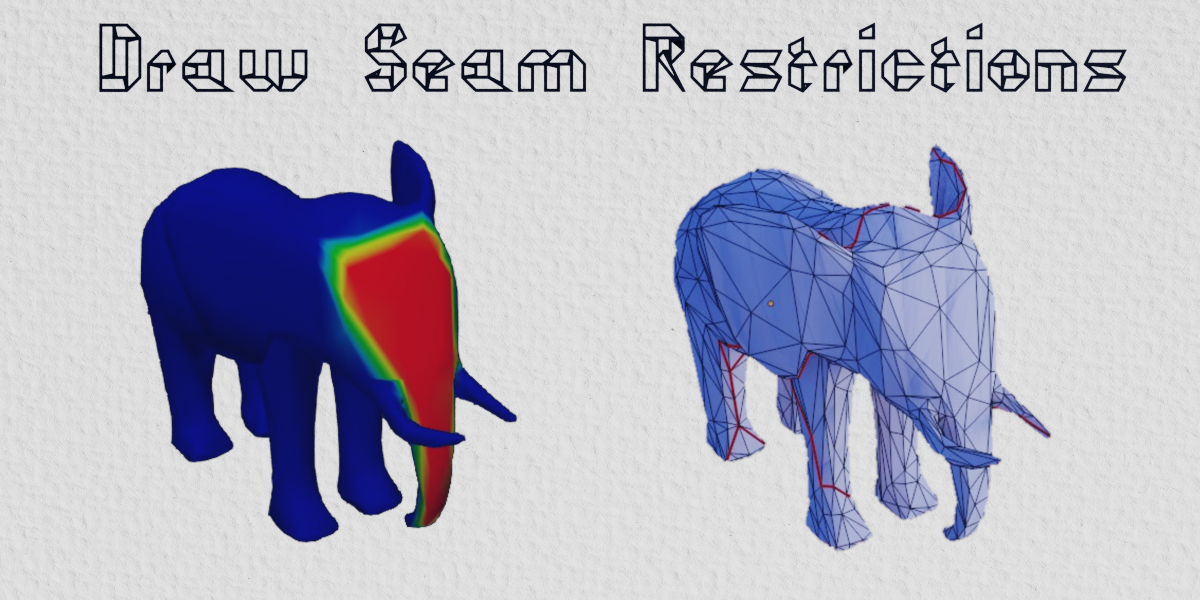
Can I control where the seams go?
- Weights: weight paint areas, such as a face, where seams should be avoided or stretching should be lower.
- Import UVs: mark some seams yourself and the engine starts from your UV map.
- Hard Surface: puts seams on sharp edges, for mechanical and man made models.
Have questions about this product?
Login to message
| Blender Extension Compatible | Yes |
| Dev Fund Contributor | |
| Published | about 3 hours ago |
| Blender Version | 4.3 - 5.2 |
| Extension Type | Add-on |
| Render Engine Used | Cycles |
| License | GPL |

Discover more products like this
character auto-uv organic hard surface unwrap uv mapping Game asset uv UV Unwrap free automatic uv unwrap UV seams