Valise | Blender
 Ronin


1. What is Valise?
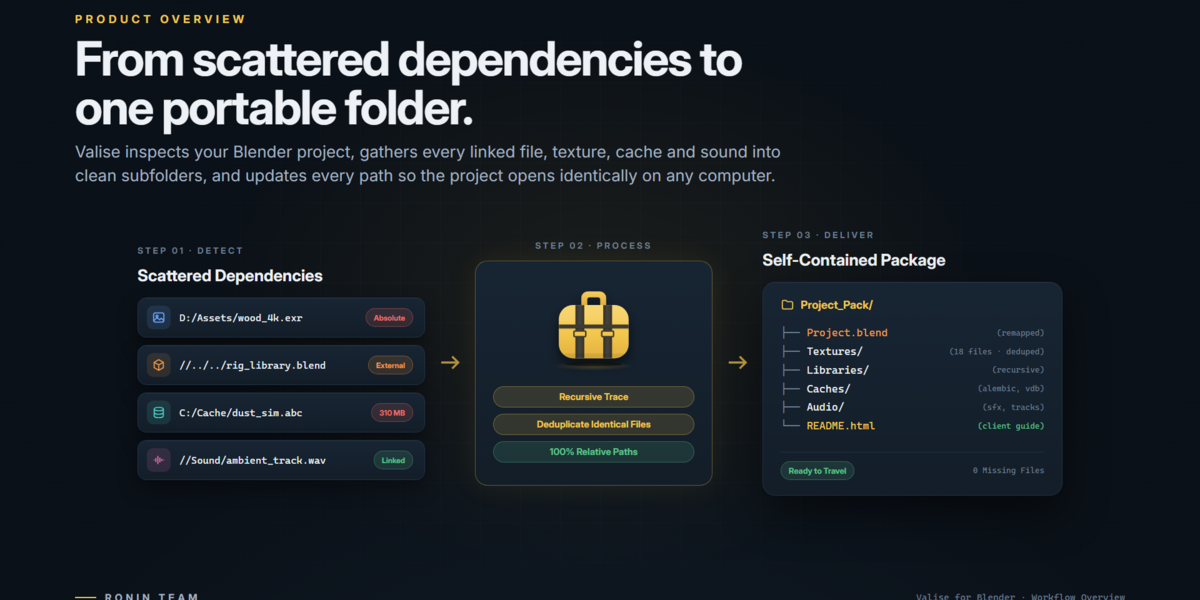
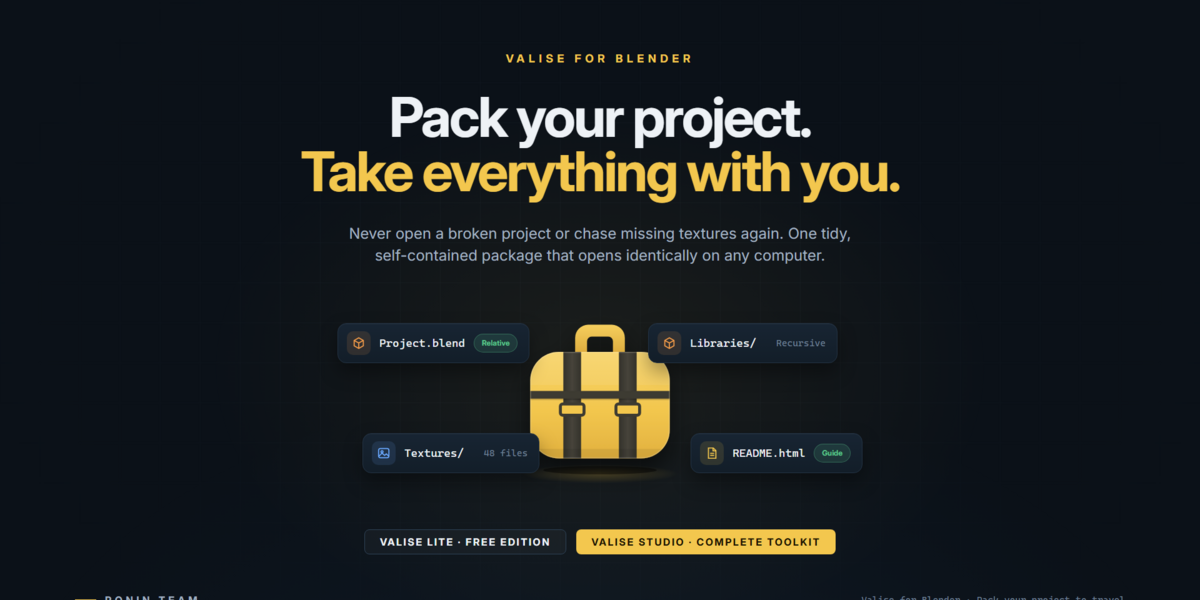
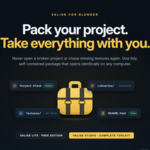
Valise is a project packaging and management add-on for Blender that helps you collect, organize, and prepare your projects for transfer, backup, or delivery.
It automatically gathers your .blend file and its external dependencies—such as textures, images, audio, caches, fonts, and linked libraries—into a portable package, helping ensure everything your project needs stays together.
Whether you're archiving your work, moving projects between computers, or delivering them to clients, Valise makes your Blender projects easier to pack and share. 📦
2. What is the difference between Valise Lite and Valise Studio?
Valise Lite provides essential project collection tools with minimal configuration.
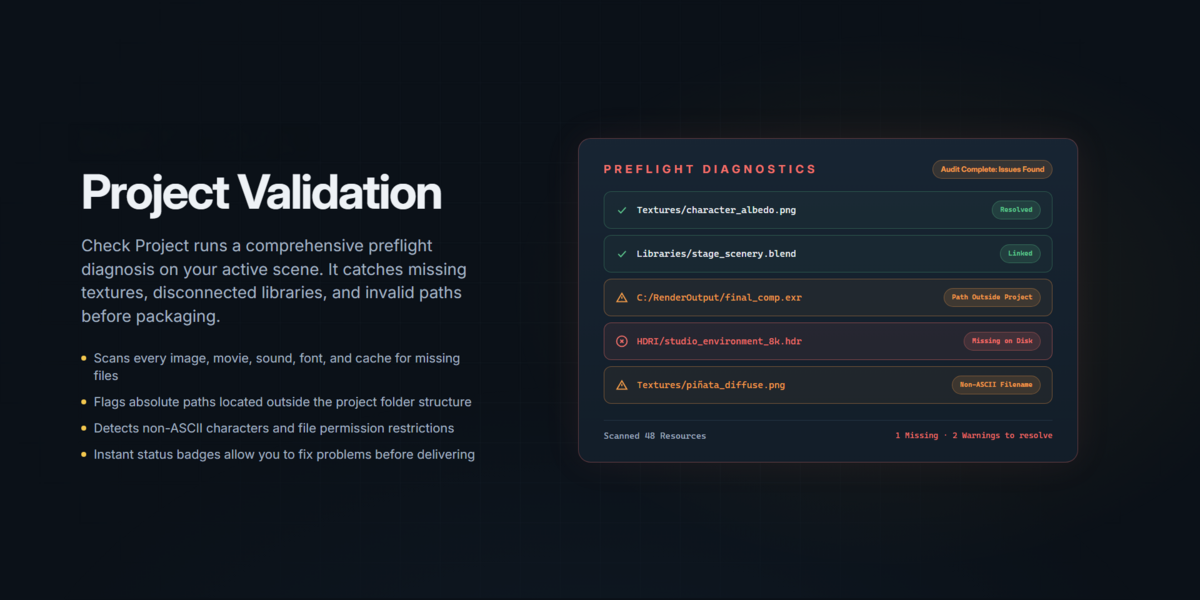
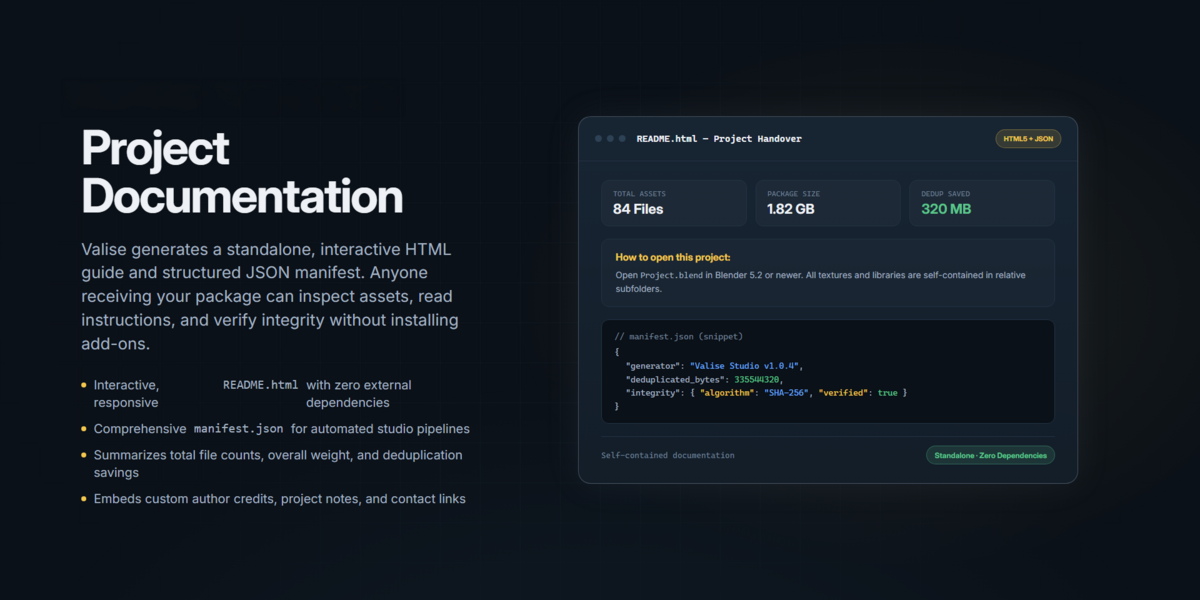
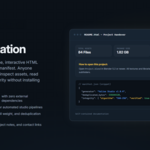
Valise Studio includes everything in Lite, plus advanced features such as collection presets, Check Project, custom file selection, privacy protection, HTML documentation, ZIP export, SHA-256 verification, and Check Received Project.
3. Does Valise modify my original Blender project?
No. Valise performs the collection process using a copy of your project. Your original .blend file remains untouched.
4. What types of files can Valise collect?
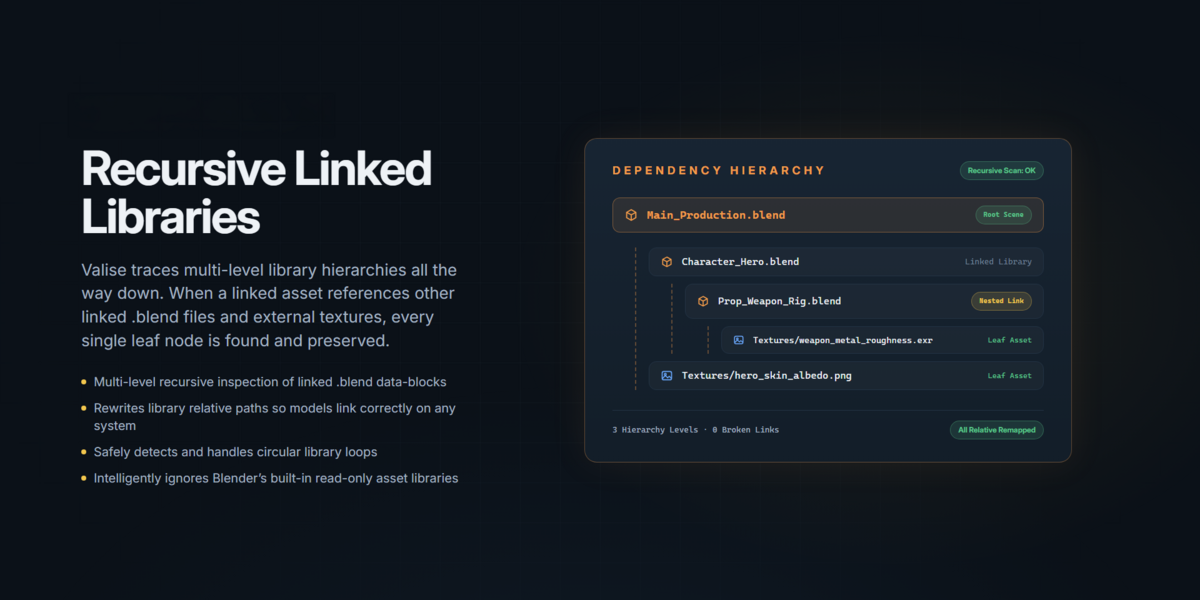
Valise supports a wide range of external resources, including textures, images, UDIMs, image sequences, audio, video, fonts, VDB files, simulation caches, Alembic, USD, scripts, and linked Blender libraries with their dependencies.
5. Can I transfer my project to another computer?
Yes! Valise collects supported external dependencies and uses relative paths to help make your project portable between computers.
6. Does Valise support Windows, macOS, and Linux?
Yes. Valise supports Windows, macOS, and Linux.
7. What Blender version do I need?
Valise requires Blender 4.5 or later.
8. Does Valise include third-party add-ons?
No. Valise can identify required third-party add-ons during project verification, but it does not bundle or install them. You must install those add-ons separately.
9. Can I create ZIP packages?
Yes. ZIP export is available in Valise Studio, allowing you to create compressed packages that are easier to share and deliver.
10. What happens if some files are missing?
Valise Studio includes Check Project, which helps identify missing external resources before collection. Missing files must be located or restored before they can be collected.
11. Can I verify a project after receiving it?
Yes. Valise Studio includes Check Received Project, which helps verify file integrity using SHA-256 checksums and inspect project requirements.
12. Can I use Valise for commercial projects?
Yes. Valise can be used in personal and commercial Blender workflows, subject to the applicable GPL-3.0-or-later license.
13. Where can I get support?
For Valise Studio support, questions, or technical assistance, contact:
Please note that Valise Lite is a free edition provided without dedicated technical support or integrated documentation.
Have questions about this product?
Login to message
Discover more products like this
asset management project packaging Workflow project-management studio tools file management backup utility blender client-delivery 3D workflow File Collection