 Hatim Dahmouni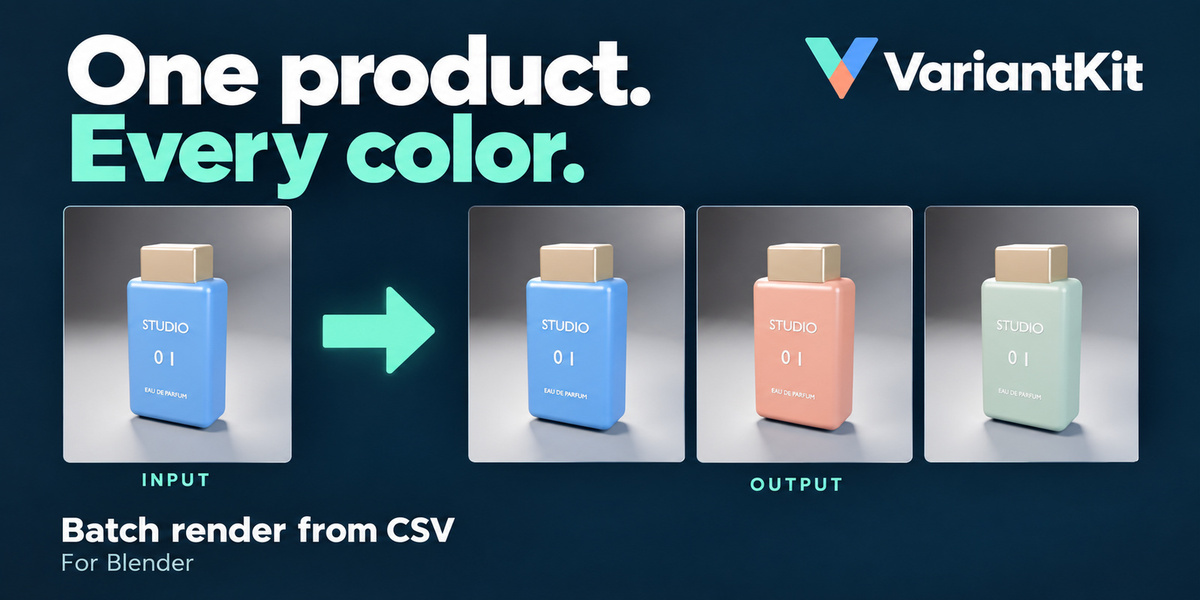
One product. Every color.
Stop changing materials and starting the same render over and over.
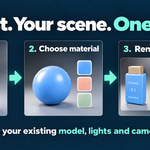
VariantKit turns a CSV list into a batch of product renders. Set up your product scene once, choose the material to change, and render your color or label variations from your existing cameras.
Perfect for product visualization, packaging presentations, and ecommerce image sets.
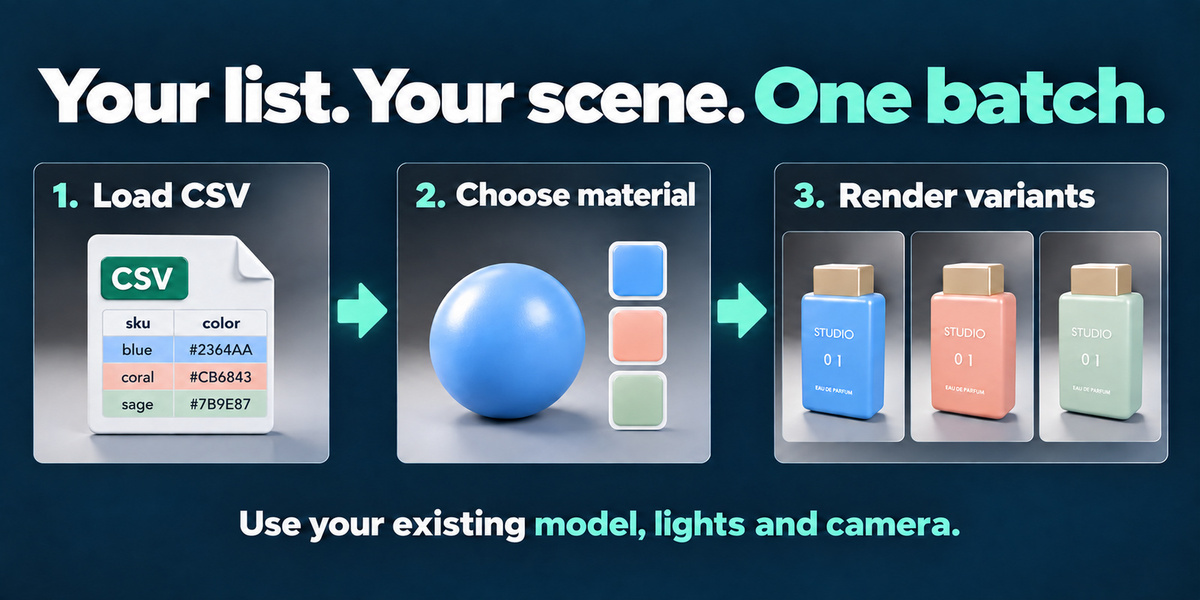
From a simple list to finished images
1. Load your CSV
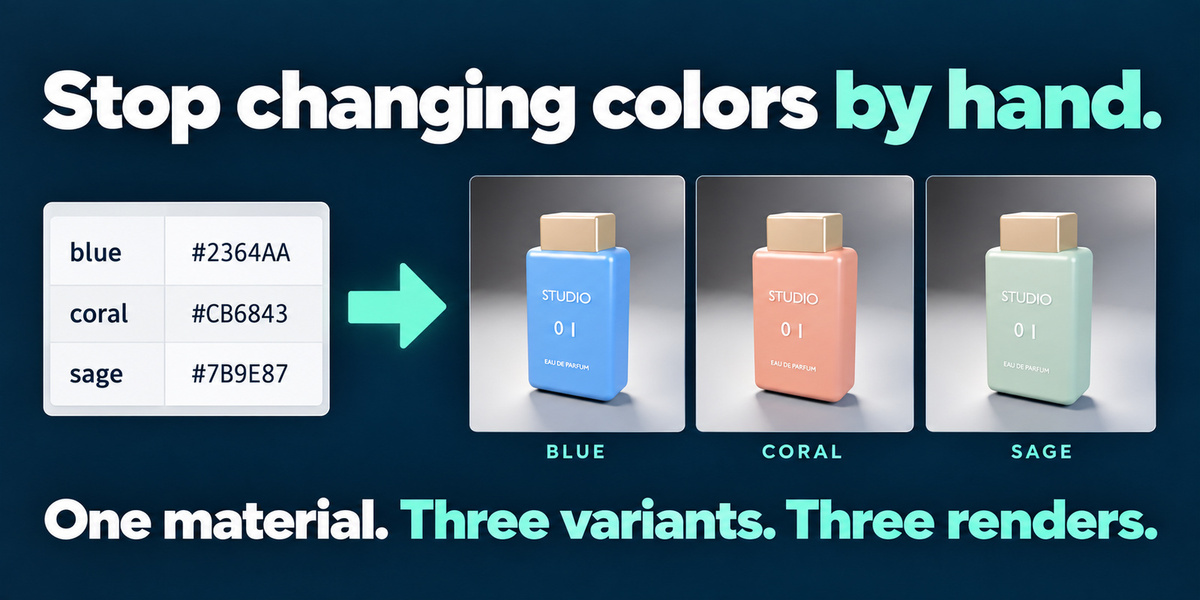
List your product variants with a unique name, a hex color, a label-image path—or both.
2. Choose your material
Select the product’s color material or an existing label texture. Preview a variant before rendering.
3. Render your batch
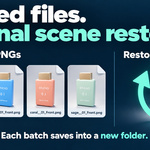
Use the active camera or every camera in your scene. VariantKit saves separately named PNGs in a new output folder.
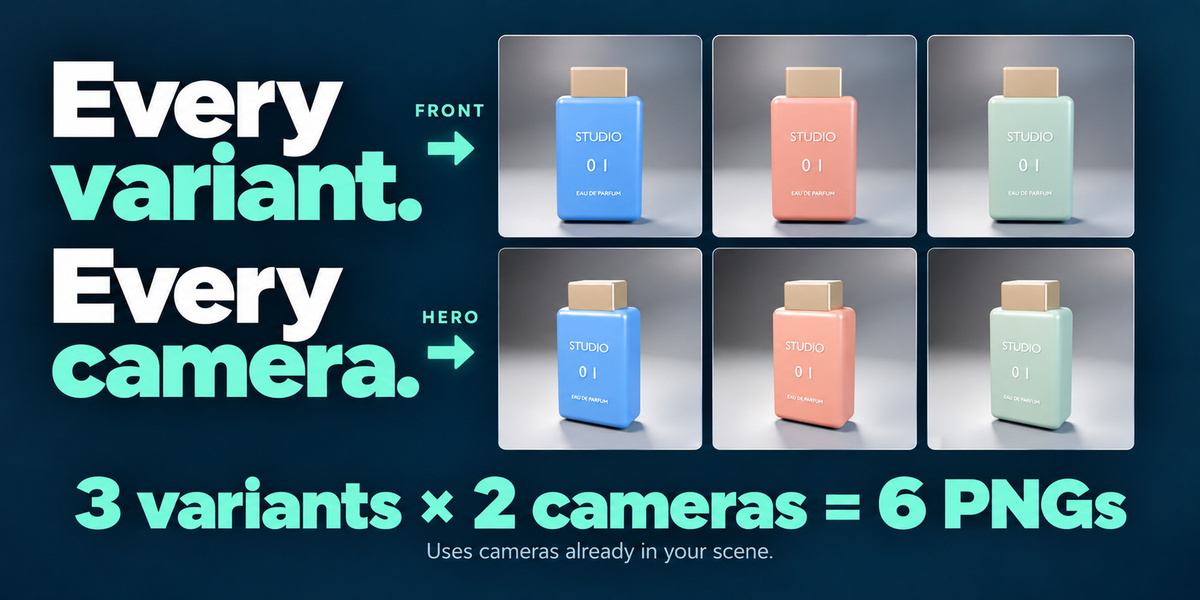
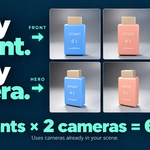
Three variants × two cameras = six product images.
What VariantKit handles
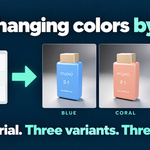
- Color variations: change one Principled BSDF Base Color from your CSV.
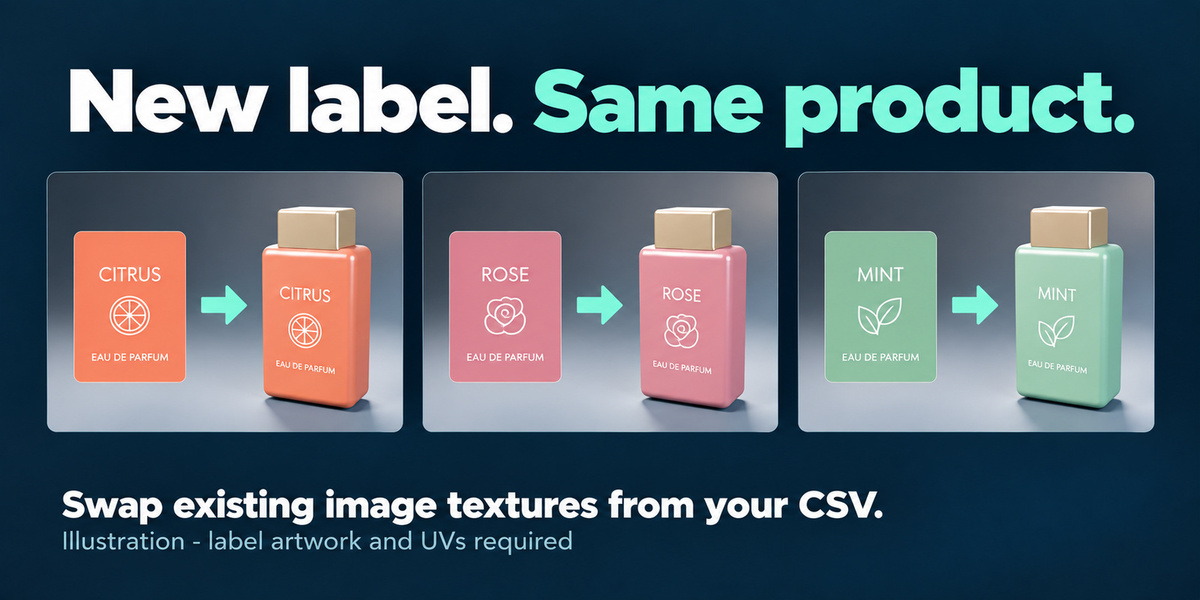
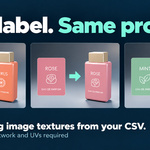
- Label variations: swap existing image textures using your prepared artwork.
- Multiple views: render each variant from the active camera or all scene cameras.
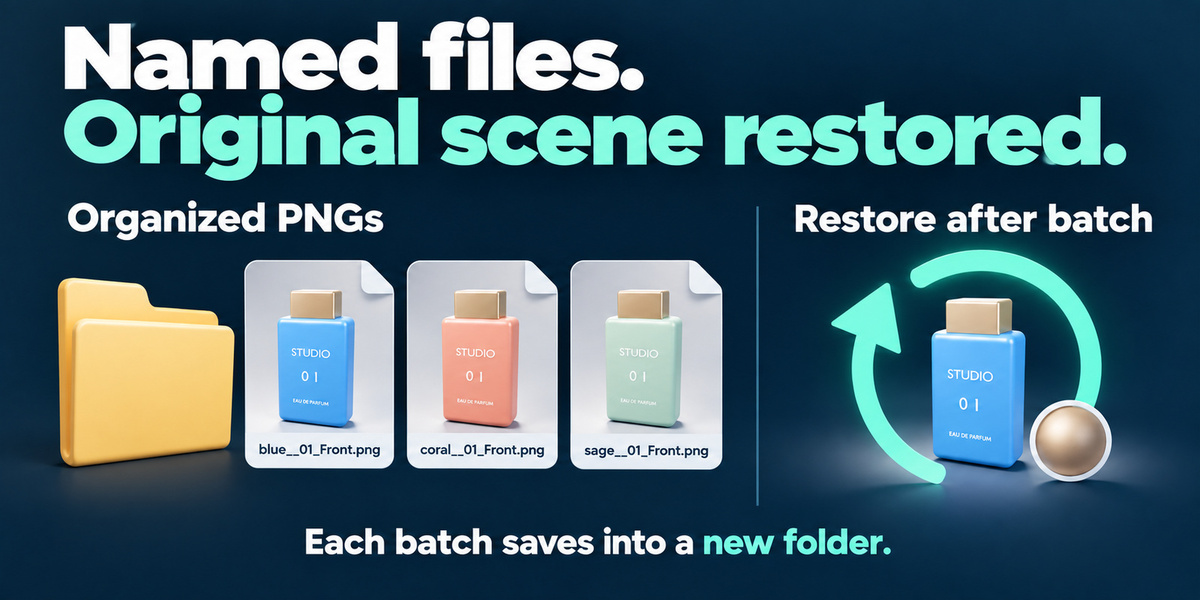
- Organized output: save named PNG files in a fresh folder for each batch.
- Preview and restore: check a variation, then return to the original materials.
- Controlled stopping: finish the current render and stop the remaining queue.
- Automatic restoration: restore original material inputs, label image, active camera, and image-format settings after the batch.
VariantKit automates repetitive work—it does not make individual renders faster.
Included with your purchase
- VariantKit 1.0 Blender extension.
- Eight-page illustrated PDF guide.
- Example product scene with three colors and two cameras.
- Sample CSV to help you get started.
- Guide and example-folder shortcuts inside the add-on panel.
Compatibility and requirements
Tested on Windows with Blender 4.2, 5.0, and 5.2. The included demo scene requires Blender 5.2. macOS and Linux have not been verified.
You need an existing product model, materials, lighting, and camera. Color changes require an unlinked Principled BSDF Base Color input. Label changes require an existing Image Texture node and properly prepared UVs.
StageKit is optional. No subscription or separate activation is required.
Know before you buy
Version 1.0 supports one color target and one label-image target, up to 1,000 CSV rows, and still-image output as 8-bit PNGs.
It does not create models, cameras, lighting, label artwork, or UV layouts. Animation rendering, geometry swaps, XLSX import, render farms, and resumable batches are not included.
The label designs shown in the illustrated marketing example are not included assets. Save your scene before rendering; an application crash cannot run automatic restoration.
Support
For help, contact Hatim Dahmouni through Superhive messages with your Blender version, operating system, and a description of the issue.
