Variantkit – Product Variant Renderer
 Hatim Dahmouni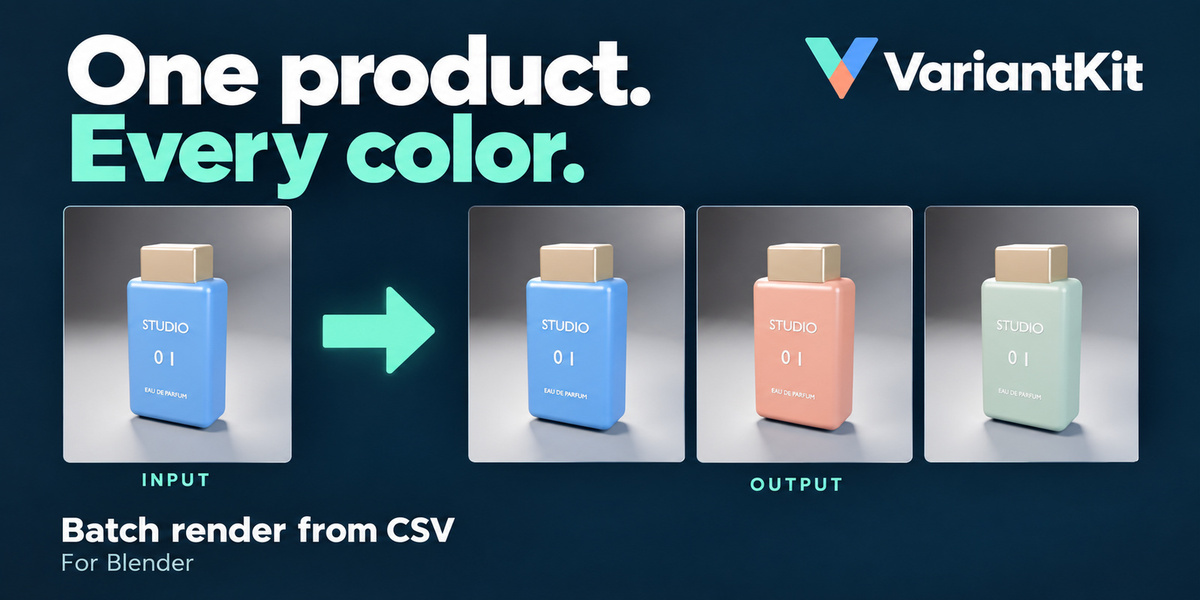
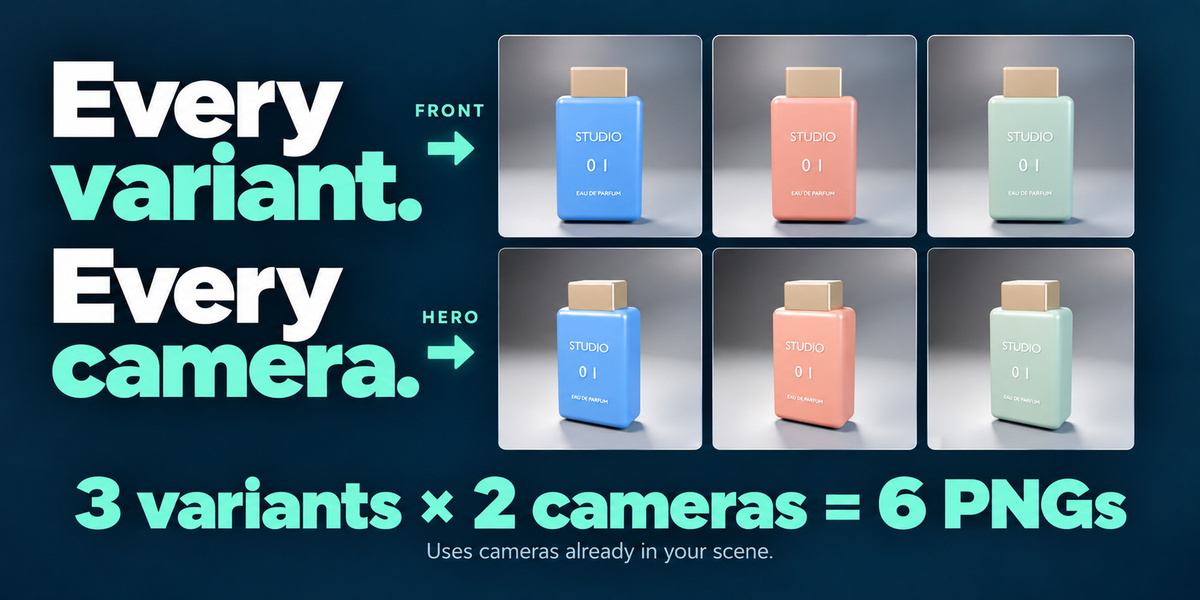
Can I stop a batch and resume it later?
Use Stop After Current Render to save the current image and stop the queue. Completed files remain available. Automatic resume is not included; starting again creates a new batch.
Which Blender versions are supported?
VariantKit was tested on Windows with Blender 4.2, 5.0, and 5.2 using Cycles. The bundled demo scene requires Blender 5.2. macOS, Linux, and other render engines have not been verified.
Will it overwrite my earlier renders or permanently change my materials?
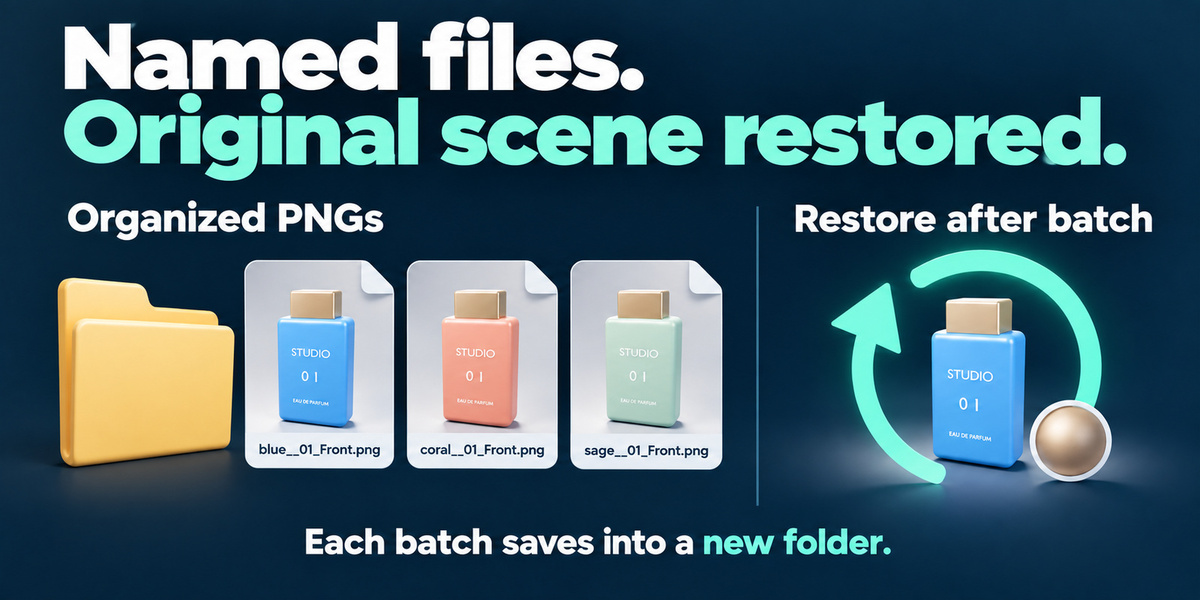
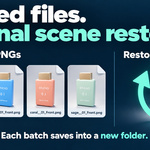
Each batch saves into a new subfolder. Original material inputs, label image, camera, and image-format settings are restored when the batch ends. Save your scene before rendering: a Blender or system crash cannot run cleanup.
Does it make rendering faster?
It reduces repetitive manual work, not the time needed to render each image. Total rendering time still depends on your scene, settings, hardware, and number of variants and cameras.
Does VariantKit create label designs or UV maps?
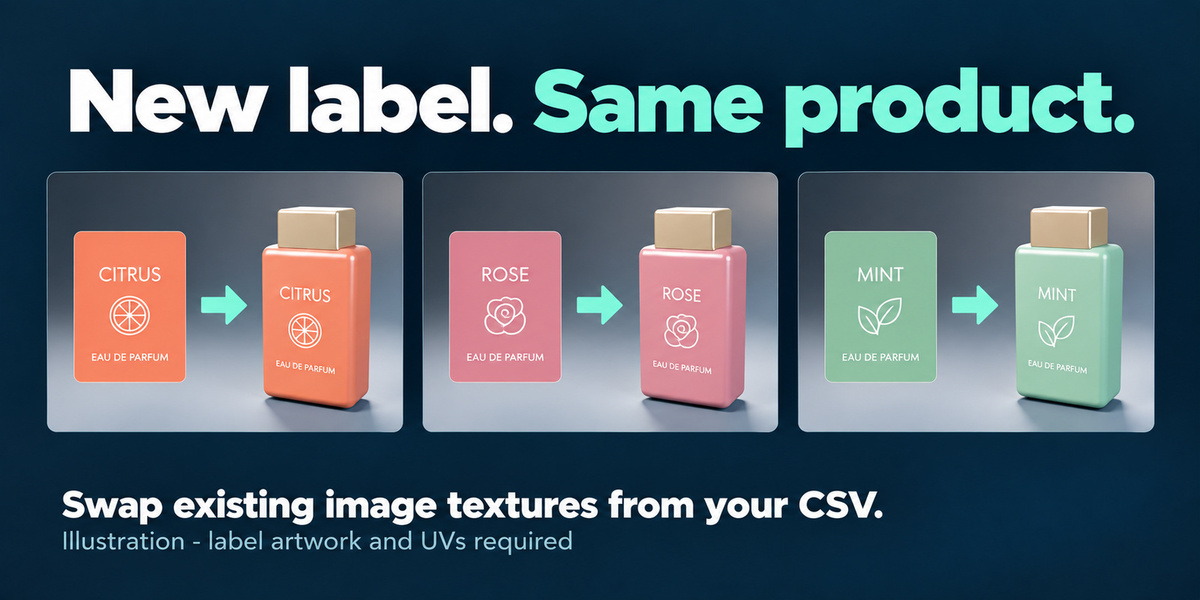
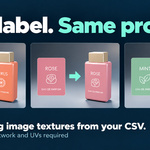
No. Supply your own label artwork and prepare its material and UV mapping first. VariantKit swaps images in an existing Image Texture node. The label designs in the illustrated marketing example are not included assets.
Can I change both the product color and its label?
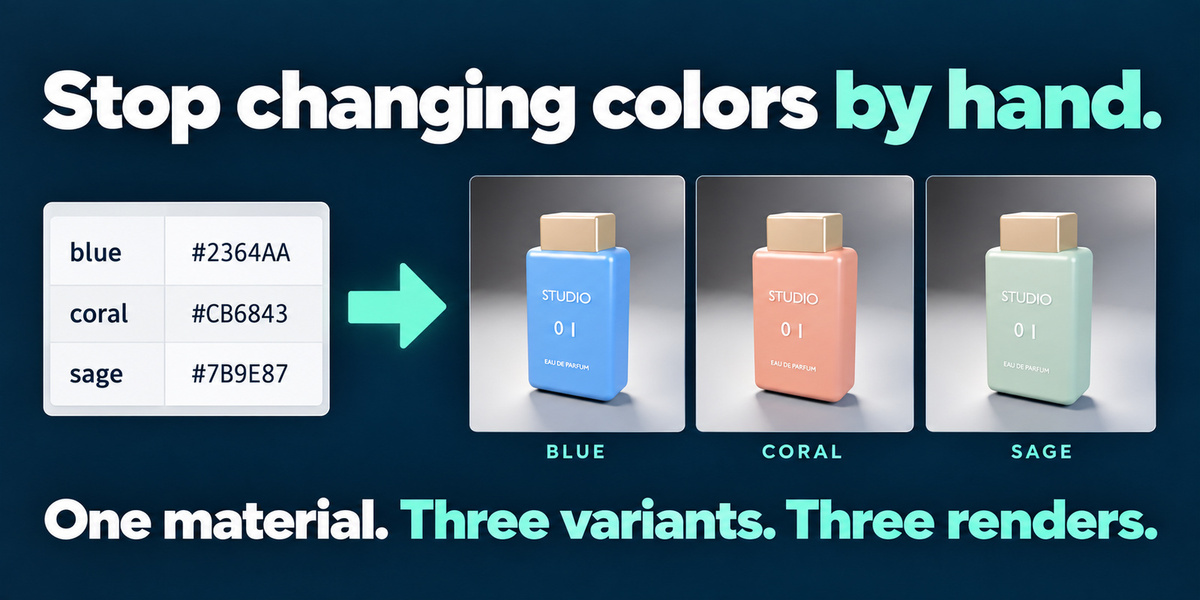
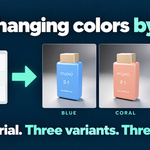
Yes. Each CSV row can specify a color, a label-image path, or both. Version 1.0 supports one color input and one label-image target. Separate body and label materials are usually the simplest setup.
Do I need StageKit?
No. VariantKit works independently. You can use a scene prepared manually, with StageKit, or with another workflow, provided it meets VariantKit’s material and camera requirements.
Do I need a camera and a finished product scene?
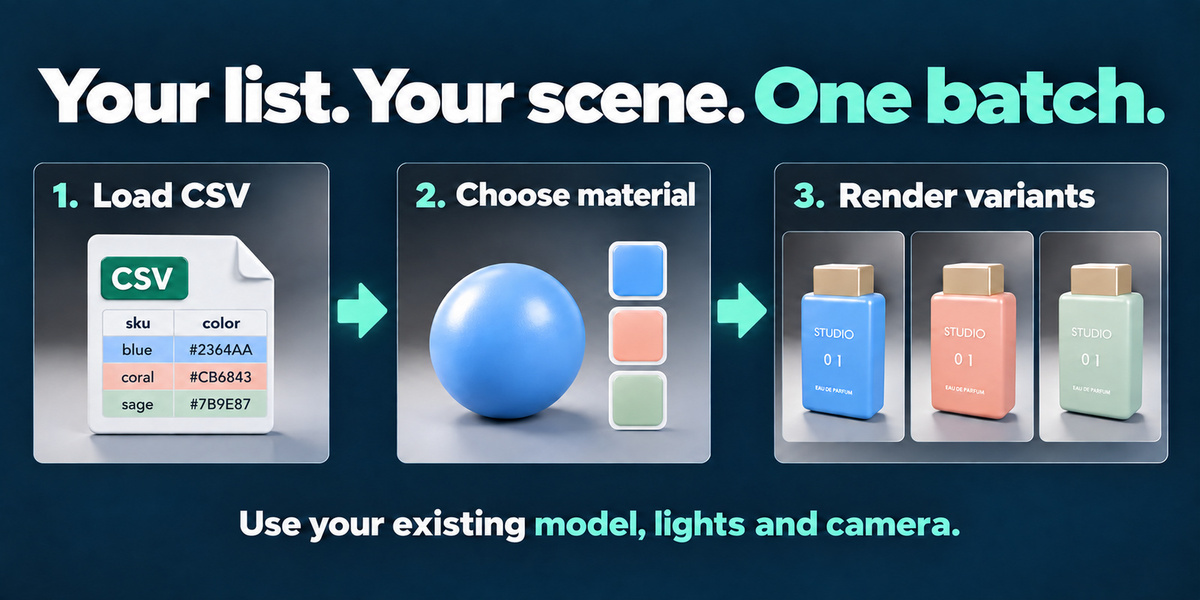
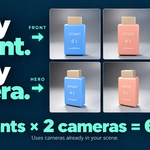
Yes. VariantKit uses your existing model, materials, lighting, and cameras. It automates variations and rendering; it does not build the scene. The included Blender 5.2 demo provides a ready-to-try setup.
$14.99
 Included
Includes 12 months of
- Support from Hatim Dahmouni
- Product updates
Extend this product’s Support Period +12 months: 25% of product price
Have questions before purchasing?
Login to message
| Blender Extension Compatible | Yes |
| Published | 3 days ago |
| Blender Version | 4.2 - 5.2 |
| Extension Type | Add-on |
| Render Engine Used | Cycles |
| License | GPL |
Discover more products like this
packaging product mockup Color Variants product-visualization material variants ecommerce Render Automation product rendering batch render Workflow csv label swap