 Maitty
WHAT IT DOES
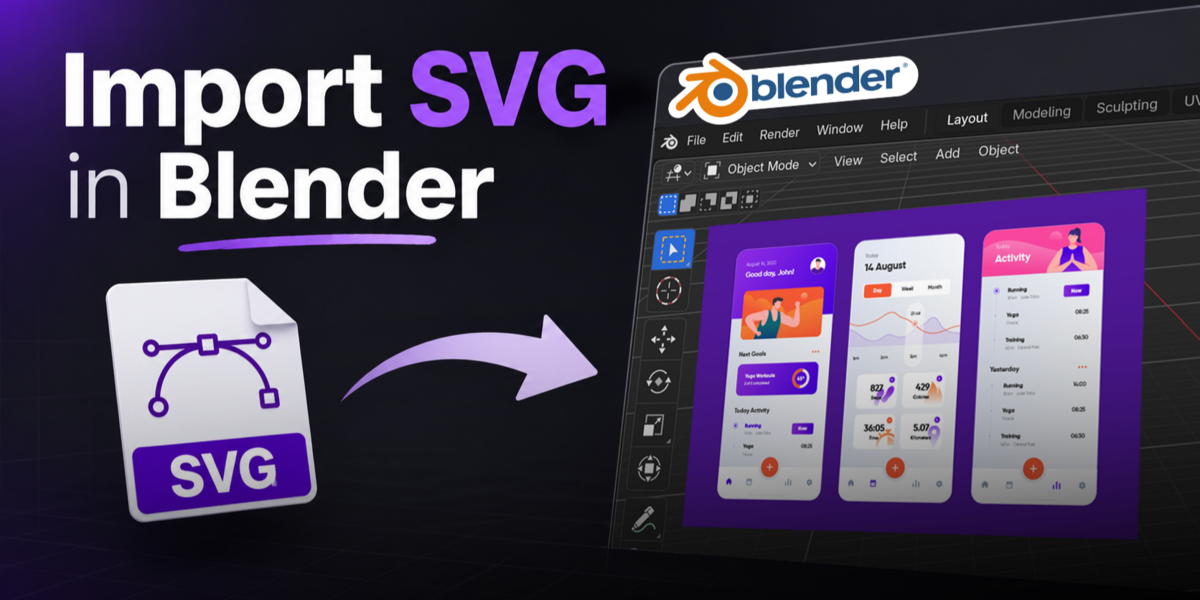
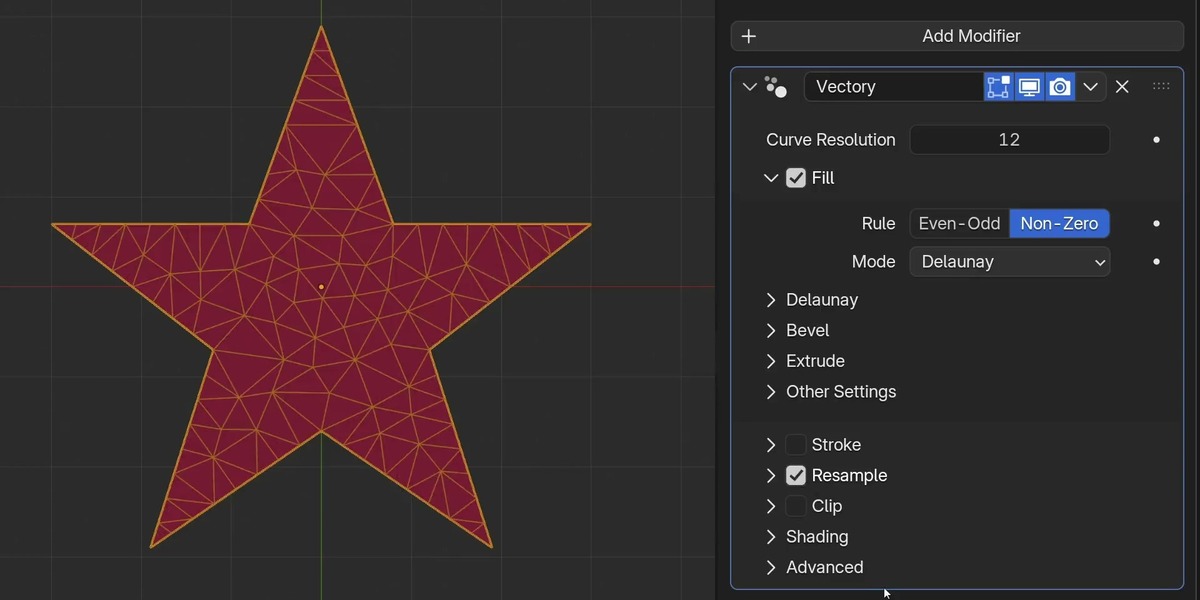
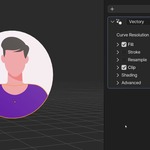
Vectory imports SVG and DXF files into Blender as clean, editable Bezier curves, and keeps them looking like the original.
HIGHLIGHTS
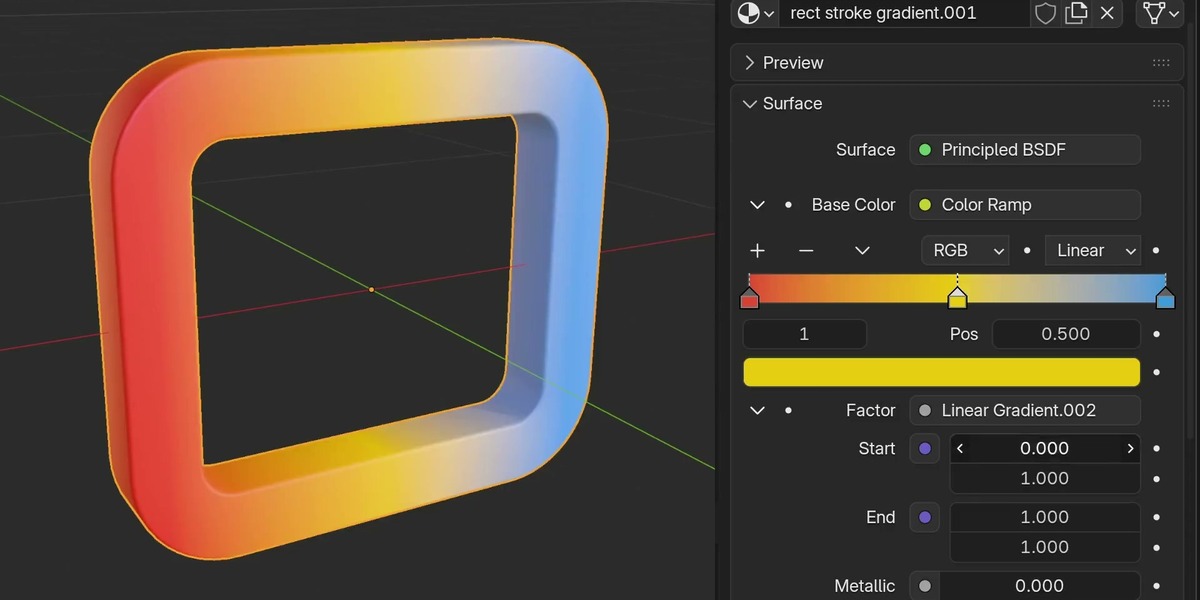
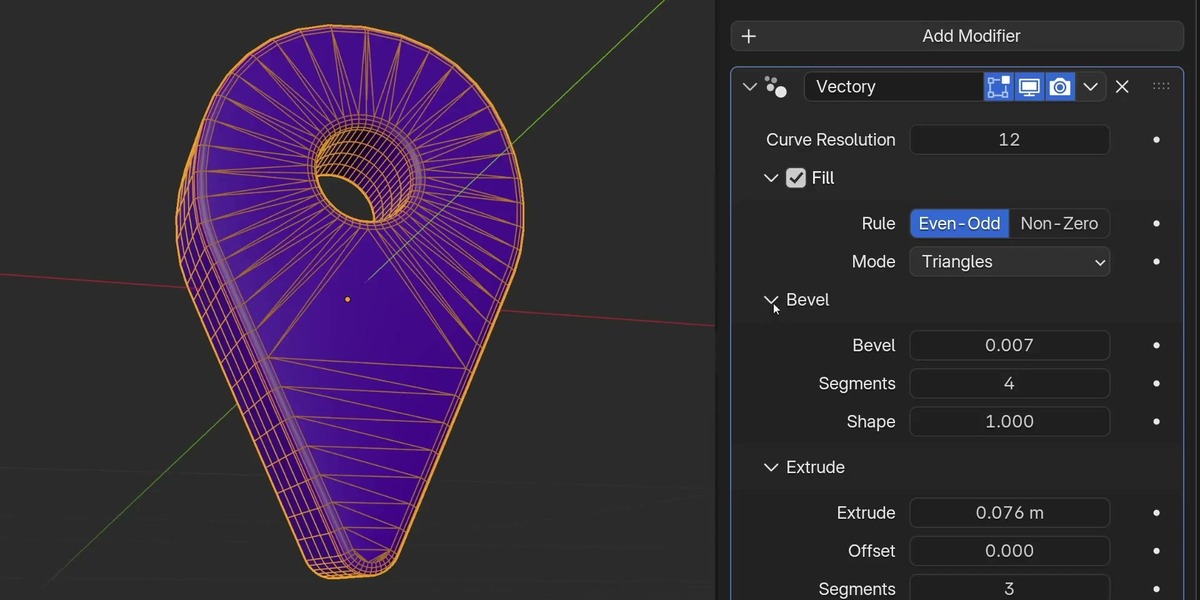
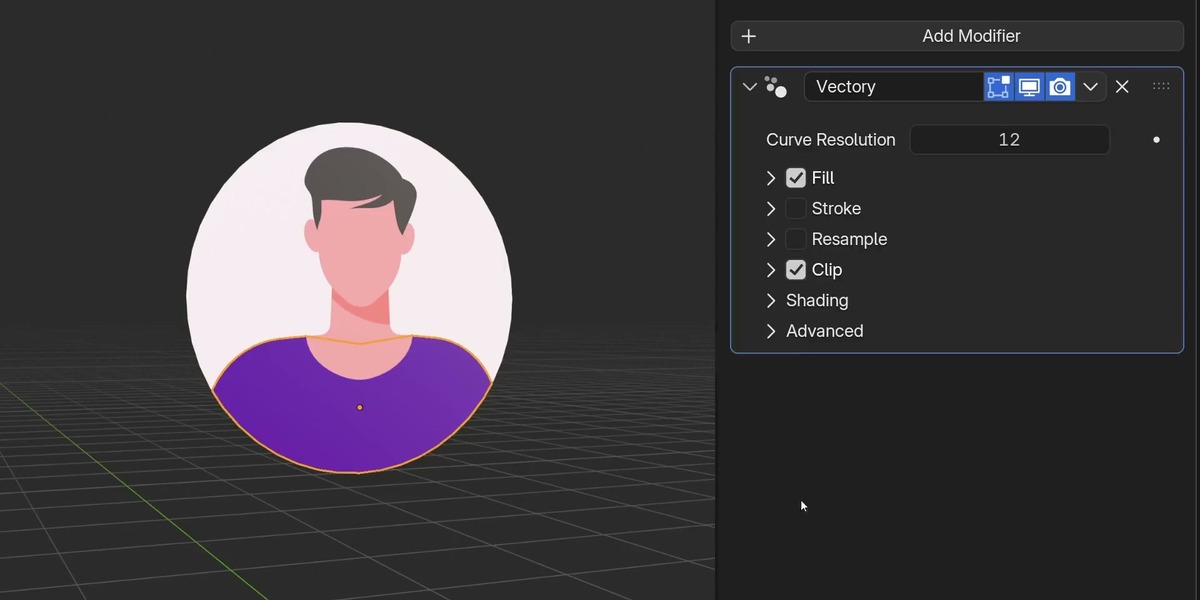
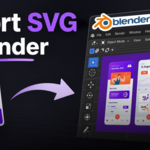
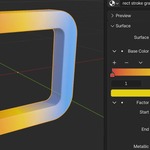
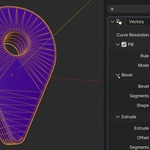
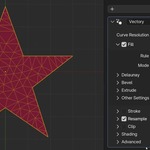
| One modifier for fill, stroke and clip Four stroke profiles, inside/outside alignment, dashes, trim and taper (keyframeable). | True gradients Linear and radial, multi-stop, with opacity, built as shader nodes. |
| Live text Native Blender text objects with matched system fonts. Persian and Arabic are supported. | Editable clipping Clip paths and nested viewports are cut for real, and the clip shapes stay in your scene. |
| DXF at real size (beta) Lines, arcs, splines, text and dimensions, scaled from the file's units. | Images and batch import Images become textured planes. Drag and drop several files at once. |
HOW TO USE IT
File > Import > Vectory (.svg, .dxf), or drag files into the 3D viewport. Any curve can also get the modifier from Add Modifier > Vectory.
GOOD TO KNOW
- Requires Blender 5.2 or newer.
- Not supported yet: SVG masks, filters, patterns, markers, DXF pattern hatches, DWG and binary DXF.
- DXF support is in beta.
- Open source, GPL-3.0-or-later. Full scope, questions and bug reports: maitty.com/vectory
