Vectory
 Maitty
Vectory
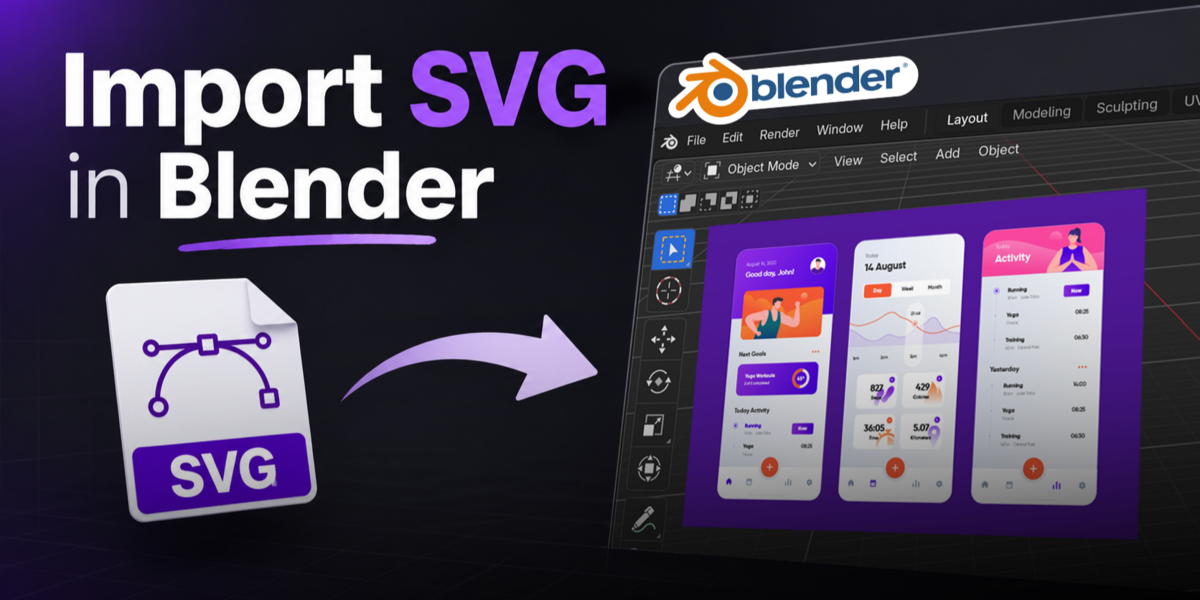
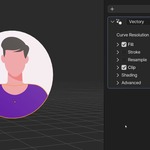
Vectory imports SVG and DXF files into Blender as real curves. The result stays close to the original file: editable text, accurate gradients, clipping and masks, and a modifier that controls fill and stroke on every shape.
What you can import
- SVG and compressed SVGZ files.
- DXF files, ASCII or binary (in beta; see below).
- Logos and UI designs made in SVG, with their layers, colors and text.
DWG files are not supported.
Main features
Accurate import. Each shape becomes one object. Fill and stroke are two parts of the same Vectory modifier, so you can adjust them without rebuilding the drawing.
Editable text. With Text As set to Text Objects, text stays editable: change the content, font, size and letter spacing. Set Text As to Curves to get the letter outlines instead.
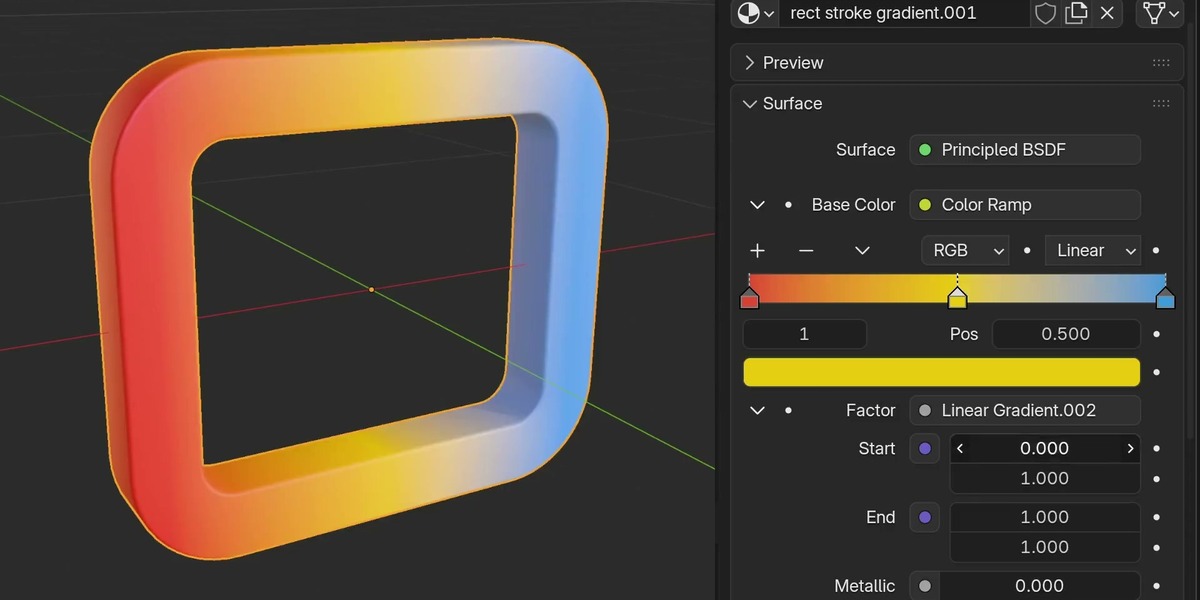
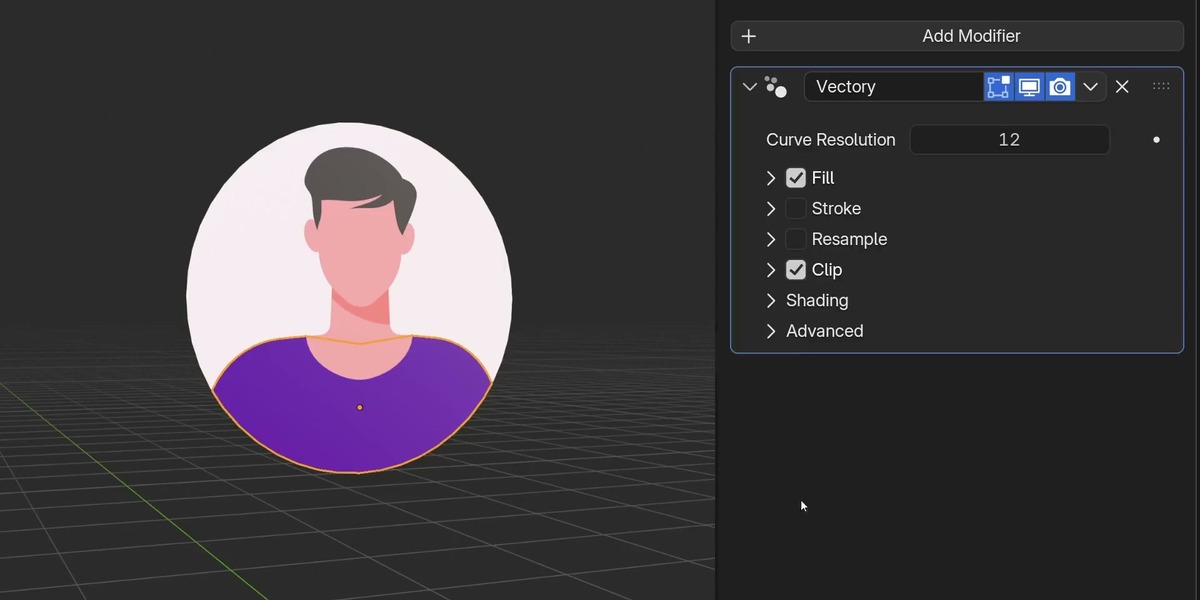
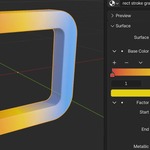
Gradients, clipping and masks. Linear and radial gradients keep their shape, including focal points and turned or stretched gradients. Clip paths and masks are applied to the shapes they cover. Shapes that lie entirely inside a clip region are left uncut.
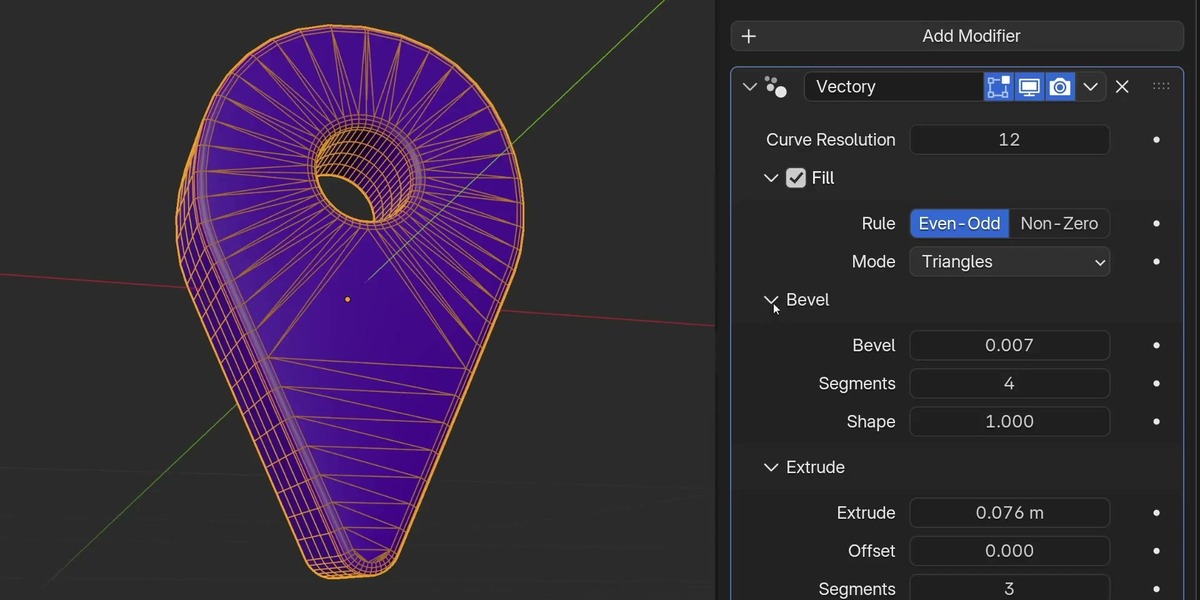
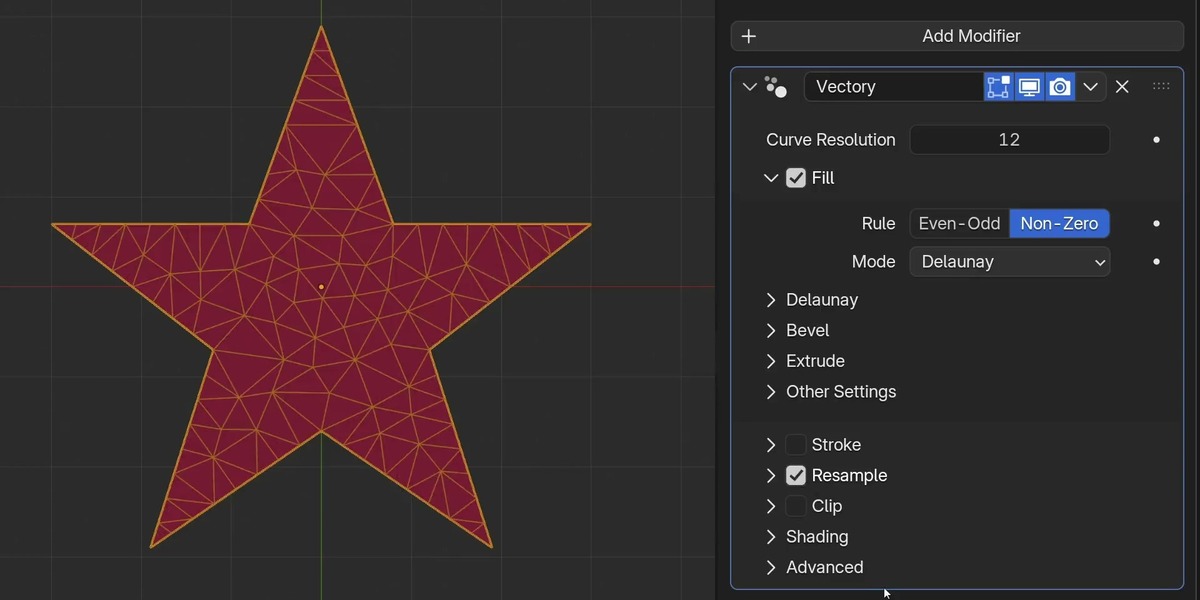
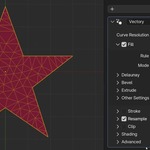
The Vectory modifier. Add it to any curve, even without importing an SVG first. It has two sections:
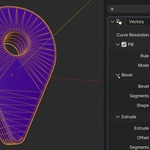
- Fill: extrude, bevel, and fill rules (Non-Zero and Even-Odd).
- Stroke: width, alignment (Center, Inside, Outside), profile (Flat, Round, Square or your own object), caps, joins, dashes, trim and taper.
Animation. Because the modifier is parametric, you can keyframe Trim to draw a line on screen, or animate Taper and other inputs.
Layer Planes. Turn the layers of an SVG into planes at different depths for a 2.5D look.
Join Shapes. Merges many small, similar shapes into a few objects, so large drawings import faster.
Import options
| Section | What it controls |
|---|---|
| Transform | Scale, document size, up axis, origin |
| Hierarchy | How groups become Collections, Empties or nothing |
| Fill | Vectory Modifier, Curve Fill or Curve Only |
| Material | Principled BSDF, Emission or Color Only |
| Strokes | Vectory Modifier or Outline |
| Text | Text Objects or Curves |
| Images | Embedded or linked pictures become textured planes |
| Clip Paths | Cut objects to their clip regions |
Limitations
- DXF is in beta. It has been tested with sample files, not yet with real AutoCAD drawings.
-
Not supported: PDF and AI files, filters (shadows, blur), mix-blend-mode, textPath, web fonts (
@font-face) and pattern fills (only the fallback color is used). - Masks that fade (gradient or grey masks) are cut at a hard edge and show a warning.
- Curve Fill always uses even-odd and breaks on crossing subpaths. Vectory Modifier is the recommended fill.
 Included
Includes 12 months of
- Support from Maitty
- Product updates
Extend this product’s Support Period +12 months: 25% of product price
Have questions before purchasing?
Login to message
| Blender Extension Compatible | Yes |
| Published | 36 minutes ago |
| Blender Version | 5.2 - 5.3 |
| Extension Type | Add-on |
| Render Engine Used | Cycles, Eevee |
| License | GPL |
Discover more products like this
svg import Vectory SVG gradient logo import SVG to curve dxf import DXF to Blender SVG UI import Vectory add-on Vectory modifier SVG text SVG clipping