Vectory
 Maitty

Is DXF import finished?
DXF is in beta. It has been tested with sample files and automated tests, but not yet with real AutoCAD drawings.
Are the imported shapes accurate?
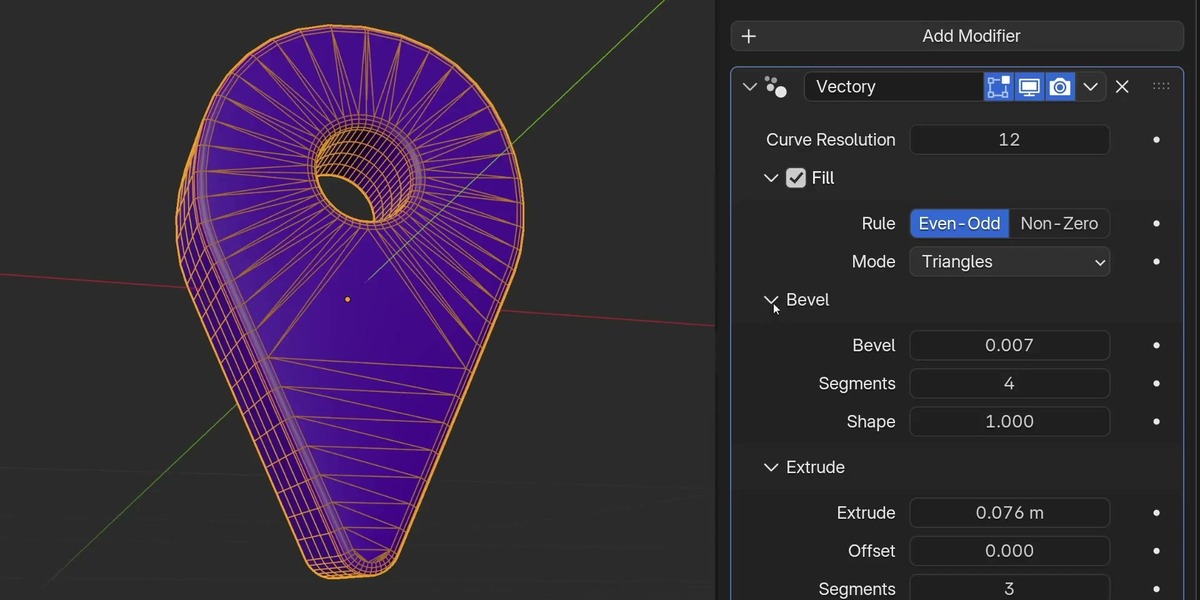
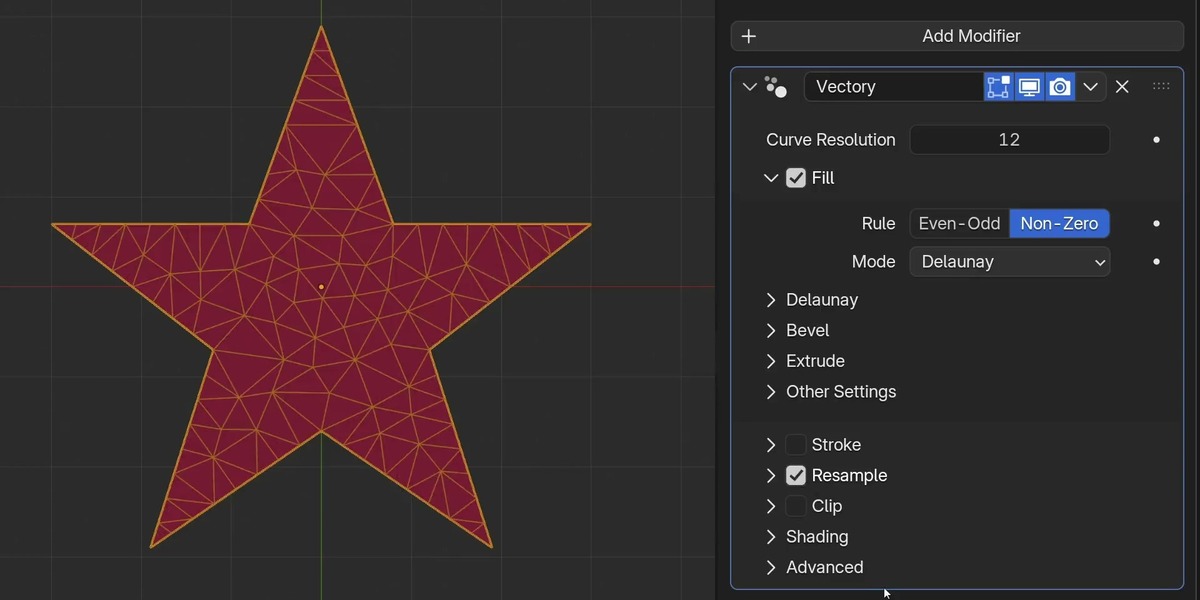
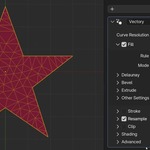
Vectory aims to match the original file closely. Each shape is one object, with its fill and stroke inside a single modifier, so you can edit them without rebuilding the drawing.
Can I add the Vectory modifier to any curve?
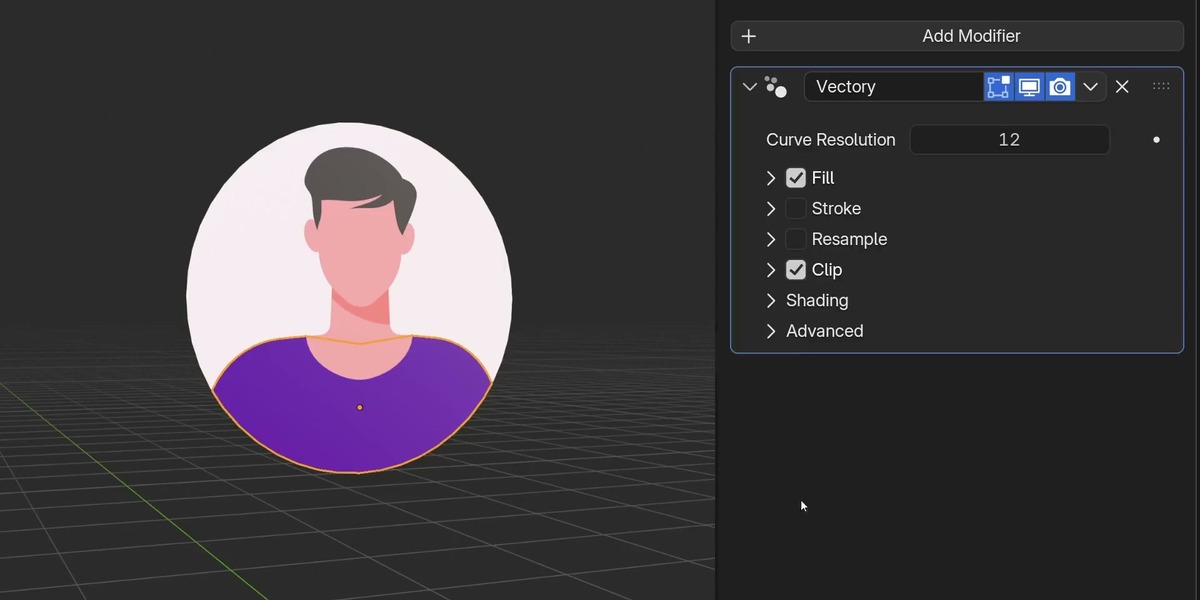
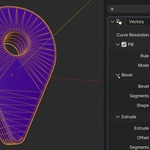
Yes. It can be added to any curve, even without importing an SVG first. It handles fill (extrude, bevel), stroke (width, caps, joins, profiles) and clipping in one place.
Does Vectory support gradients, clipping and masks?
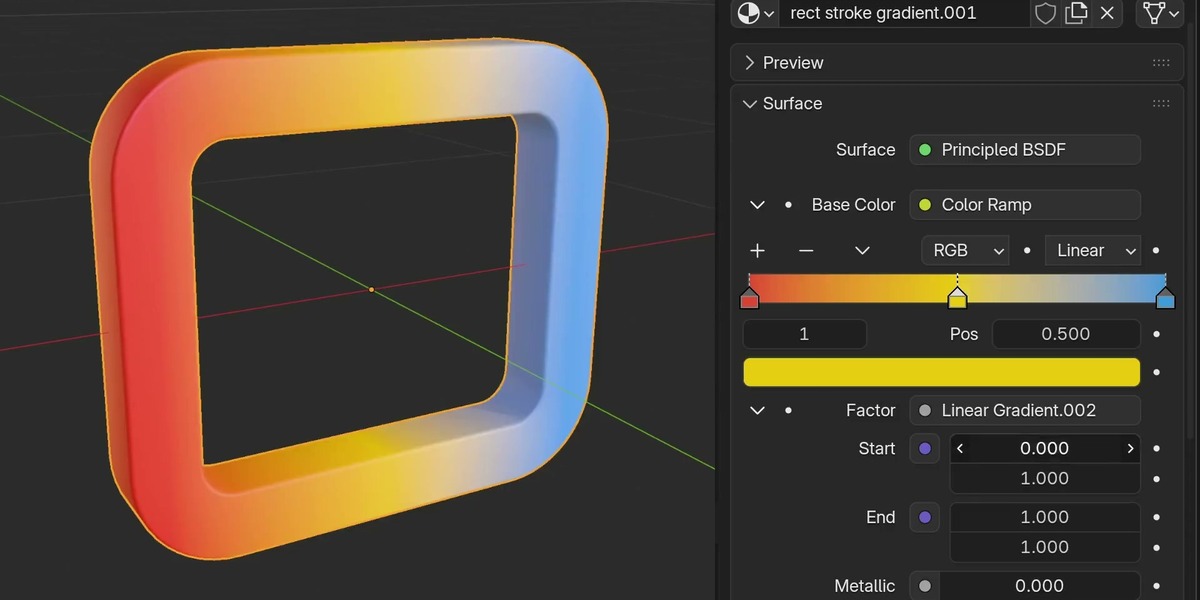
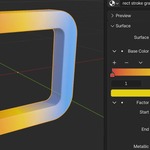
Yes. Gradients, clip paths and masks are supported. Masks that fade (gradient or grey masks) are cut at a hard edge and show a warning.
Is text editable after import?
Yes. With Text As set to Text Objects, text stays editable: you can change the content, font, size and letter spacing. With Curves, you get the letter outlines instead.
Which file types can I import?
SVG, SVGZ (compressed SVG), and DXF (ASCII or binary). DWG files are not supported.
 Included
Includes 12 months of
- Support from Maitty
- Product updates
Extend this product’s Support Period +12 months: 25% of product price
Have questions before purchasing?
Login to message
| Blender Extension Compatible | Yes |
| Published | 37 minutes ago |
| Blender Version | 5.2 - 5.3 |
| Extension Type | Add-on |
| Render Engine Used | Cycles, Eevee |
| License | GPL |
Discover more products like this
SVG to curve Vectory add-on Vectory SVG gradient Vectory modifier SVG clipping logo import dxf import svg import DXF to Blender SVG text SVG UI import