Vehicle Forge - Low Poly Vehicle Generator
 Samuel Abyan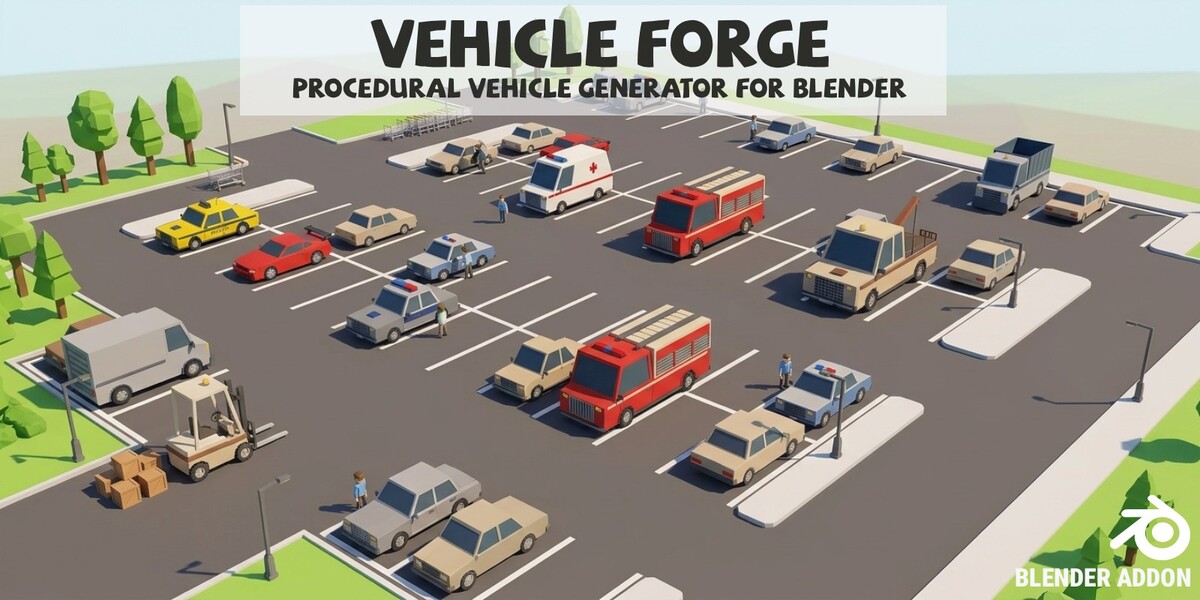
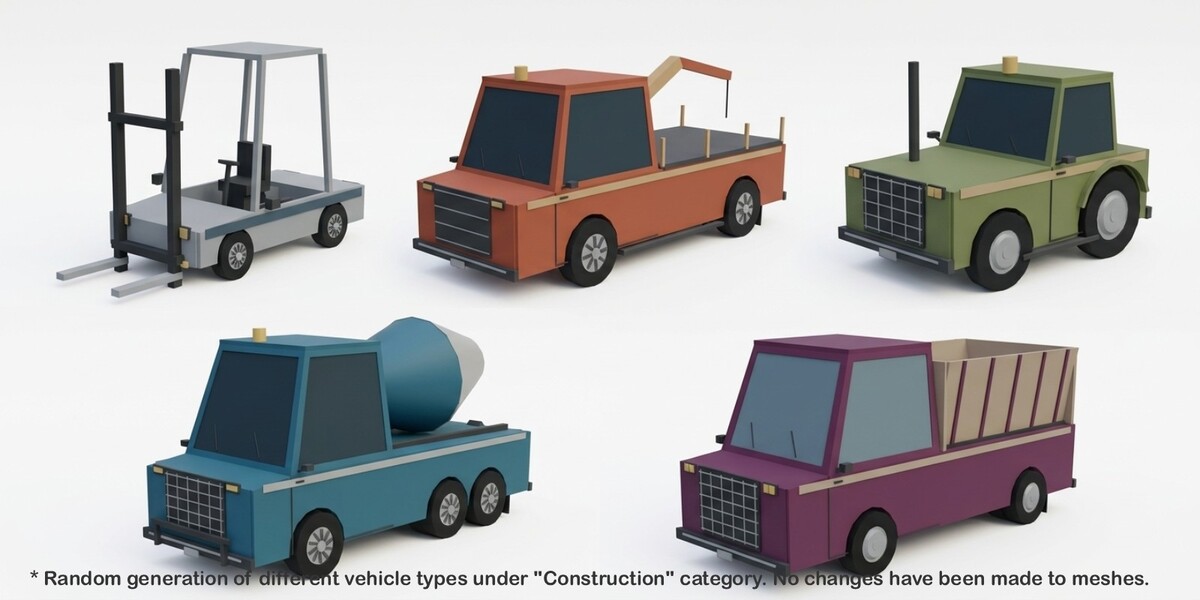
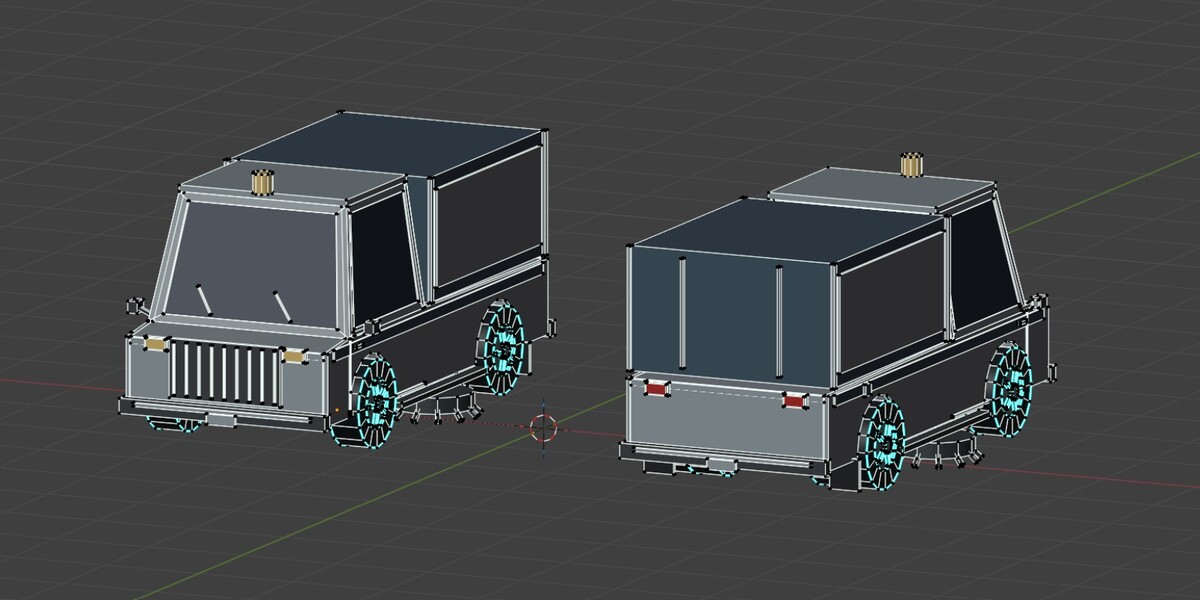
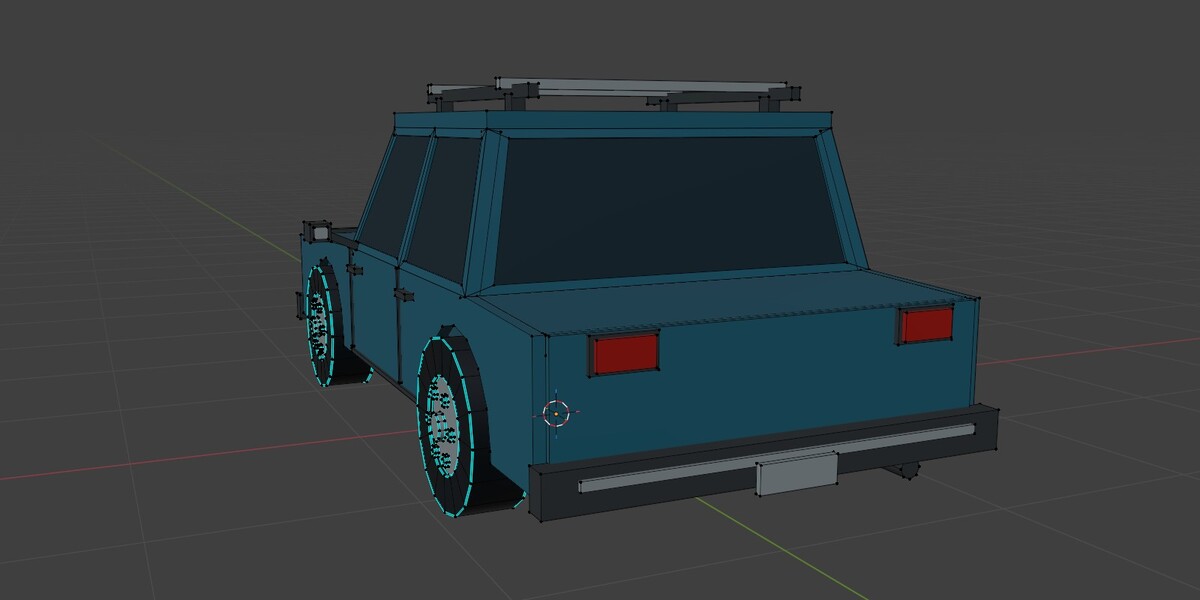
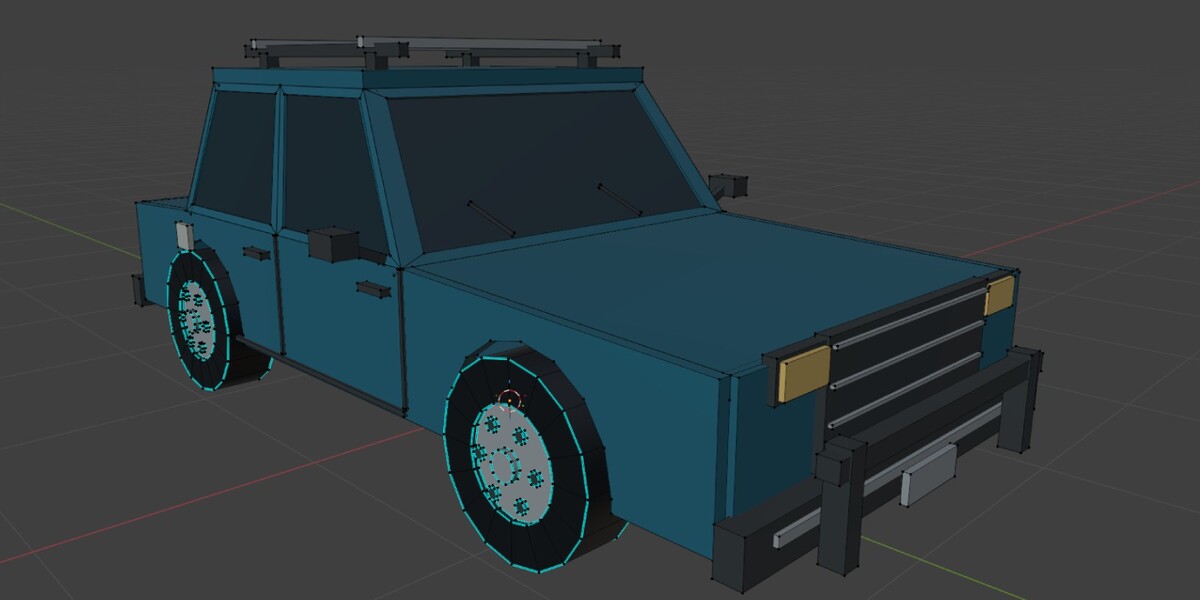
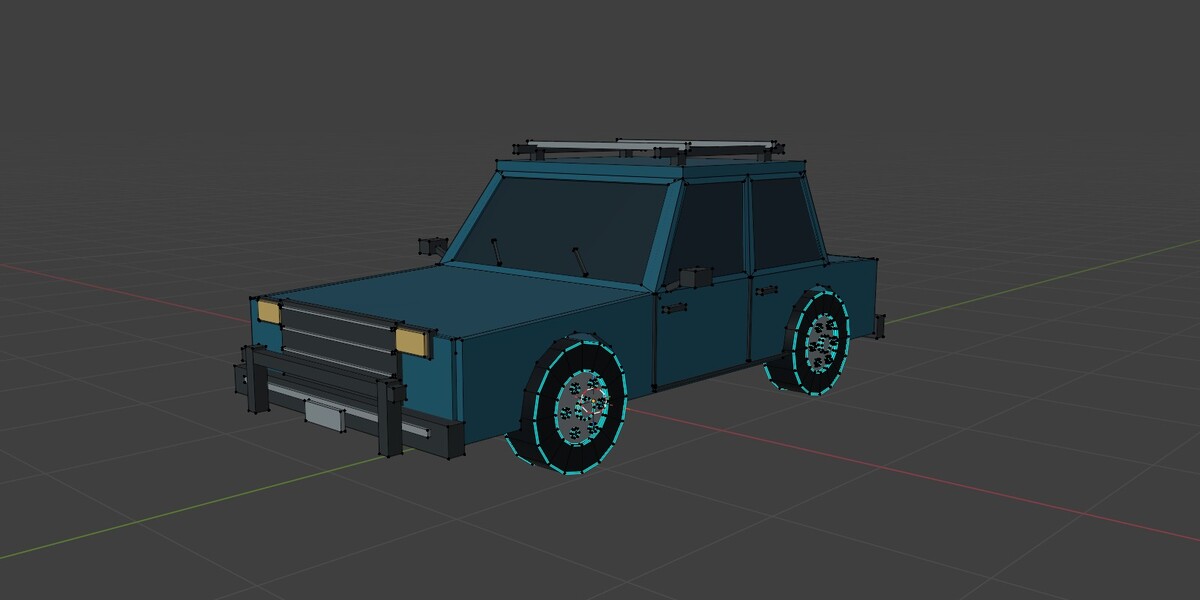
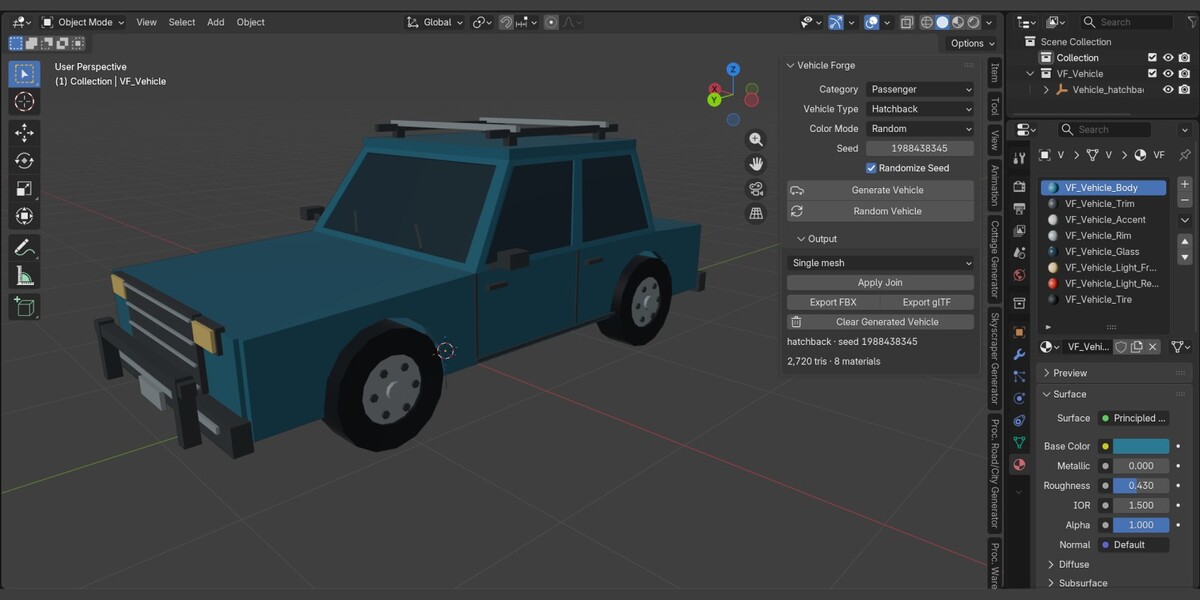
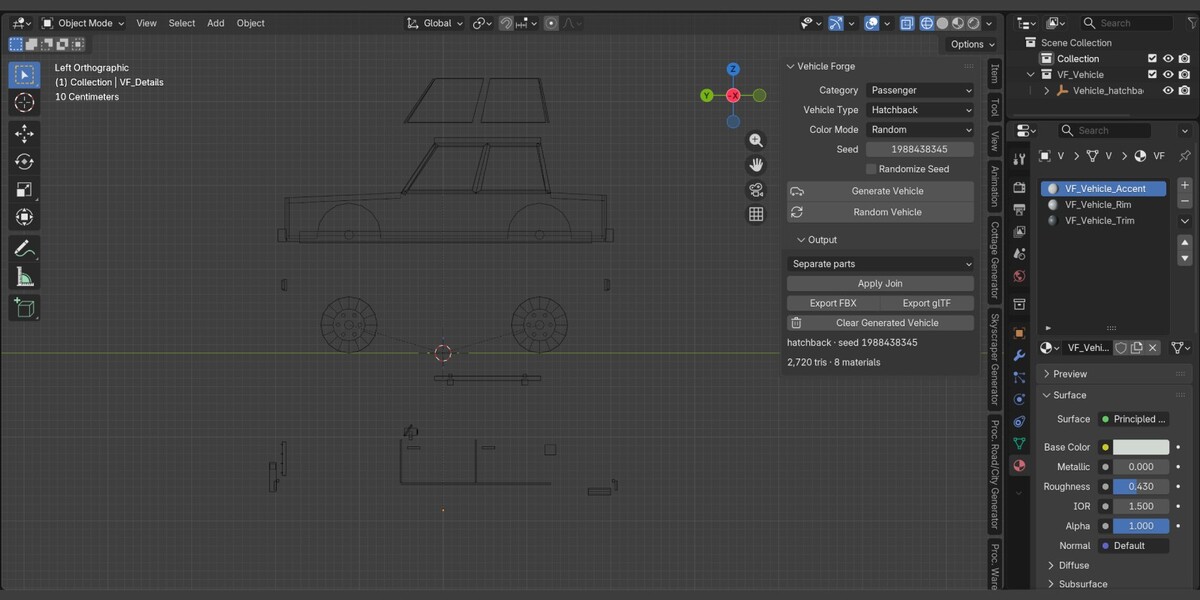
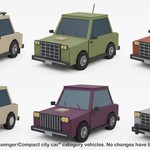
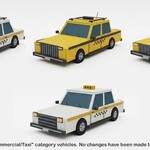
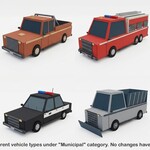
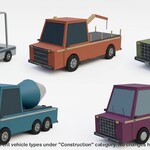
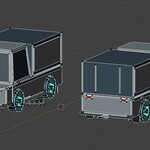
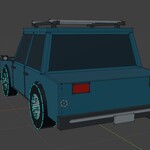
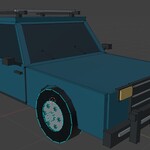
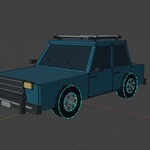
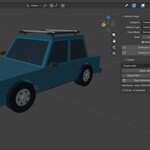
Procedural low-poly vehicles for Blender 5.0+, by **Samuel Abyan**.
Install and your first 30 seconds
1. In Blender 5.0 or newer, open Edit → Preferences → Get Extensions.
2. Use the top-right menu → Install from Disk, select `vehicle_forge-1.1.0.zip`, and enable Vehicle Forge.
3. In the 3D Viewport, press N and open **Vehicle Generator**.
4. Click **Random Vehicle**. Switch the viewport to Material Preview to see the palette.
5. Choose Passenger → Sedan and press Generate Vehicle several times to explore variation.
The sidebar contains Category, Vehicle Type, Color Mode, three custom color pickers when applicable, Seed, Randomize Seed, and two generation buttons. Output starts collapsed. Generation is available in Object Mode.
Types and style
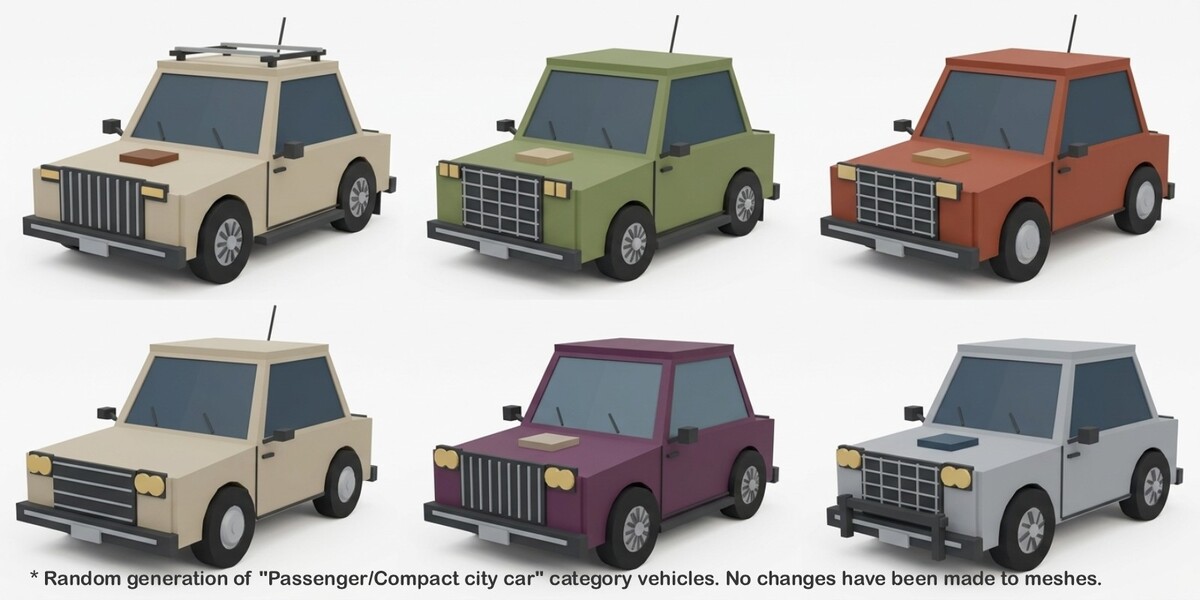
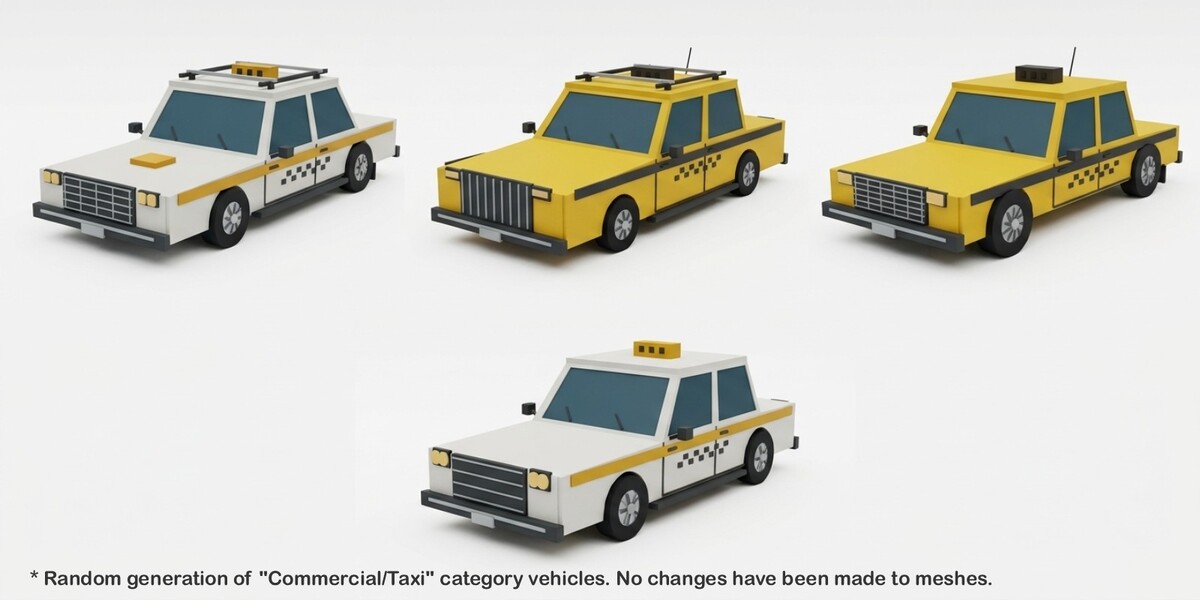
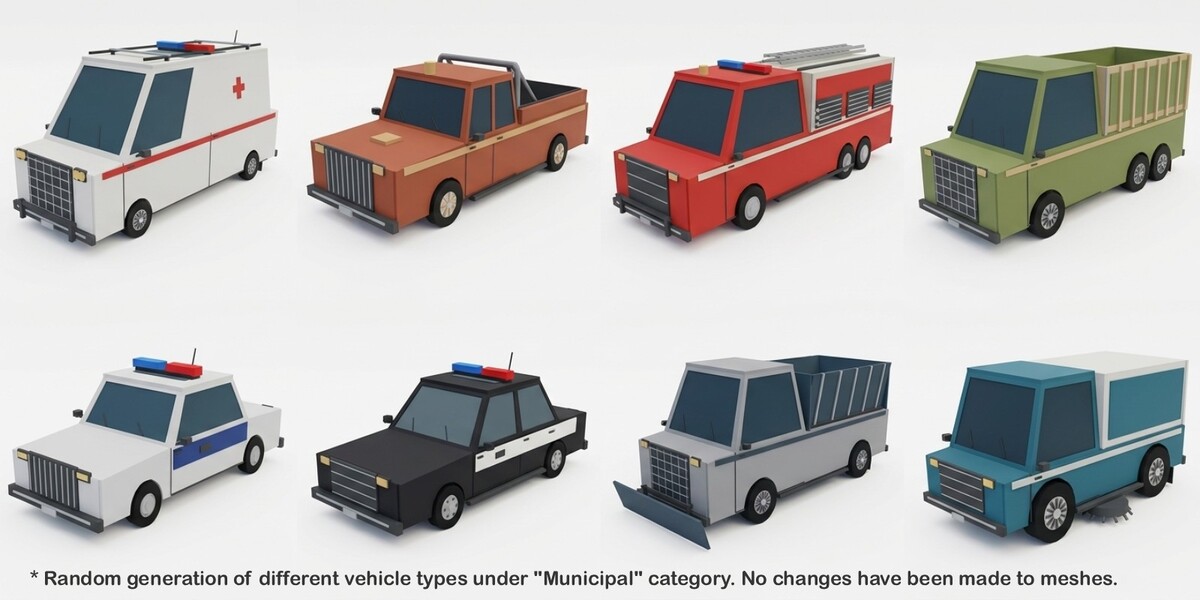
There are 32 registered types: nine passenger, seven commercial, eleven municipal/emergency, and five construction/utility types.
Every type uses continuous dimensions and independent choices for roof profile, door count where appropriate, rims, grille, lamps, tint, bumpers and accessories. Type files declare allowed family/body/door pools, equipment and accessory probabilities. A type is not a stored mesh. Some combinations are more similar than others; there is no promise that every possible pair will look radically different.
Colors and materials
Random uses weighted curated palettes. Police, medical, fire, taxi, school and postal types have targeted palettes. Body/glass luminance contrast is adjusted in Random mode. Custom uses your three colors exactly, including low-contrast choices. Emergency red and blue remain fixed. Warning beacons use the existing warm front-lamp role.
The eight base material names are `VF_Vehicle_Body`, `VF_Vehicle_Accent`, `VF_Vehicle_Trim`, `VF_Vehicle_Glass`, `VF_Vehicle_Tire`, `VF_Vehicle_Rim`, `VF_Vehicle_Light_Front` and `VF_Vehicle_Light_Rear`. Emergency vehicles may add `VF_Vehicle_Emergency_A` and `VF_Vehicle_Emergency_B`. The total is at most ten. There is no interior material role. The eight-slot base exterior limit excludes the two explicitly requested emergency-light roles. Tire and rim remain separate for readability. Privacy rear panes may use Trim.
All generated materials are opaque Principled BSDF shaders: alpha 1, transmission 0, no texture nodes, no image files, no UV layers. Blender 5 materials have no legacy OPAQUE blend-mode selector; opacity is enforced by the shader and is verified as OPAQUE in exported glTF. The implementation does not access deprecated `blend_method`, `use_auto_smooth`, or `Material.use_nodes` setters.
Glass is opaque and seated in continuous body-color frames with a shared opening perimeter. Vans use sloped solid cargo panels instead of overlays over windows. No interior is generated. The forklift has a permanent, supported operator station as part of its equipment; it uses the Trim material.
Managed role materials are shared globally in the current blend file and recolored on generation. This is intentional for one replaceable working asset. To keep independent variants in a scene, duplicate the result and make its materials single-user first, or export it before generating again. Edit your independent material copies, not the managed role materials. You can replace any role with your own textured material later; authored UVs will then be your responsibility. An unowned material occupying a reserved name produces a clear error instead of being overwritten.
Seeds and replay
The displayed Seed is the resolved seed. To replay, disable Randomize Seed and keep category, type, color mode, custom colors, triangle target and grouping unchanged. Replay is exact within this extension version. Save the blend file to preserve these settings. `vf_plan` on the root also records the full resolved plan for inspection.
Randomized generation checks recent type/body/doors/rim/grille/palette signatures and deterministically advances the seed when five or more signature fields match a recent entry. The search is bounded to 128 attempts; in an exhausted pool it accepts the last candidate. Explicit seed replay bypasses history. History belongs to the scene, is saved in the blend file, and participates in Undo. Seed entropy is obtained outside the geometry planner; all procedural choices use a single local `random.Random(resolved_seed)`.
Random Vehicle selects and displays a concrete category and type, randomizes the palette and seed, and generates. It leaves output/export preferences alone.
Output, scale and joining
Coordinates are meters: +Y forward, +Z up, +X across the axle. The parent Empty is `Vehicle_<type>_<seed>` inside an owned `VF_` collection. Its origin is at ground height and the center of the generated XY footprint, including equipment. Accessories can extend beyond the nominal type length. Place at 3D Cursor moves the parent to the cursor; an elevated cursor intentionally elevates the asset.
Body, Glass, Wheels, Lights, Details, Livery and Cargo are logical mesh groups, created only when used. Mesh vertices encode the dimensions; rotation is zero and scale is one. Wheel locations are hub origins with local +X spin axes. Standard two-axle vehicles have four wheel objects. Three-axle vehicles have six wheel assemblies, and dual tires share the corresponding rear hub assembly. This preserves the actual axle count rather than forcing six wheels into four objects.
Output → Join supports Separate parts, Single mesh, or Body + separate wheels. The choice applies to new generation and temporary export copies. Apply Join applies it to the existing asset. Single mesh loses separate wheel objects by design. Joining cannot unjoin an already joined asset; use Undo or regenerate. Joining retains material assignments, removes redundant material slots, and uses data operations without relying on active selection.
Clear removes the tracked generated asset and unused owned data. It preserves untagged objects added to its collection or parent. Generation replaces the previous tracked asset. Undo is provided by the UI operators. Background calls to the pipeline are intentionally ordinary data operations, not an undo system.
Preferences
- Export Folder: destination for FBX/GLB. `//` is relative to the blend file; save the blend first for a predictable destination.
- Auto-join: default grouping used when the panel is Separate parts. A panel join choice overrides it.
- Triangle Target: 1,500–15,000, default 8,000. This is a ceiling, not a density target. Many cars use roughly 2,500–3,500 triangles; heavy vehicles commonly use 4,000–7,000. No triangles are added merely to reach the ceiling.
- History Size: recent signatures retained, 0–128.
- Place at 3D Cursor: place the ground origin at the cursor.
The budget removes small relief first, then optional accessories, then rim detail. Accessory assemblies are removed together, so roof-rack feet cannot be removed while leaving unsupported rails. It never drops structural body, wheels, panes or defining cargo equipment. Final Blender tessellation is measured and validated. If mandatory geometry cannot fit, generation reports the required count and preserves the previous vehicle. Raise the target and try again.
Export
Set Export Folder in Preferences, generate, optionally select grouping, and click Export FBX or Export glTF. glTF is a self-contained `.glb` with no external textures. Filenames contain the type and resolved seed. Exporting that same type/seed again atomically replaces its previous file.
FBX uses meter scene scale and the Blender exporter preset `axis_forward='-Z', axis_up='Y'`; FBX unit metadata and application import settings determine the destination application's display units. glTF uses meters, Y up; the source +Y direction becomes -Z. Both formats preserve separate wheel node origins unless joined. There is no engine-specific import preset.
These are stylized low-poly game assets, not manufacturing models. There is no rigging, UV unwrapping and LOD generation.
Troubleshooting
- No button response: switch to Object Mode and check Blender's error report.
- Everything gray: use Material Preview or Rendered mode.
- Palette changes on an old duplicate: make the duplicate's role materials single-user.
- Very low triangle target fails: required geometry is protected; increase the target.
- Reserved material name collision: rename your unowned material; Vehicle Forge will not overwrite it.
- Export fails: choose a writable local folder, close applications locking the destination, and confirm Blender’s executable can be launched by your system. Antivirus or application-control software may block the background worker. The last status appears under Output; detailed errors are in Blender’s system console.
- Vehicle is offscreen: inspect its root in the Outliner and frame it; cursor placement may be away from the origin.
- Changed extension files are not discovered: disable/re-enable or restart Blender after adding registry modules.
Have questions about this product?
Login to message
| Blender Extension Compatible | Yes |
| Published | 5 days ago |
| Blender Version | 5.0 - 5.2 |
| Extension Type | Add-on |
| License | GPL |
Discover more products like this
car construction police vehicle city Generator low poly collection van ambulance procedural pickup