Vehicle Forge - Low Poly Vehicle Generator
 Samuel Abyan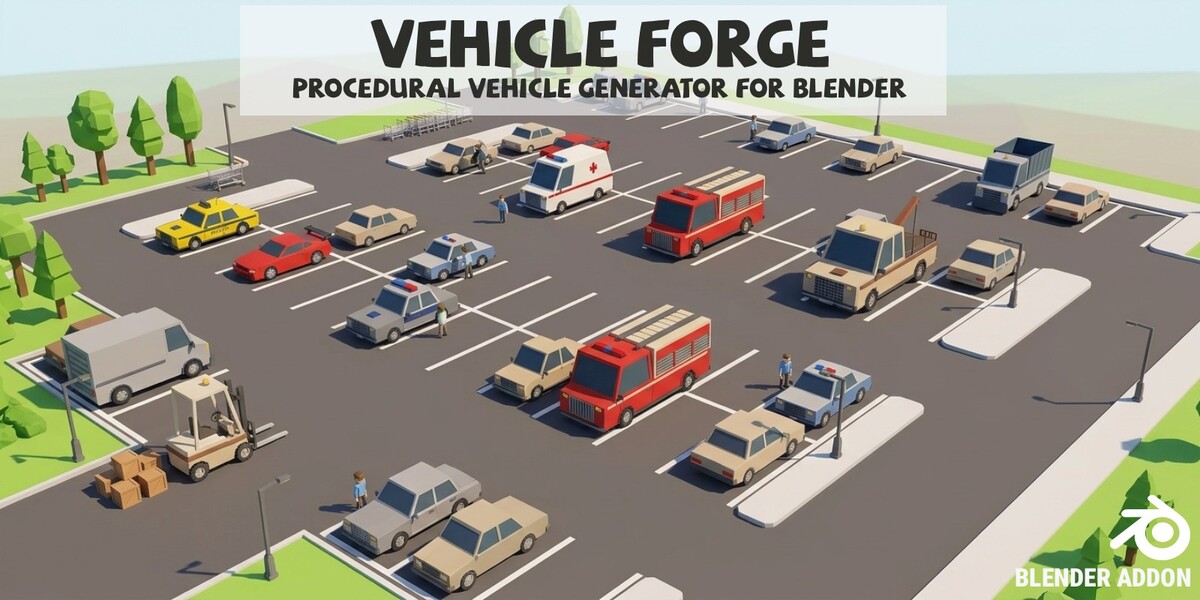
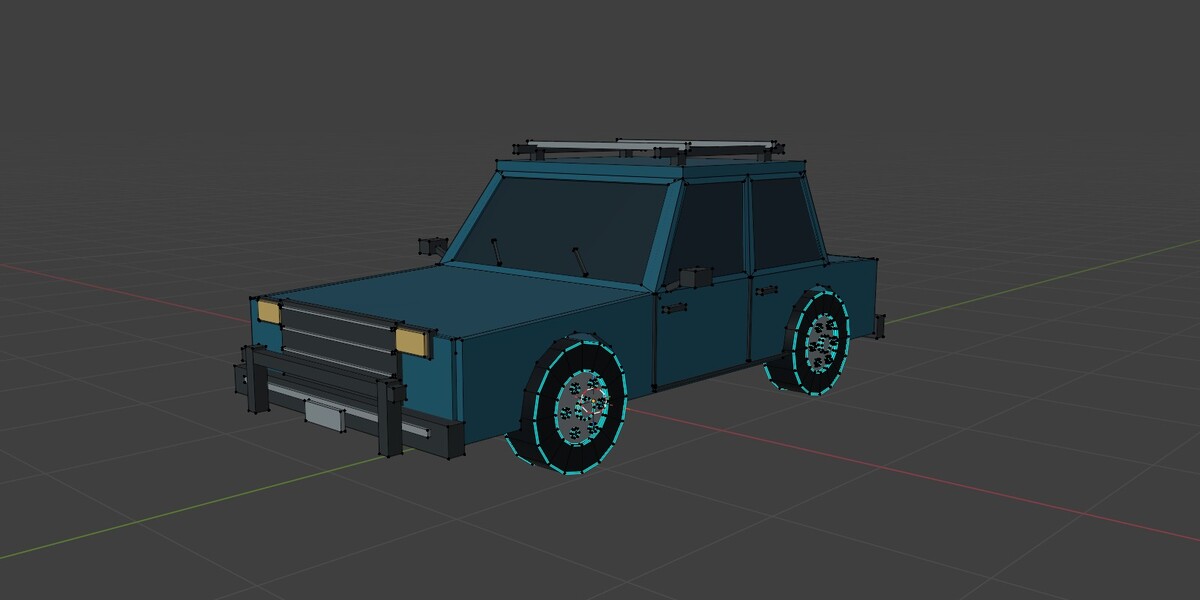
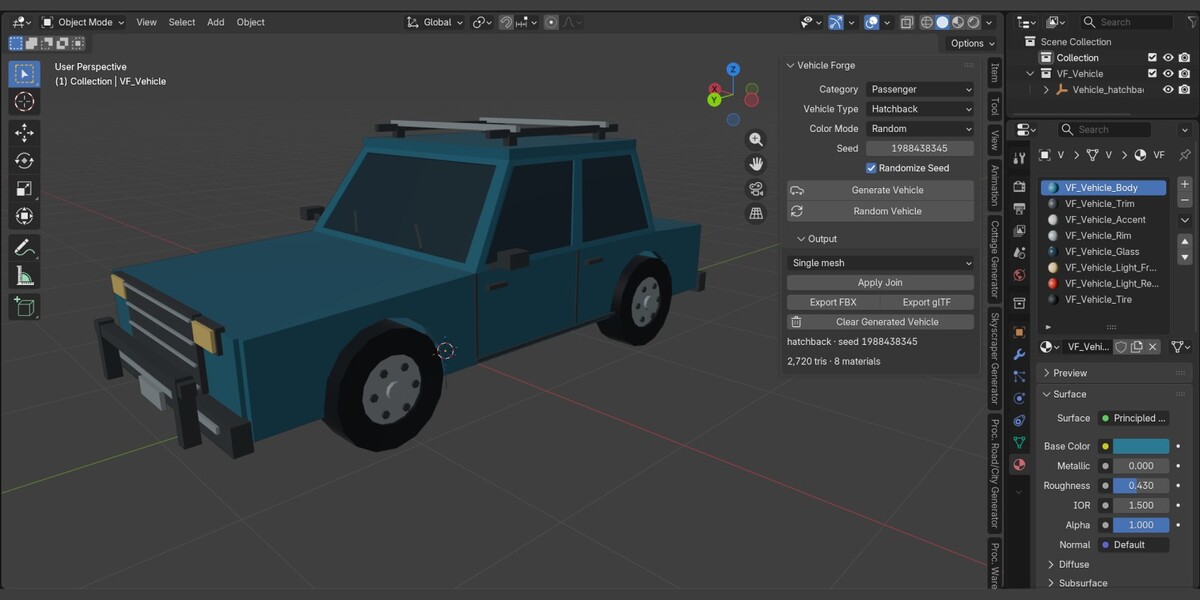
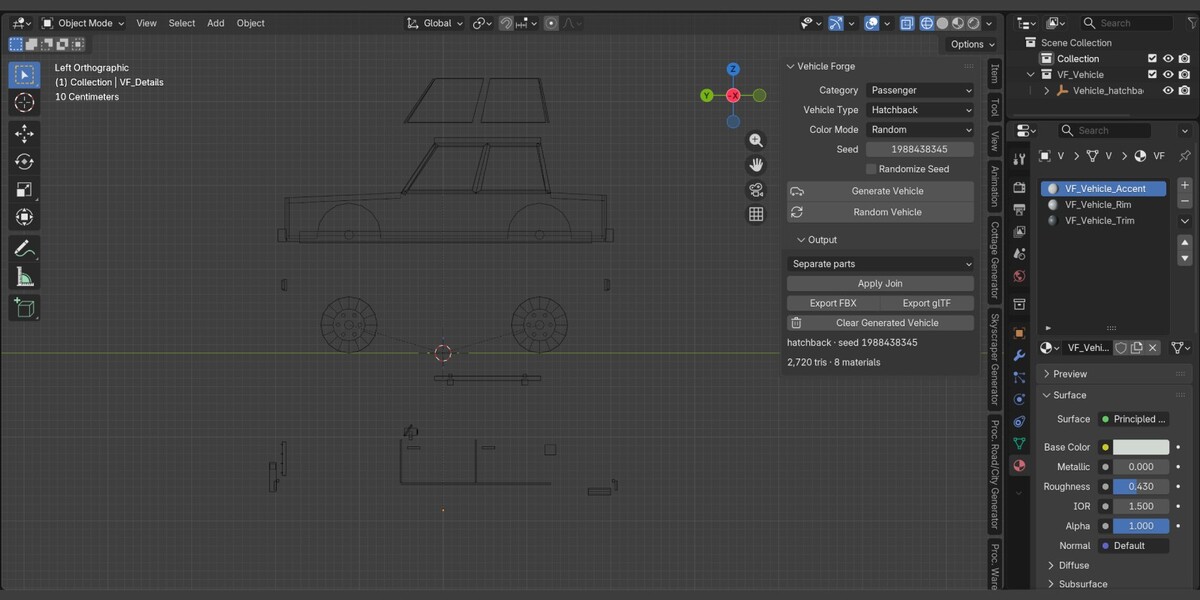
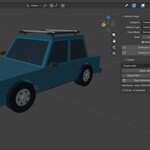
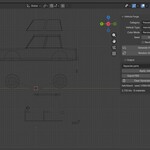
How do I export? What to do when Blender stops working during export?
Set an export folder in Blender > Edit > Preferences > Vehicle Forge addon, then click Export FBX or Export glTF. Export runs in a background process, so you can keep working. You can cancel it, and it stops after 120 seconds if not finished.
Can I animate the wheels?
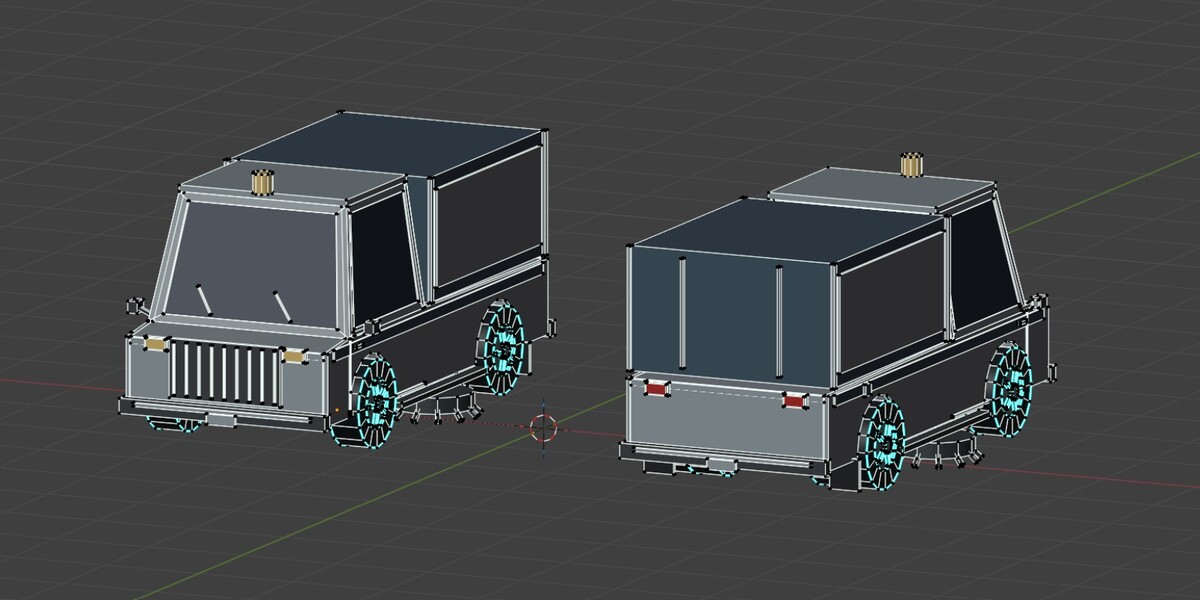
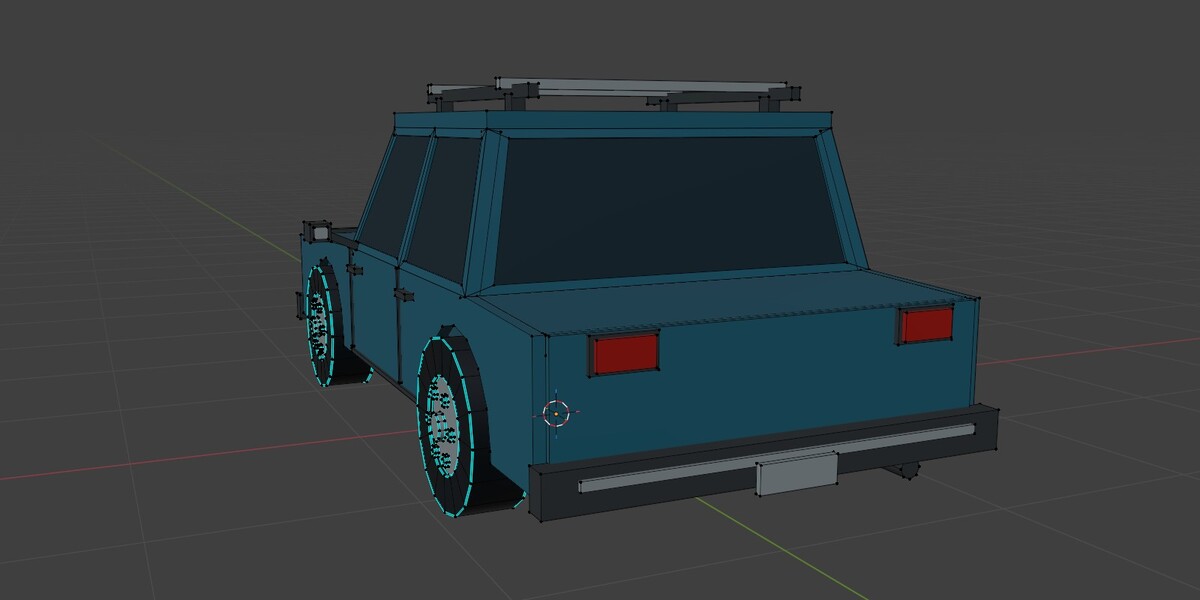
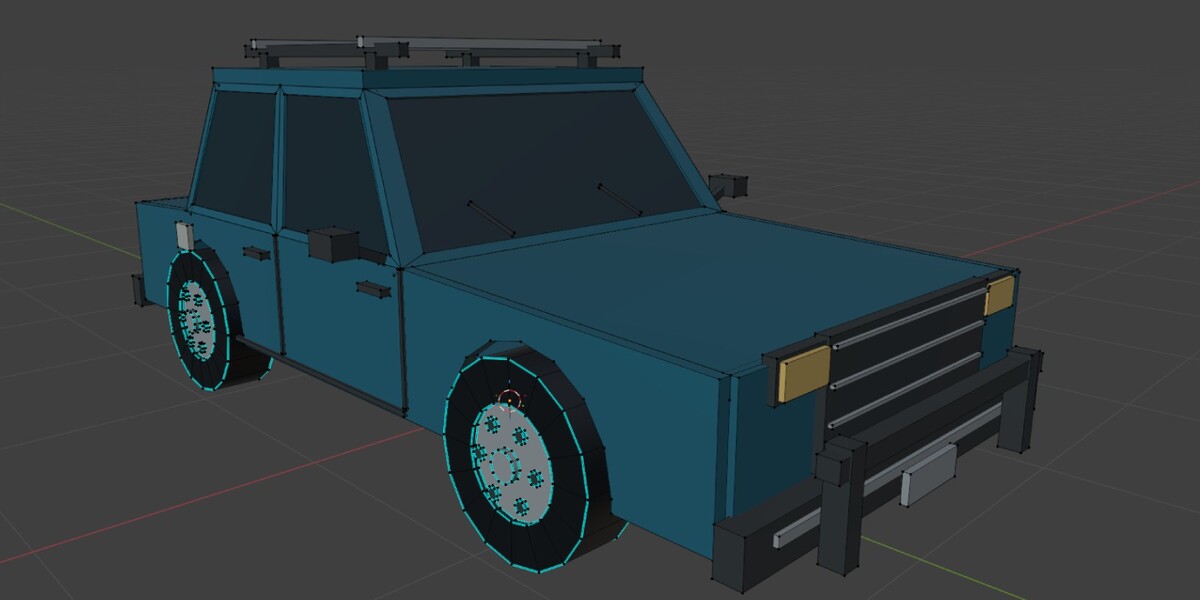
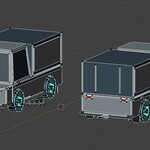
Wheels are separate objects with local X spin axes, ready for your own animation or rigging. Choose Separate parts or Body + separate wheels in settings when generating.
Is it ready for game engines?
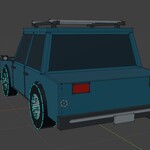
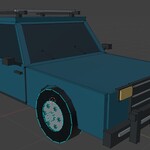
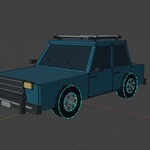
The meshes are low-poly, in meters, with the origin at ground level and wheels as separate objects with hub origins. There is no rigging, collision, or LOD generation, so add those in your own pipeline.
Are there interiors?
No. Windows are opaque, with no modeled interior.
How many triangles does a vehicle have?
Most cars are about 2,500 to 3,500 and heavy vehicles 4,000 to 7,000. The target set in Preferences menu (1,500 to 15,000, default 8,000) is a ceiling, and optional details are removed first if needed.
Does it include textures or UVs?
No. Materials are flat colors with no images or UV maps, so you can unwrap and texture them yourself.
How do I recreate a vehicle I like?
Note the seed. Turn off Randomize Seed and keep the same category, type, colors, triangle target, and grouping. Replay is exact within the same add-on version.
Can I choose the colors?
Yes. Use Random for curated palettes, or Custom to set three colors of your own.
How many vehicle types are included?
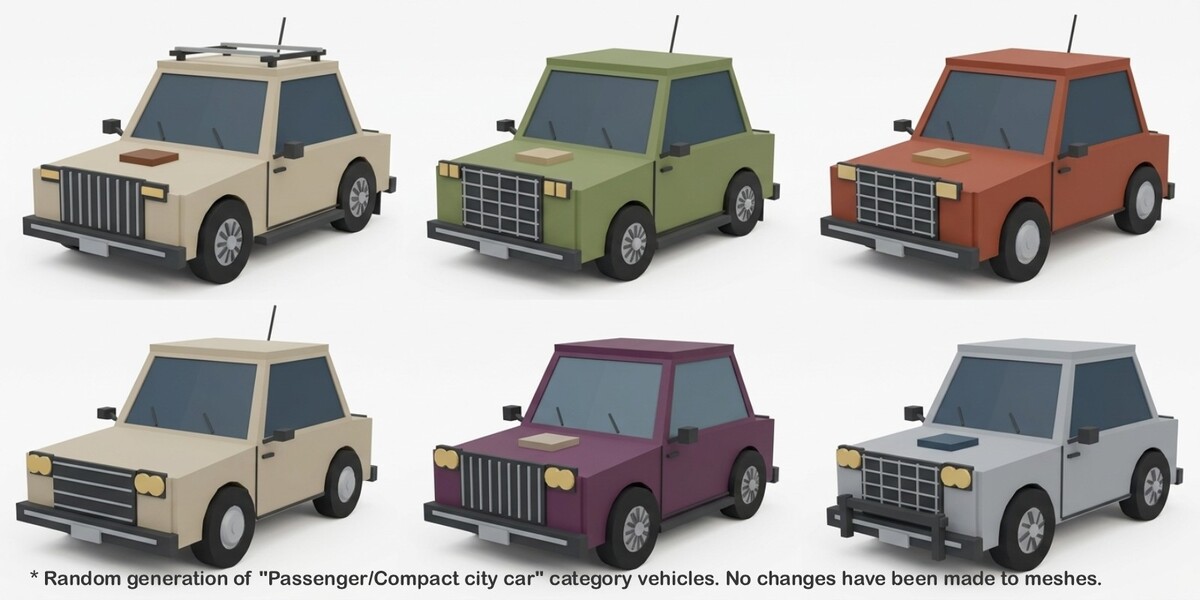
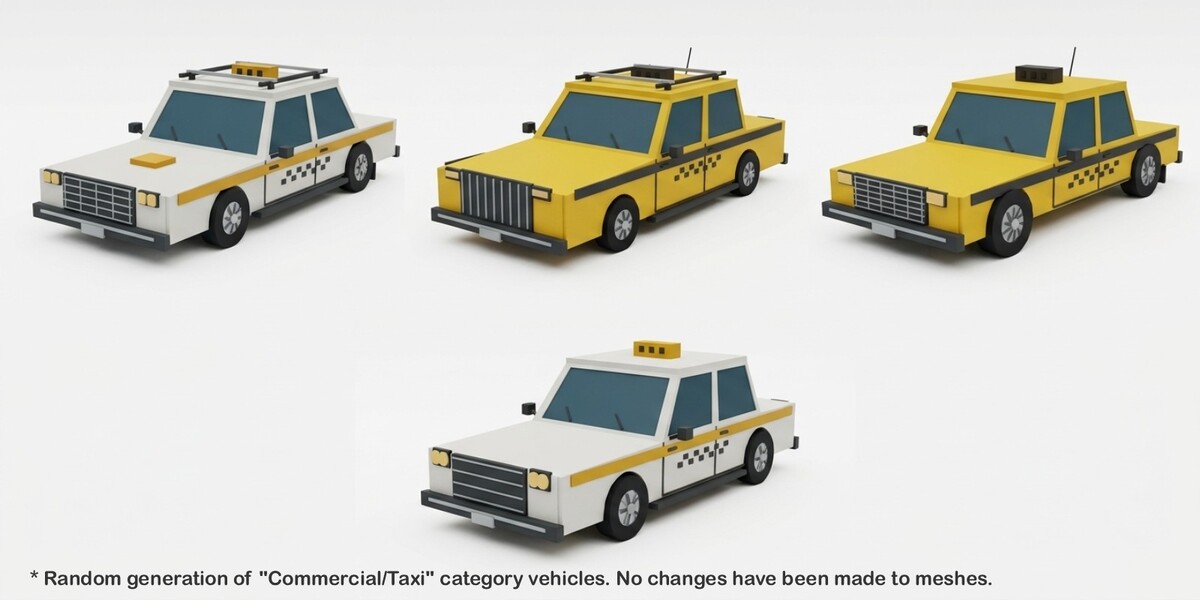
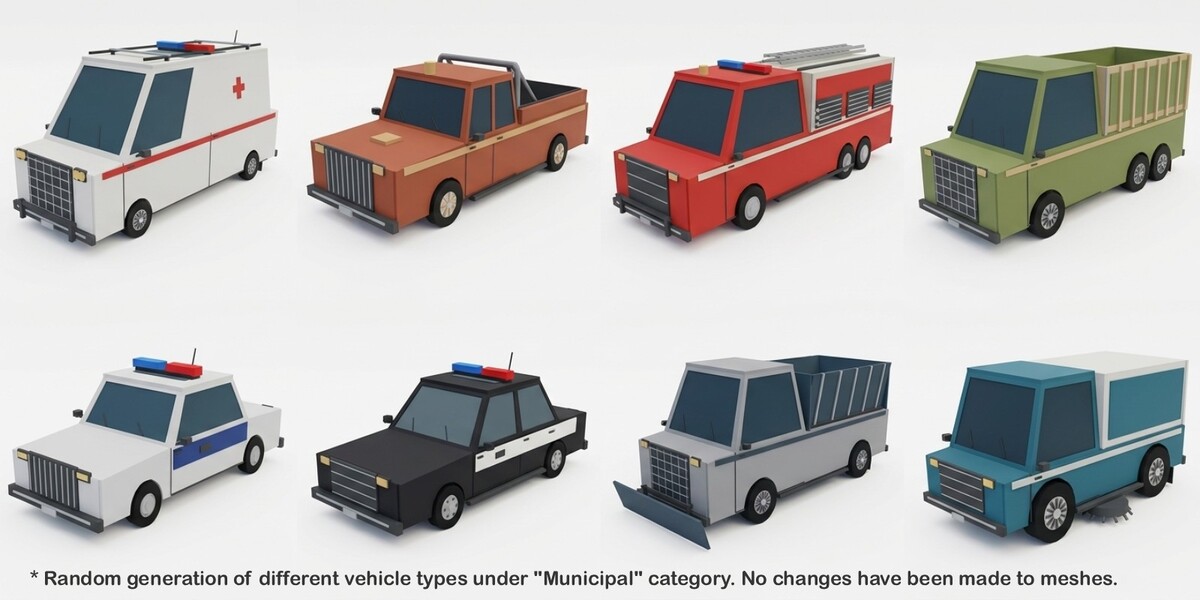
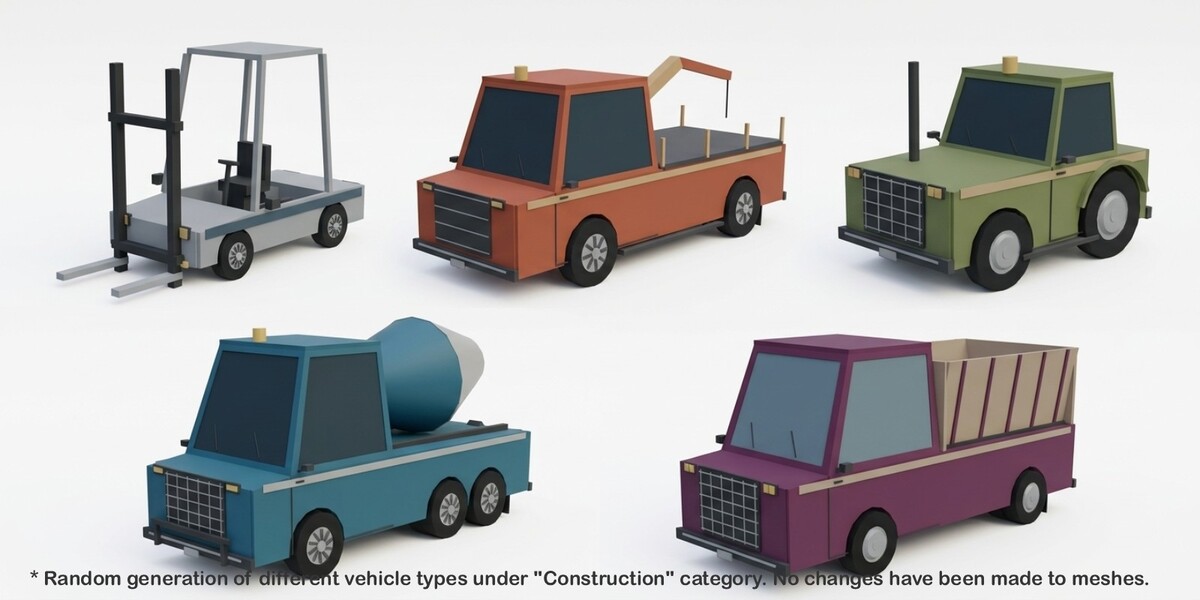
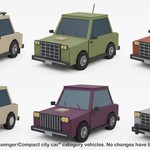
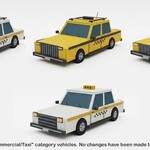
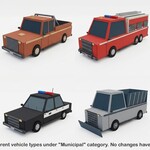
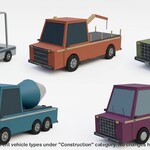
32: nine passenger, seven commercial, eleven municipal and emergency, and five construction and utility types.
$19
Have questions about this product?
Login to message
| Blender Extension Compatible | Yes |
| Published | 5 days ago |
| Blender Version | 5.0 - 5.2 |
| Extension Type | Add-on |
| License | GPL |
Discover more products like this
city ambulance construction car vehicle collection pickup police procedural Generator van low poly