 Skava
Skava


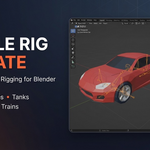
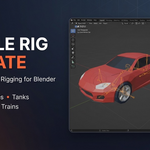
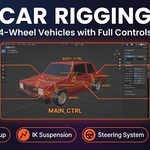
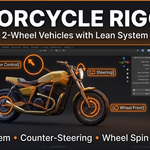
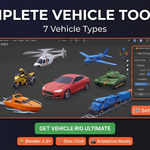
Download the .zip file and do not unpack it. In Blender open Edit > Preferences > Add-ons, click the drop-down arrow in the top-right corner and choose Install from Disk (in Blender 4.0 and 4.1 the button is called Install), then pick the downloaded file. Tick the checkbox next to Vehicle Rig Ultimate to enable it. Press N in the 3D Viewport and open the Vehicle Rig tab in the sidebar.
The product page lists Blender 4.0 – 4.5.
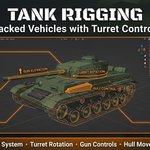
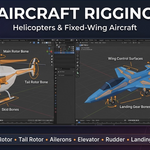
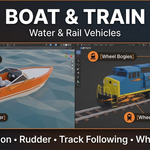
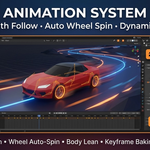
It generates a rig for a selected vehicle mesh: choose the vehicle type (car, motorcycle, tank, helicopter, aircraft, boat or train), configure the wheels and click Generate Rig. It also sets up path following along a Bezier curve, automatic wheel rotation and animation baking to keyframes.
The documentation recommends placing the origin at the bottom center of the vehicle, applying scale with Ctrl+A before generating, and naming wheel objects with “wheel”, “tire” or FL/FR/RL/RR.
The documentation describes the license as royalty free for use in unlimited projects. The license field on the product page lists MIT.
Have questions about this product?
Login to message
| Sales | 10+ |
| Published | 9 months ago |
| Blender Version | 4.0 - 4.5 |
| Extension Type | N/A |
| Render Engine Used | Cycles, Eevee |
| License | Mit |
Discover more products like this
animation automotive motorcycle blender addon vehicle rig helicopter rigging armature car rig tank aircraft auto-rig