 Skava
Skava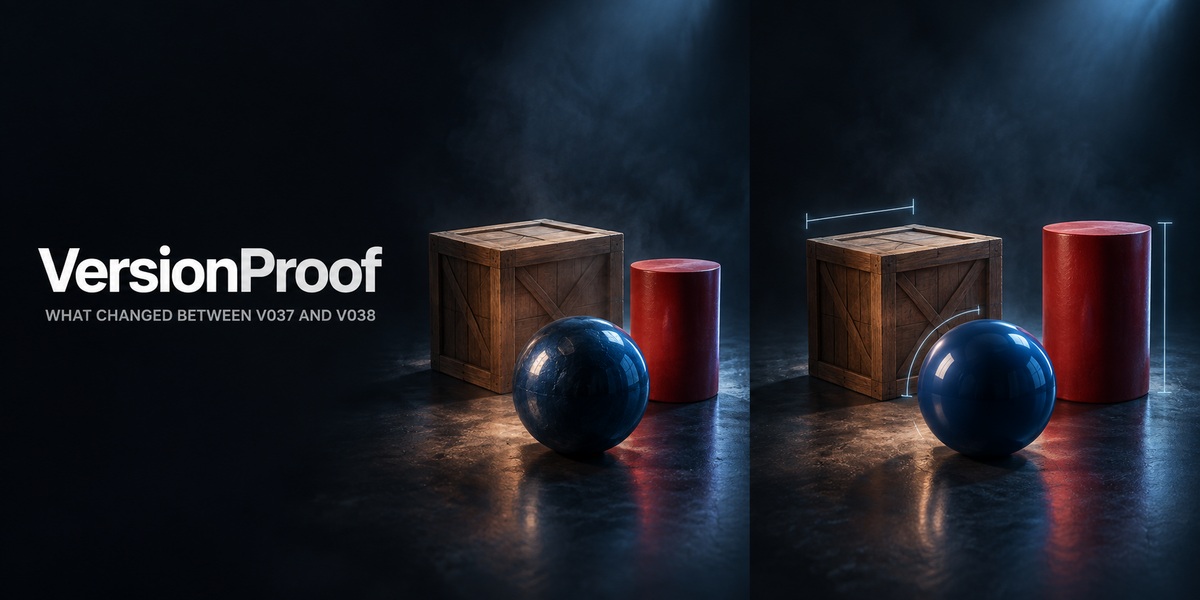
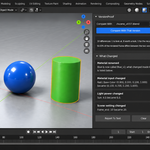
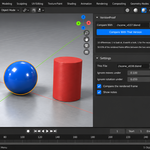
You saved it as v038. What is actually different from v037?
Everyone works in versions. Almost nobody can say what changed between two of them. You open the older file, look at it, close it, open the newer one, look again — and you are comparing two pictures from memory. A prop that quietly moved 3 millimetres, a roughness that went from 0.4 to 0.42, a light that got brighter, an object that is simply gone: none of that survives being looked at.
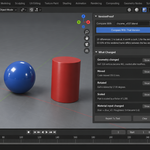
VersionProof opens both files, describes them with the same code, and tells you what changed — with a number on every difference. Not "the scene changed". The object, the millimetres, the degrees, the vertex count after modifiers, the material value before and after.
It is quiet when nothing changed
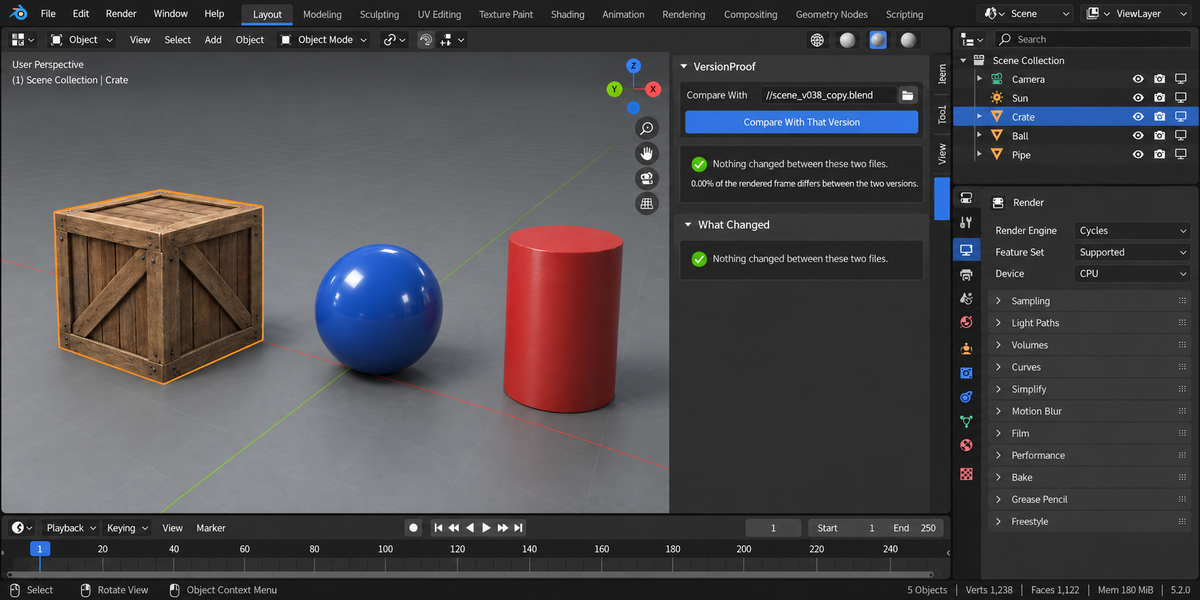
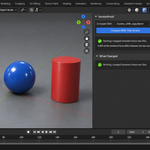
This is the part that decides whether a tool like this is worth anything. Given a file and a copy of itself, it reports zero differences and 0.00% of the frame — the two descriptions come back identical byte for byte. A comparison that finds a dozen edits in a copy of itself is worse than no comparison, because you stop believing the ninth one.
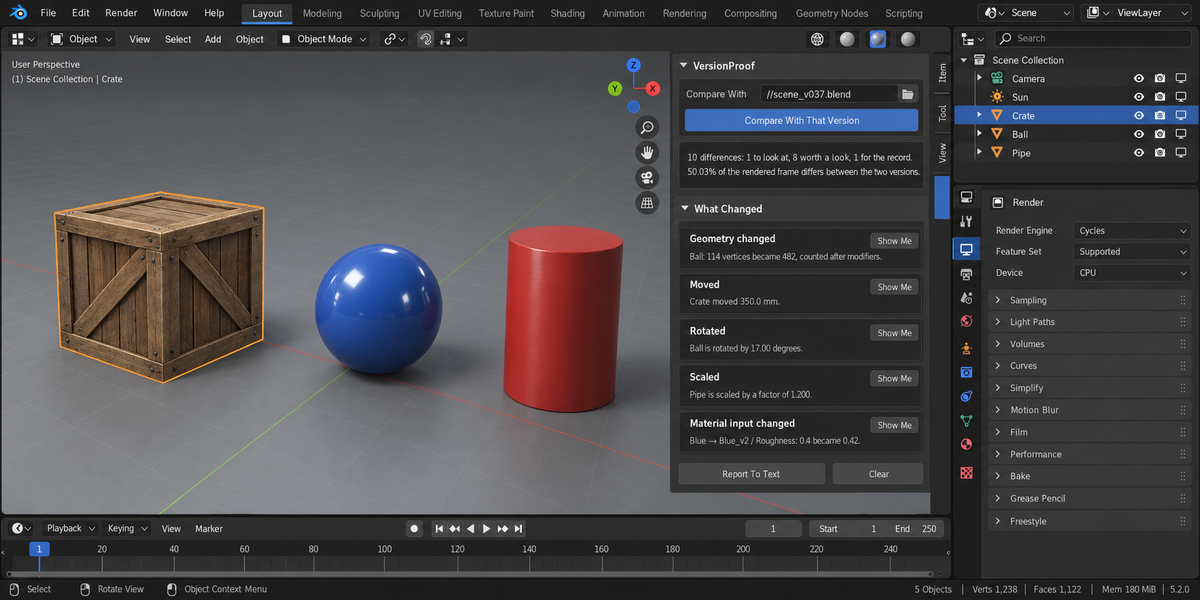
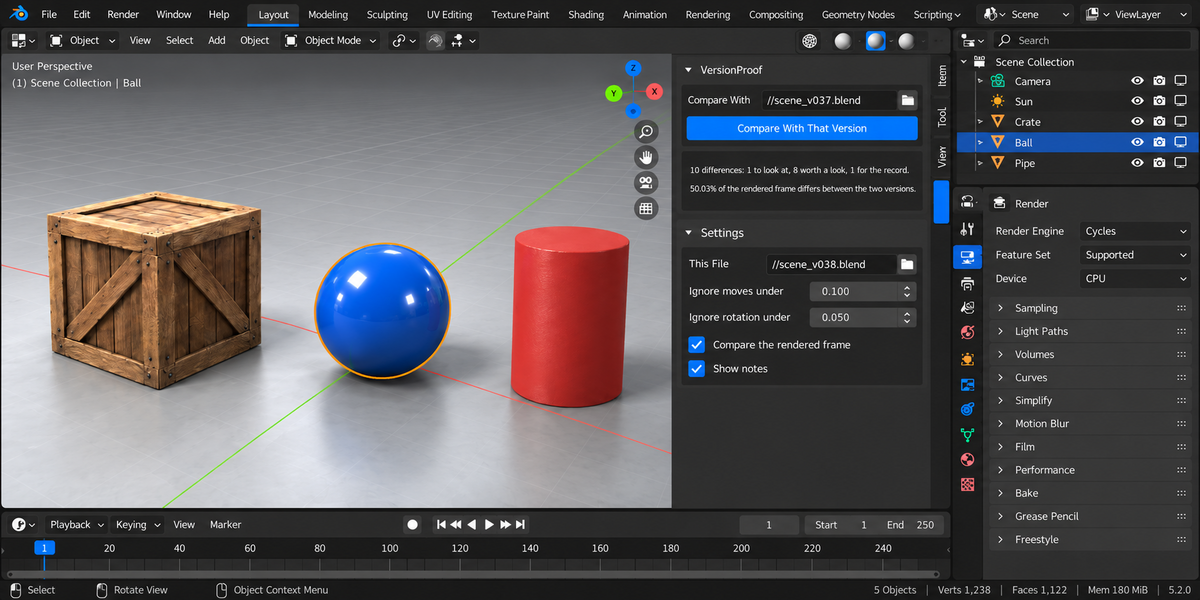
Given a pair with nine real edits, it reports ten findings and 50.03% of the rendered frame — one to look at, eight worth a look, one for the record.
Numbers an artist can act on
- Moved: 350.0 mm, not "transform changed".
- Rotated: 17.00 degrees. The first version of this add-on printed the matrix element — 0.3508 — which tells you nothing. That is measured as a real angle now.
- Scaled: by a factor of 1.200.
- Geometry: 114 vertices became 482, counted after modifiers — which is what your renderer and your engine will receive.
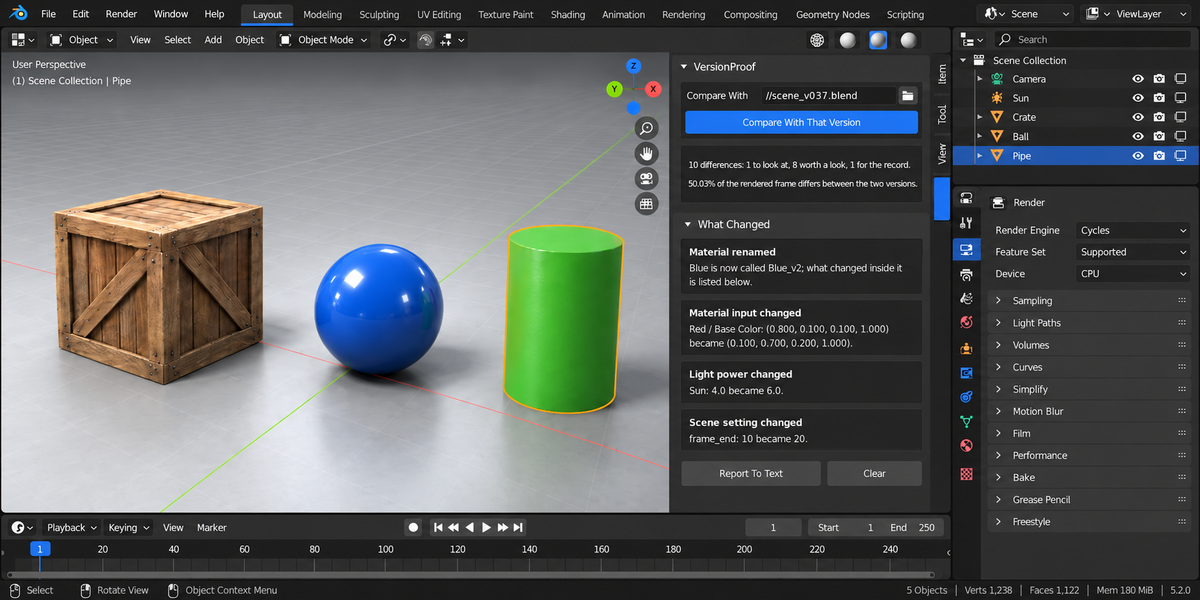
- Material: Roughness 0.4 became 0.42, Base Color (0.800, 0.100, 0.100) became (0.100, 0.700, 0.200).
- Light power, light type, light colour; render engine, frame range, resolution, camera, view transform; keyframe counts per action; texture paths, and textures that stopped resolving.
And what it costs on screen
A list of differences does not tell you whether any of it matters to the viewer. So both files render the same camera frame and the add-on reports the share of pixels that differ. Measured: a change to the frame range moves 0.0000% of the frame; a change to a material colour moves 31.93%. That is the difference between "something changed" and "something changed that people will see".
A rename is not a loss
Comparing by name is the obvious way to do this, and it is wrong in the one case that matters most: a datablock that was renamed and edited. Compared by name, that produces two false findings — one gone, one new — and the real edit vanishes entirely. Measured on a test pair, the roughness change from 0.400 to 0.420 was being lost.
So identity is worked out from who refers to what: the same object in the same slot means the same material, whatever it is called now. The report then reads "Blue is now called Blue_v2" and, separately, "Roughness: 0.4 became 0.42".
Both sides are read the same way
Each file is opened in its own background Blender with factory settings, and described by the same code. Your open scene is never touched, and neither side gets an advantage from your add-ons or your preferences. Comparing a live session against a file on disk does not work, and this add-on does not try: a datablock with no users is not written into a .blend at all, so a file and the session it came from differ even when nothing changed.
What it refuses to do
- An unsaved file is refused, not compared: what is compared is what is on disk, and it says so.
- The same file on both sides is refused.
- If the two files render at different resolutions, the frames are not compared and the reason is printed. A "0% difference" that really means "could not compare" is the one answer a tool like this must never give.
- If the two files were last saved by different Blender versions, that is said out loud, because some of the differences below may come from the version rather than from your work.
Why the numbers are trustworthy
Fifty automated checks, zero problems, on Blender 4.2.9, 5.1.0 and 5.2.0. Thirteen deliberate breakages of the add-on's own measuring and of its pipeline mode were introduced one at a time, and the checks caught every one — a suite that cannot fail proves nothing. Four of them survived an earlier round, which meant four holes in the checking; they were closed, and the numbers above are from the version that catches all thirteen.
Blender 4.2 and newer. Sidebar tab: Versions.
License
GPL-3.0.